
Home › VST Plugins › Ample Guitar M
Ample Guitar M 4.1.0 (Mac)
Updated
The catalogue note
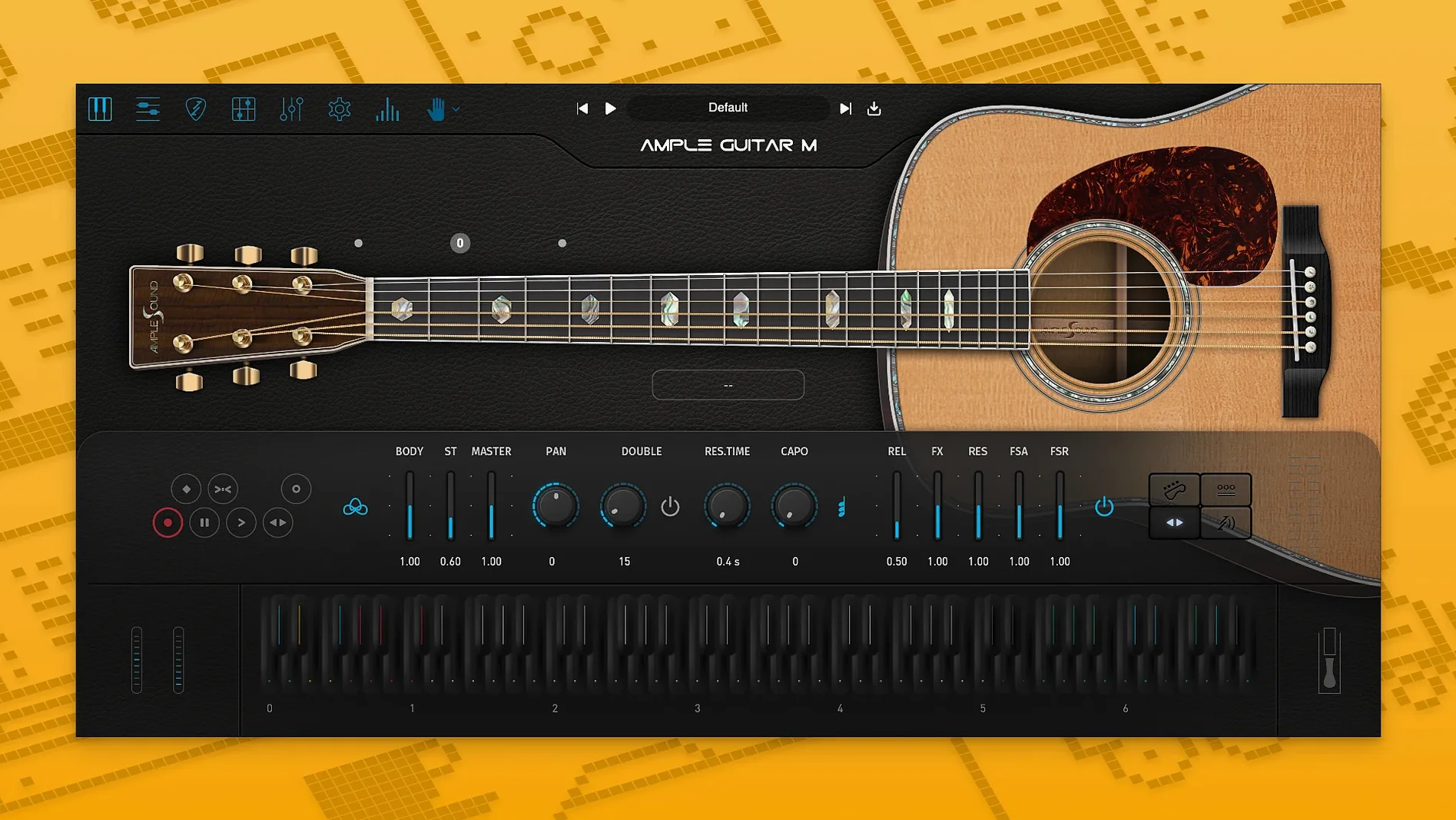
Anyone who tracks acoustic guitar parts in a DAW will recognise the gap between a sampled strum and a real performance. Ample Guitar M tries to close it with a modelled Martin D-41, steel strings and a strumming engine that doesn't fight you.
Built-in tablature player loads Guitar Pro files for instant MIDI parts
| Item | Detail |
|---|---|
| Developer | Ample Sound |
| Version | 4.1.0 |
| Formats | VST, AU, AAX (Mac installer) |
| macOS | 10.13 or later, Intel and Apple Silicon |
| Interface | English |
| Sample library | Required |
For studio work, the built-in tablature player and Guitar Pro file loading get you from a sketch to a midi part quickly. The strumming system handles rhythm patterns, and the 4.1.0 update made the sampler engine snappier with faster loading and playback. If you're after a usable steel-string without endless tweaking, this one earns its place in the plugin folder.
Auto vibrato curve in Riffer saves drawing modulation lanes
The tablature player in Ample Guitar M is the first thing most people notice, but a few smaller features are worth pointing out. The auto vibrato curve in the Riffer section, added in 4.1.0, saves you drawing modulation lanes by hand — it applies a natural pitch waver to sustained notes based on the curve shape you pick. The swing quantisation in the same section lets you tighten or loosen strum patterns without editing every note. These aren't flashy, but they cut editing time when you're building a verse part.
Another detail: the interface responds to your DAW's transport. Stop playback and the strumming pattern resets to the start of the bar, which matters when you're punching in a take. The keyswitches for articulations (hammer-on, pull-off, slide) are mapped to low MIDI notes by default, and you can reassign them inside the plugin if your controller layout demands it. Nothing groundbreaking, but it means you don't reach for a second window mid-recording.
Map articulations and build a fingerpicked verse from scratch
Here is one way to work through a typical acoustic verse using Ample Guitar M. It assumes you have the sample library installed and the plugin loaded on a MIDI track in your DAW.
- Set the articulation map. Before you play anything, decide whether the part is fingerpicked or strummed. For a fingerpicked verse, leave the default sustain articulation active. If you want palm muting on certain notes, map a keyswitch to MIDI note C-1 or D-1 — the exact note depends on your keyboard, but the plugin's key switch panel shows which notes trigger each articulation.
- Enter the chord progression in Riffer. Open the Riffer tab and draw in the chords for your verse: G, C, D, Em for example. Use the tablature view if you prefer guitar-style notation. The strumming engine is off for this step — you are placing individual notes, not strums.
- Add fingerpicking patterns. Switch to the piano-roll view inside Riffer. Here you can place bass notes on beats 1 and 3, then add higher strings on the offbeats. The auto vibrato curve helps sustain the bass notes without manual modulation.
- Refine articulations. Go back to the main panel and play the sequence. Where the part needs a hammer-on (e.g., from the open G string to an A note on beat 2), insert a keyswitch before that note. For slides into the next chord, use the slide articulation on the last note of the bar.
- Export the MIDI. Once the Riffer pattern sounds right, drag the MIDI clip from Riffer into your DAW's timeline. This keeps the articulations as keyswitches so you can edit later. Now you have a playable fingerpicked part that matches the chord changes.
The same method works for strummed sections — just enable the strumming engine in Riffer and choose a rhythm pattern. The swing quantisation becomes more useful here to match the feel of a real guitarist.
No sound until sample library is placed in the correct folder
The most common error is skipping the sample library download. The plugin window opens but produces no sound until the library is placed in the correct folder. The installer's activation instructions cover this, but it is easy to assume the core plugin contains the samples. It does not.
Another one: treating the strumming engine like a chord generator. If you feed it a single note, it does not strum — it plays that note. The strumming engine works on chord voicings, not individual pitches. Beginners sometimes draw a C3 and expect a full C major chord. You need to input the full voicing (C3, E3, G3) or use the chord pad in Riffer.
Overusing vibrato is a third. The auto vibrato curve applies to all sustained notes in the selected region unless you limit it per note. New users set a high vibrato depth and wonder why every held note sounds wobbly.
Finally, ignoring keyswitches. The plugin defaults to sustain, so legato, slides and harmonics stay unused unless you trigger them. Beginners who do not map a keyswitch get a part that sounds like a plucked string with no variation. Even one slide per eight bars adds realism.
Loads as AU or VST in Logic, Cubase, Ableton Live, and Reaper
Ample Guitar M works as a standard AU or VST plugin, so it loads in Logic Pro, Cubase, Ableton Live, Reaper and most other DAWs on macOS. The Guitar Pro file import means you can write the arrangement in Guitar Pro 6 or 7, export the file, and drop it into the tablature player inside the plugin. This saves re-entering fingerings and articulations that Guitar Pro already knows.
On the macOS side, the plugin runs natively on both Intel and Apple Silicon. If you use Logic Pro on an Apple Silicon Mac, the AU version loads without Rosetta translation. The installer is a standard PKG file, so macOS's built-in security checks apply — you may need to allow the installation in System Settings the first time if you downloaded the file from the web.
The iLok activation system that Ample Sound uses is the same one used by many other plugin developers (Waves, Antares, Softube). If you already have iLok License Manager installed for another product, the activation follows the same steps. If not, the included activation instructions walk you through the free iLok account setup. The plugin itself does not require a physical iLok dongle — it works with the free iLok Cloud or machine-based activation.
For file management, the sample library is separate from the plugin installer. You can store it on an external drive to save space on your boot volume, as long as the plugin knows where to find it. The installer creates a default library path, but you can change it in the plugin's settings panel. This matters if you have a large sample collection on a dedicated SSD.
If you search for ample guitar m torrent or ample guitar torrent, you will find unofficial downloads that skip the library and the activation. These do not work — the plugin checks for the library at launch and will not produce sound without it. Stick with that.
Changes in this build
- Improved sampler engine performance with faster loading and playback.
- Auto Vibrato Curve and Swing Quantization added to Riffer.
Before it goes on the Mac
- macOS 10.13 or later
- Intel or Apple Silicon
- Sample library required
Installing it on the Mac
- Extract the archive or open the DMG file.
- Open the PKG installer.
- Continue through the installation steps.
- Follow the included activation instructions.
Notes from the control room
Sign in or open a catalogue account to leave a note.
No notes from the room yet. If you have used this build for a week, a short note helps the next person.
Also filed under VST Plugins
The whole VST Plugins rack Arturia Analog Lab V5.12.6 VST Plugins 2 GB Updated
 Arturia Buchla Easel V1.13.2 VST Plugins 406 MB
 Arturia CMI V1.13.2 VST Plugins 638 MB
 Arturia Dist TUBE-CULTURE1.2.0 VST Plugins 370 MB
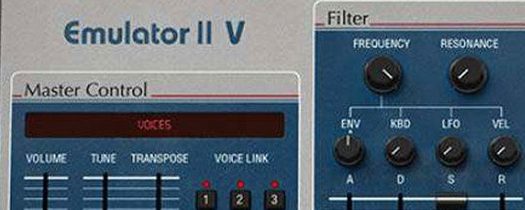 Arturia Emulator II V1.6.2 VST Plugins 700 MB
 Arturia Mellotron V1.9.3 VST Plugins 2.1 GB
 Arturia Modular V3.13.3 VST Plugins 707 MB
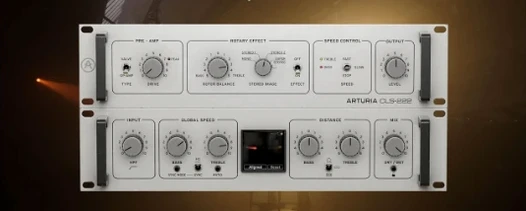 Arturia Rotary CLS-2221.2.0 VST Plugins 359 MB