Home › Utilities › YTD Video Downloader PRO

Updated
The catalogue note
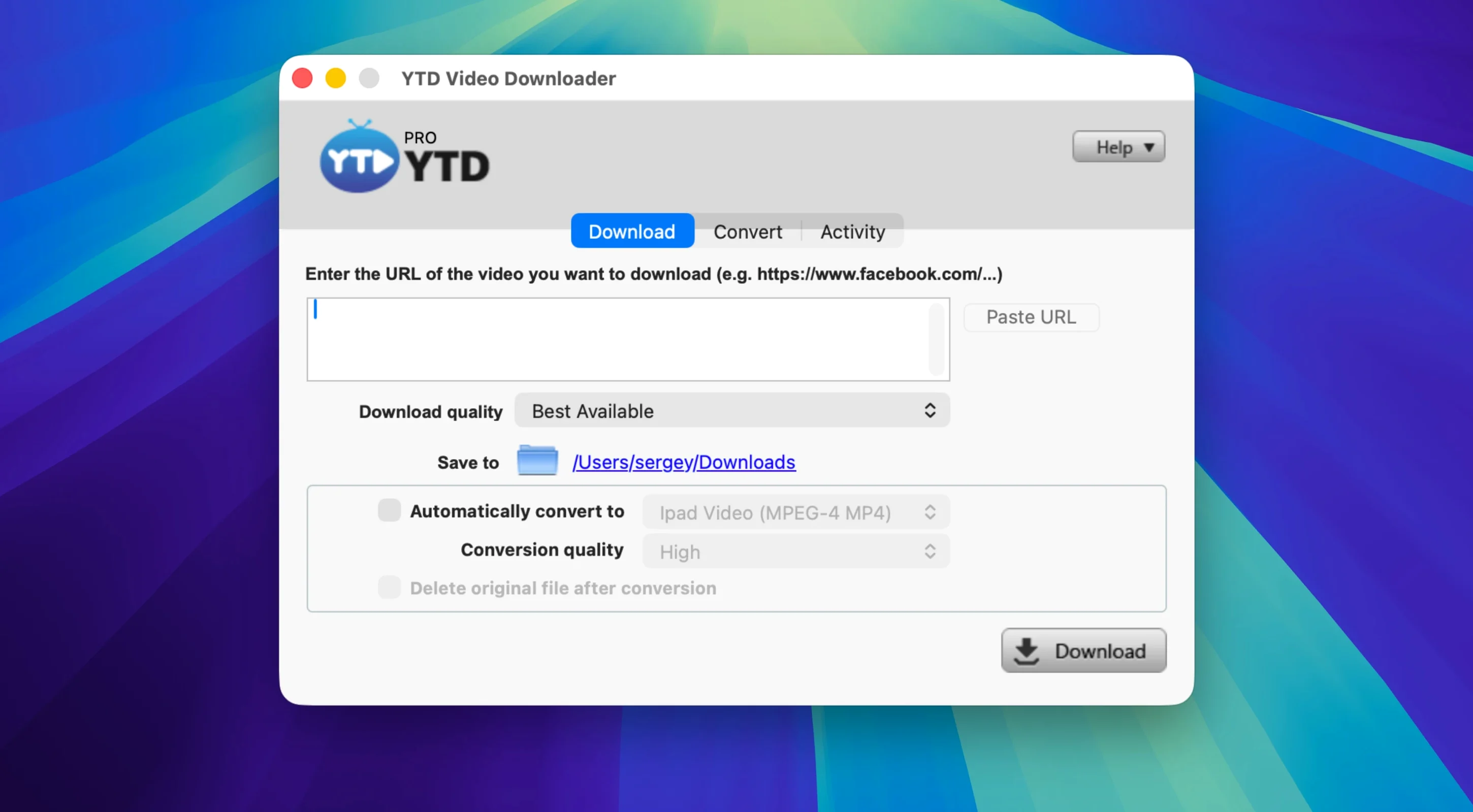
Clipboard detection is the first thing you should try. Copy a video link from your browser, open YTD Video Downloader PRO 7.8.0 for Mac, and the app already knows the address. Paste it into the field and the download starts without hunting for a URL bar button or a browser extension.
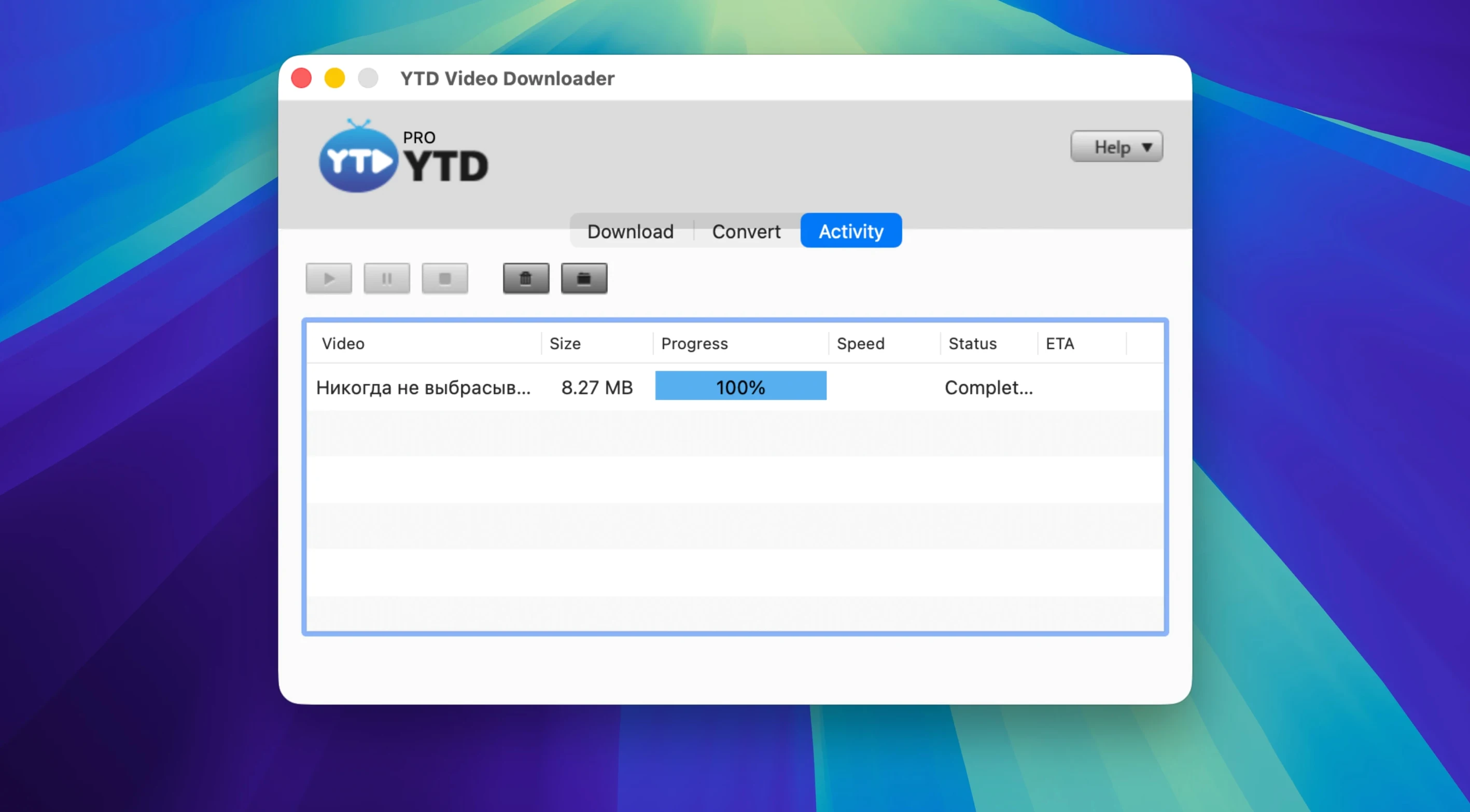
Handles entire playlist downloads in one action
| Item | Detail |
|---|---|
| Developer | GreenTree Applications SRL |
| Version | 7.8.0 |
| Architecture | x86 (64-bit) |
| Language | English |
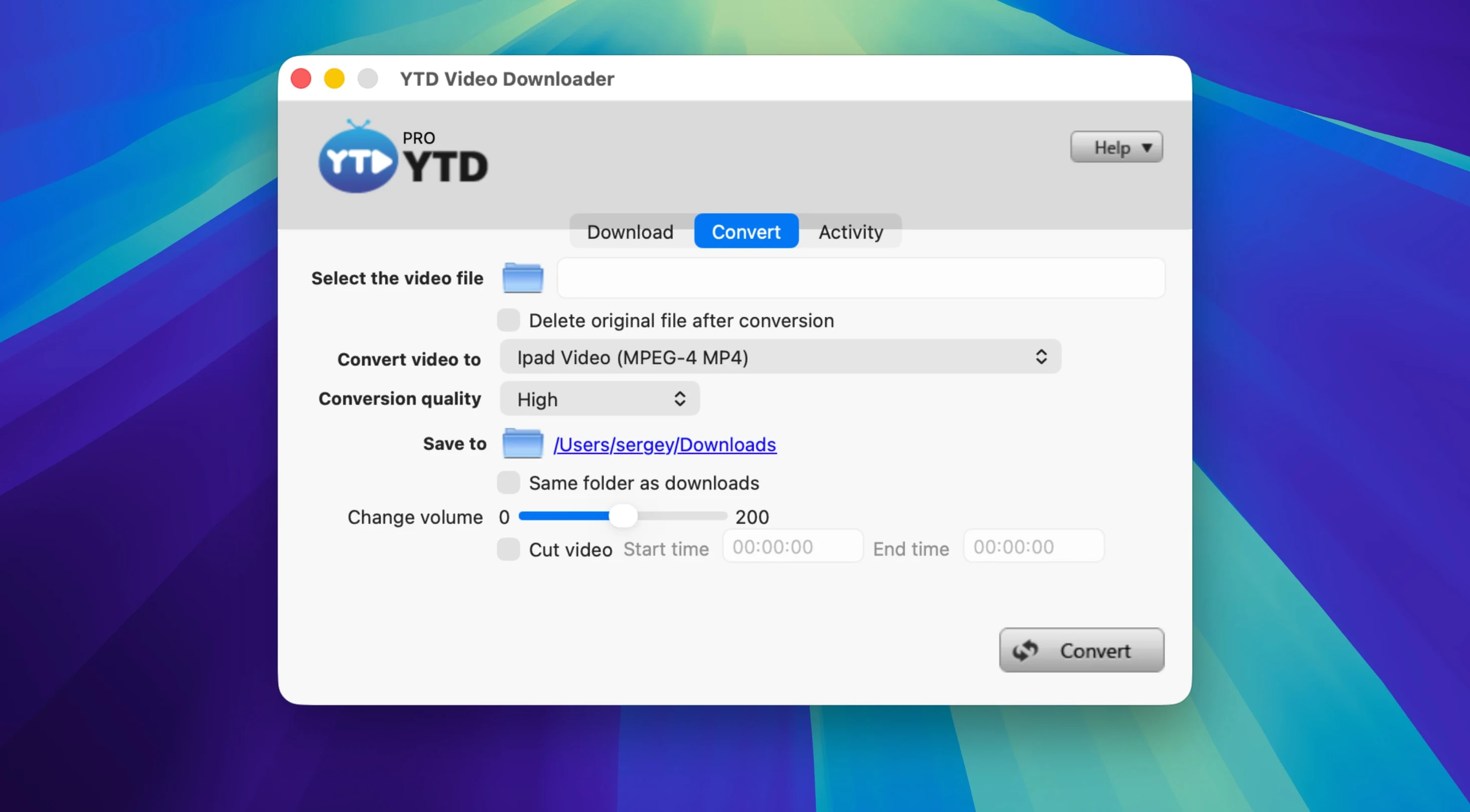
Beyond single clips, the app handles whole playlists in one action. That is the second thing to try: paste a playlist link and let it queue everything. If you only want the audio, convert to MP3 or AAC during the same pass. Compatible origins include the expected platforms — YouTube, Vimeo, Dailymotion, Youku, Yahoo Video — along with social streams such as TikTok, Instagram, Facebook, Twitter/X and LinkedIn. For a newcomer, the workflow is simple: paste, pick a format, let it run.
Before it goes on the Mac
- macOS OS X 10.10 or later
- Intel (x86 64-bit)
- Interface: English
Installing it on the Mac
- Mount the disk image and launch Open Gatekeeper friendly.
- Press Enter in the Terminal window to bypass Gatekeeper.
- Drag the app to the Applications folder.
- Open the app when installation is complete.
Notes from the control room
Sign in or open a catalogue account to leave a note.
No notes from the room yet. If you have used this build for a week, a short note helps the next person.