Home › Utilities › WinZip Mac Pro
WinZip Mac Pro 12.0.7282 (Mac)
Updated
The catalogue note
You need to send a folder of raw audio files to a client, but email chokes on the size. You drop the folder onto WinZip Mac Pro, let it crunch down to a ZipX archive, and off it goes via the studio’s shared Dropbox. That is the core job this tool does.
Compressing files for storage or transfer
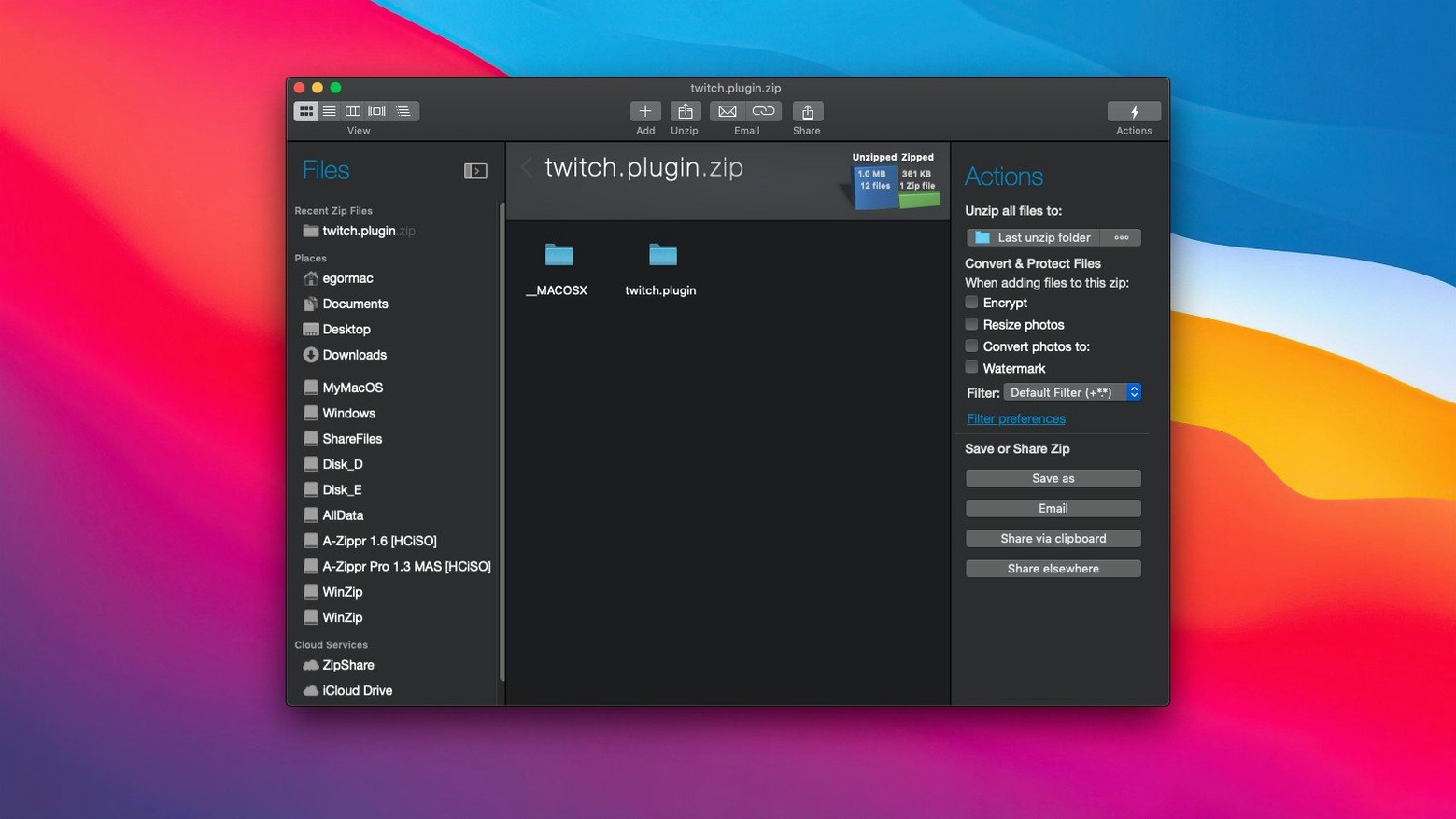
Drag and drop works as expected. WinZip can convert incoming LZH, RAR, 7Z, TAR, GZ and others into Zip or ZipX on the fly. It also spots duplicate files before you pack, saving you from sending the same take twice.
Encrypting archives before sharing
When the session contains client-confidential material, WinZip applies encryption to the archive. No separate tool needed for the lock.
Connecting to cloud drives
The app hooks directly into iCloud Drive, Dropbox, and Google Drive. You can open remote files, pack them, and push the result back without leaving the interface.
Clipboard support saves seconds on every archive
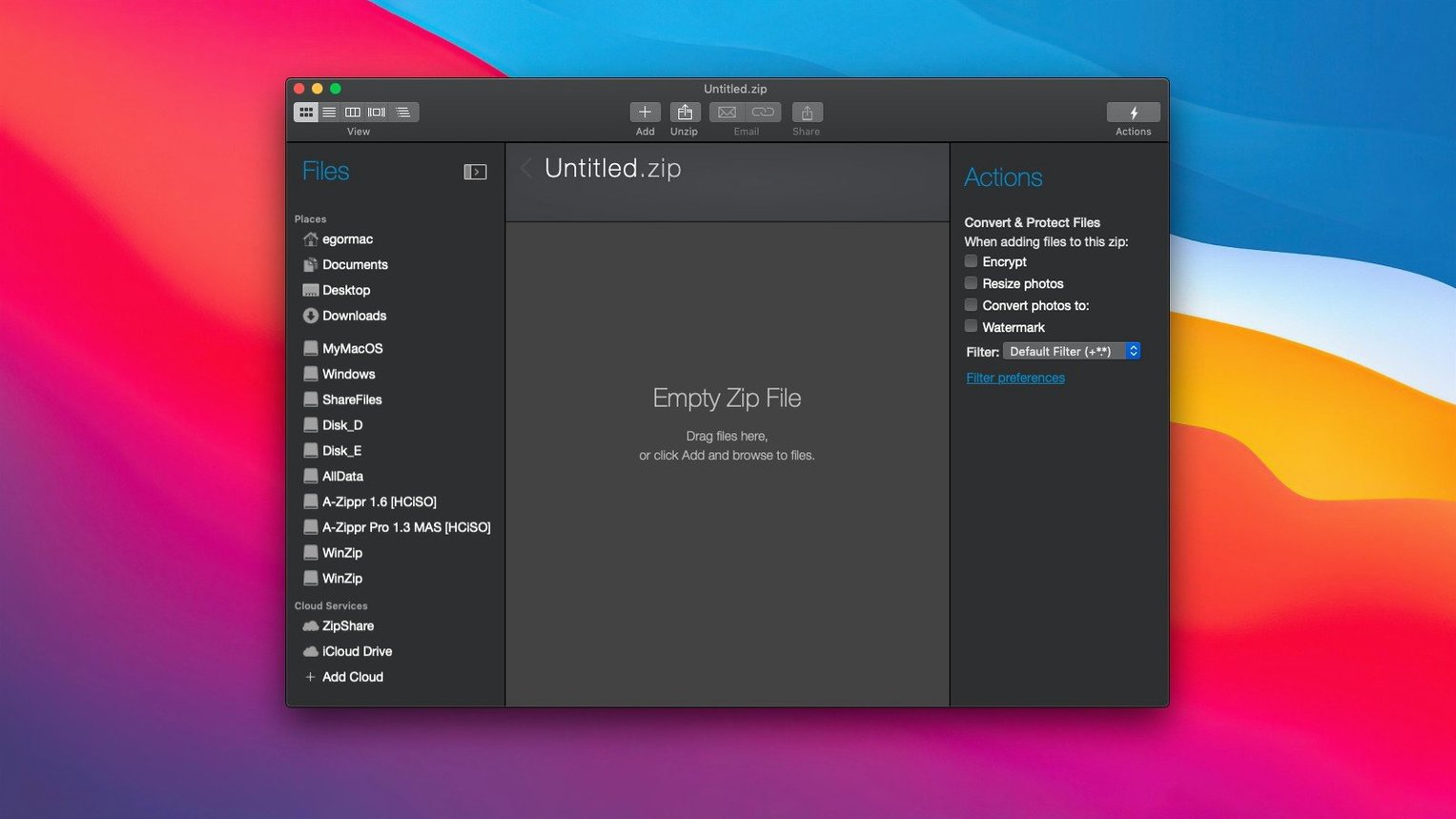
The clipboard support is one of those details that saves a few seconds each time you use it. You can copy files or folders from Finder, then paste them straight into a new or existing Zip or ZipX archive inside WinZip Mac Pro. No dragging across windows, no hunting for the right folder in a file dialog.
The conversion tool is equally tucked away but useful. If someone sends you an LHA or a 7Z archive and you need it as a standard Zip for a client who cannot open anything else, you drop it into WinZip and let it convert instantly. The original formats are listed in the conversion support, so you know what is covered.
The duplicate file detection runs before you finalise the archive. If you have accidentally included the same mixdown twice from two different folders, WinZip flags it. You decide whether to keep both or drop the duplicate.
Password-protect archives to prevent access errors
Forgotten password on an encrypted archive
There is no recovery shortcut. If you encrypt an archive and lose the password, the data stays locked. The solution is to store passwords in a password manager before you zip. WinZip Mac Pro does not include a backdoor, which is the point of encryption.
Large archives and cloud uploads
When you connect to iCloud Drive, Dropbox, or Google Drive, a very large archive may take time to upload. The app does not show a progress bar inside its own window for every cloud operation — it relies on the cloud service’s own sync indicators. If the upload seems stuck, check the cloud folder in Finder or the service’s web interface to confirm the file arrived.
Archive format confusion
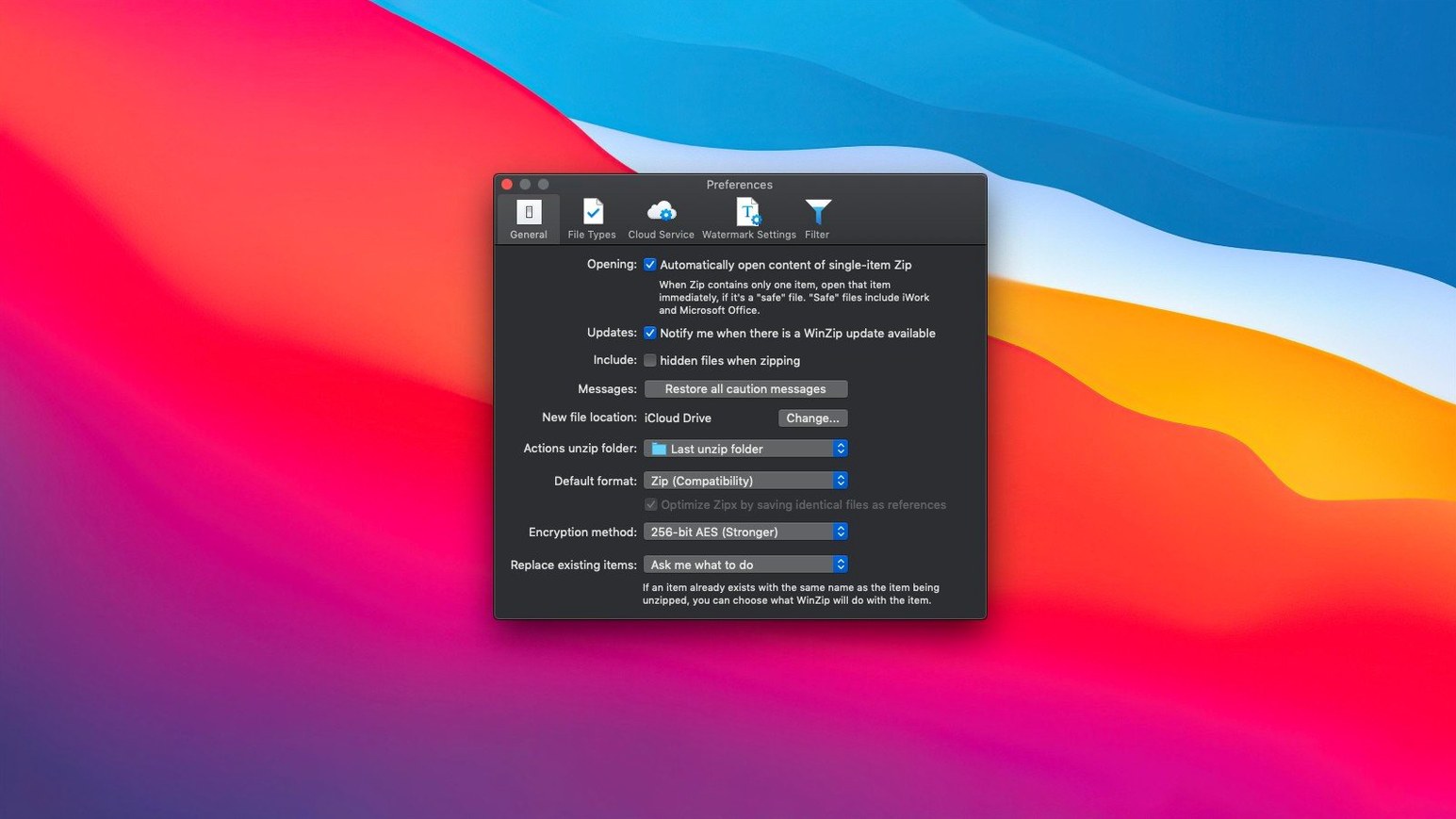
If you send a ZipX archive to someone on an older Mac or Windows machine, they may not be able to open it. ZipX uses a newer compression method than standard Zip. The fix is to choose regular Zip format when sharing with unknown recipients, or use the conversion tool to make a plain Zip copy before sending.
Beats macOS Archiver with encryption and cloud integration
WinZip Mac Pro sits alongside the built-in macOS compression and third-party tools like Keka. The built-in macOS Archiver handles Zip and a few other formats, but it lacks encryption, conversion, and cloud integration. You get a basic Compress option in the Finder context menu and nothing more.
Keka is a free and capable alternative that supports many archive formats and offers AES-256 encryption. It does not, however, connect to cloud drives directly. You have to download the remote file, archive it locally, then upload the result manually. WinZip Mac Pro saves that extra step if you work frequently with Dropbox or Google Drive.
Another option is 7-Zip via emulation layers, but the native Mac experience is limited. WinZip Mac Pro runs natively on both Apple Silicon and Intel Macs, which is a practical advantage for users on newer hardware who want to avoid Rosetta translation overhead.
Connect Google Drive and zip files straight from the cloud
It is Wednesday afternoon. I have just finished editing a voiceover session for a podcast client.
I open WinZip Mac Pro and click the cloud icon to connect to Google Drive. The app authenticates once, and from then on the drive shows up as a panel inside the window. I navigate to the client’s shared folder and create a new archive there directly.
Back in Finder, I select the voiceover folder. I switch to WinZip and paste the files in from the clipboard. The app scans for duplicates — it finds none this time, but the check takes only a second. I choose ZipX compression to keep the file size down and set an encryption password because the client’s contract requires it.
The archive builds locally and uploads to Google Drive in the background. I close the app, send the client a short message with the password via a separate channel, and the session is done. No intermediate save to the desktop, no manual upload step.
Before it goes on the Mac
- macOS 10.15 or later
- Intel or Apple Silicon
- Interface: English
Installing it on the Mac
- Download the package from the source provided.
- Open the package and follow the installation and activation instructions inside.
Notes from the control room
Sign in or open a catalogue account to leave a note.
No notes from the room yet. If you have used this build for a week, a short note helps the next person.