

Updated
The catalogue note
YT Saver 10.15.0 runs on any Mac from OS X 10.10 Yosemite onward, but it’s an Intel (x86_64) binary. On Apple Silicon Macs it will launch under Rosetta 2 and work fine — nothing about this tool demands native performance. If you’re still on an older Mac or prefer to avoid Rosetta, check your architecture before downloading.
What it can download and which formats it handles
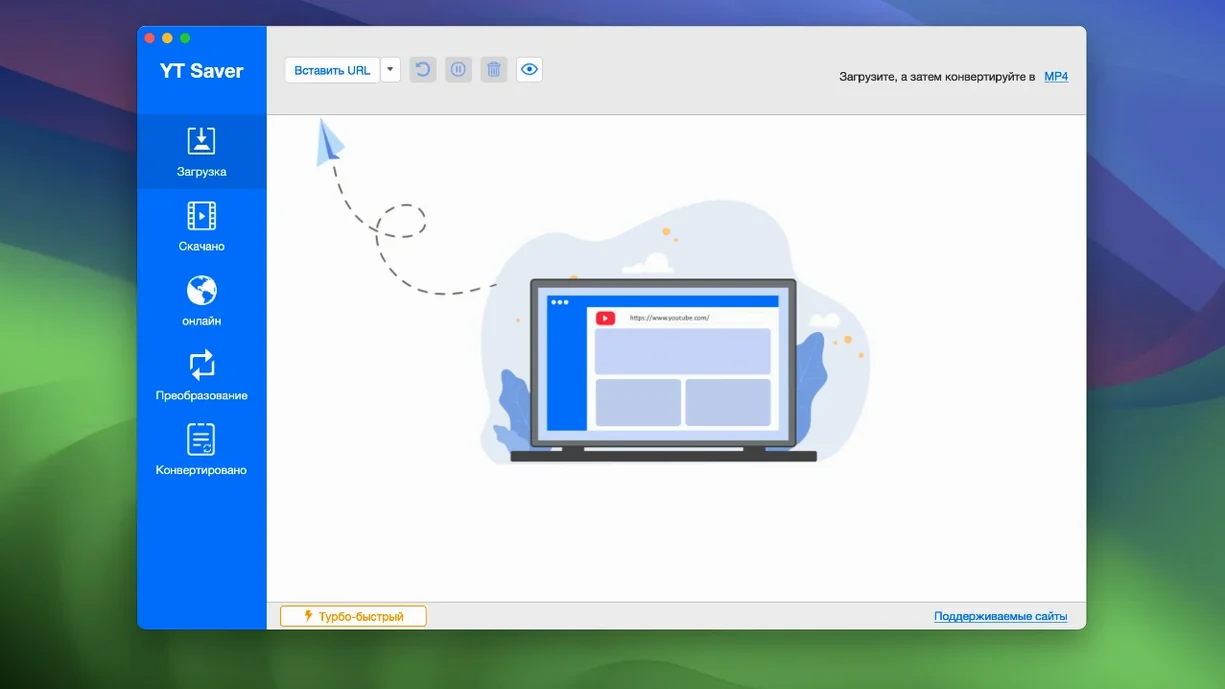
- What can it download? The app includes a built-in browser for visiting video and audio sharing sites. You grab content from the page directly, without copying links elsewhere.
- Which formats does it handle? Input covers common containers: MP4, MKV, MOV, AVI, FLV, WEBM, WMV, and less common ones like RMVB and TS. Output lets you pick MP4, MOV, HEVC MP4/MKV, device presets (iPad, iPhone, Android), or audio-only exports in M4A, WAV, AAC, FLAC, AIFF, and OGG.
- Is the interface in English? Yes, along with eleven other languages including Russian, German, Spanish, French, Japanese, and both Chinese variants.
- Does it convert audio separately? It does. Input audio formats like FLAC, WAV, AAC, OPUS, and APE are supported; export as M4A, FLAC, AIFF, or the other listed audio types.
Installation note
Because YT Saver isn’t signed with an Apple developer ID, macOS Gatekeeper will block it by default. The install process involves mounting the disk image, opening a Terminal command to bypass Gatekeeper, then dragging the app to Applications. After that it runs normally.
Runs on OS X 10.10 or later, even on a 2013 Mac Pro
The system requirement is OS X 10.10 or later, which covers the last ten years of Intel Macs. On a 2013 Mac Pro with Yosemite, the app will install and run without needing later system libraries. On a 2019 iMac running macOS 14, it works the same way — the version hasn’t changed the basic compatibility.
Because the binary is 64‑bit Intel, it uses the full memory space available to the OS. The built‑in browser and the download engine share that space, so if you run many simultaneous downloads the system’s memory pressure will matter more than the CPU. The app’s own description mentions faster download speeds than standard methods; that speed comes from the download engine, not from hardware acceleration on Apple Silicon or from a newer macOS memory manager.
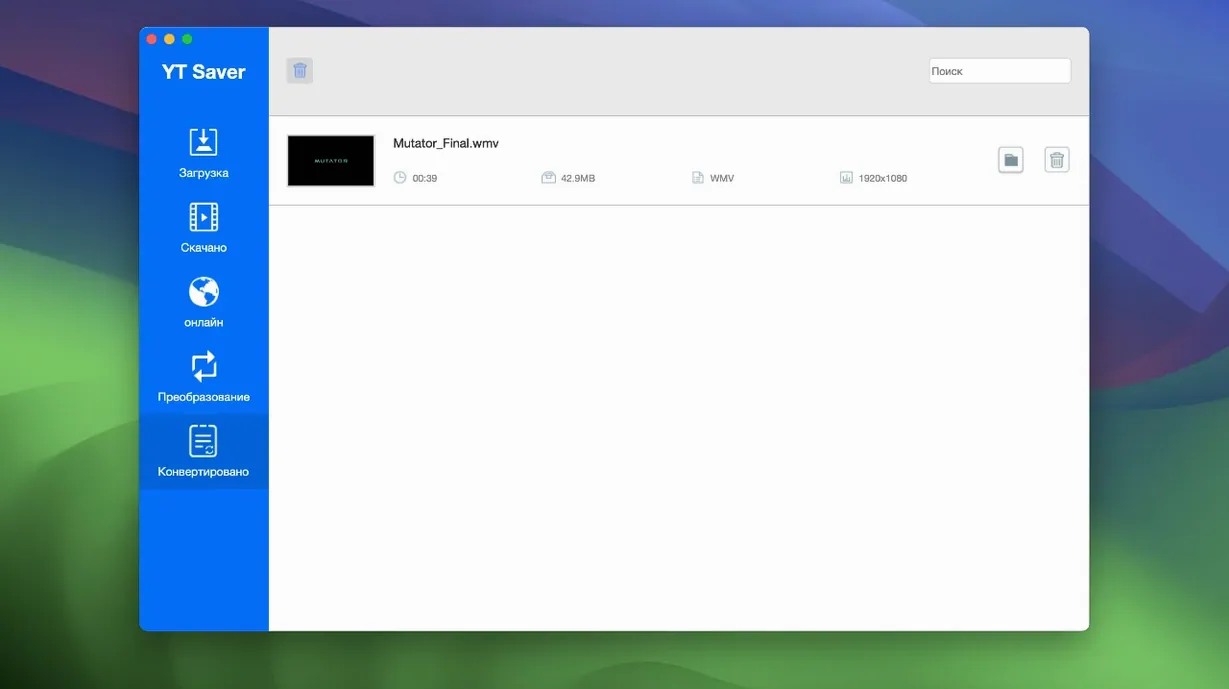
Disk space for downloads is whatever the source files require plus the conversion temporary files, which YT Saver manages as it transcodes. The format conversion runs inside the app using its own libraries, so you don’t need separate tools or codecs installed on the system.
A real scenario: freelancer collecting audio references
A sound designer I know works on a 2015 MacBook Pro with OS X 10.11. He spends evenings collecting music and dialogue from public video archives. Before YT Saver, he used a browser tab to find the clip, another tab for a web converter, then manual file renaming. With YT Saver, he opens the built‑in browser inside the app, finds the video, and sets the download type to WAV straight away. The conversion to audio happens during the download, so the file lands in his project folder as a broadcast‑ready PCM WAV. He keeps the private mode on so the downloaded material stays behind a password — useful when the client’s brief is still under a non‑disclosure agreement.
Workflow: saving a playlist to audio files
- Launch YT Saver and switch to the built‑in browser.
- Navigate to a video playlist page on a supported site (the app covers more than 10,000 sites).
- Select the playlist and choose audio export — M4A or WAV, depending on where the files are headed.
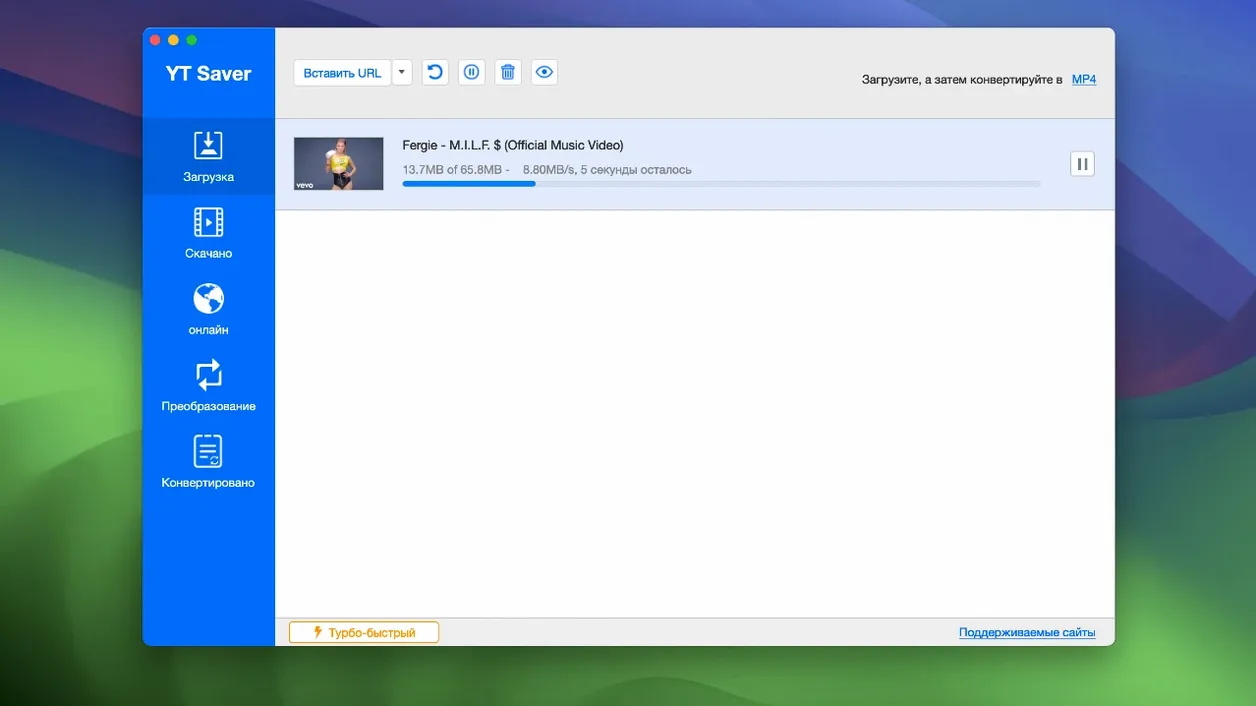
- The app queues the entire playlist for download. Because simultaneous downloads are possible, the queue processes several files at once.
- Once finished, copy the audio files from the output folder to your editing software. Conversion happened during the download, so no second pass is needed.
If the playlist contains video that you want as video, the same workflow works with MP4 or MOV output. Device presets save the step of picking a resolution later.
Maintenance update: format lists and compatibility stayed the same
This version is the one distributed by the TNT team. The changelog isn’t public, but the version number suggests a maintenance update rather than a major redesign. The format lists, the language set, and the compatibility range stayed exactly the same as previous 10.x releases, so no workflow changes or new codec support appeared. The build runs on the same Intel architecture and the same macOS baseline. If you were running an earlier 10.x build, you’re seeing the same interface and the same download engine. The main practical difference for a returning user is the bypassed activation, which removes the need to enter a licence key. Everything else — the browser, the format conversion, the private mode — behaves as it did before.
Before it goes on the Mac
- macOS 10.10 or later
- Intel processor (x86_64)
Installing it on the Mac
- Mount the disk image and launch Open Gatekeeper friendly.
- Press Enter to bypass Gatekeeper in Terminal.
- Drag the app into the Applications folder.
- Start using the app.
Notes from the control room
Sign in or open a catalogue account to leave a note.
No notes from the room yet. If you have used this build for a week, a short note helps the next person.
Also filed under Utilities
The whole Utilities rack YTD Video Downloader PRO7.8.0 Utilities 93 MB
 Wondershare UniConverter15.7.3 Utilities 324 MB
 Wondershare Recoverit14.0.20 Utilities 212 MB
 Wirecast Pro16.5.5 Utilities 820 MB
 Wipr2.38 Utilities 7 MB
 WinZip Mac Pro12.0.7282 Utilities 36 MB
 Winclone Pro10.5 Utilities 21 MB
 WidgetWall3.15.2 Utilities 396 MB