
Home › Utilities › TunesKit iPhone Unlocker

Updated
The catalogue note
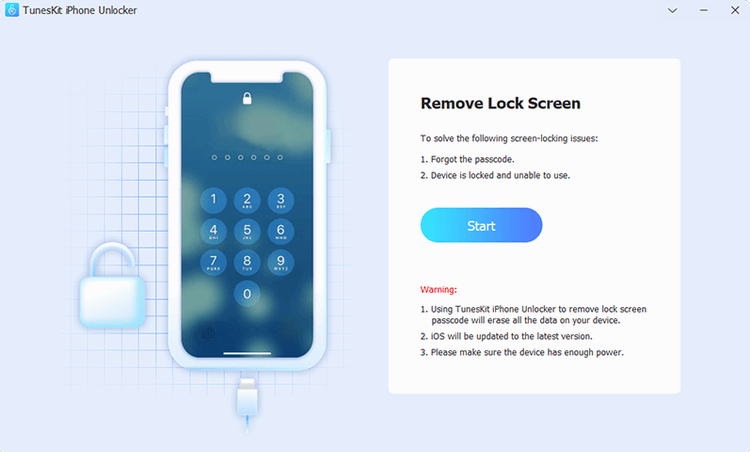
You know the drill: a locked iPhone with a dead screen, a forgotten passcode, or a Screen Time restriction you can't talk your way around. TunesKit iPhone Unlocker sits in the same corner of the toolbox as the recovery-mode tricks you already use, but it goes further.
What sets this apart for someone who has been through a few unlock attempts is the scope. It is not just the passcode: Screen Time lock is on the list too, which saves you the hassle of restoring from a backup just to reset a parental control you set three years ago. The interface stays in English, and the app is built for x86 64-bit Macs, so it will run on anything from OS X 10.11 upwards — handy if your studio Mac is older than the latest M-series hardware.
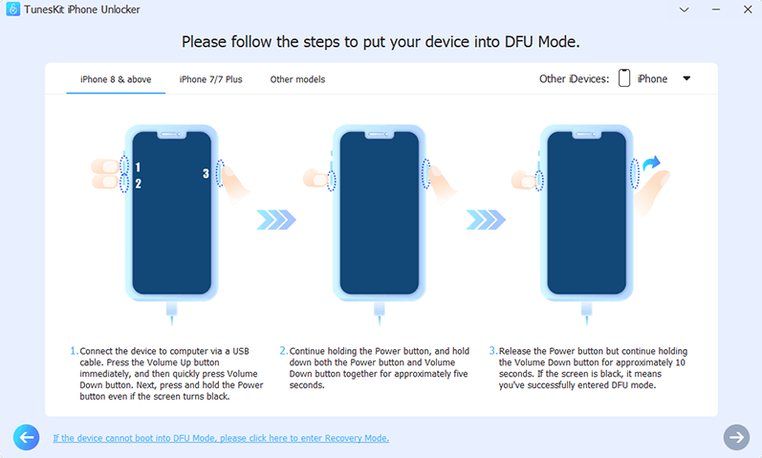
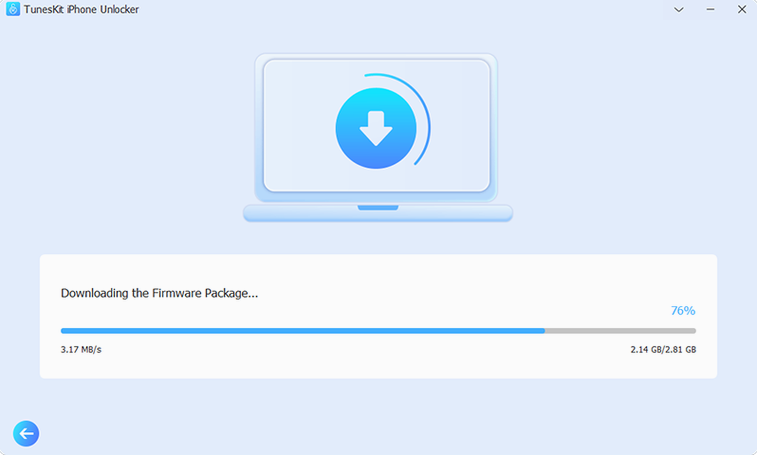
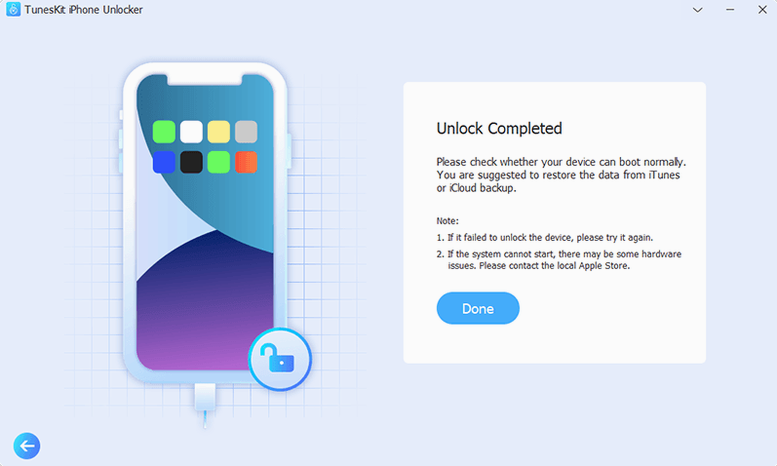
Installation is the part that will catch your eye. The disk image ships with an Open Gatekeeper friendly helper, and you are told to press Enter in Terminal to bypass Gatekeeper before dragging the app into Applications. That is a deliberate choice for unsigned or ad-hoc signed builds, and it means you should know where the software came from before you run it. Once in place, the unlock process itself is straightforward: connect the device, follow the on-screen steps, and let it work.
For a sound engineer who keeps an old iPhone around for metering or remote control, this is the utility you hope you never need but are glad to have on the studio Mac.
Before it goes on the Mac
- macOS OS X 10.11 or later
- Intel x86 64-bit architecture
- English interface
Installing it on the Mac
- Mount the disk image and run Open Gatekeeper friendly.
- Press Enter in Terminal to bypass Gatekeeper when prompted.
- Drag the app into the Applications folder.
- Launch the app once the copy finishes.
Notes from the control room
Sign in or open a catalogue account to leave a note.
No notes from the room yet. If you have used this build for a week, a short note helps the next person.
Also filed under Utilities
The whole Utilities rack Tuxera NTFS2023.1 Utilities 111 MB
 Transmit5.11.7 Utilities 34 MB
 Updatest2.4.2 Utilities 10 MB
 VideoProc Converter6.6 Utilities 86 MB
 ViWizard Spotify Music Converter2.17.0 Utilities 7 MB
 VMware Fusion Pro26H1 Utilities 479 MB
 WALTR PRO4.0.122 Utilities 29 MB
 Tenorshare UltData9.5.0 Utilities 29 MB