PullTube 1.8.6 (Mac)
Updated
The catalogue note
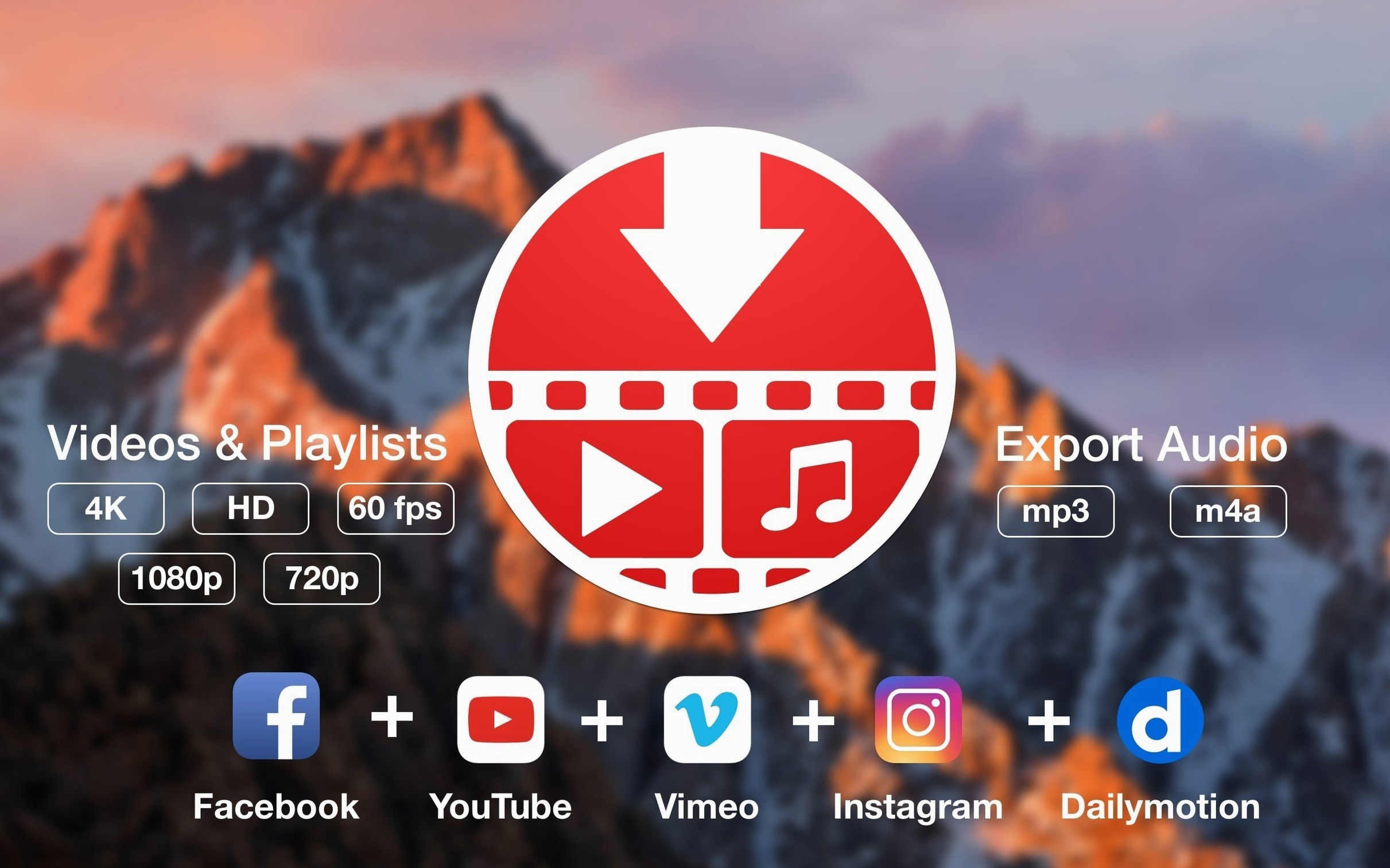
Online video is easy to watch, but not always easy to keep. PullTube solves that by letting you grab video, audio, playlists, and subtitles from more than 1,000 websites, including YouTube, TikTok, Twitch, and SoundCloud.
Requires macOS 11 or later on Intel and Apple Silicon
Yes, if you're on macOS 11 (Big Sur) or later. It works on both Intel and Apple Silicon Macs, so no compatibility worries there.
What can I download with it?
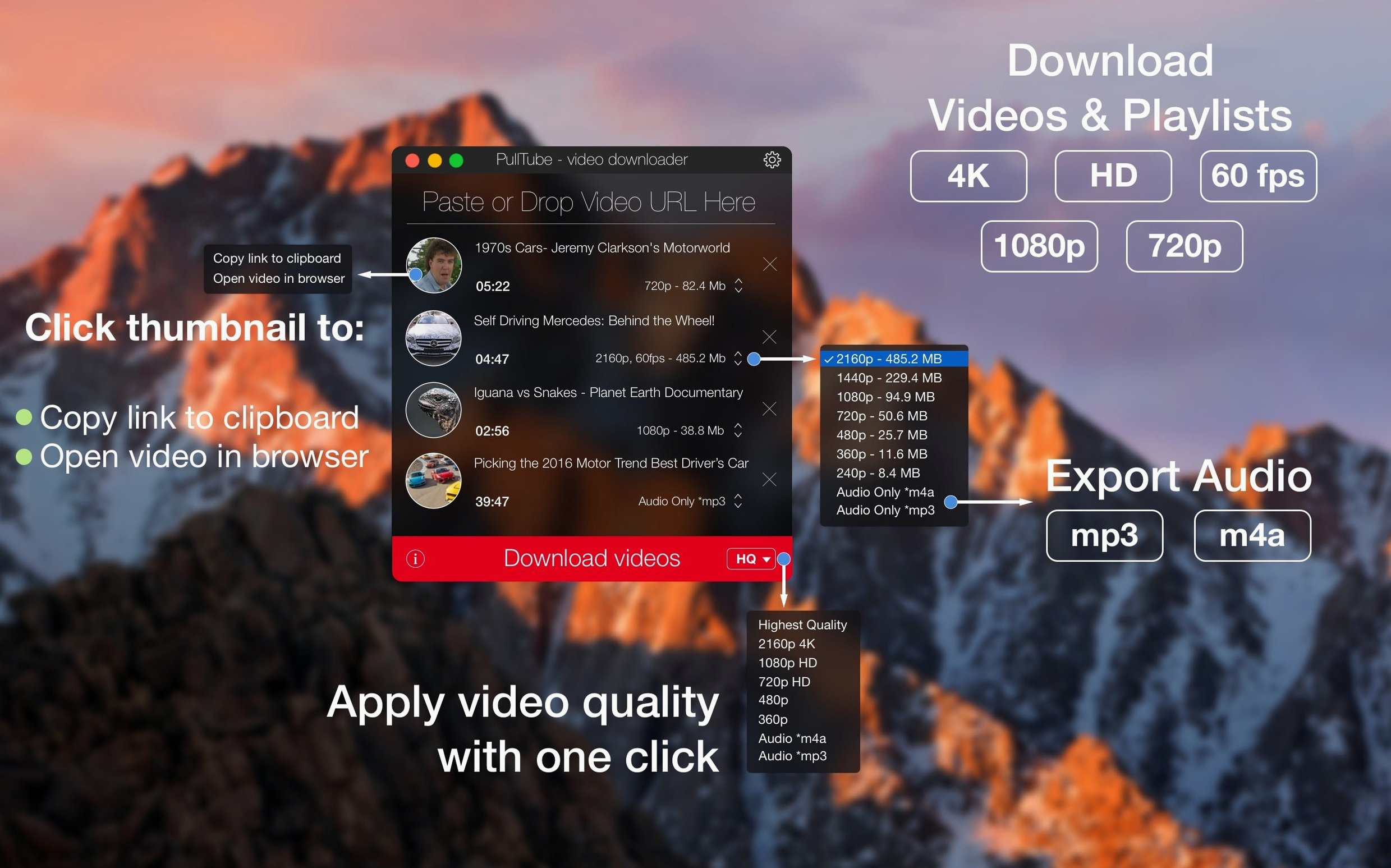
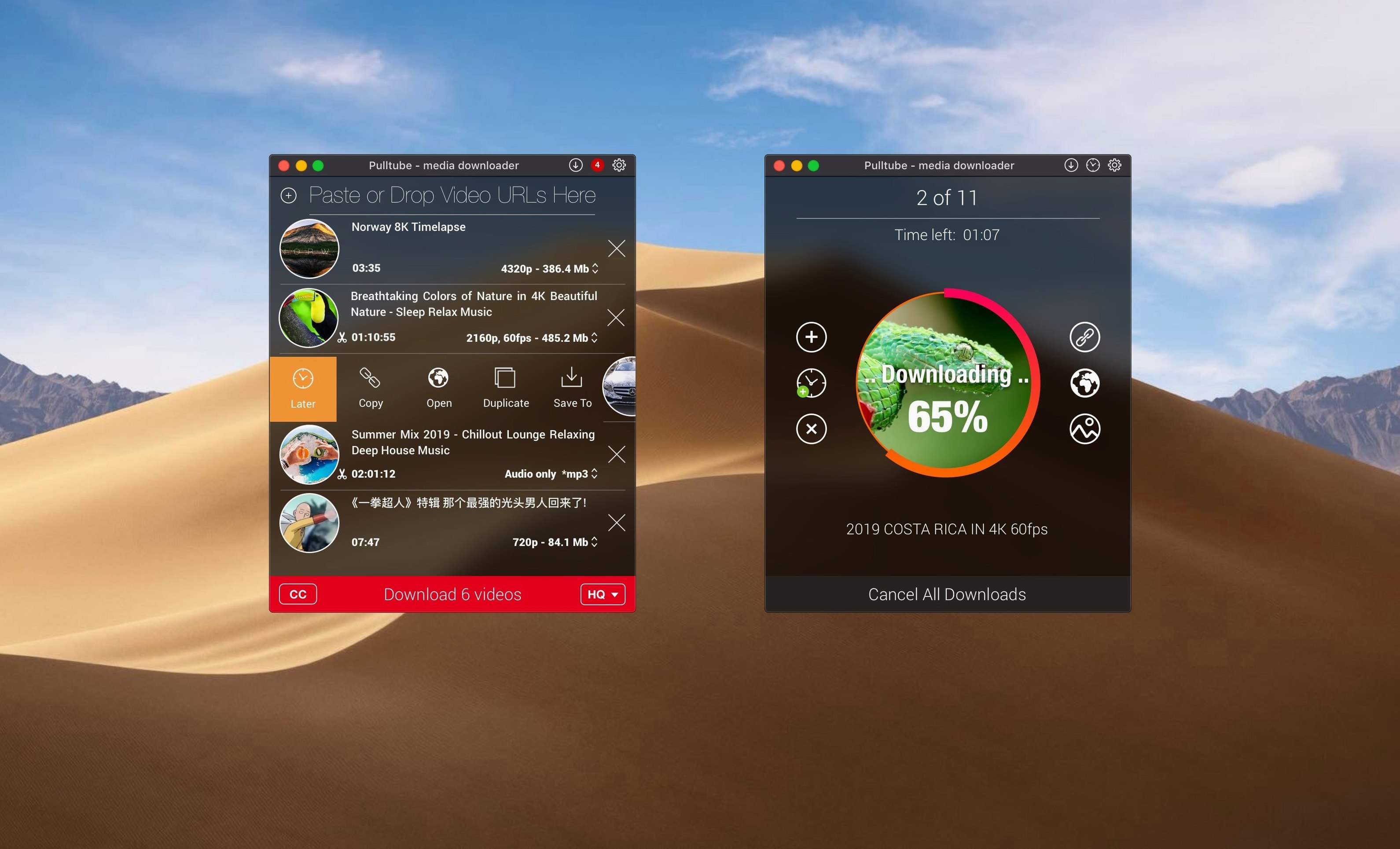
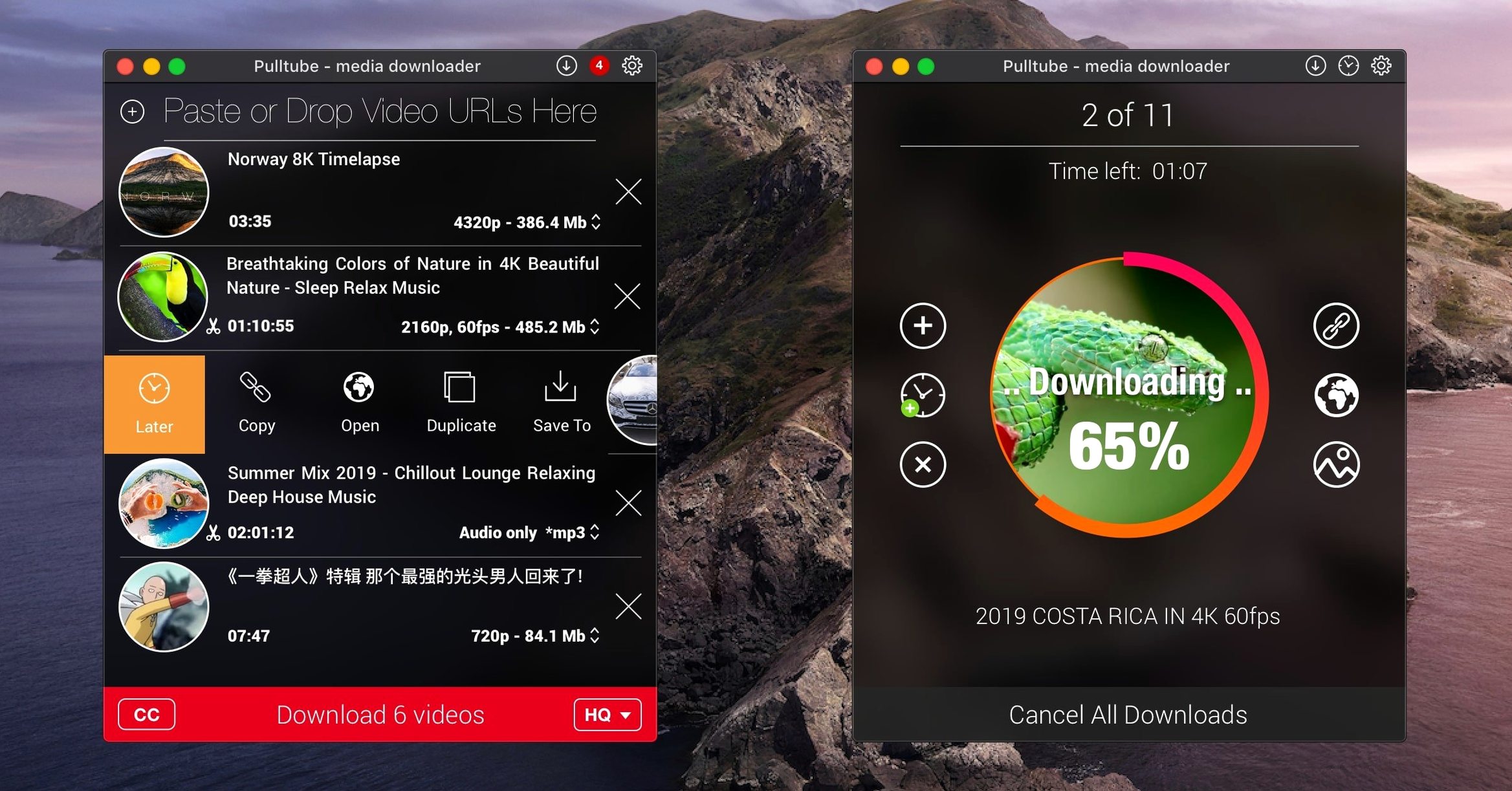
You can fetch entire playlists, choose output quality (highest, 4K, HD, normal), and even append quality info to the file name. Before downloading, it shows the video title, duration, and thumbnail.
Drag and drop a link into the app window
Drag and drop a link into the app window – that's it. It's a straightforward workflow for a tool that does one thing well.
Any convenience touches?
The app can quit automatically when all downloads finish, which is handy for overnight batch jobs. Interface languages include English, Russian, German, Spanish, Italian, French, and Chinese (Simplified).
Playlist queue populates faster in the current build
Version 1.8.6.40 is the current release. The developer has been refining the detection engine for playlist links over the past few updates — pasting a YouTube or Vimeo playlist URL now populates the queue faster than earlier builds did. The subtitle fetching logic also saw attention: if you grab a video that carries embedded captions, the app is more consistent about offering them alongside the media file. None of these changes alter the interface or the basic workflow; they just make the existing features less likely to stall on unusual link formats.
Mac system requirements and compatibility
Runs as a standalone app without browser extensions
No. PullTube is a standalone macOS application. It handles network requests internally, so there is no plugin to install in Safari, Chrome, or Firefox. This keeps the setup simple and avoids the usual browser-update headaches.
Will it re-encode the video or pass it through untouched?
That depends on the source and the quality you choose. When you pick "highest" or "4K", the app typically downloads the stream as-is from the site — no re-encoding, so the original quality is preserved. Choosing a lower quality may still grab a pre-encoded stream rather than transcoding on your Mac, which keeps the process fast and CPU-light. The same principle applies to audio extraction: the MP3 or M4A file is converted from the downloaded audio stream, not re-compressed from a video file.
Can I queue up a dozen videos and walk away?
Yes. The download manager handles multiple items in sequence or in parallel, depending on how many the source allows. Combined with the "quit after all downloads finish" option, you can load up a playlist before bed and find the Mac idle and the files waiting in the morning.
Gatekeeper block fixed with a Terminal command
Installation step bypasses macOS security
The developer includes a step in the installation instructions: after mounting the disk image, you run a short Terminal command to bypass Gatekeeper for that specific application. If you skip that step and try to launch normally, you will see a "cannot be opened because the developer cannot be verified" message. The fix is to go back, run the Terminal command as described, then drag the app to Applications and launch again.
Downloads stall or fail partway through
This usually points to a network issue rather than a bug in the app. If your connection drops briefly, PullTube will retry the download, but a prolonged outage may cause it to give up. Restarting the download from scratch often resolves it. For particularly large playlists, splitting the list into two batches can help — some sites throttle sustained high-bandwidth requests.
The app doesn't detect a playlist from a pasted link
Occasionally a URL that looks like a playlist link gets parsed as a single video. This tends to happen with shortened or redirected URLs. Pasting the full, unshortened link usually fixes it. If the issue persists, check that the site is among the supported list — the developer's claim of "more than 1,000 websites" covers the major platforms, but an obscure streaming portal may not be recognised.
Remember to set a dedicated output folder
- Forgetting to set the output folder. The default download location is the Downloads folder. After a few sessions, that folder fills up with unsorted clips. Setting a dedicated folder per project from the start keeps things manageable.
- Ignoring the quality label. New users often pick "highest" without realising that some 4K videos are actually upscaled from lower resolutions. The app appends the quality info to the filename if you enable that option, which makes it easy to compare what you actually got.
- Downloading audio from a video that already has a separate audio track. For music content on YouTube, the site often offers an audio-only stream that is smaller and cleaner than extracting audio from a video stream. PullTube can grab that directly if you select "save only audio" — no need to download the full video first.
- Not checking subtitle availability before starting a long playlist. If subtitles matter, verify that the first video in the queue has them before committing to a full playlist download. The preview panel shows title, duration, and thumbnail, but subtitles are only revealed after you start the download.
PullTube downloader users who keep these details in mind tend to have fewer retries and cleaner media libraries. For a tool that focuses on getting the file and getting out of the way, that is the point.
Before it goes on the Mac
- macOS 11 or later
- Intel or Apple Silicon
Questions from the room
Does PullTube support Apple Silicon Macs?
Yes, PullTube runs natively on both Intel and Apple Silicon Macs, as long as you have macOS 11 or later.
Installing it on the Mac
- Mount the disk image and run the installer.
- When prompted, open Terminal and press Enter to bypass Gatekeeper.
- Drag PullTube to your Applications folder.
- Launch the app.
Notes from the control room
Sign in or open a catalogue account to leave a note.
No notes from the room yet. If you have used this build for a week, a short note helps the next person.