Pixea Plus 8.4.1 (Mac)
Updated
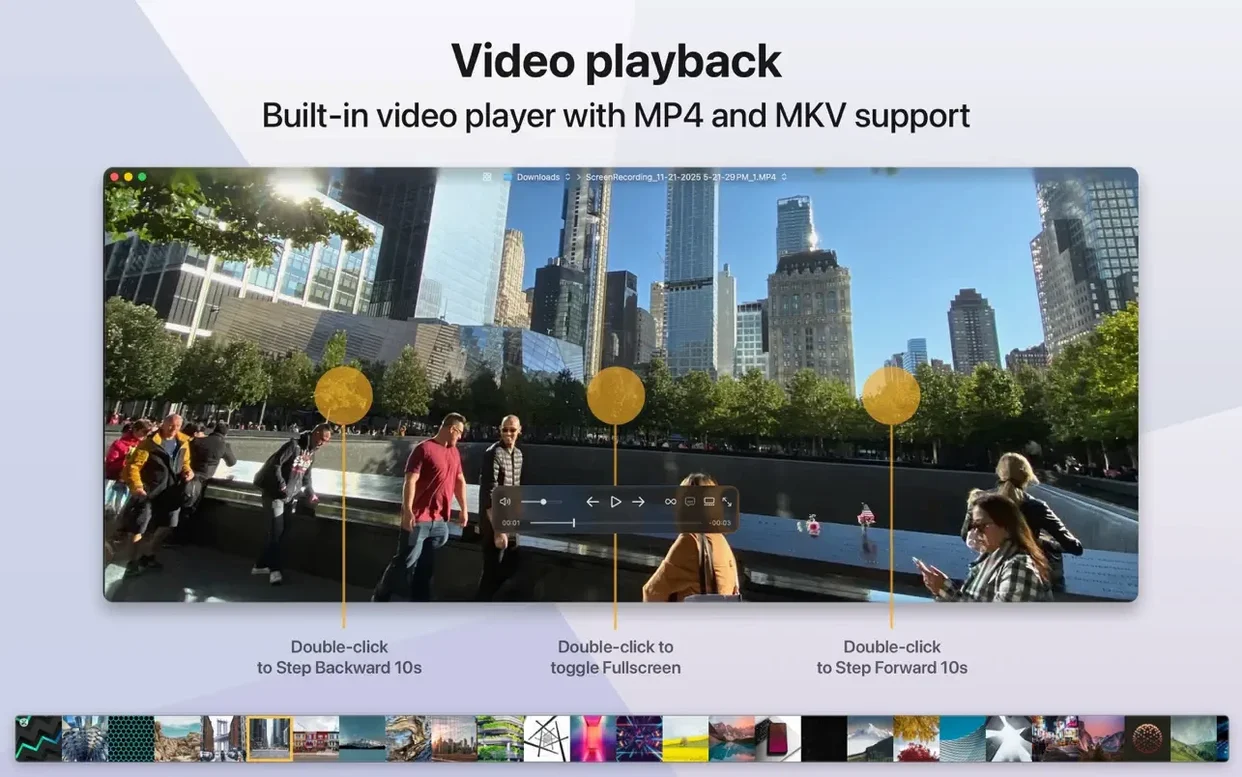
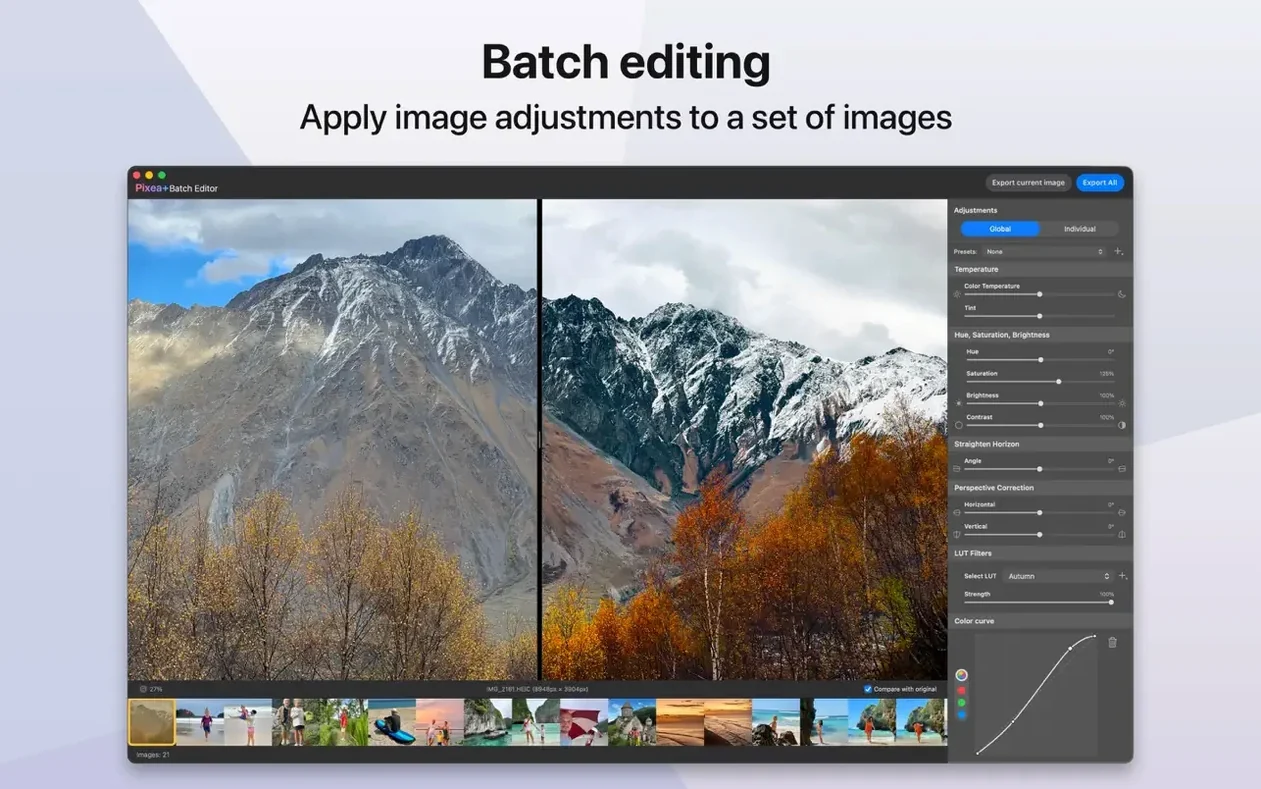
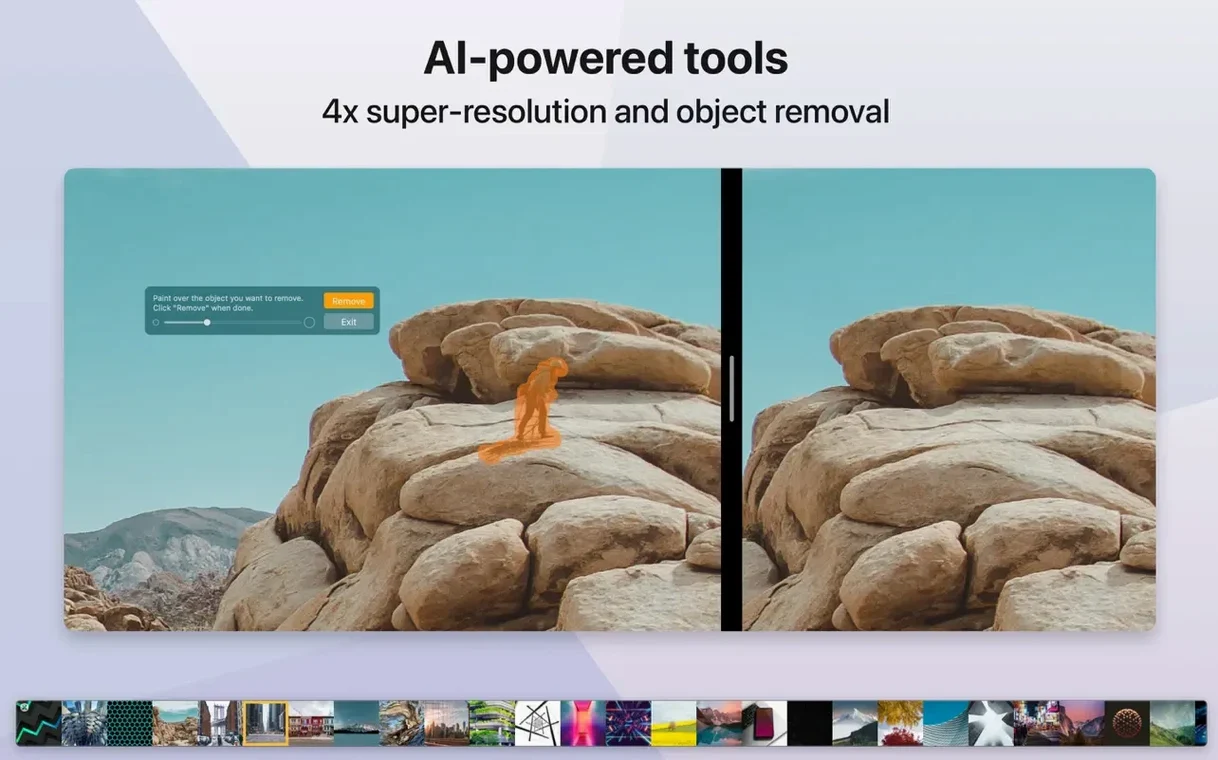
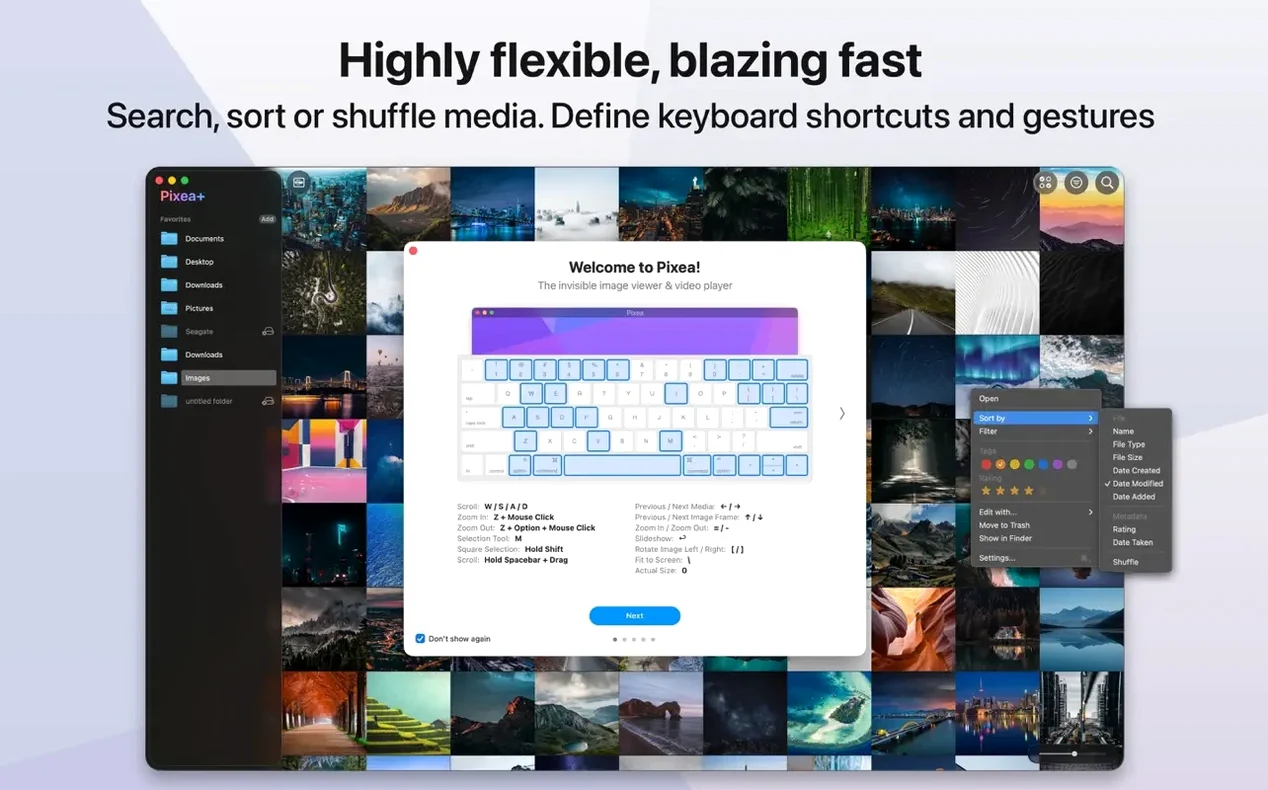
The catalogue note
Most image viewers show you a picture and nothing else. When you work with layered source files, raw camera output, or archived assets, you usually end up launching a second app just to peek inside. That extra step gets old.
What the experienced user gets
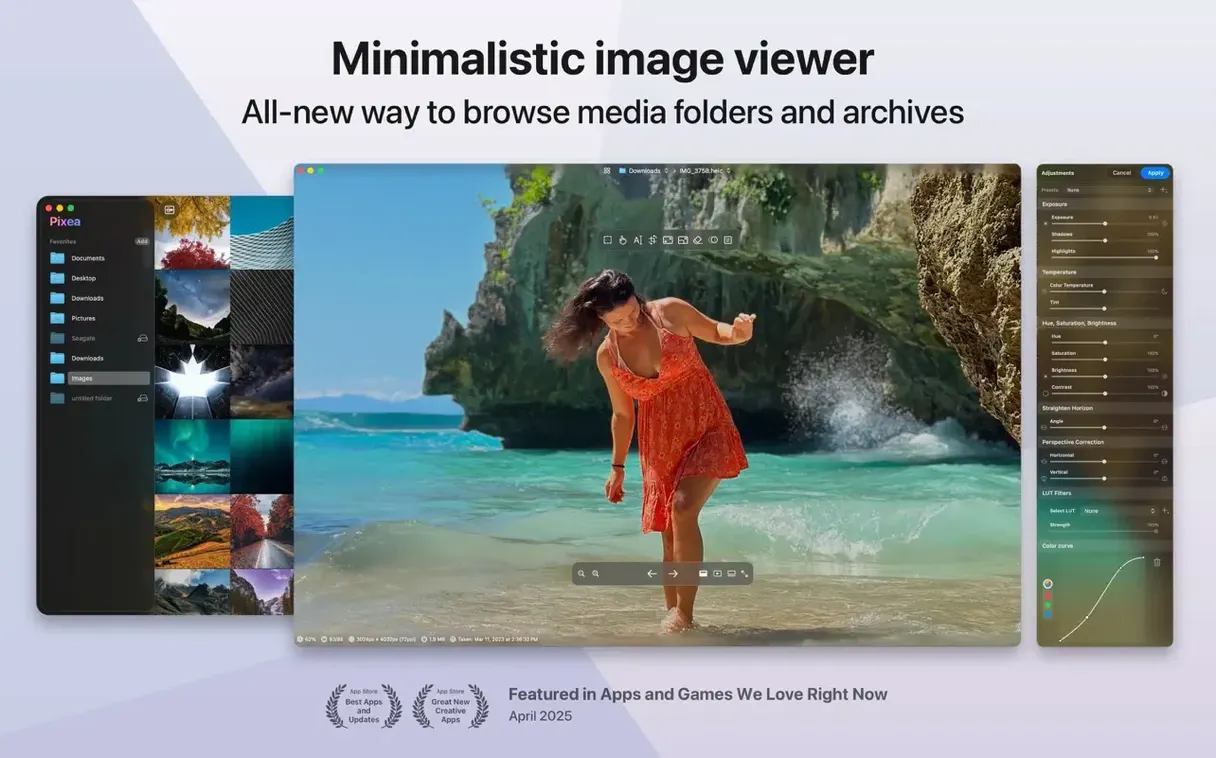
Pixea Plus opens PSD, HEIC, RAW, and WEBP without translating them first. It also opens ZIP archives without extracting, which saves time when you need to inspect assets inside a compressed folder. The current version adds masks and undo/redo — small additions that matter when you flip, rotate, or clean up a file before sending it on. It runs on macOS 11 and later, Intel or Apple Silicon, and speaks English only.
Handles PSD and RAW files Preview stumbles on
This is not a photo library. It is a macOS image viewer that handles formats the built-in Preview stumbles on. If you regularly receive PSD mockups or RAW captures and need to check them without opening a full editor, Pixea Plus does that quickly. The mask support and undo/redo bring it closer to a lightweight editor, but its core remains the viewer role.
It can take a couple of days to adjust to a new viewer. Here is what I found worth knowing after the initial install, and the questions that usually come up before you drag that app into Applications.
First days: small things that matter
Pixea Plus does not scan your whole photo library on launch. There is no import step, no indexing wait. You open files the way you always have — from the Finder, from a drag, or from the Open dialog. That design choice keeps the first launch instant and the workflow familiar.
Trackpad gestures work as you would expect from a modern macOS app. Pinch to zoom, swipe to move between images in a folder. If you prefer keyboard shortcuts, the basics are there: arrow keys navigate, space bar toggles full screen. The gestures and shortcuts are not hidden in a submenu — they respond from the first image you open.
When you open a ZIP archive, Pixea Plus shows the contents as a list of thumbnails. You can browse inside without extracting anything to your Desktop. That convenience becomes automatic after a few uses — you stop thinking about the archive format entirely.
Undo and redo are available from the Edit menu. If you rotate an image and change your mind, you do not reload the file. The same applies to flips and other basic operations. The history is per-session, so closing the file clears it.
What to check before downloading Pixea Plus
Does it replace Preview for daily use?
It can, if what you view is mostly JPEG, PNG, HEIC, or WEBP. The interface is cleaner and the RAW support is better. But Preview has PDF annotation and text selection that Pixea Plus does not. Keep both. Use Pixea Plus for the formats Preview handles poorly.
What about RAW files — does it really open them?
Yes. The supported cameras cover Leica, Sony, Olympus, Minolta, Nikon, Fuji, Canon, and Hasselblad. The file opens as a viewable image, not a raw data graph. You get a histogram and EXIF data alongside the preview, which is enough for a quick quality check.
How does the mask feature work in practice?
Masks let you apply exposure, hue, or saturation adjustments to a specific region instead of the whole image. You create the mask, adjust the sliders, and only the masked area changes. The Pixea Image format (.pxa, I assume from the naming) saves those masks and the non-destructive adjustments so you can reopen the file later and keep editing. It is not Photoshop-level masking, but for a viewer it is more than expected.
Is it optimised for Apple Silicon?
The app supports both ARM and Intel architectures natively. That means no Rosetta translation on an M-series Mac. Thumbnail generation and image loading are optimised for the current hardware, which is noticeable when browsing a folder of RAW files.
Opens files directly from network drives and external disks
Yes. Pixea Plus reads from any mounted volume. There is no library that needs to import the file first. If the drive is slow, the file loads at the drive speed — the app does not add extra overhead.
Changes in this build
Version 8.4.1 adds a handful of image adjustment tools and some workflow refinements. The Reshape tool handles local geometry tweaks. Spatial dehaze now works with depth-based adjustments alongside a dedicated Dehaze control. Clarity joins the adjustment set. The print dialog got auto-rotate, scale, and images-per-sheet options. Copy to Clipboard includes a choice between maximising compatibility or preserving HDR statistics and headroom. Brilliance has been improved, and there are UI/UX fixes plus the usual bug squashes.
Before it goes on the Mac
- macOS 11 or later
- Apple Silicon and Intel 64-bit
Questions from the room
Does Pixea Plus open RAW camera files?
Yes, it opens RAW files alongside JPEG, HEIC, PSD, WEBP, PNG, GIF, TIFF, BMP, and Radiance formats.
Can I edit images in Pixea Plus?
The app provides basic operations like flip and rotate, plus mask support and undo/redo for adjustments.
Installing it on the Mac
- Mount the disk image and run Open Gatekeeper friendly.
- Press Enter in Terminal to bypass Gatekeeper.
- Drag the app to the Applications folder.
- Open the app when installation is complete.
Notes from the control room
Sign in or open a catalogue account to leave a note.
No notes from the room yet. If you have used this build for a week, a short note helps the next person.