Paste 6.6.2 (Mac)
Updated
The catalogue note
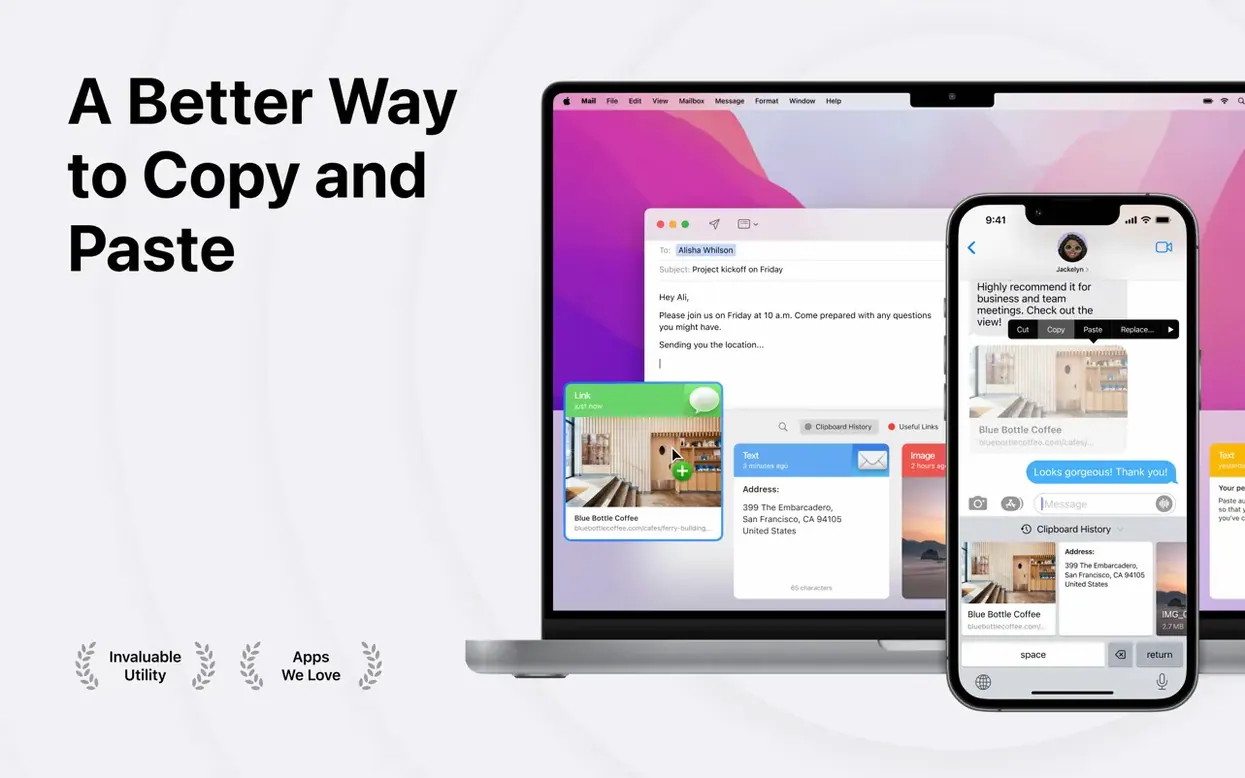
Paste 6.6.2 for Mac is a clipboard history manager that stores every copied item — text, images, screenshots, links — and lets you retrieve them later with smart search or custom keyboard shortcuts.
What paste does
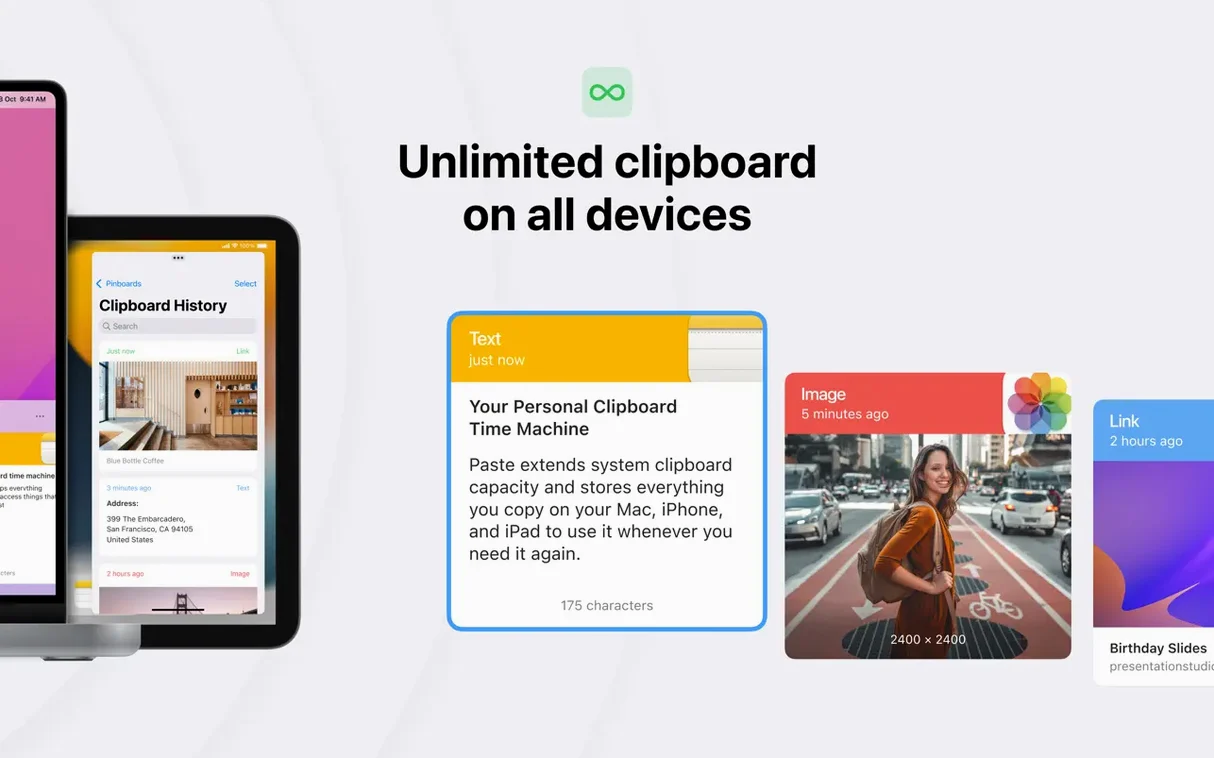
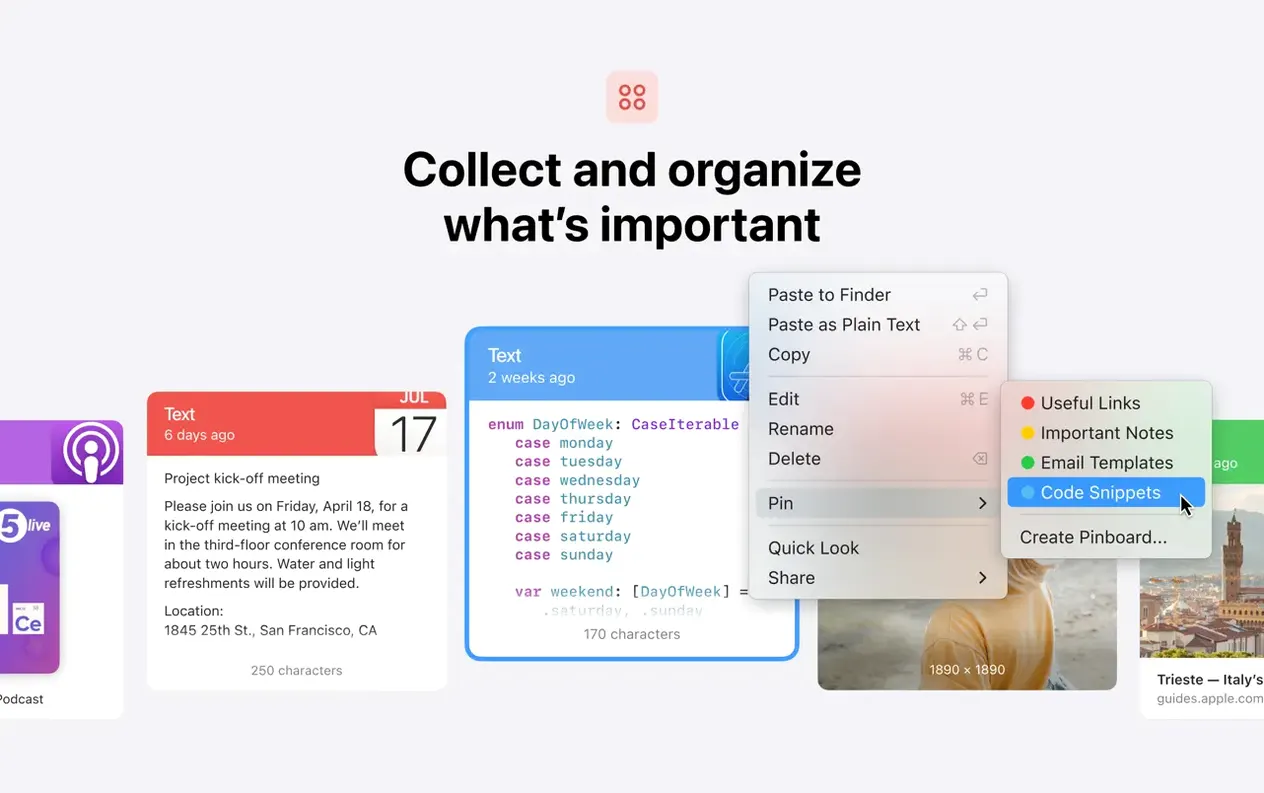
Clipboard history — saves everything you copy automatically, so you never lose a fragment.
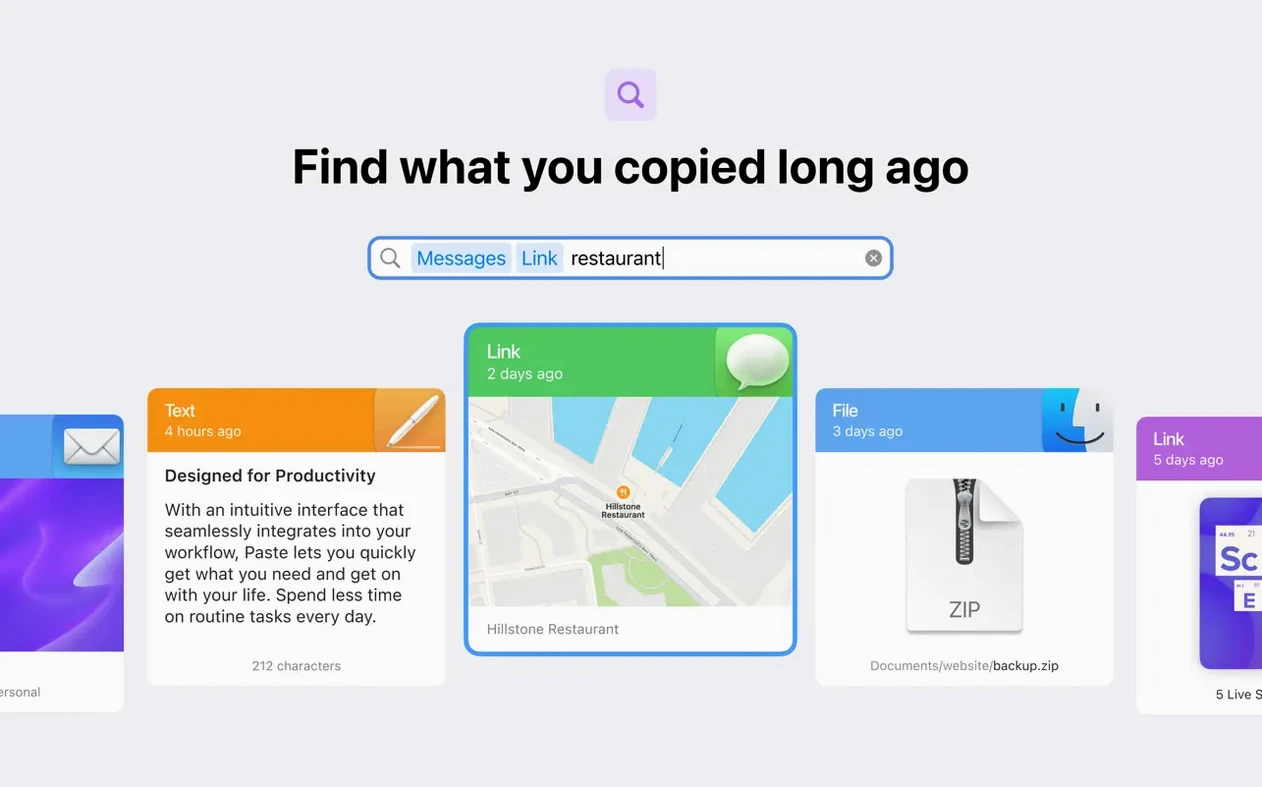
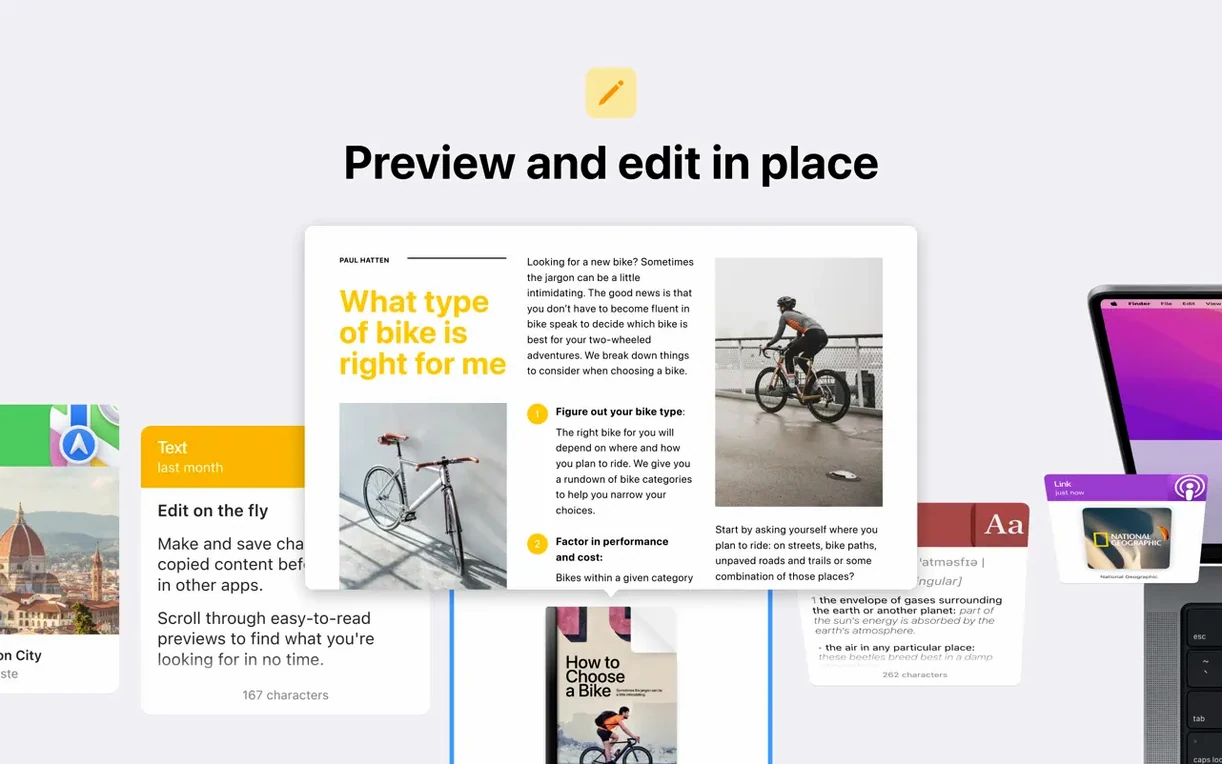
Smart search — find previously copied items by typing a few words.
Plain text mode — paste without formatting when you need clean text.
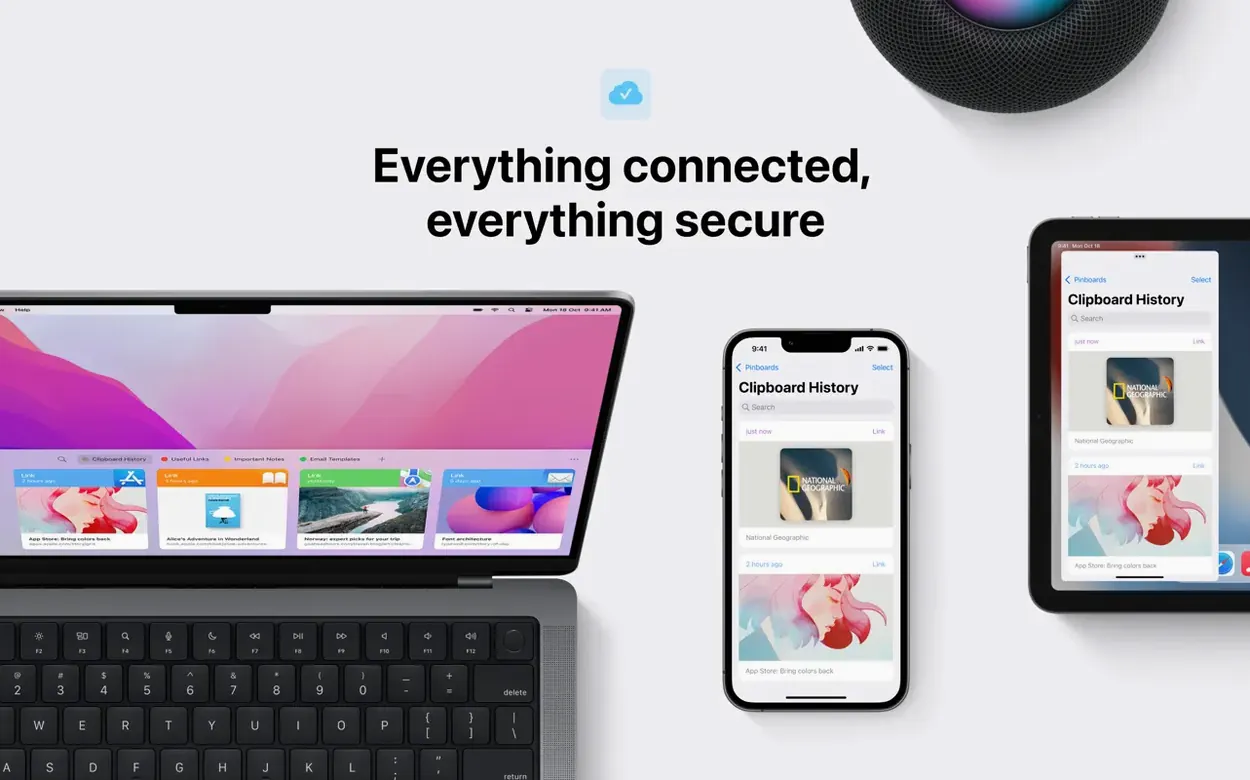
Universal Clipboard — works across Apple devices if you’re in the same iCloud ecosystem.
iCloud sync — keeps your clipboard history and pinboards in sync between Macs.
Pinboards — save frequently used clips for quick access.
Keyboard shortcuts — assign your own shortcuts to recall items faster.
Paste runs on macOS 13 or later, both Apple Silicon and Intel. The interface is available in 21 languages, including English, German, Spanish, French, Japanese, and Russian.
Runs on macOS 13 and later, Apple Silicon and Intel
Paste 6.6.2 runs on macOS 13 and later, covering both Apple Silicon and Intel 64-bit Macs. The app weighs in as a typical clipboard manager — no heavy databases or background processes that would feel out of place on a standard Mac.
Because it works with Universal Clipboard, you can copy on an iPhone or iPad and paste on your Mac, assuming all devices are on the same Apple ID and iCloud account. The iCloud sync extends to pinboards and history, so a clip saved on one Mac appears on another after a short sync cycle. No network configuration is needed beyond signing into iCloud.
The interface language adapts to your system preference, with 21 languages available. If you switch languages mid-session, the menus and preferences update without a restart.
Answers before you install
Does paste slow down the Mac?
Clipboard history managers run as a background process that monitors the clipboard buffer. Paste does not index your drive or scan files — it saves only items you copy after installation. The database of clips is stored locally and synced via iCloud when you are online. On both Apple Silicon and Intel Macs, the app is designed to stay out of the way until you invoke it with a keyboard shortcut or click its menu bar icon.
Will it conflict with other clipboard tools?
If you already run another clipboard manager, both apps will try to capture the same clipboard changes. You can disable one of them, or use Paste exclusively. The app does not inject itself into system processes that would cause conflicts with standard macOS features like Universal Clipboard — it actually works alongside it.
What happens to the history after a restart?
Paste saves its history to disk and restores it when you log back in. Nothing is lost unless you manually clear the history or reach the storage limit (the app does not impose a fixed cap, but iCloud sync has its own storage quotas based on your iCloud plan).
Can I share clips with someone else?
Yes. Paste includes a sharing feature that lets you send individual clips or entire pinboards to other Paste users. AirDrop transfer is also supported for sending items to nearby Apple devices without needing a third-party service.
Best for writers, editors, designers, and developers
Anyone who copies and pastes repeatedly during a work session will find it useful, but certain user types benefit more:
- Writers and editors — keeping multiple text fragments, quotes, or sources available without switching windows.
- Designers and developers — grabbing code snippets, colour values, or image assets across different apps and needing to recall something from an hour ago.
- Support and admin staff — pasting boilerplate responses, addresses, or ticket numbers without re-typing or hunting through documents.
- Anyone on multiple Macs — iCloud sync means your clipboard history follows you, so a clip copied on the office iMac appears on the MacBook Air at home.
If you rarely copy more than one item at a time and never need to revisit old clips, Paste adds little. But for those who live by copy-paste, it removes the friction of losing a good snippet.
Maintenance release refines Sonoma compatibility
The 6.6.2 update is a maintenance release. There are no new headline features, but the refinements matter for daily workflow:
- macOS 14 alignment — the app is tested and optimised for Sonoma, which means it handles the new desktop widget space and Stage Manager interactions without odd behaviour.
- iCloud sync reliability — sync conflicts and delays have been addressed, so pinboards and history stay consistent across devices more reliably than in earlier 6.x builds.
- Interface polish — minor tweaks to the search panel and pinboard layout, making it easier to scan long lists of clips.
- Keyboard shortcut consistency — custom shortcuts now work correctly in more third-party apps, including those with their own shortcut overrides.
For users coming from version 6.5 or earlier, the jump to 6.6.2 brings a smoother sync experience and fewer edge cases where clips would not appear on another device. If you are new to Paste, the current build represents a stable point with no known regressions on either Intel or Apple Silicon Macs.
Before it goes on the Mac
- macOS 13 or later
- Apple Silicon or Intel 64-bit
- Built-in purchases
Questions from the room
Does paste support iCloud sync?
Yes, Paste synchronises your clipboard history and pinboards across Macs using iCloud, provided you’re signed into the same Apple ID.
Installing it on the Mac
- Open the downloaded disk image.
- Drag the Paste app to the Applications folder alias.
- Once copying finishes, launch Paste from Launchpad.
Notes from the control room
Sign in or open a catalogue account to leave a note.
No notes from the room yet. If you have used this build for a week, a short note helps the next person.