Home › Utilities › Movavi Screen Recorder
Updated
The catalogue note
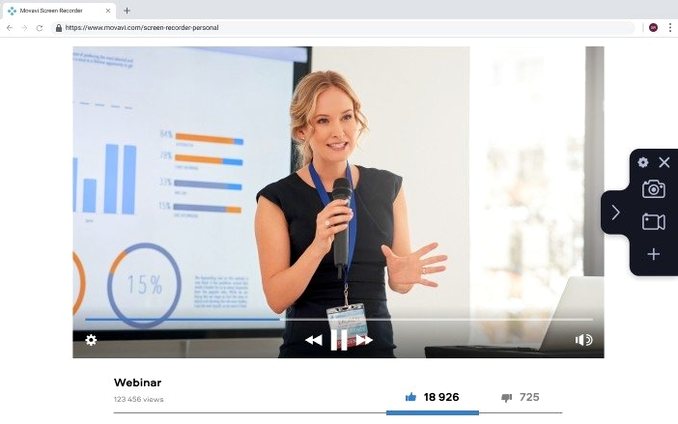
Movavi Screen Recorder 23.1.1 is a Mac utility that captures the screen, system audio, webcam feed, and stills in one place.
Maintenance update keeps workflow unchanged
Version 23.1.1 is mostly a maintenance release – minor improvements and bug fixes under the hood. The core feature set stays untouched, so if you used an earlier build, the workflow remains familiar.
Can I record system sound and microphone at once?
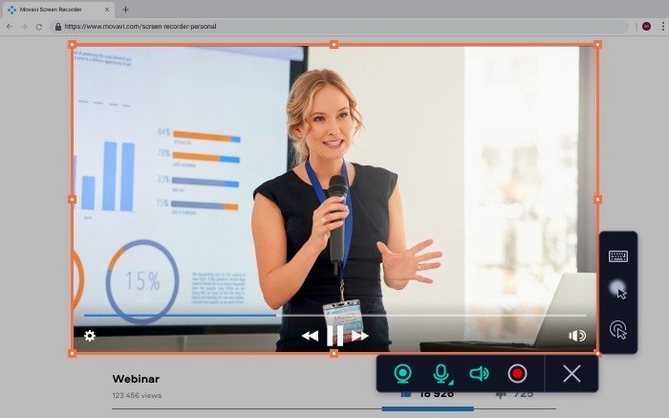
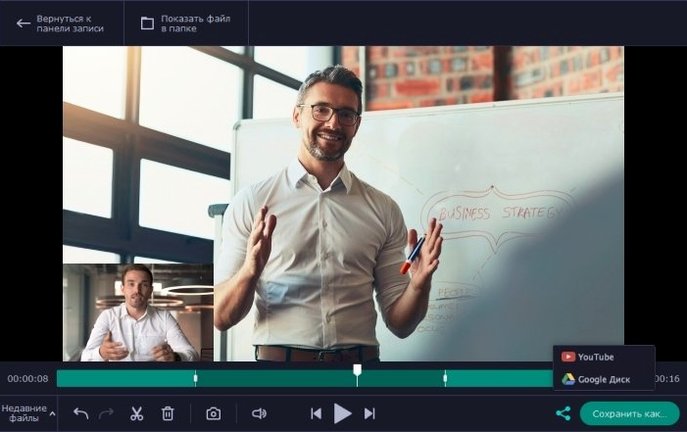
Yes. The app supports recording with system sound, and you can also capture multiple video streams simultaneously – useful for combining a webcam view with the desktop activity.
Are there any extras for presentations or tutorials?
You can add cursor click effects and display keyboard presses in the recording, which makes explaining shortcuts or navigation clearer. Hotkeys are customisable, so you can trigger recording without reaching for the mouse.
What output formats are supported?
Recordings can be saved as standard video files or as GIF animations. Screenshots are also available, so a quick still doesn't require a separate tool.
Changes in this build
- Minor improvements and bug fixes.
Before it goes on the Mac
- macOS 10.13 or later
- Intel architecture
- Interface language: English
Questions from the room
Does Movavi Screen Recorder 23.1.1 work with system audio?
Yes, it records the screen on Mac with audio, including system sound, and can capture multiple video streams at the same time.
Installing it on the Mac
- Mount the disk image and launch Open Gatekeeper friendly.
- Press Enter in the Terminal window to bypass Gatekeeper.
- Complete the standard installation steps.
- The app is ready to use.
Notes from the control room
Sign in or open a catalogue account to leave a note.
No notes from the room yet. If you have used this build for a week, a short note helps the next person.