Home › Utilities › File Juicer

Updated
The catalogue note
Every Mac user eventually runs into a file that is not what it seems: a PowerPoint with a hidden image, a browser cache full of recoverable photos, a RAW file with a JPEG preview. File Juicer 4.115 is the utility that opens these containers and pulls out what is actually inside.
File carving — it scans the raw bytes of a file, looking for signatures of known formats, and extracts whatever it recognises, no matter the original container.
Supported source files — PowerPoint presentations, Safari and other browser caches, iPhoto libraries, ithmb files, PDFs, Canon and Nikon RAW files, and even erased flash cards.
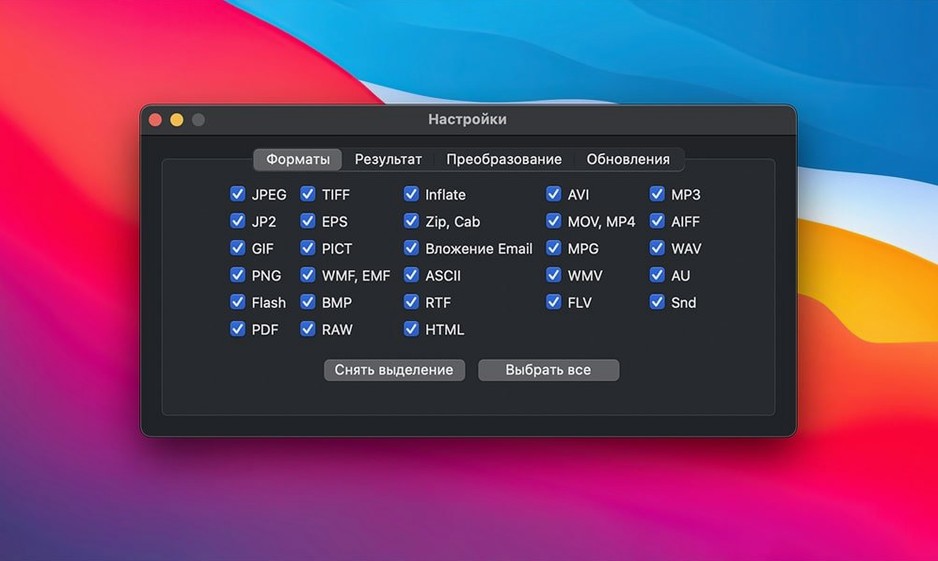
Output formats — JPEG, PNG, GIF, PDF, TIFF, ZIP, HTML, WAV, AVI, MOV, MP4, and many more; it also pulls System 7 sounds and rebuilds simple PDFs into Word documents.
Workflow — drop files or folders onto the app, or search from the Finder; it converts iPhoto caches to TIFF and handles ithmb files without extra steps.
Who this is for — anyone who has ever needed a photo out of a cache or a thumbnail buried in a presentation. The interface stays out of the way; the extraction does the work.
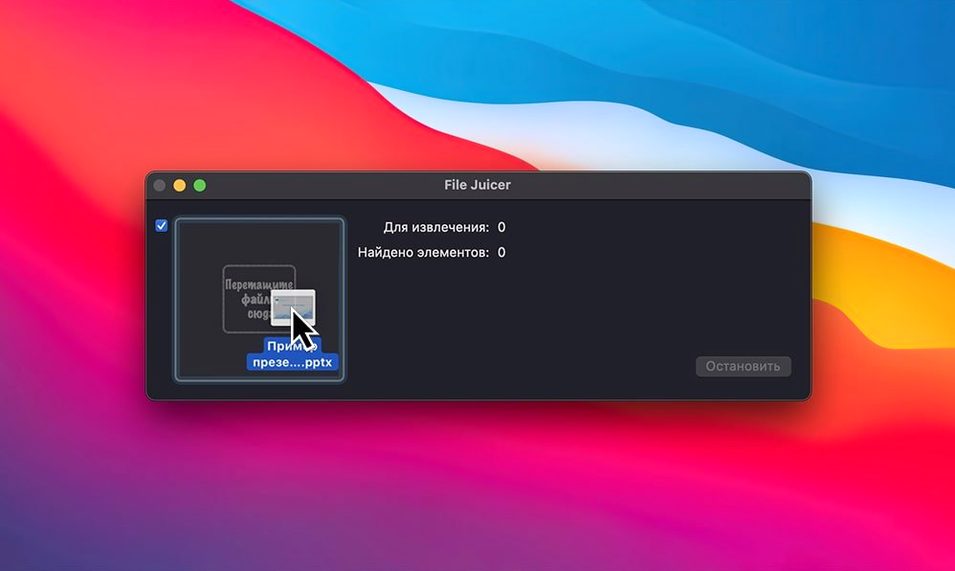
drag files from Finder or open with File Juicer
File Juicer works well alongside macOS file management. You can drag files directly from the Finder into the application window, or right-click a file in the Finder and open it with File Juicer via the Open With menu. The app respects the standard macOS services, so you can also select a file in the Finder and use the Services submenu to send it to File Juicer for processing.
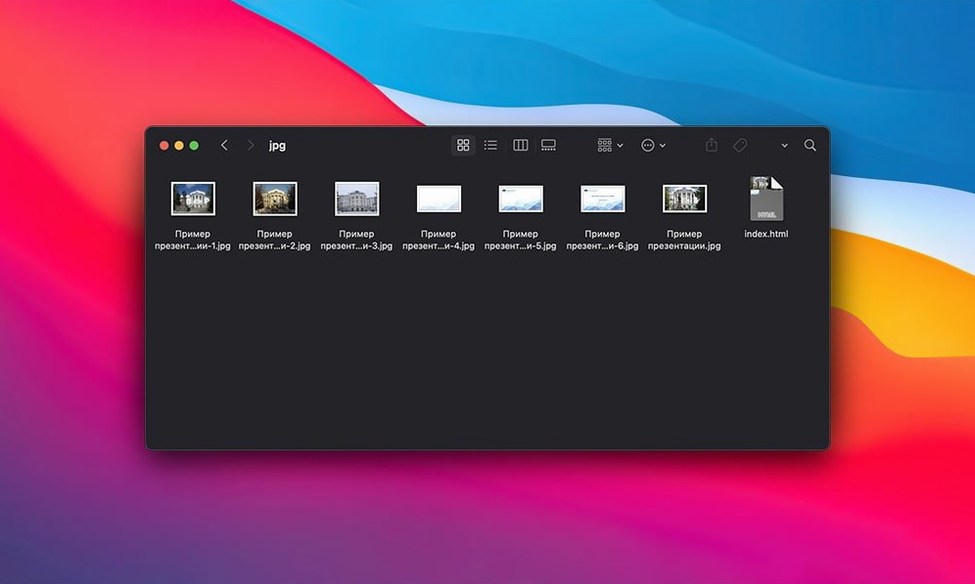
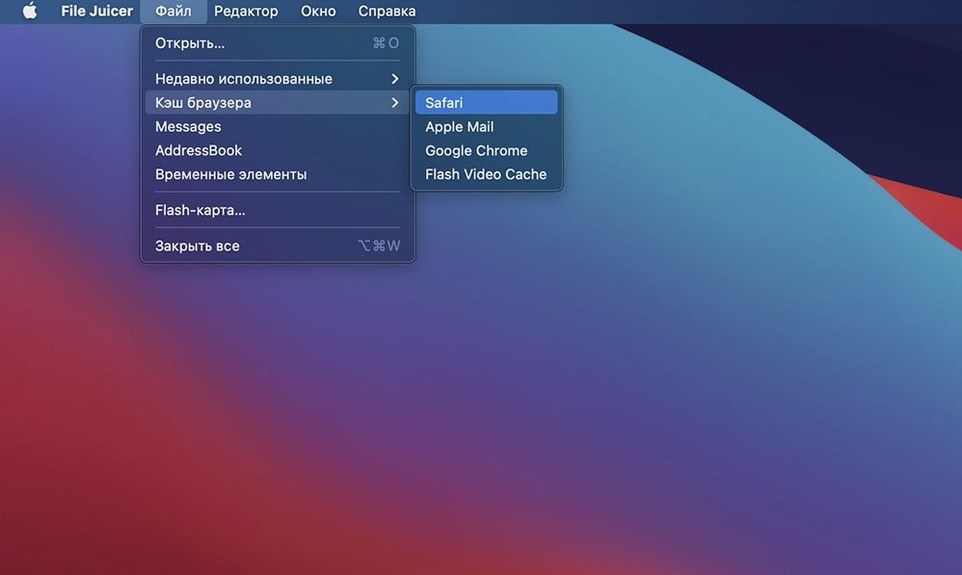
For browser cache extraction, File Juicer reads Safari's cache directly — no need to locate the cache folder manually. It also supports Internet Explorer, Firefox, Mozilla and OmniWeb cache files, which matters when you are working with archived browsing sessions from different machines. The extracted images and HTML files land in a folder you choose, keeping the original cache untouched.
Email archives are another area where File Juicer fits into existing workflows. Instead of opening each message to save attachments individually, you drop the archive file onto File Juicer and it pulls out the attachments in one pass. The same principle applies to recovering text from damaged files: File Juicer finds readable text by scanning byte by byte, which can salvage content that a text editor would refuse to open.
search files and save extracted results to desktop
- The app can search files from the Finder — you do not have to keep File Juicer open constantly; a simple search query returns results that you can then process.
- Extracted results save to the desktop by default, but you can choose another folder for each session. This is useful when you are batch-processing multiple source files and want to keep output organised by project.
- File Juicer handles iPhoto cache files and ithmb files directly, converting them to TIFF without requiring you to install iPhoto or any Apple photo management software. This is a time-saver when you inherit old photo libraries.
- The same byte-by-byte search that recovers text also works for image formats — the app finds JPEG, JP2, PNG, GIF, BMP, WMF, EMF, PICT and TIFF data even when the surrounding file structure is corrupted or missing.
demo PDF fix and everyday crash resolved
The latest release, built on macOS 26.3, fixes a few specific issues that affected everyday use. The demo of a sample PDF file now works correctly, which matters if you evaluate the app with its included test file. A crash when processing some AlbumWrap files has been resolved — this format is used by some photo-sharing services, so users recovering images from those archives will see a more stable extraction. Recognition of WOFF (Web Open Font Format) files has also been improved, which is relevant when extracting web archives that include custom fonts.
File Juicer for Mac free download reliably extracts images, text, and audio from common file formats. The app remains Intel-only, running on macOS 10.15.7 or later, and its interface is unchanged, so the learning curve is zero for existing users.
Changes in this build
- Rebuilt on macOS 26.3.
- Fixes a crash when working on some AlbumWrap files.
- Fixes recognition of some WOFF files.
Before it goes on the Mac
- macOS 10.15.7 or later
- Intel architecture
Questions from the room
Can File Juicer recover photos from an erased memory card?
Yes, it can recover photos and video from erased flash cards, as long as the data has not been overwritten.
Installing it on the Mac
- Mount the disk image and run Open Gatekeeper friendly.
- Press Enter in Terminal to bypass Gatekeeper.
- Drag the app to the Applications folder.
- Launch the app.
Notes from the control room
Sign in or open a catalogue account to leave a note.
No notes from the room yet. If you have used this build for a week, a short note helps the next person.