DVDFab 12.0.8 (Mac)
Updated
The catalogue note
DVDs still turn up — archive discs, region-locked releases, old home videos that never made it to digital. The problem is getting them off the silver platter and onto something you can actually play or store. DVDFab for Mac has been handling that job for years, and version 12.0.8.2 keeps the same straightforward approach.
| Item | Detail |
|---|---|
| Version | 12.0.8.2 |
| Developer | DVDFab.cn |
| Category | Utilities |
| macOS required | OS X 10.10 or later |
| Architecture | Intel 64-bit and Apple Silicon |
| Languages | 25 including English, German, French, Polish |
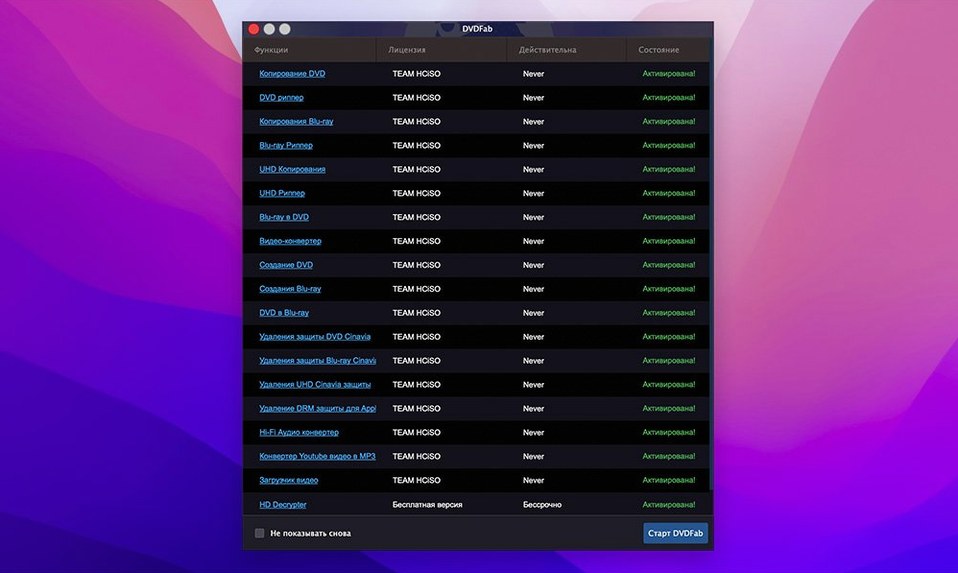
This version still does what it always did: rip, copy, burn and convert DVDs. It handles NTSC and PAL, works with DVD-5, DVD-9, rewritable discs and dual-layer blanks. You can clone a disc 1:1, burn folder structures or ISO images back to disc, and strip out protections like CSS, region codes, RCE, Macrovision and UOPs. Version 12.0.8.2 adds nothing new on the feature side — what you get is a stable release of the same suite, now confirmed to run on both Intel and ARM Macs under OS X 10.10 and later.
Archiving a PAL DVD with Full Disc copy
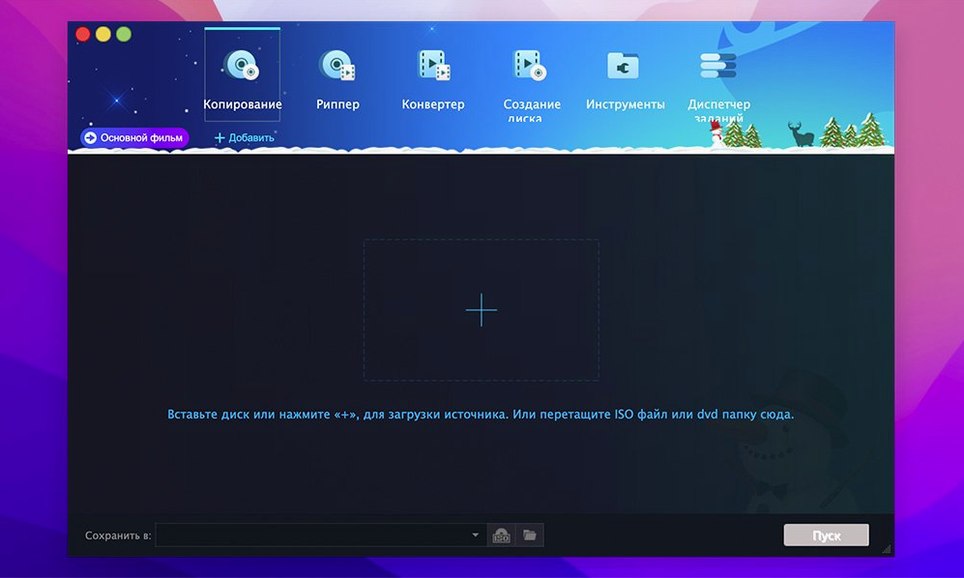
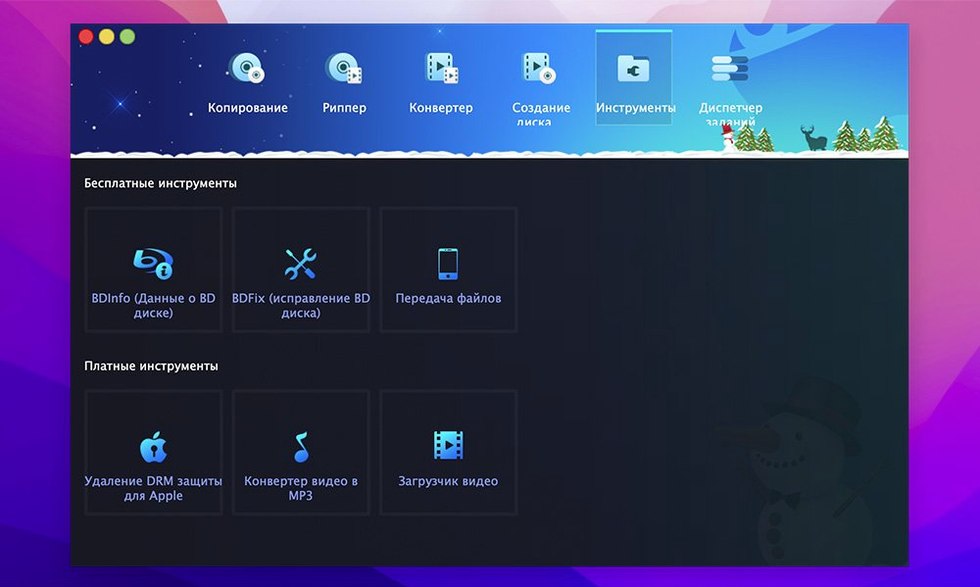
I open DVDFab, insert the source disc — a PAL DVD of a German TV documentary series I’m archiving. The main window shows eight copy methods in a column on the left. I select Full Disc, which means the program will rip everything: menus, trailers, all episodes in their original order. The source is detected automatically. I set the target to an ISO image on my NAS rather than a blank disc, because I plan to keep this one as a file.
The process takes a few minutes. When it finishes, I have a single ISO that behaves exactly like the original disc. Later that same week, I use the Merge method to combine two single-episode DVDs into one disc. I drag the first source into the title list, then the second. The program asks whether I want to keep the original menu from the first disc or build a simple one. I choose the original. The output fits onto a single DVD-5, and the player in my living room treats it as a normal disc with both episodes accessible from the menu.
For a friend’s old home video — a region-1 NTSC DVD that skips on European players — I use Main Movie mode, strip the region code and re-author to a standard PAL-friendly MP4. That file goes onto a USB stick. No menus, no extras, just the video, playable on anything.
Fixing a disc that isn't recognised by DVDFab
- Disc not recognised. The most frequent issue. If DVDFab shows no source, check that the optical drive is working in Finder. Some external USB drives need direct power, not bus power from a MacBook. Try another disc to rule out a bad one. If the drive reads commercial discs in macOS but not in DVDFab, the protection might be unusually aggressive — try the Clone method, which bypasses most structural checks.
- Output too large for target disc. When ripping a DVD-9 to a DVD-5, the program should compress automatically. If it doesn’t, you may have selected a copy method that skips compression. Use Split or Customise instead, which let you trim extras or split across two discs.
- Burn fails mid-way. Often a media-quality issue. Verbatim and Taiyo Yuden blanks are reliable. Cheap discs cause buffer underruns. If you burn from an ISO file, verify the ISO first — a corrupted source produces a failed burn.
- No audio or wrong language. In Main Movie or Customise mode, the audio track selector defaults to the first stream. If you need English on a disc where English is track 2, change the selection before starting the conversion.
- App won’t launch after update. If you replaced the app while it was running, the new copy may be incomplete. Delete the DVDFab folder from
~/Library/Application Support/as well, then re-drag from the disk image.
Three types of Mac users who benefit from DVDFab
DVDFab suits three kinds of people. First, anyone with a physical DVD collection who wants a digital backup — not a compressed rip, but a bit-perfect copy including menus. The Full Disc and Clone methods are made for this. Second, archivists who deal with mixed-format libraries: NTSC and PAL, region-locked discs, scratched originals. The IFO restoration feature helps when the disc’s navigation file is damaged, which standard rippers give up on. Third, people who still burn DVDs for older hardware — car players, portable DVD decks, standalone recorders that don’t read modern codecs. The Write Data method lets you burn folders or ISO files directly, no extra steps.
Casual users who just want to watch a film on their iPad can get by with simpler tools.
Why choosing the wrong copy method causes failures
Choosing the wrong copy method is the most common one. Beginners see “Full Disc” and assume it always works, but for a dual-layer disc destined for a single-layer blank, Full Disc will either fail or produce a file too large to burn. Split or Customise handle this correctly. Another mistake: assuming that ripping a commercial DVD always requires removing protections. DVDFab does that automatically in most modes, but if you pick Clone, it copies the raw disc structure including protections. That’s fine for playback on a region-matched player, but not for general use.
People also overlook the disc type settings. If you tell the program you’re burning to a DVD+R DL but insert a DVD-R, the burn fails silently. Check the blank before starting. And beginners often ignore the language selection in Main Movie mode, ending up with a file in the wrong dub or no subtitles. It takes two seconds to set, but it’s easy to miss if you’re rushing.
Finally, there’s the habit of deleting the source disc immediately after one successful rip. Keep it until you’ve tested the output on at least two players. A file that plays in VLC may skip on a standalone deck. A burn that looks good on the Mac may fail in a car player. Test first, delete later.
Before it goes on the Mac
- macOS OS X 10.10 or later
- Intel 64-bit or Apple Silicon
Installing it on the Mac
- Open the downloaded disk image.
- Drag the DVDFab app into the Applications folder shortcut.
- Once copying finishes, launch the app from Launchpad.
Notes from the control room
Sign in or open a catalogue account to leave a note.
No notes from the room yet. If you have used this build for a week, a short note helps the next person.