
Home › Utilities › Coherence X
Coherence X 6.1 (Mac)
Updated
The catalogue note
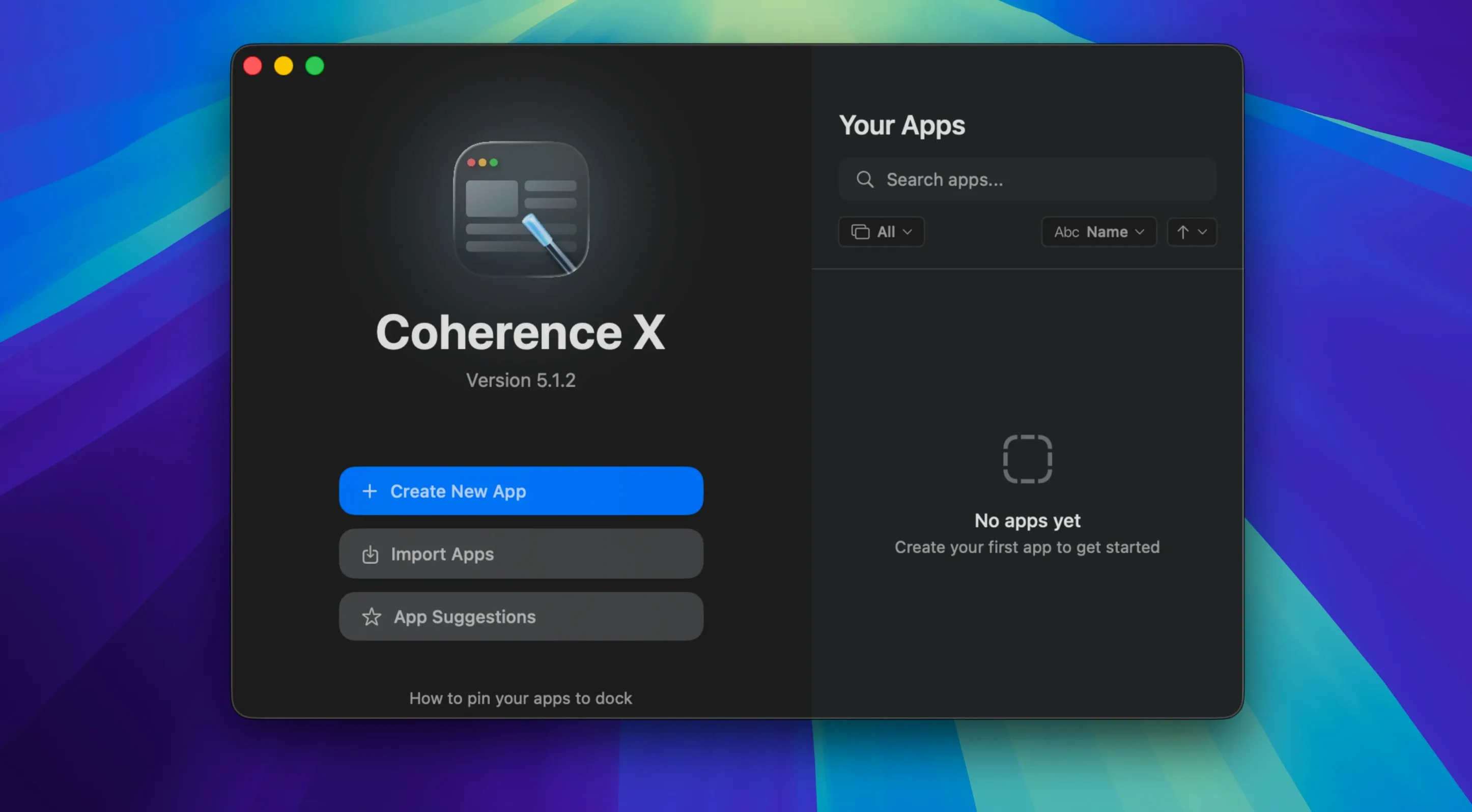
Version 6.1 of Coherence X sits at roughly forty-five megabytes on disk and turns any website into a standalone Chrome-based app on macOS 13 or later. The core workflow hasn't changed: you drag the app from the mounted disk image into Applications, launch it, and start wrapping sites into self-contained apps with their own Dock icons, settings, extensions, and profiles.
What makes this release worth a look is the link-routing improvements. You can now add multiple domains at once when setting up routing rules, and new rules start with a suggested destination already filled in. More importantly, both link-routing and appearance changes now save without rebuilding the app — a timesaver if you tweak these often. The extension's Manage in Coherence button has been fixed to open the correct app more reliably, and the app now shows a clear message when the extension cannot connect.
The rest stays practical: you can export created apps and share them with others, use separate profiles for the same service, and edit the URL, icon, mode, or extensions of an existing app without starting over. Interface languages are English, German, and Spanish.
Workflow: wrapping a web service with separate accounts
Say you manage two Google Workspace accounts — one for your freelance work, one for a client. Rather than logging in and out of the same browser profile, you can wrap each account into its own app with Coherence X.
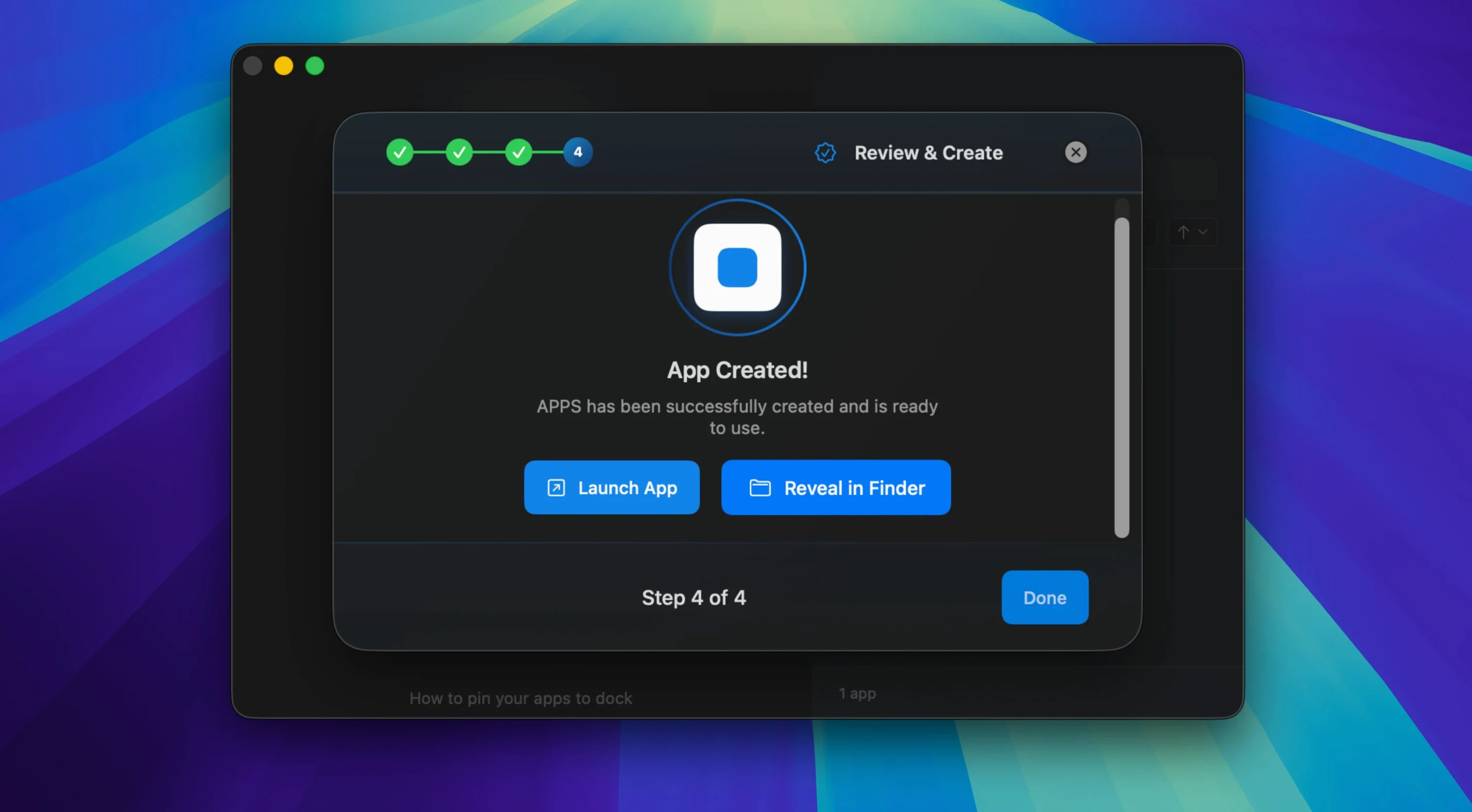
- Launch Coherence X and create a new app for the first Google Workspace account. Enter the URL, give it a name, and choose a distinctive icon if you like.
- In the app settings, assign a dedicated Chrome profile. This keeps the session, cookies, and extensions separate from everything else.
- If you want certain links — say, Google Drive links — to open inside the app and others to open in your main browser, set up a link-routing rule. In version 6.1 you can add multiple domains in one go, and the suggested destination saves a click.
- Create a second app for the other account, using a different profile. Repeat the routing setup if needed.
- Both apps appear in the Dock with their own icons. Clicking a Dock icon brings the window back or opens a new one if none exists. Tabs restore after a restart if you enable that option.
From this point, each app behaves like a native macOS app with its own identity. Changes to the URL, icon, mode, or extensions are handled without rebuilding the app.
A designer's daily use
A graphic designer I know keeps three Coherence X apps pinned in the Dock: one for a project-management board, one for a design-feedback tool, and one for a shared asset library. Each runs under a separate Chrome profile so logins never mix. The designer also installed a colour-picker extension from the Chrome Web Store inside the asset-library app, and a screenshot annotation extension inside the feedback-tool app. When a link arrives in a message, the designer routes it so that asset-library links open inside that app and everything else stays in Safari. The workflow is straightforward and hasn't needed rebuilding since the 6.1 update.
Requires macOS 13 and Chrome to run
Coherence X runs on macOS 13 and later, and works on both Apple Silicon and Intel Macs. The app itself is compact at around forty-five megabytes. The apps it creates rely on the Chrome engine that is already on your system — Coherence X does not ship its own browser engine.
No separate process or virtual machine is involved. The app saves link-routing and appearance changes without rebuilding, which means less waiting when you adjust settings.
Chrome must be installed for created apps to work
Do I need Chrome installed to use Coherence X?
Yes — the created apps use the Chrome engine, so Chrome must be present on your Mac.
Can I use my existing Chrome extensions?
You can install and manage extensions from the Chrome Web Store inside each created app. The Manage in Coherence button in the extension panel now opens the correct app more reliably in version 6.1, and a message appears if the extension cannot connect.
What happens to my apps if I move to a new Mac?
You can export apps created with Coherence X and transfer them to another Mac running macOS 13 or later. The receiving Mac also needs Chrome installed.
Can I edit an app after creating it?
Yes — the URL, icon, mode, or extensions can be changed without starting over. In version 6.1, changes to link routing and appearance save without rebuilding the app.
Does Coherence X work with incognito mode?
It supports incognito mode for created apps, alongside standard and tabbed app modes.
Changes in this build
- Link routing supports adding multiple domains at once.
- New routing rules start with a suggested destination.
- Link routing and appearance changes save without rebuilding the app.
- The extension's Manage in Coherence button now opens the correct app more reliably.
- A message appears when the extension cannot connect.
Before it goes on the Mac
- macOS 13 or later
- Intel or Apple Silicon
Installing it on the Mac
- Open the downloaded disk image.
- Drag the app into the Applications folder.
- After copying finishes, launch the app from Launchpad.
Notes from the control room
Sign in or open a catalogue account to leave a note.
No notes from the room yet. If you have used this build for a week, a short note helps the next person.
Also filed under Utilities
The whole Utilities rack coconutBattery Plus4.4.0 Utilities 5 MB
 Cocktail Sequoia Edition18.7.1 Utilities 3 MB
 Commander One PRO3.18.0 Utilities 53 MB
 Compressor5.3 Utilities 122 MB
 CleanShot X5.0.2 Utilities 46 MB Updated
 CleanMyMac5.7.0 Utilities 180 MB
 CrossOver20261015 Utilities 752 MB Updated
 Cursor Pro2.4 Utilities 30 MB