
Home › Logic Pro Plugins › Supertone Air
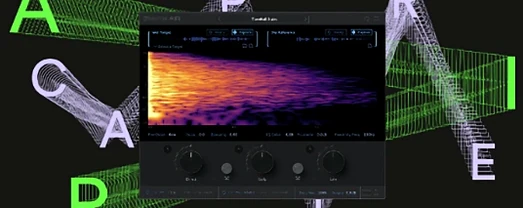
Supertone Air 1.0.1 (Mac)
Updated
The catalogue note
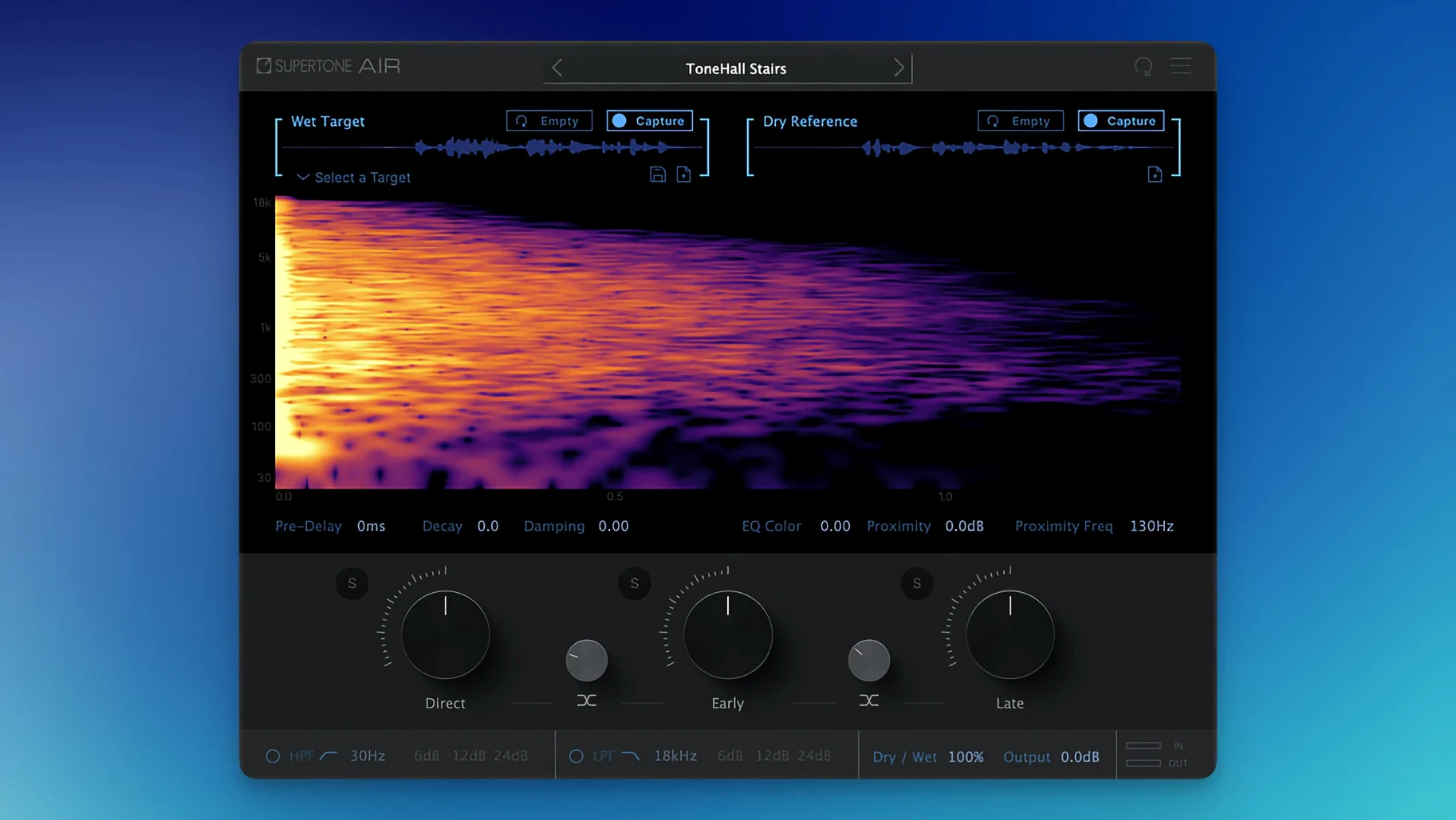
Version 1.0.1 of Supertone Air changes the plug-in file name from Air to Supertone Air, and fixes an installation issue that affected users who had Sound Particles Air installed. Otherwise, it remains the same dialogue processing tool for ADR workflows — a reverb and EQ matching plug-in designed to make ADR sound match production audio quickly.
Controls and what they do
- Import and export Air profiles for reverb and EQ matching.
- Export captured spaces as WAV files.
- Offline processing in Pro Tools AudioSuite.
Select a reference clip to capture reverb and EQ for ADR
Select a reference clip of production audio, capture its reverb and EQ characteristics, then apply that profile to your ADR take. The plug-in handles the matching in one pass, saving time in dialogue editing. Supertone Air supports 44.1 kHz, 48 kHz, and 96 kHz sample rates, runs on macOS 10.13 and later, and works on both Intel and Apple Silicon Macs.
Replaces a chain of plug-ins with a single AudioSuite instance
In most dialogue editing sessions, ADR matching involves multiple plug-ins: a convolution reverb, an EQ curve copied by ear, perhaps some ambience matching. Supertone Air replaces that chain with a single instance. Because it runs as an AudioSuite plug-in in Pro Tools, you process clips destructively and move on — no need to keep three or four real-time plug-ins open on every ADR track.
The ability to export captured spaces as WAV files means you can share a room's acoustic signature with another editor or mixer without sending the entire session. Import an Air profile from a previous episode or a different scene and the matching is consistent across cuts. For re-recording mixers who work across multiple reels, this keeps the ADR sounding like it belongs to the same space.
Supertone Air also works as an AU or VST3 plug-in in other DAWs, though the offline processing workflow is clearly built around Pro Tools AudioSuite. In Logic or Cubase, you would render the plug-in to a new audio file — the same principle, just a different routing path.
Shows up as Supertone Air to avoid name confusion
- The plug-in now shows up in your audio unit or AAX list as Supertone Air, not just Air, which avoids confusion with other plug-ins that use the same short name.
- If you had Sound Particles Air installed previously, the old naming conflict is gone — the installer no longer overwrites or skips files.
- The profile import/export system lets you build a library of room signatures over time. Label a profile by scene and take number, and you can recall it months later without recapturing the space.
- WAV export of captured spaces means you can audition the reverb tail in any audio editor or even drop it into a sampler for creative use outside the ADR workflow.
Dialogue editors on long-form content benefit most from neural matching
Dialogue editors working on long-form content — TV series, films, documentaries — benefit most. The neural network approach to Acoustic Scene Transfer means you are not manually dialling in decay times and EQ curves; the plug-in learns the room from a reference clip. For editors who handle dozens of ADR lines per episode, that time saving adds up quickly.
Re-recording mixers who receive pre-matched ADR from an editor can trust that the reverb and EQ profile matches the production audio before they touch the fader. It reduces the back-and-forth of "this ADR still sounds dry" or "the reverb tail is wrong."
Smaller post houses and freelance sound editors also benefit because Supertone Air runs on older Mac hardware — macOS 10.13 is supported, and the plug-in works on Intel Macs as well as Apple Silicon. No need to upgrade your 2018 MacBook Pro just to use it.
Version 1.0.1 requires relinking older session files
- The name change from Air to Supertone Air means your session files from the previous version will show the plug-in as missing until you relink or reinsert the new instance. If you are updating mid-project, save a copy of your session before switching.
- The installation fix for Sound Particles Air users means fewer failed activations on first launch. If you had that conflict before, the plug-in now installs cleanly.
- No new features or processing changes — version 1.0.1 is a housekeeping release. The core matching engine and controls are identical to the initial version.
Changes in this build
- Plug-in file name changed from Air to Supertone Air.
- Fixed an installation issue affecting users who had Sound Particles Air installed.
Before it goes on the Mac
- macOS 10.13 or later
- Apple Silicon or Intel processor
- 44.1 kHz, 48 kHz, or 96 kHz sample rates supported
Questions from the room
What sample rates does Supertone Air support?
It supports 44.1 kHz, 48 kHz, and 96 kHz sample rates.
Installing it on the Mac
- Follow the included installation and activation instructions.
Notes from the control room
Sign in or open a catalogue account to leave a note.
No notes from the room yet. If you have used this build for a week, a short note helps the next person.
Also filed under Logic Pro Plugins
The whole Logic Pro Plugins rack Synapse Audio The Legend HZ v2.0.2.R12.1 Logic Pro Plugins 472 MB
 Spire1.5.19 Logic Pro Plugins 158 MB
 Soundtheory Gullfoss1.11.7 Logic Pro Plugins 176 MB
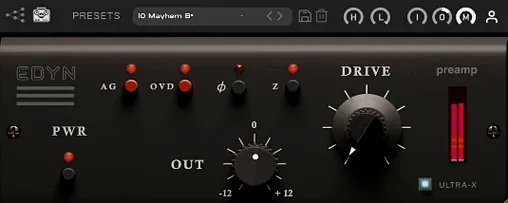 Tone Empire EDYN1.0.2 Logic Pro Plugins 198 MB
 Toontrack EZkeys2.1.5 Logic Pro Plugins 707 MB
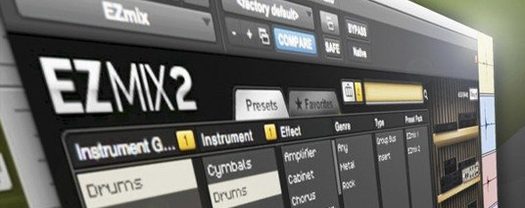 Toontrack EZmix Bundle3.2.2 Logic Pro Plugins 977 MB
 Sonible pure:level1.0.2 Logic Pro Plugins 59 MB
 Slate Digital Submerge1.0.5 Logic Pro Plugins 38 MB