
Home › Logic Pro Plugins › Omnisphere
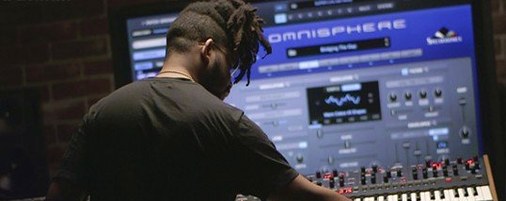
Omnisphere 3.0.2c (Mac)
Updated
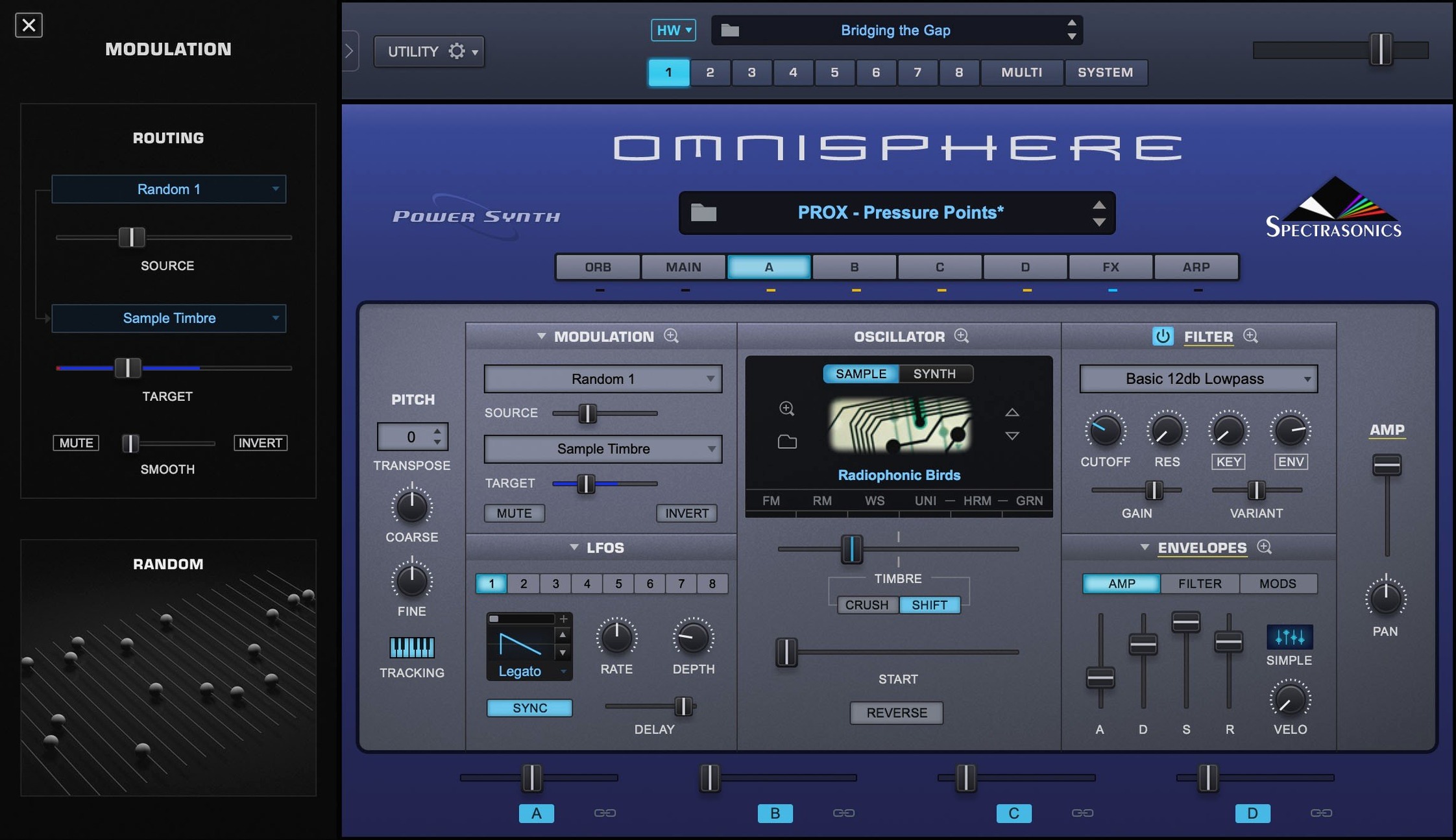
The catalogue note
Omnisphere is the kind of instrument you hear on film scores and pop records before you ever open it yourself. For studio engineers and producers who need a deep, flexible synth, Spectrasonics' flagship covers a lot of ground.
Huge palette of patches and a clear browser for sound design
- Sound design sessions where you need a huge palette of patches and a clear browser.
- Integrating hardware synths and MIDI controllers through Hardware Synth Integration, which maps your gear to Omnisphere's engine.
- Working across hosts — the plugin comes as VST, AU, and AAX, plus a standalone version.
Requires macOS 11 or newer and a separate STEAM library
- Runs natively on both ARM and x86 64-bit Macs, with macOS 11 or newer required.
- The factory STEAM library (Omnisphere 2.8) is delivered separately, so plan your drive space.
- Version 3.0.2c is current; the reference guide spells out the details.
Missing the STEAM folder — the most common beginner mistake
Most new users trip over the same things. The STEAM folder is the most common — people install the application and wonder why no sounds load. The factory library is a separate beast; you point Omnisphere to it during setup and forget about it. If patches are missing, that is the first place to check.
Another misstep is ignoring the Hardware Synth Integration setup. Omnisphere can map your external synth or controller to its own engine, but only if you run the configuration step. Beginners often plug in a MIDI keyboard, expect it to work like any other plugin, and miss the deeper control that Spectrasonics built in. Spend ten minutes with the MIDI learn or the hardware profile list — it changes how you use the instrument.
People also overlook the difference between the standalone and plugin versions. The standalone is fine for browsing sounds, but it does not sync to a DAW's tempo by default unless you set it up. If you are composing to picture or laying down a beat, load the AU or VST inside your host and let Omnisphere follow the session tempo.
Finally, the patch browser is deep. Beginners sometimes scroll the presets one by one and get lost. Use the tag filters — types, categories, timbre — to narrow the field. It saves time and reveals sounds you would skip in a linear list.
Browsing category tags for a pad that breathes without eating the mix
I start a session by opening Omnisphere as a VST inside my DAW. The project is a short film cue, so I need a pad that breathes without eating the mix. I browse the patch library using the category tags: 'Atmosphere' and 'Pad' filter the list to maybe two dozen options. I find one called 'Slow Glass' — it has a slow attack and a long release, which is what I want.
I tweak the filter envelope to open a little faster on the attack. The modulation wheel is mapped to a low-pass filter by default in many patches, so I check that. I want the pad to darken when the wheel moves, not brighten. A quick edit in the mod matrix flips that.
Next, I layer a second sound. Omnisphere allows stacking sounds within one instance — I add an arpeggiated pluck on top, synced to the DAW tempo. I set the arpeggiator to sixteenth notes and dial the mix so the pluck sits behind the pad. The two layers share the same MIDI channel, which keeps the arrangement clean.
I record a few bars of chords, then automate the filter cutoff on the pad layer. The automation curve rises over eight bars, then drops. It gives the cue a sense of motion without adding more tracks.
Later, I connect a hardware synth — an old Roland — via MIDI. I open the Hardware Synth Integration panel, select the Roland profile, and play the synth's keys. Omnisphere now responds to the Roland's velocity and aftertouch, but it plays its own sounds. I can use the Roland as a controller for Omnisphere's engine, which is useful when you want the feel of a weighted keyboard.
I finish by exporting the MIDI and audio stems. The plugin handles polyphony without breaking a sweat, and the session stays at 48 kHz, 24-bit, as set in the DAW.
Runs natively on ARM and Intel Macs without Rosetta
Omnisphere 3.0.2c requires macOS 11 or later. It runs on both ARM (Apple Silicon) and x86 64-bit Intel Macs — no Rosetta translation needed if you are on an M-series Mac; the installer places native code. The plugin formats are VST, AU, and AAX, plus a standalone executable. Language is English only.
The STEAM folder with the factory library (Omnisphere 2.8) is delivered separately. Expect to allocate significant disk space for it — this is not a lightweight sample set. The installer itself is a standard macOS disk image: mount it, run the installer, point it to your STEAM folder when prompted.
No hidden surprises. If your Mac meets the minimum OS version and you have the STEAM data, Omnisphere will load. No additional drivers or dongles are required.
Lighter on disk than Pigments but heavier than Diva
In the same category as Omnisphere, you find Arturia Pigments and u-he Diva. Pigments is a modern hybrid synth with a clean, colourful interface and a focus on wavetable and granular synthesis. It is lighter on disk and easier to learn, but its sound library is smaller and less cinematic than Omnisphere's. For pop and electronic music, Pigments is a strong alternative; for film and atmospheric work, Omnisphere's breadth of patches wins.
Diva, from u-he, is analogue-modelled and prized for its raw, warm oscillators and filters. It sounds exceptional for bass, leads and pads, but it is not a workstation synth. You do not get the huge STEAM library, hardware integration, or multi-layer architecture. Diva is a tool for tone, not for browsing a thousand presets. Omnisphere covers both ground — deep synthesis and a vast sound set — while Diva excels in a narrower lane.
Both alternatives run on macOS 11 and newer, support AU and VST, and work on Apple Silicon. Neither offers hardware synth integration. For a studio that needs one instrument to do pads, basses, arpeggios, and sound design, Omnisphere is the broader choice. For focused, character-driven sounds, Pigments or Diva may be enough.
Changes in this build
- Software updated to 3.0.2c.
- Reference guide revised for the current release.
Before it goes on the Mac
- macOS 11 or later
- Apple Silicon or Intel 64-bit
- English interface
Installing it on the Mac
- Mount the downloaded disk image.
- Run the standard installer and follow the prompts.
Notes from the control room
Sign in or open a catalogue account to leave a note.
No notes from the room yet. If you have used this build for a week, a short note helps the next person.
Also filed under Logic Pro Plugins
The whole Logic Pro Plugins rack Output Portal1.2.1 Logic Pro Plugins 319 MB
 noteGRABBER2.0.0 Logic Pro Plugins 35 MB
 Neural DSP Soldano SLO-100 X1.0.0 Logic Pro Plugins 340 MB
 Neural DSP Parallax X1.0.0 Logic Pro Plugins 179 MB
 Neural DSP Archetype Rabea X1.0.1 Logic Pro Plugins 742 MB
 Neural DSP Archetype Petrucci1.0.0 Logic Pro Plugins 745 MB
 Native Instruments Massive X2.0.0 Logic Pro Plugins 2.3 GB Updated
 Plug and Mix VIP Bundle4.0.0 Logic Pro Plugins 3.7 GB