
Home › Logic Pro Plugins › Metric Halo Production Bundle
Metric Halo Production Bundle 2025.05 (Mac)
Updated
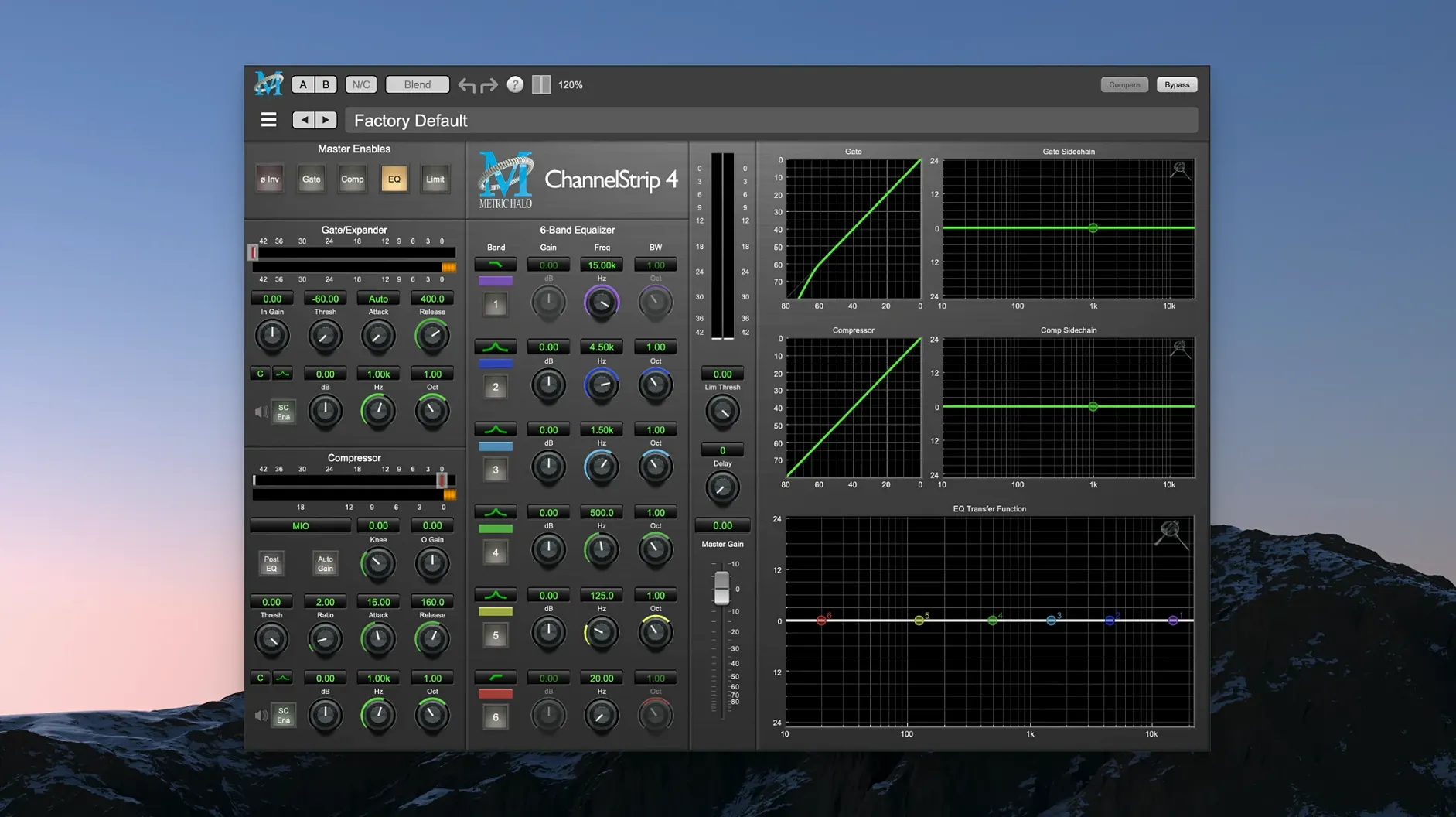
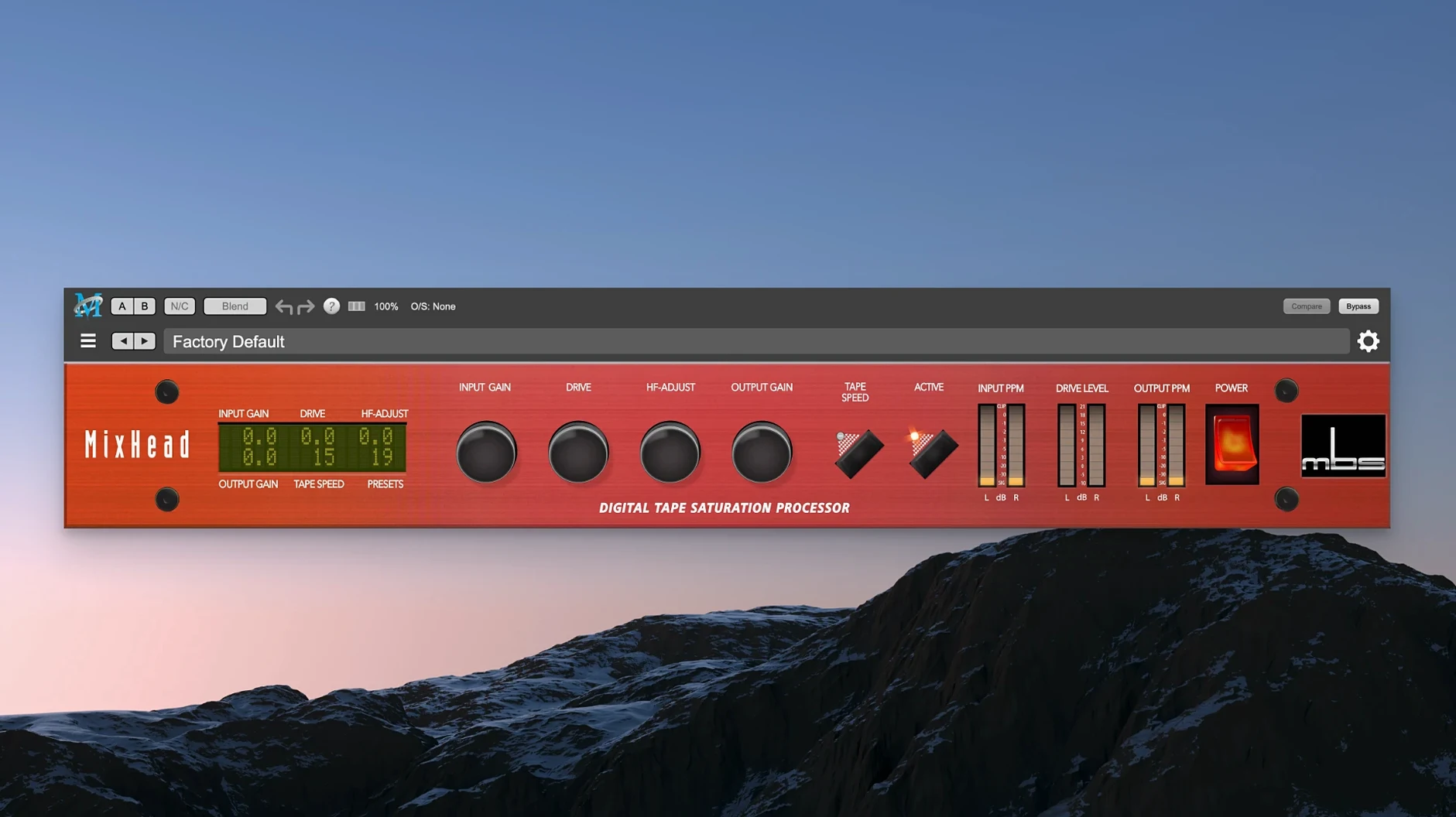
The catalogue note
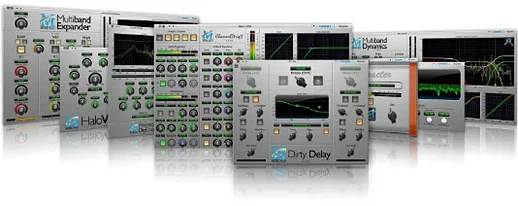
Metric Halo Production Bundle 2025.05 (4.0.23.187) is a suite of audio processing plug-ins covering mixing, mastering, and sound design duties in one package. The current build runs natively on Apple Silicon, so it slots straight into a modern Mac-based studio without translation layers.
Formats, hosts, and the sound
- Native Apple Silicon architecture, so no Rosetta overhead in your session.
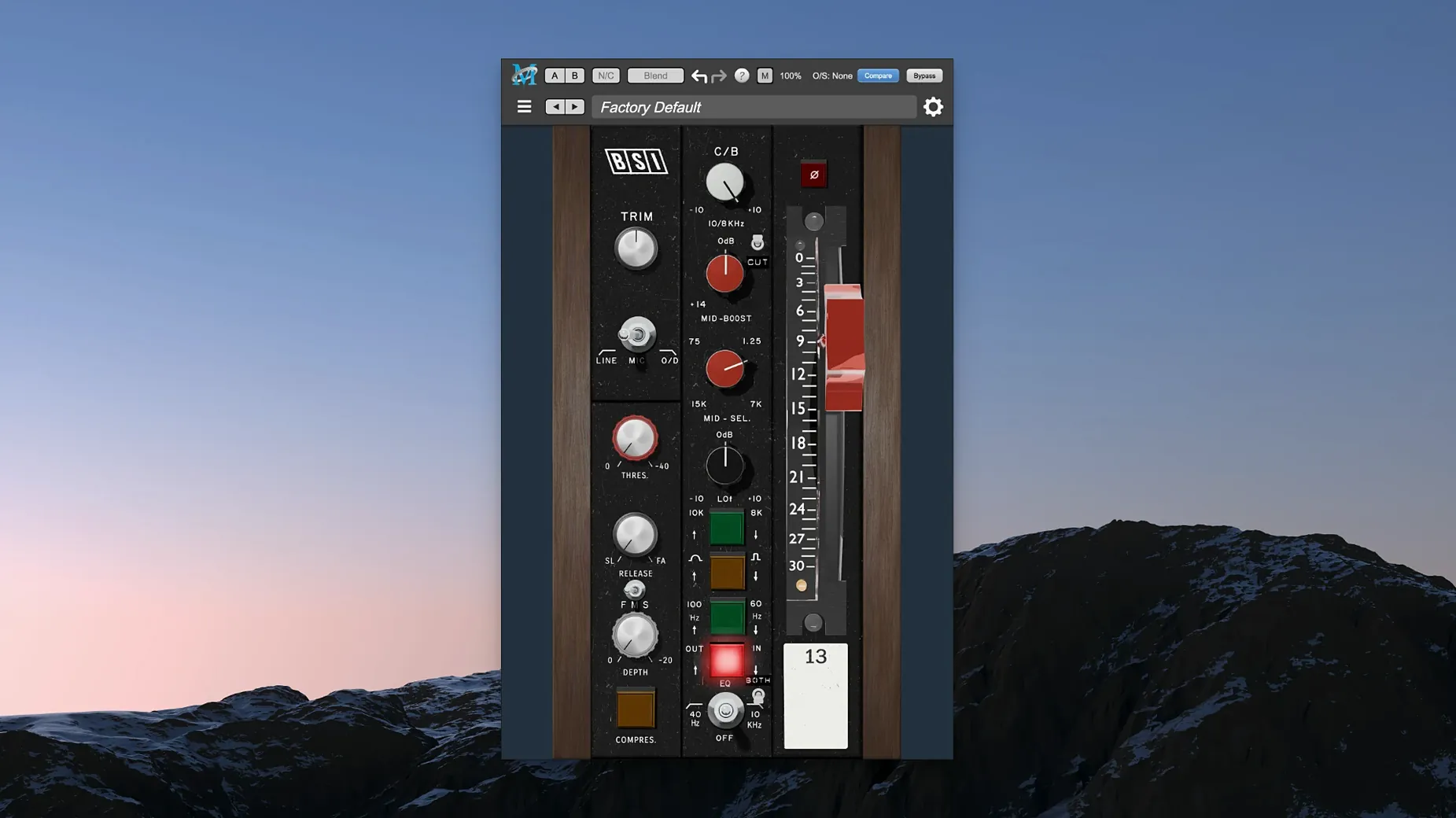
- ChannelStrip brings EQ, compressor/limiter, gate/expander, and sidechain in one insert – the usual first stop for tracking or mix busses.
- MIOStrip is the lighter sibling of ChannelStrip, handy when you only need a couple of processors and want to keep CPU in check.
- Precision De-Esser tames vocal sibilance without dulling the rest of the take.
- HaloVerb is an algorithmic reverb with a character that sits well on drums and vocals.
- Metric Halo Thump does harmonic synthesis for adding low-end weight without pushing the fader.
The bundle covers a lot of ground, but the sound leans practical – the kind of processing that helps a mix sit rather than shout. If you are on Apple Silicon and want a set of tools that behave predictably across DAWs, this is a solid fit.
ChannelStrip's per-module sidechain routing saves time
A few details in the bundle don't advertise themselves loudly but save time once you know they are there. ChannelStrip's sidechain routing works per module, not just as a global key input – you can trigger the compressor from one source and the gate from another in the same instance. The EQ bands in both ChannelStrip and MIOStrip show gain and frequency readouts directly on the knobs when you hover, so you don't need to look at a separate info panel.
HaloVerb's pre-delay can be synchronised to the host tempo with a single click, which removes the guesswork when matching reverb timing to a track's BPM. Thump includes a mix control that goes above unity, so you can push the harmonic layer harder than the dry signal without extra routing.
Full Apple Silicon native support without Rosetta
The 2025.05 build (4.0.23.187) is the current release. For everyday use, the most noticeable change is the full Apple Silicon native support – no Rosetta fallback, no bridging warnings when you scan the bundle in a modern DAW. The plug-in scanning time on first launch is shorter than earlier Intel-architecture versions, and the GUI redraw feels more responsive on Retina displays.
Preset management received attention in this cycle. The factory library is reorganised by instrument type and mix role rather than by plug-in alone, which makes the first scroll through presets less random. User presets save and recall across the whole bundle consistently now – earlier builds sometimes had trouble remembering a Thump setting inside a ChannelStrip chain.
Plug-in not showing in DAW after install
- Plug-in not showing in DAW after install. The installer places components in the standard system folders, but some hosts cache their plug-in list. A manual rescan or restart of the DAW usually brings them up. If not, check that the
/Library/Audio/Plug-Inspaths contain the correct bundle files. - Sidechain not triggering. ChannelStrip's sidechain input needs an audio send from the source track, not a MIDI or instrument bus. Set the sidechain source in your DAW's routing first, then enable the key listen inside ChannelStrip's compressor or gate section.
- GUI scaling too small or too large on high-DPI screens. The interface follows the system display scaling, but some DAWs override it. Look for a zoom option in the plug-in window's title bar (the one provided by the host, not the plug-in). If absent, adjust the DAW's preferences for plug-in window scaling.
- HaloVerb tail cuts off abruptly. The reverb's decay time interacts with the host's buffer size. At larger buffer settings, the tail can be truncated. Lower the buffer size or increase the reverb's mix level slightly to compensate.
Start with ChannelStrip's gate range control on one track
Start with ChannelStrip on a single vocal or snare track – adjust the EQ, set a moderate compression ratio, and listen to how the gate responds to the input level. The gate's range control is worth exploring early; it stops the channel from closing completely on quiet passages. Then swap ChannelStrip for MIOStrip on the same track to hear how the lighter processing affects the tone and the CPU meter.
For low-end work, insert Thump on a bass or kick track, dial the frequency to match the root note, and blend the mix control slowly upward. The harmonic synthesis adds weight without the phase issues that EQ boosts can introduce. Precision De-Esser works best when inserted after compression, not before – sibilance becomes more apparent after gain reduction, so catching it later in the chain gives cleaner results.
Save a few channel strip presets during these first sessions. The factory set is useful, but your own EQ curves and compression ratios for common sources (voice, acoustic guitar, overheads) will speed up recall on future projects. The preset system saves across the bundle, so a MIOStrip preset loads fine into ChannelStrip and vice versa, as long as the processor counts match.
Before it goes on the Mac
- macOS 11 or later
- Apple Silicon
Questions from the room
Does Metric Halo Production Bundle work on Intel Macs?
No, the current version is built for Apple Silicon only. It requires macOS 11 or later.
Installing it on the Mac
- Install the plug-ins following the instructions in the package.
- Activate the bundle using the details provided in the package.
Notes from the control room
Sign in or open a catalogue account to leave a note.
No notes from the room yet. If you have used this build for a week, a short note helps the next person.
Also filed under Logic Pro Plugins
The whole Logic Pro Plugins rack Melatonin Sine Machine27.4.9 Logic Pro Plugins 98 MB
 MiniMeters1.0.30 Logic Pro Plugins 103 MB
 Minuit Solstice1.2.0 Logic Pro Plugins 117 MB
 Mastering The Mix Bundle2026.09.11 Logic Pro Plugins 681 MB
 Native Instruments Massive X2.0.0 Logic Pro Plugins 2.3 GB Updated
 Neural DSP Archetype Petrucci1.0.0 Logic Pro Plugins 745 MB
 Neural DSP Archetype Rabea X1.0.1 Logic Pro Plugins 742 MB
 Neural DSP Parallax X1.0.0 Logic Pro Plugins 179 MB