
Home › Logic Pro Plugins › Mastering The Mix Bundle
Mastering The Mix Bundle 2026.09.11 (Mac)
Updated
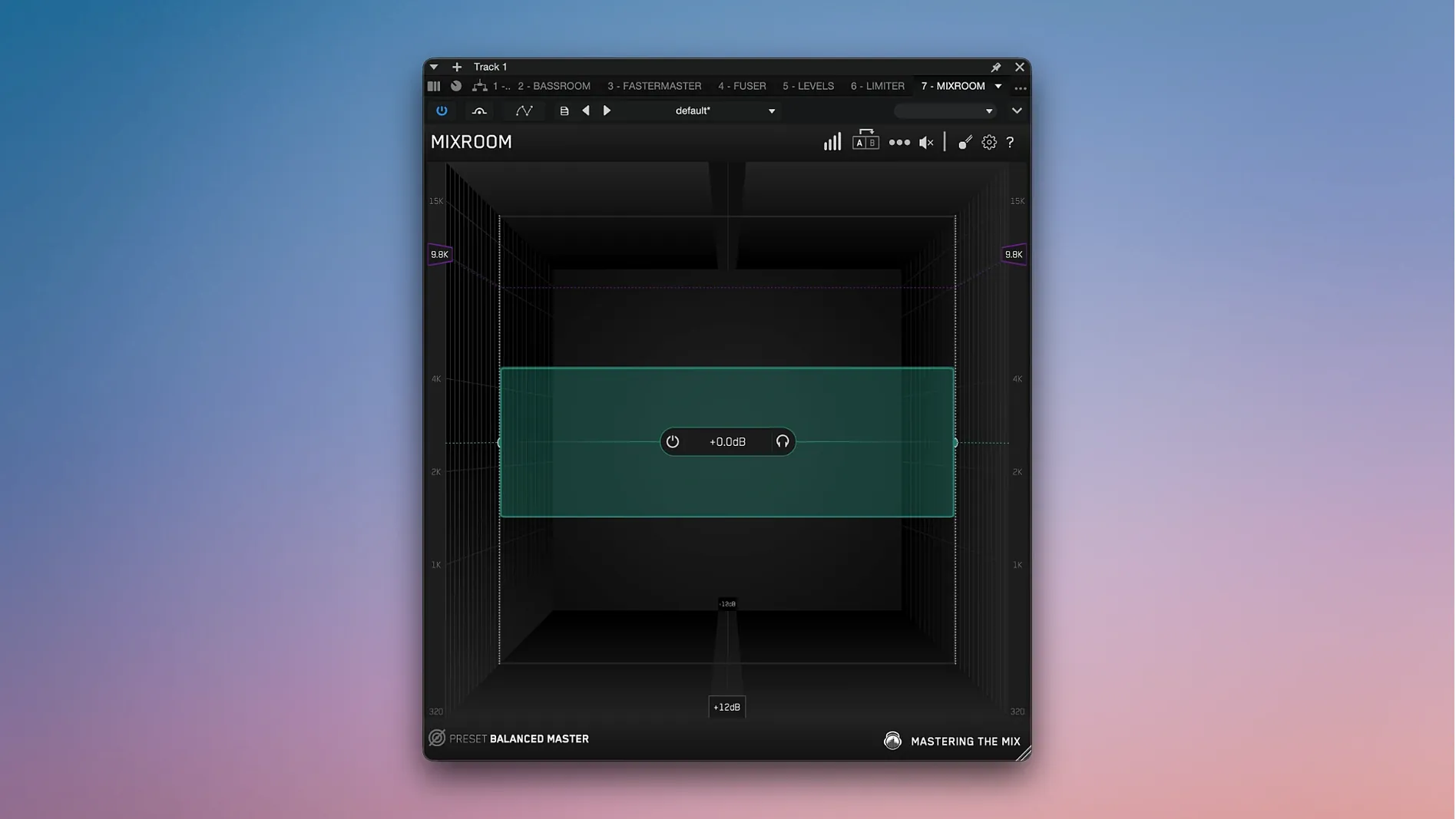
The catalogue note
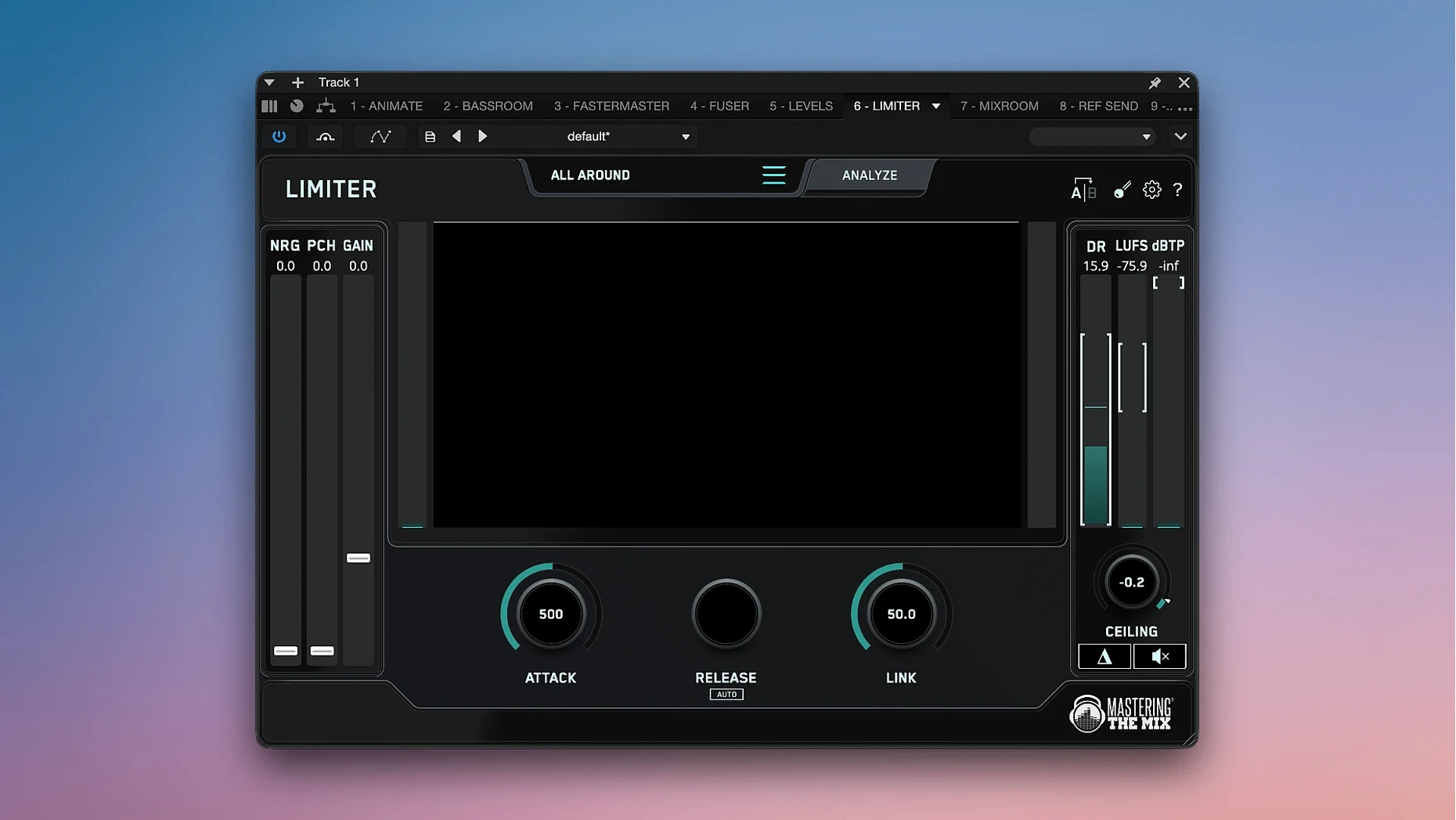
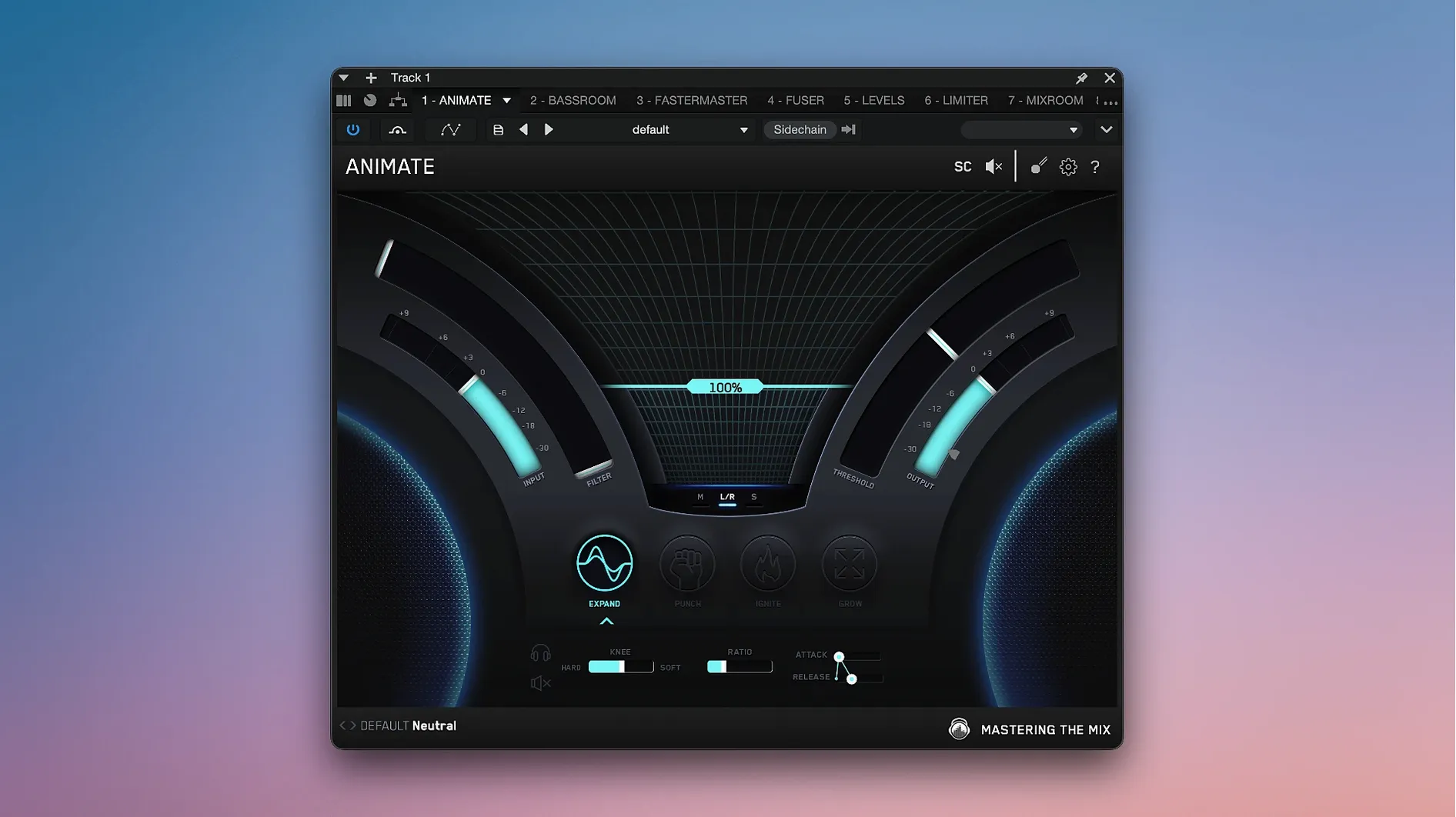
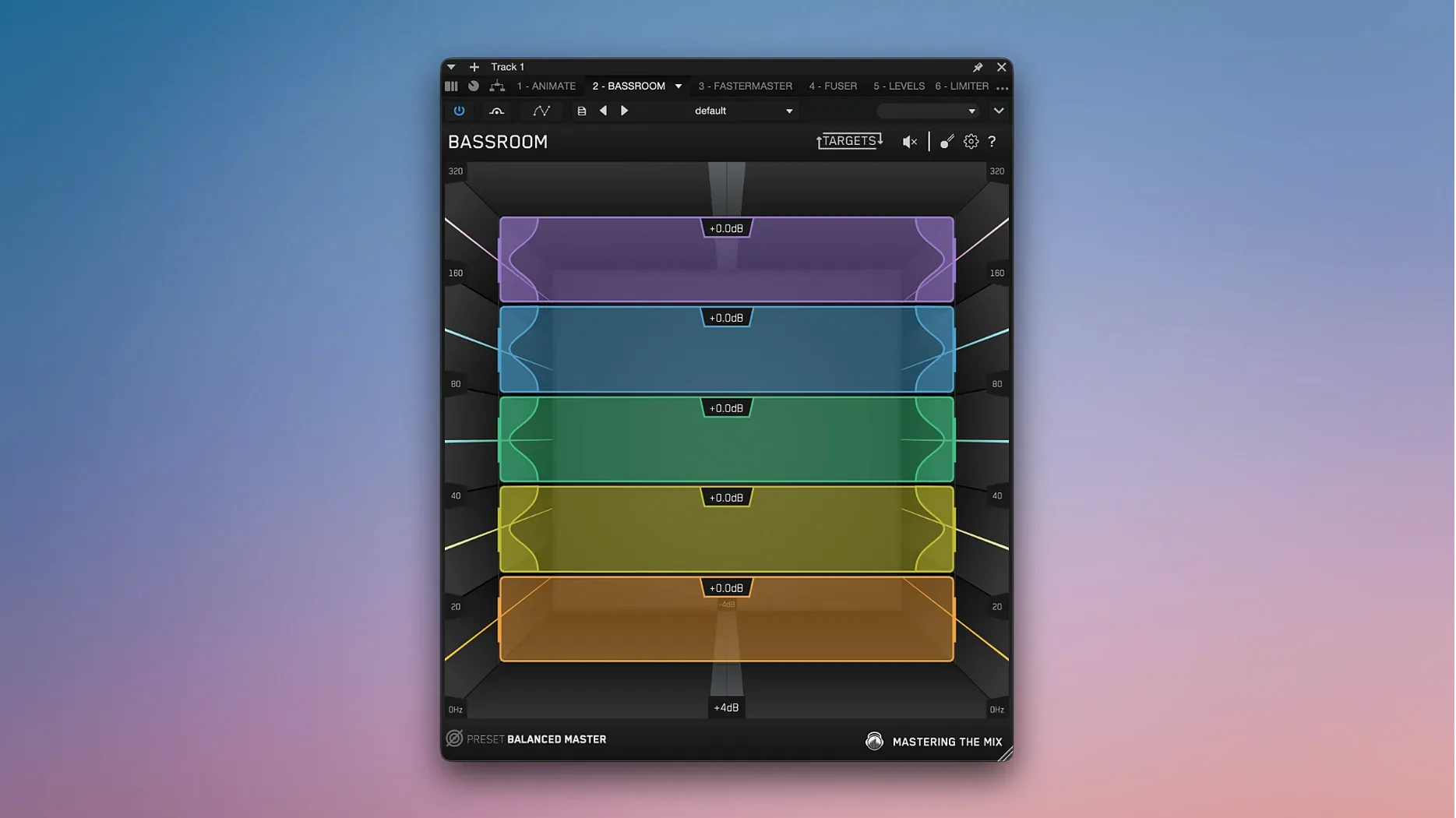
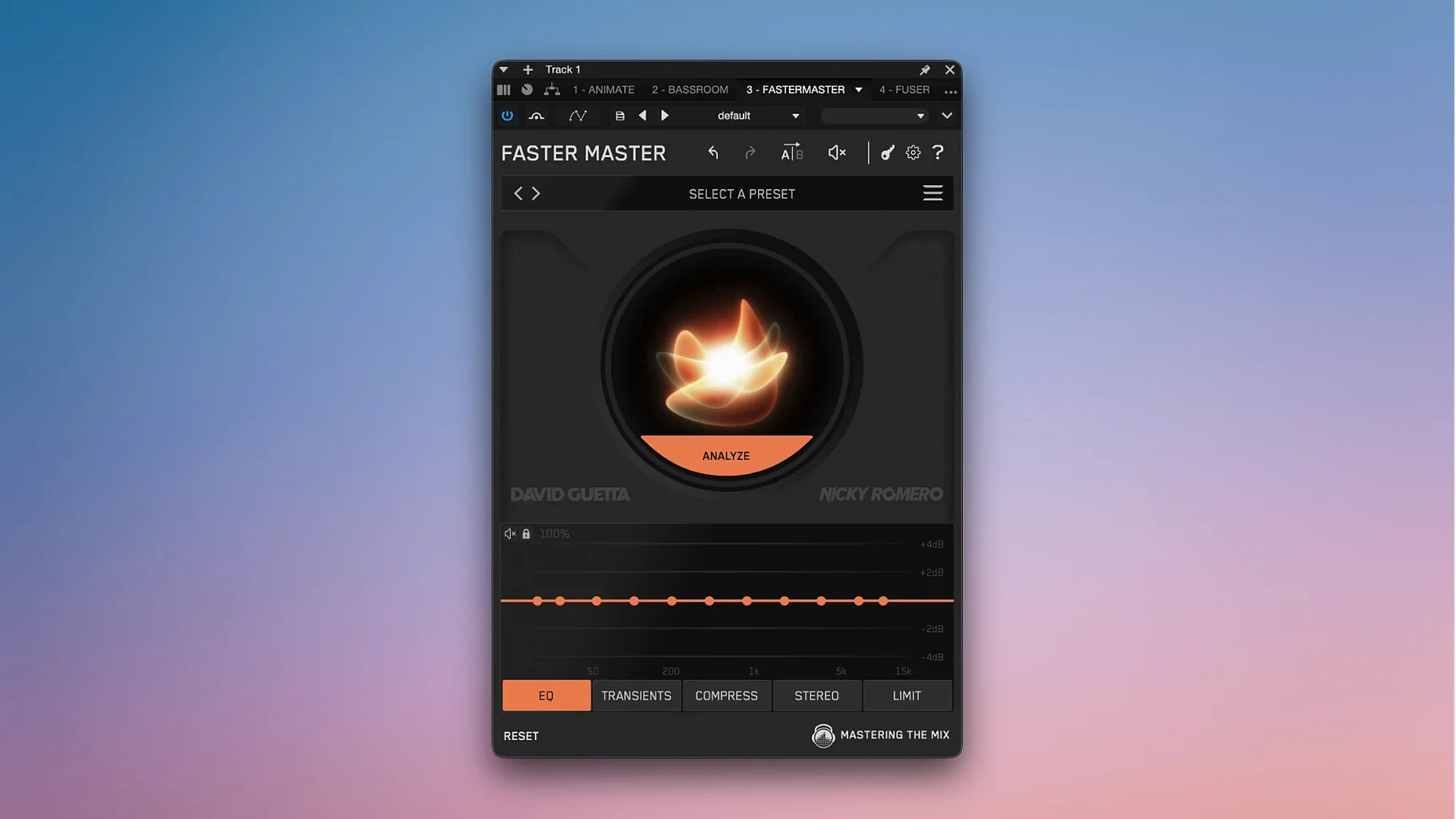
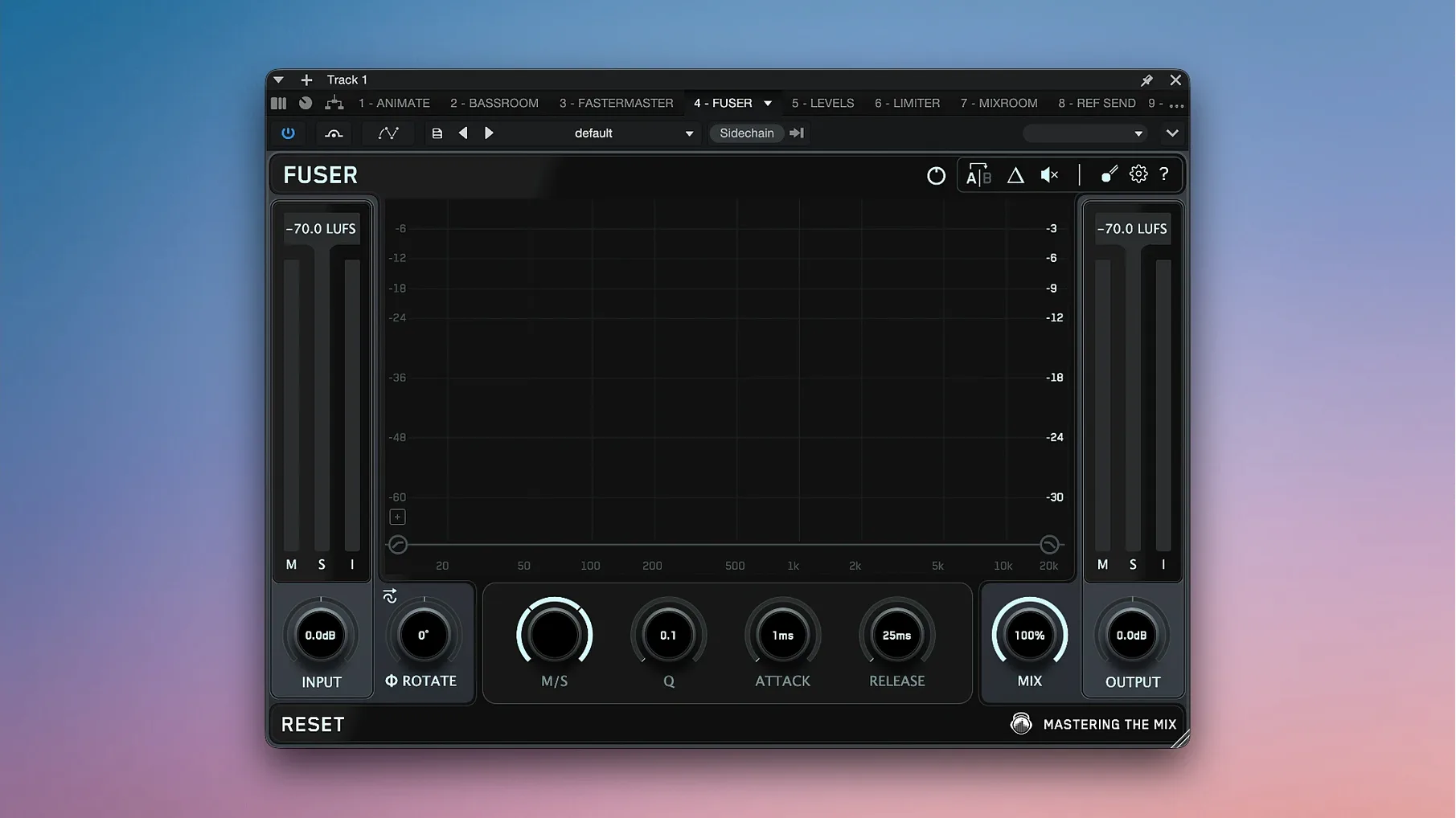
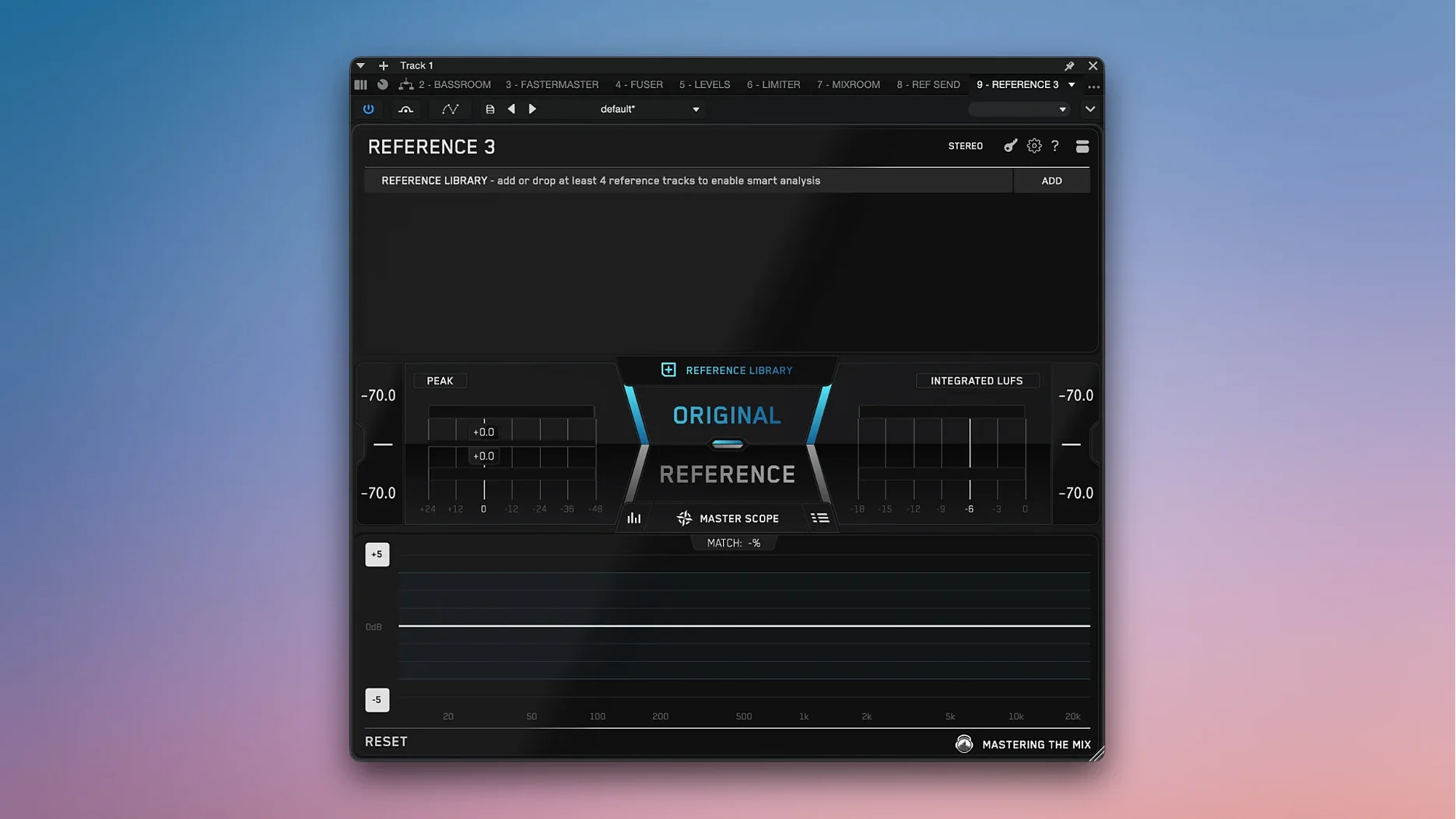
The Mastering The Mix Bundle is a collection of ten plugins built around one idea: let the software analyse the audio so you can make better decisions faster. It covers the full chain, from FUSER and BASSROOM through to LIMITER and MIXROOM, with REFERENCE for A/B comparing against commercial tracks and RESO for hunting down harsh resonances.
Runs on macOS 10.15 and later, Intel and Apple Silicon
- Runs on macOS 10.15 and later, Intel and Apple Silicon
- Plugins come in AU, VST, VST3 and AAX formats — Logic, Pro Tools, Cubase and most other DAWs are covered
- Interface language is English only
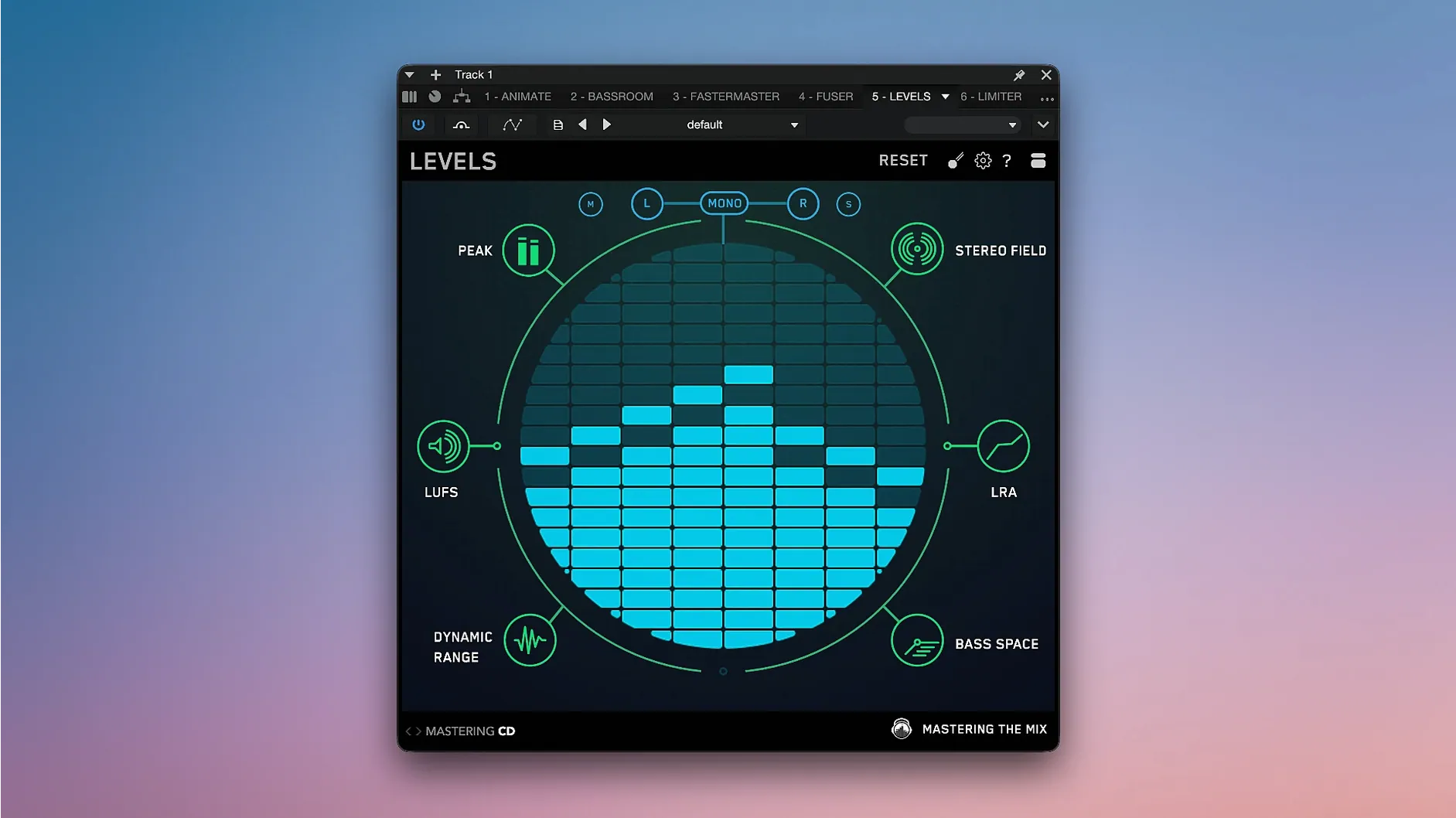
ANIMATE adds four motion modes for width and movement, while the QC side is handled by EXPOSE 2 and LEVELS, the latter shipping presets for CD, Club, Streaming and YouTube. FASTER MASTER rounds things out as a guided mastering assistant. The bundle installs from a single package with activation handled by the included instructions — no dongle, just a straightforward setup.
Any Mac with macOS 10.15 or later works, no RAM or disk space listed
The requirements are straightforward. Any Mac running macOS 10.15 (Catalina) or later will work, whether it uses an Intel processor or Apple Silicon. No specific RAM or disk space figures are listed in the specs, but a bundle of ten plugins with real-time analysers will naturally benefit from a system that isn't already near its limit. If your DAW session is heavy on CPU-heavy instruments, you may want to freeze tracks before adding several of these plugins to the master bus. Both AU and VST3 formats are present, so Logic and Live users get native options, while Pro Tools users can rely on AAX. The installer handles both architectures in one package.
iZotope Ozone 11 Advanced offers deeper modules but a different approach
Three other plugin bundles sit in a similar space, each with a different approach.
iZotope Ozone 11 Advanced — Ozone is a full mastering suite with modules for EQ, dynamics, imaging and loudness. Its strength is depth per module, but it leans heavily on its own assistive AI. The Mastering The Mix Bundle keeps the AI more restrained: FASTER MASTER suggests settings, but you still adjust most parameters yourself. Ozone also requires a newer macOS (11 or later) and uses more disk space.
Waves J37 Tape / Kramer Master Tape / Abbey Road bundles — Waves offers analogue-style bundles focused on colour and saturation. They are useful for character, but they do not analyse the mix or guide decisions. The Mastering The Mix Bundle is the opposite: clean, analytical, and built for problem-spotting rather than adding harmonic content. Many engineers use both, running LEVELS or EXPOSE 2 for QC after a Waves tape plugin for tone.
MeldaProduction MCompleteBundle — Melda's bundle covers a huge range of tools, from metering to synthesis. It is more flexible and far larger, but its interface is less guided. The Mastering The Mix Bundle is narrower in scope — it does mixing and mastering analysis well, but you won't find a reverb or a compressor with character here. For someone focused purely on mix polish, the Mastering The Mix Bundle is quicker to learn and harder to misuse.
Using REFERENCE without gain-matching chases phantom loudness
- Using REFERENCE without gain-matching — A louder track always sounds better. If you do not level-match your mix against the reference, you risk chasing phantom loudness instead of tonal balance.
- Applying RESO on the master bus too early — RESO finds harsh resonances. Beginners sometimes sweep it across the whole mix, cutting frequencies that later vanish when individual tracks are solo'd. Better to use it on problematic tracks first, then on the master only for final polish.
- Trusting FASTER MASTER blindly — The assistant suggests a starting point, not a finished master. Skipping the listen-and-tweak step often leads to a flat, over-processed result.
- Stacking multiple analysers on the same bus — Running LEVELS, EXPOSE 2 and REFERENCE simultaneously on the master can raise CPU load noticeably. Disable the ones you are not actively watching.
- Forgetting to set the correct loudness target in LEVELS — The presets for CD, Club, Streaming and YouTube differ. Applying a CD preset to a track destined for Spotify will give you misleading loudness readings.
Set LEVELS preset to Streaming or CD to change loudness reference
After installation, a few adjustments save time later. In LEVELS, set the preset to match your delivery platform — Streaming or YouTube if you are releasing online, CD if you are preparing a physical master. This changes the loudness reference and the metering scale.
In REFERENCE, load two or three well-mastered tracks from the genre you work in. The plugin remembers them between sessions, so you do not need to drag files in each time. In FASTER MASTER, the default target loudness may not suit your style; adjust the ceiling and the amount of limiting before you run the analysis. In EXPOSE 2, enable the checks you actually use — if you never monitor phase correlation, turn that test off to keep the interface cleaner.
Finally, check that your DAW is scanning the correct plugin folders after install. Some DAWs cache old versions, so a manual rescan or a restart may be needed before the new 2026.09.11 versions appear in the plugin list.
Before it goes on the Mac
- macOS 10.15 or later
- Intel or Apple Silicon
Questions from the room
Does the bundle work on Apple Silicon Macs?
Yes, the plugins run on both Intel and Apple Silicon Macs, so they work natively on M-series machines.
Which plugin formats are included?
The bundle supports AU, VST, VST3 and AAX, covering Logic Pro, Pro Tools, Cubase and most other major DAWs.
Installing it on the Mac
- Open the included installation and activation instructions.
- Follow the packaged steps to install and activate the software.
Notes from the control room
Sign in or open a catalogue account to leave a note.
No notes from the room yet. If you have used this build for a week, a short note helps the next person.
Also filed under Logic Pro Plugins
The whole Logic Pro Plugins rack Melatonin Sine Machine27.4.9 Logic Pro Plugins 98 MB
 Metric Halo Production Bundle2025.05 Logic Pro Plugins 318 MB
 MiniMeters1.0.30 Logic Pro Plugins 103 MB
 Minuit Solstice1.2.0 Logic Pro Plugins 117 MB
 LANDR Vocal Bundle2025.12 Logic Pro Plugins 447 MB
 KORG TRITON1.4.7 Logic Pro Plugins 586 MB
 KORG Software Multipoly Native1.1.3 Logic Pro Plugins 137 MB
 KORG Collection1.0.3 Logic Pro Plugins 175 MB