
Home › Logic Pro Plugins › LANDR Vocal Bundle

LANDR Vocal Bundle 2025.12 (Mac)
Updated
The catalogue note
Version 2025.12 of the LANDR Vocal Bundle brings together four plugins that cover the vocal chain from quick pitch correction to final de-essing. No new features this time — the focus is on stability across macOS 12 and later, on both Intel and Apple Silicon.
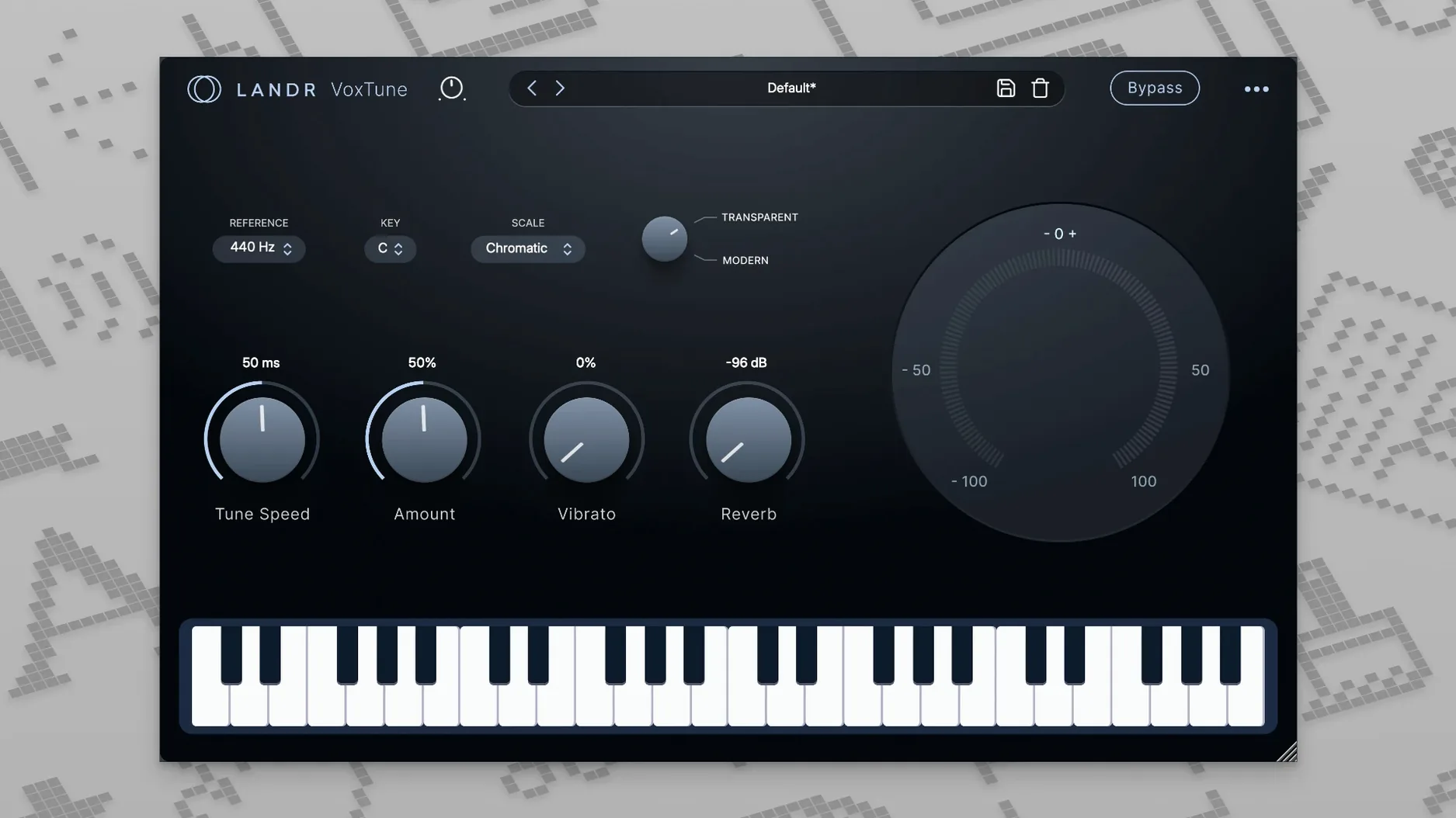
- VoxTune handles real-time pitch correction with added control over voice colour and vibrato. It works in a recording, mixing or live context.
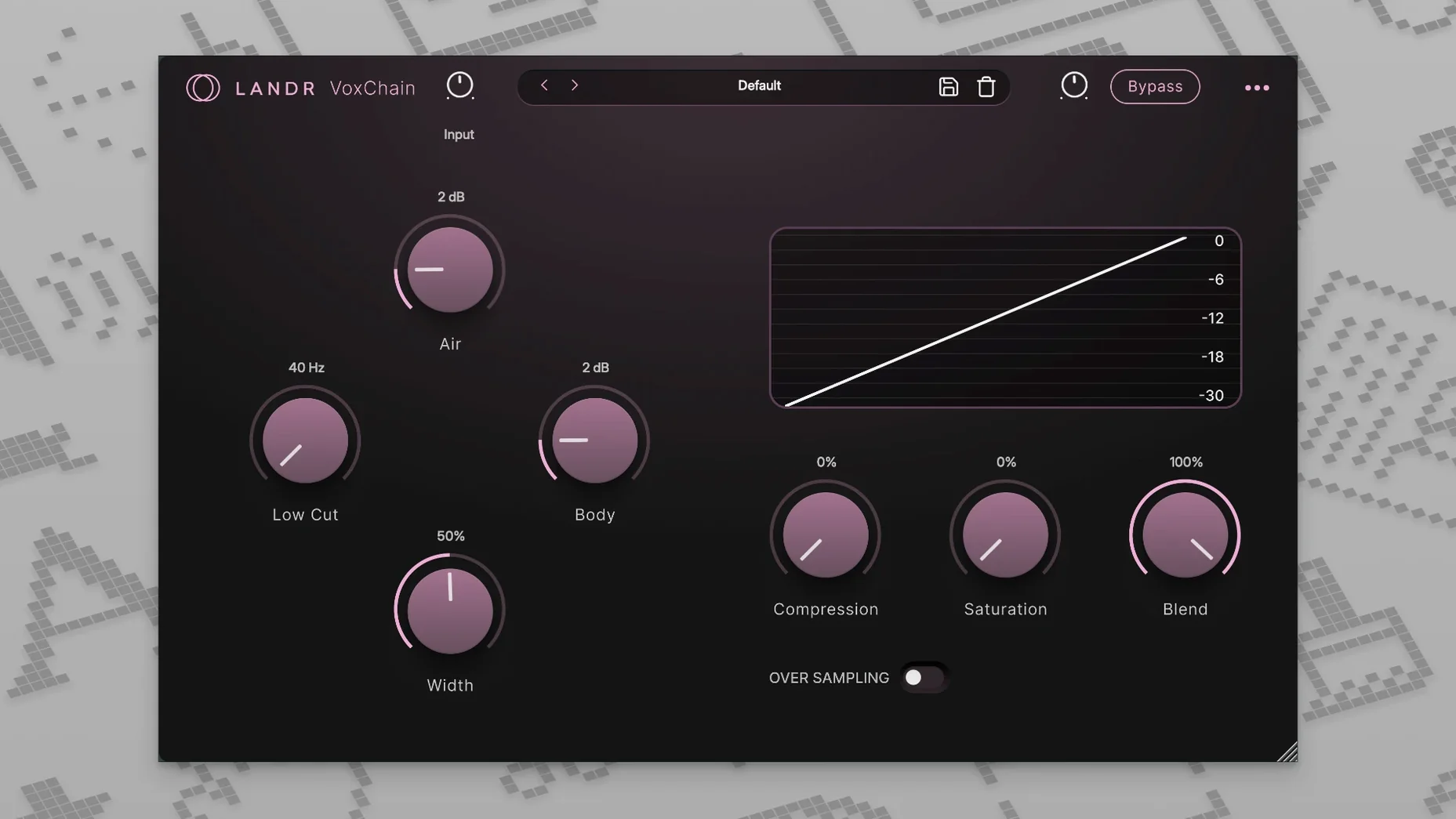
- VoxChain combines EQ, compression and saturation in one plugin, reducing the need for multiple inserts.
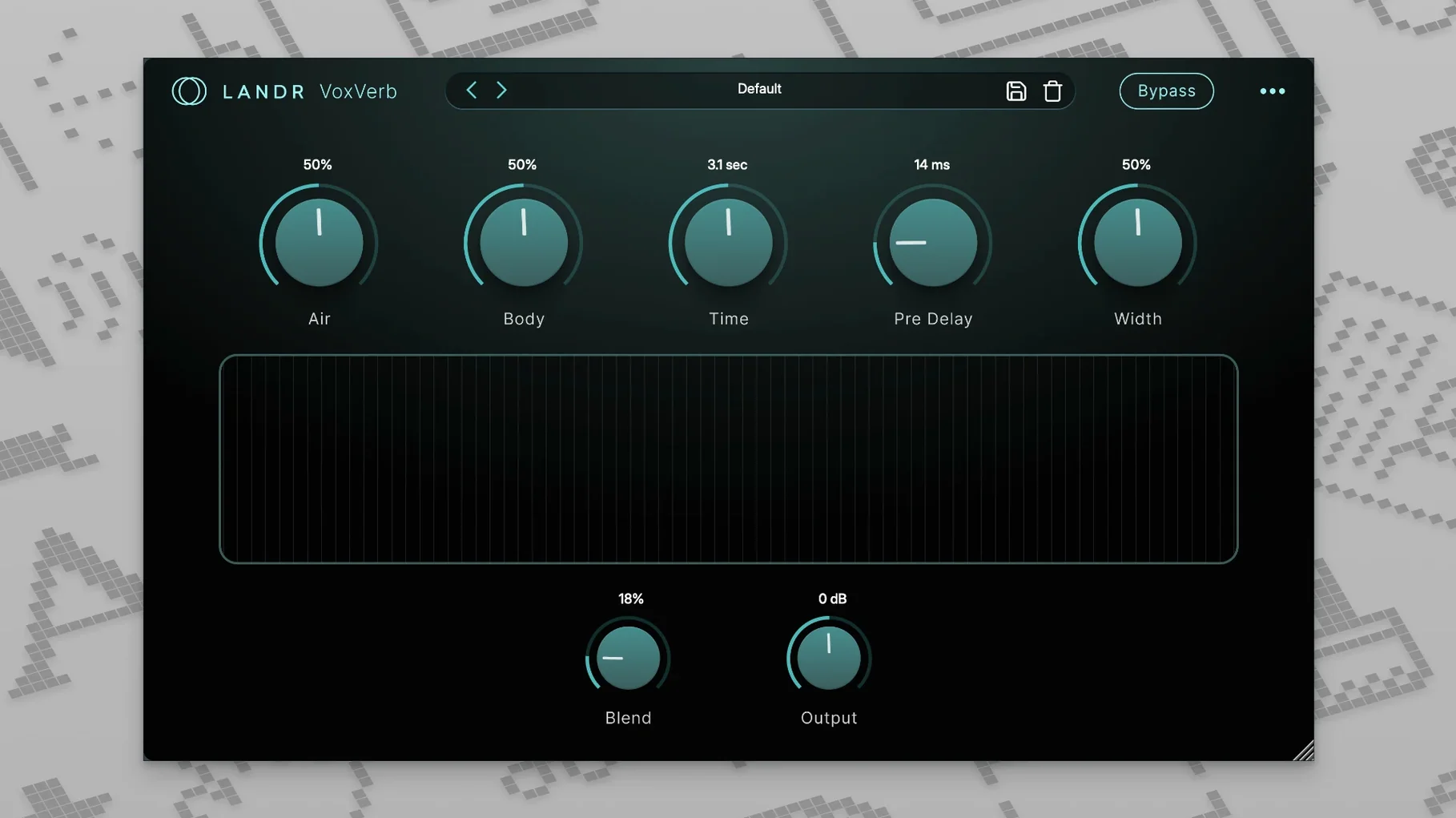
- VoxVerb adds depth and space while keeping vocal clarity intact.
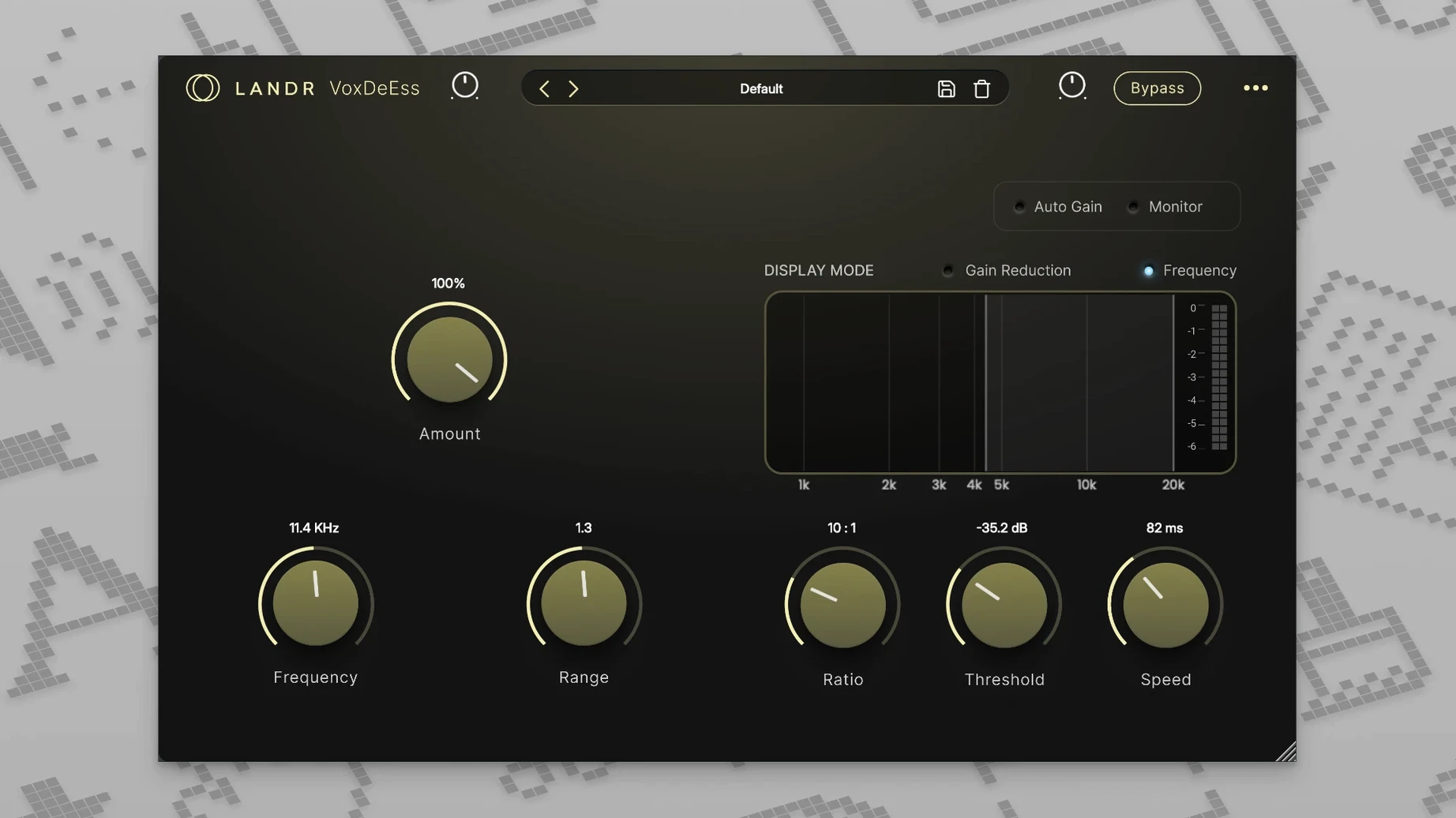
- De-esser tames sibilance without dulling the rest of the signal.
The bundle is described as simple to use, and the workflow from tilt correction to tone shaping is contained in those four tools. English interface only; macOS 10.14 or later required.
How the LANDR vocal bundle compares with similar Mac options
If you work with vocals on a Mac, you have a few routes into this territory. The LANDR bundle sits alongside tools like Waves Tune Real-Time paired with the Waves vocal rider bundle, and Antares Auto-Tune Access combined with separate channel-strip and reverb plugins. The LANDR approach differs in that it gives you all four stages — pitch, channel shaping, reverb, de-essing — in a single install, without needing to hunt for matching third-party reverbs or de-essers that might behave differently across sessions.
Waves Tune Real-Time is lighter on vibrato and voice colour controls compared to VoxTune, and its companion plugins like CLA Vocals or Renaissance DeEsser each require separate authorisation. The LANDR bundle keeps the authorisation unified: one install, four plugins. Against Antares, the pitch-correction engine in VoxTune feels less clinical at subtler settings — useful when you want natural phrasing to survive processing. Antares Access is stripped back even further than VoxTune, offering fewer colour and vibrato parameters.
For those who already own a dedicated reverb like ValhallaRoom or FabFilter Pro-R, VoxVerb might feel redundant. But the appeal of the bundle is that every plugin is tuned to work together on a vocal bus without extra gain staging or frequency masking between them. That integration is something neither Waves nor Antares delivers out of the box in a single bundle.
Start with VoxDeEss before VoxChain
- Start with VoxDeEss before VoxChain. De-essing after compression or saturation can force the de-esser to work harder because those processes can exaggerate sibilance. Insert VoxDeEss first, then let VoxChain shape the tone.
- Gradually increase vibrato depth until the pitch correction feels natural rather than robotic. Many users push vibrato too high on first use, mistaking the effect for creative pitch modulation.
- Use VoxVerb as a send, not an insert. The plugin works well on an auxiliary channel so you can blend the reverb return independently from the dry signal. This keeps VoxChain's compression and saturation reacting to the dry vocal only.
- Check the plugin format. The disk image installs AU, VST3 and AAX versions. If your DAW supports AU natively (Logic, GarageBand), use that. For Pro Tools, use AAX. For Live or Studio One, VST3 is fine. Mixing formats across a session can cause unexpected plugin-scan issues on first load.
- Bypass each plugin in turn during a mix session to confirm it is still doing useful work. It is easy to leave VoxChain active on a track that no longer needs saturation, dulling the vocal unnecessarily.
Solo content creators without an engineer benefit most
The bundle rewards two types of user especially. Solo content creators — podcasters, voice-over artists, livestreamers — who record at home without an engineer benefit from the simplicity. VoxChain replaces three or four separate plugins they would otherwise need to learn and route. VoxDeEss fixes the common issue of harsh sibilance from condenser mics in untreated rooms. And VoxTune handles the occasional off-pitch word without requiring a pitch-correction workflow that expects a trained ear.
Mix engineers working on dense pop or rock mixes also get real value. When you have multiple vocal layers — lead, doubles, harmonies — the bundle's tuned processing means each layer can go through the same chain with consistent results. VoxVerb's clarity-focused reverb helps layered vocals sit without turning into a wash. Engineers who regularly switch between tracking and mixing will appreciate that the same plugins work in both contexts without latency concerns on VoxTune.
Users on older Intel Macs running macOS 12 should see reliable behaviour across all four plugins. The bundle avoids heavy oversampling or complex GUI animations that sometimes choke older hardware. Live performers using MainStage or Ableton Live can insert VoxTune and VoxDeEss on a vocal channel with confidence that latency stays low.
Don't treat VoxTune like a surgical pitch editor
The most common error is treating VoxTune like a surgical pitch editor. It is a real-time processor, not a note-by-note correction tool like Melodyne. Beginners sometimes expect to draw in pitch curves and become frustrated when they cannot. Instead, adjust the voice colour and vibrato controls to shape the natural pitch movement, and use the strength parameter to blend between corrected and raw signal.
Another frequent misstep is stacking all four plugins on a single track without checking gain staging. VoxChain adds saturation, which increases perceived loudness. Followed by VoxVerb, which can add a pre-delay boost, the output level rises quickly. The result is a vocal that sounds fine in solo but disappears or distorts in the mix. Insert a gain plugin or trim after VoxVerb to keep levels consistent.
Beginners also tend to leave VoxDeEss on the default threshold and wonder why sibilance remains or the vocal sounds lispy. The threshold needs adjusting per vocalist: a bright condenser mic on a female voice with strong 's' sounds requires a lower threshold than a dynamic mic on a male voice. Spend the first few seconds of any session setting that threshold while the vocalist says words with 's' and 'sh'.
Some users download the bundle expecting it to work as a standalone application. It does not — the plugins load inside a DAW or host. If you are new to audio software, check that your DAW recognises the AU, VST3 or AAX format after installation. If you come across unofficial downloads claiming to bypass the installer, avoid those — the disk image from an official source is the only reliable way to get the correct plugin files and format variants. Similarly, a landr rehance free download or landr vocal plugin bundle free download that appears outside the LANDR site will not include the proper authorisation or the full set of four plugins. A landr plugin torrent is unlikely to match the 2025.12 build and may cause compatibility issues on macOS 12 or later.
Before it goes on the Mac
- macOS 12 or later
- Intel or Apple Silicon
- English interface
Questions from the room
Can I use this bundle live?
Yes, the developer lists live performance as a suitable use case alongside recording and mixing, and VoxTune works in real time.
Does it work on Apple Silicon Macs?
Yes, the bundle runs natively on both Intel and Apple Silicon Macs with macOS 12 or later.
Installing it on the Mac
- Open the downloaded disk image.
- Run the standard installation procedure.
Notes from the control room
Sign in or open a catalogue account to leave a note.
No notes from the room yet. If you have used this build for a week, a short note helps the next person.
Also filed under Logic Pro Plugins
The whole Logic Pro Plugins rack KORG TRITON1.4.7 Logic Pro Plugins 586 MB
 KORG Software Multipoly Native1.1.3 Logic Pro Plugins 137 MB
 KORG Collection1.0.3 Logic Pro Plugins 175 MB
 Komplete FX Bundle2026.1 Logic Pro Plugins 3.2 GB
 Kalifornia Dynamic KD Alkane1.0.17 Logic Pro Plugins 270 MB
 iZotope Tonal Balance Control3.0.0 Logic Pro Plugins 264 MB
 iZotope RX12.1.0 Logic Pro Plugins 3.6 GB
 iZotope Neutron5.2.0 Logic Pro Plugins 928 MB