
Home › Logic Pro Plugins › Kalifornia Dynamic KD Alkane

Kalifornia Dynamic KD Alkane 1.0.17 (Mac)
Updated
The catalogue note
Most harmonic processors give you one flavour and ask you to make it fit. KD Alkane takes the opposite route: four circuit models in a single plugin, so the colour is something you dial in rather than settle for.
Shaping the tone with the EQ
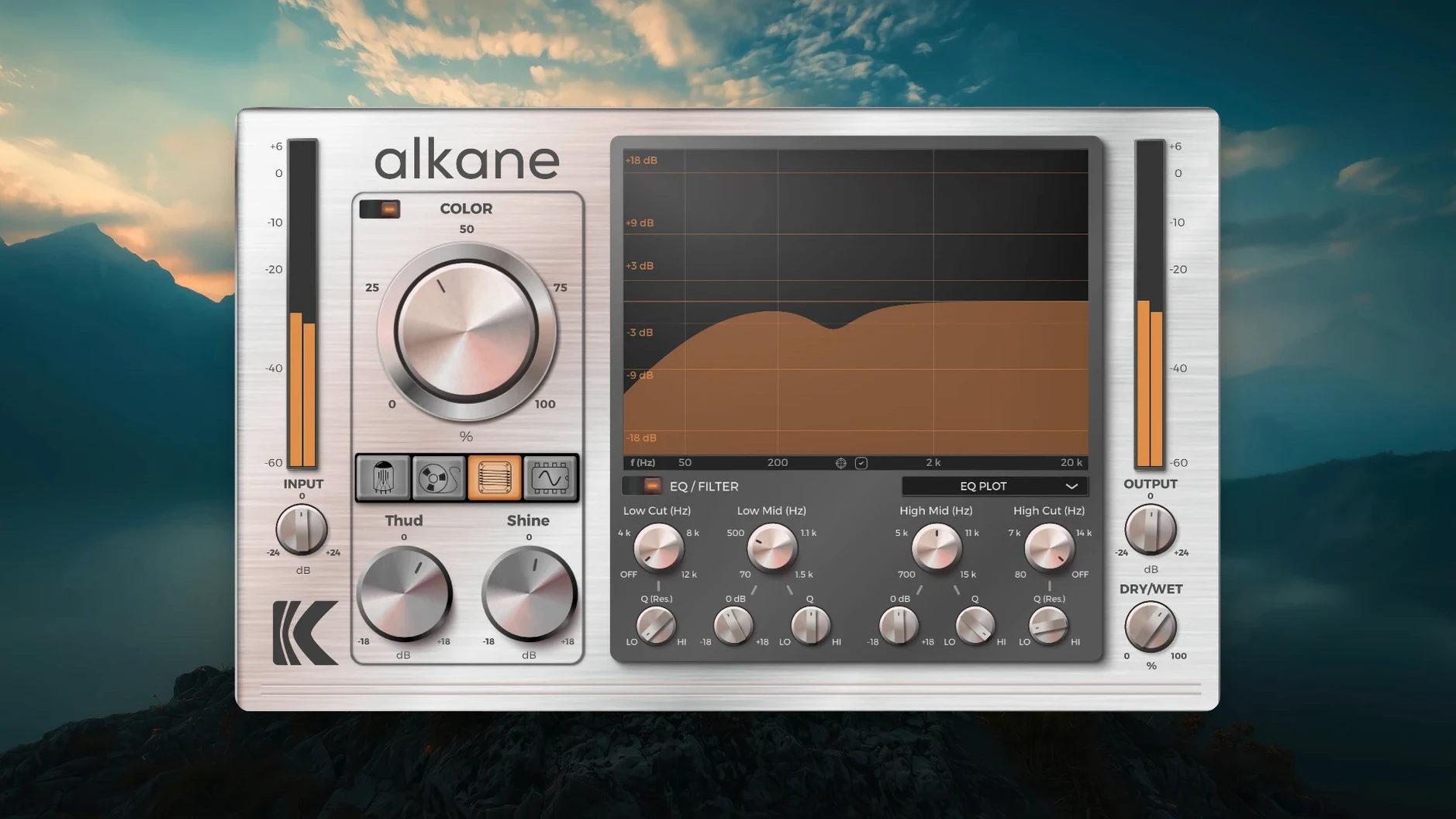
The built-in EQ is where you set the boundaries. High-pass and low-pass filters trim the range before the harmonics hit, which keeps the processing from turning everything into mush. It is the kind of control that makes the difference between a track that sounds thicker and one that just sounds louder.
Blending the four circuits
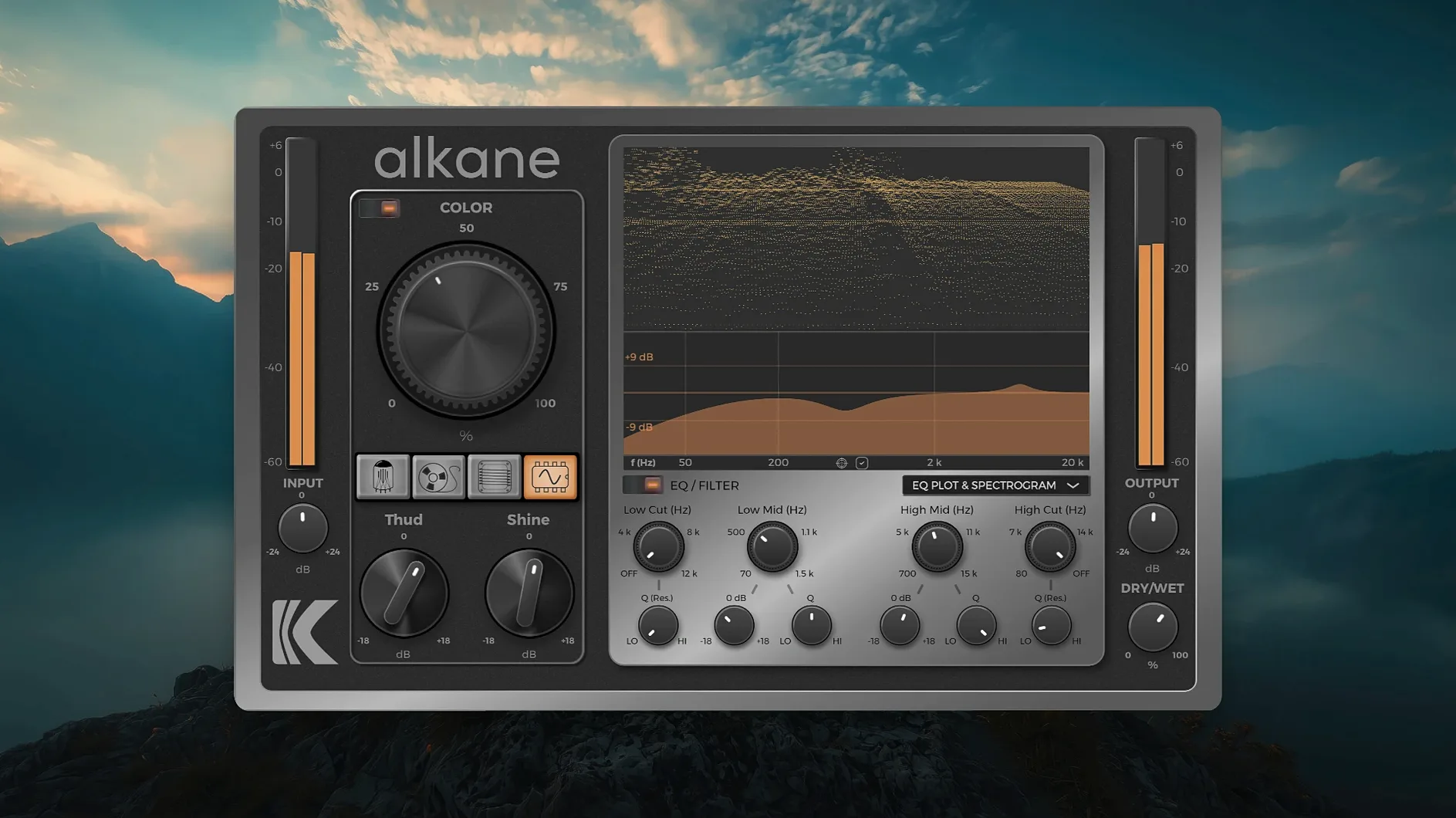
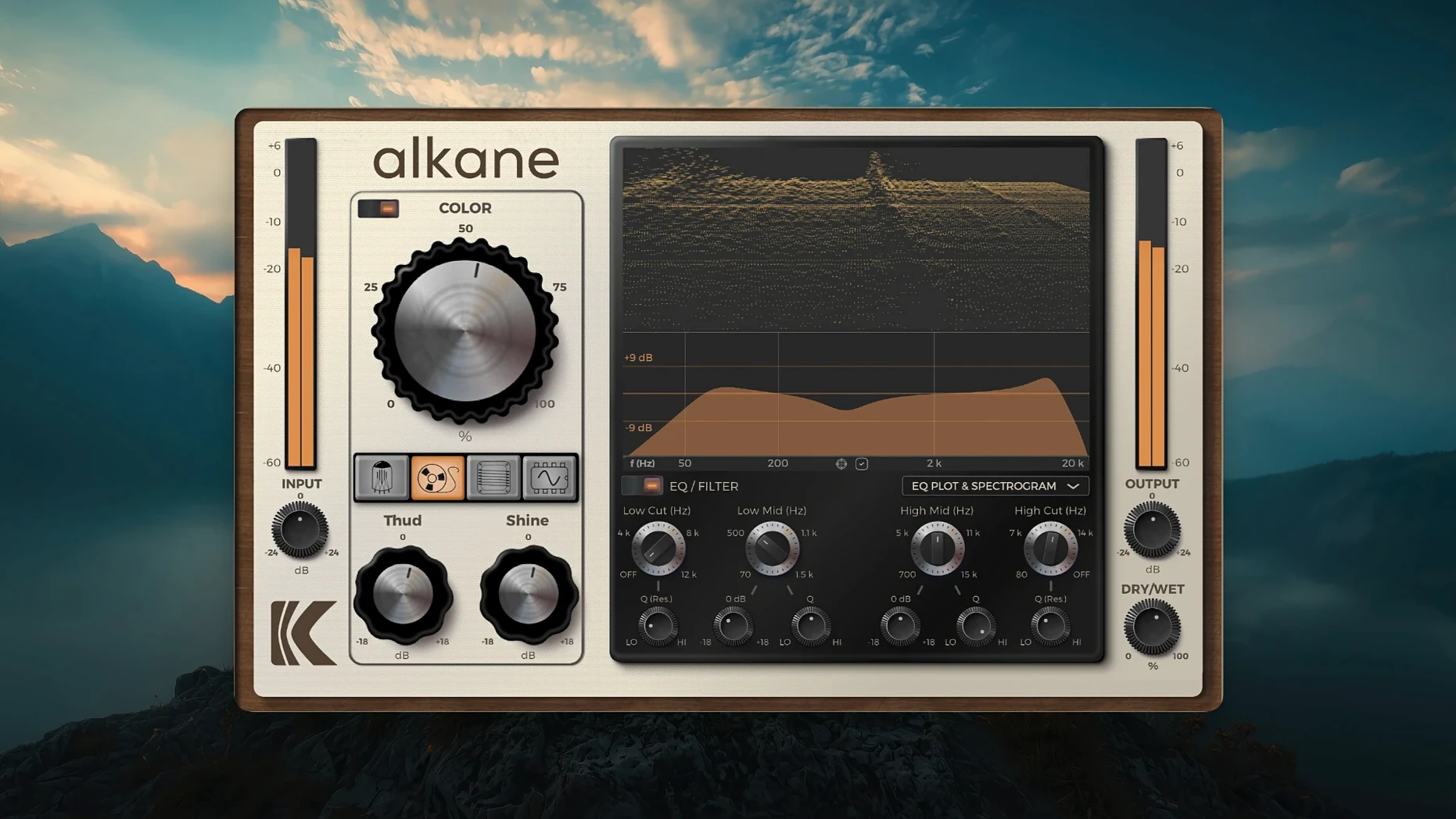
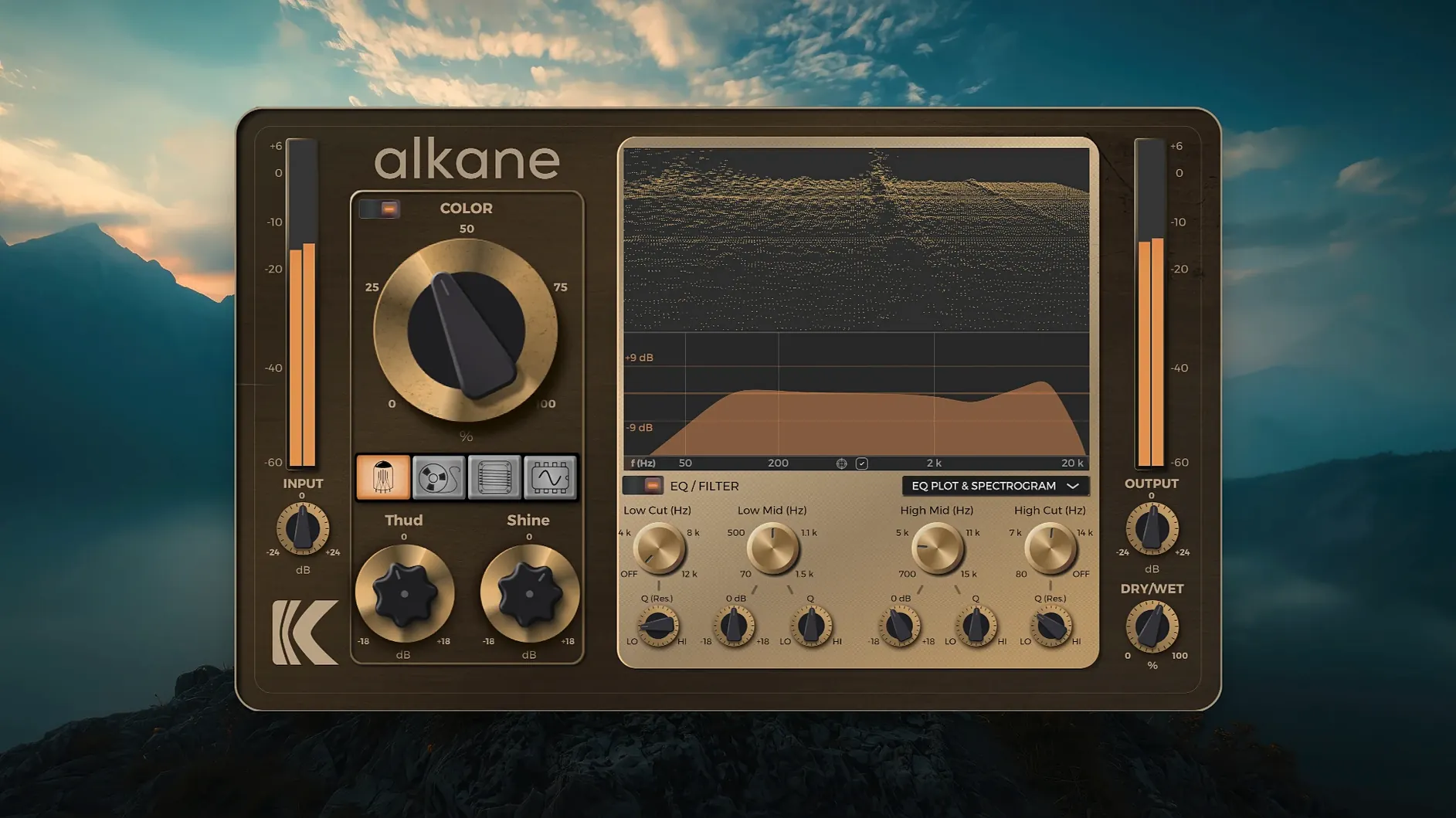
Tube, Tape, Transformer and Synth each bring their own distortion character. You can push one hard or mix them gently under the signal. The visualiser helps here: the 3D spectrogram and EQ plot show exactly what each circuit is doing to the spectrum, so you are working with your eyes as much as your ears.
Keeping it practical in a session
The interface scales cleanly on modern displays, and the plugin runs as AAX, AU or VST3 on Apple Silicon Macs with macOS 11 or later. That means it slots into Logic, Pro Tools or any other DAW without a second thought about formats.
The Color module works transient-safe on body and sustain
The Color module sits apart from the four main circuits, and it is worth understanding why. Where Tube or Tape apply harmonics across the whole signal, Color works transient-safe. That means it catches the body and sustain of a sound without smearing the attack. On a drum bus, it adds weight to the shell without dulling the stick hit. On a vocal, it fills the sustain without making sibilance worse. It is a quiet but useful distinction once you hear it.
The 8x oversampling is another thing that does its job without fanfare. It shifts the foldback artefacts well beyond the audible range, so what you hear is the harmonic character, not digital grit. Many plugins offer oversampling as an optional toggle you have to remember to switch on. Here it is built in and always active, which removes one more thing to check before a bounce.
The two-band parametric EQ is not a replacement for your channel strip, but it is placed exactly where it needs to be. Because it sits pre-harmonics, you can use the high-pass filter to remove subsonic rumble before it hits the saturation stages. The result is a cleaner harmonic output that does not waste energy on frequencies you cannot hear in a mix anyway.
Start on a stereo drum bus with Transformer model on the first aux send
Start with a stereo drum bus. Insert KD Alkane on the first aux send so you can blend it parallel. Leave all four circuits at their default settings and start with the Transformer model, bring it up until the snare gains a slight grit and the kick feels more present in the low-mid area. That alone can add a sense of console character to a mix that feels too clean.
Next, go to the Tube circuit and raise it gently. The kick gets a rounded low-end push, the overheads start to saturate at the high end without turning harsh. Check the 3D spectrogram at this point and you will see the harmonic series spreading above the fundamental frequencies. The visualiser confirms what you are hearing.
Add a touch of Tape for the compression-like glue it imparts on the bus. Now the whole drum group feels more cohesive, as if it had been printed through a real tape machine. Finally, push the Synth circuit on a single snare hit to see what it does. It can add a synthetic edge that works well for electronic or pop productions where the snare needs to cut through dense synths.
Use the EQ to roll off everything below 40 Hz on the kick and above 12 kHz on the overheads. This stops the saturation from generating unwanted harmonic content outside the useful range. Now blend the wet and dry signals to taste. What you get is a drum bus that sounds worked, not processed.
Mix engineers with dense arrangements stack four circuits without committing
Mix engineers working on dense arrangements will find the four-circuit approach useful because it allows them to add harmonic content without committing to a single saturation style. If you are balancing a rock mix where the guitars and vocals occupy similar frequency ranges, the ability to blend Tube and Tape separately gives you control that a single saturator cannot match.
Sound designers who build sounds for film or media will appreciate the Synth circuit for creating unnatural harmonic textures. Running a simple pad through the Synth circuit can transform it into something metallic or abrasive, useful for tension cues or transitions. The 3D spectrogram helps here too, because it shows the harmonic structure changing in real time as you tweak parameters.
Producers working entirely in the box on Apple Silicon Macs will find that KD Alkane integrates without the format headaches that sometimes come with older plugins. It installs via the standard procedure, appears in your DAW's plugin list, and the high-resolution GUI scales properly on both built-in Retina displays and external monitors. If you use replace k'd or replace k'd mac versions of other plugins, this one works the same way.
Users who search for alkane vst free download or alkane plugin free download will find the AAX, AU and VST3 formats covered. The kalifornia dynamic alkane crack is not something I can comment on, but the plugin itself installs cleanly and presents no surprises.
Stack four different saturation characters simultaneously, not one at a time
Soundtoys Decapitator is a single-circuit saturator with a handful of style modes. It sounds good and it is fast to dial in, but you get one character at a time. KD Alkane lets you stack four different characters simultaneously, which means you can build a saturation profile that is part tube, part tape, part transformer. That is a different workflow entirely.
FabFilter Saturn 2 offers multi-band saturation with a large set of distortion styles and a flexible modulation system. It is a Swiss Army knife for saturation. KD Alkane is more focused: you get four specific circuit types, a two-band EQ and a transient-safe Color module. If you know you want those specific flavours, Alkane gets you there with fewer controls to navigate.
Softube Tape is a dedicated tape emulation that excels at one thing. It is excellent for adding the specific character of a reel-to-reel machine. KD Alkane includes a Tape circuit, but it also gives you three other circuits that Tape does not offer. If you need only tape, Softube Tape is the specialist choice. If you want tape plus tube plus transformer plus synth in one plugin, KD Alkane covers more ground without requiring multiple instances.
Before it goes on the Mac
- macOS 11 or later
- Apple Silicon
- AAX, AU or VST3 host
Installing it on the Mac
- Close any open DAWs or music applications.
- Download the installer package.
- Open the downloaded disk image.
- Double-click the installer package to begin.
- Follow the on-screen prompts.
Notes from the control room
Sign in or open a catalogue account to leave a note.
No notes from the room yet. If you have used this build for a week, a short note helps the next person.
Also filed under Logic Pro Plugins
The whole Logic Pro Plugins rack iZotope Tonal Balance Control3.0.0 Logic Pro Plugins 264 MB
 iZotope RX12.1.0 Logic Pro Plugins 3.6 GB
 Komplete FX Bundle2026.1 Logic Pro Plugins 3.2 GB
 iZotope Neutron5.2.0 Logic Pro Plugins 928 MB
 KORG Collection1.0.3 Logic Pro Plugins 175 MB
 KORG Software Multipoly Native1.1.3 Logic Pro Plugins 137 MB
 KORG TRITON1.4.7 Logic Pro Plugins 586 MB
 LANDR Vocal Bundle2025.12 Logic Pro Plugins 447 MB