
Home › Logic Pro Plugins › iZotope RX

iZotope RX 12.1.0 (Mac)
Updated
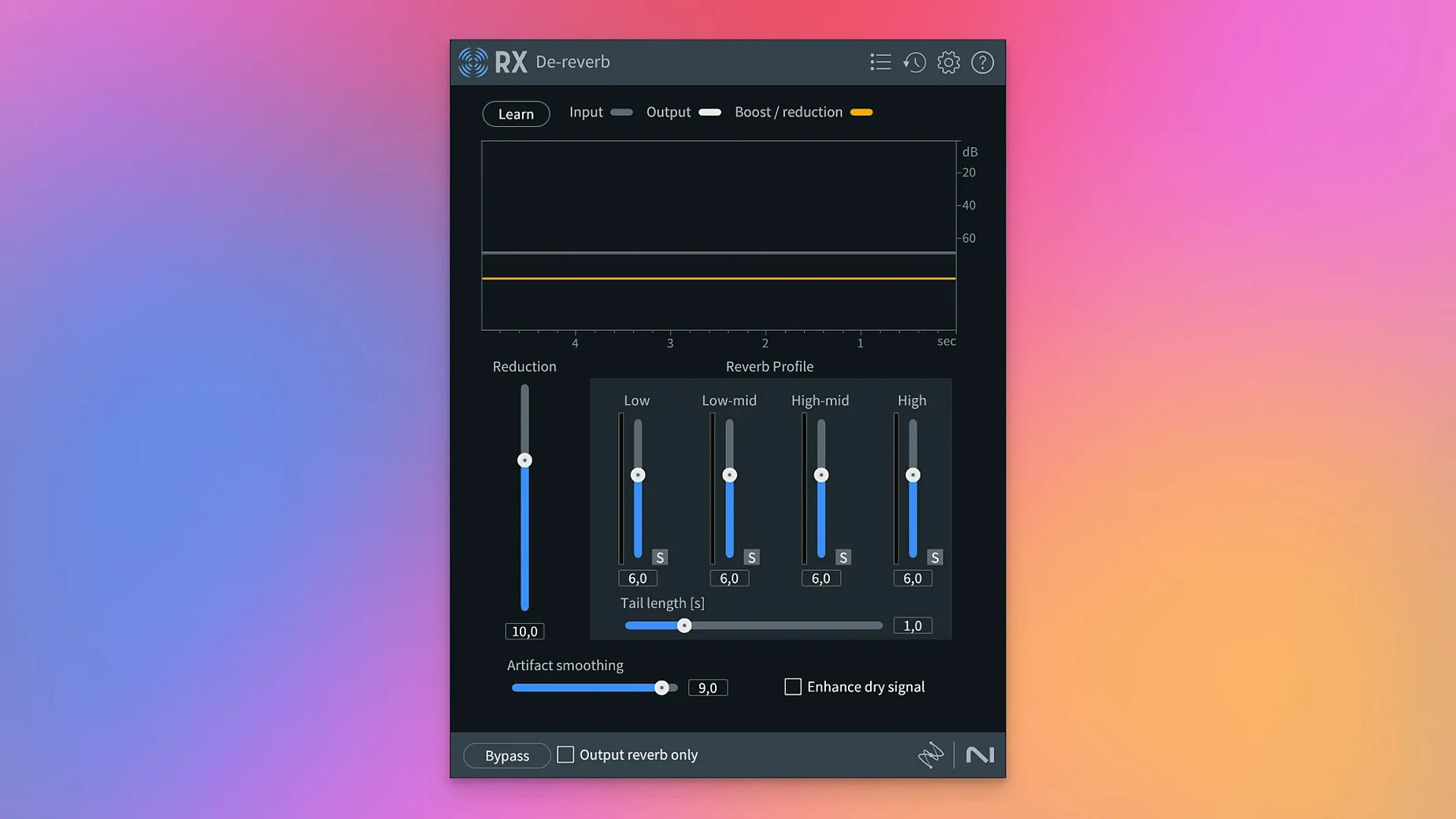
The catalogue note
iZotope RX 12 is an audio repair and polishing suite built for film, TV, music, podcasts, video games, and sample libraries.
Runs natively on Apple Silicon and Intel Macs
- Runs natively on both Apple Silicon and Intel Macs, so it works alongside any current DAW or NLE.
- Available as AU, AAX, VST3, and ARA plugins, covering Logic, Pro Tools, Cubase, and more.
- Includes standalone application modules for batch processing or fixing files before they reach your main session.
- Connects to the rest of your toolkit – send a noisy location recording from Final Cut to RX, repair it, and bring it back.
Repair modules that do the heavy lifting
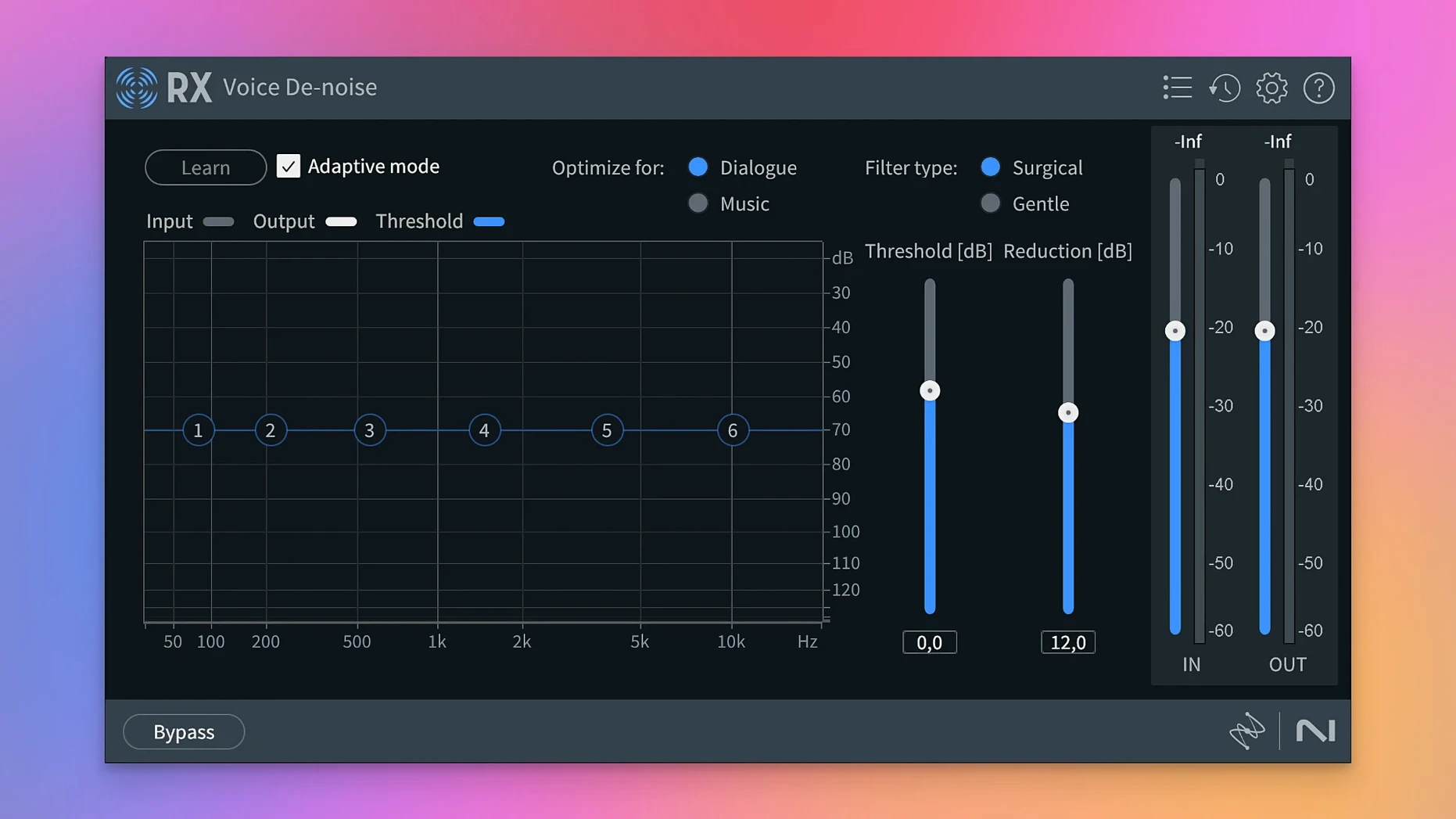
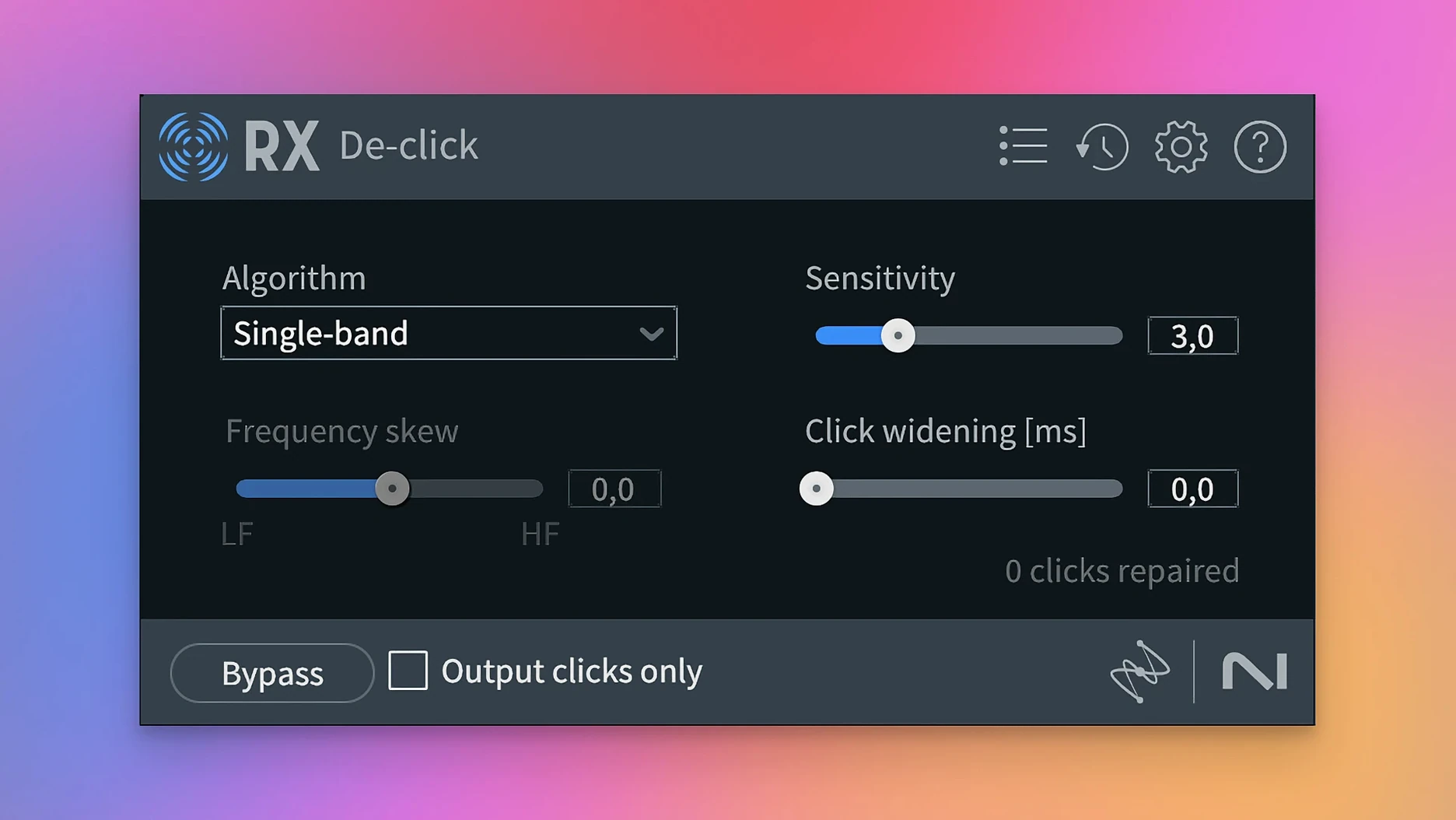
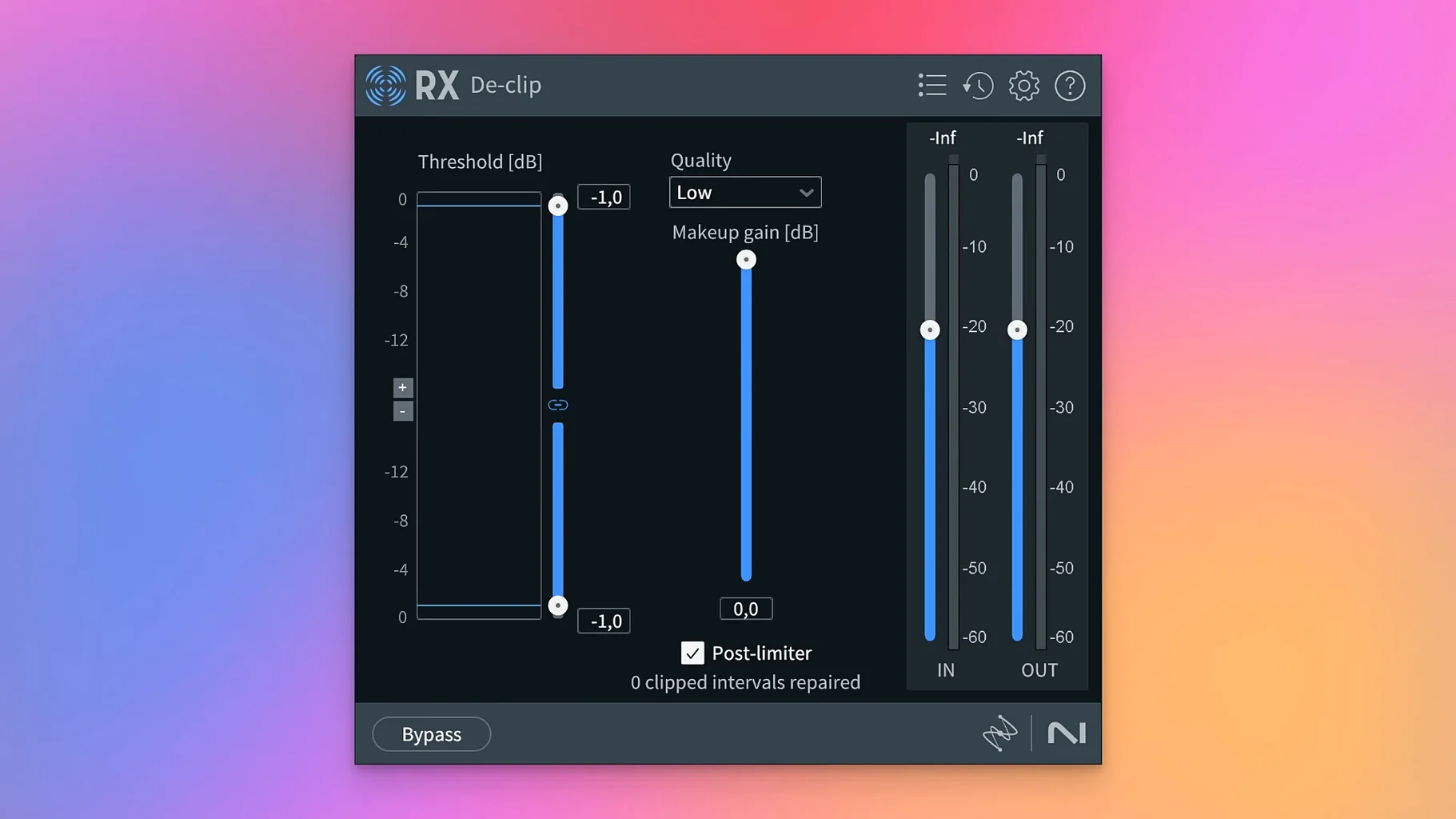
The core value is the module set: Spectral De-noise, Spectral Editor, Repair Assistant, De-click, De-clip, De-crackle, De-ess, De-hum, De-reverb, and the rebuilt Breath Control. New in version 12 are Scene Rebalance for separating dialogue, music, and effects, Trim Silence for long files, and Stems View, which lets you apply the full toolkit to isolated stems. If you work with dialogue or field recordings, this is the sort of depth that makes RX the standard.
Beginners often open RX 12 and immediately reach for the Repair Assistant, expecting it to fix everything in one pass. The module is good, but it works best when you treat it as a starting point. Let it suggest a repair, then listen to the result before accepting. What sounds clean in isolation can feel over-processed in a mix.
Trim Silence cuts dead air from long recordings
- Trim Silence – new in version 12, and easy to overlook if you mainly use RX for noise reduction. It handles long audio files with multiple pauses, cutting out dead air without affecting the transients. Useful for podcast recordings and interview material before you bring them into a DAW.
- Stems View – not a repair module itself, but a workflow mode. Instead of processing a whole mix, you split it into stems and apply the specific module to each stem. Dialogue gets De-click, music gets De-hum, and you keep the separation clean.
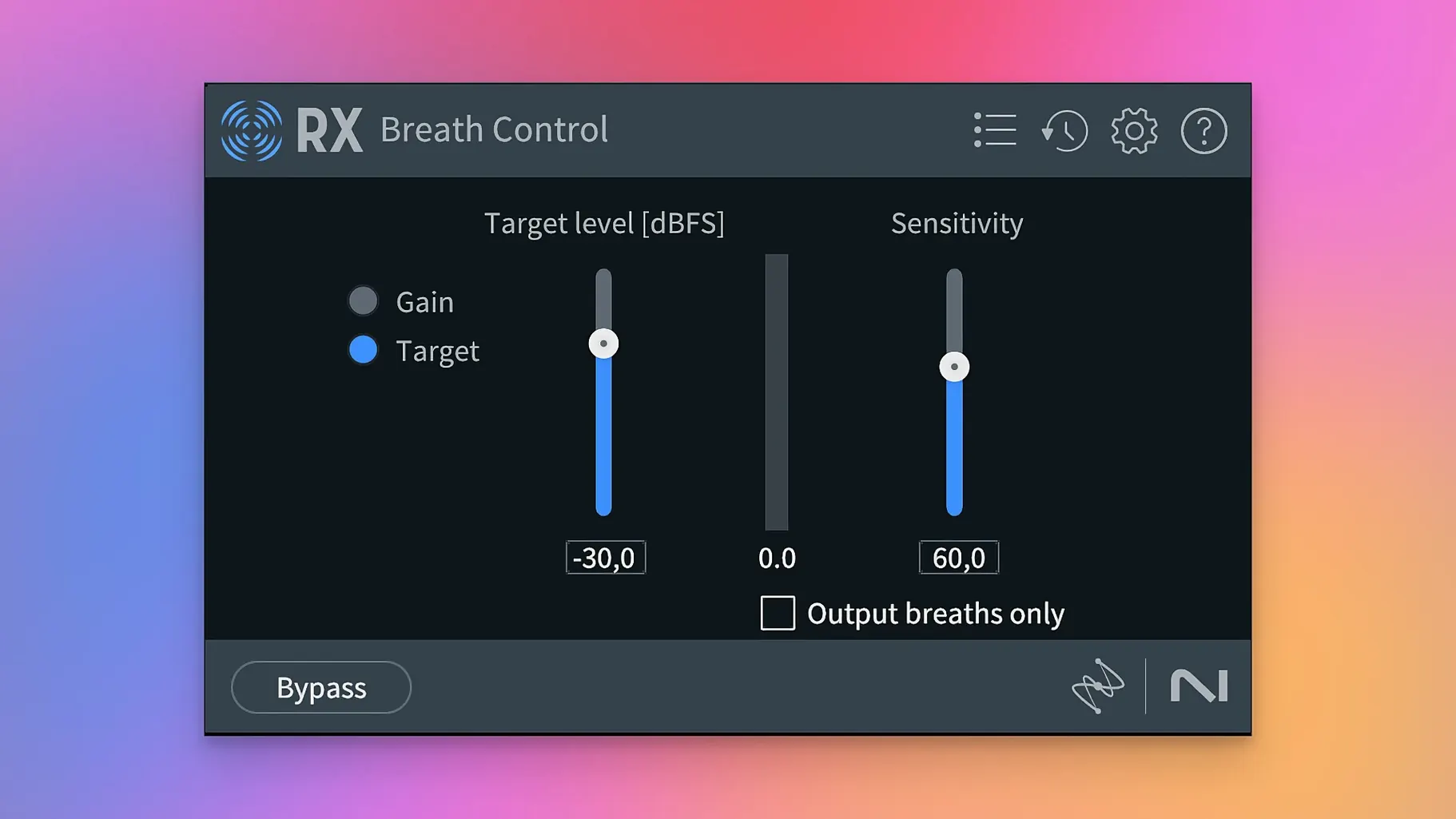
- Breath Control – rebuilt in this version. It lets you reduce or shape breaths in dialogue takes. The mistake is to set it to maximum reduction, which makes speech sound unnatural. A small amount is usually enough.
- De-bleed – also rebuilt. Useful when you have multiple microphones picking up the same source, like a drum kit or a multi-mic interview. It reduces bleed without introducing artifacts, but only if you match the timing correctly.
Avoid applying heavy processing to the whole file
The most common error is applying heavy processing to the whole file at once. RX modules are powerful, but they work better on short, selected sections. Use the Spectral Editor to highlight specific clicks or crackles, not the entire waveform.
Another mistake is forgetting to check the output levels after repair. Modules like De-clip and De-hum can change the perceived loudness. If you bounce the result without adjusting gain, you may end up with a quieter file that needs additional makeup gain in your DAW.
Some users also apply De-reverb to every dialogue track. It is a useful module, but it works best on close-miked speech with clear reverb tails. For distant or heavily reverberated recordings, the result can sound thin or phasey. Try it on a short section first.
Offers more control than Accusonus ERA Bundle
Other audio repair tools exist, but RX 12 occupies a distinct space. Accusonus ERA Bundle (now part of Meta) offers simpler one-knob controls for noise removal and de-essing. It is faster to learn but gives you less control over the repair process. RX 12 gives you multiple parameters and spectral editing, so you can fine-tune each repair.
Waves NSX is a noise suppression tool that uses machine learning. It is effective for real-time dialogue noise reduction, but it does not offer the same range of modules as RX. You cannot de-click, de-crackle, or isolate dialogue with it. RX 12 is a complete toolkit, not just a single effect.
Soundtheory Gullfoss is a spectral balancing plugin that enhances clarity and reduces muddiness. It is not a repair tool in the same sense. Gullfoss improves the tonal balance of a mix, while RX 12 targets specific problems like clicks, hums, and reverb. The two can complement each other, but they are not interchangeable.
Removes background noise from a remote guest recording
Imagine you have a two-hour podcast recorded in a home studio. The host sounds clear, but the remote guest has background noise, occasional clicks, and a low hum from an air conditioner. You open the file in RX 12 standalone, use the Repair Assistant to detect the hum and noise, then apply De-click for the mouth clicks. The Spectral De-noise module handles the background noise without affecting the voice. You trim silence between sentences with Trim Silence, and the final file is ready for your DAW in less than fifteen minutes. No need to open a session or render stems first.
Experiment with modules in the standalone app first
- Spend an hour with the standalone application before loading any plugins in your DAW. The interface is the same, but the standalone version lets you experiment without affecting a session.
- Test each module on a short, problematic audio clip. Listen to the before and after in isolation, then in context with other tracks. You will learn how each module behaves without over-processing.
- Use the ARA plugin format if your DAW supports it (Logic Pro, Studio One, Cubase). ARA allows RX to access the audio directly in the timeline, so you can edit spectral selections without rendering clips first.
- Keep the default settings for the first few uses. The modules are tuned to work well out of the box. Once you understand the effect of each parameter, you can adjust them for specific sources.
- Save presets for common scenarios: dialogue noise reduction, vocal de-essing, vinyl crackle removal. This saves time when you work on similar material later.
Changes in this build
- Scene Rebalance separates dialogue, music, and effects.
- Trim Silence trims long audio files quickly.
- Stems View applies the toolkit to isolated stems.
- De-bleed and Breath Control have been rebuilt.
Before it goes on the Mac
- macOS 14.7 Sonoma or later
- Apple Silicon or Intel 64-bit
- English interface
Questions from the room
What Macs does RX 12 support?
RX 12 runs on macOS 14.7 or later and supports both Apple Silicon and Intel 64-bit Macs.
Which plugin formats does RX 12 come in?
RX 12 is available as AU, AAX, AAX Audiosuite, VST3, AU ARA, and VST3 ARA.
Can I use RX 12 with Logic Pro?
Yes, the AU and AU ARA versions work in Logic Pro, giving you direct access to repair modules inside your session.
Installing it on the Mac
- Follow the installation instructions included with the package.
- Use the activation instructions provided with the package.
Notes from the control room
Sign in or open a catalogue account to leave a note.
No notes from the room yet. If you have used this build for a week, a short note helps the next person.
Also filed under Logic Pro Plugins
The whole Logic Pro Plugins rack iZotope Tonal Balance Control3.0.0 Logic Pro Plugins 264 MB
 iZotope Neutron5.2.0 Logic Pro Plugins 928 MB
 Kalifornia Dynamic KD Alkane1.0.17 Logic Pro Plugins 270 MB
 Komplete FX Bundle2026.1 Logic Pro Plugins 3.2 GB
 KORG Collection1.0.3 Logic Pro Plugins 175 MB
 KORG Software Multipoly Native1.1.3 Logic Pro Plugins 137 MB
 KORG TRITON1.4.7 Logic Pro Plugins 586 MB
 LANDR Vocal Bundle2025.12 Logic Pro Plugins 447 MB