Sound Studio 4.11.0 (Mac)
Updated
The catalogue note
Sound Studio 4.11.0 records at 32-bit floating point internally, which means you can push levels hard without worrying about clipping until the very last export. That single fact makes it a reliable tool for quick podcast takes, field recordings, or any session where you'd rather focus on the performance than the meters.
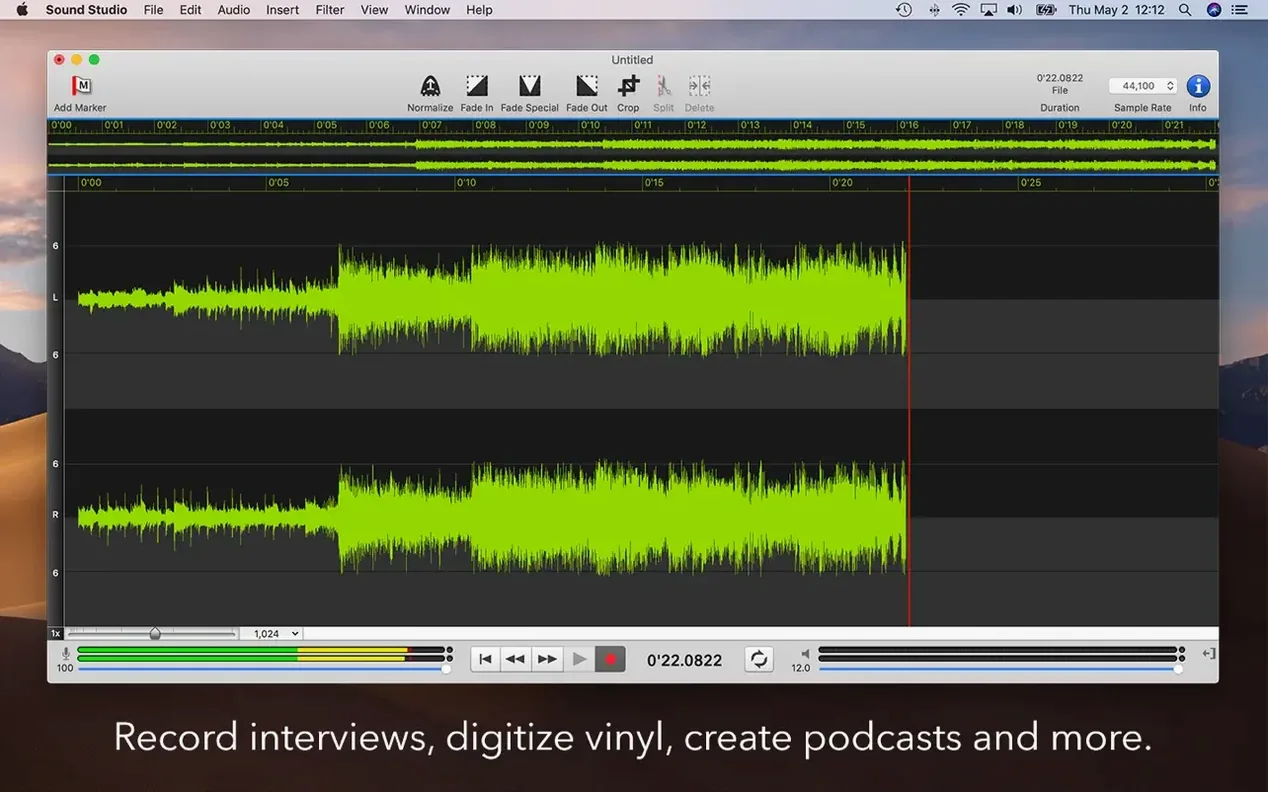
- Create a new document, choose WAVE, AIFF, or CAF, and hit record — the main window shows a large level meter and a clean waveform as it builds.
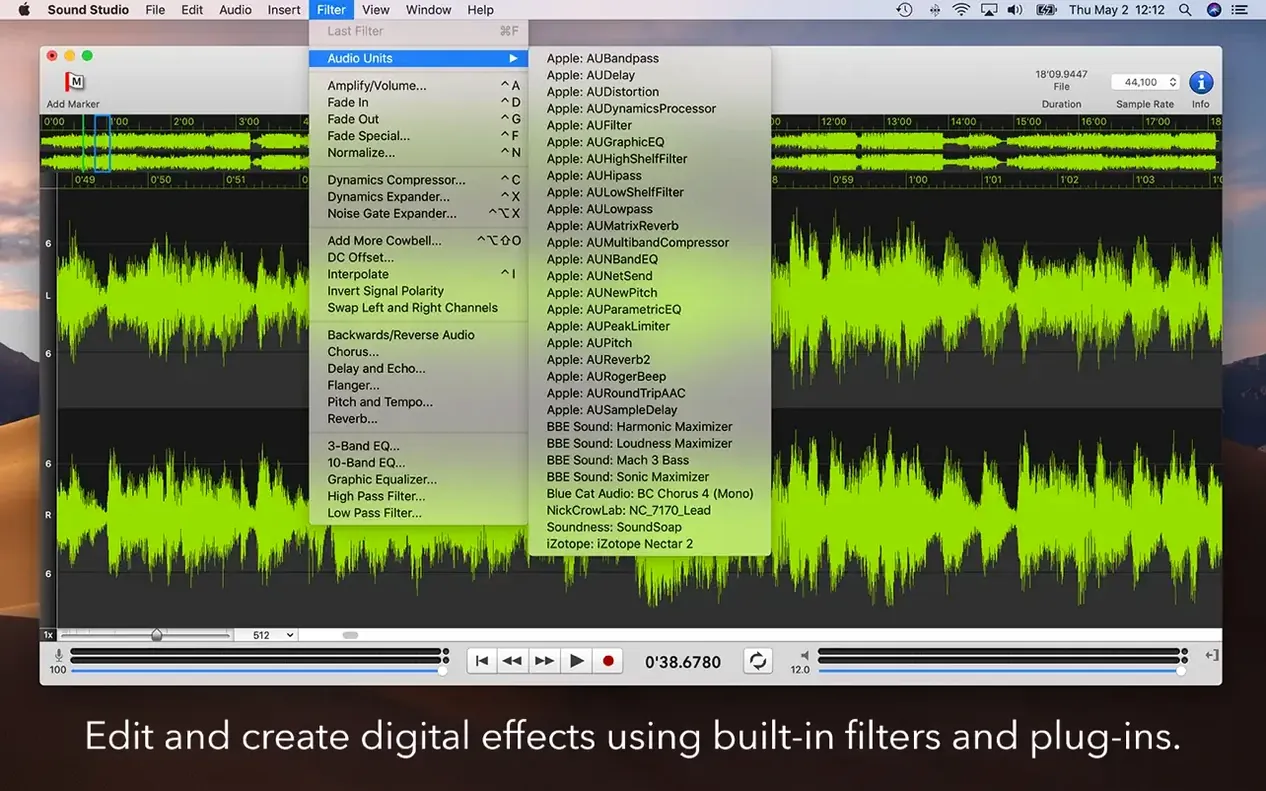
- After recording, select a section and apply DC Offset, Invert Signal Polarity, or Swap Left and Right Channels from the Effects menu; each is one click and fully undoable.
- Drop an Audio Unit plugin on the track if you need compression or EQ before export — hosting is built in, and the number of tracks depends only on your Mac's processor and memory.
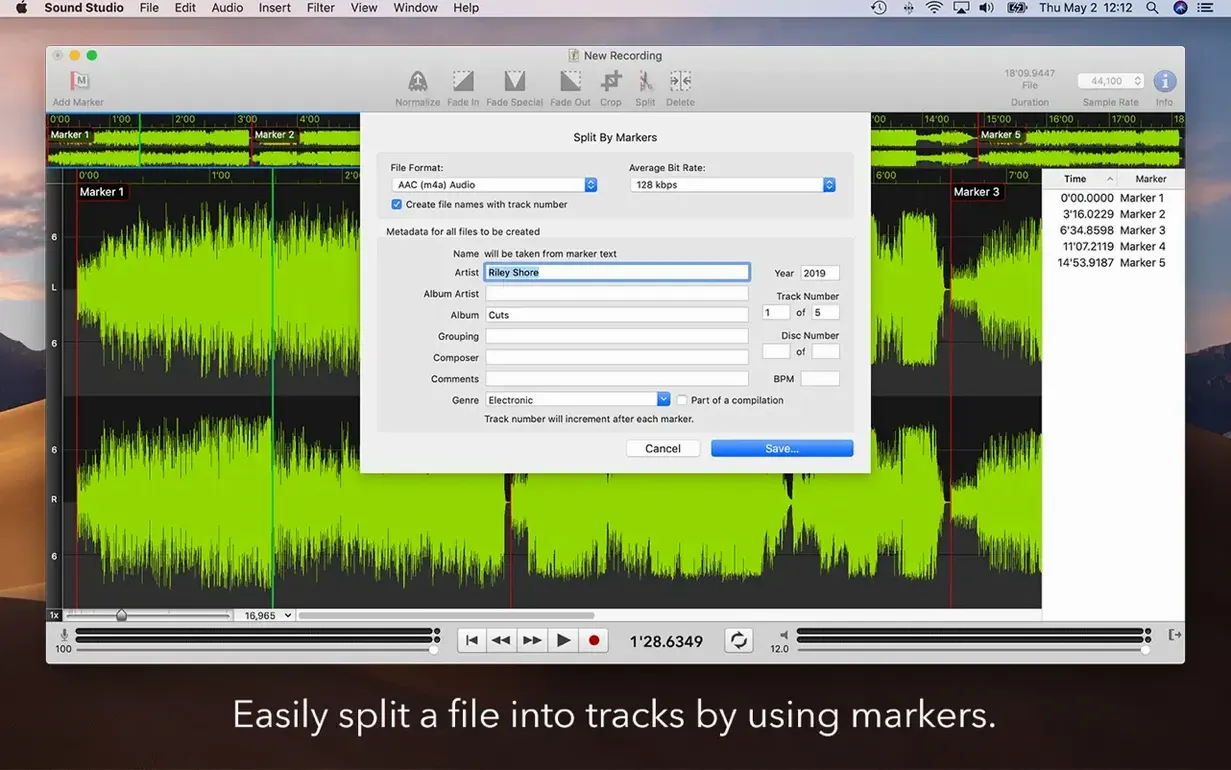
- Export to MP3 using the updated LAME 3.100 build, or save FLAC with 32-bit samples thanks to the updated library 1.4.3.
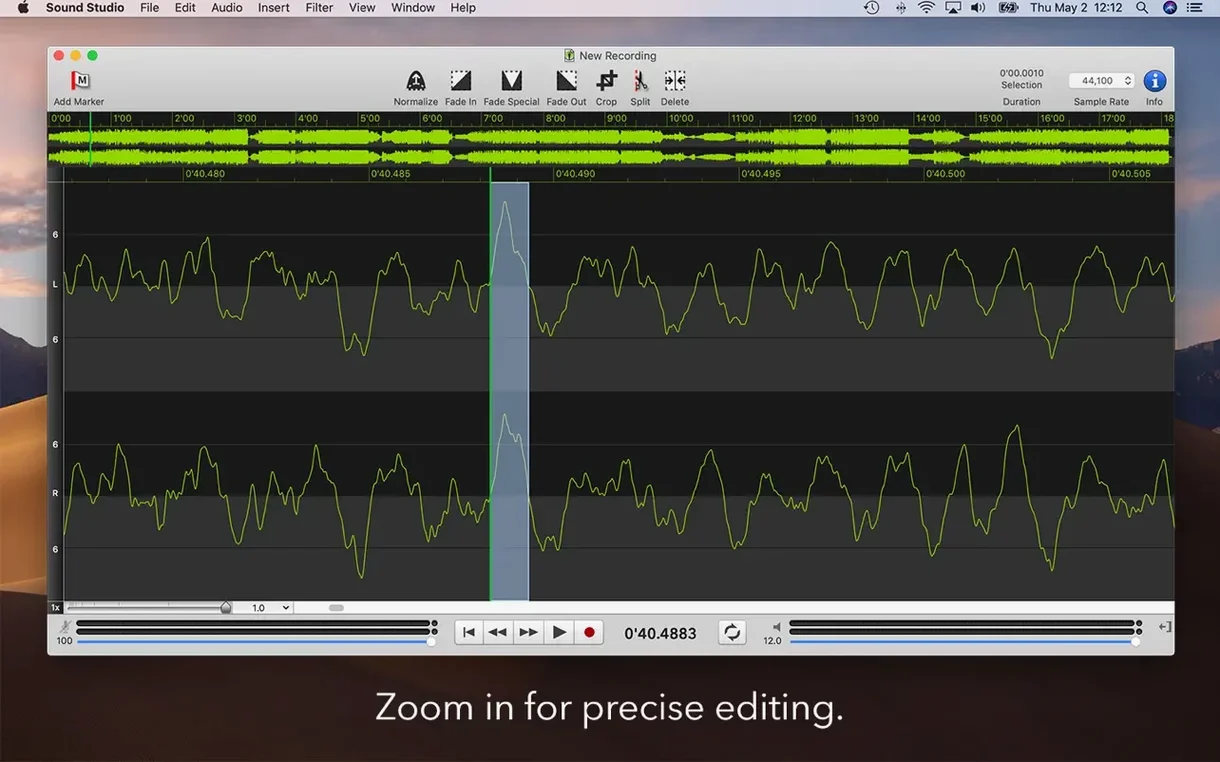
- Edit with standard cut, copy, and paste operations; the waveform view makes finding a breath or a click straightforward.
The workflow stays linear and predictable, which is what you want when the take matters. Sound Studio for Mac runs on Apple Silicon and Intel 64-bit, and the latest version includes minor UI tweaks that keep the interface tidy. For a sound engineer's side tool, it gets out of the way quickly.
Gatekeeper bypass catches drag-and-drop users
Most people hit the same few issues early on. The Gatekeeper bypass step — pressing Enter in Terminal after mounting the disk image — catches a fair number of users who expect a simple drag-and-drop. If the app doesn't open, check that you've run the Terminal command; it's a one-time step and the app works normally afterwards.
Audio input not showing up is another frequent one. Sound Studio picks up the system's default input device automatically. If you plug in a USB microphone after launching the app, open System Settings and set it as the default input before starting a new recording. The level meter should respond immediately.
Exporting to FLAC with 32-bit samples requires the updated library in version 4.11.0. If you're on an older build, the option won't appear — that's not a bug, it's a format limitation that the 4.11.0 release addressed. Likewise, the LAME 3.100 build handles MP3 encoding reliably; if you see an encoding error, check that the output folder is writable.
If an Audio Unit plugin doesn't appear in the host list, verify it's installed for the correct architecture. Apple Silicon-native plugins show up under Sound Studio's native mode; Intel-only ones need Rosetta, which the app supports on Intel 64-bit Macs.
Native Apple Silicon support eliminates Rosetta overhead
- Apple Silicon build. The app now runs natively on M-series Macs. No Rosetta translation, no extra CPU overhead. For anyone on an Apple Silicon machine, this is the main reason to update.
- Updated FLAC library to 1.4.3. You can now save FLAC files with 32-bit samples, which matters if you're archiving recordings at full internal precision before further processing.
- Updated build of LAME 3.100. MP3 exports use the current stable encoder. No change in workflow — the export dialog still offers the same bitrate options — but the underlying code is up to date.
- Minor UI tweaks. Nothing drastic. A few dialog layouts got cleaned up, and the waveform display redraws slightly more consistently during playback. Existing users won't need to relearn anything.
Scenario: a voice-over creator working to a tight turnaround
A voice-over artist records a 15-minute narration in one take. The levels peak near -3 dB during the loudest passages, but because Sound Studio uses 32-bit floating point internally, there's no distortion. The artist selects a section where a breath is too loud, applies a quick fade with the selection tools, and drops a free Audio Unit compressor on the track for consistent presence. Exporting to MP3 at 192 kbps takes a few seconds. The whole edit — from raw recording to deliverable — stays inside one app, with no need to round-trip through a larger DAW. For this kind of focused task, Sound Studio does what it needs to and nothing extra.
Changes in this build
- Built for Apple Silicon.
- Updated FLAC library to 1.4.3, which supports saving with 32-bit samples.
- Updated build of LAME 3.100.
- Minor UI tweaks.
Before it goes on the Mac
- macOS 14.6 or later
- Apple Silicon or Intel 64-bit
- 1 GB RAM (2 GB recommended)
Questions from the room
What audio file formats does Sound Studio support?
It supports AIFF, CAF, and WAVE formats for recording and editing, plus MP3 and FLAC export.
Can I use Audio Units plugins in Sound Studio?
Yes, Sound Studio 4 hosts Audio Unit plugins, so you can apply third-party effects during editing.
How many tracks can I record simultaneously?
The track count is limited only by your Mac's processor and memory, so it depends on your hardware.
Installing it on the Mac
- Mount the disk image and run Open Gatekeeper friendly.
- Press Enter in Terminal to bypass Gatekeeper.
- Drag the app into the Applications folder.
- Open the app to start using it.
Notes from the control room
Sign in or open a catalogue account to leave a note.
No notes from the room yet. If you have used this build for a week, a short note helps the next person.