Logic Pro 12.3.1 (Mac)
Updated
The catalogue note
Logic Pro is the DAW for anyone who writes, records, edits or mixes music on a Mac — from songwriters stacking takes to post-production engineers working to picture. The following three tasks show what it does and how it gets out of your way.
Writing and arranging
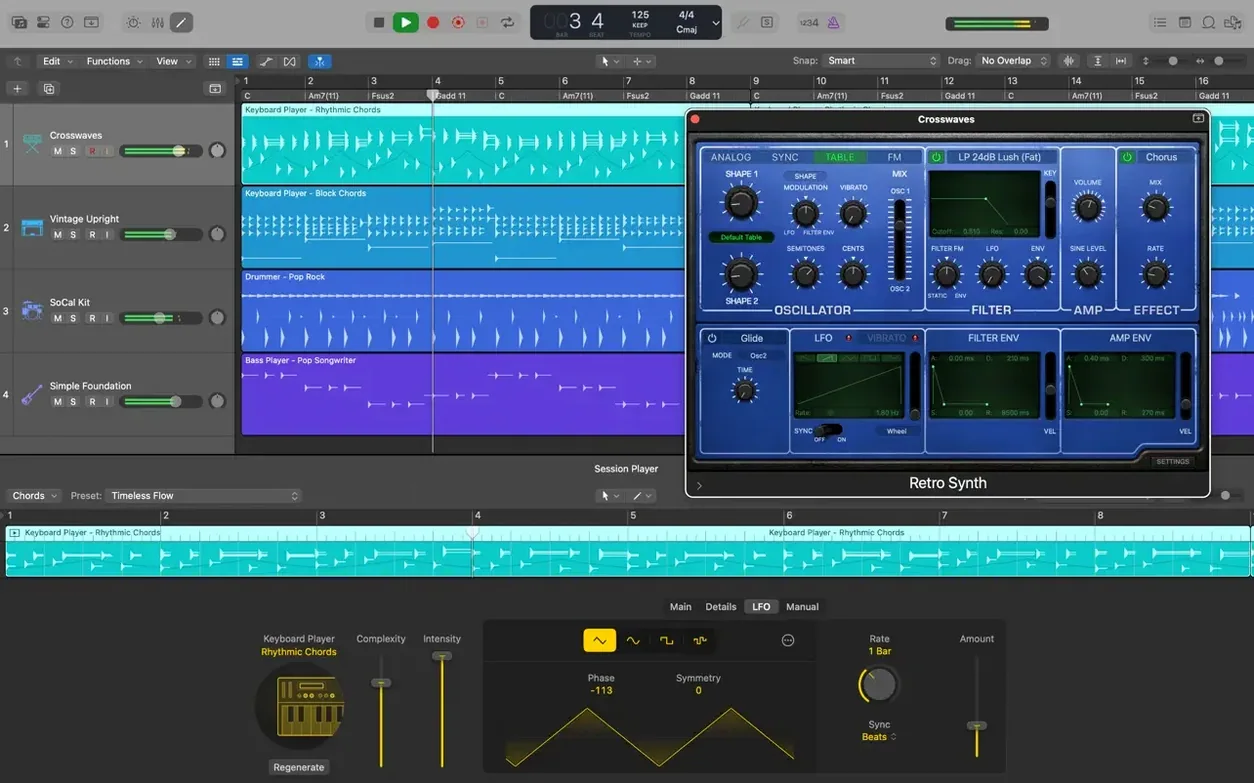
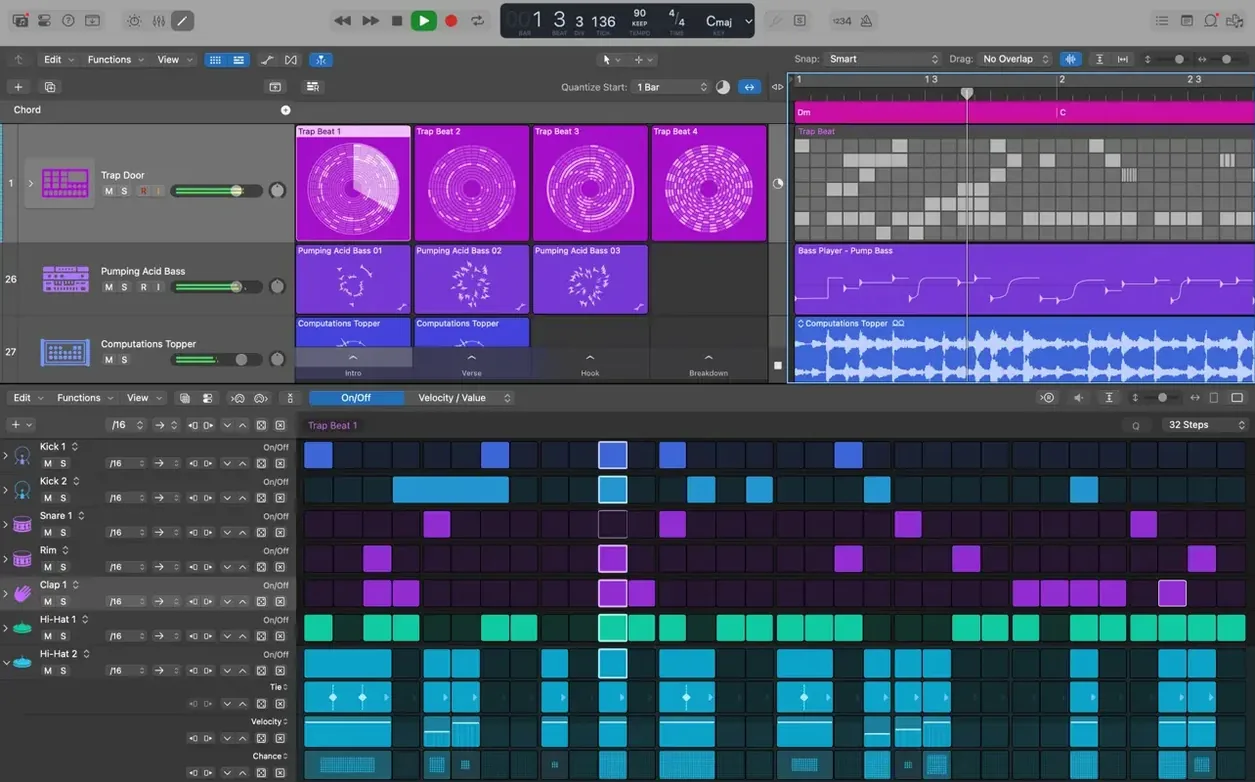
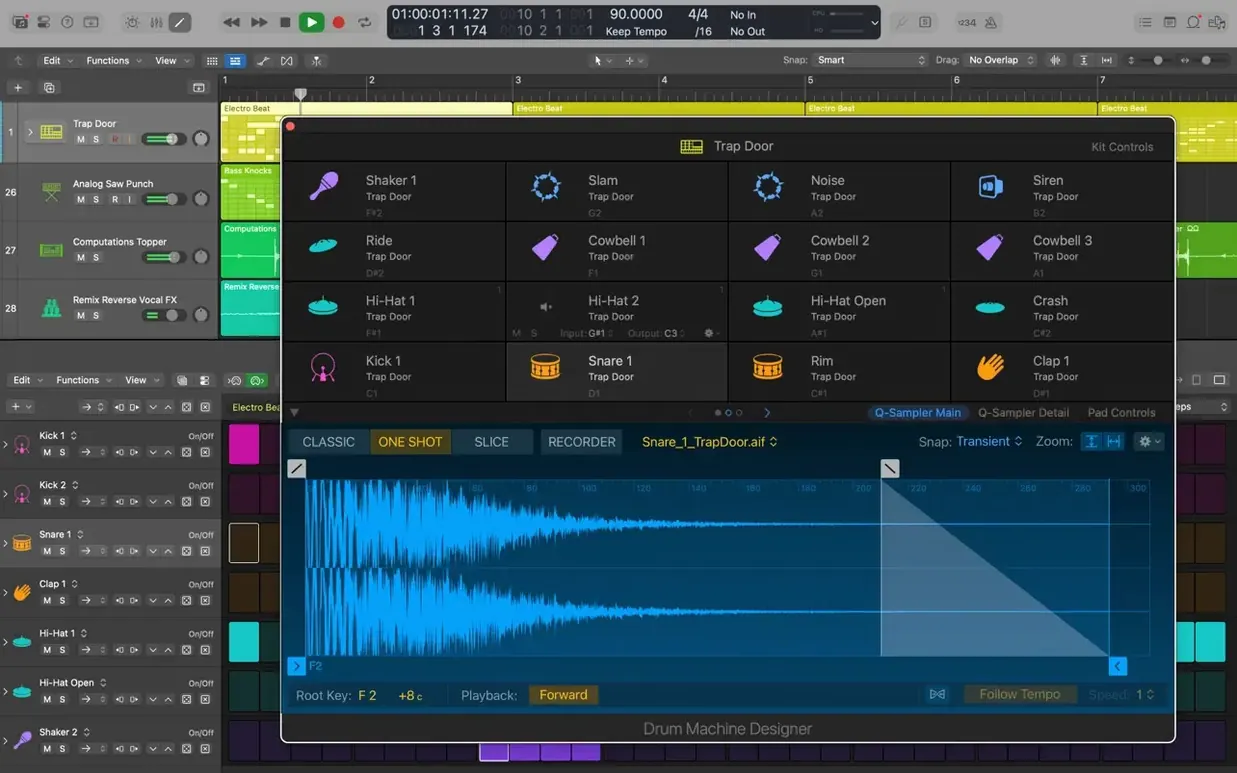
The Arrange window is where you build a song. You record and edit audio and MIDI regions, drag in Apple Loops from the browser (over 7,000 supplied), and let Drummer generate drum parts or Drum Machine Designer reshape electronic beats. The project syncs with Logic Pro for iPad via iCloud, and you can bring in GarageBand sessions without conversion.
Editing pitch and timing
Flex Pitch corrects a vocal line note by note — useful when a take is otherwise right. Flex Time adjusts the timing and tempo of recorded audio, so you can tighten a performance or push a phrase later without cutting. Both tools work directly on the waveform in the track.
Mixing with instruments and effects
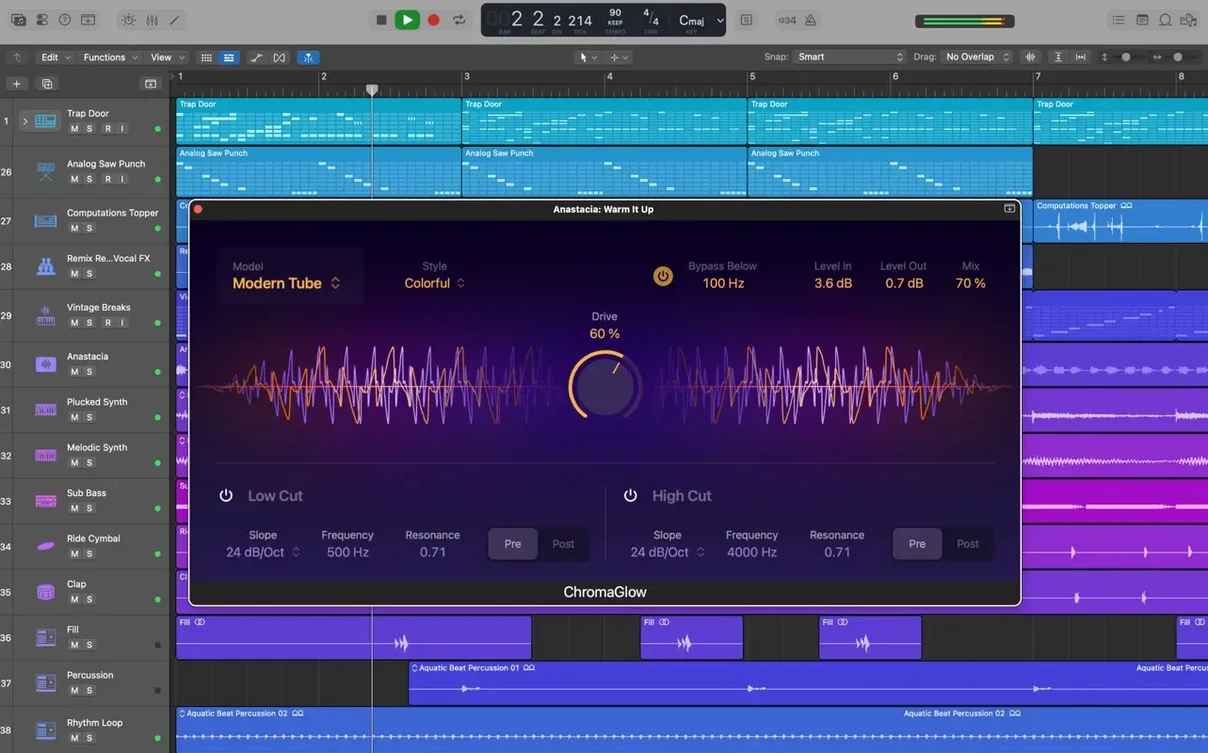
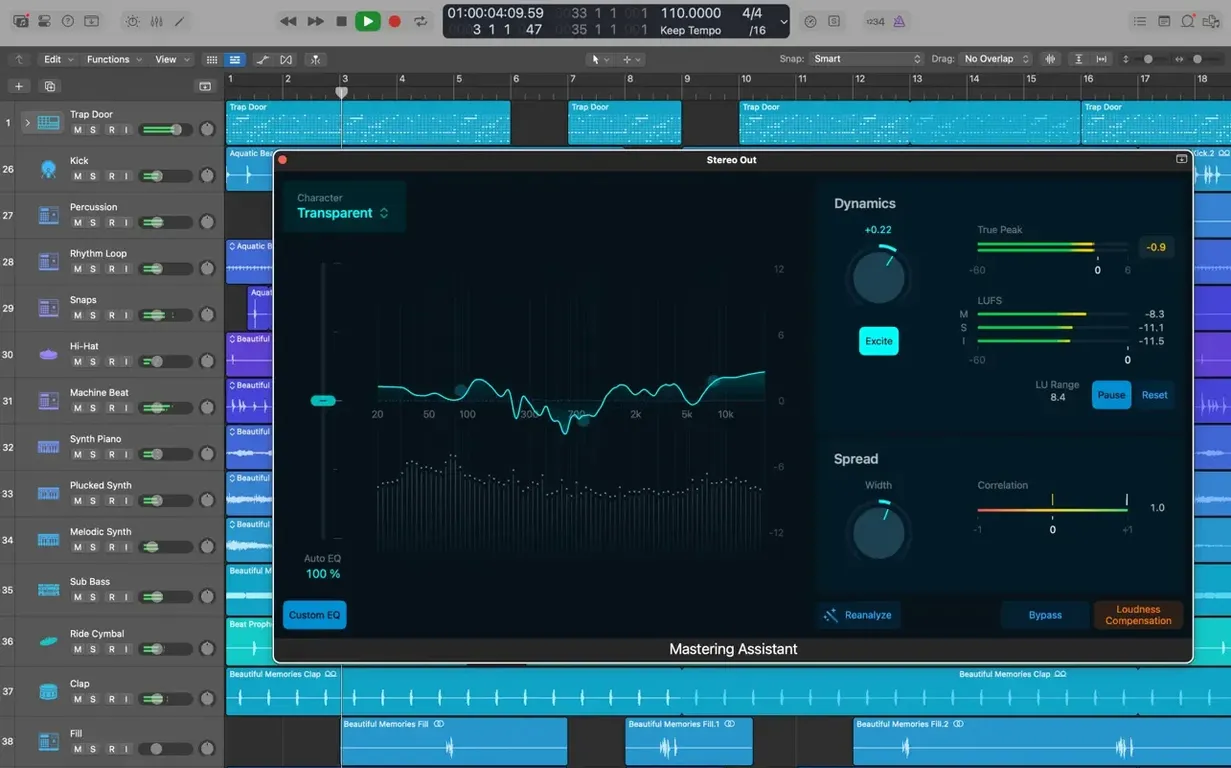
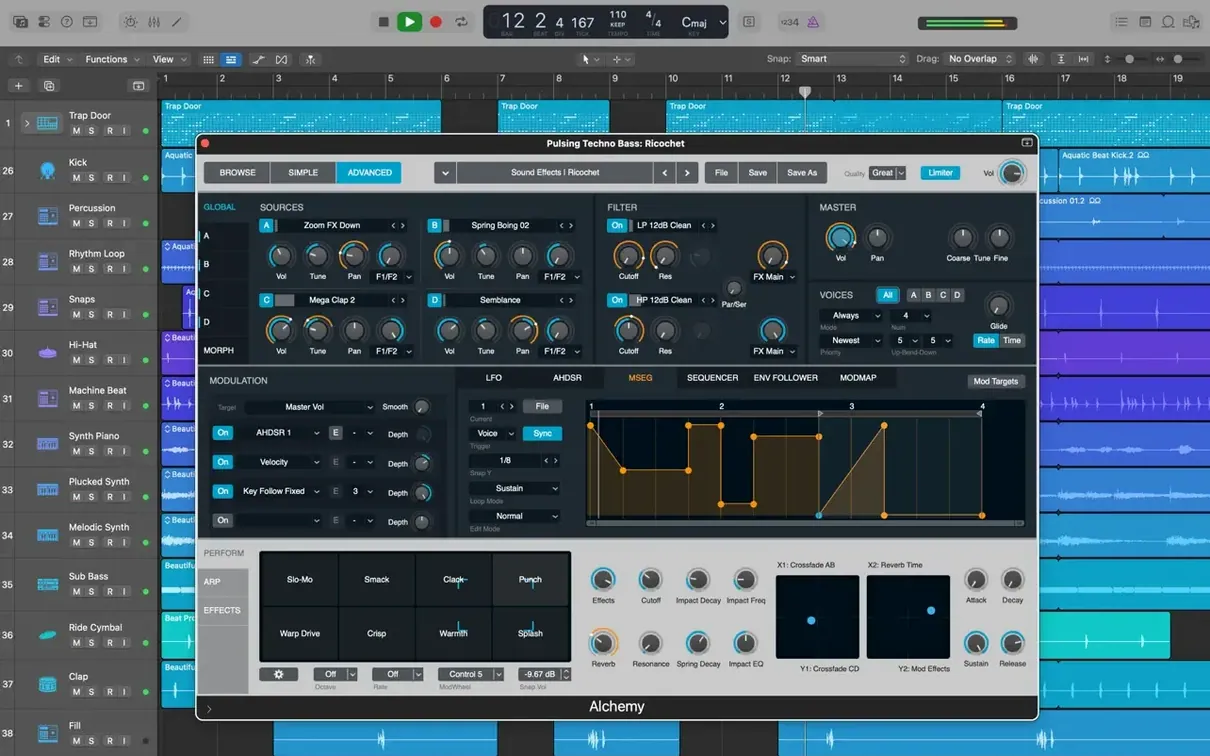
Logic Pro ships with a full set of instruments and effects, plus support for third-party Audio Unit plug-ins. You can run 64-bit AU plug-ins alongside the built-in channel strip EQs, compressors and reverbs. The mixer handles any track count a project needs.
How logic pro fits with other apps and macos features
The tight integration with Apple's ecosystem is one of the quieter advantages. A project started in GarageBand on an iPhone or iPad opens in Logic Pro with no conversion step — the tracks, regions and Smart Controls come across as they were. You can also export from Logic Pro for iPad, sync through iCloud, and open the project on the Mac to finish mixing with the full set of plug-ins.
For video work, Logic Pro imports and exports XML for Final Cut Pro X workflows. This means you can compose a score or sound design in Logic, export the project layout, and have it appear in Final Cut with the correct markers and timing. The reverse also works: bring a Final Cut XML into Logic to start working to picture.
MainStage is included in Apple Creator Studio, so any patch, instrument or effect you build in Logic Pro can be used live without re-creating it. The same Alchemy presets, Space Designer impulses and Amp Designer rigs are available on stage.
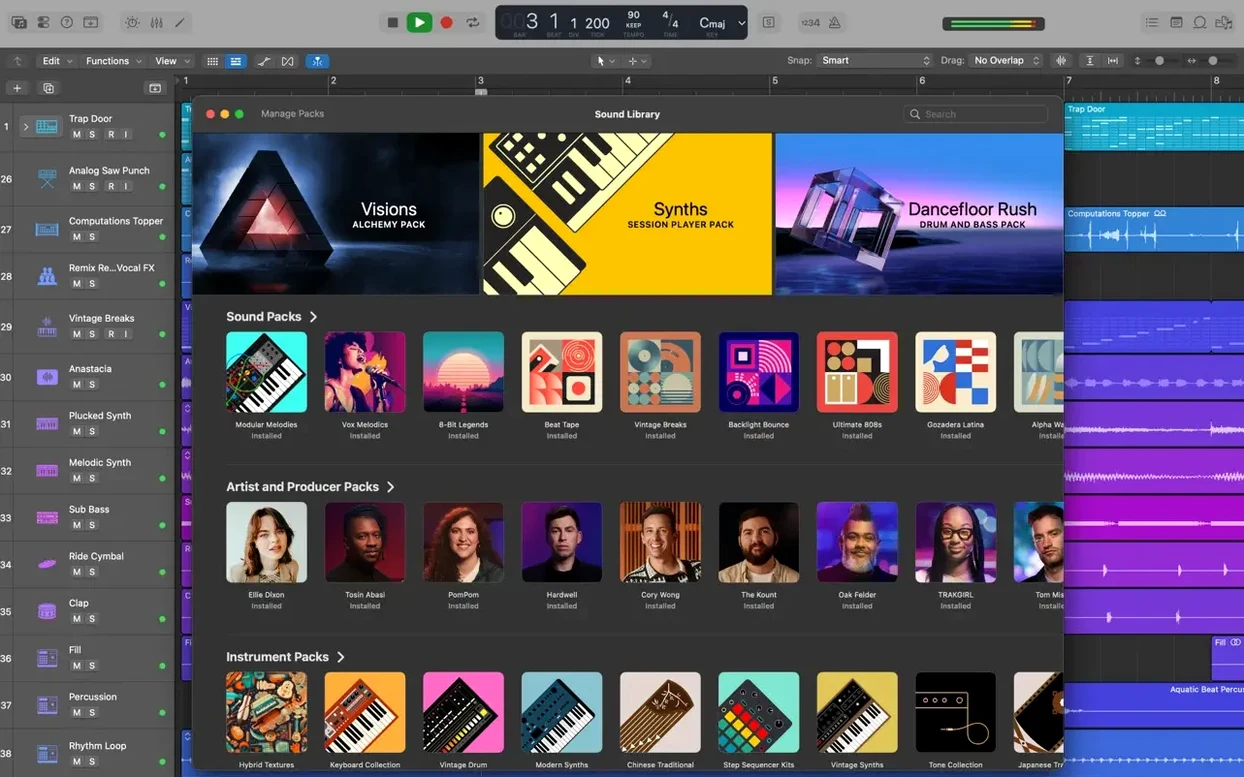
iCloud sync extends beyond project files. The Sound Library can be stored on an external drive and managed through the Logic Pro download preferences, and if you have multiple Macs, the library location follows your Apple ID. Apple Loops and patches download once and appear on all authorised machines.
Requires macOS 15.6 or later on Apple Silicon or Intel
Logic Pro 12.3.1 requires macOS 15.6 or later. It runs on both Apple Silicon and Intel Macs — the architecture is universal, so no Rosetta workaround is needed on an M-series machine. The minimum display is 1280 x 768; a larger screen or a second monitor is helpful when the mixer, piano roll and browser are all open.
RAM is listed at 4 GB as a minimum. For projects with many software instruments, large sample libraries or lots of Flex Time regions, more memory will be used. The installer itself needs 6 GB of free disk space for a minimal installation, but the full Sound Library — all instruments, patches and Apple Loops — occupies 63 GB. You can choose to download only the content you need during installation and add the rest later.
Third-party Audio Unit plug-ins must be 64-bit. Older 32-bit AUs will not load. If you rely on legacy plug-ins, check with the developer for 64-bit versions or alternatives before moving projects to this version.
Answers to pre-install questions about Logic Pro
Can I open old logic projects
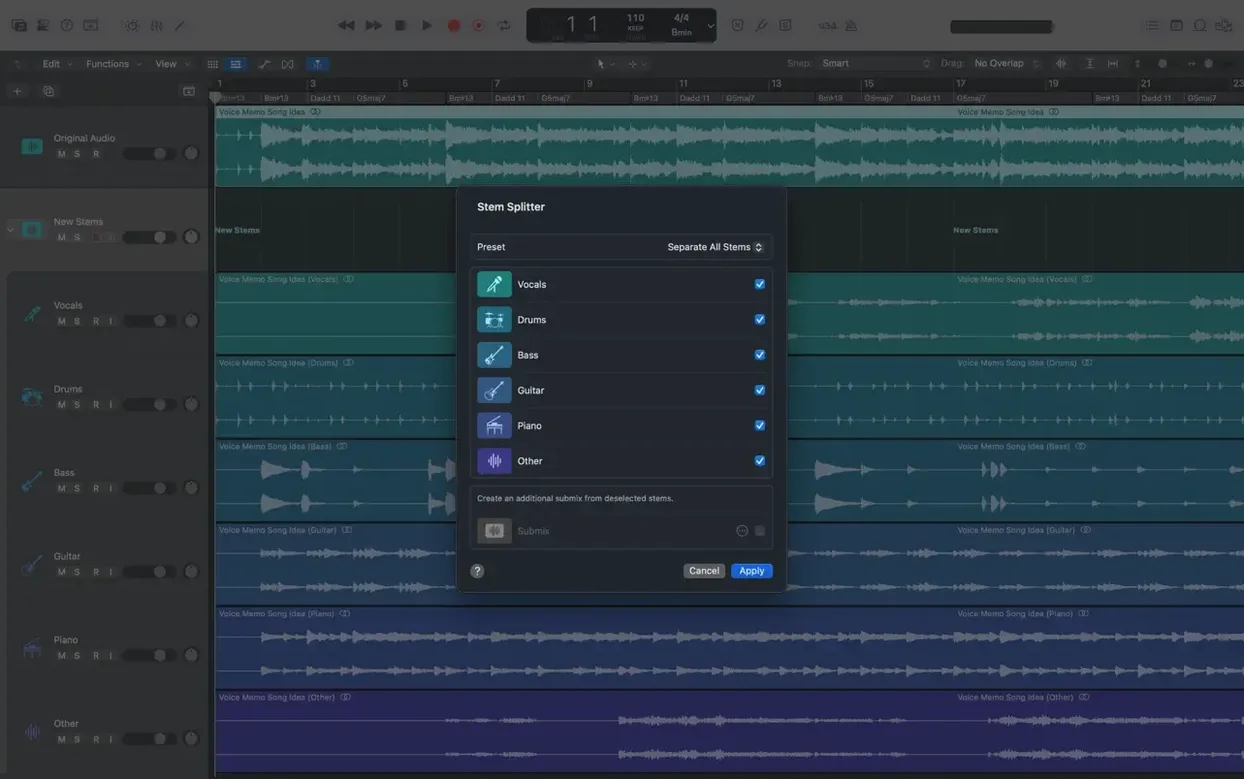
Yes. Logic Pro can open projects created in Logic 5 or later. Files from Logic 4 or earlier need to be exported as MIDI or audio stems first. Projects from older versions may require you to locate missing plug-ins if the originals are no longer installed.
App installs offline; Sound Library needs a connection
The initial app install from the disk image does not require a connection. Downloading the full Sound Library does. You can install the app first, launch it, and then choose which content packs to download over time. The Sound Library download is large — 63 GB — so a wired connection is practical if you want everything at once.
Works with any Core Audio interface and aggregate devices
Yes. Logic Pro works with any Core Audio-compatible interface. Set the device in the audio preferences, adjust the buffer size for latency, and the app handles the rest. Aggregate devices are supported, so you can combine inputs from multiple interfaces if needed.
Does it support midi controllers
Yes. Most MIDI controllers class-compliant with macOS are recognised without drivers. Smart Controls can be mapped to knobs and faders on the controller, and the Musical Typing window lets you play instruments from the Mac keyboard when no hardware is connected.
Fixes for common Logic Pro setup problems
The sound library doesn't appear after download
If you downloaded the Sound Library but patches or instruments are still greyed out, open the Sound Library manager in Logic Pro's preferences and check that the content is installed. Sometimes a download pauses or fails silently — you can resume or re-download individual packs. Storing the library on an external drive requires the drive to be connected before launching Logic.
Audio unit plug-ins don't show up
Third-party AUs must be 64-bit and properly installed in the system /Library/Audio/Plug-Ins/Components or user ~/Library/Audio/Plug-Ins/Components folder. If a plug-in is missing, run the AU Validation tool in Logic's preferences to scan and validate new components. Restart Logic after installing new plug-ins.
Projects from logic pro for ipad have missing sounds
When you move a project from iPad to Mac, the Mac version tries to match the instruments and effects. If a specific sound or patch isn't installed on the Mac, Logic substitutes the closest match. Downloading the full Sound Library reduces these substitutions. You can also export individual tracks as audio from the iPad and import them as audio files on the Mac.
Flex pitch doesn't detect notes clearly
Flex Pitch works best on monophonic audio — a single vocal line or a solo instrument. Polyphonic material or heavily processed audio will produce unreliable pitch detection. If the waveform looks noisy, try cleaning up the region with a noise gate or EQ before applying Flex Pitch.
Beginner mistakes in Logic Pro and how to avoid them
Not saving a backup before using destructive edits
Selection-based Processing renders effects directly onto an audio file. It is fast, but it overwrites the original. Beginners sometimes apply it without duplicating the region first. Keep an original take folder or use project alternatives before committing to processing.
Overlooking track alternatives for experimentation
Track Alternatives let you create multiple versions of the same track — different edits, different plug-in chains, different arrangements — without duplicating the track. Many new users instead create duplicate tracks, which clutters the project. One alternative track can hold several edit playlists that you switch between instantly.
Ignoring the tempo and key changes in the global tracks
When dragging in Apple Loops, Logic Pro matches them to the project tempo and key automatically. If a loop sounds wrong, the project tempo or key may have changed earlier in the arrangement. Check the global tracks area for unexpected tempo or key markers. Beginners sometimes add a tempo change accidentally and wonder why the rest of the song sounds off.
Using too many software instruments at once
Alchemy and other sample-based instruments are flexible, but running many instances with large patches can strain a system, especially with 4 GB of RAM. Freeze or bounce tracks once you have the part recorded. The Track Stack feature also helps by letting you route multiple instruments through one set of effects, reducing the load on the mixer.
Forgetting to check the output assignment after comping
Quick Swipe Comping creates a new comp region from selected takes. The comp region inherits the output routing of the original track, but if you have multiple takes panned or routed differently, the comp may sound unbalanced. Check the channel strip after comping to confirm the output assignment is correct.
Changes in this build
- Restores the ability to relocate beat mapping transients.
- The Score now responds correctly to Staff Style changes in the Inspector.
- The right side of a crossfade can be dragged and extended again.
- No longer unexpectedly quits when playing MIDI in a project with video.
- Performance improves when working with tracks that contain many regions.
Before it goes on the Mac
- macOS 15.6
- macOS 15.6
- 4 GB RAM
- 1280 × 768 display or higher
- 64-bit Audio Unit plug-ins required
- 6 GB free disk space for minimum installation
- 63 GB free disk space for full Sound Library installation
Questions from the room
Does Logic Pro include drum tracks?
Yes. Drummer creates drum tracks, Drum Machine Designer changes electronic beat sounds, and there are 28 session drummers to choose from.
Can I use third-party plug-ins in Logic Pro?
Yes. It supports 64-bit Audio Unit plug-ins from any developer.
Installing it on the Mac
- Open the downloaded disk image.
- Drag the app to the Applications folder alias.
- After copying finishes, launch the app from Launchpad.
Notes from the control room
Sign in or open a catalogue account to leave a note.
No notes from the room yet. If you have used this build for a week, a short note helps the next person.