Guitar Rig 7.0.2 (Mac)
Updated
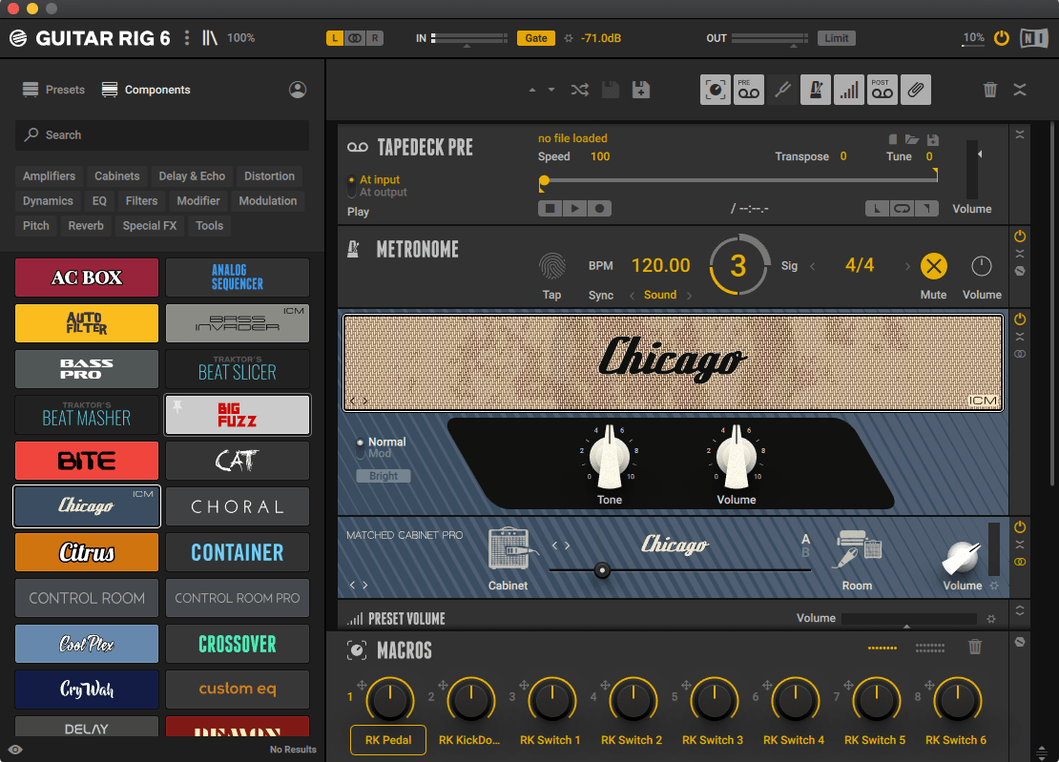
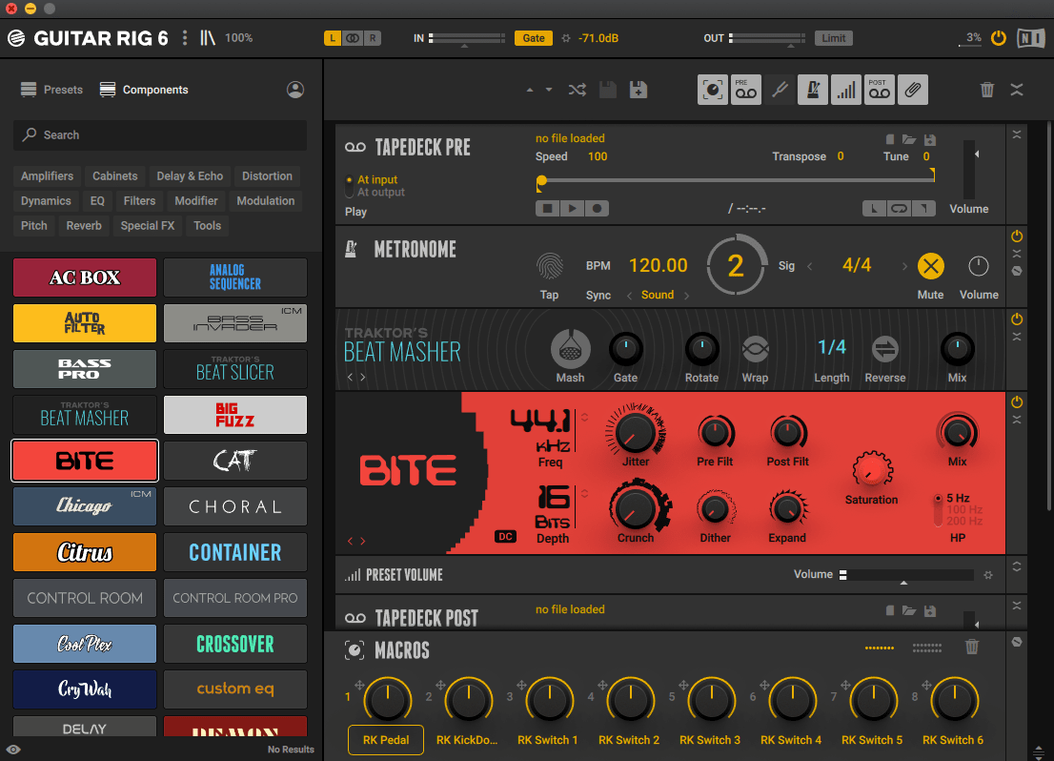
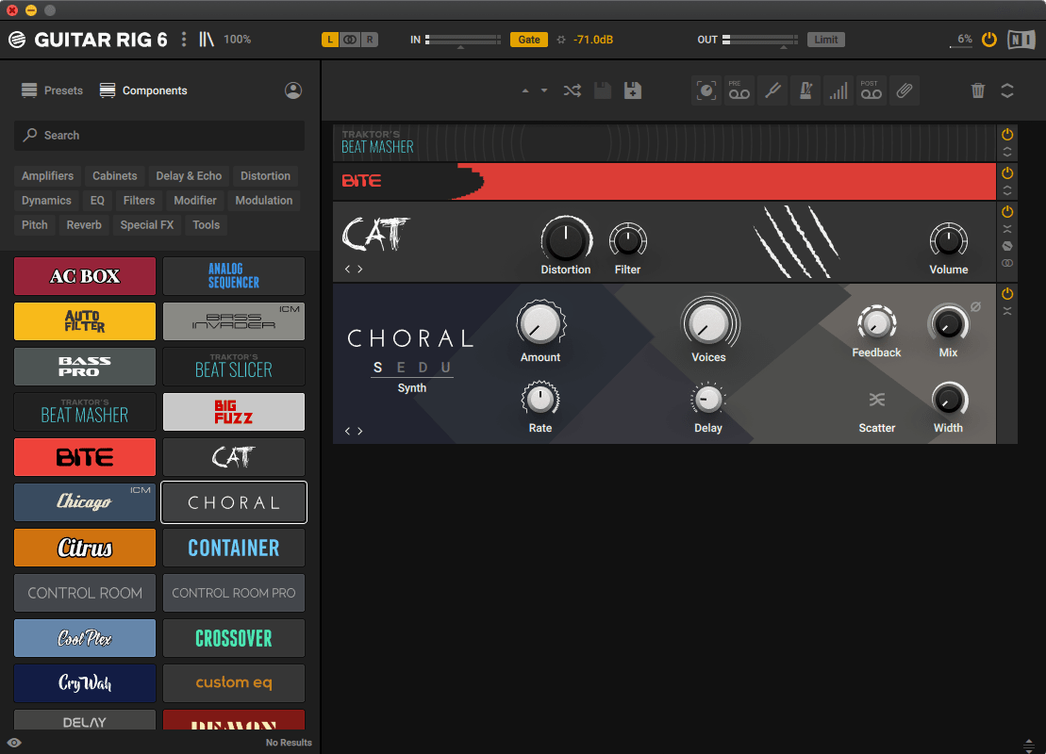
The catalogue note
Guitar Rig Pro 7.0.2 for macOS runs on both Apple Silicon and Intel Macs, and the interface is English. That is the technical side; the practical side is that you can build a full guitar tone without touching a physical pedalboard.
Building a usable tone in five steps
- Open the rack and pick an amp simulator from the built-in collection.
- Insert a tuner at the start of the chain. A quick tune before you play saves takes later.
- Add a studio effect, say a delay or reverb, after the amp. Keep the signal path simple at first; the rack handles complex configurations when you need them.
- Set the metronome to your song tempo. The sync settings let you match delay times to the beat, which is useful for rhythmic parts.
- Play through the chain and adjust drive and EQ. The interface aims at experienced users, so you get direct access to tools and effects without hunting through menus.
That is one realistic session with Guitar Rig Pro: tune, set a tempo, dial in an amp and a time-based effect, then play. It works for bass as well as guitar, and the rack layout keeps everything visible while you work.
Fixes for common chain-building issues
A few recurring issues come up when people start building chains in Guitar Rig Pro. None of them are showstoppers, but knowing the fix saves time.
No sound from the stand-alone version
The stand-alone app needs an audio interface selected in its settings. If you hear nothing, check the audio preferences first. The app defaults to the system output, which is fine for playback, but if you are monitoring through an interface, you need to pick the correct driver. Also check that the tuner is not engaged — it mutes the output by design.
Presets that sound drastically different after loading
Presets store the full chain, including input gain and output volume. If a preset sounds quiet or distorted, adjust the input trim on the amp simulator, not the master output. The volume preset in the rack gives you multiple output options; use it to match levels between presets without retuning the amp.
Plugin not showing up after installation
After the standard installer runs, the plugin should show up in VST3, AU or AAX format depending on your host. If it does not, restart the DAW. If it still does not appear, check that the installer placed the component files in the correct system folders — /Library/Audio/Plug-Ins/Components for AU, /Library/Audio/Plug-Ins/VST3 for VST3. Native Instruments Native Access usually handles this, but manual inspection helps when things go quiet.
CPU spikes with complex chains
Guitar Rig Pro allows complex effect configurations. If a chain with multiple amp simulators and heavy reverb pushes the CPU meter high, try freezing the track in your DAW or bouncing the part to audio. In the stand-alone version, reduce the buffer size for lower latency or increase it for stability — the trade-off is standard for any real-time processing tool.
What the 7.0.2 update refined in daily use
- The 7.0.2 update is listed on the official downloads page for Guitar Rig 7 Player. It refines the existing feature set rather than adding new components.
- Preset loading and browser navigation feel consistent with previous 7.x releases. No major interface rework, which suits experienced users who already know the rack layout.
- Compatibility covers macOS 11 through 15 on both Intel and Apple Silicon Macs. The ARM-native build runs without Rosetta translation, which matters for anyone on newer Mac hardware.
- Plugin format support remains at VST3, AU and AAX, so integration into Logic Pro, Ableton Live, Pro Tools or any AU/VST3 host is unchanged.
Building a portable DI chain for session work
Anna records guitar parts for other artists in a rented studio. She brings her own pedalboard but the room changes every session — different amps, different engineers, different monitoring. Instead of re-amping later, she runs a clean DI signal into her interface and uses Guitar Rig Pro as an insert in Logic Pro. She picks a Fender-style amp simulator for a pop track, then switches to a high-gain amp for a rock session without unplugging anything. The tag-based preset browser lets her find a usable tone by style and genre in seconds. She uses the metronome sync to set her delay repeats to quarter notes, and the tuner sits at the start of the chain for quick checks between takes. The whole rig lives in the rack, visible on one screen, and she never touches a physical knob except on her guitar.
A workflow for recording a bass part with parallel processing
- Load Guitar Rig Pro as an AU insert on a bass track in your DAW.
- Insert a clean amp simulator at the start of the chain. Set the drive low — bass benefits from headroom.
- Add a split in the rack. On path A, keep the amp and add a compressor. On path B, insert a distortion pedal and a high-pass filter to keep the low end clean.
- Blend the two paths using the volume preset at the end of the rack. Adjust the mix until the distorted layer sits underneath the clean tone without muddying the lows.
- Set the metronome to the song tempo and sync any delay or reverb on the clean path to the beat.
- Record the DI signal simultaneously if your interface allows it. That gives you a dry backup for re-amping later.
This parallel approach works because the rack handles complex signal routing visually. You see both paths, you adjust each component independently, and the final blend comes from one plugin instance.
Who benefits most from a consistent virtual rig
Guitar Rig Pro suits guitarists and bassists who record at home or in small studios and want a consistent rig without carrying hardware. Music producers who need a quick amp tone for a demo or a final track will find the preset browser fast enough to audition sounds without building a chain from scratch every time. Experienced users who want to design their own signal paths — parallel amps, multi-effect chains, custom routings — get the most flexibility because the rack layout keeps everything editable in one window. For anyone searching for a guitar rig pro torrent, a guitar rig 6 torrent or a guitar rig torrent, the current version 7.0.2 is the one that runs natively on modern macOS. Guitar Rig transforms your Mac into a versatile guitar amp and effects studio for musicians and producers.
Changes in this build
- Version 7.0.2 is listed on the official downloads page for Guitar Rig 7 Player.
Before it goes on the Mac
- macOS 11 or later
- Apple Silicon or Intel (x86 64-bit)
- Interface language: English
Installing it on the Mac
- Mount the disk image.
- Run the standard installer.
Notes from the control room
Sign in or open a catalogue account to leave a note.
No notes from the room yet. If you have used this build for a week, a short note helps the next person.