Dorico Pro 6.2.40 (Mac)
Updated
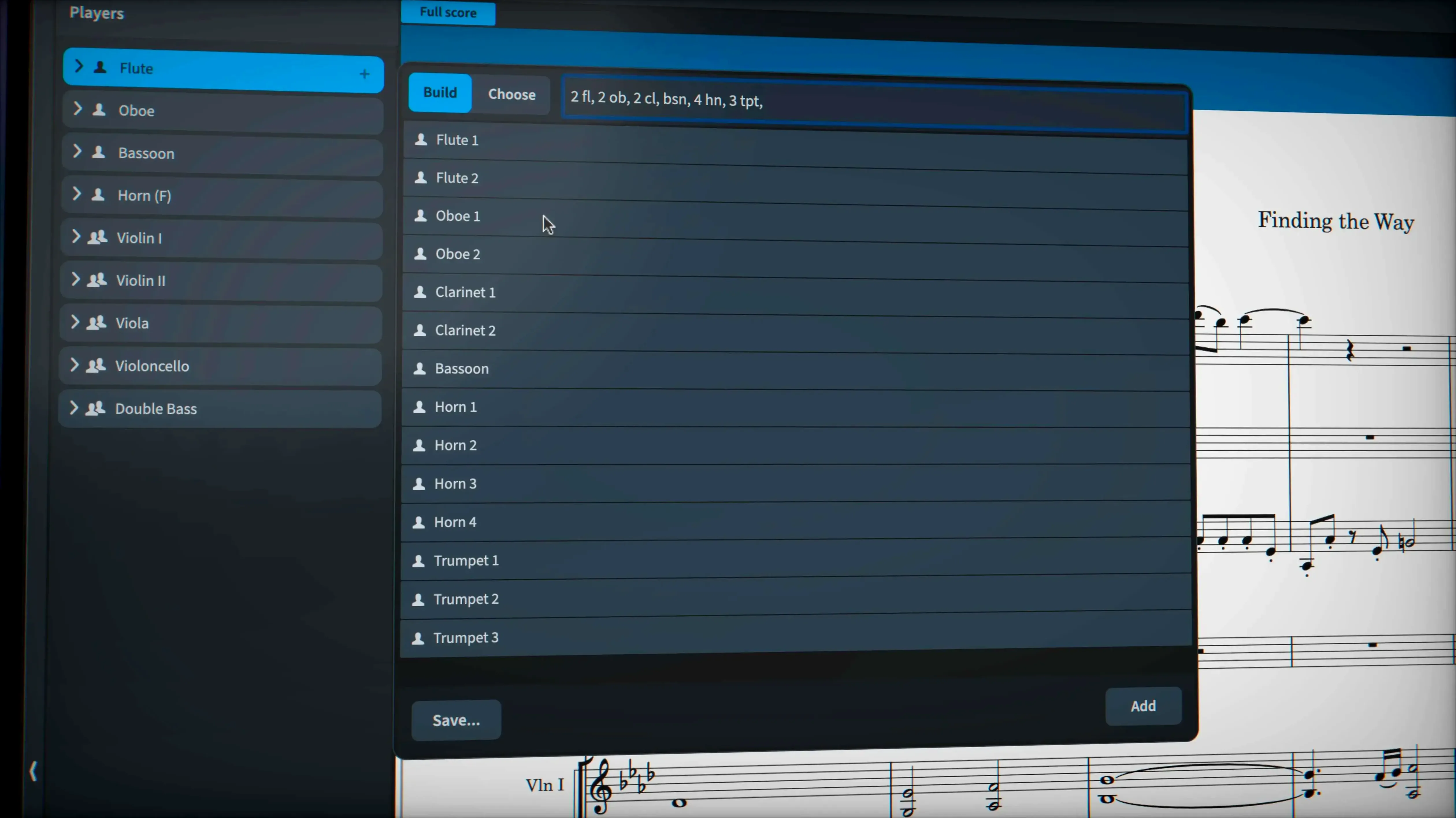
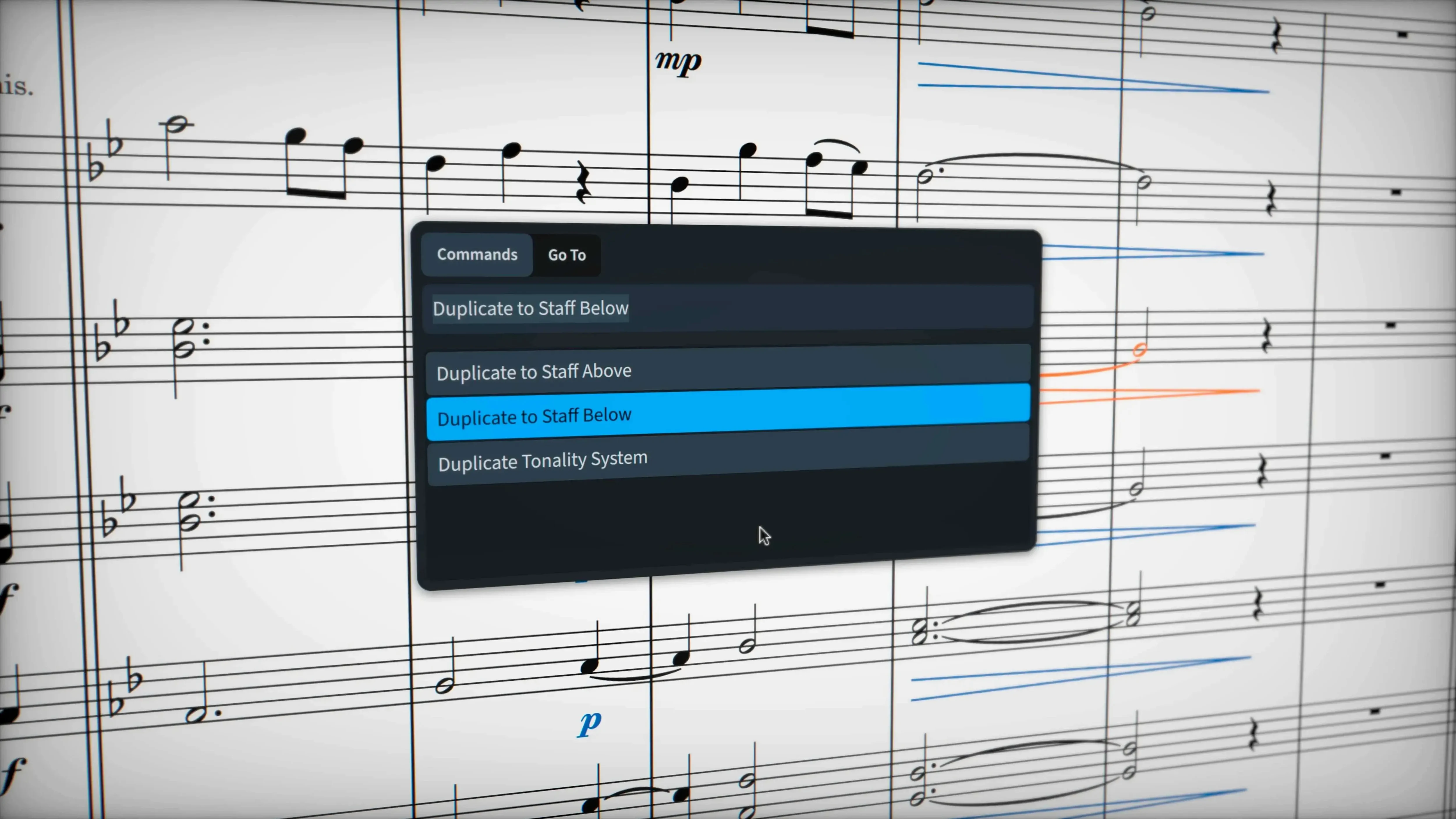
The catalogue note
A session starts with a rough MIDI sketch, and Dorico Pro 6 turns it into a clean score without the usual fights over beaming or tuplets.
Dorico Pro 6 — Steinberg's music notation application for composing, arranging, engraving and playback.
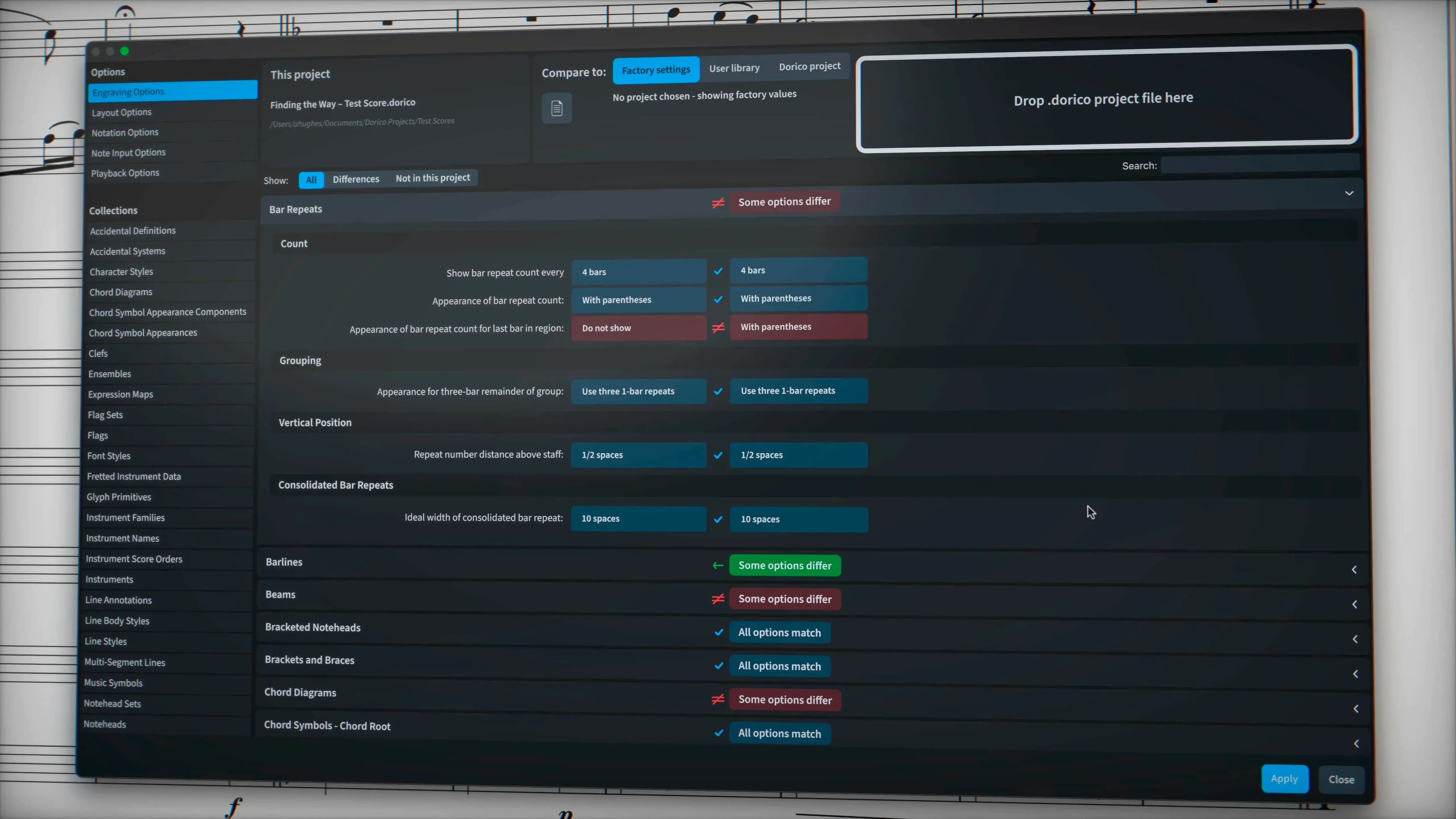
Engraving — Score preparation for publishing and copying music, with control over every detail.
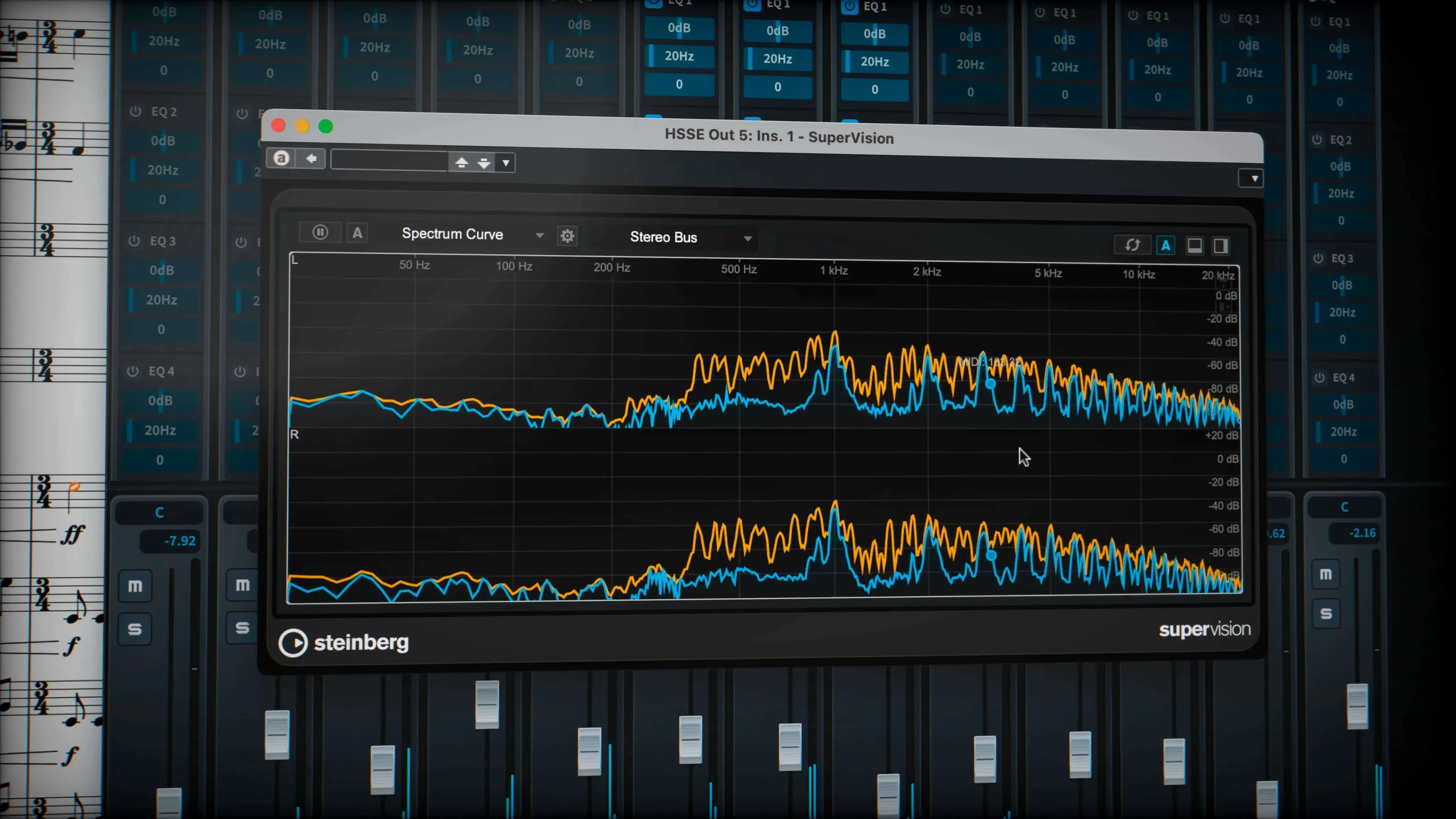
Playback — Independent voice routing to Cantai, switched from the Track Inspector in Play mode, plus almost 1,500 built-in sounds and 30 VST 3 processors.
Notation tools — Tuplets across beats, microtonality and stemless music work without workarounds. Hidden notes are handled better in this update.
Glissando lines — A line style property overrides individual glissando appearances, including the traditional wiggly trill glyph.
File exchange — MusicXML, MIDI and PDF let you move work between other programs.
Independent voice playback and routine fixes in the 6.2.30 update
The 6.2.30 maintenance release, dated June 2026, addresses more than forty items from the previous version. None of the changes rewire the interface, but several touch routines you handle daily.
Independent voice playback — If you route instruments to Cantai, you can now enable independent voice playback per track directly from the Track Inspector in Play mode. Before, voices merged into one playback stream; now a string section with separate divisi parts behaves like separate players inside the same instrument slot. No extra setup, just a toggle.
Glissando lines — The wiggly glissando line now supports a proper trill wiggle glyph, and you can assign a line style from the project to override any individual glissando. That saves time when engraving a part that needs a consistent visual language across several pages.
Sustain and sostenuto pedal export — Pedal lines now export correctly. If you prepare a score for a publisher who needs the pedal markings in a MIDI or MusicXML file, they stay where you put them.
Hidden notes and tuplet brackets — Hidden notes are handled more predictably, and tuplet brackets and numbers that were hidden via engraving options now export as expected. No surprises when you open the file in another program.
MusicXML fixes — Import and export issues from earlier builds are resolved. The format remains the safest bridge between Dorico and other notation software, and this update tightens that bridge.
Starting a new project from the hub with a small ensemble template
I start a new project from the hub. The template I use most is a small ensemble — string quartet, piano, maybe a solo flute. The automatic page layout with collision avoidance takes care of the initial spacing, so I can focus on the notes.
I input the first few bars using the mouse and the computer keyboard. For faster entry, I switch to step-time MIDI input from my controller. Dorico interprets the rhythm correctly even when I play slightly ahead of the beat — the notation engine snaps to the intended duration without quantising the playback feel.
Once the sketch is in, I switch to Play mode to hear how it sounds. The built-in sounds are enough for a rough mix. I open the Track Inspector, route the first violin to a Cantai instance and enable independent voice playback — now the two violin parts can have separate articulations and phrasing without duplicating the instrument slot.
Back in Write mode, I adjust beaming. Dorico handles tuplets across beats natively, so a 5:4 grouping over a bar line is just a matter of entering the notes. No manual beam breaks. I add a wiggly glissando line on the cello part using the new line style property, selecting the trill wiggle glyph from the popover.
Before exporting, I check the hidden notes layer — there are a few cues for the viola player that should not print. The update makes sure they stay invisible in the PDF and the MusicXML file. I export to PDF for the players and to MusicXML for the publisher. The pedal markings in the piano part export cleanly this time.
Line style override on glissandos and other easy-to-miss features
- Line style override on glissandos — Not every glissando in a score needs the same look. The new property lets you pick a line style from the project for one glissando without affecting others.
- Track Inspector voice control — The toggle for independent voice playback lives in the same panel you already use for routing and effects. No submenu hunting.
- Engraving options stay during export — Hidden tuplet brackets and numbers that you set via engraving options are respected in MusicXML and MIDI exports. That sounds obvious, but older versions did not always carry them over.
- No stem workarounds — Music without stems (common in percussion or aleatoric sections) is a first-class notation object, not a hack with invisible stems and white text.
Importing Finale or Sibelius files via MusicXML in the latest update
Can I import a Finale or Sibelius file? — Dorico imports MusicXML and MIDI, which are the standard exchange formats. A Finale or Sibelius file needs to be exported to MusicXML first, then opened in Dorico. The 6.2.30 update fixes several MusicXML import issues, so the conversion is cleaner than before.
Does it work with my existing VST plugins? — Yes, Dorico supports VST 3 instruments and effects. The built-in library of almost 1,500 sounds covers most orchestral and band needs, but you can load your own VST 3 plugins in Play mode. No VST 2 support, so check your plugin collection.
Is the interface localised? — The interface and documentation are available in Russian, English, German, Spanish, Italian, Simplified Chinese, Portuguese, French and Japanese. You set the language during installation.
Can I run it on an older Mac? — Dorico Pro 6 requires macOS 12 or later. Both Apple Silicon and Intel Macs are supported. The application runs natively on Apple Silicon.
What about the activation? — The package includes an installation and activation guide. No dongle required for this version.
How do I handle complex chord symbols or microtonal music? — Chord symbols are handled as proper objects — you can edit the voicing, alteration and suffix independently. Microtonality is built into the notation engine: quarter tones, accidentals and playback are supported without external scripts.
A workflow for preparing a piano part from a sketch
Start with a MIDI file exported from a DAW or a rough recording session. Open Dorico Pro 6 and import the MIDI file. The automatic page layout with collision avoidance places the notes on two staves.
Check the beaming. Dorico's default beams are usually correct for piano music, but if the MIDI data had overlapping notes, you may see extra rests. Select the passage and use the notation tools to clean up the rhythm — tuplets across beats are handled automatically, so a 3:2 grouping in the right hand works without manual intervention.
Add pedal markings. The update supports exporting sustain and sostenuto pedal lines, so you can draw them in Write mode and they will appear in the final PDF and MusicXML. Use the line tool for a pedal bracket or the text popover for a standard Ped. indication.
Switch to Engrave mode for fine adjustments. Move dynamic markings so they do not collide with stems. The collision avoidance handles most of it, but a piano score with dense chords often needs a nudge here and there. The engraving options let you hide tuplet brackets or numbers if the publisher prefers a cleaner look — and those settings now export correctly.
Add a wiggly glissando line on a chromatic run in the left hand. Select the note, choose the glissando tool, then pick the trill wiggle glyph from the line style property. If the piece uses a specific line style throughout, apply it from the project styles instead of adjusting each glissando individually.
Route the piano to Cantai in Play mode. Enable independent voice playback from the Track Inspector so the left and right hands can have separate articulations — staccato in the bass, legato in the treble. The built-in grand piano sound from the 1,500-sound library is serviceable for a rehearsal file.
Export to PDF for the performer and to MusicXML for the engraver. The pedal markings, hidden notes and tuplet bracket settings all carry over. If you need a MIDI file for a sequencer, that exports cleanly too.
Changes in this build
Steinberg has posted a maintenance update for Dorico Pro, bringing the build number to 6.2.40.
Before it goes on the Mac
- macOS 12 or later
- Apple Silicon or Intel 64-bit processor
Questions from the room
Can Dorico Pro 6 run on older Macs?
It requires macOS 12 or later and works on both Apple Silicon and Intel Macs.
Installing it on the Mac
- Open the package and follow the included installation and activation guide.
Notes from the control room
Sign in or open a catalogue account to leave a note.
No notes from the room yet. If you have used this build for a week, a short note helps the next person.