Guitar Pro 8.1.5 (Mac)
Updated
The catalogue note
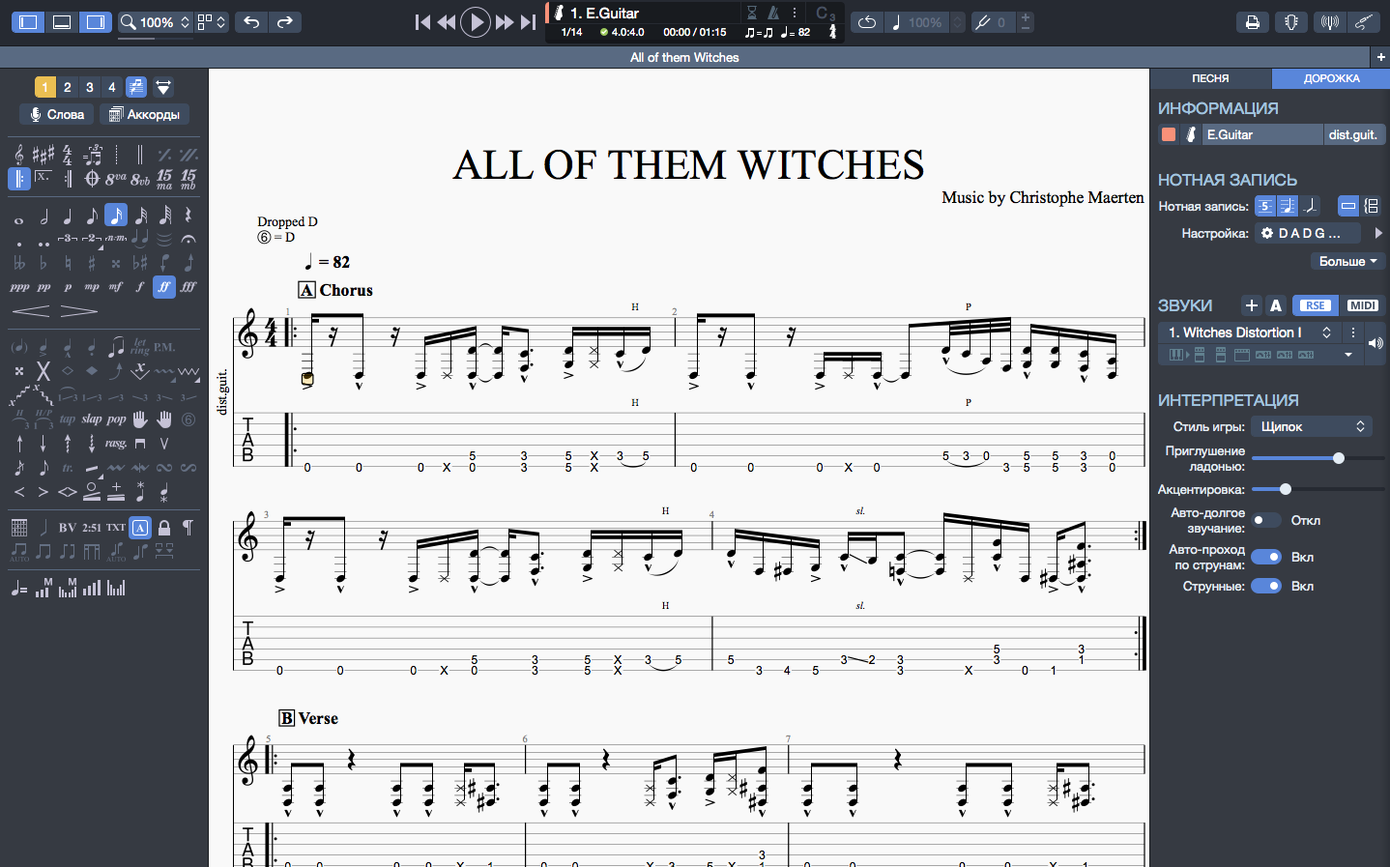
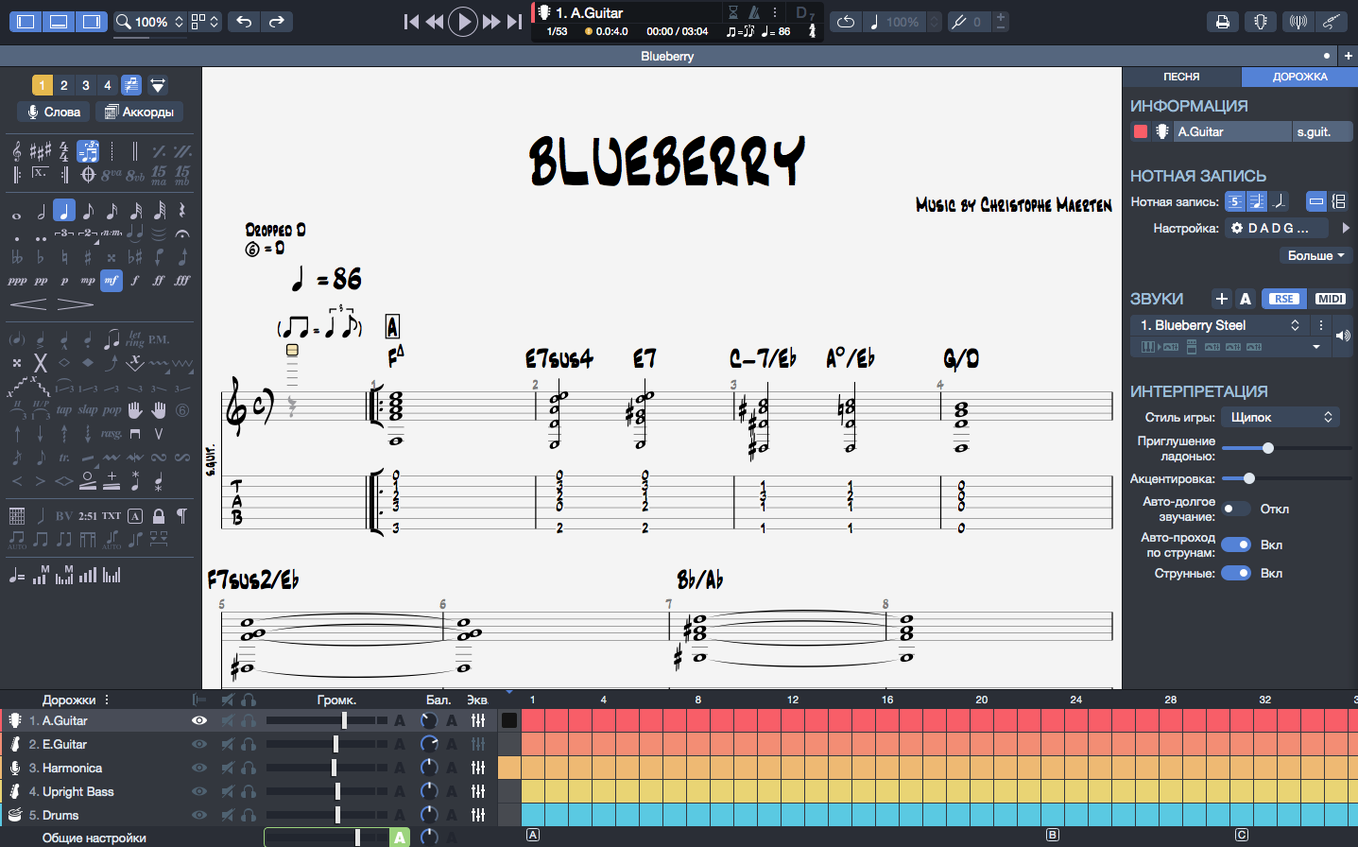
Open the chord builder and you will see why Guitar Pro 8 is the tab editor I keep coming back to. The chord names and fingerings travel together when you transpose a passage, so you do not have to re-enter voicings after moving a song up a semitone. That alone saves me a good ten minutes on every arrangement.
Setting Up the Score
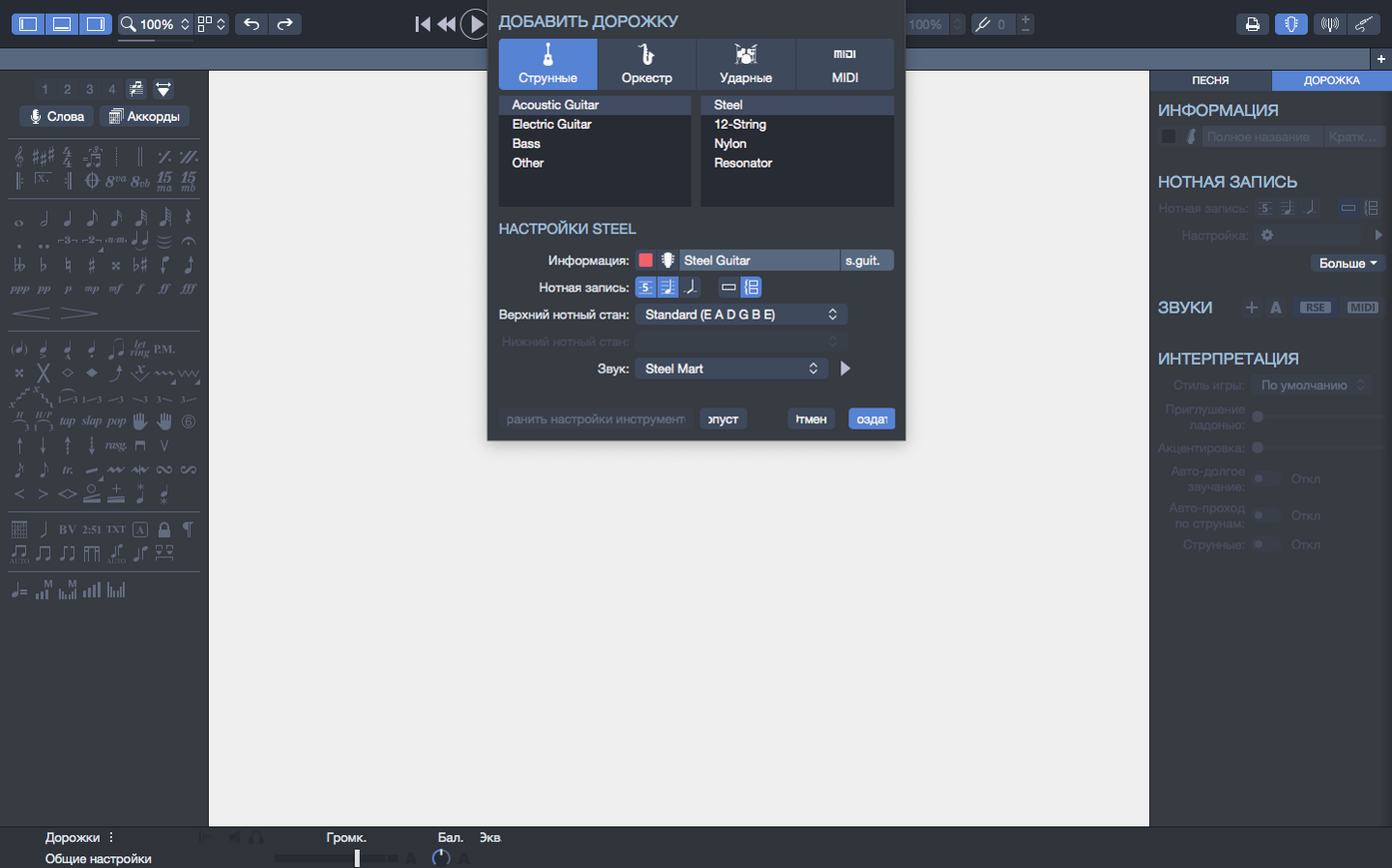
Start a new file and pick guitar, bass, or Hawaiian guitar from the instrument list. The staff and tablature appear side by side, and the software handles the notation quirks of each instrument without fuss.
Working with Chords
Drop in a chord from the builder, then drag the whole section to a new key. The fingerings update automatically, which matters when you are writing for a student who still relies on shapes rather than note names.
Build a Drum-and-Piano Backing Track from a Riff
Suppose you have a riff in E minor and want a drum-and-piano backing track to practise against. Open Guitar Pro 8, create a new file, and add two tracks: one for drums, one for piano. The instrument list covers both, so no separate MIDI editor is needed.
Write your riff on the guitar track first. Use the metronome to lock the tempo before you touch the other parts. Once the guitar is in place, switch to the drum track and lay down a basic kick-and-snare pattern. The built-in player lets you hear the two tracks together immediately, so you can adjust the drum velocity without leaving the tab view.
Add the piano track last. You can keep it simple — root notes and fifths on the downbeats — or open the chord builder and paste a voicing that fits the riff. The chord names and fingerings transpose together if you later decide to move the whole song to a different key, which is handy when a vocalist asks for a lower register.
Play the full arrangement back from the score view. If the snare hits feel late, nudge the note positions in the drum track by a grid increment. Export the final mix as a PNG score for a printed chart or as an SVG if you are embedding it in a digital lesson sheet.
Runs on Older Macs with macOS 10.13 or Later
One common question is whether Guitar Pro 8 works on older Macs. The minimum requirement is macOS 10.13, and the software runs on both Intel and Apple Silicon machines. You need administrator rights to install, but the process itself is straightforward: mount the disk image and run the standard installer. No extra drivers or audio interfaces are required — the built-in player uses your Mac’s sound output by default.
Another frequent query is about file compatibility. Guitar Pro 8 opens files from earlier versions without conversion steps, so if you have a collection of Guitar Pro 5 or 6 scores, they will load directly. The same applies to exporting: you can save in the native .gp format or export to MIDI, MusicXML, and audio. The PNG and SVG exports are new in version 8, and the transparent-background option for PNG is useful for people who make their own teaching materials.
People also ask about the chord builder’s scope. It covers guitar, bass, and Hawaiian guitar, and it includes common voicings as well as custom ones. The fingerings transpose automatically with the score, which is not something every tab editor does. If you write for ukulele or other stringed instruments not listed, you can still use the guitar staff and adjust the tuning manually.
Fix Playback of Arpeggios at the Start of a Score
Some users find that arpeggios at the very beginning of a score do not play back correctly. This was fixed in version 8.1.5-31, so make sure you are running that build. If you still hear a flat attack on the first beat, check that the arpeggio marker is attached to the correct note and not accidentally placed on a rest.
Another snag: stem directions refusing to change. In earlier builds, certain note combinations locked the stem direction, preventing you from flipping it manually. Version 8.1.5-31 addresses this, but if you hit a stubborn stem, try selecting the note and toggling the stem direction from the notation menu rather than dragging it.
Playback continuity can break when you plug or unplug headphones or an audio interface while the player is running. Guitar Pro 8.1.5-31 improved this behaviour on macOS, so the sound should keep playing without stuttering. If you still get a dropout, pause playback before changing audio devices, then resume.
A less obvious issue involves the recent files list on the homepage. You can pin files to keep them visible, but pinned entries sometimes disappear after a major update. Re-pin them once after installing 8.1.5-31 and they will stay put.
Export Transparent-Background PNGs for Teaching Materials
Guitar teachers benefit directly. The ability to export scores with transparent-background PNGs means you can drop a tab into a worksheet or a slide deck without white boxes around the staff. The chord builder and automatic transposition save time when you prepare the same exercise in multiple keys for different students.
Songwriters who work alone will find the backing-track feature useful. Instead of recording a scratch drum part in a DAW, you can sketch it inside Guitar Pro 8 and hear it alongside your guitar part immediately. The metronome keeps you honest, and the built-in player is good enough for demo purposes.
Bass players are not an afterthought. The instrument list includes bass, and the notation handles low tunings and extended-range basses. The chord builder works for bass voicings too, which is rare in tab editors that focus on guitar only.
Music students learning theory can use the score view to see how tab relates to standard notation. The side-by-side display makes it clear where notes sit on the staff, and the playback lets you hear intervals and rhythms without needing a teacher in the room.
Turn a Student's MIDI Riff into a Full Tab with Drums
I open Guitar Pro 8 on a Wednesday afternoon. A student sent me a rough MIDI file of a riff he wrote in school, and I need to turn it into a proper tab with chords and a drum part.
Step one: import the MIDI file. Guitar Pro 8 reads it without fuss, assigning the notes to a clean guitar track. The tempo is marked at 120 BPM, but the student played it loosely, so I set the metronome running and tap the tempo until it locks at 112 BPM.
Step two: clean up the notation. The MIDI import left some tied notes that should be rests, and the stem directions are a mess. I select the offending bars and flip the stems using the notation menu. Version 8.1.5-31 handles this correctly now, so no workarounds are needed.
Step three: add chords. The student’s riff centres on an E power chord, but the MIDI file only has single notes. I open the chord builder, pick an E5 voicing, and drop it into the second bar. The chord name appears above the staff, and the fret numbers update in the tab. I repeat this for the A5 and B5 sections later in the song.
Step four: build a drum track. I add a new track, select the drum kit, and write a basic rock pattern. The kick hits on one and three, the snare on two and four. I copy the pattern across the form and adjust the hi-hat velocity so the verses feel quieter than the chorus.
Step five: playback and tweak. I hit play and listen to the whole thing. The arpeggio at the start of bar three is supposed to sweep, but it sounds like a block chord. I check the arpeggio marker — it is attached to the first note of the bar. The fix from 8.1.5-31 should handle this, so I restart the player and it works.
Step six: export. I need a clean score for the student’s folder, so I export the guitar track alone as a PNG with a transparent background. The drum track stays in the project file for later reference. The whole session takes about twenty minutes, and the result is ready to send.
When the part is finished, export to PNG or SVG. For lesson handouts, a transparent-background PNG drops straight into a PDF without white boxes.
Changes in this build
- Arpeggios at the beginning of a score now play correctly.
- Fixed cases where stem directions could not be changed.
- Playback continuity on macOS improved when plugging or unplugging devices.
Before it goes on the Mac
- macOS 10.13 or later
- 64-bit dual-core Intel, AMD, or Apple Silicon processor
- 4 GB RAM
- 2 GB free disk space
- Administrator rights required
Installing it on the Mac
- Mount the downloaded disk image.
- Run the standard installer and follow the prompts.
Notes from the control room
Sign in or open a catalogue account to leave a note.
No notes from the room yet. If you have used this build for a week, a short note helps the next person.