Flacbox 7.8 (Mac)
Updated
The catalogue note
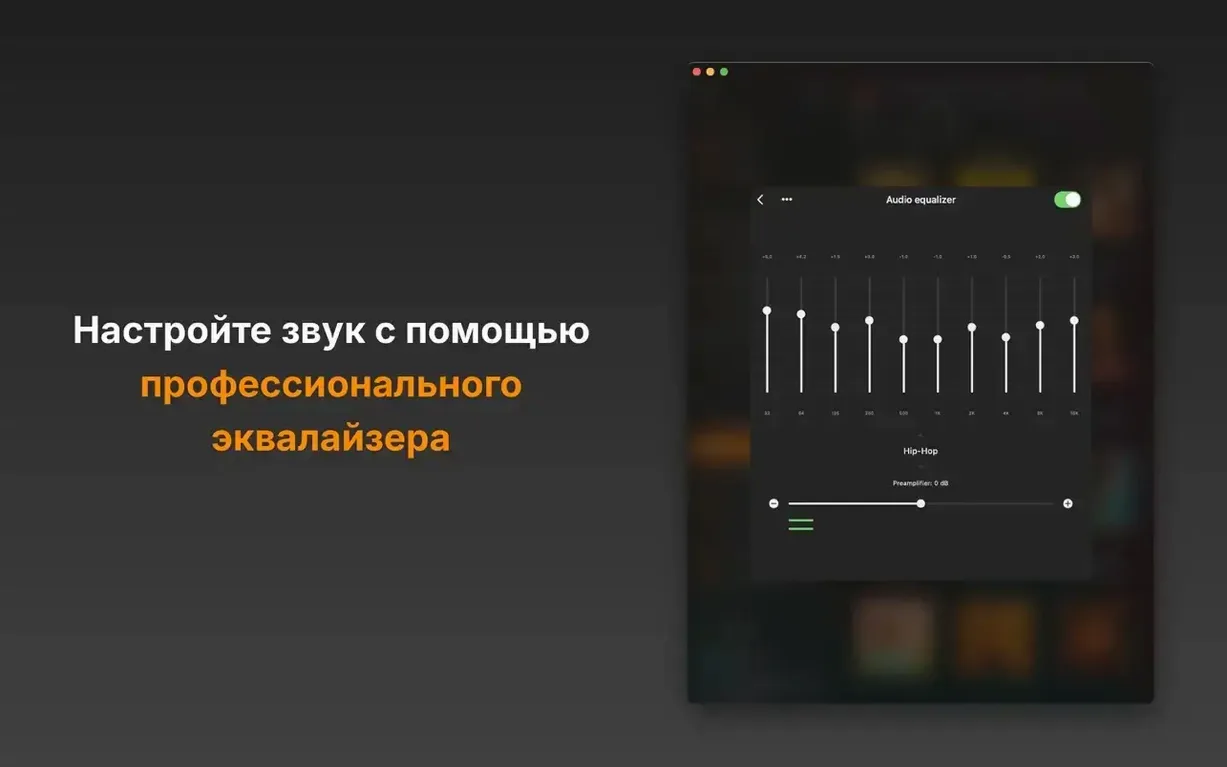
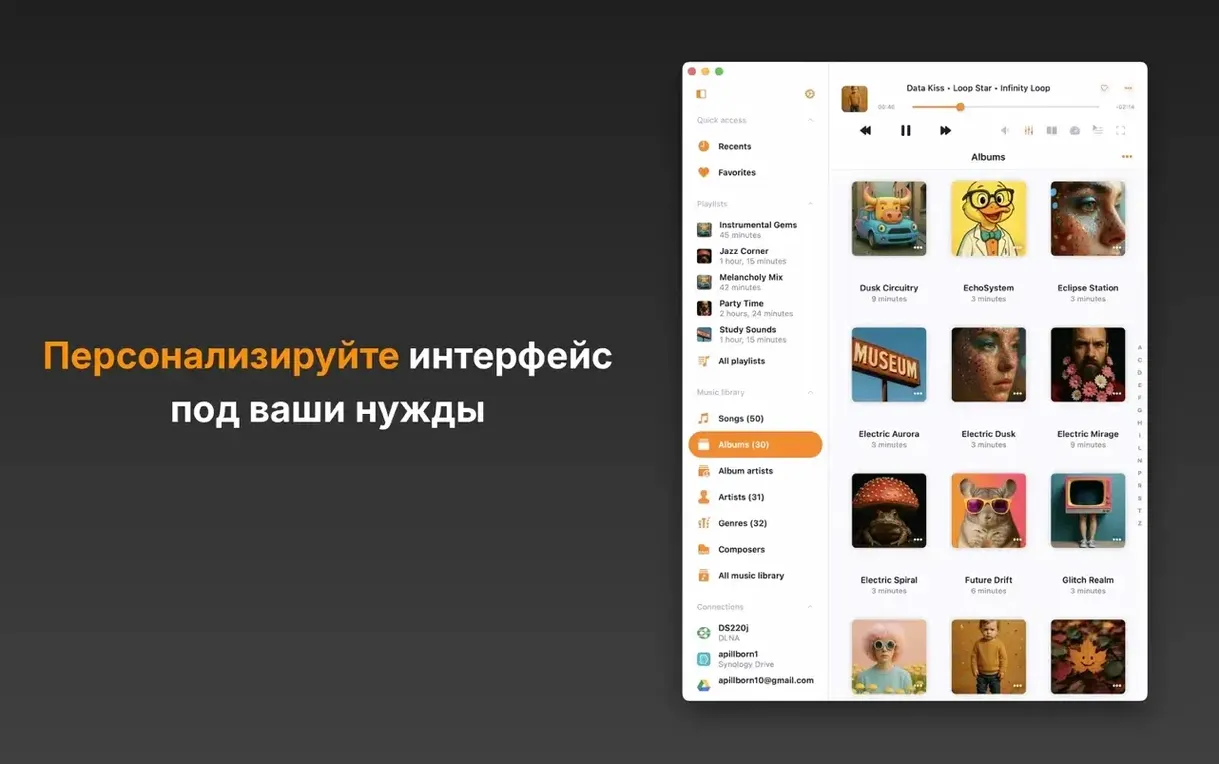
Flacbox 7.6 brings a BASS audio engine, real-time effects, a DSP processor, and a music visualizer to the Mac. That’s a solid update for anyone who wants more control over playback, not just a file opener. The refreshed effects and equalizer screens make the new tools easier to reach.
Before you install: what you’ll get
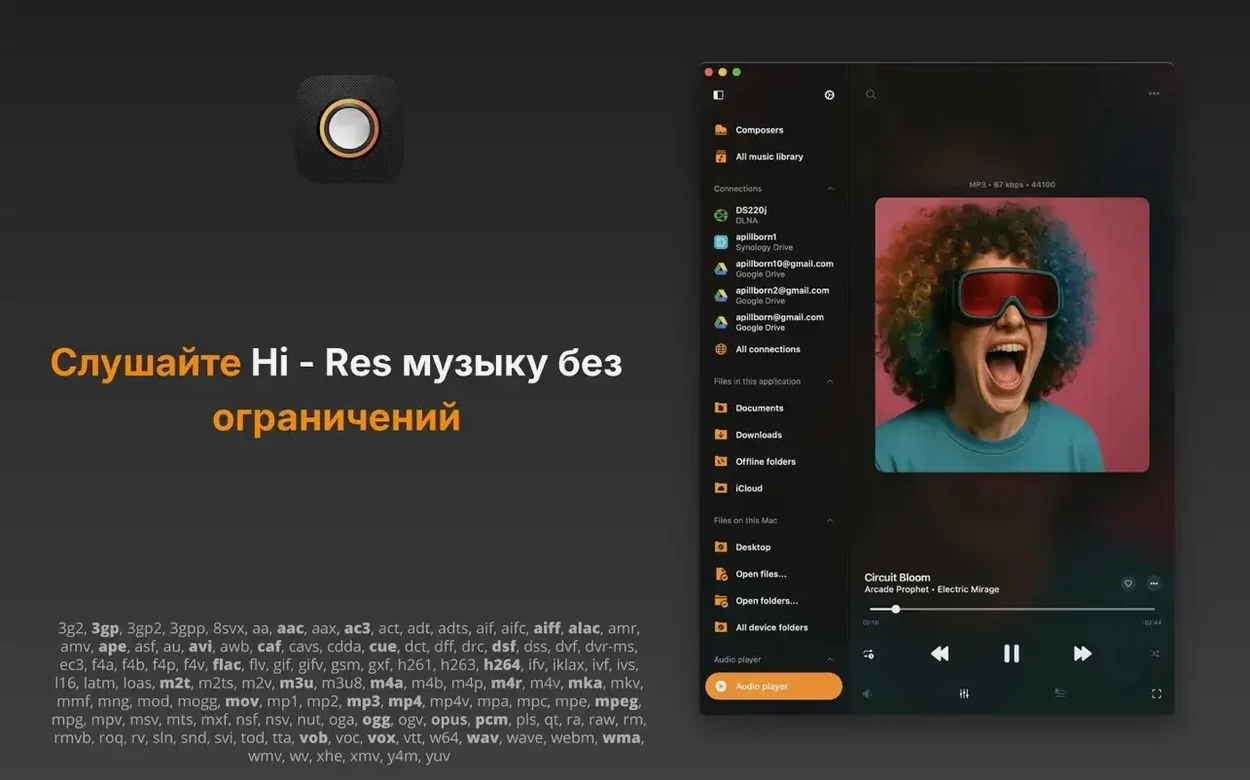
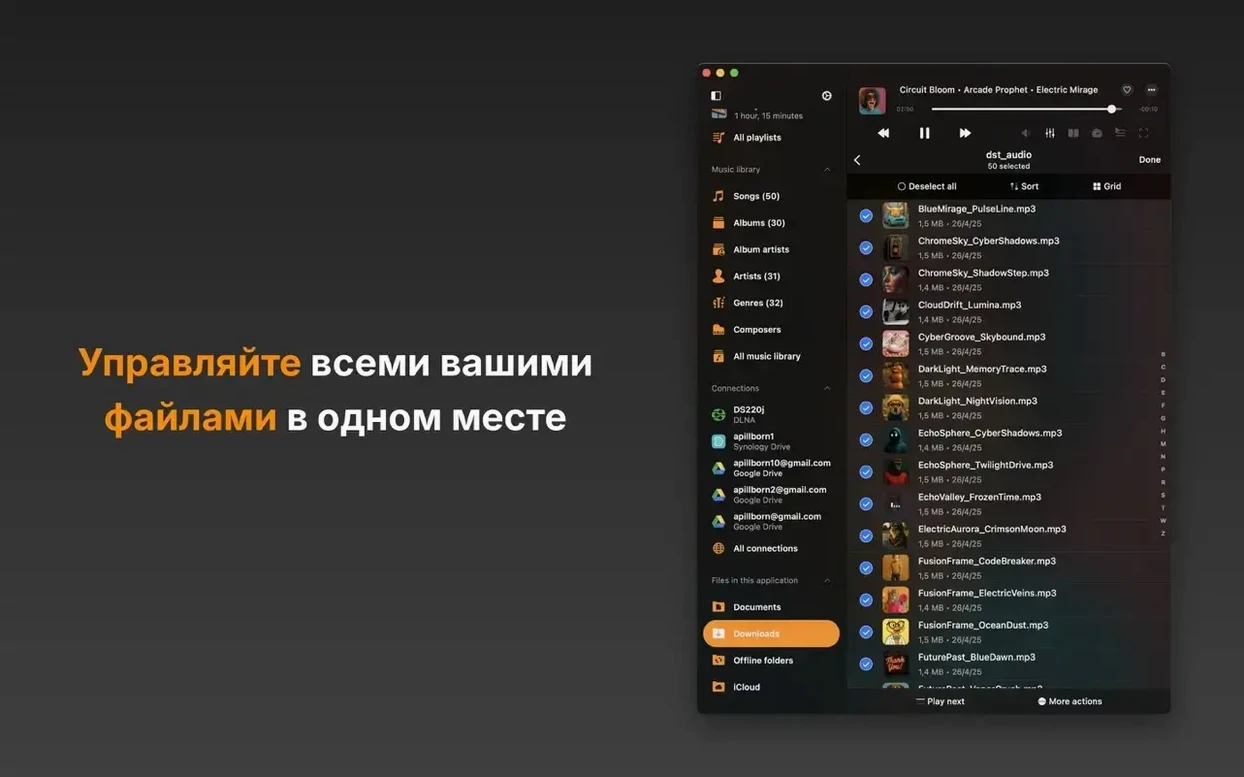
Flacbox is a high-resolution music player and streamer. It handles local files, cloud storage, NAS, and media servers via WebDAV, SMB, and DLNA. The format list covers FLAC, DSF, ALAC, WAV, AIFF, MP3, AAC, OGG, OPUS, and video containers like MKV and MOV. Playback speed control and pitch correction are built in, which helps for transcription or learning parts by ear.
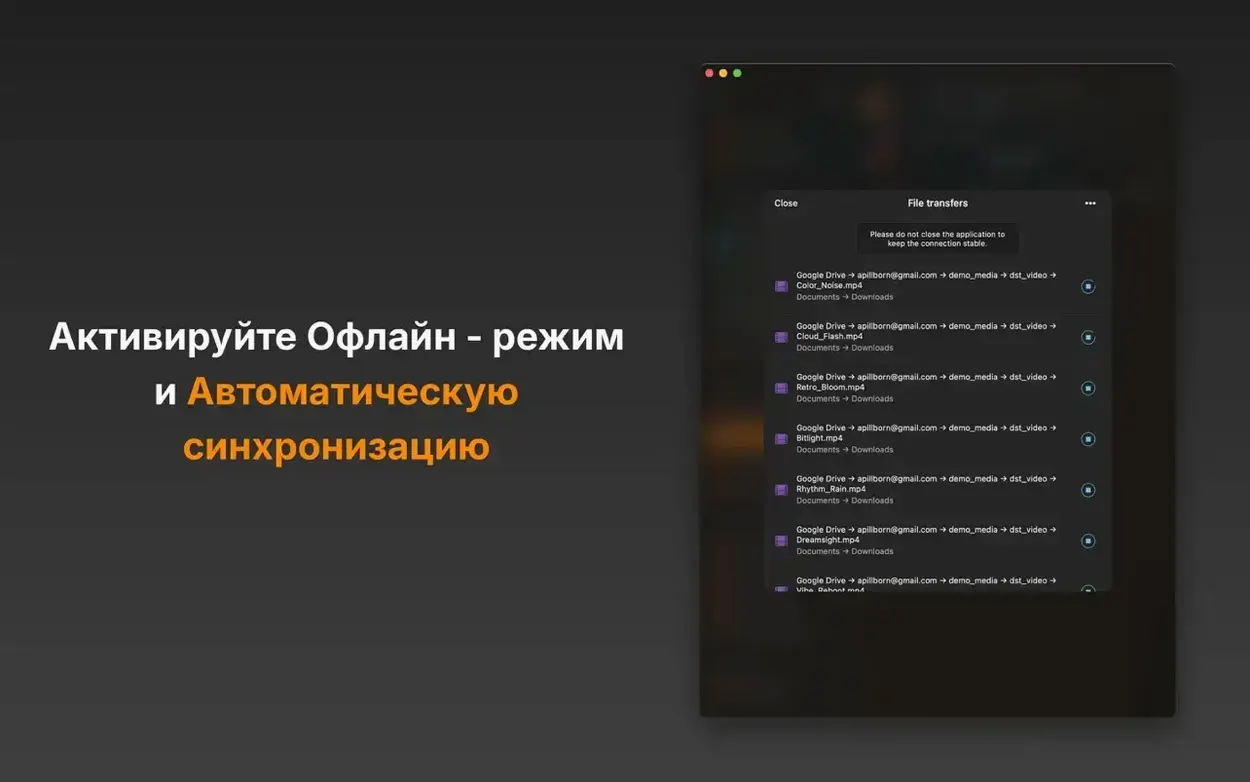
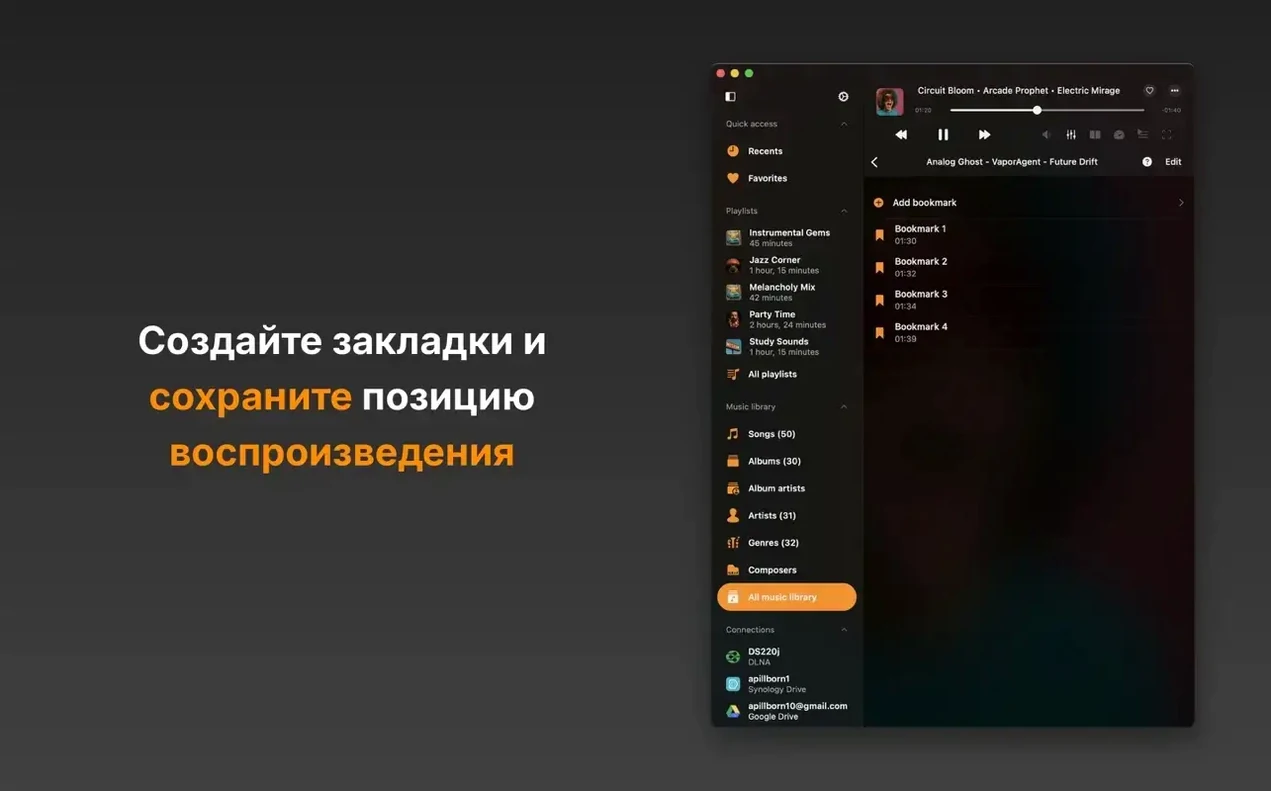
The file manager keeps your collection tidy, while sleep timer, favorites, bookmarks, widgets, shuffle, repeat, album art, comments, and advanced search cover the day-to-day. Wi-Fi file transfer is included, so you can move files without cables.
Version 7.6 also adds tracker playback for MOD, XM, IT, S3M, MTM, UMX, and MO3, plus broader localization and stability fixes.
Workflow: from download to first playback
- Mount the disk image and drag Flacbox into the Applications folder.
- Launch it from Launchpad.
- Point it at your music folder, a network share, or a cloud account, and play something lossless.
Suits anyone with a large lossless library on a NAS or cloud service
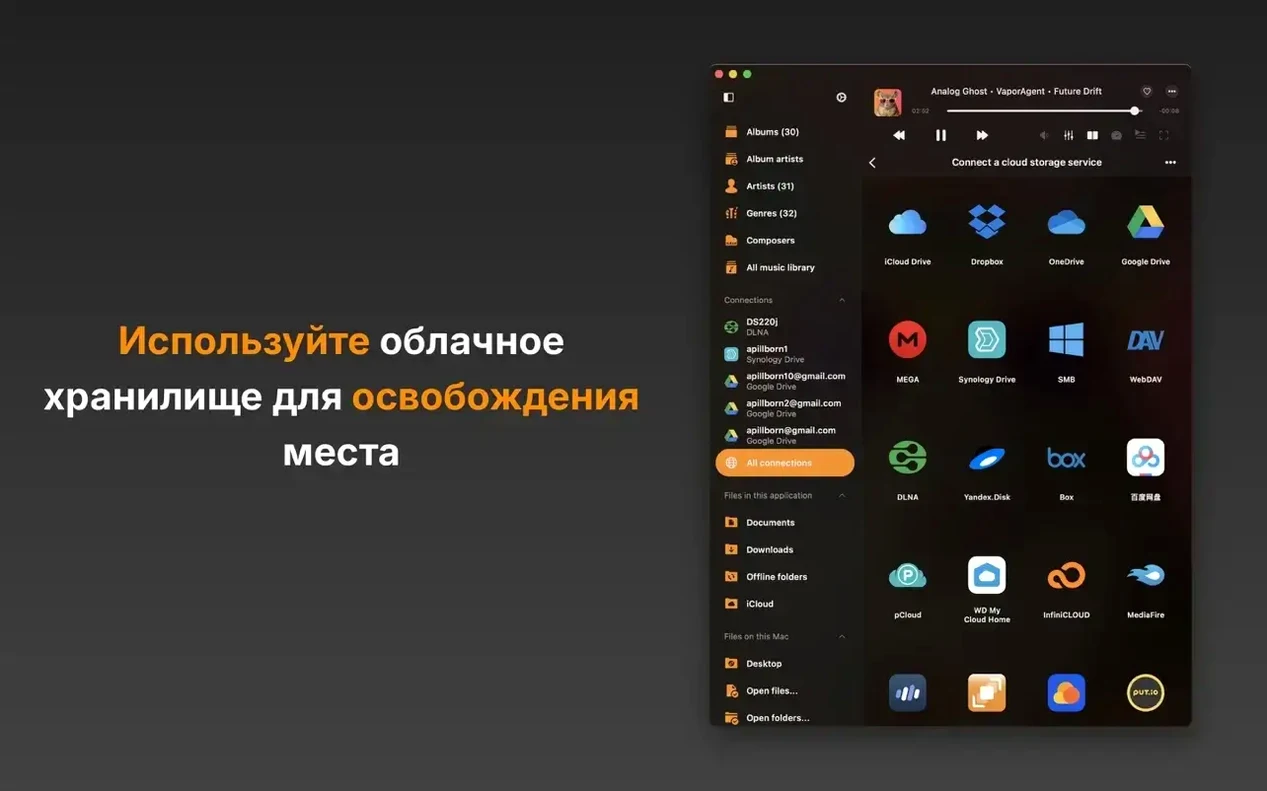
Flacbox suits several types of Mac users, though not everyone needs its full feature set. The clearest match is someone with a large lossless library stored on a NAS or cloud service. If you keep FLAC or DSF files on a Synology, a WD MyCloud Home, or in Dropbox or Google Drive, Flacbox lets you play them directly without syncing everything locally. That saves drive space and avoids duplicating your library.
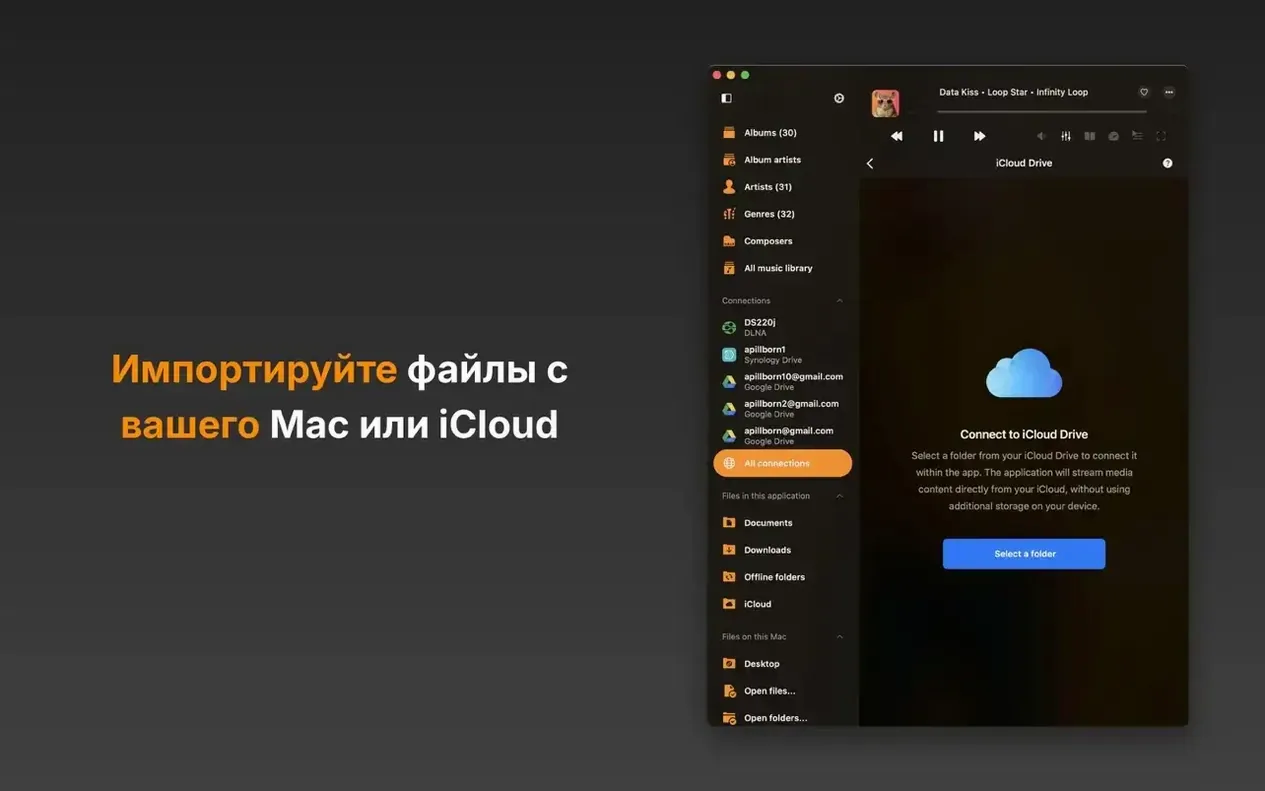
Users who stream from multiple sources also benefit. You can have iCloud Drive, OneDrive, and a SMB share all mounted inside the app, switching between them without leaving the player. The ID3 tag editor means you can fix metadata on the fly, which is useful when cloud-synced files arrive with incomplete tags.
People who work with tracker modules — MOD, XM, IT, S3M, and the rest — now have a native macOS player that handles them alongside standard audio formats. That’s a niche audience, but version 7.6 finally covers it. For anyone transcribing music or learning parts, the playback speed control with pitch correction works well without extra software.
Most issues come from network or permission setup
Most issues people hit with Flacbox come from network or permission setup. Here are the ones I hear about most often.
- Cloud storage won’t connect. Check that you’ve authorised the app in your cloud provider’s security settings. Some services require an app-specific password or a one-time authorisation code. Re-adding the account from the app’s sidebar often clears it.
- Files appear but won’t play. If the file plays on another player but not in Flacbox, check whether it uses a format the app doesn’t support. The format list is broad, but rare codecs inside an MKV or MOV container can cause a skip. Try re-encoding the file or check the container’s audio track type.
- Playback stutters over Wi-Fi. This is usually a network issue, not an app one. Large FLAC or DSF files over a slow or congested Wi-Fi network can buffer.
- Tag editor changes don’t save. Make sure the file isn’t set to read-only in the Finder. Files on some cloud storage sync folders can be locked by the sync client. Copy the file locally, edit, then replace it.
- The visualizer doesn’t show. The visualizer needs a video output or a window with enough space. If you’re in a full-screen player mode, try switching to the normal window layout.
Fills a specific spot with better metadata and cloud integration
Flacbox isn’t the only lossless player on macOS, but it fills a specific spot. Compared to VLC, Flacbox offers a more focused audio experience — better metadata handling, cloud integration, and the new DSP processor and effects. VLC plays anything but treats audio as a secondary concern. For pure music listening, Flacbox feels more intentional.
It also supports more cloud providers and tracker formats out of the box.
VOX is another alternative, with a clean interface and cloud support. It’s lighter in features, though: no tag editor, no visualizer, no DSP effects. Flacbox 7.6 pulls ahead with the BASS engine and real-time effects for those who want to shape the sound.
Start by connecting your most-used cloud account or network share first
Start by connecting your most-used cloud account or network share first. That gives you immediate access to your library without copying files. Then set up a local folder for files you edit or tag frequently — it’s faster than working on cloud-synced files.
Spend a few minutes with the equalizer and the new DSP processor. The presets give you a starting point, but the custom settings let you dial in a sound that suits your headphones or room. The level indicators help avoid clipping when you boost frequencies.
If you use playlists, import any existing M3U or M3U8 files. Flacbox reads them, so you don’t have to rebuild your listening queues from scratch. For cue sheets, place them in the same folder as the audio files and the app picks them up.
Try the Wi-Fi file transfer once, even if you don’t need it immediately. Knowing it’s set up saves time when you want to move a single track from your phone or another computer without a cable or cloud upload.
Finally, check the widget and bookmark features. Adding a few bookmarks to frequently used folders or playlists speeds up navigation, especially when you’re browsing a large NAS or cloud library.
Before it goes on the Mac
- macOS 12 or later
- Apple Silicon and Intel 64‑bit
Questions from the room
Does Flacbox run on Apple Silicon and Intel Macs?
Yes, Flacbox supports both Apple Silicon and Intel 64-bit Macs, so it works across the current Mac lineup.
What audio formats does Flacbox play?
It plays FLAC, DSF, ALAC, WAV, AIFF, MP3, AAC, OGG, OPUS, and many more, including video formats like MKV and MOV.
Can I stream from my NAS or cloud storage?
Yes, Flacbox connects to WebDAV, SMB, and DLNA servers, so you can stream music from NAS devices and cloud services.
Installing it on the Mac
The 63 MB zip lands on your drive and asks for nothing newer than macOS 12, on either Intel or Apple Silicon hardware.
- Open the downloaded disk image and drag the Flacbox app into the Applications folder.
- Once copying finishes, launch it from Launchpad.
Notes from the control room
Sign in or open a catalogue account to leave a note.
No notes from the room yet. If you have used this build for a week, a short note helps the next person.