djay Pro 5.6.11 (Mac)
Updated
The catalogue note
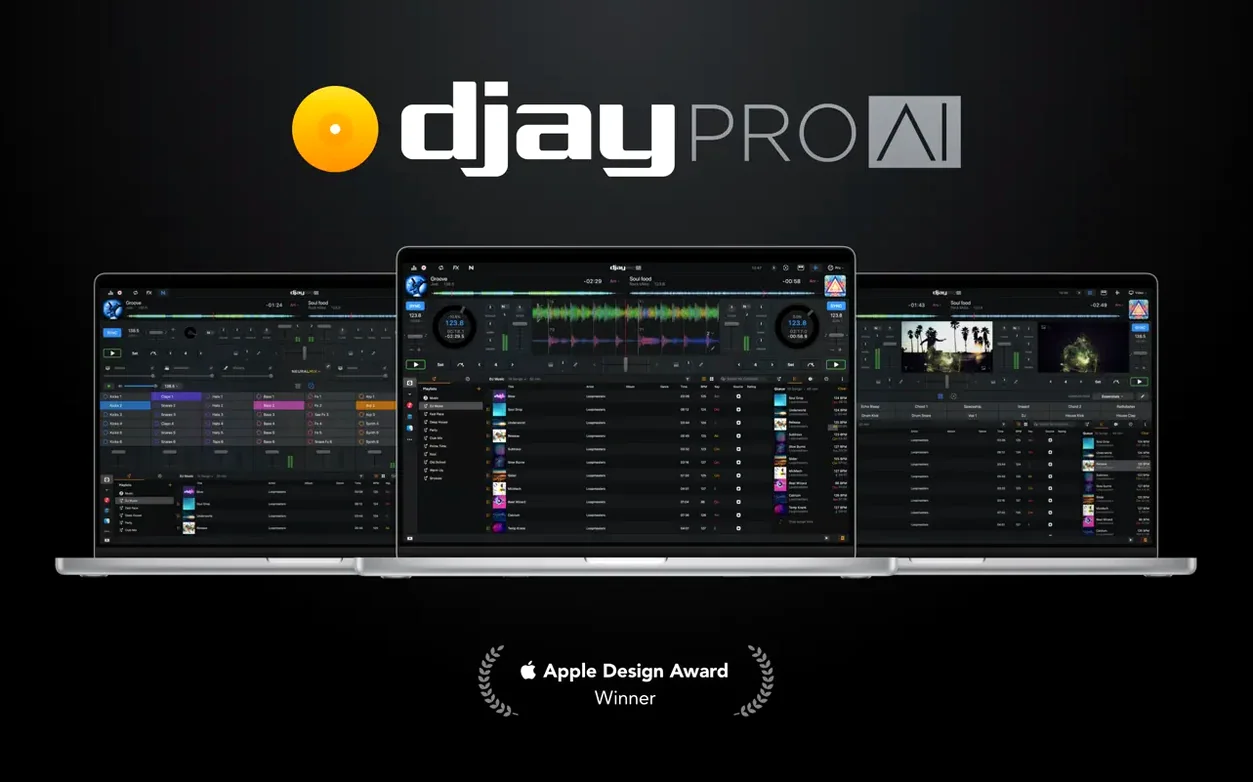
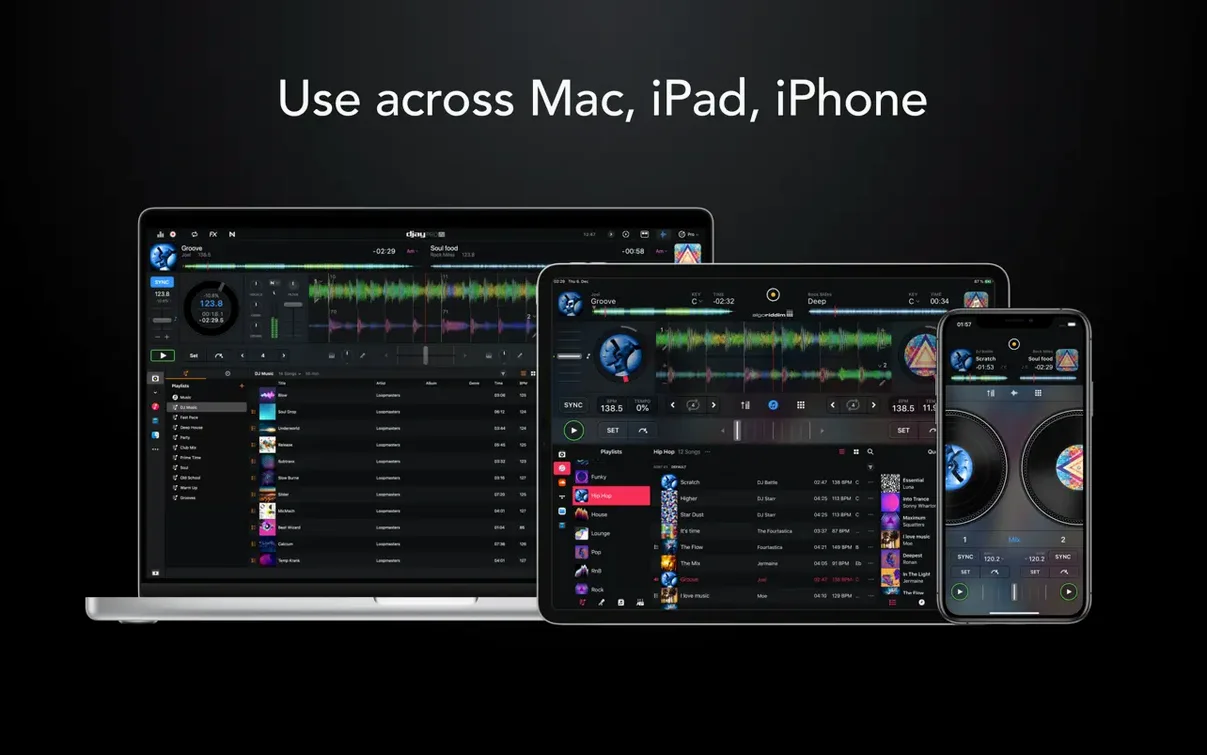
djay Pro 5.6.9 runs on any Mac from macOS 10.15 onward, Intel or Apple Silicon, which makes it a safe bet for older studio machines as well as current hardware. The app is the Mac version of Algoriddim's djay line, and it carries the full complement of mixing tools: high-definition waveforms, an automix mode, Ableton Link for syncing with other software, and live performance features that go beyond simple two-deck playback.
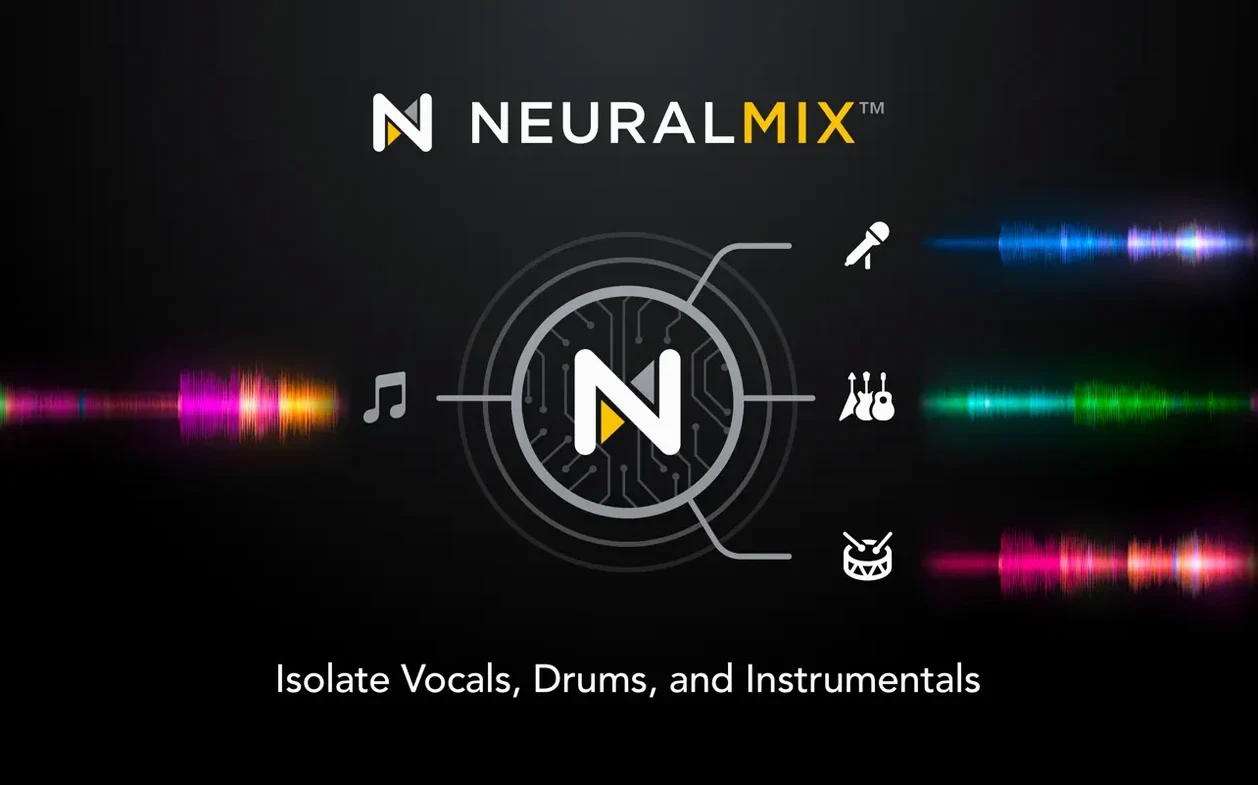
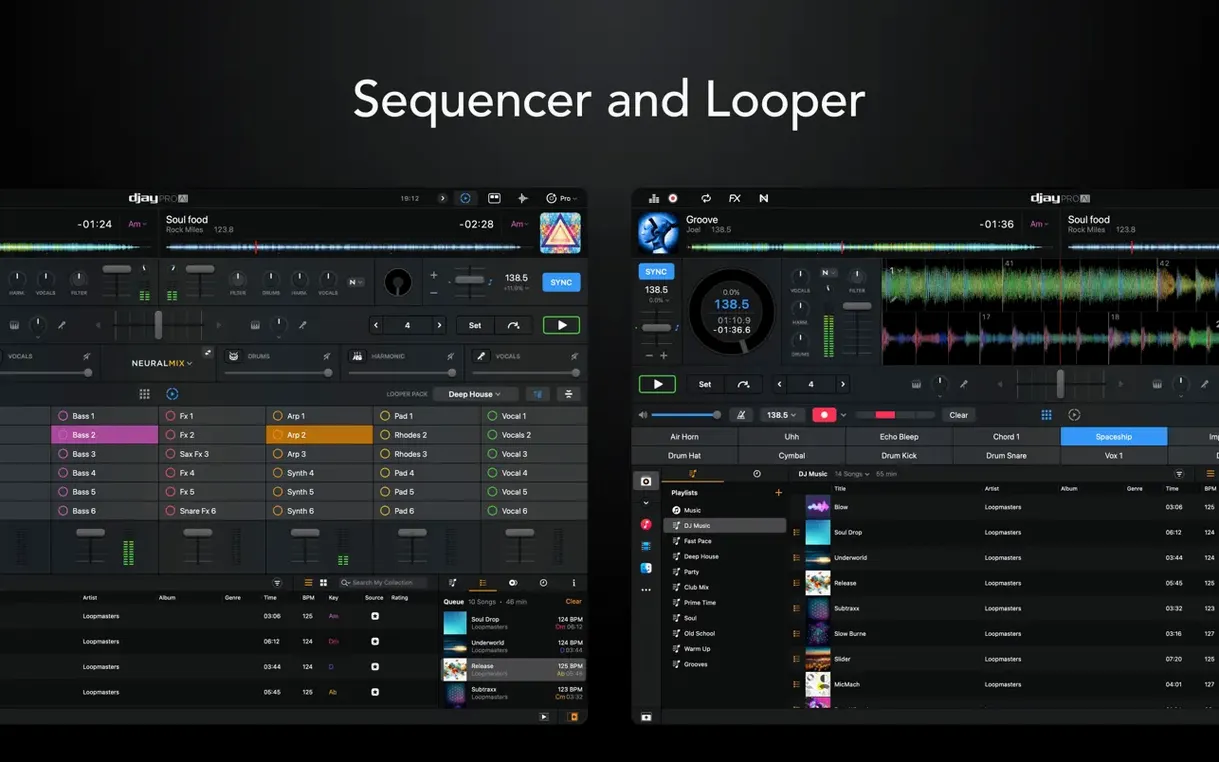
For experienced users, the depth is in the details. The looper handles up to 48 loops per track, which is plenty for building layered sets or rehearsing transitions. Neural Mix separates vocals, drums, bass, and instrumental parts in real time, so you can isolate a break or drop an acapella over a different backing track without pre-rendering. Video mixing is also built in, useful for club gigs or streamed sessions where visuals matter.
Version 5.6.9 focuses on hardware integration. RANE System One now gets native display support, meaning the controller's screens show the right info without extra mapping. There are new MIDI actions for changing beat jump duration, and the media library playlist presentation on CDJs has been cleaned up. The cue point jumping fix on motorized controllers during scratching and platter spindown is the kind of tweak you only notice when it's wrong, but it matters for anyone who rides the platter hard.
If you're already in the djay ecosystem, this update tightens the rough edges. If you're coming from another DJ app, the combination of Neural Mix, looping depth, and controller support is worth a serious look.
Check the MIDI assignment panel first when a controller does nothing
Most issues people run into with djay Pro are about audio routing or controller setup, not the app itself. If you plug in a controller and nothing happens, check the MIDI assignment panel first — the app auto-maps supported devices, but some controllers need a manual selection from the dropdown. If the controller's screen stays blank, verify the firmware is current; older firmware versions sometimes miss the display commands djay Pro sends.
Audio crackles or dropouts usually trace back to buffer size. Go to the audio preferences and raise the buffer until the glitches stop. On Intel Macs, the Neural Mix engine can push the CPU harder than expected, especially with four decks and video running. Dropping to two decks or turning off video preview often clears it up without changing the buffer.
If the looper seems to miss the beat, make sure the track's BPM is detected correctly. Manually tap the tempo on the controller or adjust the grid in the waveform view. The looper follows the master BPM, so a wrong detection throws every loop off.
The "Open Gatekeeper friendly" step during installation sometimes fails on newer macOS versions. If the app won't open, right-click and select Open from the context menu, then confirm the security dialog. That bypass works more reliably than the Terminal method on macOS 13 and later.
Treating decks as independent players causes muddy mixes
New users often treat the four decks as four independent players, then wonder why the mix sounds muddy. The decks share a master output, so keeping more than two tracks active at once without careful EQ work creates a frequency pileup. Start with two decks and bring in the third only when you need a longer transition or a looped layer.
Another common misstep is ignoring the sync button. Some beginners feel they have to beatmatch by ear because that's the traditional way, but djay Pro's sync is tight and lets you focus on phrasing and effects. There is no prize for manual matching in a live set — use the tools.
People also forget that the automix mode is not a set-it-and-forget-it feature. It works well for background playback, but it does not read the room. If you rely on automix for a live gig, you risk awkward transitions when the energy drops. Automix is for practice sessions or radio-style streams, not club sets.
The Neural Mix separation sounds impressive, but beginners sometimes solo the vocal stem and expect a clean a cappella. It's a real-time process, not a studio extraction — some bleed from other stems is normal. Adjust the mix knobs rather than going full solo if you want a usable blend.
Ableton Link bridges djay Pro with other macOS apps
djay Pro integrates with Ableton Link, which is the most useful bridge for electronic musicians. You can run djay Pro on one Mac and Ableton Live on another (or the same machine with a separate audio interface) and sync tempo and phase across both.
For video, the app outputs to any macOS-compatible display or projector. If you use OBS for streaming, capture the djay Pro video window as a source. The video mixing engine runs independently from the audio engine, so dropping a visual effect does not affect the audio buffer.
On macOS, the app respects the system audio routing in the usual ways. You can send the master output to built-in speakers, an external interface, or aggregate devices created in Audio MIDI Setup. The app also works with macOS Shortcuts if you set up MIDI triggers — not a native integration, but you can map a controller button to trigger a Shortcut via MIDI.
For local transfers, AirDrop works fine for individual tracks.
Traktor Pro 3 has deeper effects but lacks real-time stem separation
Traktor Pro 3 is the closest competitor in terms of four-deck mixing and hardware support. Traktor's effects are deeper and its ecosystem of controllers is more established, but it lacks real-time stem separation. You have to pre-process tracks or use third-party tools. djay Pro's Neural Mix gives it an edge for on-the-fly remixing and vocal isolation.
Serato DJ Pro handles video better overall — its video engine supports more formats and has finer control over visual effects. But Serato's hardware lock is restrictive; you need a compatible controller to even launch the app. djay Pro works with or without hardware, which makes it more accessible for laptop-only sets or studio experimentation.
Mixxx is the open-source alternative. It covers the basics well and supports many controllers, but its stem separation is experimental and not real-time. The interface is less polished, and video mixing is absent. For a free tool it is impressive, but djay Pro offers a more complete package without requiring configuration work.
Friday club gig: plug in, connect controller, and mix on four decks
Friday evening, a small club gig. I arrive early, plug the MacBook Pro into the house mixer via a Focusrite interface, and connect the RANE System One controller. The Mac detects the controller immediately — the displays show the deck names and BPM without any mapping. I open djay Pro, and the library syncs from my external SSD where I keep the week's new tracks sorted by key and energy.
I load the first track on deck A and cue the intro. The waveform shows the beat grid is correct, so I set a loop on the first 16 bars using the controller's loop encoder. Deck B gets a vocal house track; I enable Neural Mix and turn down the vocal stem so only the instrumental plays underneath. The crowd is thin, so I keep it simple for the first half hour — two decks, smooth transitions, occasional filter sweeps from the built-in effects.
At 11 PM the room fills up. I bring in deck C with a percussive Afro-house track and loop its drum stem. While deck A plays out, I cue the drop of deck C and use the beat jump to move the loop forward by 4 beats, building tension. The transition hits clean — the drum loop from deck C cuts in as deck A fades, and the bass stays locked because Ableton Link keeps everything synced to the same tempo.
Later, someone requests a pop remix. I search the library, load the track on deck D, and use the sequencer to add a simple hi-hat pattern over the break. The looper captures a 4-bar vocal phrase from the original track, and I layer it over the sequencer beat. It is not a polished production, but for a live moment it works — the crowd reacts.
It handles the transition from deep house to chill-out without clashing keys, and the volume stays consistent. Not something I would do during peak hours, but for the wind-down it saves fumbling with the last tracks while people are already heading out.
Changes in this build
Version 5.6.11 of djay Pro AI has landed on the Mac App Store. Algoriddim haven't published a detailed changelog for this build, so you're looking at the usual round of behind-the-scenes tightening — likely addressing a few edge-case crashes and keeping everything smooth with the latest OS updates.
Before it goes on the Mac
- macOS 10.15 or later
- Apple Silicon or Intel 64-bit processor
Questions from the room
Does djay Pro support both Intel and Apple Silicon Macs?
Yes, djay Pro 5.6.9 runs on both architectures, as long as your Mac is on macOS 10.15 or later.
Installing it on the Mac
- Mount the disk image and run the Open Gatekeeper friendly command.
- Press Enter in the Terminal window to bypass Gatekeeper.
- Drag the app into the Applications folder.
- Disable SIP if required.
Notes from the control room
Sign in or open a catalogue account to leave a note.
No notes from the room yet. If you have used this build for a week, a short note helps the next person.