Home › Mac Apps › Pixologic Zbrush

Pixologic Zbrush 2026.2.1 (Mac)
Updated
The catalogue note
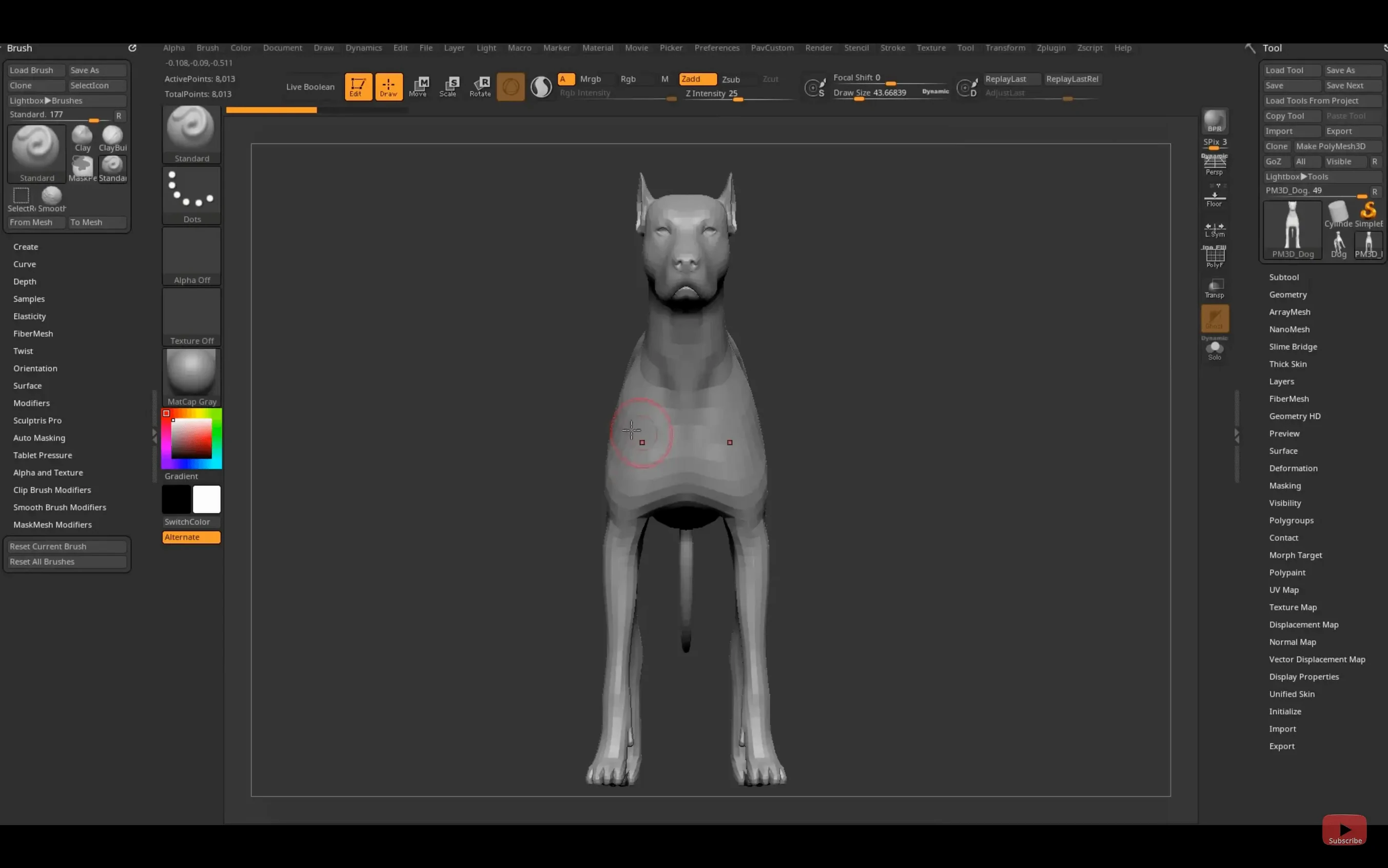
ZBrush 2026.2.1 lands with a few quiet but meaningful updates. Substance Bridge now moves models to Substance Painter in one click, and GoZ has caught up with Maya 2026 and 3ds Max 2026. For Mac users the core remains the same: a sculpting environment that handles polygon counts most other apps will not touch.
The pixol stores depth, material, and orientation data under the brush
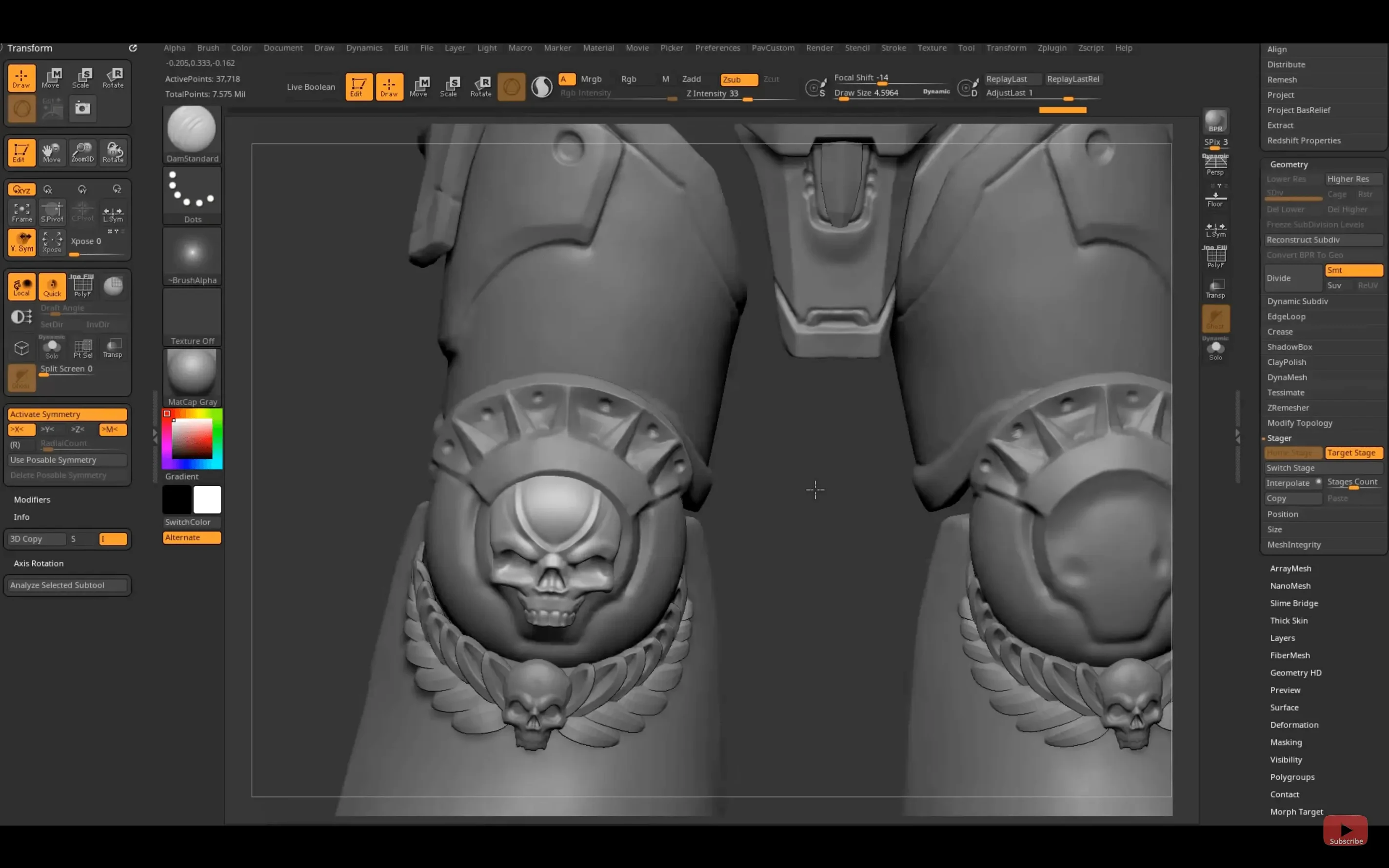
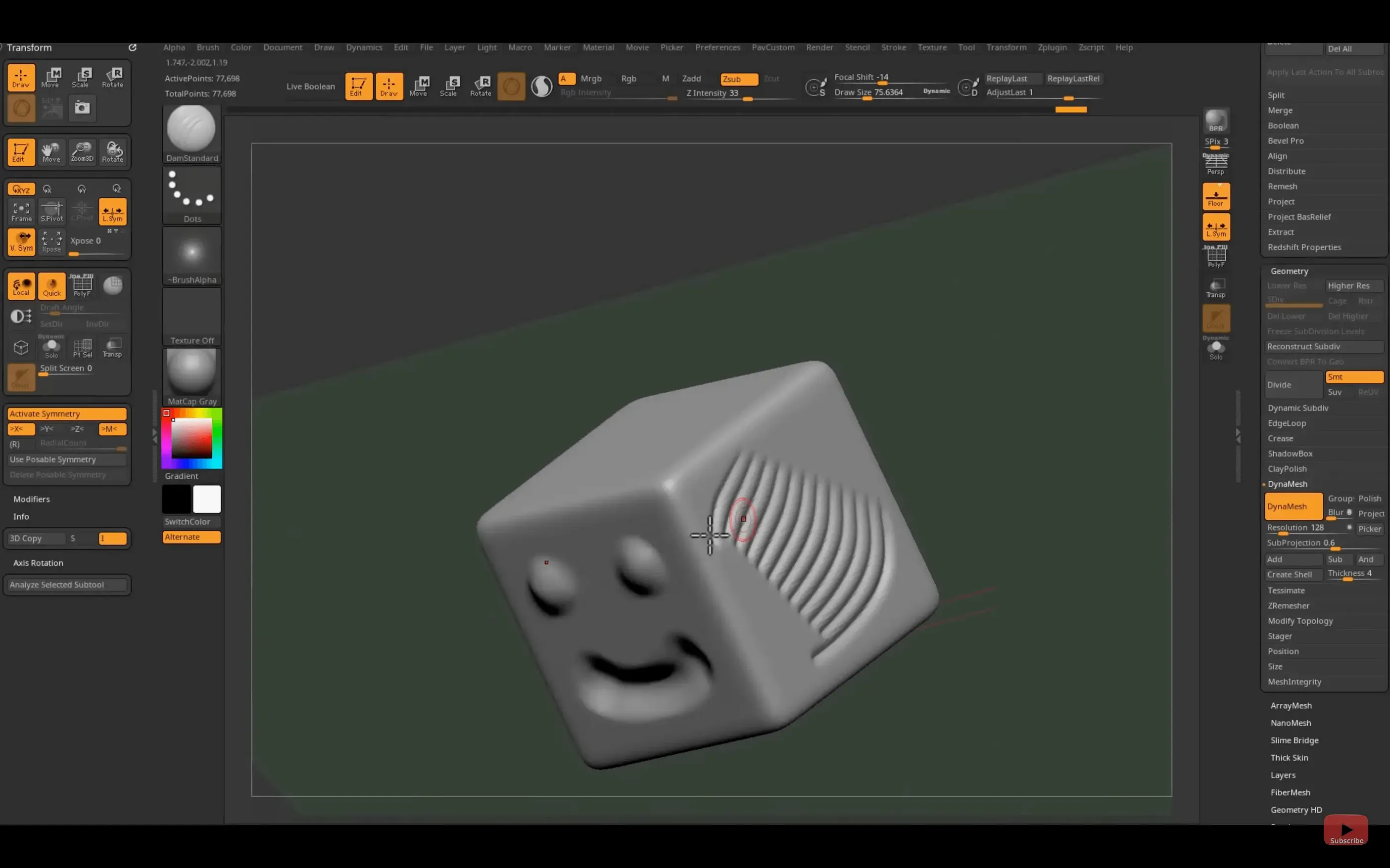
Underneath the familiar brush system sits the pixol — each point on the canvas stores XY coordinates, colour, Z depth, orientation and material. That is why strokes can paint with real depth and why a single brush pass can alter geometry, texture and surface direction at once. For an experienced user, this is where ZBrush stops being a modelling tool and becomes a working material. Standard 3D objects can be modified directly with brushes, and the bundled plug-ins extend that further: texture work, geometry generation and new brush behaviours all slot into the same real-time pipeline.
Working at high density
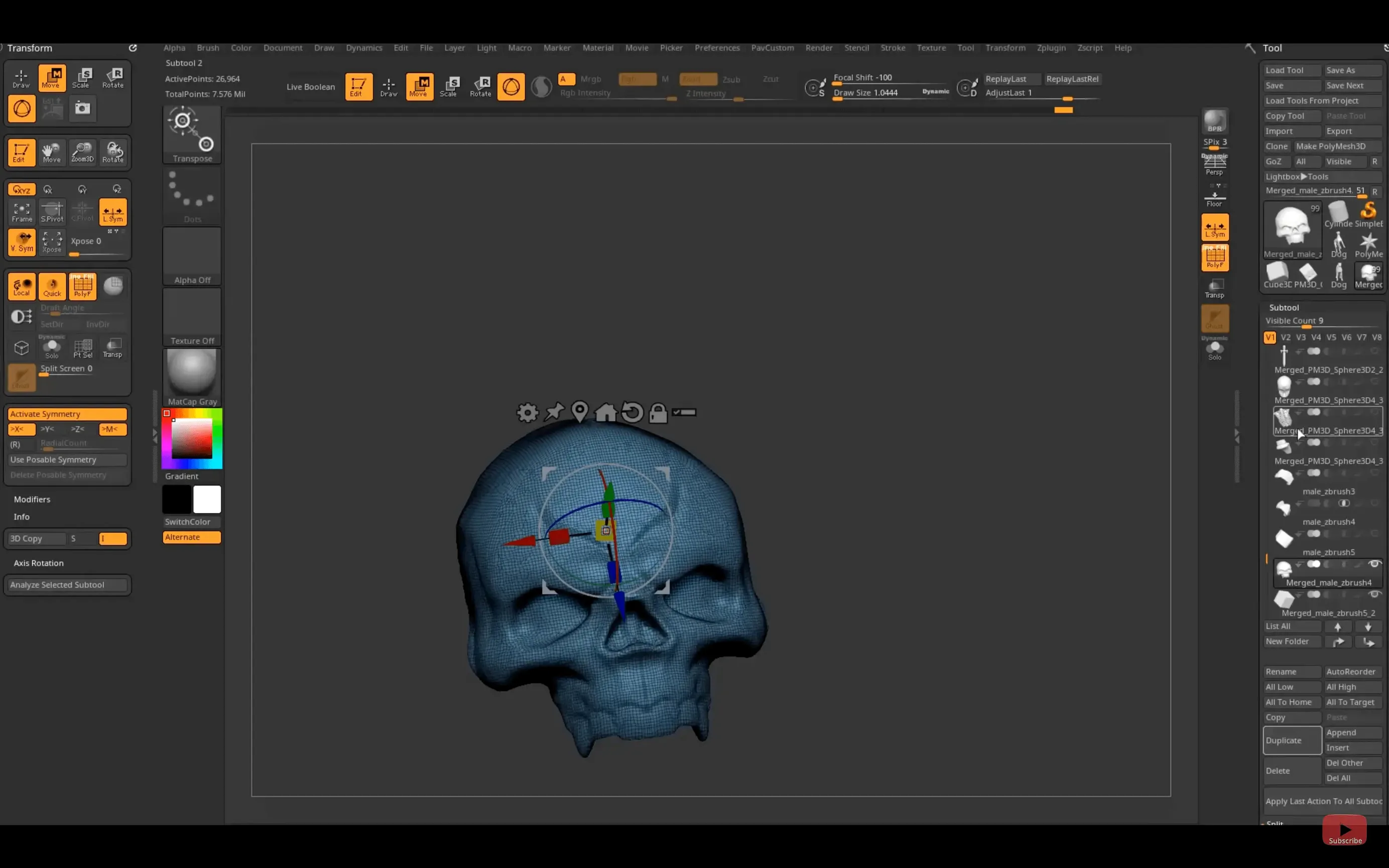
High polygon counts are not a selling point here, they are the point. The real-time rendering engine keeps the viewport responsive while you push subdivision levels well past what a conventional modeller would consider sane. The Mac version runs on macOS 12.6 and later on both architectures, and it does not force you into a different workflow between the desktop and iPad builds. The core sculpting logic carries across, even if the iPad version gets its own custom hotkey sharing in this release.
A typical sculpt-to-texture workflow
Say you have roughed out a character head in ZBrush using DynaMesh and a few standard brushes. Once the primary forms are where you want them, you switch to higher subdivision levels — usually Ctrl+D a few times — to refine the surface detail. At subdivision 5 or 6, the pore and wrinkle brushes become usable because the mesh has enough geometry to hold the displacement. You work through the face in passes: first the macro forms (cheekbones, jawline), then the micro details around the eyes and mouth. Each brush stroke affects depth, colour and material simultaneously because of the pixol system, so you can paint a skin tone and sculpt a crease in the same stroke. When the detail work is done, you project the high-resolution detail onto a lower-poly version using the Project All function, then export the result via GoZ or as an OBJ.
For the texture pass, you generate a UV map from the low-poly model inside ZBrush, use the ZAppLink plug-in or the new Substance Bridge to send the model to Substance Painter, and apply materials there. The one-click Substance Bridge transfer in 2026.2.1 means you do not need to manually align maps or re-export geometry. The colour, roughness and metalness channels come across intact, and you can refine them in Substance Painter without switching back to ZBrush for every adjustment. The final textured model then goes into your rendering or game engine of choice.
Scenario: a collectible sculptor preparing for production
A sculptor working on a limited-edition resin figurine starts in ZBrush with a base mesh built from primitives. They use DynaMesh at a resolution of about 256 to block out the pose, then gradually increase the resolution as the anatomy takes shape. The client requests a change to the hand position halfway through the sculpt. Because ZBrush stores every point with orientation data, the sculptor can mask the rest of the body, rotate the hand using the Gizmo 3D tool, and re-blend the transition area with the Smooth brush — all without losing the surface detail already applied. Once approved, the sculptor uses the Decimation Master plug-in to reduce the poly count for 3D printing while preserving the surface detail, then exports the decimated mesh as an STL file. The whole iteration cycle takes about an hour instead of the half-day it would require in a subdivision-surface modeller.
Overworking the first subdivision on a low-poly DynaMesh
- Overworking the first subdivision. Beginners often try to sculpt all the detail on a low-poly DynaMesh. The result is a lumpy surface that cannot hold fine detail. The better approach is to rough in the shapes at low resolution, then subdivide and refine progressively.
- Ignoring the symmetry button. Sculpting a symmetrical character without X-symmetry turned on leads to mismatched forms and twice the work. The Symmetry palette in the left toolbar should be one of the first things set before any brush touches the mesh.
- Using too many subtools too early. Adding separate subtools for every small accessory makes the scene file grow quickly and slows down the viewport. It is often faster to sculpt appendages as part of the main mesh and extract them later with the Extract tool if needed.
- Forgetting to save multiple iterations. ZBrush’s undo history is deep but not infinite. A single accidental brush stroke on a high-subdivision model can ruin an hour of work if there is no earlier save. Quick-save (Shift+Ctrl+S) every major milestone.
DynaMesh resets subdivision history unless you duplicate the subtool first
Subdivision levels disappear after DynaMesh. DynaMesh resets the subdivision history. If you need to keep the low-poly base for later retopology, duplicate the subtool before applying DynaMesh and hide the copy. The original subdivision levels remain on the hidden copy.
Brush strokes feel laggy on high-poly models. The viewport can slow down when the polygon count exceeds what the GPU handles comfortably. Reduce the Draw Size of the brush and lower the subdivision preview level (use Shift+D to drop one level temporarily). The sculpting logic still applies at the lower level, and the detail persists when you switch back up.
GoZ does not recognise the target application. After updating to ZBrush 2026.2.1, GoZ may need to re-scan the installed applications. Open the GoZ palette, click the Setup button, and point it to the correct executable paths for Maya 2026 or 3ds Max 2026. On macOS, the path is usually inside the application bundle under Contents/MacOS/.
Substance Bridge transfer fails silently. If the one-click transfer to Substance Painter does not complete, check that both applications are on the same version and that the Substance Painter project is open. The Bridge relies on an active network port between the two programs; restarting both applications often clears the handshake issue.
File size grows unmanageably. ZBrush files with high subdivision levels and multiple subtools can exceed several gigabytes. Use the Save As compressed option (ZBR format) instead of the uncompressed default. For long-term archiving, export the highest subdivision as an OBJ and keep the ZBR as a working file only.
Changes in this build
- Substance Bridge adds one-click transfer to Substance Painter
- Native Windows on Arm support added
- GoZ updated for Maya 2026 and 3ds Max 2026
- Custom hotkeys can be saved and shared on iPad
Before it goes on the Mac
- macOS 12.6 or later
- Apple Silicon or Intel
Questions from the room
Can ZBrush 2026 handle very high polygon counts on Mac?
Yes. ZBrush is built around high-density work, using a real-time rendering engine that keeps the viewport responsive even with very high polygon counts.
Does ZBrush 2026 on Mac support Apple Silicon?
The Mac version supports both Intel and Apple Silicon architectures, and requires macOS 12.6 or later.
Installing it on the Mac
- Mount the downloaded disk image.
- Run the standard installer.
- If a compatibility warning appears, open Terminal and remove the quarantine attribute from the app bundle.
Notes from the control room
Sign in or open a catalogue account to leave a note.
No notes from the room yet. If you have used this build for a week, a short note helps the next person.