Pixelsnap 2.6.4 (Mac)
Updated
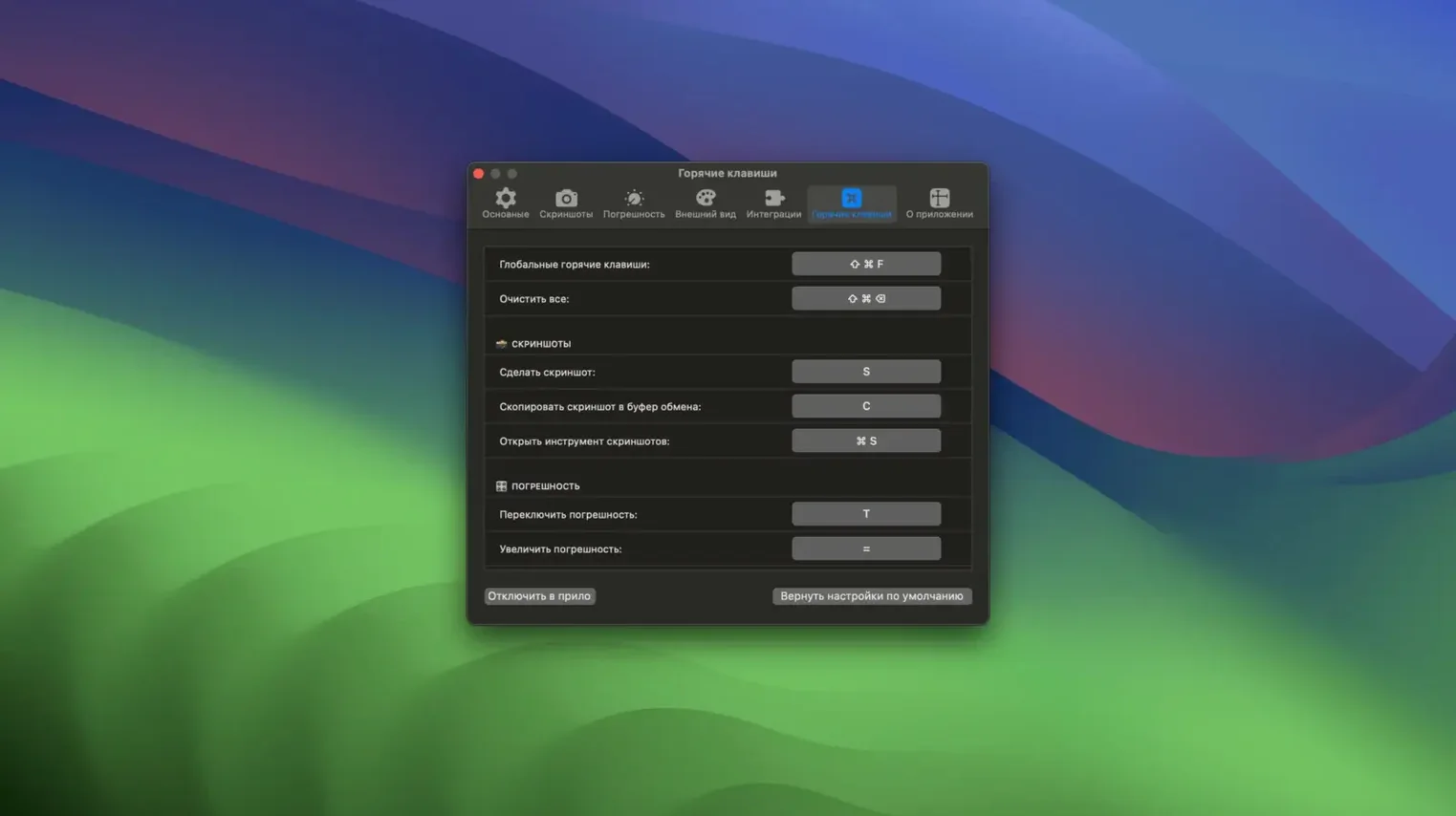
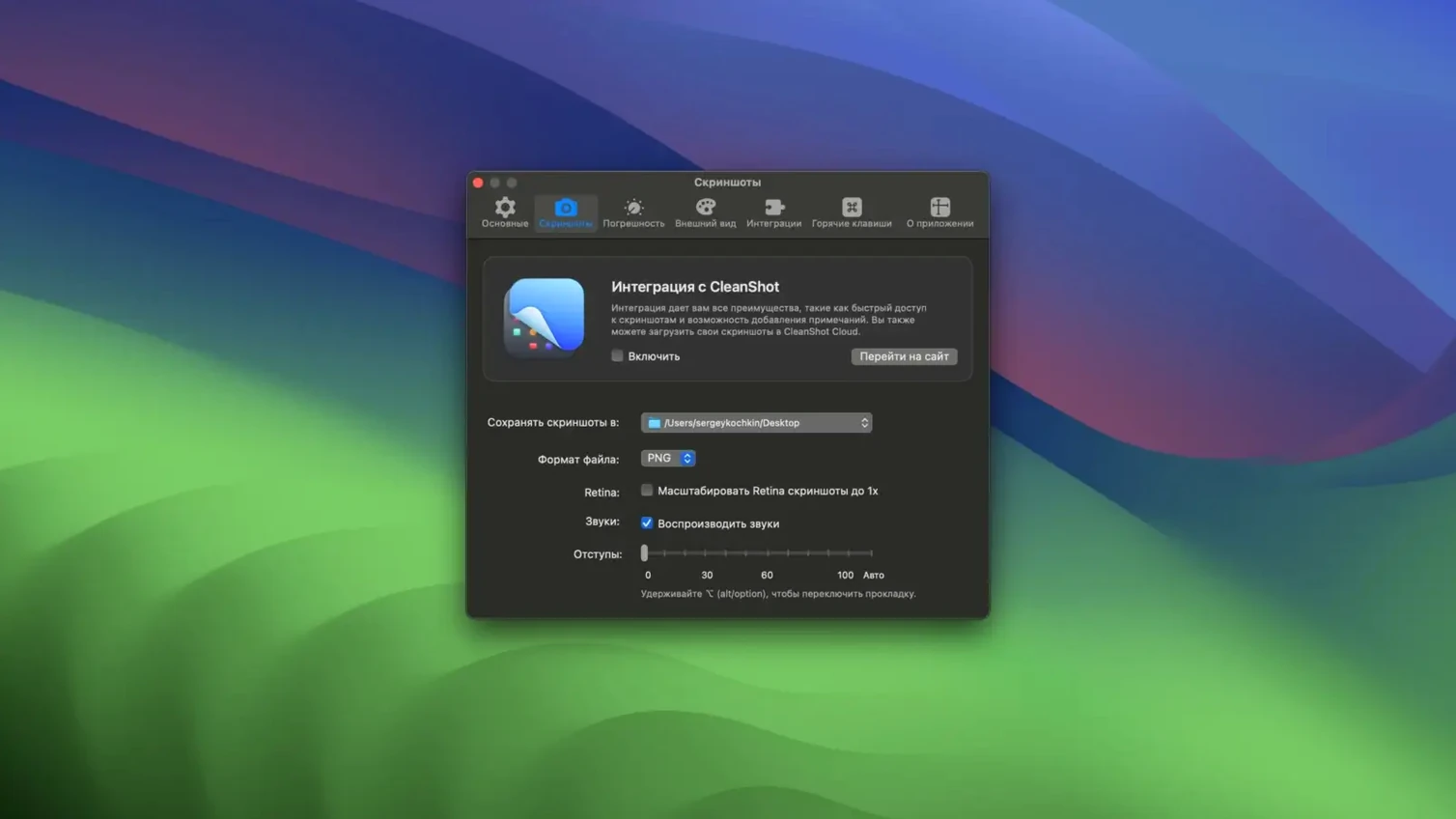
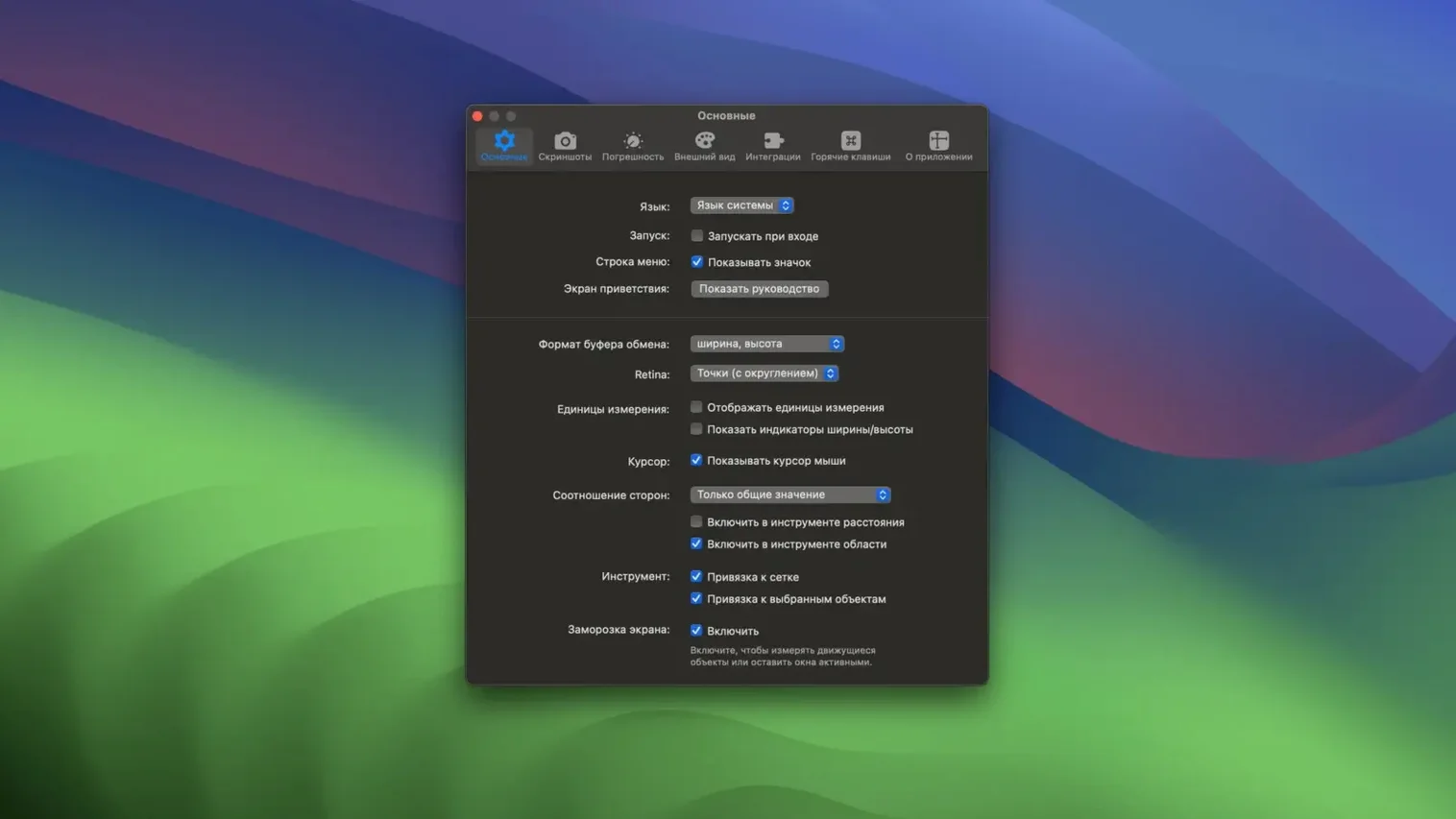
The catalogue note
You are dragging a layer in Sketch and need to know the exact gap between its edge and the next element. Pixelsnap shows that distance, in pixels, as you move your cursor — no rulers, no manual guessing. The same measurement works across any app, on any part of the screen.
Shows pixel distances on drag and object bounding boxes
Pixel measurement on drag — While you drag the cursor, Pixelsnap displays the distance from the starting point in real-time.
Object bounds — When an element is selected, the app highlights its bounding box and shows width and height.
Zoom-independent sizing — Integrated with Sketch and Adobe XD, it shows real dimensions regardless of the document’s zoom level.
Tolerance mode — A setting that helps detect edges even with shadows or low contrast.
Full-screen cross-app — Measurements work across all open applications, not just one window.
Web developers who check CSS alignment on screen
Anyone who regularly checks alignment or spacing on screen will find Pixelsnap useful, but it particularly suits three groups. Web developers working with CSS or design systems can measure margins, paddings and element widths directly against a browser — no need to switch to a design tool or inspect the DOM. UI designers using Sketch or Adobe XD get the zoom-independent measurements, which removes the mental arithmetic of scaling. Those who produce tutorial screenshots or interface documentation can export the measured lines as an image, saving the step of overlaying annotations in another app.
The app also fits into workflows where multiple people review a single screen. A developer can check a pixel value on a live build while a designer looks at the same element in a mockup; Pixelsnap works across both windows without extra configuration.
Crosshair mode and snap guides for alignment
- Crosshair mode — Toggle this on for a full‑screen crosshair that helps you align elements along horizontal and vertical axes without a separate grid or guide layer.
- Snap guides — As you move the cursor, temporary alignment lines appear at the edges of nearby elements. These work across all apps, so you can align an image in a browser with a headline in a text editor.
- Export measurements as an image — When you need to share a specific measurement or annotate a screenshot later, the export feature captures the current measurement lines into a clean image file.
- CleanShot integration — If you use CleanShot for screen captures, Pixelsnap measurements appear inside those captures, so the dimension lines are part of the saved image.
- Tolerance mode — Activate this when working near low‑contrast edges or elements with shadows. It adjusts the edge detection sensitivity so Pixelsnap still picks up the boundary without jumping to unrelated pixels.
Fixing snags with measurement accuracy
Measurements show the wrong distance
If you are inside Sketch or Adobe XD, check that the integration is active. Pixelsnap needs to know the document’s zoom level to return real pixel values; without integration it measures screen pixels, which will be off if the view is zoomed in or out. The integration works automatically once the app is running and the design tool is the frontmost window.
Snap guides do not appear
Snap guides rely on the app detecting element edges. If you are working on a background image or a flat colour field with no distinct boundaries, guides may not trigger. Move the cursor near a text block, button or any element with a clear contour — the guides should appear. Tolerance mode can also help if the element has subtle shading.
The crosshair mode feels unresponsive
The crosshair covers the whole screen and follows the cursor. If it feels sluggish, check that no other screen‑overlay app (colour pickers, rulers, screen recording tools) is competing for the same display layer. Quitting those temporarily often restores the expected responsiveness.
Export image looks different from the screen
The exported image captures only the measurement lines, not the underlying screen content. To get a screenshot with the measurements overlaid, use CleanShot integration or take a standard screenshot manually before exporting the measurements as a separate overlay file.
Pixelsnap does not activate
The app does not require activation — you mount the disk image, drag it into Applications and launch it. If it fails to open, confirm that your Mac runs macOS 10.13 or later and that the app is not blocked by Gatekeeper. Right‑click the app and choose Open from the context menu the first time to bypass any security warnings.
Before it goes on the Mac
- macOS 10.13 or later
- 64-bit Intel or Apple Silicon
- Activation not required
Questions from the room
Does Pixelsnap support both Intel and Apple Silicon Macs?
Yes, version 2.6.4 runs on both 64-bit Intel and ARM (Apple Silicon) Macs.
What macOS version do I need?
Pixelsnap requires macOS 10.13 or later.
Installing it on the Mac
- Mount the downloaded disk image.
- Drag the app into the Applications folder alias.
- Launch the app from Launchpad after copying finishes.
Notes from the control room
Sign in or open a catalogue account to leave a note.
No notes from the room yet. If you have used this build for a week, a short note helps the next person.