Home › Mac Apps › Microsoft Outlook

Microsoft Outlook 16.93 (Mac)
Updated
The catalogue note
Version 16.93 of Microsoft Outlook for Mac covers email and calendar in a single interface. It supports Gmail, Yahoo!, POP, and IMAP accounts alongside Microsoft 365, and runs on both Intel and Apple Silicon Macs under macOS 13.
- ARM and 64-bit Intel Macs supported.
- Part of Office LTSC Standard for Mac 2024; Outlook ships alongside Word, Excel, PowerPoint, OneNote, and OneDrive.
- Enhanced for Apple Silicon, with macOS integrations such as Profiles.
- 21 interface languages available, including English, Polish, German, French, Spanish, Japanese, and Czech.
- Version 16.93 is the current release; updates 16.93.1 and 16.93.2 followed in January 2025.
For those who want a dedicated mail client that also handles calendar and contacts, Outlook remains a steady option. The current version keeps the workflow familiar while running properly on modern Mac hardware.
Starts with a unified inbox for work and personal accounts
I start the day by opening Outlook. The unified inbox shows messages from a Microsoft 365 work account and a personal Gmail account side by side — no need to switch between apps. The first task is sorting the overnight mail. I flag a few messages for follow-up, drag one vendor quote into the calendar to create a meeting reminder, and archive the rest with a single keystroke.
Later, I need to find an attachment from last month. The search bar returns results across both accounts, filtering by sender and date range. I pull up the file, reply to the thread, and attach a new document from OneDrive without leaving the compose window. The calendar pane on the right shows a 2 PM project review; I click it, see the attendee list, and confirm my availability.
In the afternoon, I set up a new IMAP account for a freelance project. Outlook's account wizard walks through server details, and within two minutes the folder structure syncs. I create a rule that moves invoices from that account into a dedicated folder and marks them as read. The rule applies immediately to incoming messages.
Before closing, I glance at the week ahead using the calendar's month view. A school calendar from a shared Outlook.com account overlays my work schedule — two colours, one window. I adjust a meeting time by dragging the event to an empty slot, and Outlook sends update notices automatically.
Supports Gmail, Yahoo!, POP, and IMAP alongside Microsoft accounts
Some people ask whether Outlook for Mac works with accounts that are not Microsoft-based. Yes — it supports Gmail, Yahoo!, POP, and IMAP alongside Outlook.com and Microsoft 365. You can mix personal and work accounts in the same interface without running separate apps.
Another common question is about hardware compatibility. Outlook runs on both Intel Macs (64-bit) and Apple Silicon Macs natively, with Apple Silicon enhancements. If your Mac is on Ventura or later, you are covered.
People also wonder if Outlook replaces the built-in Mail and Calendar apps entirely. It does combine email and calendar in one app, and it adds features like rules, categories, and shared calendar overlays that the native apps lack. But it is a separate installation — the macOS apps remain available if you prefer them for specific tasks.
Language support is another point. Outlook ships in 21 languages, including Russian, Hungarian, Greek, Danish, Indonesian, Korean, Thai, Turkish, and Swedish. The interface follows the system language or a setting within the app.
Part of Office LTSC Standard for Mac 2024 with two point updates in January
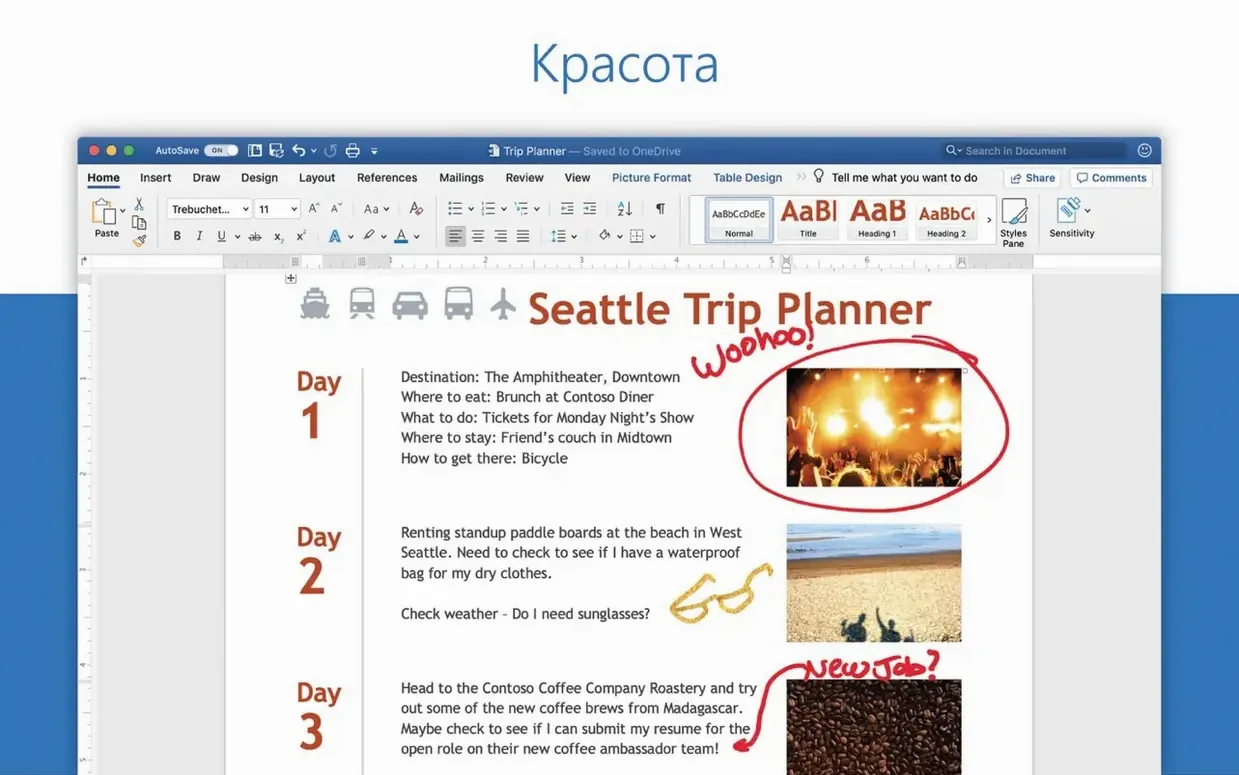
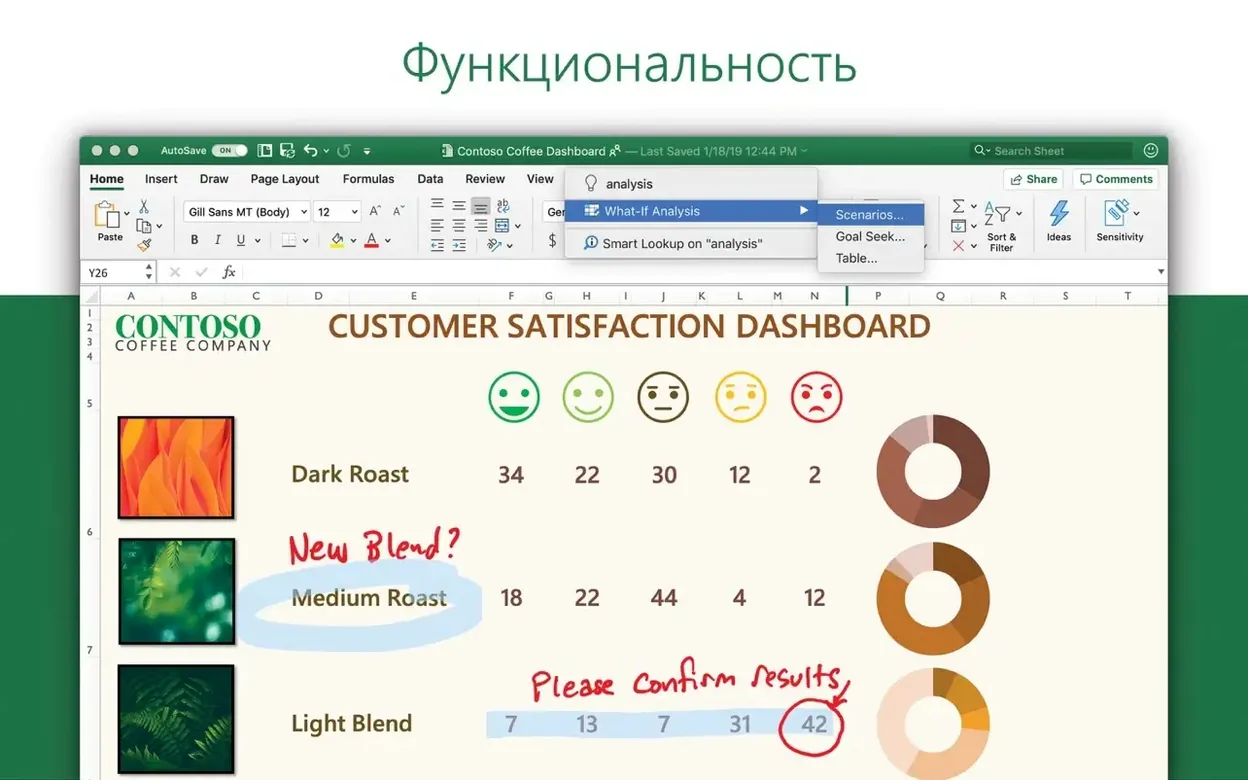
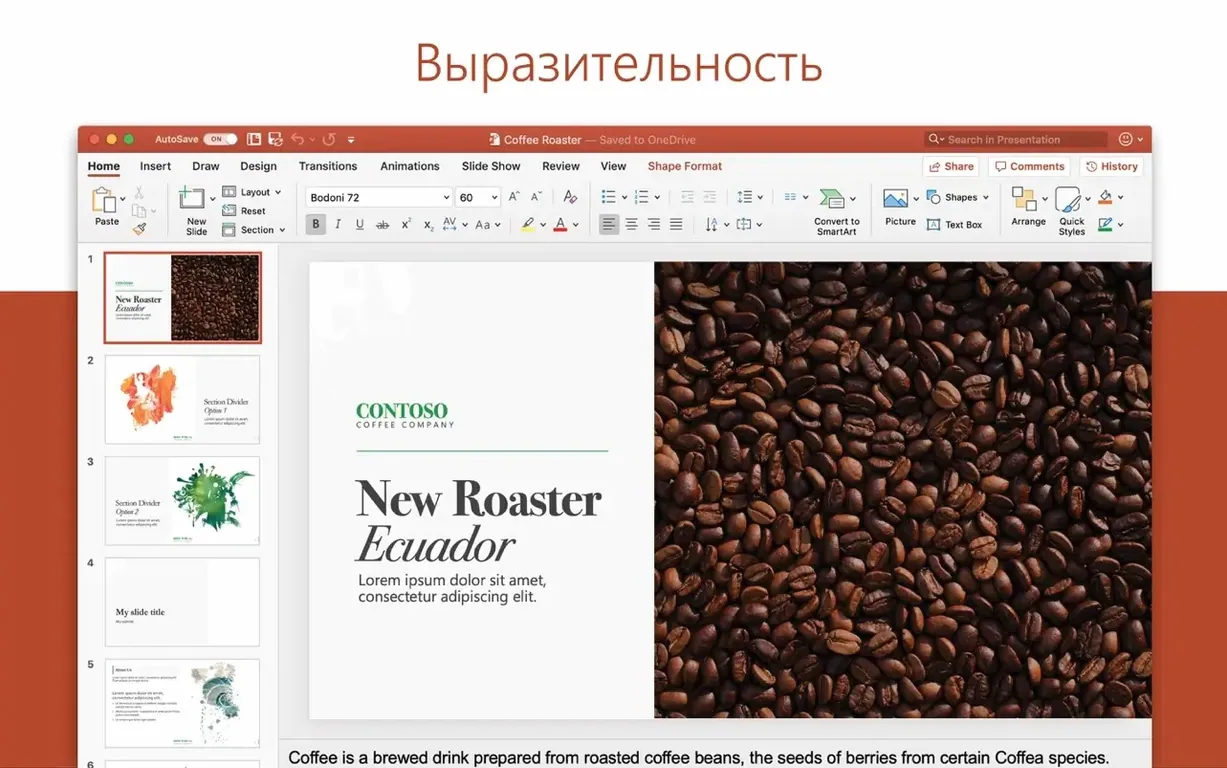
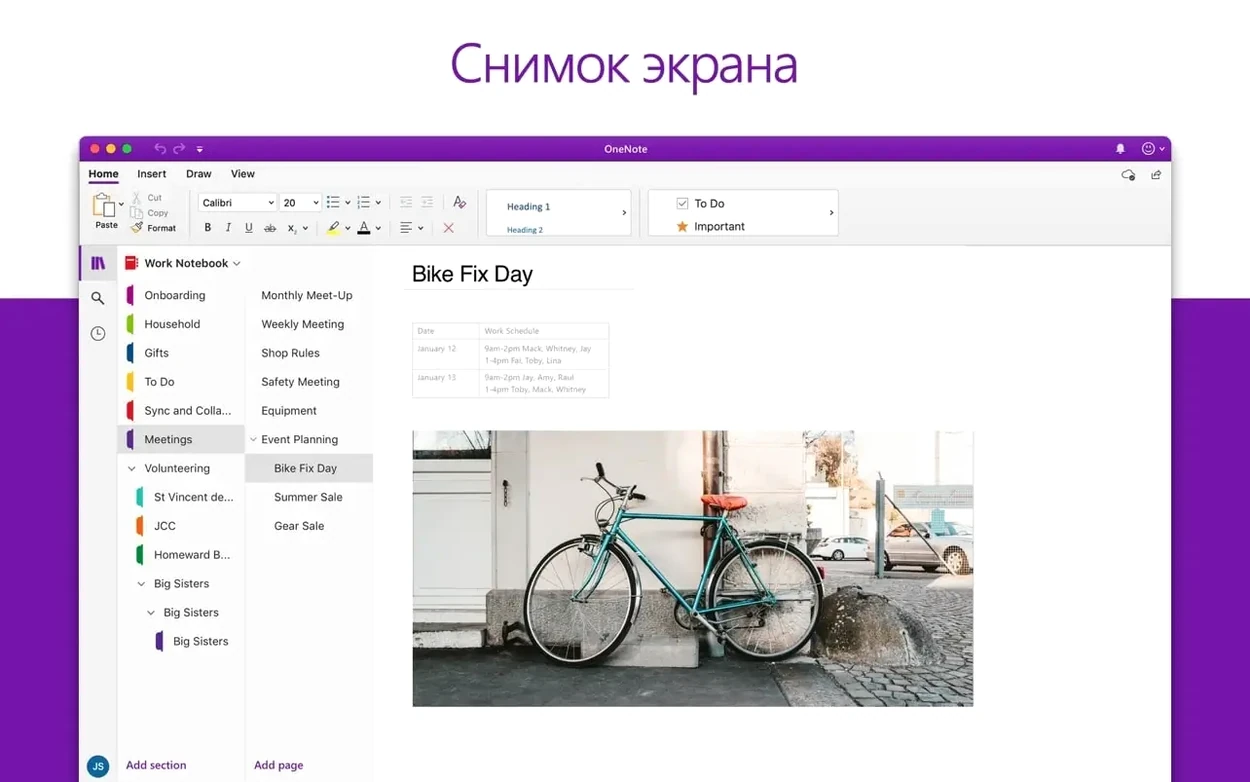
The 16.93 release is part of the Office LTSC Standard for Mac 2024 suite. It includes Outlook alongside Word, Excel, PowerPoint, OneNote, and OneDrive in one volume.
Two point updates followed in January 2025. Update 16.93.1 arrived on January 21, 2025, and 16.93.2 on January 28, 2025.
For everyday use, the core workflow stays consistent. The updates refine stability and compatibility rather than redesigning the interface. Users who already work with Outlook in a mixed-account environment will notice no disruption when applying the update via Microsoft AutoUpdate.
A workflow: managing a project inbox
Here is one way to use Outlook for a typical project with multiple collaborators and a shared timeline.
- Set up the accounts. Add your work Microsoft 365 account and any external Gmail or IMAP accounts that the project team uses. Outlook presents all incoming mail in one unified inbox, colour-coded per account.
- Create folders and rules. Build a folder structure under each account — for example, "Project Alpha / Invoicing", "Project Alpha / Specs". Create a rule that moves messages containing the project name into the corresponding folder and flags them for follow-up within 24 hours.
- Schedule milestones in the calendar. Switch to the calendar view and create events for deadlines, review meetings, and delivery dates. Overlay the project calendar with your personal calendar to see conflicts at a glance.
- Use categories for status. Assign a colour category to each message thread — green for complete, yellow for pending, red for urgent. The category persists across searches and folder views, so you can filter by status instantly.
- Attach from OneDrive. When composing a reply, attach files directly from OneDrive. Recipients get a link with the permissions you set, and you avoid version conflicts from local copies.
- Archive and clean up. Once a milestone passes, move the related folder to an archive. Outlook preserves the folder structure and search history, so past messages remain accessible without cluttering the active inbox.
This workflow keeps project email separate from personal mail, maintains a visible timeline, and reduces manual sorting. It works across account types and hardware configurations, and it relies on features that have been stable through the 16.93 releases.
Changes in this build
- Outlook was included in the Office suite release 16.93.
- January 21, 2025 update 16.93.1 included Outlook.
- January 28, 2025 update 16.93.2 included Outlook.
Before it goes on the Mac
- macOS 13
- ARM (Apple Silicon) or 64-bit Intel processor
- Interface languages: 21 languages including English, Polish, German, French, Spanish, Japanese, Czech
Questions from the room
Does Outlook for Mac support Gmail and IMAP accounts?
Yes. Microsoft says Outlook for Mac supports Gmail, Yahoo!, POP, and IMAP accounts alongside Microsoft 365.
What macOS version does Outlook 16.93 require?
Outlook 16.93 requires macOS 13. It supports both ARM (Apple Silicon) and 64-bit Intel Macs.
Installing it on the Mac
- Install Office 2024 using the standard procedure.
- Alternatively, download the required package using the provided links for Word, Excel, PowerPoint, Outlook, and OneNote.
- The packages are downloaded from Microsoft’s official servers and require activation.
- Install Microsoft AutoUpdate to receive updates.
Notes from the control room
Sign in or open a catalogue account to leave a note.
No notes from the room yet. If you have used this build for a week, a short note helps the next person.