Home › Mac Apps › Marmoset Toolbag

Updated

The catalogue note
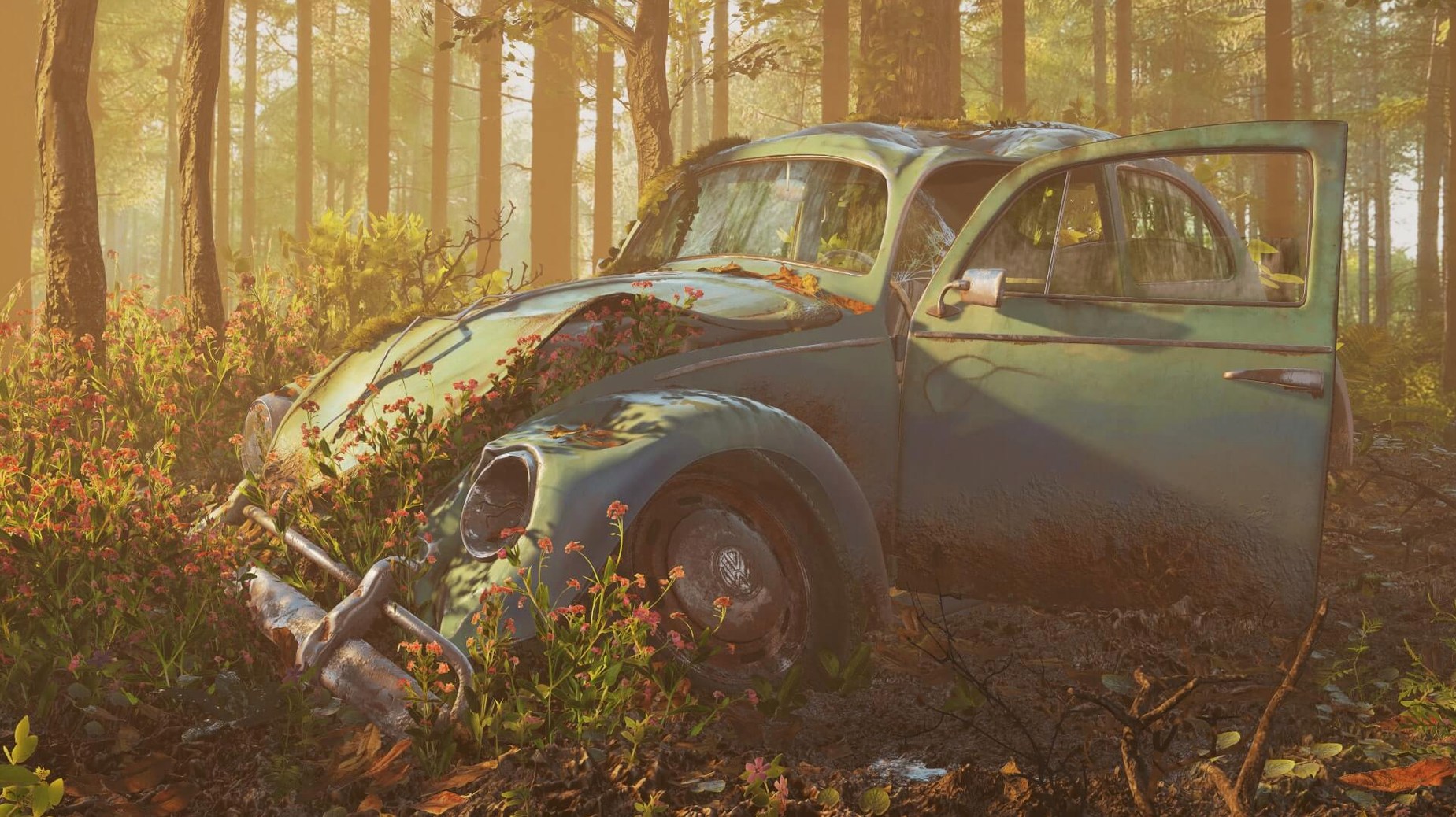
Rendering a 3D model to a believable still or animation usually means juggling a standalone material editor, a separate lighting app, and a renderer that takes its time. Marmoset Toolbag collapses those steps into one real-time viewport where material edits and environment swaps update instantly.
Build materials from scratch
The built-in material editor handles layered shaders—metallic, emissive, glass, the usual suspects. Version 4.02 adds selectable UV sets for the emissive shader, which matters when you need precise control over glow mapping. Texture maps load and preview without leaving the render window.
Place models into real-world light
Toolbag uses HDRI maps to drop a model into a measured lighting environment rather than a generic skybox. You import FBX files and bring their cameras and lights with you, so the scene from your DCC tool transfers without reconstruction.
Keep the viewport stable on macOS
Mixed-resolution setups—a Retina laptop driving an external 1080p panel, for instance—caused tooltip crashes and window flicker in earlier releases. The 4.02 update fixes those, along with blurry UI text at 125% and 175% scaling. The render itself runs natively on Intel Macs under macOS 10.15 and later.
Requires a dedicated GPU for real-time rendering
One of the first things someone wonders is whether Toolbag needs a dedicated GPU to be usable. The answer is yes in practice, though the system requirements only specify macOS 10.15 and an Intel CPU. Real-time rendering with layered materials, volumetric fog, and HDRI lighting pushes the GPU hard. An integrated Intel GPU will open the viewport and let you edit materials, but expect lag when rotating a medium-poly model with fog enabled. A discrete AMD or NVIDIA card makes the experience fluid.
Another common question is whether Toolbag works alongside other renderers like Octane or Redshift. It does not replace them—it sits beside them. Where a path tracer excels at final-frame photorealism over minutes per frame, Toolbag gives you a live preview that updates as you tweak roughness or rotate an HDRI. Many artists use it for look development, then export the final beauty pass from a slower renderer, or use Toolbag itself for the final output when the deadline is tight.
People also ask if the software can handle animation sequences. It can. Toolbag supports keyframed animation, timeline scrubbing, and rendering sequences to image stacks or video. The automatic mesh update means you can bring in a character rig from Maya or Blender, adjust the pose, and see the change reflected in the viewport without re-importing.
Game artists showcase hero assets with layered materials and environment maps
Game artists working on hero assets benefit most. You can load a high-poly model, layer an emissive shader with the correct UV set, drop an environment map that matches the game's lighting, and present the asset to a lead within seconds. The ArtStation publishing feature also helps freelancers who need to upload polished turntables quickly.
Visualisation artists—architectural, product, or concept—find Toolbag useful because of the HDRI workflow. Swapping between a sunny afternoon map and a cloudy studio map changes the entire mood of a scene in one click. The volumetric fog adds depth to interior shots without a separate compositing step.
The one-time version installs and runs without phoning home, which suits a home studio setup where internet access is not always reliable.
A workflow for presenting a game asset
Start by exporting your model from your DCC tool as an FBX file, making sure to embed the camera and any lights you set up. Mount the Toolbag disk image, run the installer, and use the executable from the Patch folder to activate it.
Open Toolbag and drag the FBX into the viewport. The automatic mesh update will display the model instantly. Apply a base metallic shader from the material library, then load your albedo, normal, roughness, and metalness maps into the relevant slots. If your emissive glow needs to use a separate UV channel, go to the emissive shader properties and select the correct UV set from the dropdown.
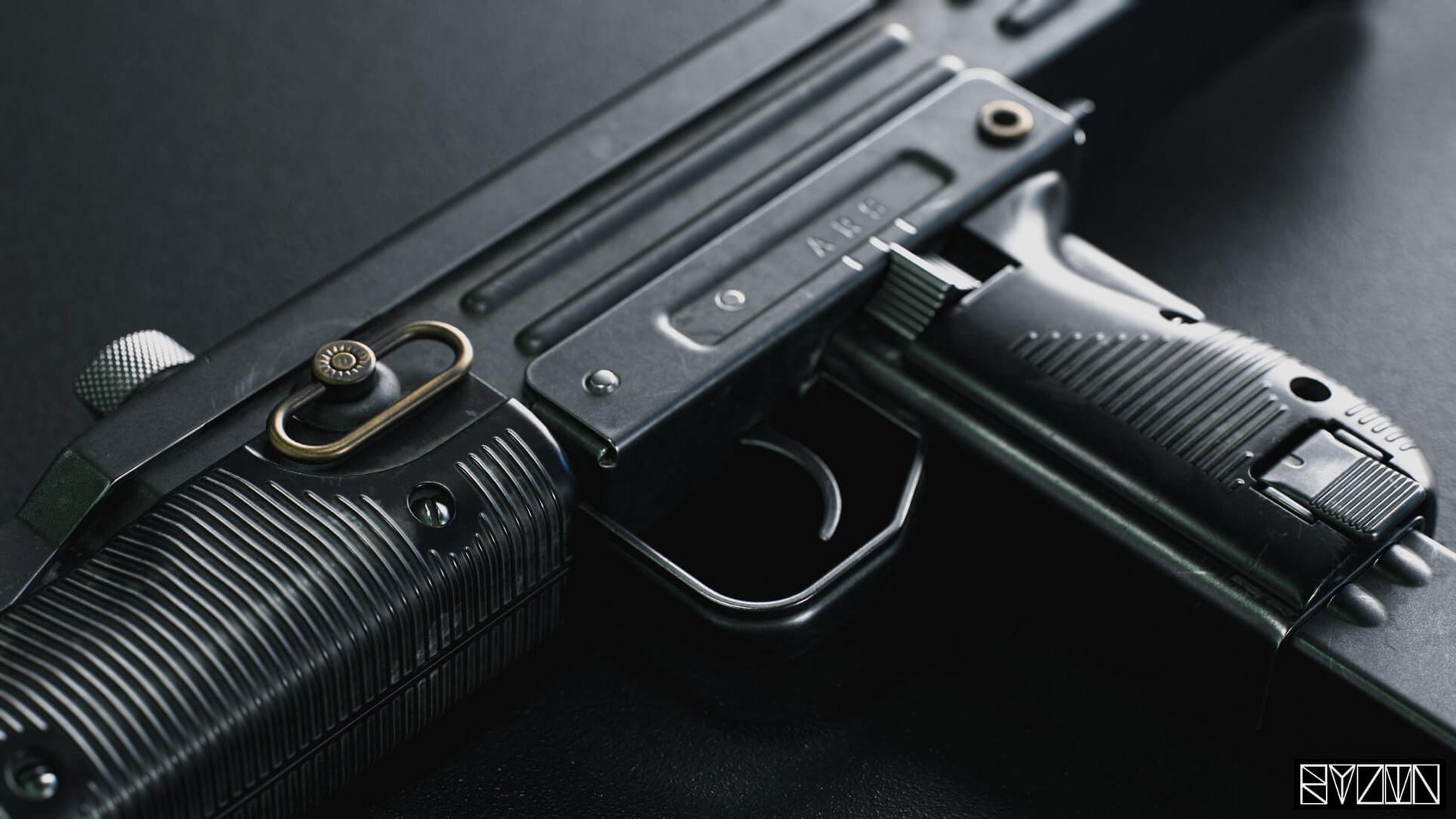
Load an HDRI environment that matches the tone of your game's lighting—a forest clearing for an outdoor character, a studio ring light for a weapon. Adjust the exposure and rotation until the highlights fall where you want them. Enable volumetric fog from the render settings to add atmosphere, but keep the density low so it does not obscure the model's silhouette.
Set up a turntable animation: position the camera at a 45-degree angle, keyframe the rotation, and set the timeline to loop. Render the sequence to a PNG image stack. Open the ArtStation publishing panel, upload the stack, and let Toolbag assemble the viewer-friendly version with AO maps and lossless normals included.
Mixed-resolution display crash fix requires the correct patch
The most frequent issue on macOS is the tooltip crash on mixed-resolution displays. Version 4.02 fixed this, but if you still see a crash after updating, check that you applied the executable from the Patch folder correctly—the patch overrides the main binary, and skipping that step leaves the buggy code in place.
Another snag is blurry UI text. If the interface looks fuzzy at 125% or 175% scaling, you are on an affected build. The 4.02 patch addresses this, so verify your installed version under the About window. If the text remains blurry, try resetting the preferences by deleting the Toolbag plist file from ~/Library/Preferences.
Window elements going out of bounds on widescreen monitors usually happens after changing DPI scaling while Toolbag is running. Close the app, adjust the display scaling, then relaunch. The 4.02 fix prevents the flicker, but the out-of-bounds issue can still occur if you hotplug a monitor while Toolbag is open. Restarting the app resolves it.
Finally, if Toolbag does not recognise imported FBX lights or cameras, check that your DCC tool exported them with the correct coordinate system. Toolbag expects a Y-up convention. Exporting with Z-up will place lights in the wrong orientation. Re-export with Y-up selected in your DCC's FBX settings.
For those searching for marmoset toolbag 4 download or marmoset toolbag torrent: the standard installer is the reliable path. Patch-based activation works as described, and no crack or extra step is needed. Avoid marmoset toolbag 4 crack or marmoset torrent sources—they often bundle broken patches that miss the 4.02 fixes for display and tooltip issues.
Changes in this build
- Tooltips no longer crash on mixed-resolution display setups.
- Tooltip display option in preferences works again.
- Window elements no longer go out of bounds on widescreen monitors.
- The window no longer flickers after changing monitor DPI scaling.
- Text is no longer blurry at 125% and 175% scales.
Before it goes on the Mac
- macOS 10.15 or later
- Intel processor
- English interface
Installing it on the Mac
- Mount the downloaded disk image and run the standard installer.
- Use the executable file from the Patch folder to activate it.
Notes from the control room
Sign in or open a catalogue account to leave a note.
No notes from the room yet. If you have used this build for a week, a short note helps the next person.