

iA Writer 8.1.3 (Mac)
Updated
The catalogue note
iA Writer 8.0.9 runs on any Mac from macOS 10.15 onwards, Intel or Apple Silicon. That covers most machines from the last five years, so it is a safe bet for an older studio Mac that still does the job.
Write without distraction
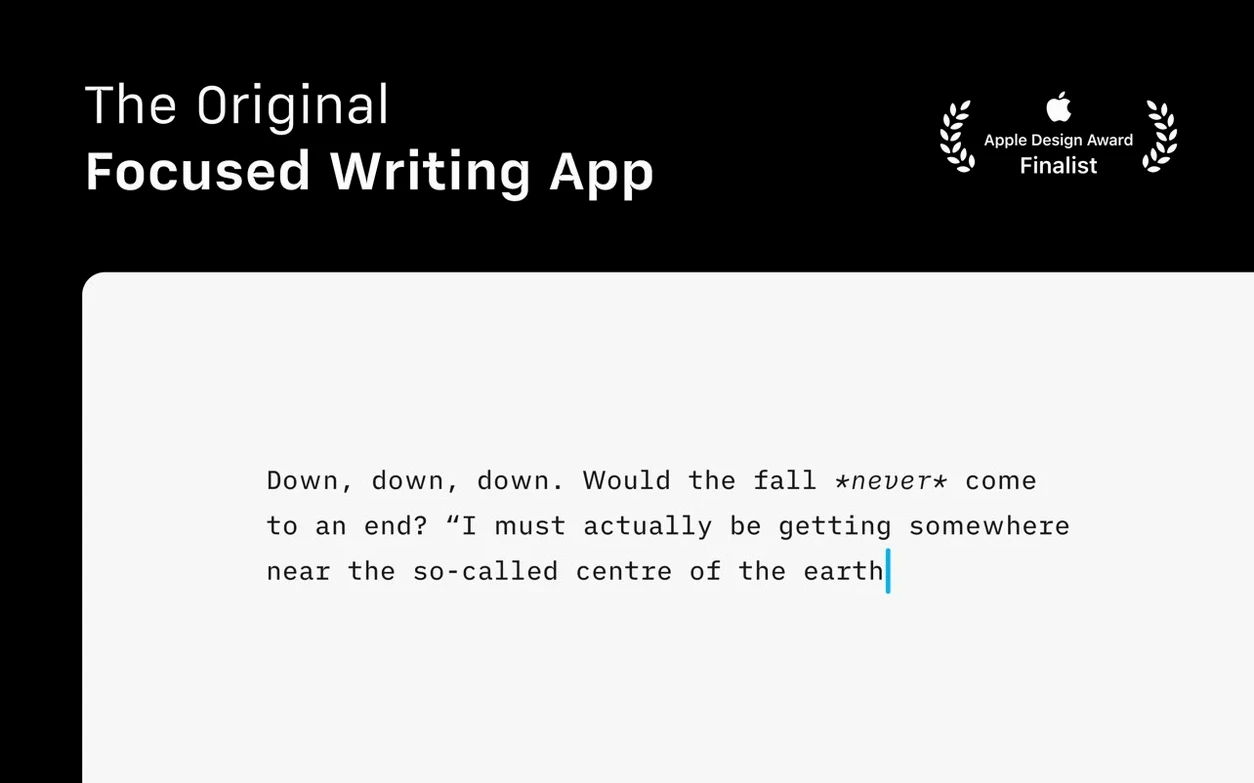
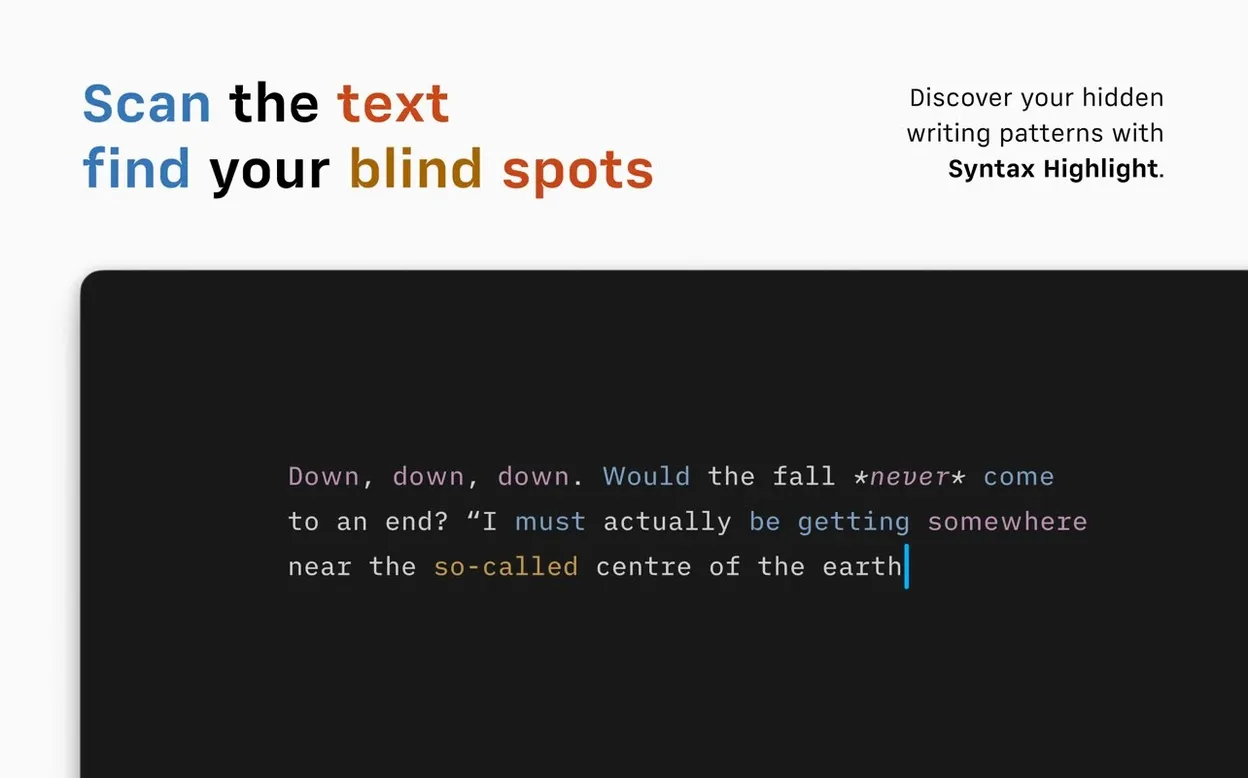
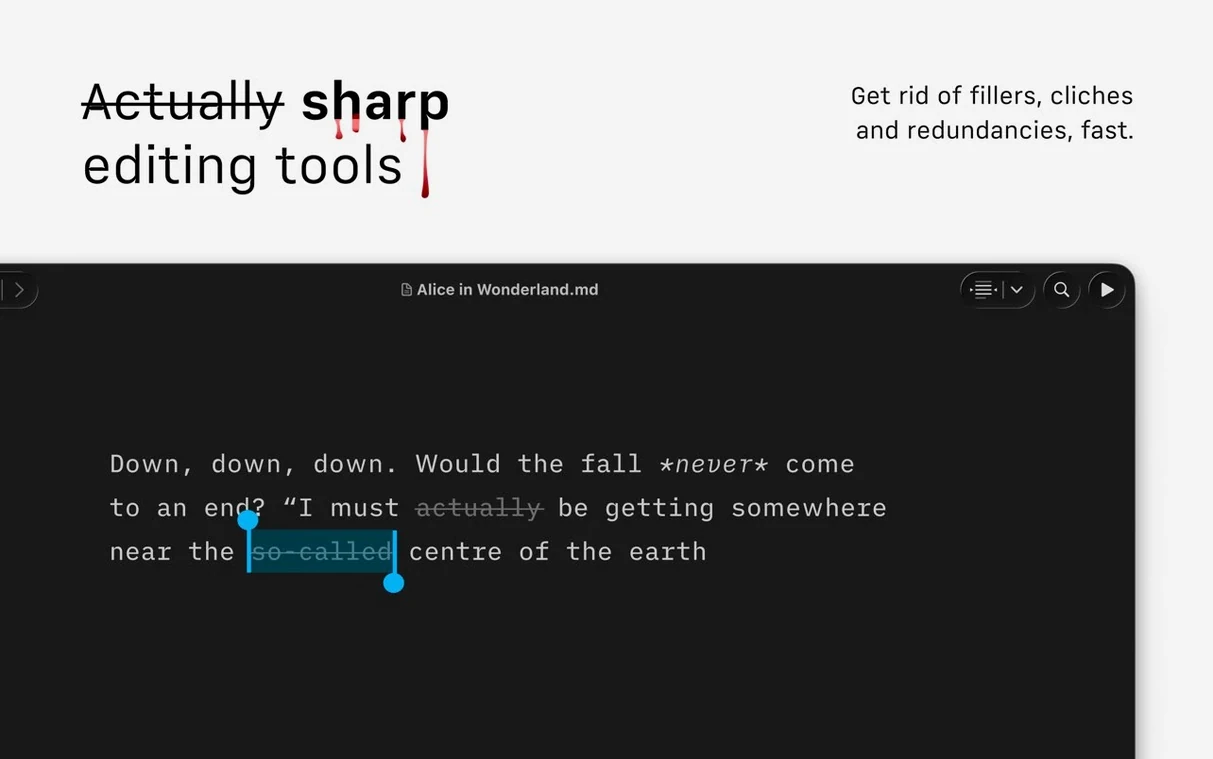
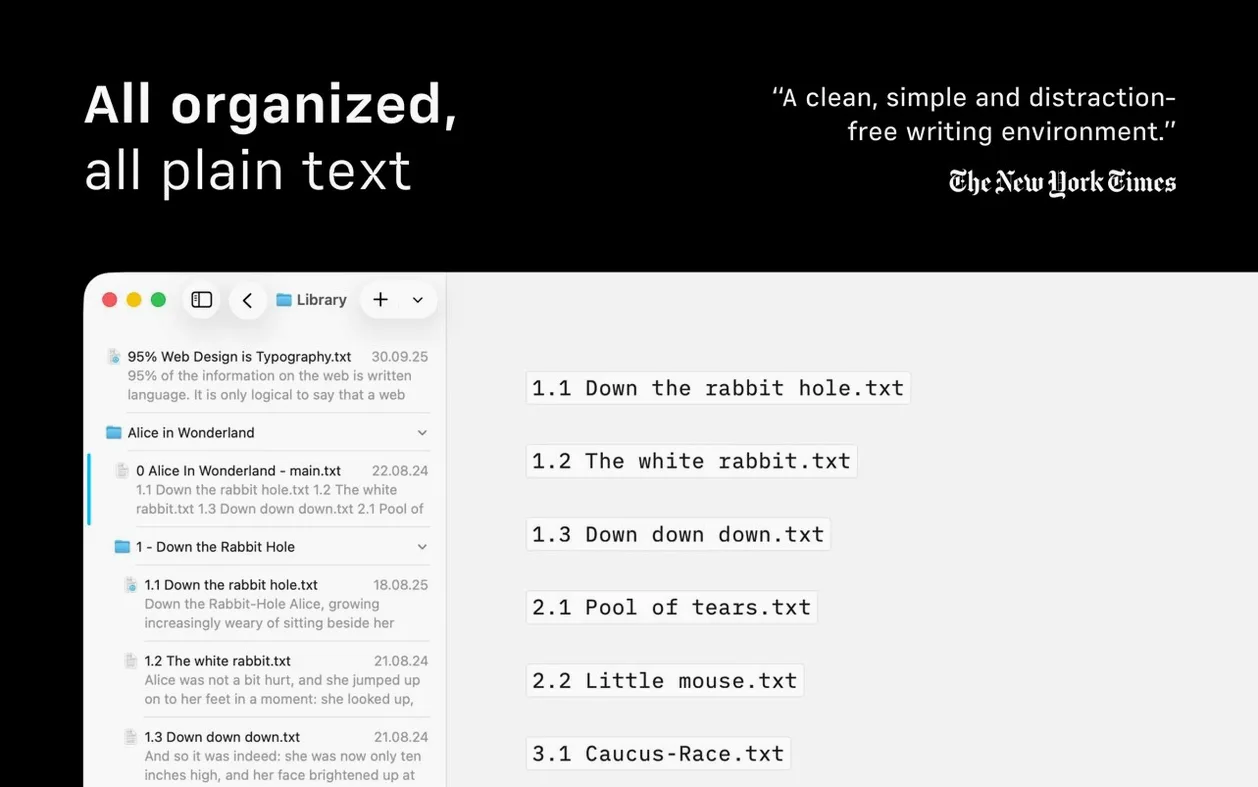
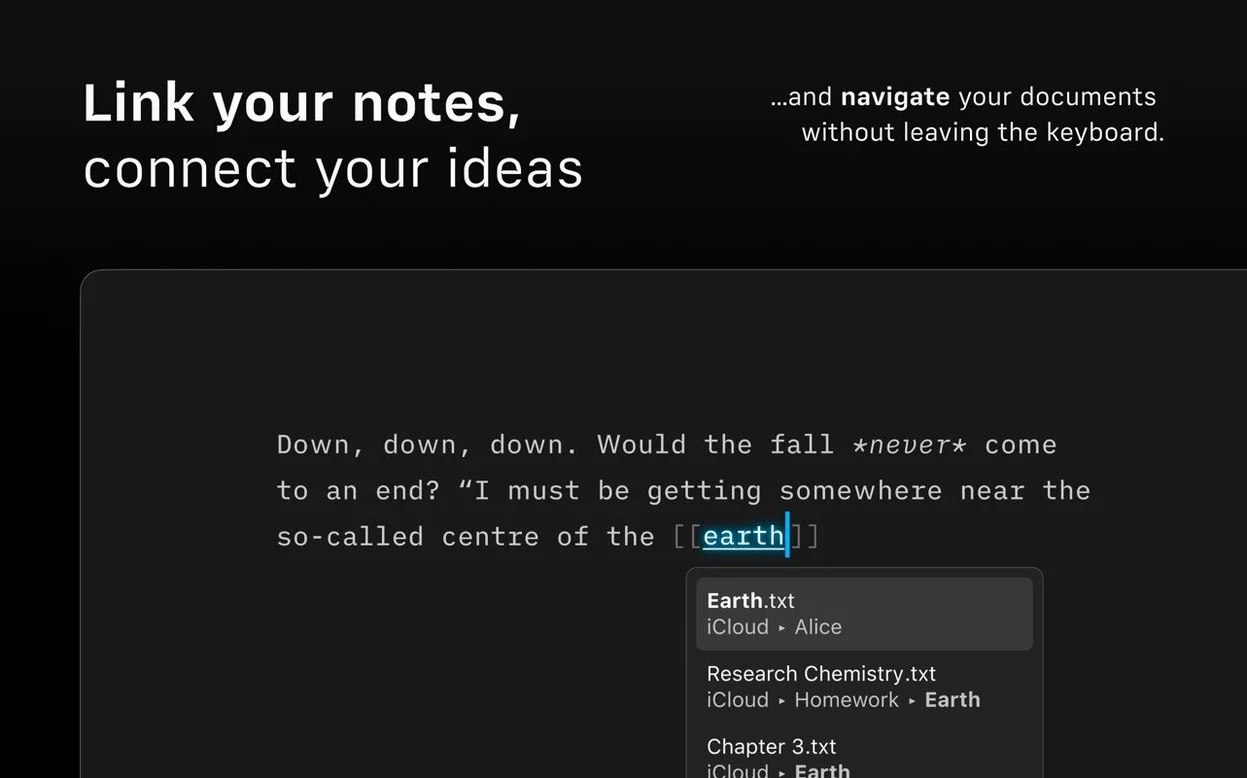
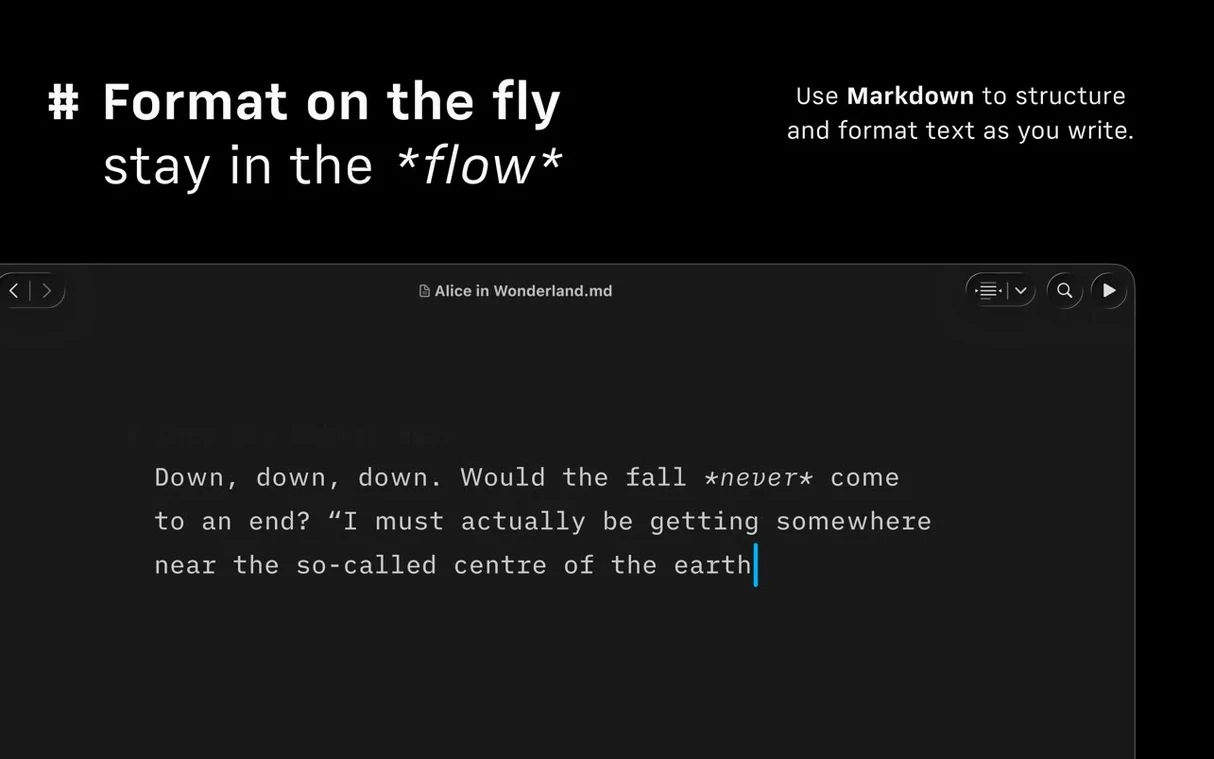
The app strips the interface down to the text. Markdown is formatted as you type, and links, images and tables render in the preview pane automatically. Version 8 adds a syntax checker that flags extra adjectives, weak verbs and repeated nouns, which is handy when you are editing copy for a client and want the prose tighter.
Find your place fast
The new Document Outline works with Quick Search, so jumping to a heading in a long piece takes a couple of keystrokes. The compact Library layout hides dates and excerpts, leaving just the file names. Useful when you keep dozens of drafts and do not want visual clutter.
Publish where you need
Export goes to HTML, PDF and DOCX, and there is built-in publishing to WordPress and Medium. That means the same document can go to a blog, a print proof and a client's Word file without reformatting. iA Writer is for people who write in Markdown and want the output handled properly.
Set your default font and line spacing in Preferences
Once iA Writer is in your Applications folder and running, take a moment to set up your preferences before opening any document. Open iA Writer > Preferences and choose your default editor font and line spacing — the app ships with a few typefaces designed for screen reading, but you may prefer something closer to your final output. Set the dark or light appearance mode to match your working environment; the studio monitors are often calibrated for low light, so the dark interface is easier on the eyes during long editing sessions.
If you use cloud storage, add your folders now. The Library pane can pull documents from iCloud Drive, Dropbox or any local folder. Sort by date modified or file name depending on how you organise drafts. I keep a single folder for each project and let iA Writer scan them all from one window — no switching between Finder tabs.
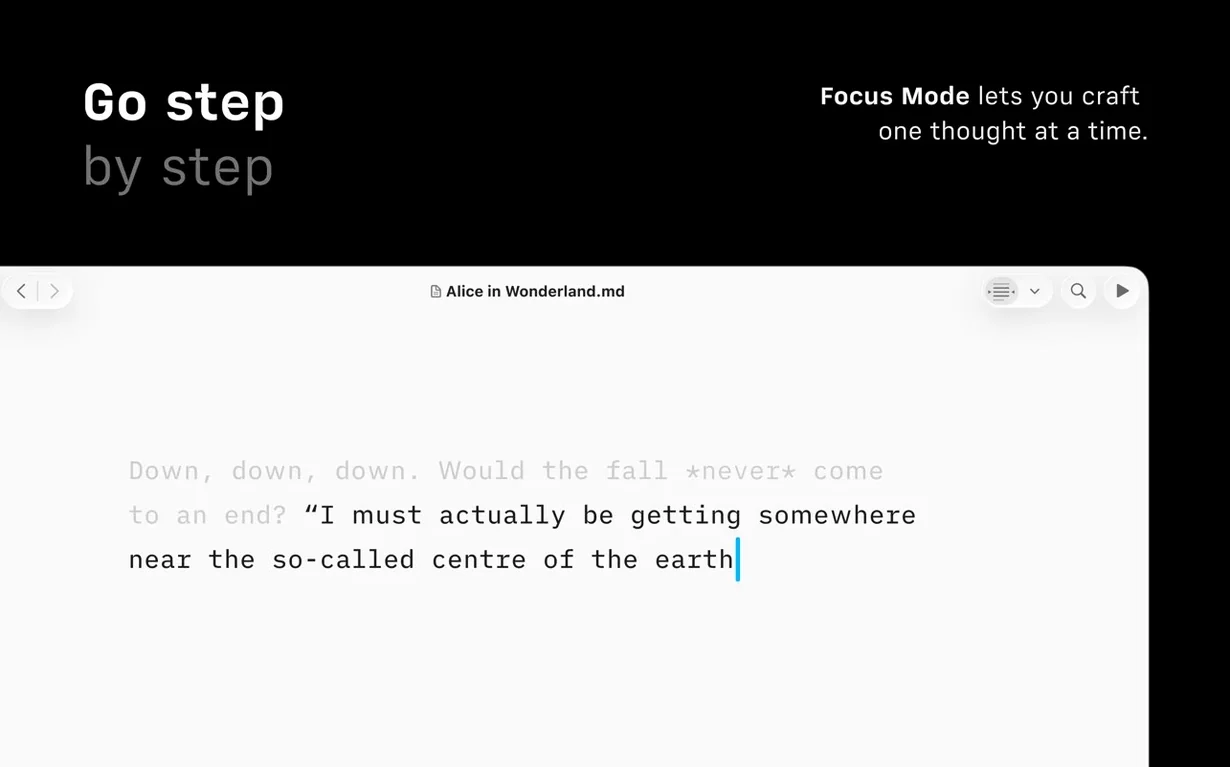
Enable the focus mode and syntax highlighting from the View menu. The focus mode dims everything except the current sentence or paragraph; the syntax checker will colour extra adjectives and weak verbs in a subtle shade so you can spot them without re-reading the whole text. Leave both on while you write, then turn them off during the final pass.
A workflow for editing a blog post
Start with a new Markdown document. Write the headline as an H1, then the body paragraphs. Use standard Markdown for links and images — iA Writer renders them in the preview pane, so you can check formatting without leaving the editor.
When the draft is complete, run the syntax checker. Read through the highlighted sections: adjectives that add nothing, verbs that could be stronger, nouns repeated within a few lines. Revise each one. The tool is not prescriptive — it flags, you decide.
Open the Document Outline using Quick Search (press Command+Shift+F or click the outline icon in the toolbar). The outline lists all headings in the document. Click any heading to jump there, which is faster than scrolling through a long post. Check the structure: does the H2 hierarchy make sense? Are there too many sub-sections?
Export the result as HTML if the post goes to a self-hosted site, or publish directly to WordPress or Medium from the File menu. For a client who wants a Word file, export as DOCX. The PDF export uses a customisable template — useful when you need a print-ready proof with your own header and footer.
Bypass Gatekeeper with a terminal command if the app won't open
The app does not open after dragging to Applications. On macOS 10.15 and later, Gatekeeper may block apps not signed with a developer ID. Run the terminal command shown in the install notes to bypass Gatekeeper, then try again. If the app still does not launch, check that you mounted the disk image correctly — the app must be copied from the mounted volume, not run from inside it.
Documents from different cloud services do not show in one Library view. Each cloud folder must be added individually in Preferences > Library. iA Writer does not sync across services automatically; it displays whatever folders you point it at. If a folder is missing, add it again and verify that the files are saved as .txt or .md — the app ignores other file types.
The syntax checker highlights too many words. The default settings are conservative, but you can adjust the sensitivity in Preferences > Editor > Syntax. Reduce the highlight level if you find it distracting, or switch it off entirely for a first draft. The tool is meant to assist editing, not dictate style.
Export to WordPress or Medium fails. Check that your login credentials are correct in the publishing settings. iA Writer connects via the platform's API, so a two-factor authentication code may be required if you have that enabled. Log out of the account in the app, then log in again from the File > Publish menu to refresh the session.
Changes in this build
iA Writer 8.1.3 is now on the Mac App Store. The developer has posted the detailed change log separately, so point your browser there for the full list of adjustments.
Before it goes on the Mac
- macOS 10.15 or later
- Apple Silicon or Intel 64-bit
Installing it on the Mac
- Mount the disk image and run the installer.
- Press Enter in the Terminal window to bypass Gatekeeper.
- Drag the app to the Applications folder.
- Start the app when installation is complete.
Notes from the control room
Sign in or open a catalogue account to leave a note.
No notes from the room yet. If you have used this build for a week, a short note helps the next person.
Also filed under Mac Apps
The whole Mac Apps rack Iconize1.8.8 Mac Apps 5 MB
 HitPaw Watermark Remover2.4.7 Mac Apps 290 MB
 HitPaw Video Converter4.5.0 Mac Apps 577 MB
 HitPaw Univd4.7.0 Mac Apps 525 MB
 Imagenomic Plugin Suite2027 Mac Apps 71 MB
 HitPaw Edimakor2.6.0 Mac Apps 487 MB
 Imagenomic Portraiture4.5 Mac Apps 65 MB
 GraphPad Prism11.1.0 Mac Apps 68 MB