
Home › Mac Apps › HitPaw Univd

Updated



The catalogue note
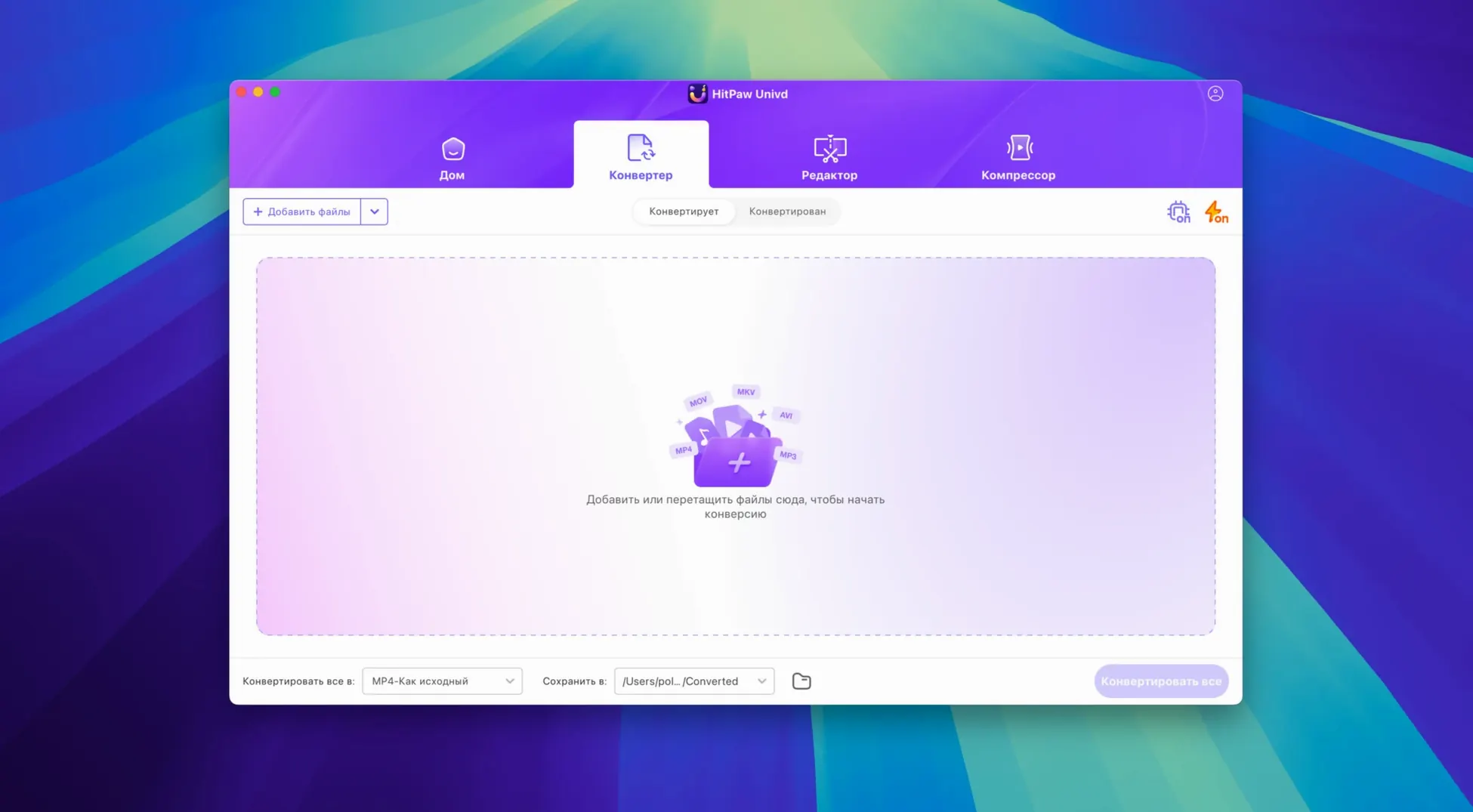
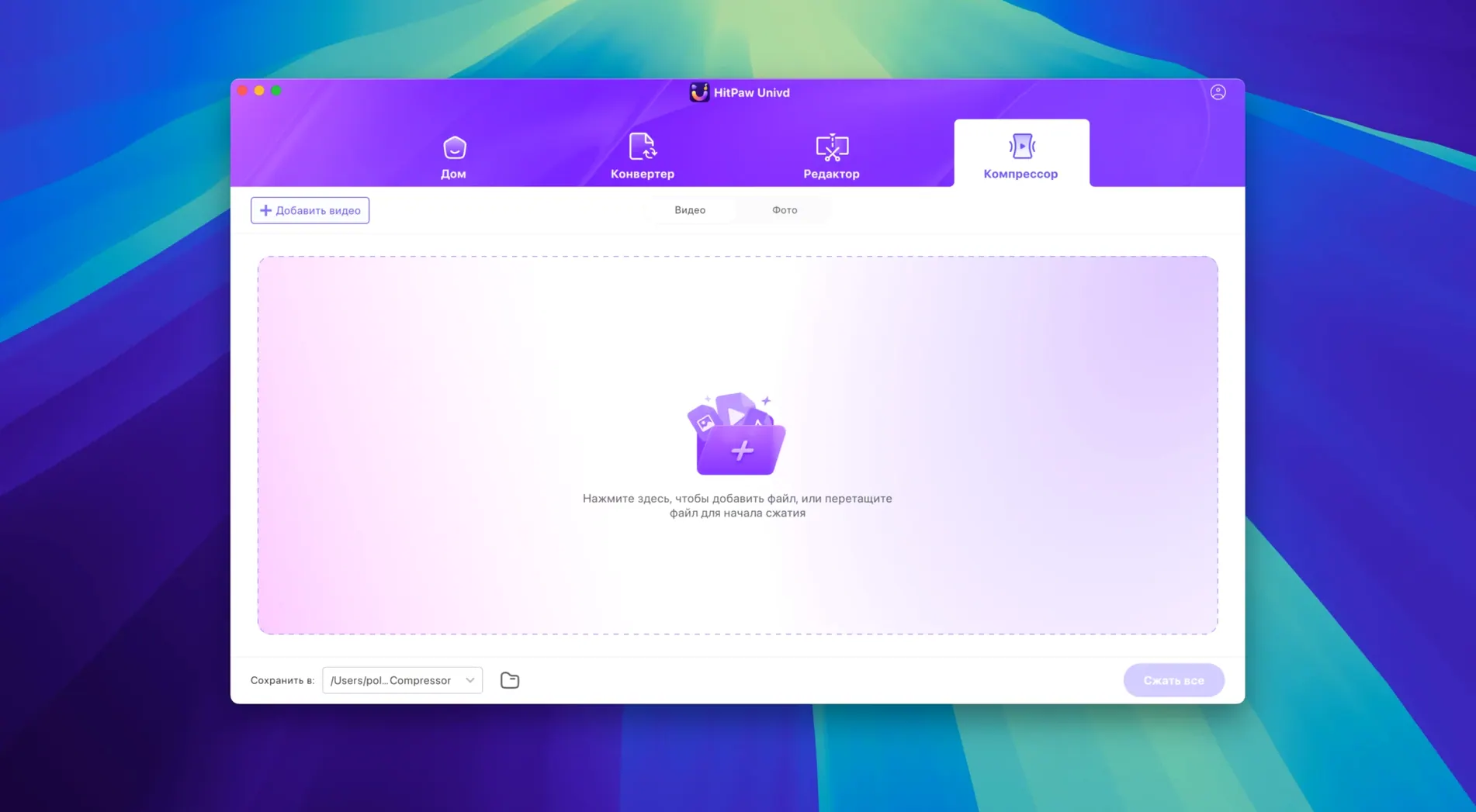
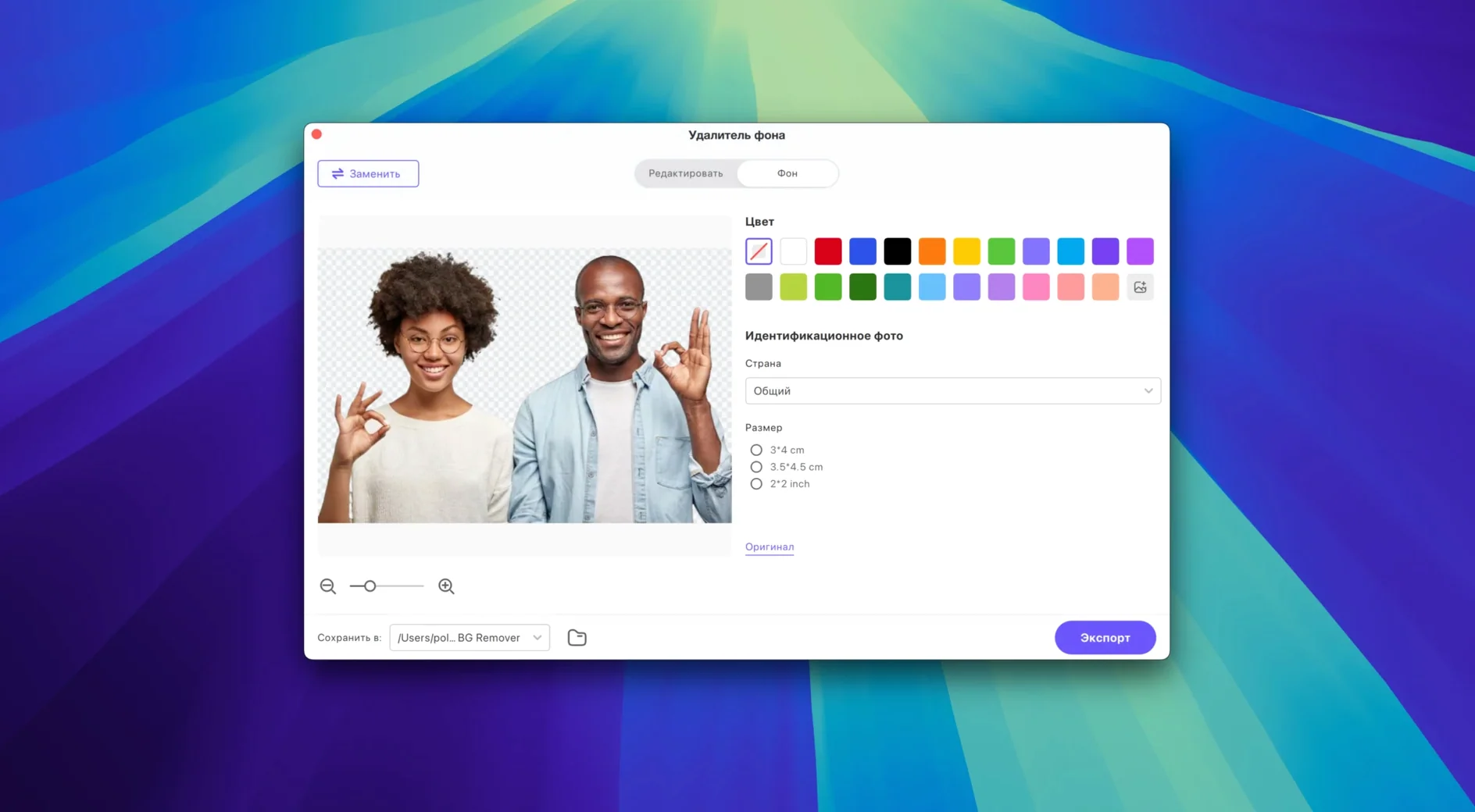
If you already keep a tool like HandBrake or Shutter Encoder around for video conversions, HitPaw Univd sits next to them with a different focus. It is a video converter, compressor and enhancer that also pulls content from more than 10,000 sites – films, music, whatever you need.
What the app handles
- VP9, ProRes and Opus codecs, among others.
- Download from over 10,000 web sources.
- Built-in editor to trim or adjust video before or after conversion.
New UI streamlines your Mac workflow without changing core features
The new UI in version 4.7.0 makes the tool easier to navigate without changing what it does underneath. It runs on Intel 64-bit Macs (macOS 10.15 or later) and handles the file formats a working engineer or casual user is likely to encounter. If you already manage downloads with a browser extension and conversions with a separate app, this bundles those steps into one interface.
Changes in this build
- New UI.
- New product model and user experience.
Before it goes on the Mac
- macOS 10.15 or later
- Intel 64-bit architecture
Questions from the room
Which codecs does HitPaw Univd support?
Version 4.7.0 works with VP9, ProRes and Opus codecs, among others.
What Mac hardware does it need?
It requires macOS 10.15 or later and an Intel 64-bit processor.
Installing it on the Mac
- Mount the disk image and run Open Gatekeeper friendly.
- Press Enter in Terminal to bypass Gatekeeper.
- Drag the app into the Applications folder.
Notes from the control room
Sign in or open a catalogue account to leave a note.
No notes from the room yet. If you have used this build for a week, a short note helps the next person.
Also filed under Mac Apps
The whole Mac Apps rack HitPaw Edimakor2.6.0 Mac Apps 487 MB
 HitPaw Video Converter4.5.0 Mac Apps 577 MB
 HitPaw Watermark Remover2.4.7 Mac Apps 290 MB
 iA Writer8.1.3 Mac Apps 23 MB Updated
 Iconize1.8.8 Mac Apps 5 MB
 Imagenomic Plugin Suite2027 Mac Apps 71 MB
 Imagenomic Portraiture4.5 Mac Apps 65 MB
 GraphPad Prism11.1.0 Mac Apps 68 MB