
Flinto 31.0 (Mac)
Updated
The catalogue note
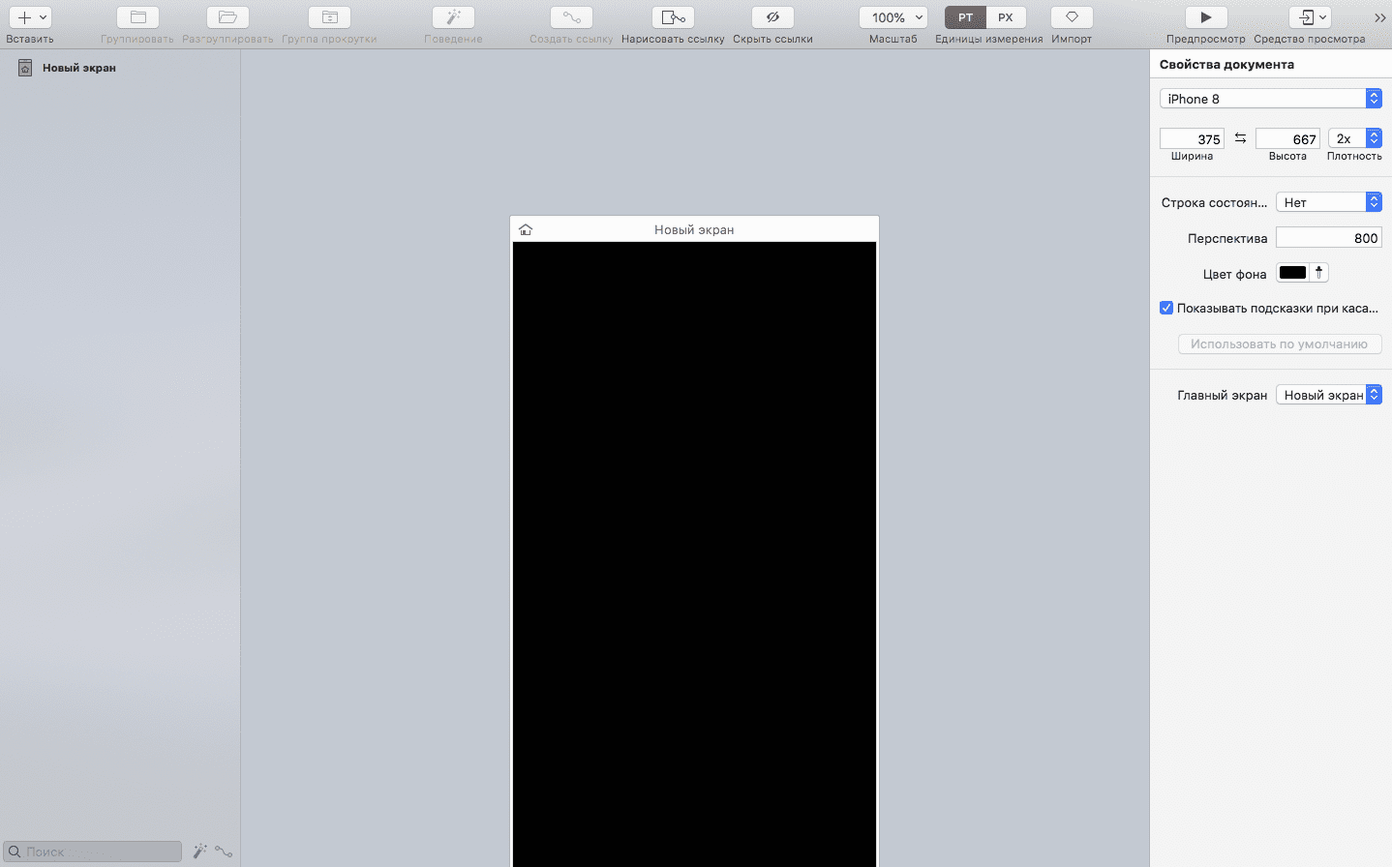
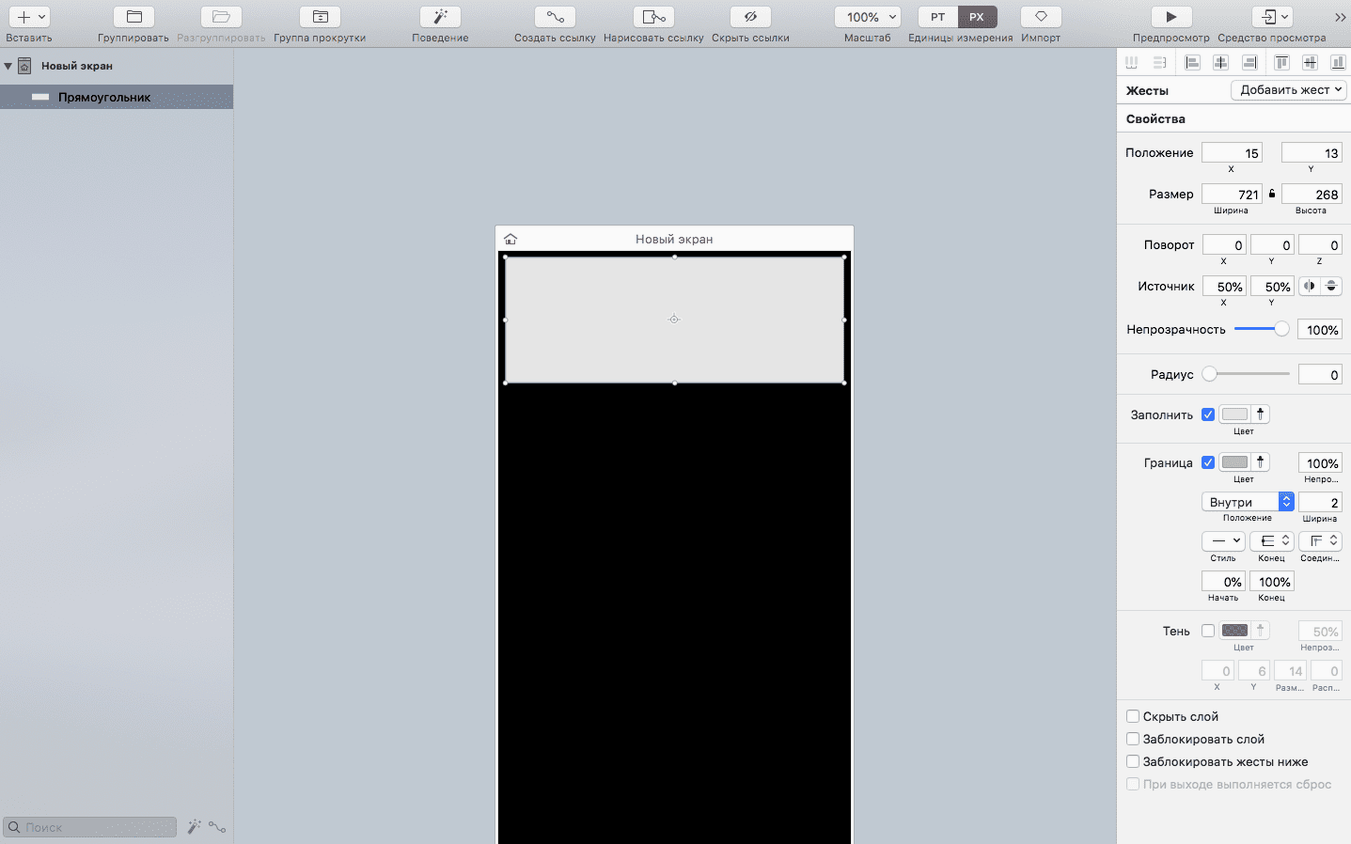
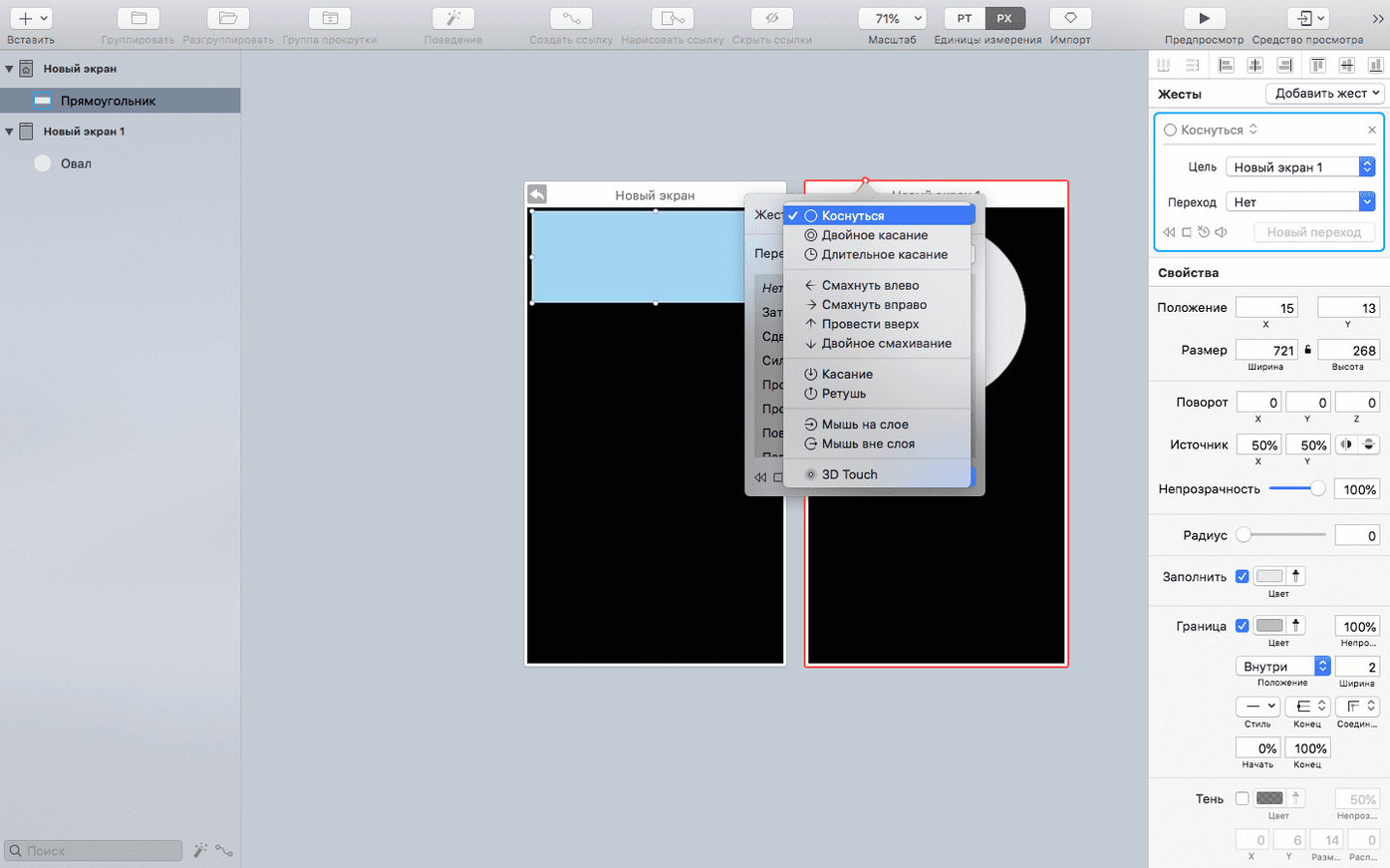
Flinto has always been about getting from static screens to something you can actually tap through. Version 31.0 keeps that focus, with a transition builder for custom animated transitions, one-click scrollable areas, and support for buttons, toggles, and looping animation. The scroll-based animation option is the one I keep coming back to — it turns a simple vertical swipe into a proper product demo without scripting.
| Detail | Value |
|---|---|
| Developer | Flinto LLC |
| Version | 31.0 (build 1102) |
| Release date | 2023-12-03 |
| macOS support | 12.0 or later |
| Architecture | Apple Silicon, Intel 64-bit |
| Languages | English, Russian |
For experienced prototype builders, the transition builder is the core. You define how screens move, what eases, and what loops — all visually. The iOS viewer app means you can preview on a device without exporting video files. Flinto also imports Figma documents, and version 31.0 fixes an issue with Figma document-list access. Sonoma users get improved compatibility too, which matters if you've been holding off on updating your studio Mac.
How flinto fits into a mac workflow
Flinto lives comfortably alongside the tools you already use. Import from Figma is the obvious link — you design screens there, bring them into Flinto to wire up interactions, then preview on device. The Figma import fix in 31.0 keeps that pipeline working after Figma's own changes to how it exposes document lists. No export-reimport dance; the file comes in with layers intact.
On the macOS side, the app behaves like a proper citizen. It launches from Launchpad after you drag it into Applications — no installer fuss, no background services. The disk-image distribution means you can keep a copy on a portable drive if you move between studio Macs. Because activation isn't required, you are not tied to a machine count or an internet check; the app just runs.
The iOS viewer app is the part that ties the Mac work to real-world testing. You design on the Mac, open the viewer on an iPhone or iPad, and tap through the prototype as if it were a shipped app. No export to video, no screen recording, no cloud upload. The connection is direct, which matters when you are iterating quickly during a client review session.
Saves UI designers the overhead of learning complex tools
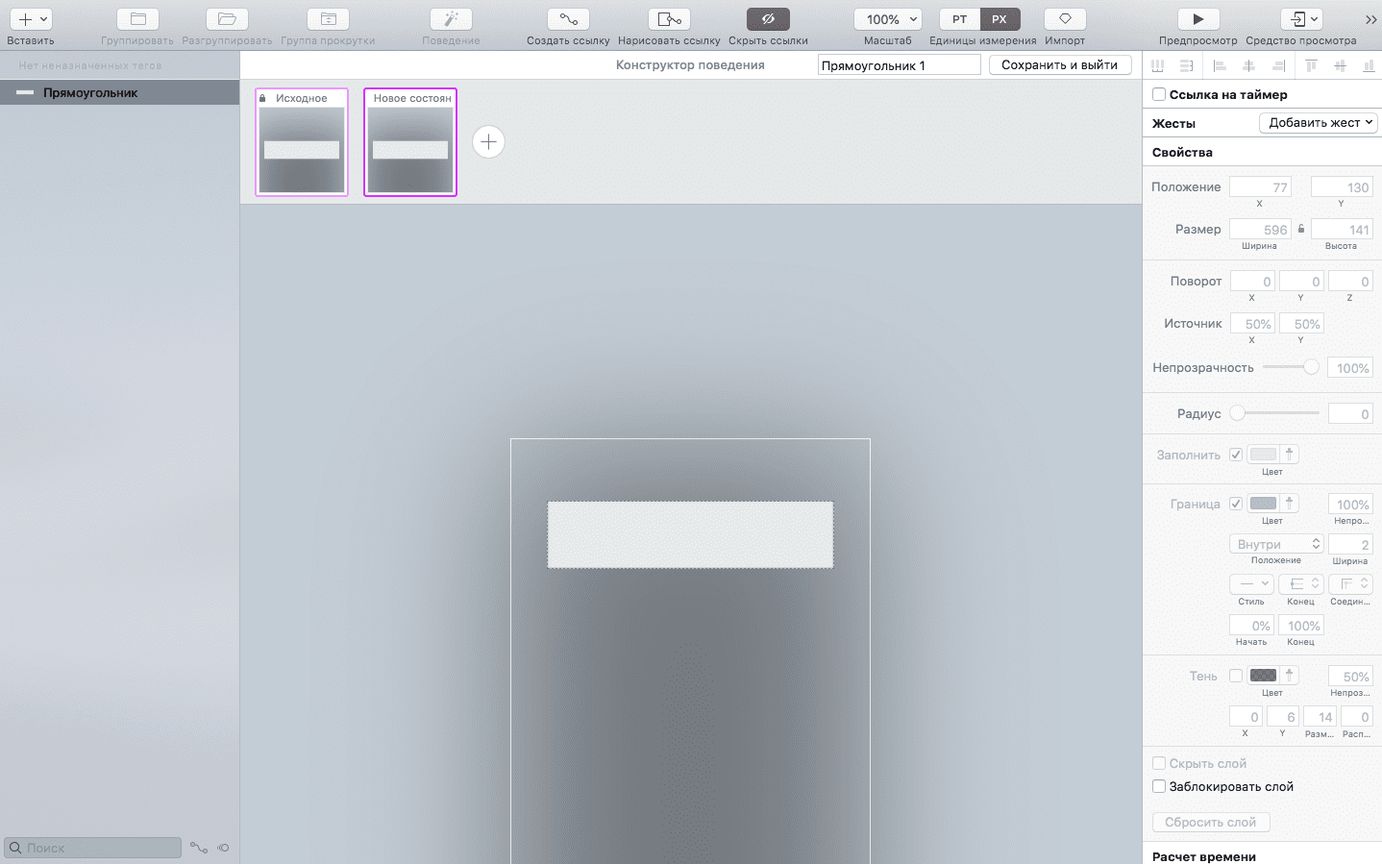
UI designers working alone or in small teams are the obvious fit. If you produce app mockups and need to show how screens connect — not just what they look like — Flinto saves you the overhead of learning a full interaction-design suite. The behaviour builder for micro-interactions means you can prototype a toggle animation or a button press without writing a line of code.
Product teams who do usability testing also benefit. You can hand an iPad with the viewer app to someone and watch them interact with your prototype. Because the interactions are defined in the behaviour builder, you can adjust timing or easing between sessions without rebuilding screens. The scroll-based animation feature is particularly useful for e-commerce or content-feed prototypes where the natural gesture is a swipe.
Freelancers who need to share prototypes with remote clients will appreciate that Flinto files can be opened in the free iOS or Mac viewer app. The client does not need a licence; they just install the viewer and tap through. No account creation, no cloud service to explain.
How flinto compares with similar mac apps
Principle for Mac. Principle offers a timeline-based approach to animation, which gives you more control over keyframes and easing curves. Flinto leans more on the transition builder and behaviour builder — less timeline, more drag-and-drop logic. If you are comfortable with a timeline metaphor, Principle might feel familiar. If you prefer to define interactions visually without frames, Flinto's approach is faster to pick up.
Origami Studio. Origami Studio is free and deeply integrated with Facebook's design tools, but it has a steeper learning curve. It uses a patch-based system where you wire nodes together. Flinto keeps interactions inside a simpler interface — buttons, toggles, scroll areas — which suits designers who do not want to think in patch graphs. Origami also requires a Facebook account for some features; Flinto does not push you toward any platform.
Sketch + Anima plugin. If you are already in Sketch, the Anima plugin adds prototyping directly inside that environment. The advantage is staying in one app. The disadvantage is that the interactions are limited compared to what Flinto's dedicated behaviour builder can do. Flinto handles looping animation and scroll-based triggers more naturally, and the iOS viewer is a separate app that runs independently of Sketch's export pipeline.
Figma import failures fixed by keeping Flinto updated
Figma import fails after an update. This is the issue version 31.0 specifically fixed. If you are on an older build and Figma changes its document-list access, imports stop working. Keep Flinto updated — the developer is responsive to these changes. If import still fails, check that your Figma file is not too large or does not contain unsupported layer types. Flinto handles standard vector and text layers; complex masks or nested symbols may need simplifying before import.
iOS viewer does not see the Mac project. Both devices need to be on the same local network. Firewall settings on the Mac can block the discovery. Check that macOS's firewall allows incoming connections for Flinto, or temporarily disable it during a session. The viewer app also needs to be the same version as the Mac app — mismatched builds can cause connection drops.
Scroll areas not responding as expected. This usually happens when a scrollable area overlaps with another interactive element. Flinto evaluates interactions from front to back in the layer stack. If a button sits inside a scroll area, the scroll gesture might swallow the tap. Reorder layers so that tappable elements sit above the scroll container, or set the scroll area to only respond to two-finger gestures if the design allows.
Prototype runs slowly in the viewer. Complex transition chains or many simultaneous animations can push the viewer app on older iOS hardware. Simplify by breaking long transitions into shorter segments, or reduce the number of layers animating at once. The Mac app itself runs on both Apple Silicon and Intel Macs, but the viewer's performance depends on the iOS device — an iPad Pro handles more layers than an older iPhone SE.
Changes in this build
- Fixed Figma importing after changes to Figma document-list access.
- Improved support for macOS Sonoma.
Before it goes on the Mac
- macOS 12.0 or later
- Apple Silicon or Intel 64-bit
Questions from the room
Does Flinto work on Apple Silicon Macs?
Yes, Flinto supports both Apple Silicon and Intel 64-bit Macs, so it runs natively on M-series and older Intel models.
Can I preview Flinto prototypes on an iPhone?
Yes, Flinto includes an iOS viewer app that lets you preview your prototypes on a device running iOS 12.0 or newer.
Installing it on the Mac
- Open the downloaded disk image.
- Drag the Flinto app into the Applications folder.
- Launch Flinto from Launchpad once the copy finishes.
Notes from the control room
Sign in or open a catalogue account to leave a note.
No notes from the room yet. If you have used this build for a week, a short note helps the next person.