
Updated
The catalogue note
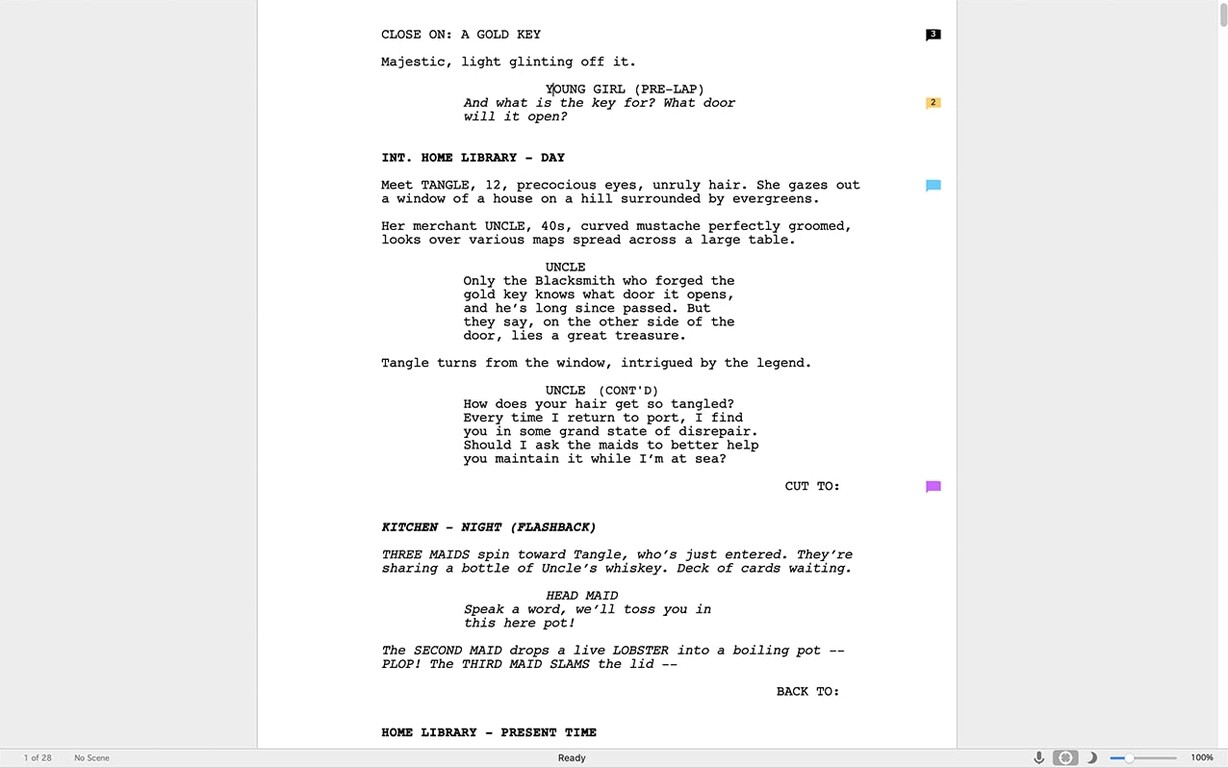
If you have ever wrestled with a word processor to format a script – tabbing, spacing, manually italicising scene headings – then Final Draft is the tool that takes over that work. It handles industry-standard screenplay formatting automatically, letting you focus on dialogue and structure.
Start a new file from a template and use Tab to cycle elements
- Start a new file from a template – Film, TV or Stage – and let the software set margins, character names and parentheticals.
- Use the Tab key to cycle through element types: Scene Heading, Action, Character, Dialogue. The formatting applies instantly.
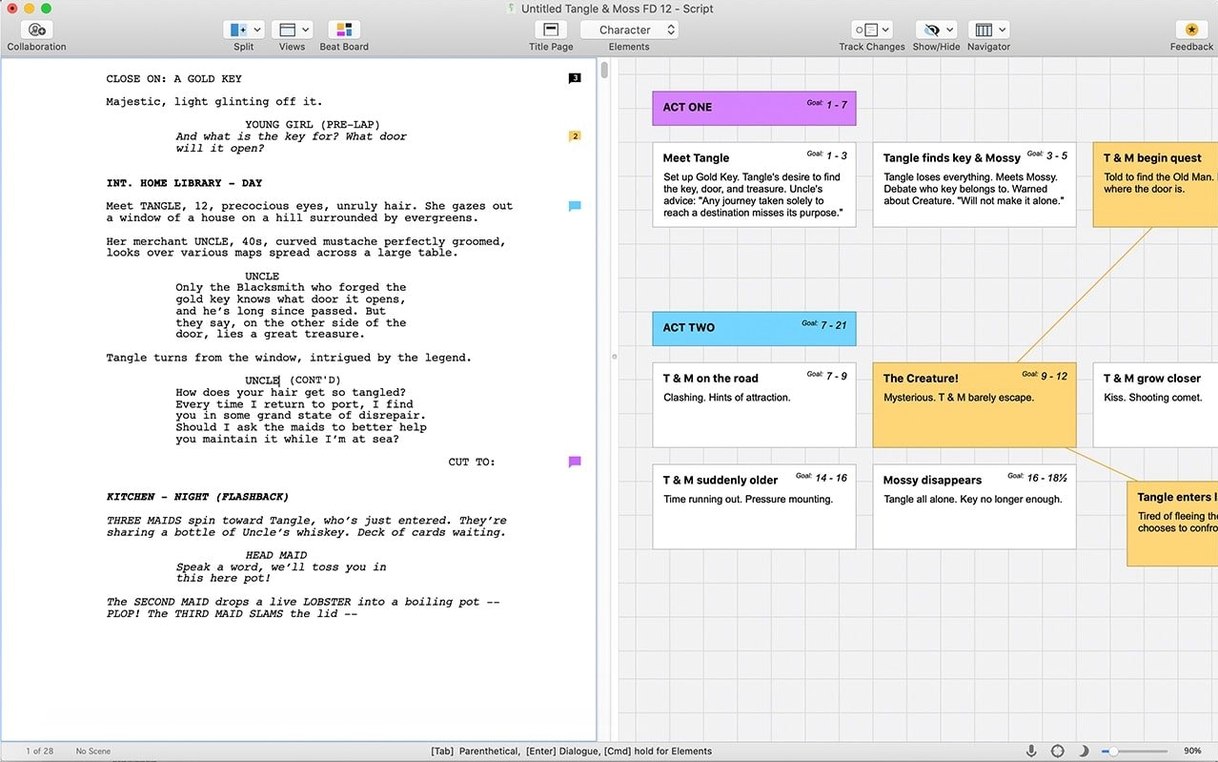
- Open the Beat Board (Window > Beat Board) to outline scenes visually before writing them.
- Run the ScriptNotes and Revision Tracking features once you have a few pages – they help with early rewrites without losing the original.
Format and system notes
Final Draft 13.4.0 runs on macOS 12 Monterey or later and is Intel-native (x86 64-bit). An internet connection is required only for the initial sign-in. The app also works on Windows, and the iOS companion Final Draft Go can sync drafts via the cloud. The current update is a minor bug-fix release.
First few days after installing – what to adjust
The defaults are workable, but a few settings changes save time once you start a real project.
- Turn off automatic page breaks in the view. Go to View > Page View and switch to Draft View if you prefer scrolling without page-break gaps. Many writers leave this on only when preparing a PDF for submission.
- Set your preferred font and size. Final Draft ships with Courier Final Draft, but the Document > Format > Element Settings panel lets you adjust point size and line spacing per element. Keep it industry-standard (12 pt Courier) for output, but a slightly larger size on screen reduces eye strain during long sessions.
- Customise the toolbar. Right-click the toolbar area and choose Customise Toolbar. Add the Beat Board button, ScriptNotes, and Revision Tracking if you use them often. Remove anything you never touch – the interface gets cleaner quickly.
- Enable auto-save with a short interval. Under Final Draft > Preferences > File, set auto-save to every 2 or 3 minutes. It writes a backup to the same folder as the script, which has saved me more than once.
- Map your keyboard shortcuts early. The Preferences > Keyboard Shortcuts pane lets you reassign common actions. I move the Next Element shortcut to a more comfortable key – Tab is fine, but some prefer Control+Enter for faster navigation.
Set the Film template as default and enable automatic continuation lines
- Default template. If you mostly write screenplays, set the Film template as default (File > New from Template > Set as Default). It saves one click every time you start a project.
- Automatic continuation lines. Under Document > Format > Element Settings > Character, enable More and Continued lines. These mark dialogue that carries over a page break – expected in professional drafts.
- ScriptNotes visibility. Turn on View > ScriptNotes permanently. They stay out of the printed script but appear as coloured markers in the margin, useful for tracking notes during revision.
- Revision colours. In Document > Revision Settings, pick a colour scheme that stands out against your background. Yellow and pink are common. Set the revision mode to All Revisions so every edit gets a colour until you clear it.
A British TV writer's Monday-to-Friday draft workflow in Final Draft
A friend writes for a British drama series. She gets outline notes from the producer on Monday, writes a first draft by Wednesday, and delivers a revised draft by Friday. Her workflow in Final Draft looks like this:
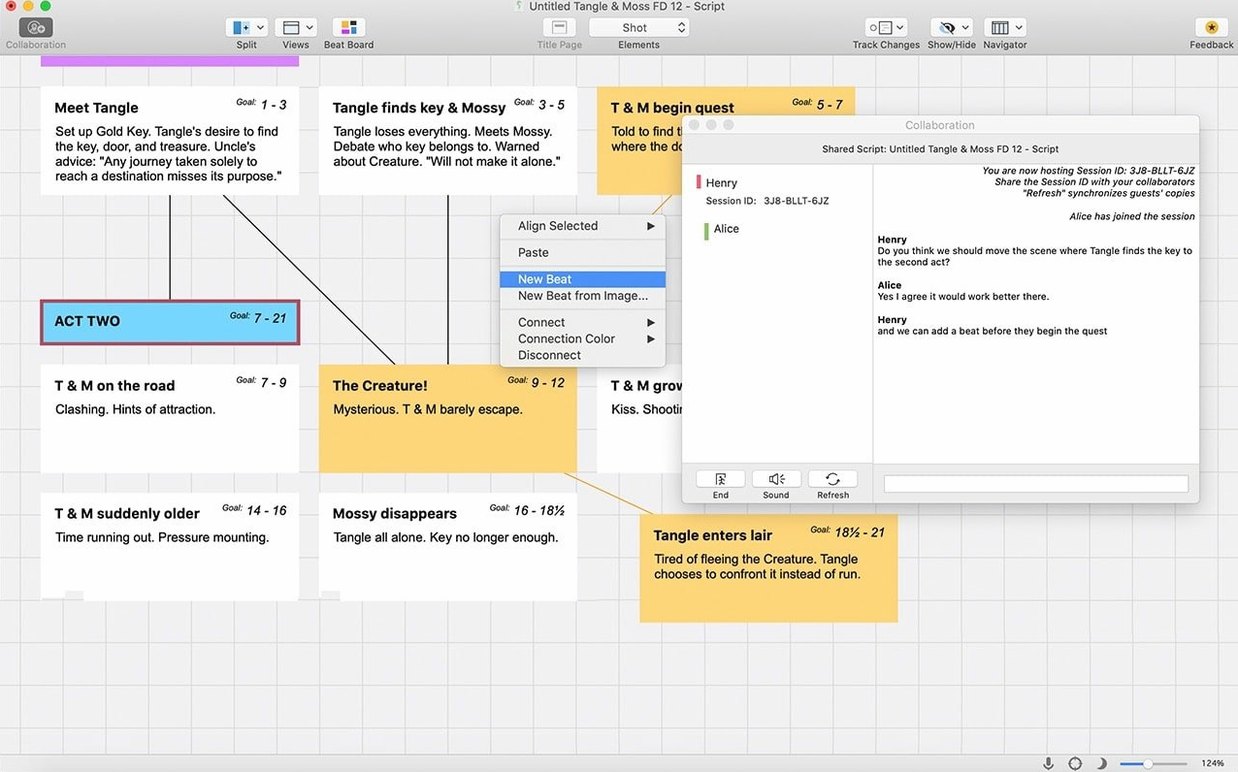
- Monday morning – she opens the Beat Board and drops in the producer’s scene beats as index cards. Each card gets a colour (red for Act One, blue for Act Two).
- Monday afternoon – she drags the cards into sequence order and adds dialogue snippets under each card. The Beat Board exports directly into the script as Scene Headings, so she never types a slug line manually.
- Tuesday – full writing day. She uses Tab to switch between Character, Dialogue and Parenthetical, and lets the software handle the rest. The auto-format catches her if she accidentally types a character name in the wrong place.
- Wednesday morning – she runs ScriptNotes to mark scenes that need a rewrite, then activates Revision Tracking. Every change she makes gets a colour marker. The producer can see exactly what moved between drafts.
- Friday – she exports a PDF with revision colours visible. The network expects standard formatting, so she never touches a ruler or tab stop.
Without Final Draft, that same week would involve manual formatting after every edit, a separate outline tool, and no clean way to show what changed. The software doesn’t write the dialogue, but it removes the friction around the mechanics.
Screenwriters and TV writers who need strict industry formatting
- Screenwriters working to industry deadlines. Anyone who needs to deliver a script that matches studio or network formatting standards will save hours per draft. The auto-format is strict – no margin misalignment gets past it.
- TV writers juggling multiple episodes. The Beat Board and ScriptNotes keep track of beats and changes across episodes. The Scrivener integration (introduced in version 13) also helps if you manage series bibles or research notes in Scrivener and want to link them to your script.
- Playwrights. The Stage template handles character lists, scene descriptions, and stage directions differently from a screenplay. It is a small distinction but important for theatre submissions.
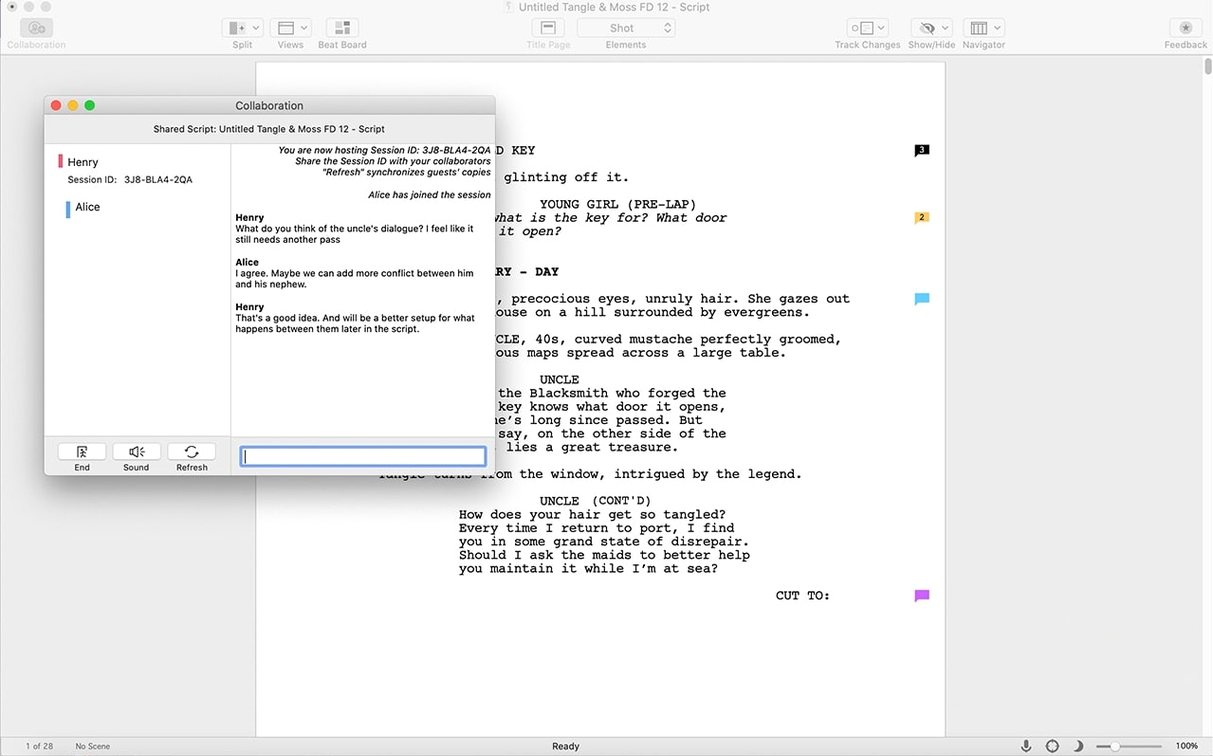
- Writers who collaborate. Final Draft can save scripts in a format that opens on both Mac and Windows, and the iOS companion app Final Draft Go lets you read and make minor edits on an iPad or iPhone. For a co-writer pair working on two machines, the sync is straightforward.
- Writers who revise heavily. The Revision Tracking and colour-coded changes are a genuine time-saver. Instead of manually highlighting every edit, you can let the software track them and clear the colours only when the draft is final.
Stability fixes for the Beat Board and other everyday improvements
Version 13.4.0 is a minor bug-fix update, so the everyday changes are small but noticeable:
- Stability fixes – a few edge cases where the Beat Board would lose card order after a save have been resolved. If you use the Beat Board heavily, you will see fewer inconsistencies when reopening a project.
- Export handling – PDF exports with revision colours now apply the colours more consistently across different page lengths. Earlier versions sometimes skipped a colour on the last page of a scene.
- Scrivener integration – the sync between Final Draft and Scrivener now handles scene notes better. If you link a Scrivener research note to a scene in Final Draft, the note stays attached after a save-and-close cycle.
None of these are headline features, but they remove small annoyances. If you are on version 13.3.x, the update is worth the time – the Beat Board fix alone saves a few minutes per project. For anyone still on version 12, the jump to 13 brings the Beat Board, ScriptNotes, and the Scrivener link, which are substantial workflow additions.
Final Draft is screenwriting software for professional writers, but a final draft crack for mac lacks support and updates. The same applies to download final draft 12 or final draft mac torrent – the current build is 13.4.0, and earlier versions lack the integration features mentioned above.
Changes in this build
Before it goes on the Mac
- macOS 12 Monterey or later
- Intel processor (x86 64-bit)
- Active internet connection for initial sign-in
- Interface language: English
Questions from the room
Can I use Final Draft on both Mac and Windows?
Yes. The same licence works on both platforms, and Final Draft Go for iOS can sync scripts between devices.
Installing it on the Mac
Notes from the control room
Sign in or open a catalogue account to leave a note.
No notes from the room yet. If you have used this build for a week, a short note helps the next person.