Home › Mac Apps › Dehancer Pro

Dehancer Pro 7.3.4 (Mac)
Updated
The catalogue note
Version 7.3.4 of Dehancer Pro focuses on bug fixes and performance improvements, keeping the plugin stable for daily grading work.
Working with Dehancer Pro
- Load the plugin on a clip or adjustment layer inside your host — After Effects, Premiere Pro, or DaVinci Resolve.
- Select a film profile from the library of more than 60 options, including print films, grain types, and camera profiles.
- Adjust halation, bloom, film damage, and overscan to match the look. The LUT generator can export the grade for offline use or for cameras that accept LUTs.
- Render or export normally — the plugin applies the emulation within the host’s colour pipeline.
The macOS build runs on both Apple Silicon and Intel 64-bit Macs under macOS 11 and later. The interface is English. Dehancer Pro is primarily a plugin for colourists and editors who want accurate film emulation inside a non-linear editor or compositing tool, without leaving the host.
Doubling the film curve with extra contrast or saturation
The most frequent error I see is applying the plugin and then adding contrast or saturation adjustments after it in the signal chain. Dehancer Pro already models the characteristic contrast curve and colour response of each film stock; doubling that with a separate node or effect layer typically crushes highlights and clips shadows. Let the film profile do its work, and only reach for additional grading nodes for fine corrections, not for reshaping the tonal response.
Another mistake is ignoring the input colour space setting. If your footage is Log or RAW and you leave the plugin on its default Rec.709 setting, the emulation will look wrong — washed out or overly contrasty depending on the camera. Set the input colour space to match your source material before you start picking a film stock.
Grain is often overdone at first. The grain models in Dehancer Pro are built from real scans, so they behave differently from synthetic noise plugins. Beginners tend to push the grain slider to a level that looks like a texture overlay rather than organic film grain.
Some users also forget that halation and bloom are additive. Stacking both at high values on a bright clip can create a muddy, low-contrast image. Use one as a primary effect and the other sparingly, or reduce both until the highlights still hold detail.
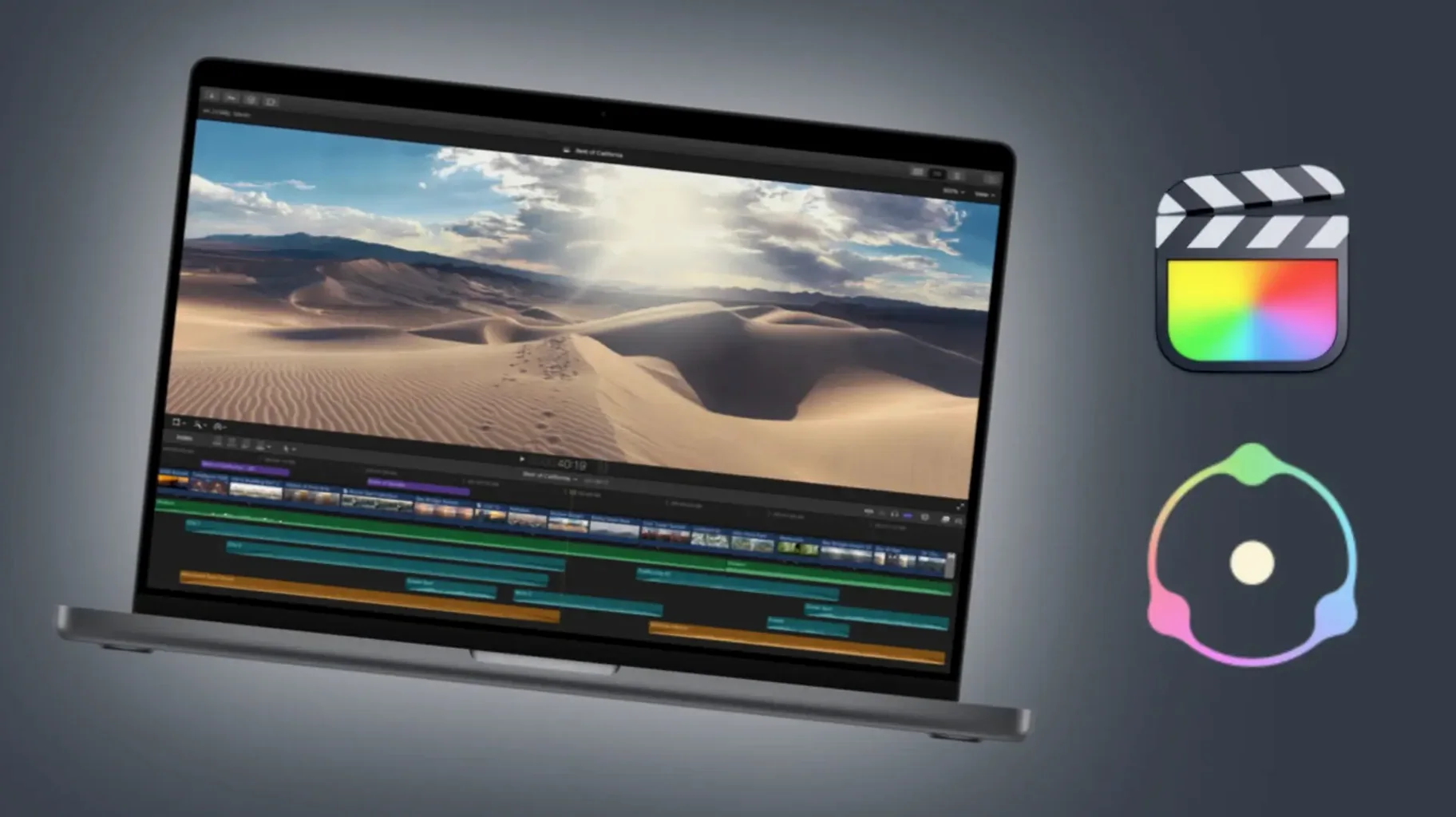
Works with After Effects, Premiere Pro, DaVinci Resolve, and Final Cut Pro
Does Dehancer Pro work with my host? The plugin is available for Adobe After Effects, Adobe Premiere Pro, DaVinci Resolve, and Final Cut Pro. If you work in one of those applications, you can load it as a standard plugin. It does not run as a standalone application, nor does it work inside other NLEs or compositing tools.
Will it slow down my Mac? The macOS build supports both Apple Silicon and Intel 64-bit Macs running macOS 11 or later. On older Intel machines, you may want to render previews before real-time playback. The version 7.3.4 update includes performance improvements, so it handles better than earlier releases.
Can I use the LUTs outside the plugin? Yes — the LUT generator exports the current grade as a LUT file that can be loaded into cameras, monitors, or other software. This is useful if you want to bake the look into footage before handing it off to a colourist who does not use Dehancer, or if you need a consistent look across multiple projects without keeping the plugin loaded.
Is the interface only in English? The interface language is English. There is no localised version for other languages at this time.
Single macOS download with installation instructions included
Dehancer Pro 7.3.4 installs as a plugin for your host application. The package includes installation and activation instructions, so you do not need to hunt for separate documentation. The macOS build is a single download that works on both Apple Silicon and Intel 64-bit Macs — no separate installers to choose.
Because it is a plugin, it does not appear in your Applications folder as a standalone app. You will find it inside your host’s effects or colour grading panel after installation. Activation is handled through the included instructions; no online account is required during the install process itself.
The plugin requires macOS 11 or later. If you are still running macOS 10.15 or earlier, the installer will not proceed. The plugin occupies disk space in your host’s plugin directory, not a separate location, so it does not add an extra icon to your Dock or menu bar.
One central license covers multiple workstations
The Production License Server support added in version 7.3.4 is relevant if you manage multiple workstations in a shared facility. It allows a central license to be used across several machines without individual activations — useful for post-production houses or educational labs.
More than 60 film profiles are included, but the list is not just a flat menu. Profiles are grouped by film type — negative, print, slide — and by manufacturer. You can browse them in the plugin interface without scrolling through an unsorted list.
Camera profiles are separate from film profiles. If you shoot with a specific camera model, you can match the input colour space to that camera first, then apply the film stock on top. This keeps the emulation accurate to the original sensor response.
The film damage effect includes several parameters — dust, scratches, gate weave — each adjustable independently. Beginners often apply damage as a single preset, but adjusting each element separately lets you keep, say, the weave while removing dust for cleaner footage.
Overscan is a subtle effect that replicates the slightly cropped frame you see on a film projector. It is off by default and easy to overlook, but it adds a small black border that makes the film emulation feel more complete, especially when you are grading for a cinema or retro look.
Changes in this build
Before it goes on the Mac
- macOS 11 or later
- Apple Silicon or Intel 64-bit processor
- Compatible host: Adobe After Effects, Adobe Premiere Pro, or DaVinci Resolve
Questions from the room
Which host applications does Dehancer Pro support on macOS?
The plugin works with Adobe After Effects, Adobe Premiere Pro, and DaVinci Resolve on macOS.
Does Dehancer Pro run on Apple Silicon Macs?
Yes, the macOS build supports both Apple Silicon and Intel 64-bit processors.
Installing it on the Mac
- Download the package and open the installer.
- Follow the on-screen prompts to install the plugin into your host application’s plugin folder.
- Activate using the instructions provided inside the package.
Notes from the control room
Sign in or open a catalogue account to leave a note.
No notes from the room yet. If you have used this build for a week, a short note helps the next person.