Deep Glow 1.6 (Mac)
Updated

The catalogue note
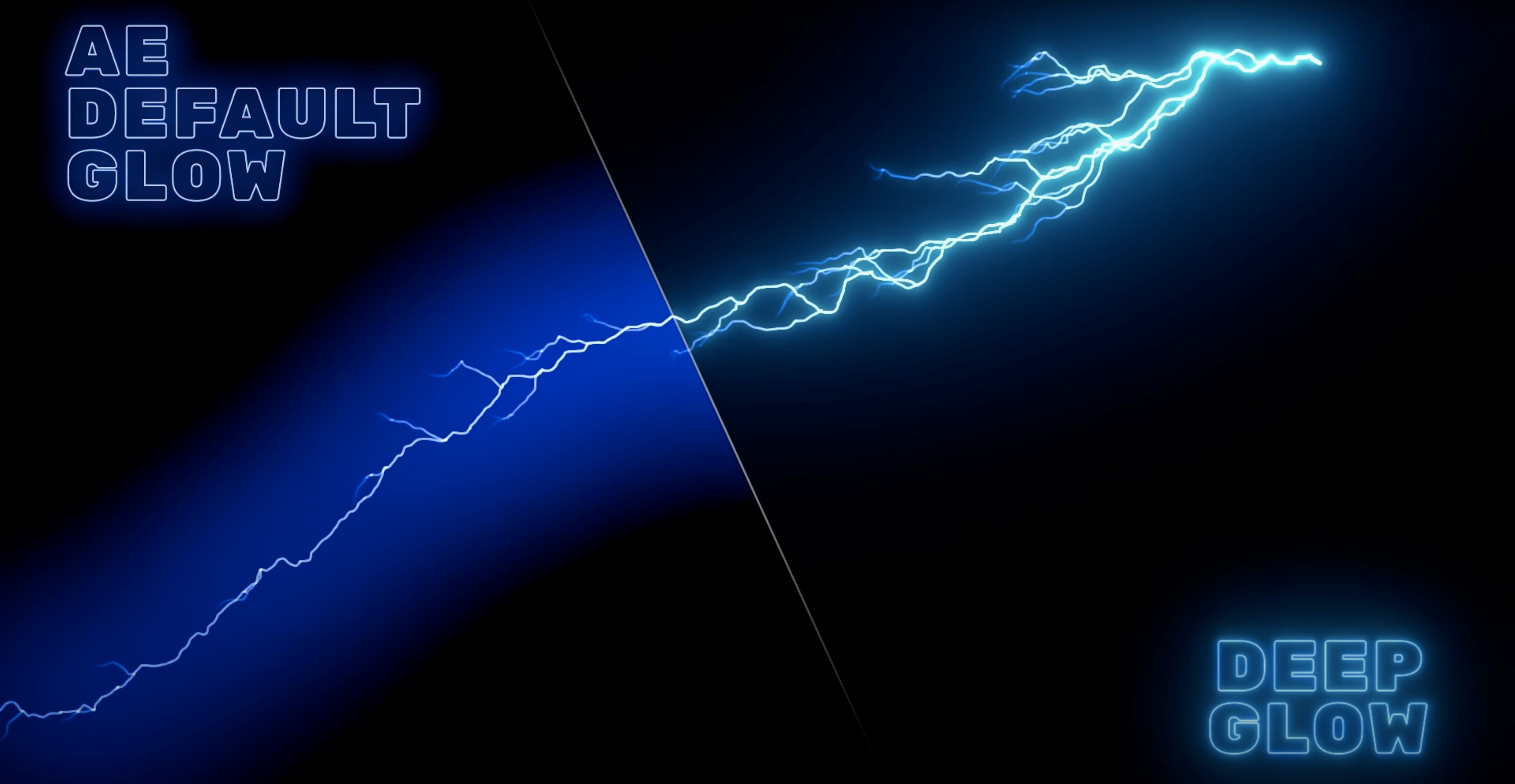
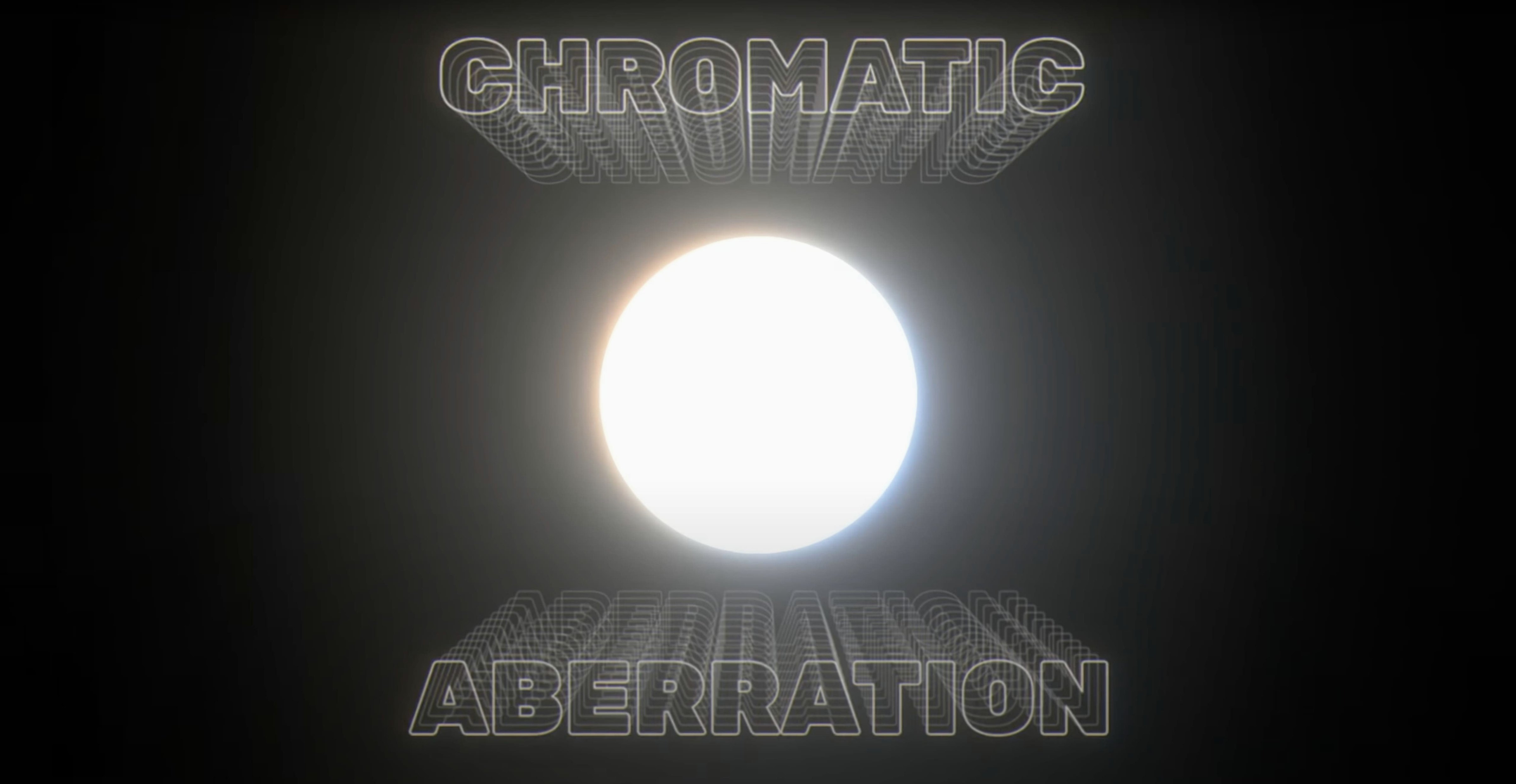
The Glow Amount slider is where Deep Glow starts to feel different from the stock effect. Instead of a flat bloom, it simulates inverse-square falloff, so highlights fade naturally like light actually behaves. That physical falloff, combined with GPU acceleration, makes it a practical tool for compositing work where you want a glow that sits in the shot rather than on top of it.
Adds realistic light blooms to text, logos, and light sources
- Adding realistic light blooms to text, logos, and light sources in After Effects.
- Working in non-linear color spaces without the glow looking washed out.
- Keeping render times down on a Mac Studio, thanks to GPU-accelerated processing.
Trades speed for precision with downsampling controls
- Downsampling and quality controls let you trade speed for precision.
- Supports both ARM and x86 64-bit Macs.
- Interface is English only.
Runs inside After Effects and inherits its color management and masks
Deep Glow runs as an effect inside After Effects, so it inherits the host's colour management, layer blending and mask system. If you already use AE's native glow for quick work, Deep Glow replaces it on selected layers without changing your comp structure. The plugin respects the comp's colour space setting — set your comp to linearised sRGB or Rec. 709 gamma 2.4 and the falloff behaves correctly from the start.
On the macOS side, the installer is a standard package on a disk image. No extra frameworks or daemons are installed. The plugin appears in the Effects & Presets panel under Plugin Everything, alongside any other plugins from the same developer. You can save presets from the effect controls panel and reuse them across projects, just like any AE effect.
The GPU acceleration uses Metal, so it works with both Apple Silicon and Intel Macs that have a supported GPU. You don't need to switch between renderers or install CUDA — it uses the same graphics pipeline that After Effects already calls on for other GPU-accelerated effects.
Best for motion designers who need inverse-square falloff on text and logos
Motion designers who comp text and logo animations regularly will see the biggest benefit. The inverse-square falloff means a glowing title sits in the scene rather than floating, which saves manual tweaking with masks or blur layers. Compositors working on visual effects shots — adding glow to a light source in a plate, or matching a CG element's bloom to the footage — will find the colour-space handling saves them a grade pass.
Editors who only reach for a glow effect once a week might not need the extra control, but anyone who spends time dialling in the exact spread and brightness of a bloom will appreciate the downsampling and quality controls. They let you preview at lower resolution for timing and only render full quality at output. That matters on any Mac, but especially on a machine where you want to keep the timeline responsive while comping.
Users on both Apple Silicon and Intel Macs are covered equally — the installer includes both architectures in one package. There is no separate download for ARM or x86.
Lets you blend glows without an extra adjustment layer
- The compositing controls let you choose how the glow blends with the original layer — you are not stuck with a simple screen or add mode. That alone can save creating a separate adjustment layer.
- Downsampling is not just a performance toggle. At lower settings it softens the glow edges, which can work as a stylised look for retro or lo-fi graphics.
- The quality control works independently from the downsampling. You can work at quarter resolution and still set final quality to full for renders, without having to remember the slider position.
- Grainy or stylised glow results are possible by adjusting the same parameters differently — the plugin does not force a clean, airbrushed look. You can push it toward a dirty, analogue feel if that suits the project.
Saves a neon title sequence from looking flat with inverse-square falloff
A motion designer is finishing a title sequence for a short film. The opening shot is a neon sign flickering on a wet street at night. The stock glow in After Effects looks flat — it brightens the whole sign evenly, losing the contrast between the hot centre of the tube and the soft halo around it.
They apply Deep Glow to the sign layer. The inverse-square falloff immediately gives a brighter core and a gentler spread. They use the compositing controls to set the blend mode to add, then back it off with the Glow Amount slider until the halo reads as atmospheric haze rather than a separate glow layer. The colour-space handling means the blue of the neon stays saturated in the bloom instead of turning grey. The result sits in the shot, and the client signs off without requesting a regrade.
Glows a logo animation with linearized sRGB from start to finish
Here is a straightforward workflow for adding a realistic glow to a logo animation from start to finish.
- Import your logo comp into After Effects. Make sure the comp's colour space is set to linearised sRGB or the working space your project uses — this matters for the falloff to behave naturally.
- Select the logo layer and go to Effect > Plugin Everything > Deep Glow. The effect controls panel opens with default settings.
- Raise the Glow Amount slider until you see the bloom appear. Because of the inverse-square falloff, the centre of the logo will brighten first and the halo will spread gradually. Stop when the glow reads as a natural light spill.
- If the glow feels too clean, adjust the quality and downsampling controls. Lowering the downsampling introduces a slight softness that can work as a stylised look. For a grainy result, you can push the settings further than you would for a photorealistic shot.
- Use the compositing controls to change how the glow blends with the original layer. A screen blend keeps it bright; an add blend punches the core. Choose the one that fits the scene.
- Preview the animation. If the glow is too strong on certain frames, keyframe the Glow Amount or use the effect's opacity parameter to time the intensity to the animation.
- When you are ready to render, set the quality control to full and the downsampling to 1:1. The GPU acceleration handles the final render without needing to rebuild the effect.
Changes in this build
- Version 1.6 is now listed in the previous versions archive; the latest release is 1.6.9.
Before it goes on the Mac
- macOS version: not specified
- Architecture: ARM and x86 64-bit
- Interface language: English
Questions from the room
Does Deep Glow work on Apple Silicon Macs?
Yes, Deep Glow supports both ARM and x86 64-bit architectures, so it runs natively on Apple Silicon and Intel Macs.
Installing it on the Mac
- Mount the downloaded disk image.
- Run the standard installer.
Notes from the control room
Sign in or open a catalogue account to leave a note.
No notes from the room yet. If you have used this build for a week, a short note helps the next person.