ColorSlurp 4.0.3 (Mac)
Updated
The catalogue note
ColorSlurp supports OKLCH, LAB and P3 out of the box, which already puts it ahead of most pickers I've used. Version 4.0.3 runs on macOS 14.6 or later, and it handles the everyday jobs—picking, saving, converting—without getting in the way.
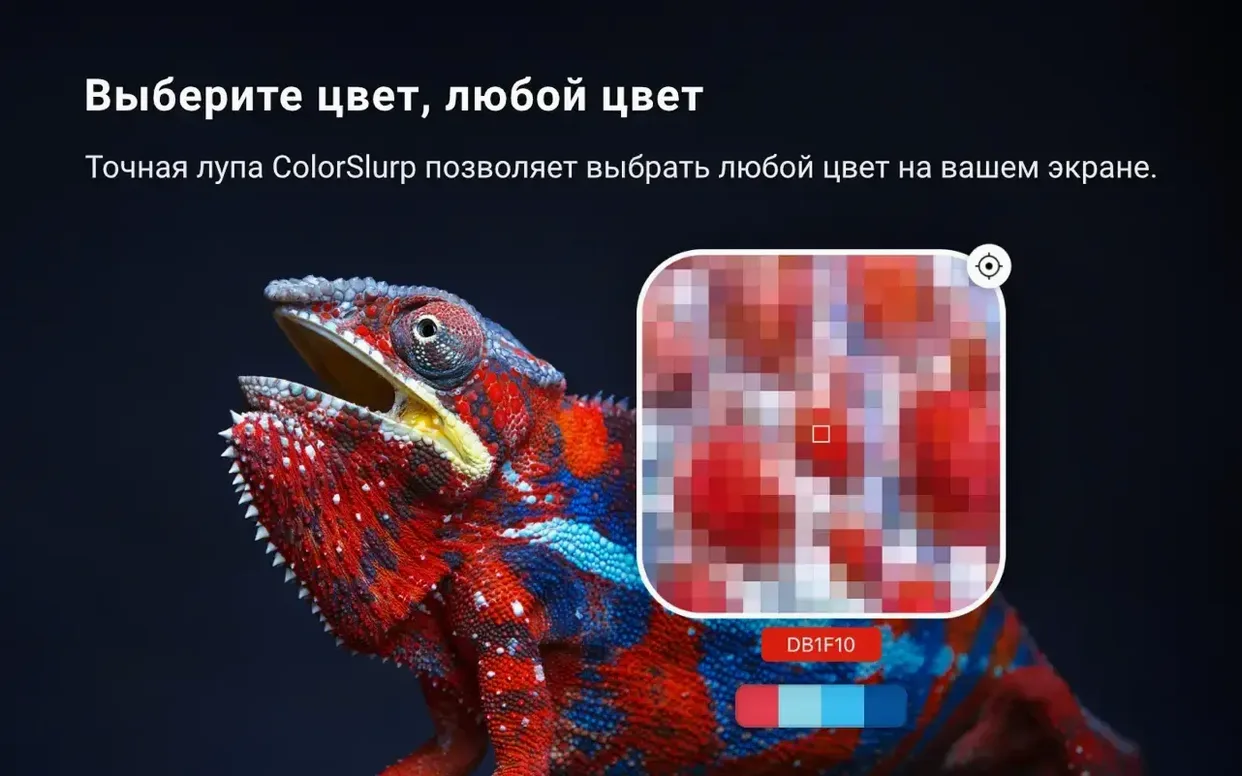
Grabs colors from anywhere on screen with a steadier magnifier
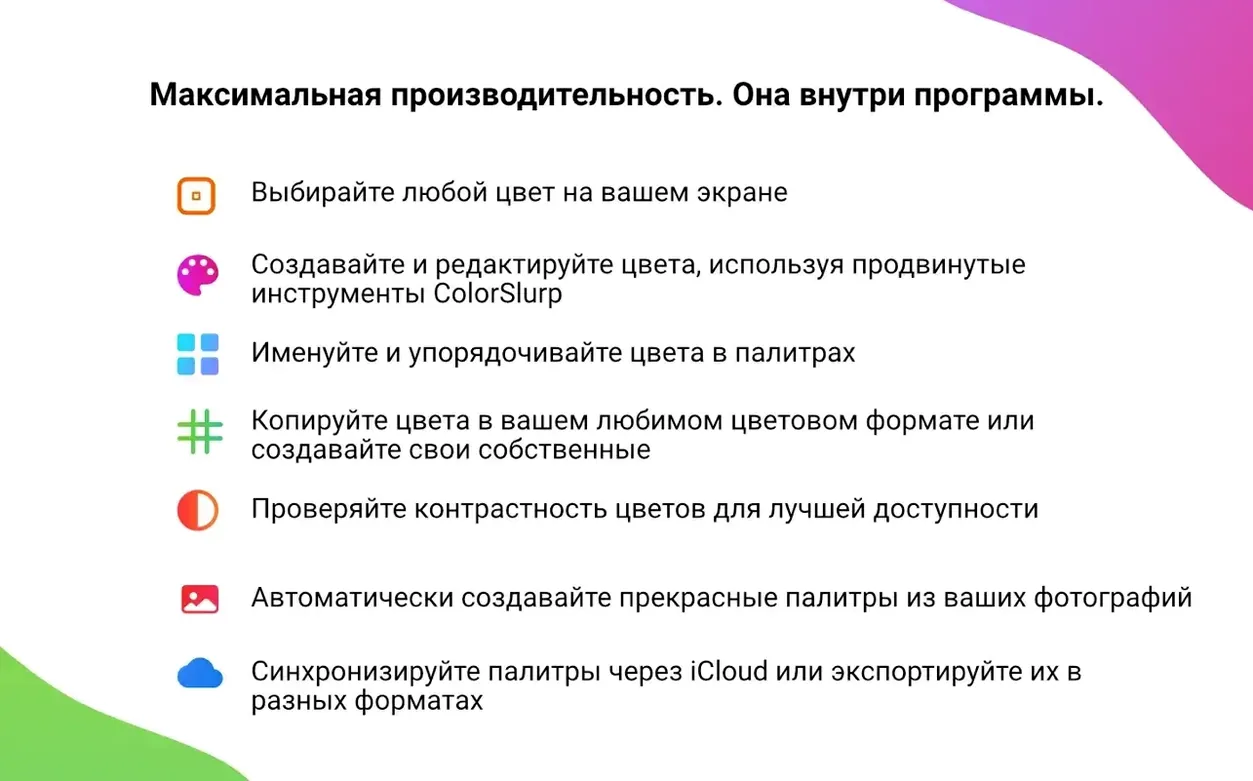
- Grabbing colours from anywhere on screen with a magnifier that feels steadier in 4.0.3.
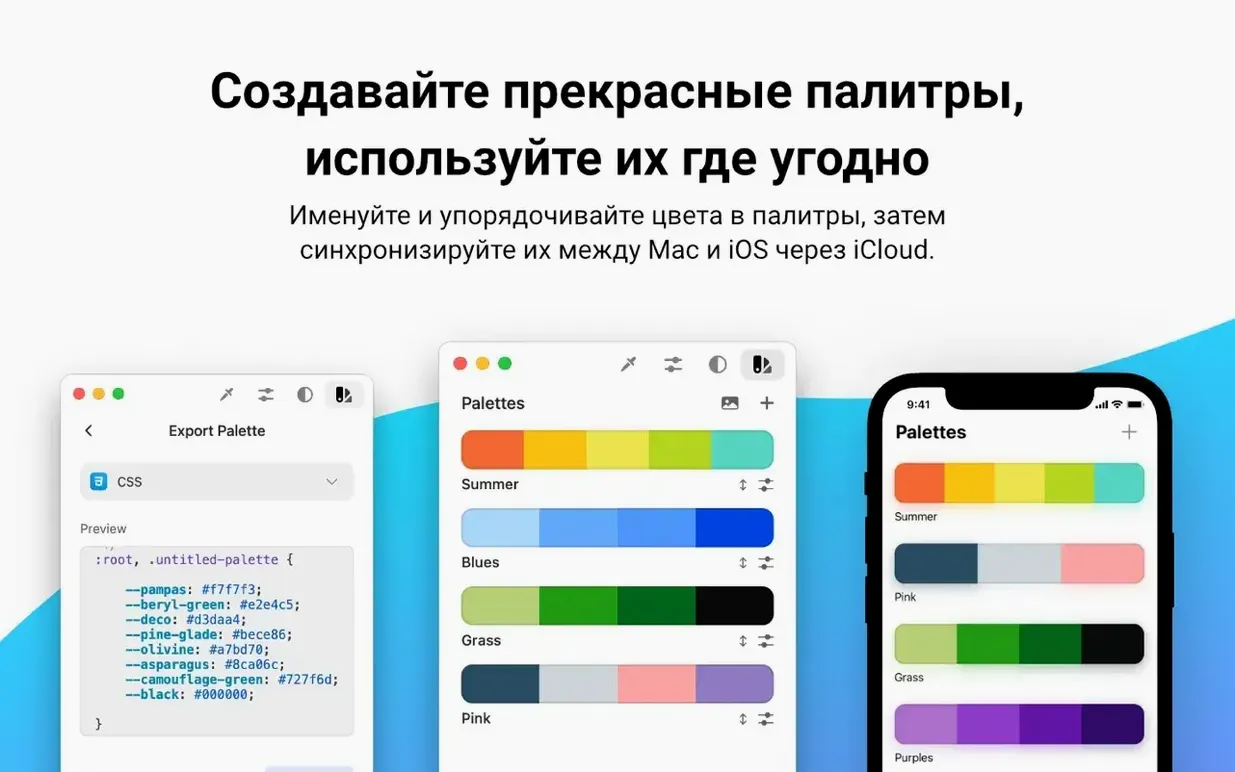
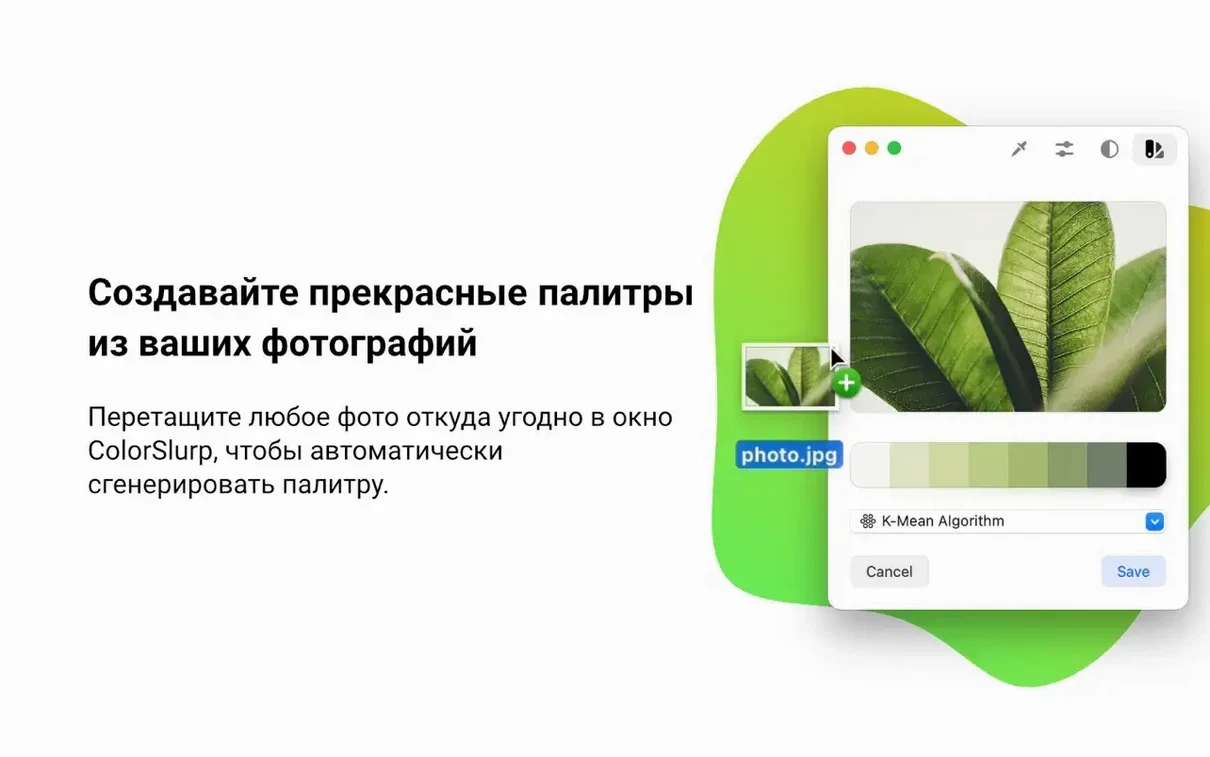
- Building palettes from photos, or dragging a colour straight into a palette to add it.
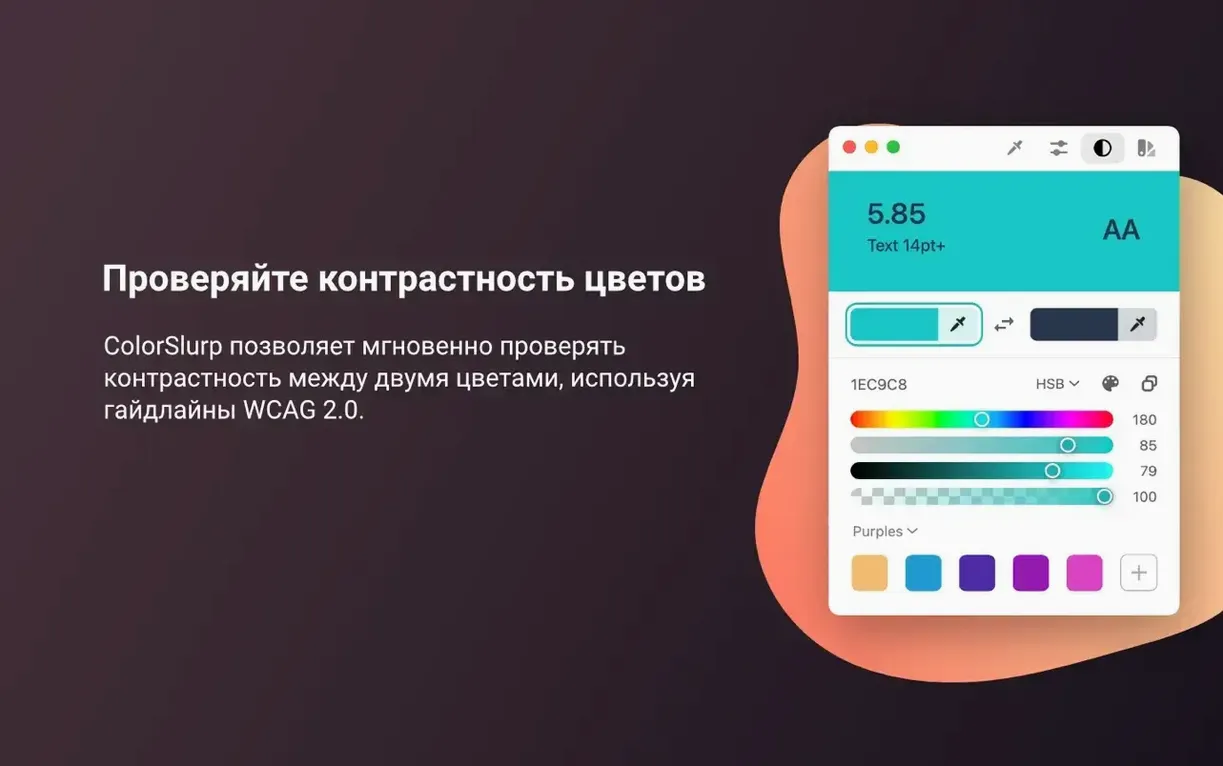
- Checking contrast against WCAG 2.0 before you commit to a pairing.
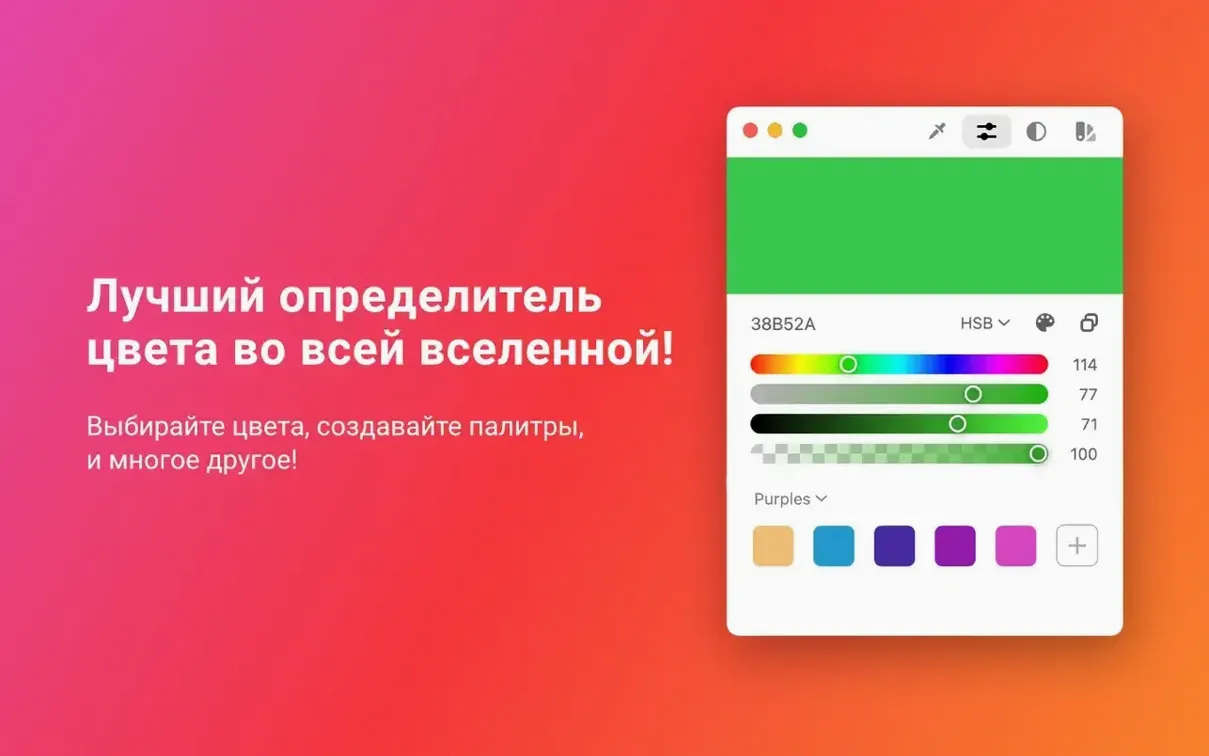
- Working in modern colour spaces like OKLCH, LAB and P3, not just sRGB hex.
- Syncing palettes to iOS through iCloud, so the same swatches follow you between devices.
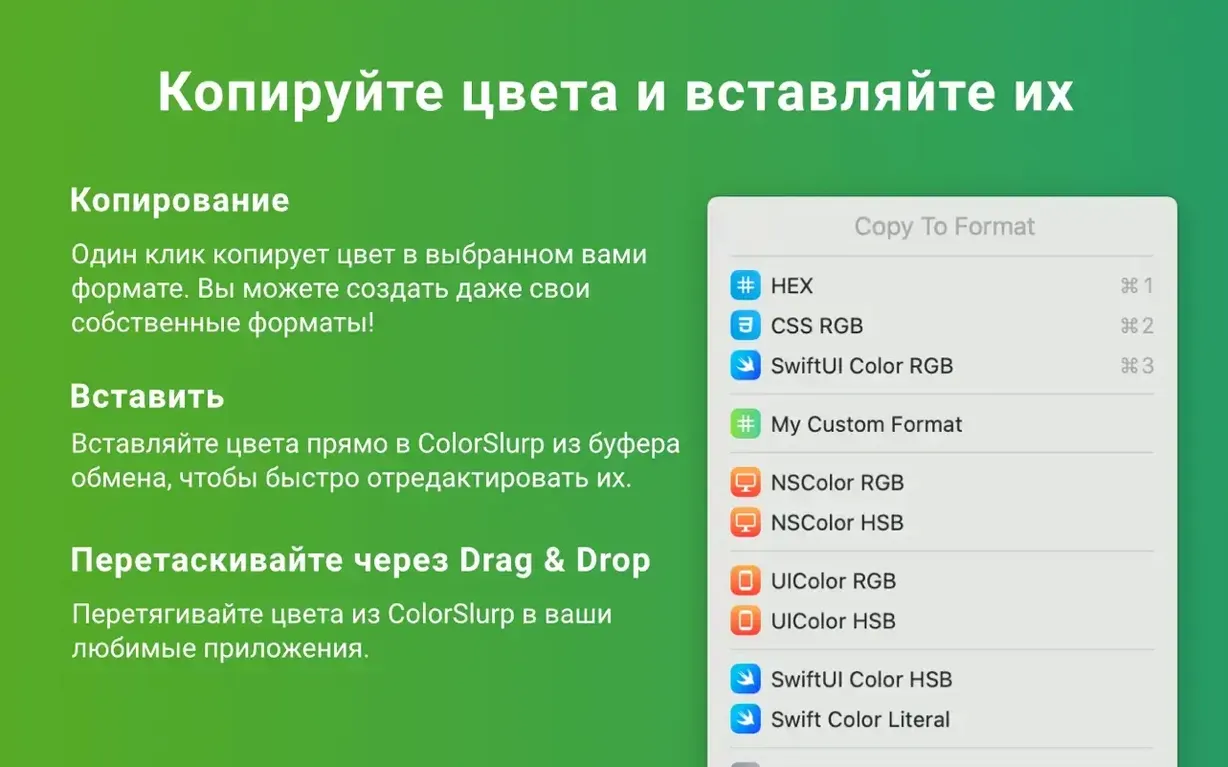
- Pulling a colour from the clipboard to edit it, and importing or exporting in several file formats.
Includes a random color generator, color wheel, and contrast checker
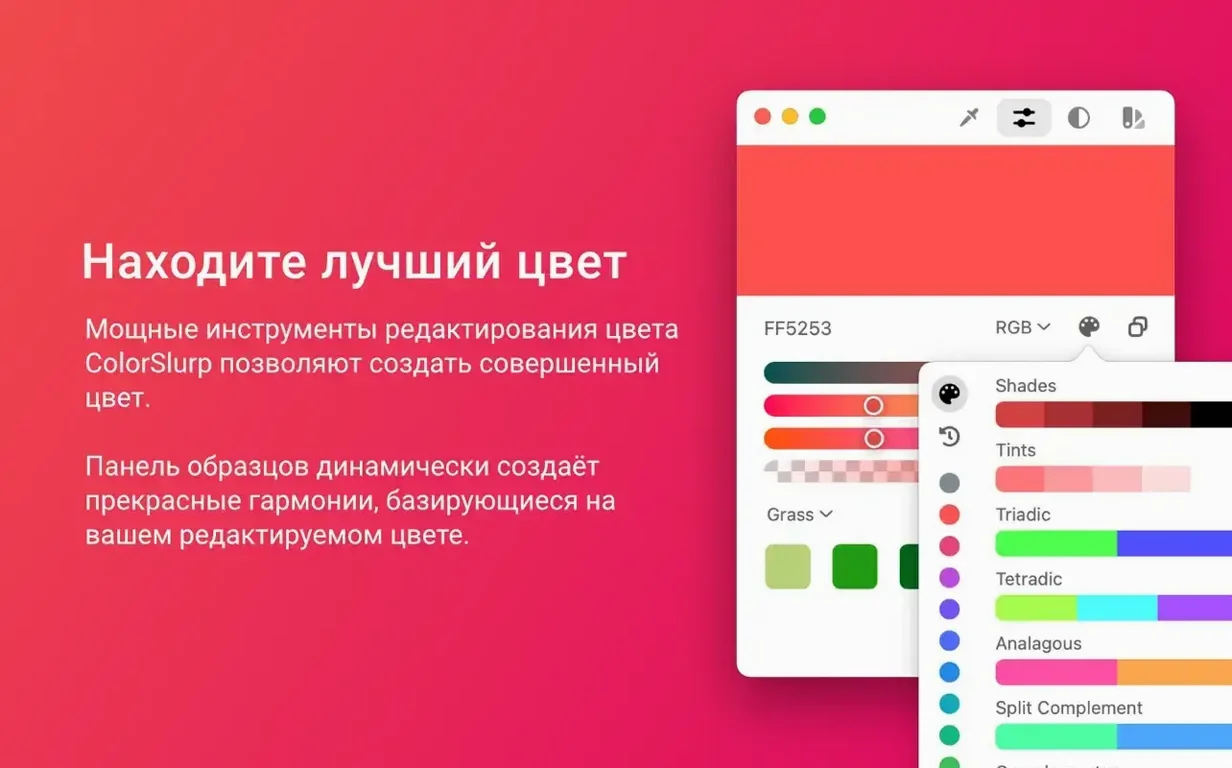
- It includes a tools tab with a random colour generator, a color wheel, and the contrast checker.
- Touch Bar support is still there for those who use it.
- The app is available in Russian, English, Spanish, French and Swedish.
Lives in the menu bar and replaces the system color picker
ColorSlurp lives in the menu bar by default, so it is always a click or a keyboard shortcut away. The system-wide colour picker that macOS ships with is fine for quick hex values, but ColorSlurp replaces that workflow for anyone who needs multiple formats or organised palettes. Because it copies directly to the clipboard, it works with any app that accepts text input — Sketch, Xcode, Affinity, a terminal for CSS, or even a Notes document for later reference.
iCloud sync is the bridge between your Mac and an iPhone or iPad running the iOS version of ColorSlurp. A palette you build on the studio Mac appears on the iPad without any manual export step, provided both devices are signed into the same Apple ID. The app also imports and exports colour files in several formats, so you are not locked into a single ecosystem: you can bring in a palette from Adobe or hand one off to a colleague who uses a different tool.
Custom keyboard shortcuts let you trigger the picker or copy a colour format without reaching for the mouse. If you already use a launcher like Raycast or Alfred, you can set a global shortcut that calls ColorSlurp’s picker and keeps your hands on the keyboard.
Version 4.0.3 makes the magnifier more stable for fine detail
The update is focused on the magnifier. Earlier versions could feel a little jittery when you held the picker over fine detail — thin lines, small UI elements, anti-aliased edges. Version 4.0.3 addresses that directly. The magnifier is more stable and responds more smoothly to mouse movement, which makes picking a precise pixel less of a balancing act. For anyone who samples colours frequently, that change is noticeable within the first few picks.
No new features were added, no formats were dropped. It is a refinement release, and the result is that the core picking action — the one you use dozens of times a day — simply works better.
New users often miss that the magnifier shows a pixel grid, not just the center
The most common misstep is assuming the magnifier only samples the centre pixel. In fact, the magnifier shows a grid of pixels around the cursor, and you can adjust the zoom level. Beginners often move the cursor until the colour looks right in the preview, rather than reading the exact pixel coordinates in the grid. Take a moment to learn what the grid shows; it saves time later.
Another mistake is ignoring the clipboard editor. When you copy a colour, it lands on the clipboard as text. You can paste that into the app’s editor to convert it to another format — for example, pasting a hex value and exporting it as OKLCH. New users sometimes open a separate converter website for this, but ColorSlurp already handles it.
Beginners also tend to build palettes one colour at a time, then lose them because they haven’t named the palette or assigned it to a project. The app lets you organise palettes by project, and a palette without a project is easy to overlook in a long list. Name it as soon as you create it.
Finally, the camera colour picker is often overlooked. If you are working from a physical reference — a printed brochure, a fabric swatch — you can point the Mac’s camera at it and sample the colour. It is not a replacement for a spectrophotometer, but it gets you close enough for screen work.
Works on Apple Silicon and Intel Macs, no internet needed
Does it work on Apple Silicon and Intel Macs? Yes. ColorSlurp runs natively on ARM and on 64-bit Intel processors, so it works on any Mac that meets the macOS 14.6 requirement.
Can I use it without an internet connection? Yes. The app does not require activation and works fully offline. iCloud sync obviously needs a connection, but the colour picker, palette editor, contrast checker and all tools function without it.
How do I get the colour out of the app and into my code or design tool? You pick the colour, select your preferred format from the list (hex, RGB, HSL, OKLCH, LAB, P3 and others), and the app copies it to the clipboard. Paste it where you need it. You can also set up custom formats if the built-in ones do not match your project’s conventions.
Palette syncing between Mac and iOS happens through iCloud, and both apps are developed by IdeaPunch.
What languages is it available in? The interface is translated into Russian, English, Spanish, French and Swedish. You can switch the language in the app’s preferences if your system language is different.
Changes in this build
- Improved magnifier stability and performance.
- Smoother, more responsive magnifier behaviour.
Before it goes on the Mac
- macOS 14.6 or later
- Intel or Apple Silicon
Questions from the room
Does ColorSlurp work on Apple Silicon Macs?
Yes, it supports both Intel and Apple Silicon architectures, as long as you're on macOS 14.6 or later.
Can I sync palettes between my Mac and iPhone?
Yes, palettes sync through iCloud, so the colours you save on one device appear on the other.
What colour formats does ColorSlurp support?
It handles modern formats like OKLCH, LAB and P3, alongside the usual hex, RGB and others.
Installing it on the Mac
- Open the downloaded disk image.
- Drag the app to the Applications folder alias.
- Once the copy finishes, launch ColorSlurp from Launchpad.
Notes from the control room
Sign in or open a catalogue account to leave a note.
No notes from the room yet. If you have used this build for a week, a short note helps the next person.