
Home › Utilities › Apeaksoft Screen Recorder

Updated
The catalogue note
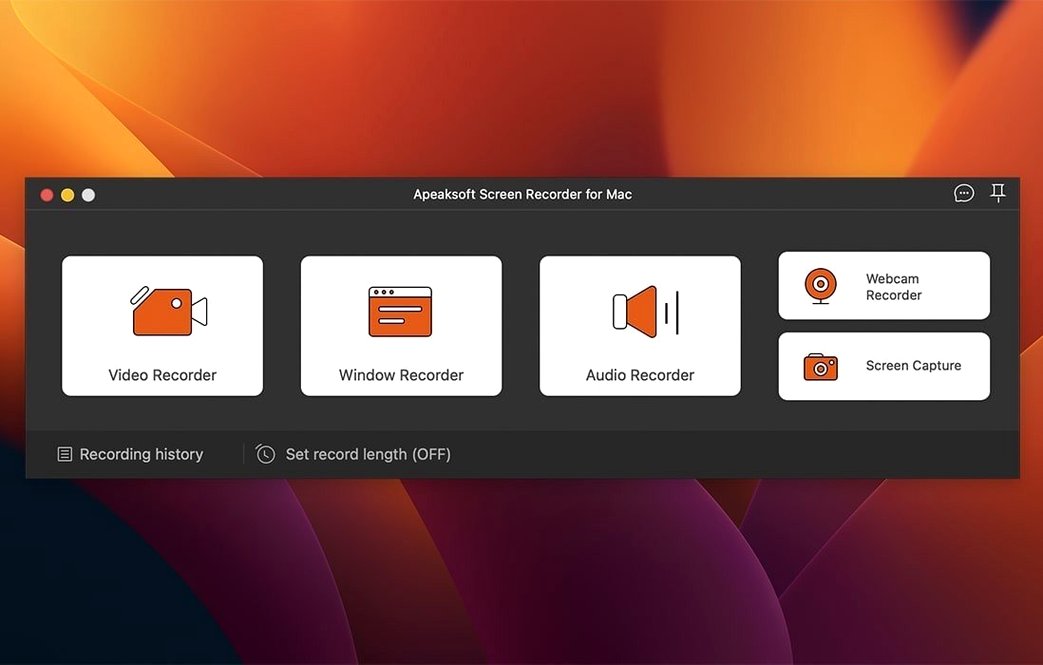
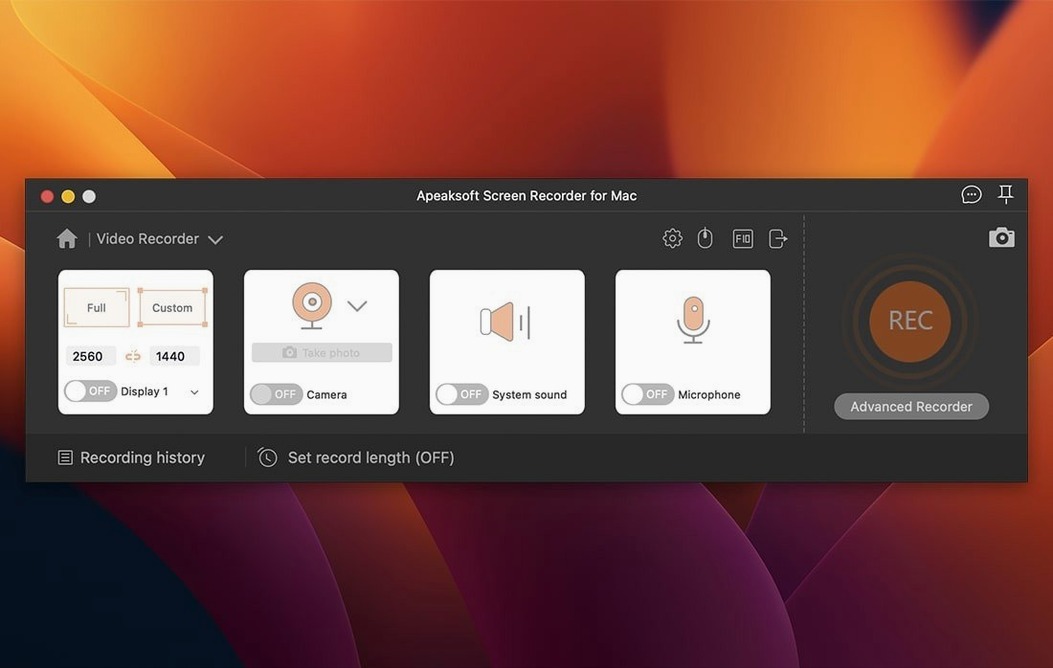
The arrow annotations are the first thing you notice. They snap into place cleanly, which matters when you are marking up a screenshot for a client or a colleague. Apeaksoft Screen Recorder for macOS is a straightforward utility for capturing video, audio, and stills on an Intel Mac. It records games, webcam video, and phone screens alongside the usual desktop activity, and it keeps the output in original image and sound quality — no recompression unless you ask for it.
- Records screen activity and games, with separate audio track options
- Captures webcam video and phone screens
- Saves screenshots as PNG and supports arrow and highlight annotations
- Interface is English only
- Runs on macOS 10.10 or later, Intel architecture
The annotation set is lean, but for quick screen grabs and tutorials it does the job.
Before it goes on the Mac
- macOS 10.10 or later
- Intel architecture
- Interface language: English
Questions from the room
Does Apeaksoft Screen Recorder record games?
Yes, the official site lists game recording as one of its features, alongside video and audio capture from computer and phone.
Installing it on the Mac
- Mount the disk image and open the Gatekeeper-friendly tool.
- Press Enter in Terminal to bypass Gatekeeper.
- Drag the app into the Applications folder.
- Start the app after installation is complete.
Notes from the control room
Sign in or open a catalogue account to leave a note.
No notes from the room yet. If you have used this build for a week, a short note helps the next person.
Also filed under Utilities
The whole Utilities rack AnyTrans for iOS8.9.14 Utilities 398 MB
 App Cleaner & Uninstaller10.0.3 Utilities 47 MB Updated
 Antivirus Zap - Virus Scanner4.3.0 Utilities 49 MB Updated
 AppZapper2.0.3 Utilities 4 MB
 AmpliTube5.8.2 Utilities 3.1 GB
 AlDente1.39.4 Utilities 12 MB
 Alcove1.7.9 Utilities 14 MB
 Airflow3.3.10 Utilities 69 MB