

AmpliTube 5.8.2 (Mac)
Updated
The catalogue note
AmpliTube 5 MAX V2 is a guitar amp and effects modeler that runs on macOS 10.15 or later, 64-bit, on both Intel and Apple Silicon. Before anything else, that compatibility matters: it works on the Mac you already own, no exotic setup required.
Requires macOS Catalina or newer and runs as standalone or plugin
It installs as a standalone app and as a plug-in for your DAW, so you can chase tones in the practice room or inside a mix. The current version needs macOS Catalina or newer, and it is a 64-bit application. If your Mac meets that, you are sorted.
What the MAX edition includes
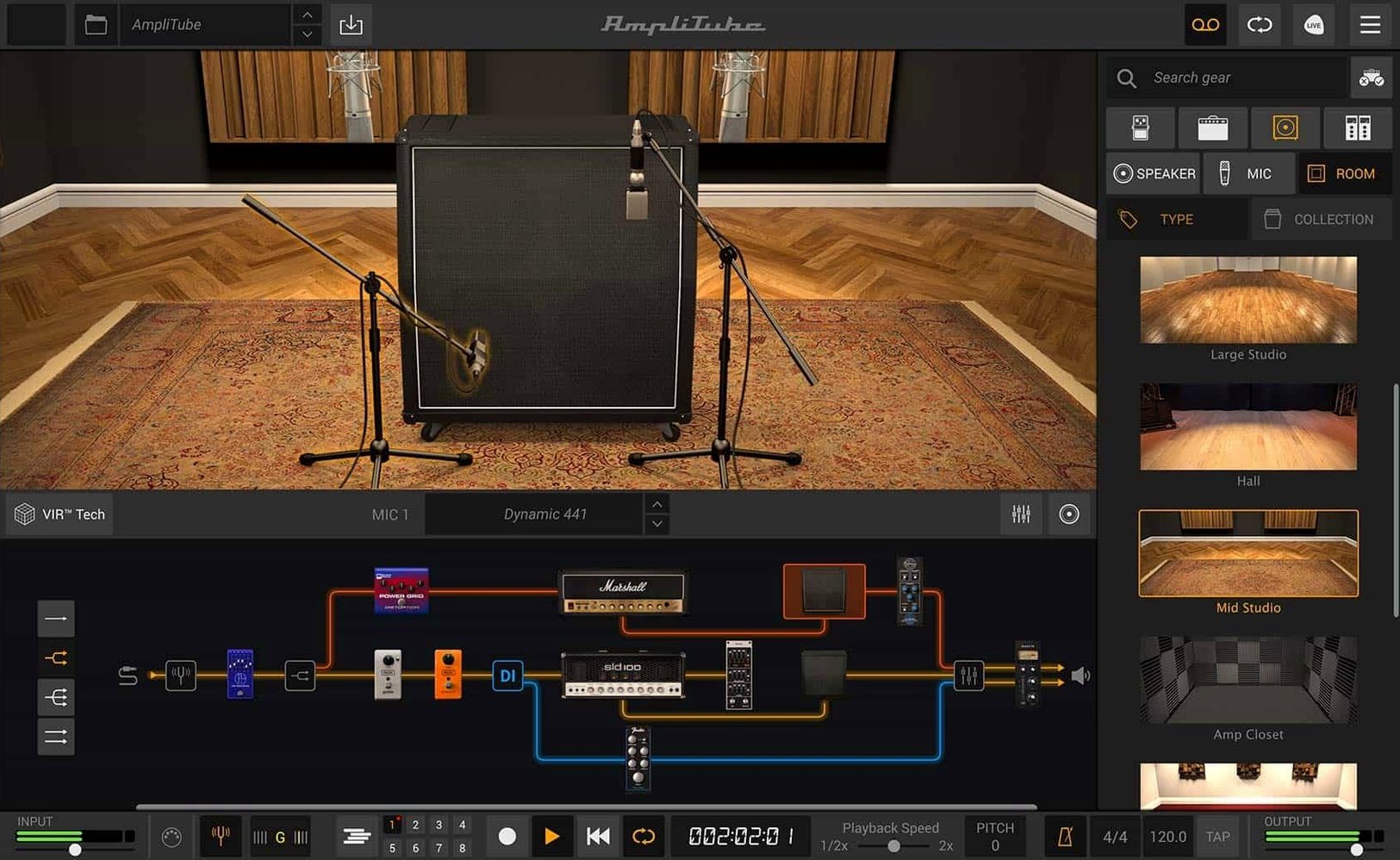
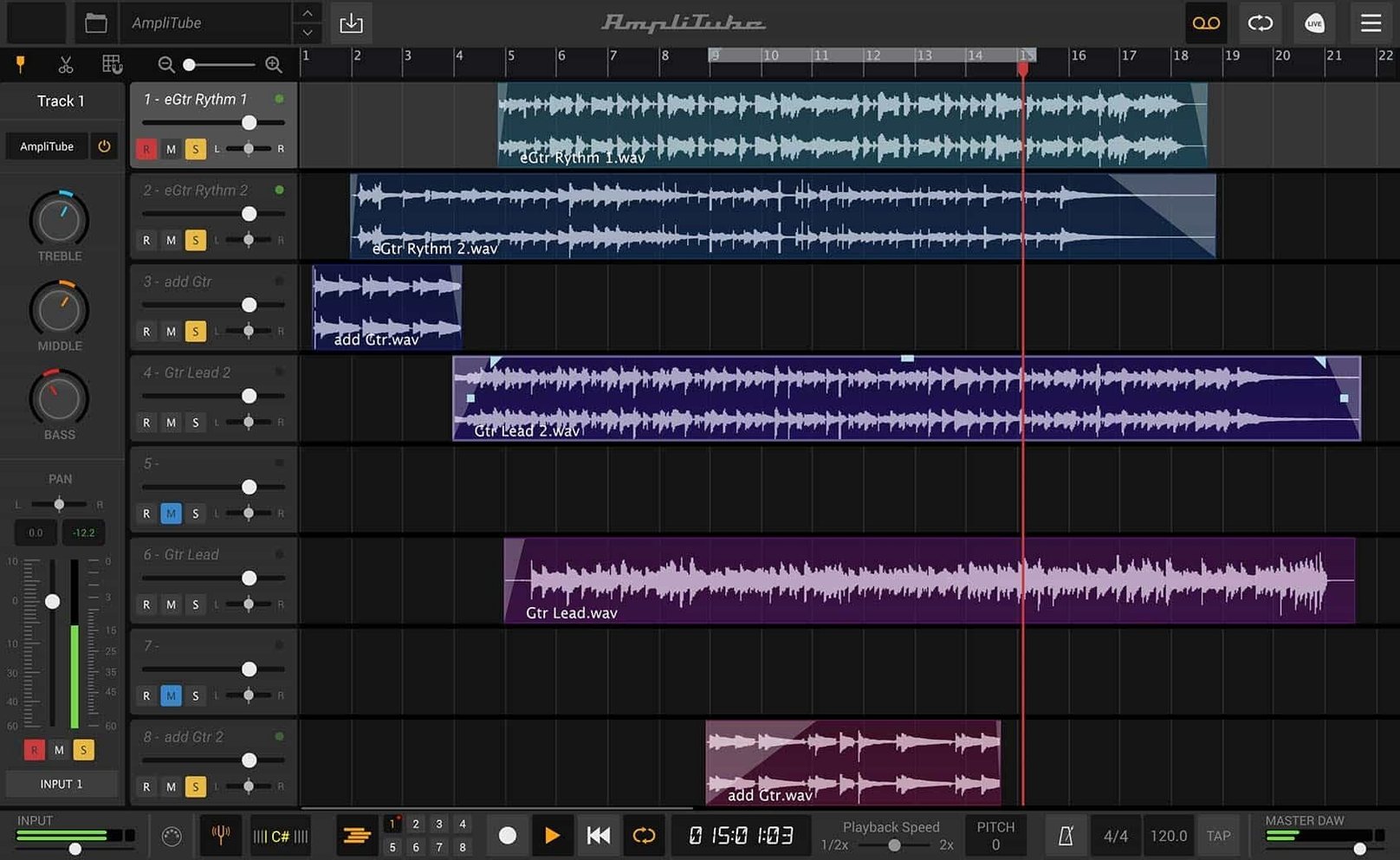
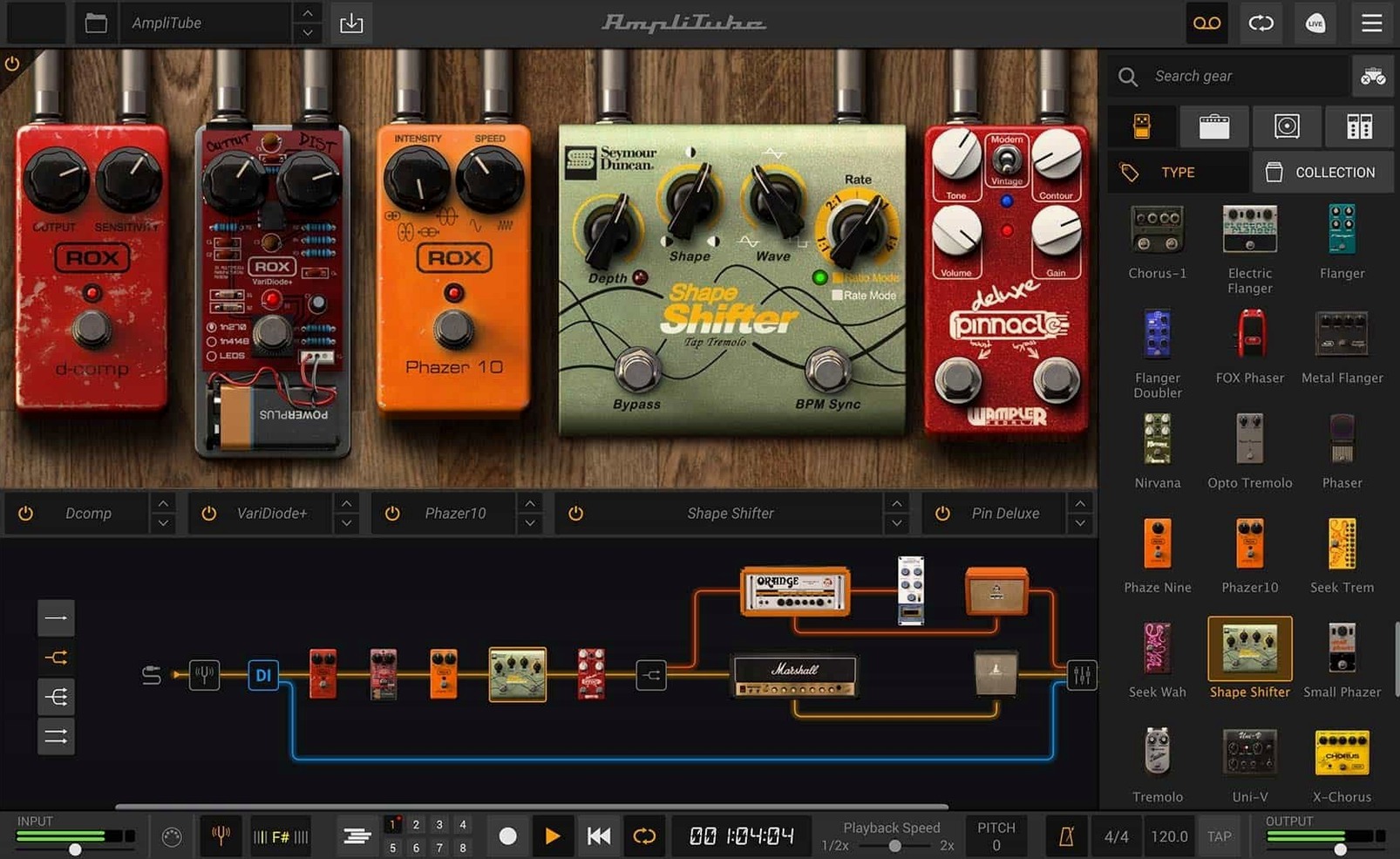
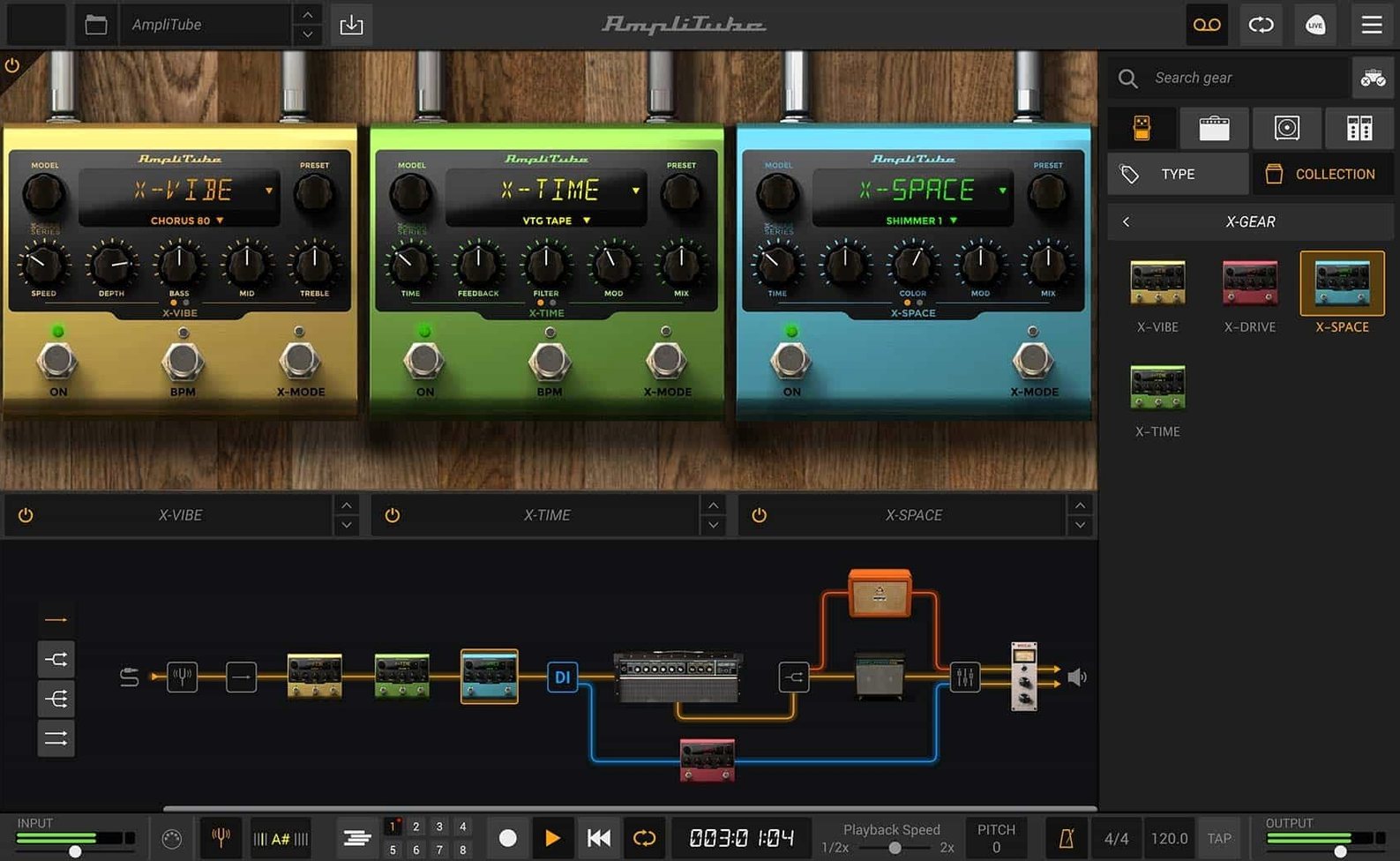
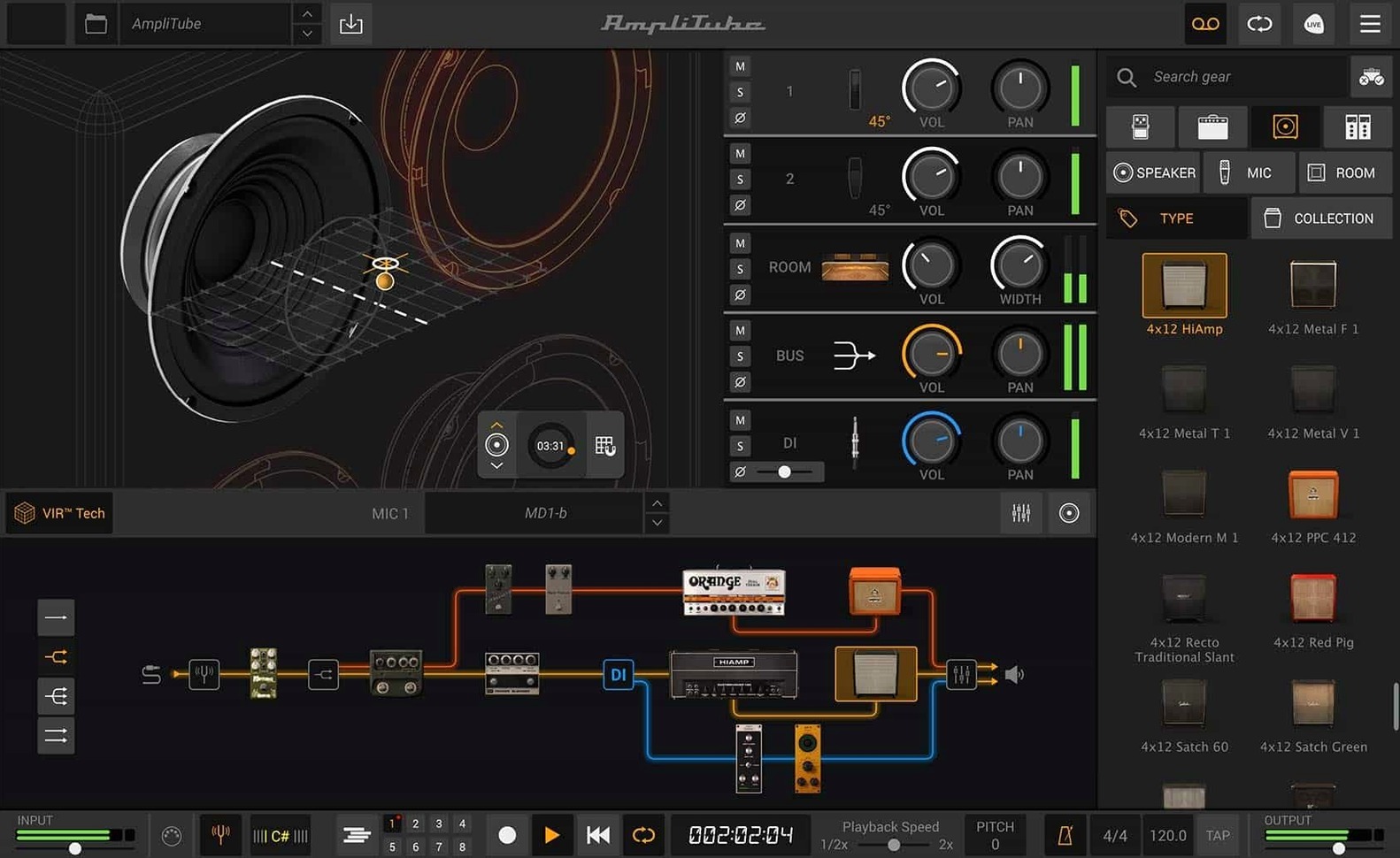
AmpliTube 5 MAX V2 is the larger edition, with 11 brand or artist collections and over 400 gear models. You get 5 amp models, 23 new rack effects, and a cabinet section built on VIR technology. Routing goes beyond simple chains: series and parallel paths are supported, with drag-and-drop control and a mixed DI signal. Up to 57 models can run simultaneously, which is plenty for complex rigs. The redesigned mixer brings built-in effects into the same window.
Start by opening audio preferences and tweaking the default chain
Once AmpliTube 5 MAX V2 is installed, the default preset chain is fine for a first listen, but the real value lives in a handful of adjustments. Open the standalone app and go to the audio preferences first. Set the buffer size to 128 or 256 samples if you are recording — lower introduces latency, higher is fine for mixing. The sample rate should match your project rate; 44.1 kHz or 48 kHz is the usual choice. Then switch to the routing view and drag a few signal paths: try a parallel chain with a clean amp on one side and a distorted one on the other, with a crossover or a mixer module blending them. The drag-and-drop routing is quick, so experiment with the mixed DI signal option early — it lets you send your dry signal to a separate track or re-amp later. The cabinet section with VIR technology responds to mic position and room placement; spend a few minutes moving the virtual microphone around to hear how it changes the low end and presence. Finally, enable the mixer's built-in effects — a compressor on the output bus or a reverb send — to get a feel for the integrated workflow before you patch in external processors.
Loads as an AU, VST or AAX plugin into Logic, GarageBand, Ableton and Pro Tools
AmpliTube 5 MAX V2 integrates with your existing Mac setup in a few practical ways. As an AU, VST or AAX plug-in, it loads directly into Logic Pro, GarageBand, Ableton Live, Pro Tools or any other DAW that supports these formats. You do not need to rewire or use a bridging tool — just scan for the plug-in and it appears in your effects list. The standalone app works alongside macOS Audio MIDI Setup, so you can route audio through aggregate devices or use an interface with multiple outputs. If you use MainStage for live performance, AmpliTube loads as a plug-in there too, letting you switch presets with a foot controller or a MIDI keyboard. The drag-and-drop routing in version 5.8.2 makes it straightforward to send a DI signal to a separate track in your DAW for re-amping later, or to blend a processed and unprocessed signal in the mixer. For bass players, the same routing handles low-end frequencies well — no need to switch to a separate app.
A home guitarist auditions amp tones without disturbing the neighbours
Consider a session guitarist who tracks at home with a Focusrite interface and Logic Pro. They have a DI box and a microphone on a cabinet, but they want to audition amp tones without disturbing the neighbours. They open AmpliTube 5 MAX V2 as an AU on a guitar track, select one of the 5 new amp models — say a British-style combo — and route the DI signal to a parallel chain. On one path, they use the cabinet section with VIR technology and a dynamic microphone; on the other, they add a room reverb from the 2 new rooms and a delay. The mixer's built-in effects let them compress the blend without leaving the plug-in. When they are happy, they drag the DI signal to a separate audio track in Logic for re-amping later with a real cabinet. The whole session stays in one project, no external re-amping box needed. For a bass part, they swap the amp model to a bass-specific one from the 11 collections and adjust the low-end with the mixer's EQ. The 57 simultaneous models are overkill for a single track, but the headroom means they can stack effects without worry.
Runs on Intel and Apple Silicon Macs from late 2015 onwards
From the facts alone: AmpliTube 5 MAX V2 runs on any Mac with macOS 10.15 (Catalina) or newer, 64-bit, on both Intel and Apple Silicon architectures. That means Macs from late 2015 onwards (Intel) and all M1, M2 and M3 series Macs are supported. The application is a single 64-bit binary, so it uses the native architecture of your Mac without Rosetta translation on Apple Silicon — the installer handles this automatically. Disk space required is not specified in the facts, but given the 400+ gear models and impulse responses, you should expect several gigabytes. RAM and CPU usage depend on how many models you load: 57 simultaneous models with VIR cabinets and room effects will use more resources than a simple chain of three pedals and an amp. The standalone app and the plug-in share the same engine, so performance in a DAW mirrors the standalone experience. No additional drivers or hardware are needed beyond a standard audio interface. The installer is a disk image mount followed by a standard installation process — no unusual steps. The application is in English only.
Drag-and-drop routing in version 5.8.2 replaces the old fixed signal path
Version 5.8.2 brought three changes that affect daily workflow. First, the signal chain now uses drag-and-drop routing. In earlier versions, you had to click and select from a menu or use a fixed signal path; now you grab a module and drop it anywhere in the chain. Second, the cabinet section was rebuilt with VIR technology. This means the cabinet response is not a static sample but a dynamic model that reacts to microphone position, room acoustics and playing dynamics. For everyday use, this makes tweaking the cabinet sound more intuitive — moving a mic in the virtual space changes the tone in a way that mirrors a real studio session. Third, the mixer was redesigned and now includes built-in effects. Previously, you had to add separate reverb or compression modules after the mixer; now they are part of the mixer itself, saving a slot in the signal chain. These changes apply to both the standalone app and the plug-in, so whether you are practising alone or recording a track, the workflow is the same. The drag-and-drop routing also makes it easier to set up a mixed DI signal for re-amping, which is a common need for home studio users.
Changes in this build
- New signal chain with drag-and-drop routing and mixed DI signal.
- New cabinet section with VIR technology.
- Redesigned mixer with built-in effects.
Before it goes on the Mac
- macOS 10.15 or later
- Intel or Apple Silicon
- 64-bit application
Questions from the room
Does AmpliTube 5 MAX V2 run on Apple Silicon Macs?
Yes, it supports both Intel and Apple Silicon architectures, as long as you are on macOS 10.15 or later.
Can I use AmpliTube 5 MAX V2 inside my DAW?
Yes, it is available both as a standalone application and as a plug-in for DAW use.
Installing it on the Mac
- Mount the downloaded disk image.
- Run the standard installation process.
Notes from the control room
Sign in or open a catalogue account to leave a note.
No notes from the room yet. If you have used this build for a week, a short note helps the next person.
Also filed under Utilities
The whole Utilities rack Antivirus Zap - Virus Scanner4.3.0 Utilities 49 MB Updated
 AnyTrans for iOS8.9.14 Utilities 398 MB
 Apeaksoft Screen Recorder2.2.16 Utilities 35 MB
 App Cleaner & Uninstaller10.0.3 Utilities 47 MB Updated
 AlDente1.39.4 Utilities 12 MB
 Alcove1.7.9 Utilities 14 MB
 AppZapper2.0.3 Utilities 4 MB
 Airflow3.3.10 Utilities 69 MB