Home › Utilities › Antivirus Zap - Virus Scanner

Antivirus Zap - Virus Scanner 4.3.0 (Mac)
Updated
The catalogue note
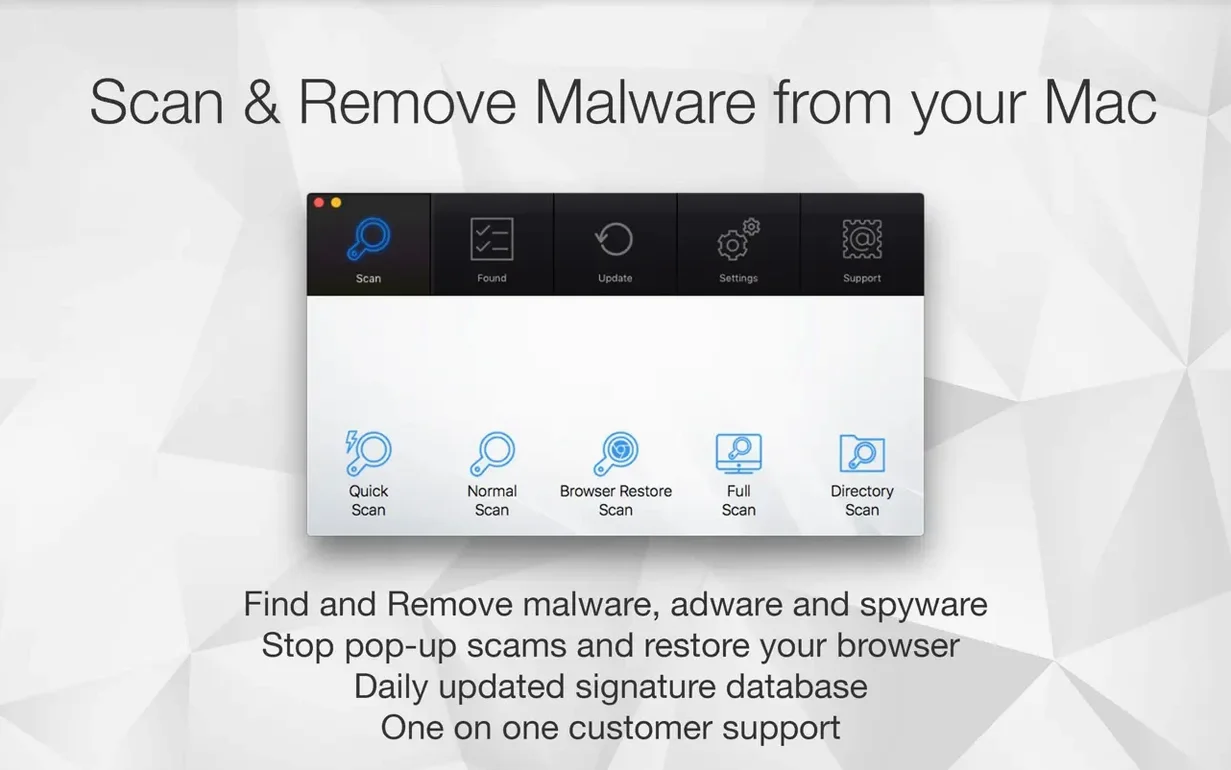
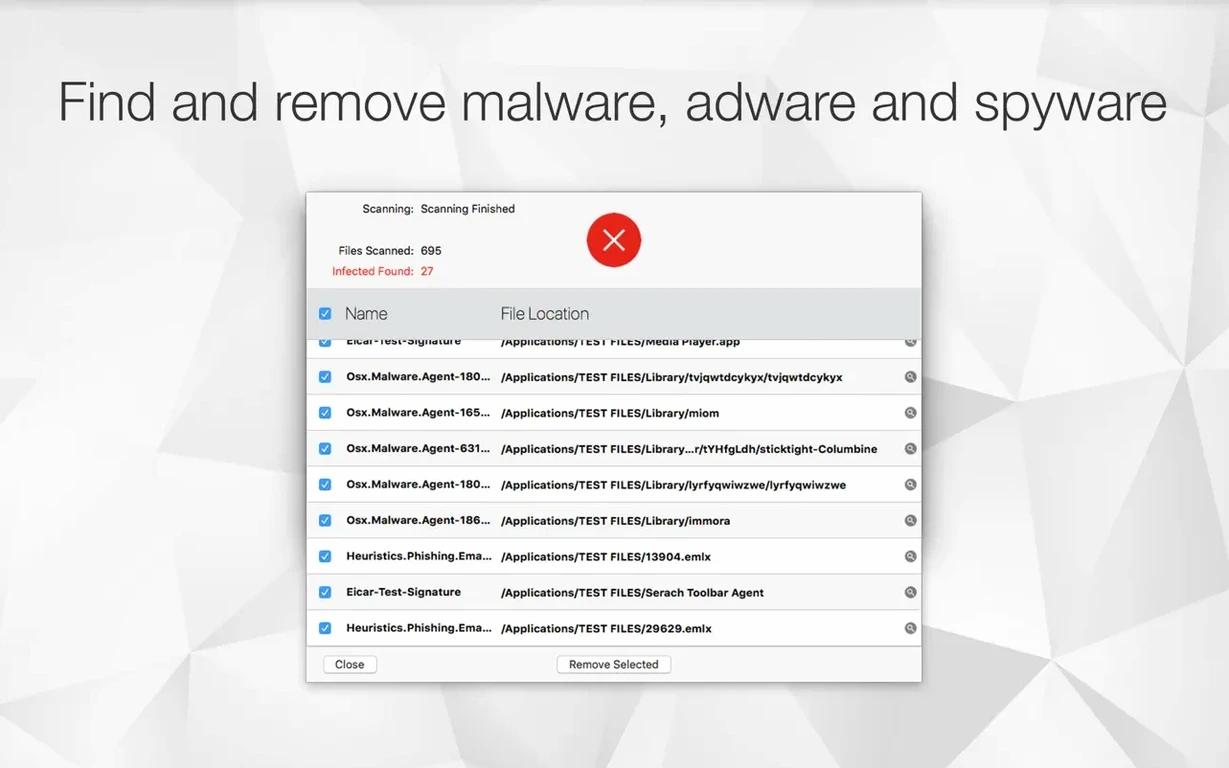
Antivirus Zap is a direct Mac utility that scans and removes malware and adware, built for users who want control without the clutter.
Schedule scans to run when you want
Set it to check once or multiple times per day. It runs in the background, so you don't have to remember to start a scan — useful if you handle files from multiple sources regularly.
Work from the Finder or Shortcuts
Enable Finder integration to optimise files without opening the app. For automation, it hooks into Apple Shortcuts: you can build a routine that converts HEIC, TIFF, MOV or other formats to something more universal, or compresses video as part of a workflow.
Drag and drop, then forget
Drop files directly onto the app window and it processes them — copying, converting, compressing. It also automatically optimises copied images. This keeps the focus on the task, not on navigating menus.
Improved Browser Restore Scan handles extensions and caches
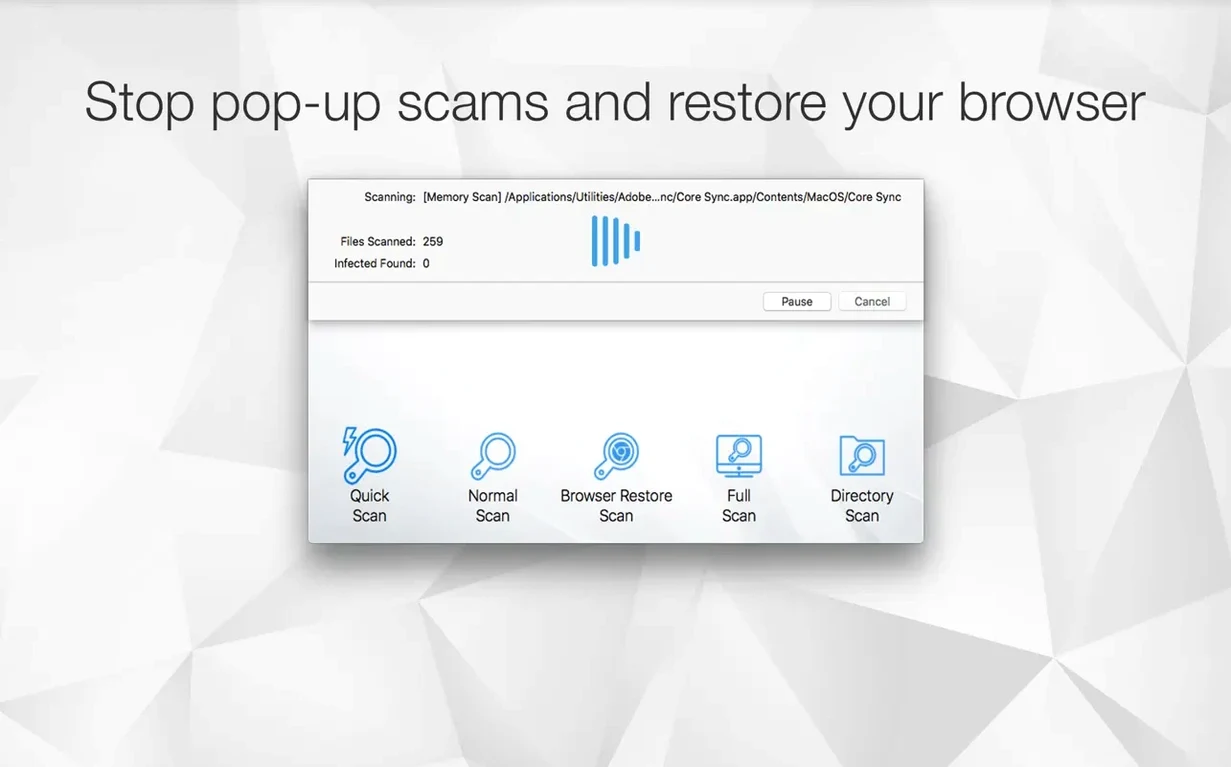
Version 3.3.3 is a maintenance release that refines existing features rather than adding new ones. The most noticeable change for daily work is the improved Browser Restore Scan — it now handles extensions and caches from the current versions of Safari, Chrome and Firefox more thoroughly. If you had leftover cookies or cache fragments after a previous scan, those are now caught.
The schedule scanner received a stability pass: setting multiple daily scans no longer drops the next check if the Mac went to sleep between runs. It picks up where it left off. The Finder integration also responds faster when you right-click a file — the menu appears without the half-second delay that earlier builds had.
For anyone using the drag-and-drop converter, the HEIC-to-JPEG conversion now preserves colour profiles more accurately. It is a small change, but noticeable if you handle photos from iPhones regularly.
Malwarebytes, ClamXAV and Bitdefender take different approaches
Three other utilities serve a similar purpose on macOS: Malwarebytes for Mac, ClamXAV and Bitdefender Virus Scanner. Each takes a different approach.
Malwarebytes for Mac focuses on real-time protection and a one-click scan. It is lighter on extra tools — no image or video conversion, no Finder integration for file optimisation. Antivirus Zap gives you those utilities alongside the scanning, which matters if you want to clean up adware and batch-convert a folder of screenshots in the same session.
ClamXAV is open-source based and thorough, but its interface feels more like a server tool. It scans deeply and finds things others miss, yet it lacks the drag-and-drop conversion and Shortcuts support that Antivirus Zap offers. For a studio engineer who occasionally picks up files from clients, the extra time spent configuring ClamXAV is hard to justify.
Bitdefender Virus Scanner for Mac is free and scans quickly, but it only scans — no scheduling, no file conversion, no browser restore. It works fine as a one-off check. Antivirus Zap’s scheduling and automation options make it more suited to a regular maintenance routine.
Runs alongside most other security tools without conflict
Does it conflict with other antivirus software? Antivirus Zap is a scanner, not a real-time guard. It does not sit in the background blocking files as they open. This means it runs alongside most other security tools without fighting over file locks. If you already have a real-time antivirus, Antivirus Zap can be used as a second-opinion scanner or for scheduled checks.
Will it slow down the Mac during a scan? The scan engine uses the CPU while it works. A standard scan of a system drive takes several minutes, depending on file count and disk speed. You can still use other apps, but expect some slowdown until it finishes. Scheduling scans for idle time avoids this entirely.
Does it remove everything it finds? No. It presents results and lets you choose what to quarantine or delete. This matters because some adware-related files are actually part of legitimate software you may want to keep. You review each item before action is taken.
Is it safe for a studio machine running audio software? Yes. It does not inject system extensions or kernel-level hooks. It scans files as a normal application. No conflicts with audio drivers or DAW plugins have been reported in the community. As with any security tool, it is sensible to exclude your project folders from scans if you are in the middle of a session, but the app does not enforce this — you set the schedule.
Schedule a daily scan for when the Mac is idle
After installation, three settings make the biggest difference to daily use.
Schedule a scan — Open the app and set a daily scan for a time when the Mac is idle, such as overnight. This catches anything that arrived during the day without interrupting work. You can set multiple scans per day if you handle many external drives.
Enable Finder integration — Turn this on in the preferences. It adds a context menu option to optimise files directly from the Finder. Useful when you need to shrink a large video or convert an image before sending it.
Configure the Browser Restore Scan — This is separate from the standard scan. Run it once after installation to clear any leftover adware extensions or tracking cookies. After that, it only needs repeating if you notice strange browser behaviour. It is not a daily task, but knowing it is there saves time later.
Changes in this build
Version 4.3.0.0 landed on the Mac App Store with no documented changes — likely a quiet maintenance pass or a routine compatibility refresh.
Before it goes on the Mac
- macOS 12 or later
- Apple Silicon and Intel 64-bit
Questions from the room
Can Antivirus Zap optimise images automatically?
Yes, it can automatically optimise copied images, and it supports converting HEIC, TIFF, MOV and other formats to more common ones.
Installing it on the Mac
- Open the downloaded disk image.
- Drag the app to the Applications folder alias.
- After copying finishes, open the app from Launchpad.
Notes from the control room
Sign in or open a catalogue account to leave a note.
No notes from the room yet. If you have used this build for a week, a short note helps the next person.