Hell Clock 2.0.0 (Mac)
Updated
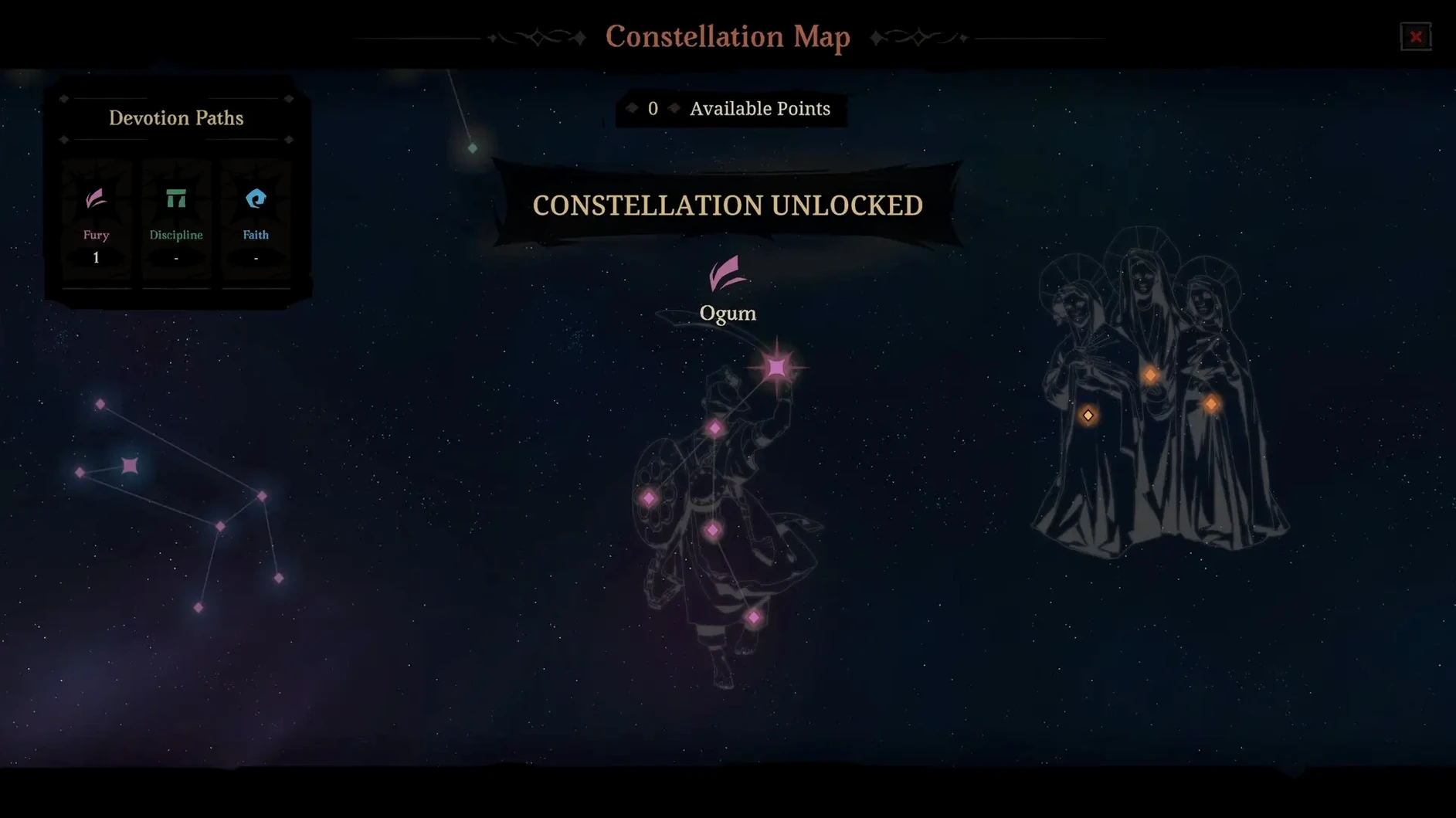
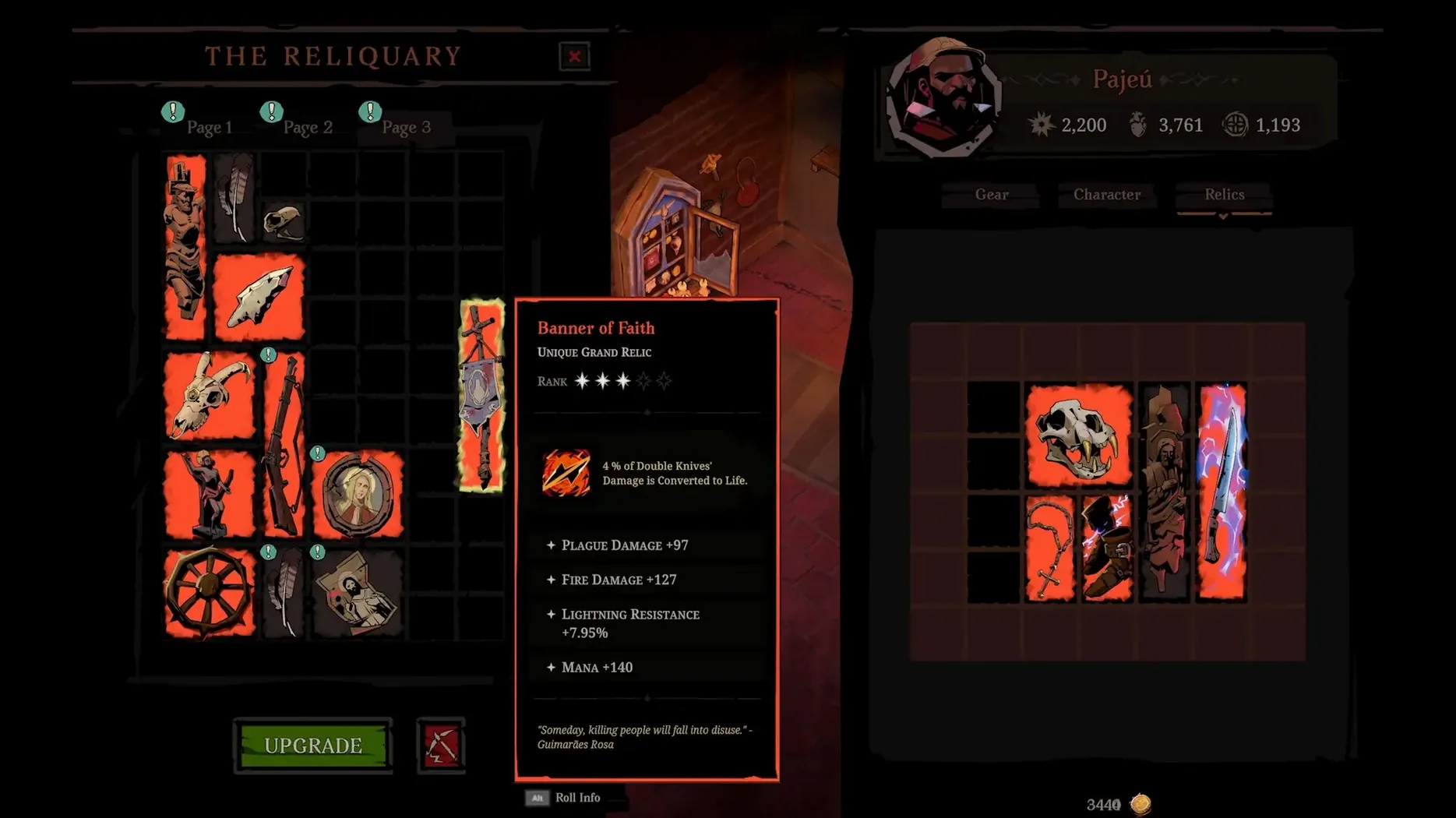
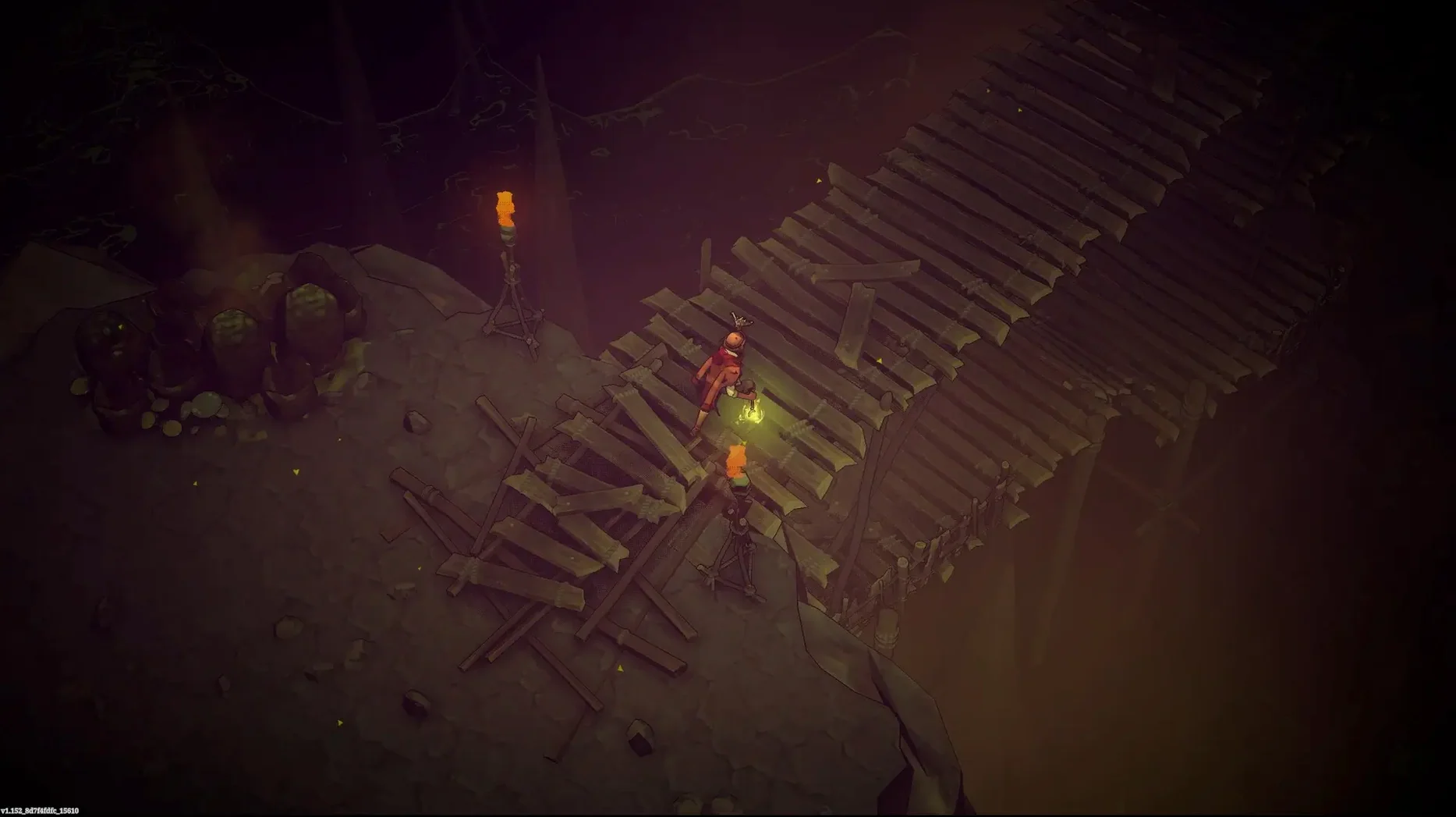
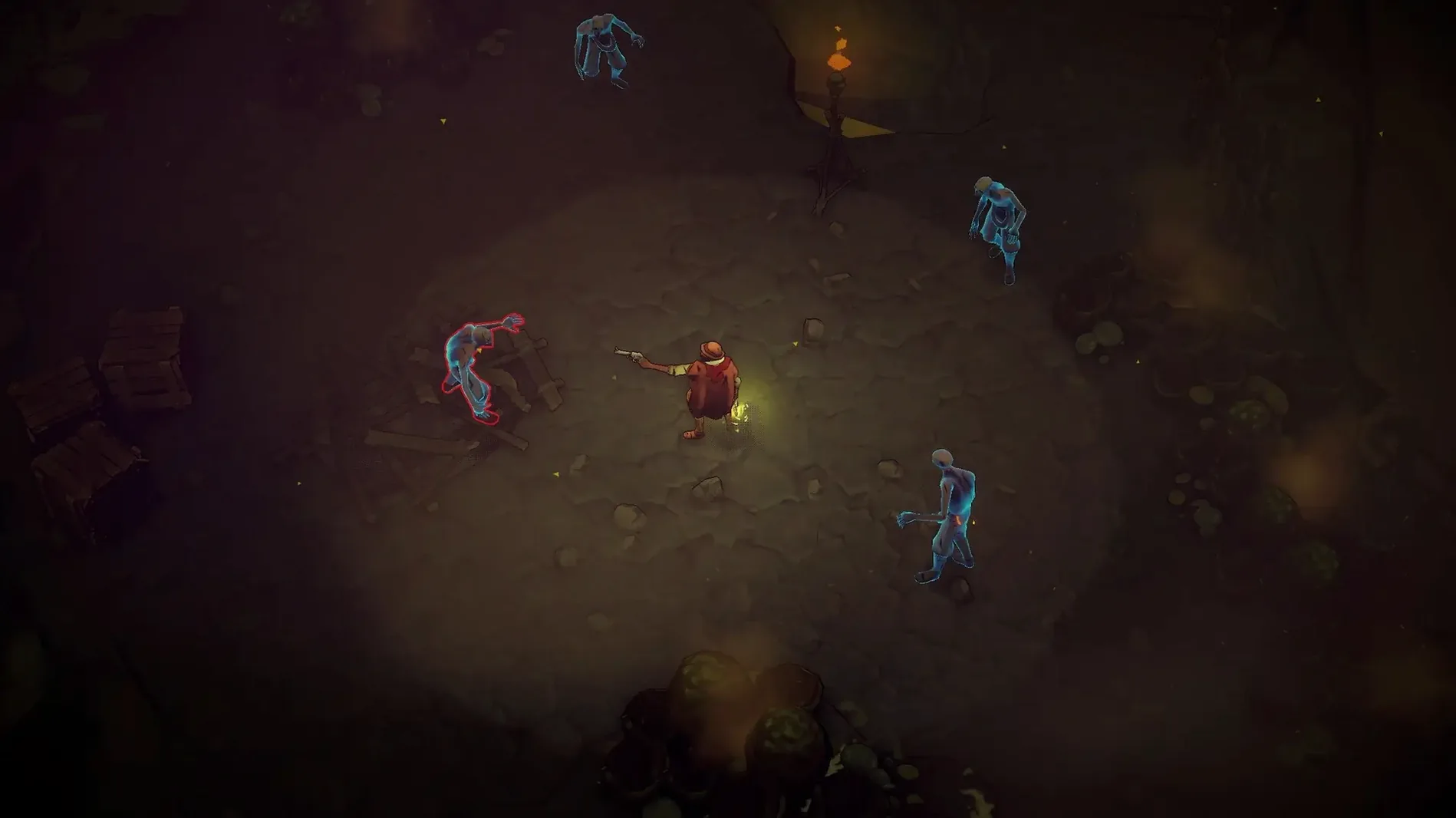
The catalogue note
Hell Clock runs on Apple Silicon Macs with macOS Sequoia; the build was tested on a Mac mini 2020 M1. Here is what the current 2.0.0.1 release contains.
Campaign, journeys, and endless nightmares
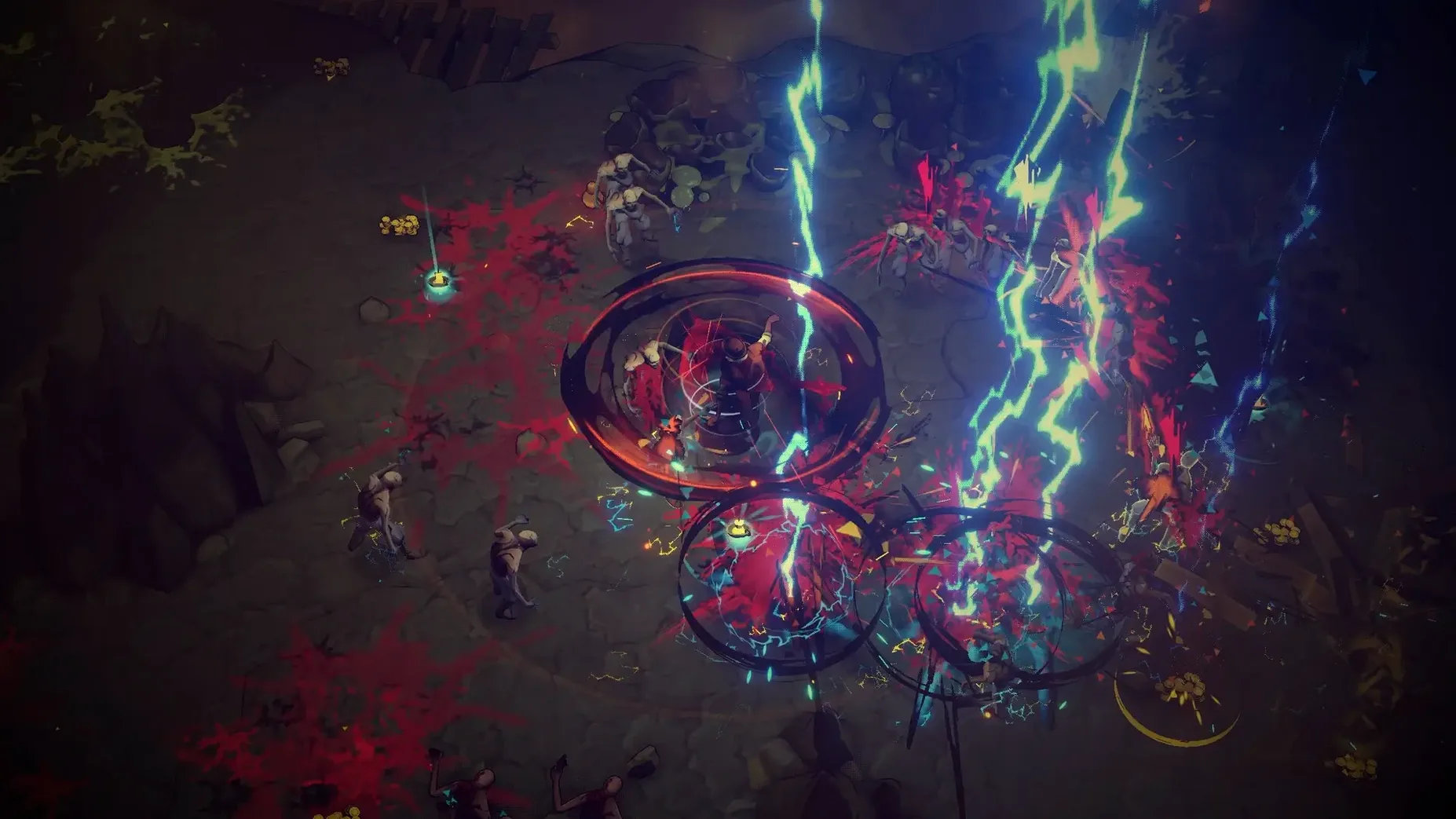
Campaign — play as Pajeú, a warrior fighting to save the soul of the Mentor during Brazil’s War of Canudos.
Journeys system — each descent into the darkness shifts time and increases character power.
Endless Nightmares — an endgame mode added in the 2.0 update for repeat runs.
Ascension — a progression layer that carries power between runs.
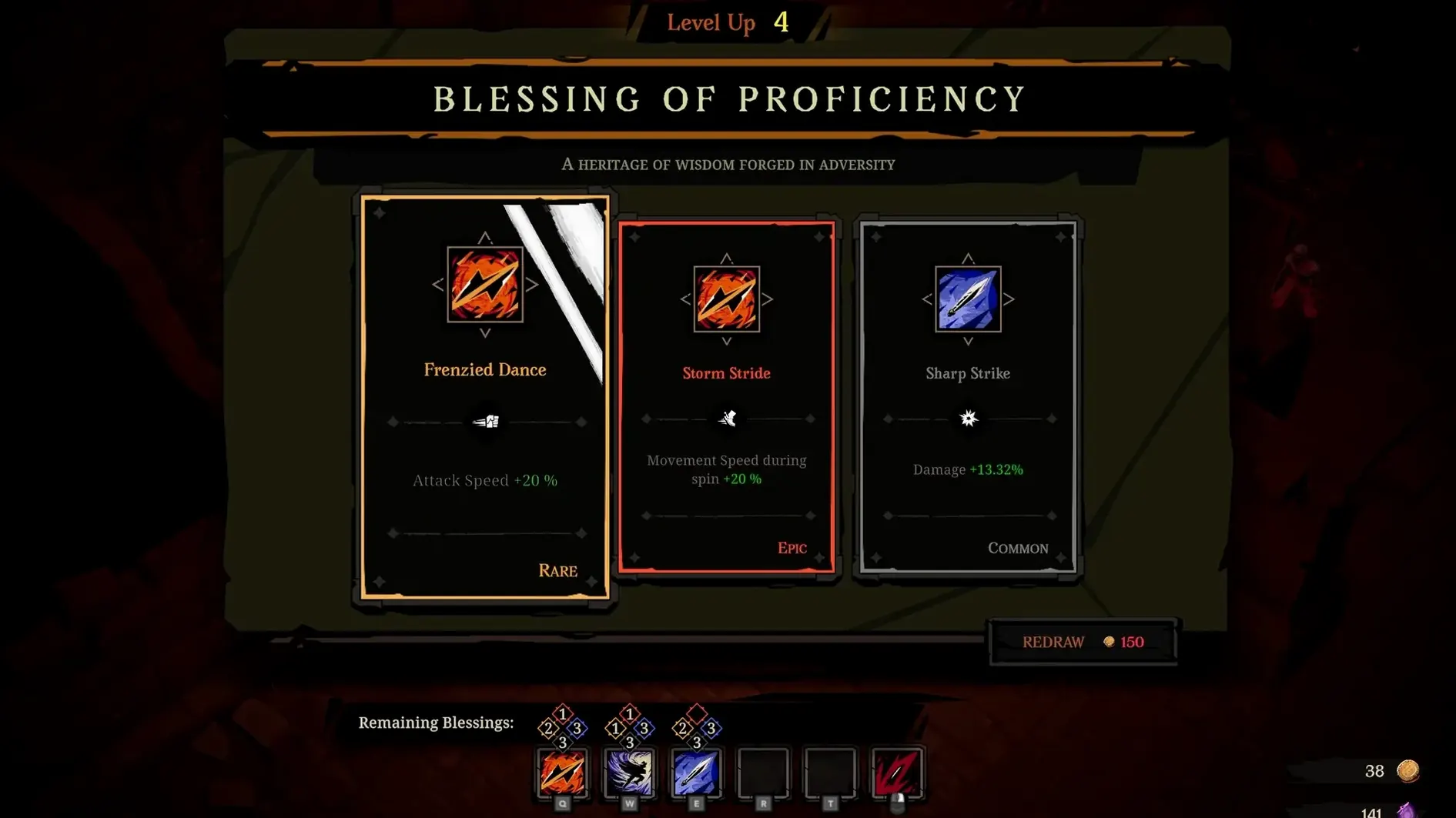
Unique Blessings — run-modifying perks that change how skills behave.
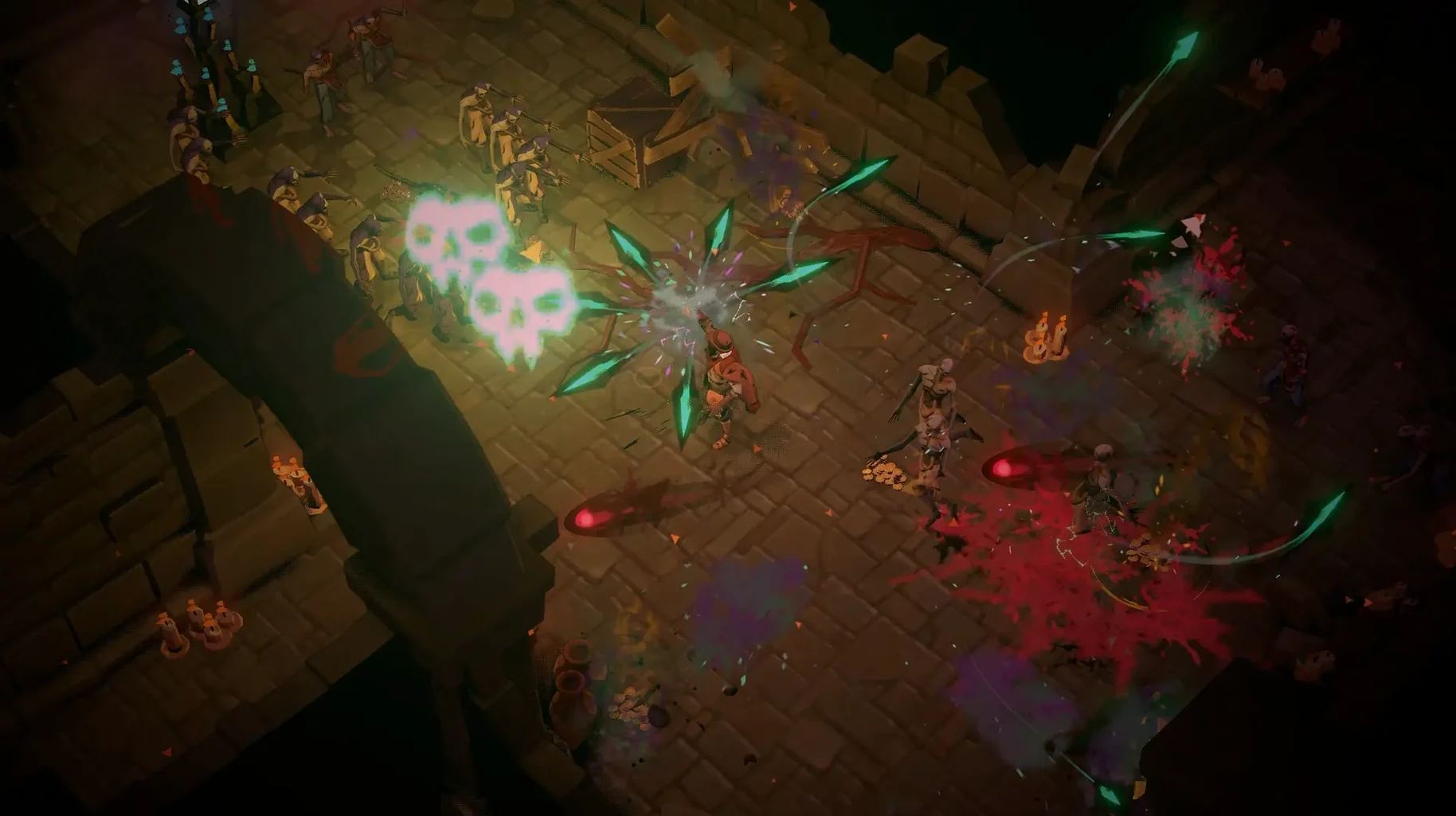
Skill set — combat built around knives, the Canudos bell, and a revolver.
How a roguelike veteran handles the time pressure
A friend who regularly runs roguelike sessions on his Mac — Hades, Dead Cells, the usual — picked up Hell Clock for a change of setting. He tends to play in short bursts after work, so the time pressure in standard mode became a problem once he reached the later descents. He switched to Calm mode for a few evenings, which removes the countdown entirely, and used that space to learn the relic-combination system. Once he understood which knives and bell skills paired with the revolver, he moved back to normal mode and started using the Ascension unlocks to push further. The Journeys system gave him a reason to restart even after a good run, because each journey shifts the enemy layout and the blessing pool. He said the game fits into the same slot as a 45-minute loop: start a run, get a few relics, see how far the build takes you, then quit.
Behaves like a standard macOS app after Wineskin install
Because Hell Clock runs through a Wineskin wrapper, it behaves like a standard macOS app once it is in the Applications folder. It does not require a separate launcher or Steam client to start. This means it sits in Launchpad next to anything else, and you can switch to it with Command+Tab like any native app. The game does not install background services or kernel extensions, so it leaves the system clean.
For players who record or stream, macOS Screen Recording works with the game window without extra configuration. The game’s resolution and fullscreen mode can be adjusted inside its own settings panel, which helps if you keep a browser or Discord open on a second display. Because the wrapper does not inject its own overlays, the macOS volume and brightness controls stay responsive during play.
There is no cloud save sync, so backing up the save folder manually is worth remembering if you move between Macs. The save data lives inside the app bundle’s standard Wineskin directory.
Calm mode removes time limit for first runs on Apple Silicon
A few adjustments make the initial experience more predictable on Apple Silicon Macs running Sequoia.
- Calm mode — if the time limit feels restrictive during the first few runs, toggle Calm mode in the gameplay options. It removes the timer entirely and lets you explore relic combinations at your own pace.
- Deadly mode — for players who want a stricter challenge from the start, Deadly mode tightens enemy damage and reduces room for error. It is worth testing once you have a feel for the basic combat rhythm.
- Language and voice — the interface language is set separately from the voice language. English and Portuguese are available for voices; the interface can be set to any of the nine listed languages. Change these before starting the campaign to avoid a restart.
- Windowed mode — if the game does not fill the screen as expected on your display, toggle fullscreen off and on again in the video settings. Some Wineskin wrappers behave better after a single toggle.
The game does not need activation, so the first launch is immediate after copying the app into Applications. If an error appears, the Fix file on the disk image resolves it in one step.
The interface is available in nine languages, including English, Polish, Portuguese, and Japanese.
Changes in this build
- Build label indicates Wineskin.
- Cursed War 2.0 update included.
- Adds Journeys system.
- Adds Endless Nightmares endgame.
- Adds Ascension and Unique Blessings.
Before it goes on the Mac
- macOS Sequoia
- Apple Silicon
- Tested on a Mac mini 2020 M1
Questions from the room
Which Macs can run Hell Clock?
It requires an Apple Silicon Mac with macOS Sequoia. The build was tested on a Mac mini 2020 M1.
What is the Cursed War 2.0 update?
It added the Journeys system, Endless Nightmares endgame, Ascension, and Unique Blessings.
Is Hell Clock a native macOS app?
No, it is a Wineskin build, so the game runs through a compatibility layer rather than as a native port.
Installing it on the Mac
- Mount the downloaded disk image and drag the app into the Applications folder shortcut.
- After copying finishes, launch the app from Launchpad.
- If the game shows an error on launch, run the file named Fix from the disk image.
Notes from the control room
Sign in or open a catalogue account to leave a note.
No notes from the room yet. If you have used this build for a week, a short note helps the next person.