
Updated
The catalogue note
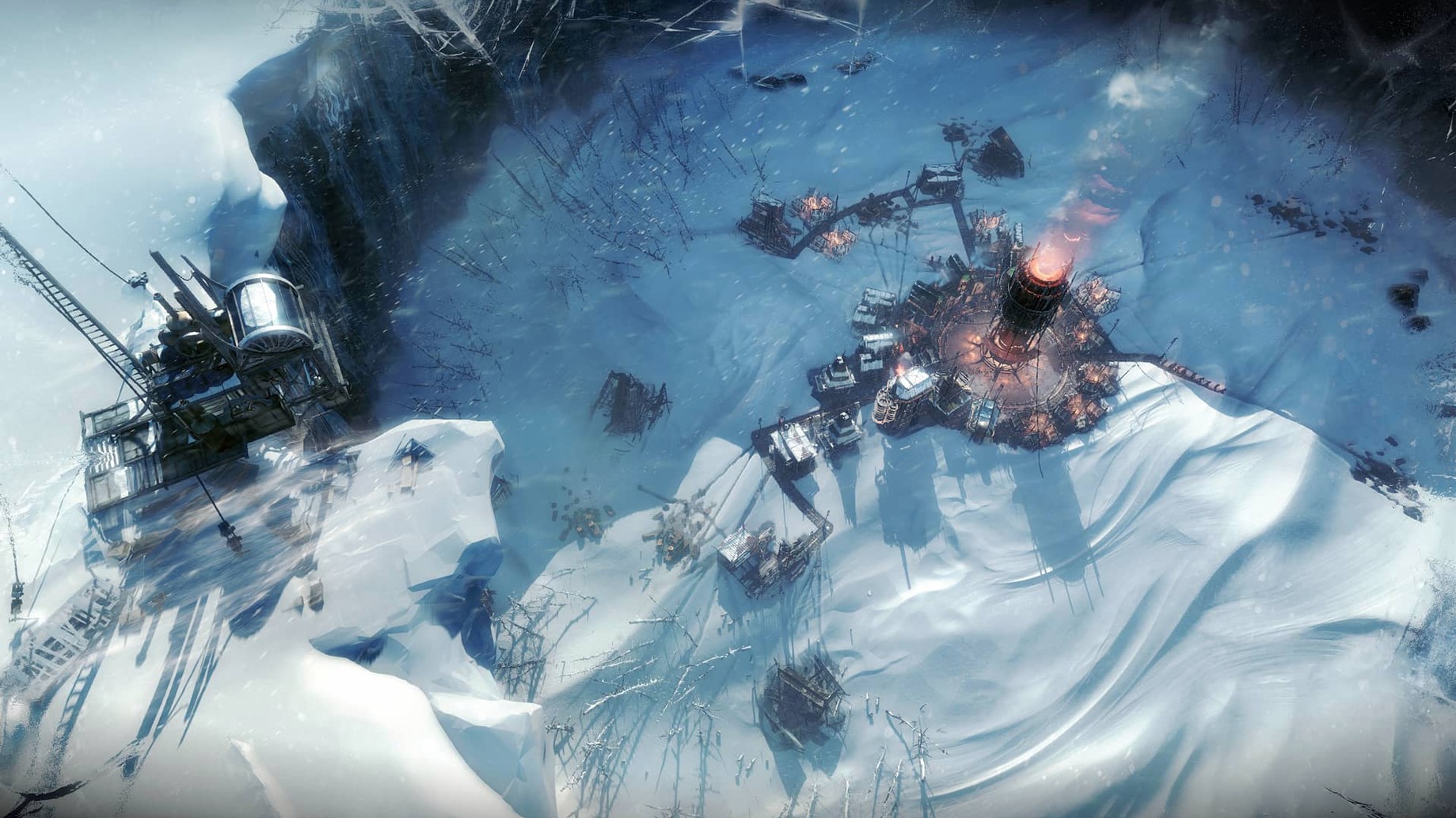
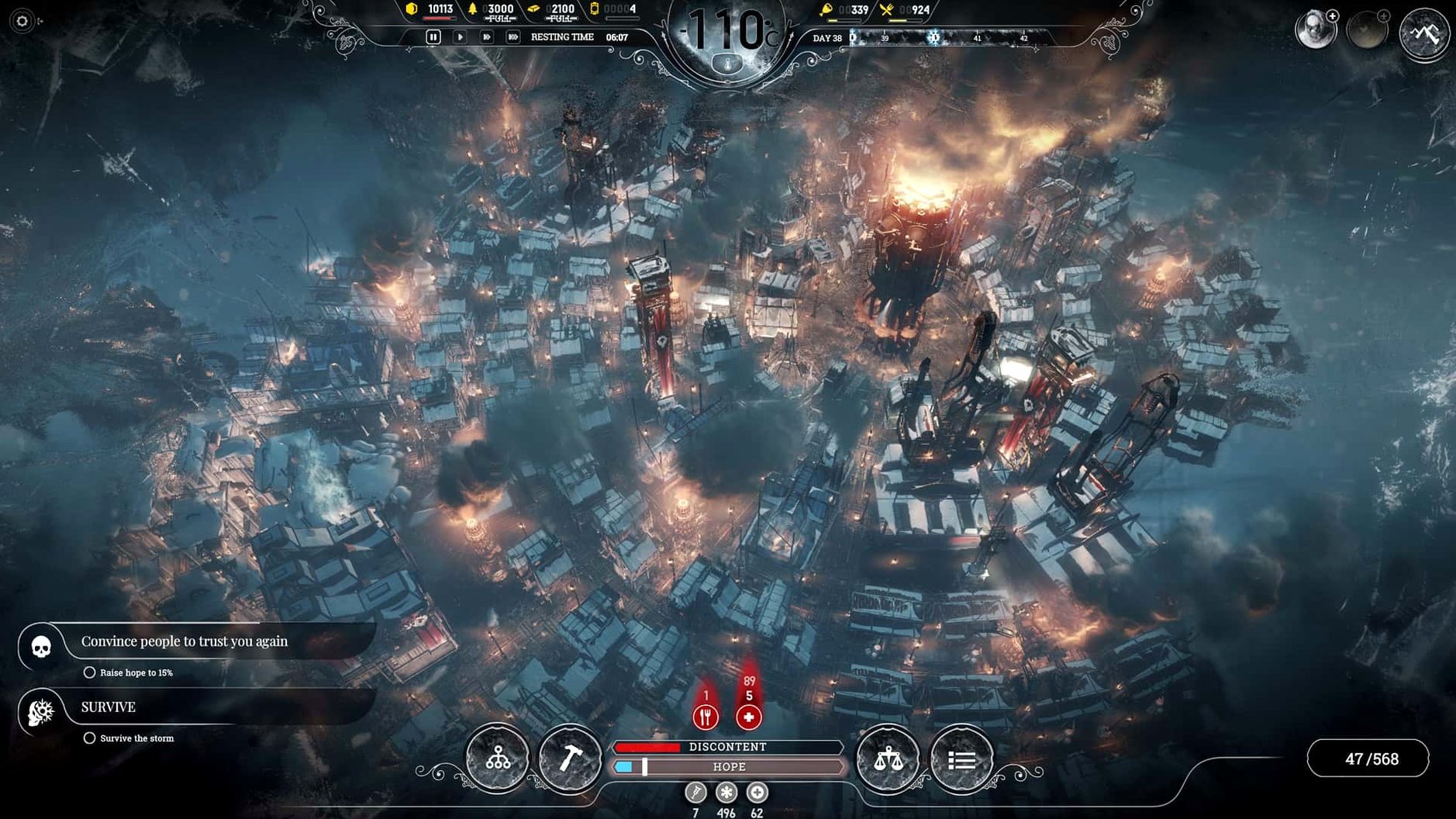
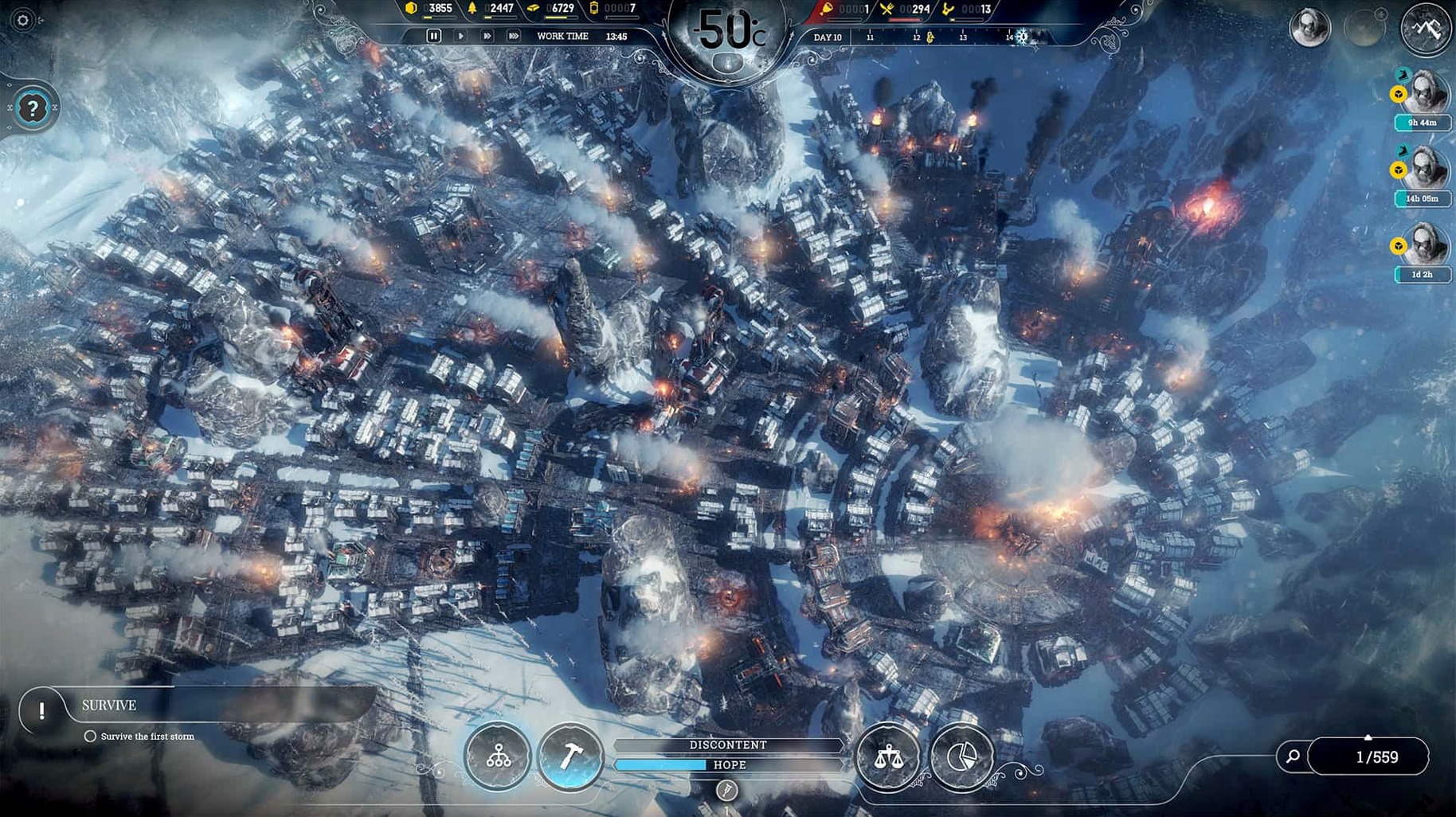
Anyone who works with audio knows the value of a system that stays predictable under load. Frostpunk, from 11 bit studios, is the same kind of machine — a city survival sim where every decision strains the colony’s heat, hope and food. On a Mac, the question is whether the hardware can keep that pressure playable.
What the game asks of your Mac
- macOS 10.15 (Catalina) or later
- Intel processor (2.6GHz Core i7 or better)
- 16 GB RAM
- AMD Radeon Pro 5300M, Pro 560X or better (4 GB VRAM)
- 10 GB free storage
The game runs only on Intel Macs — no native Apple Silicon version. That means Rosetta 2 is doing the translation on M-series machines, which adds a small overhead. Controls are keyboard and mouse; no touch bar or trackpad gestures are mapped. The interface supports 11 text languages; voice is English only.
Built for capable Intel Macs, but the Air struggles
Given the listed hardware floor — a 2.6 GHz Intel Core i7, 16 GB of RAM and a Radeon Pro 5300M or better — the game is built for a fairly capable Intel machine. On the 2020 MacBook Air with M1 used for testing, Rosetta 2 translates the x86 binary. The game will use around 10 GB of disk space after installation. The memory requirement of 16 GB is notable: city-building games are often RAM-heavy once the population climbs and the weather cycles stack. The game does not list a minimum or recommended storage speed, so a standard internal SSD should be fine. There is no mention of cloud saves, controller support or Metal performance tiers.
Treating it like a standard city builder wastes resources
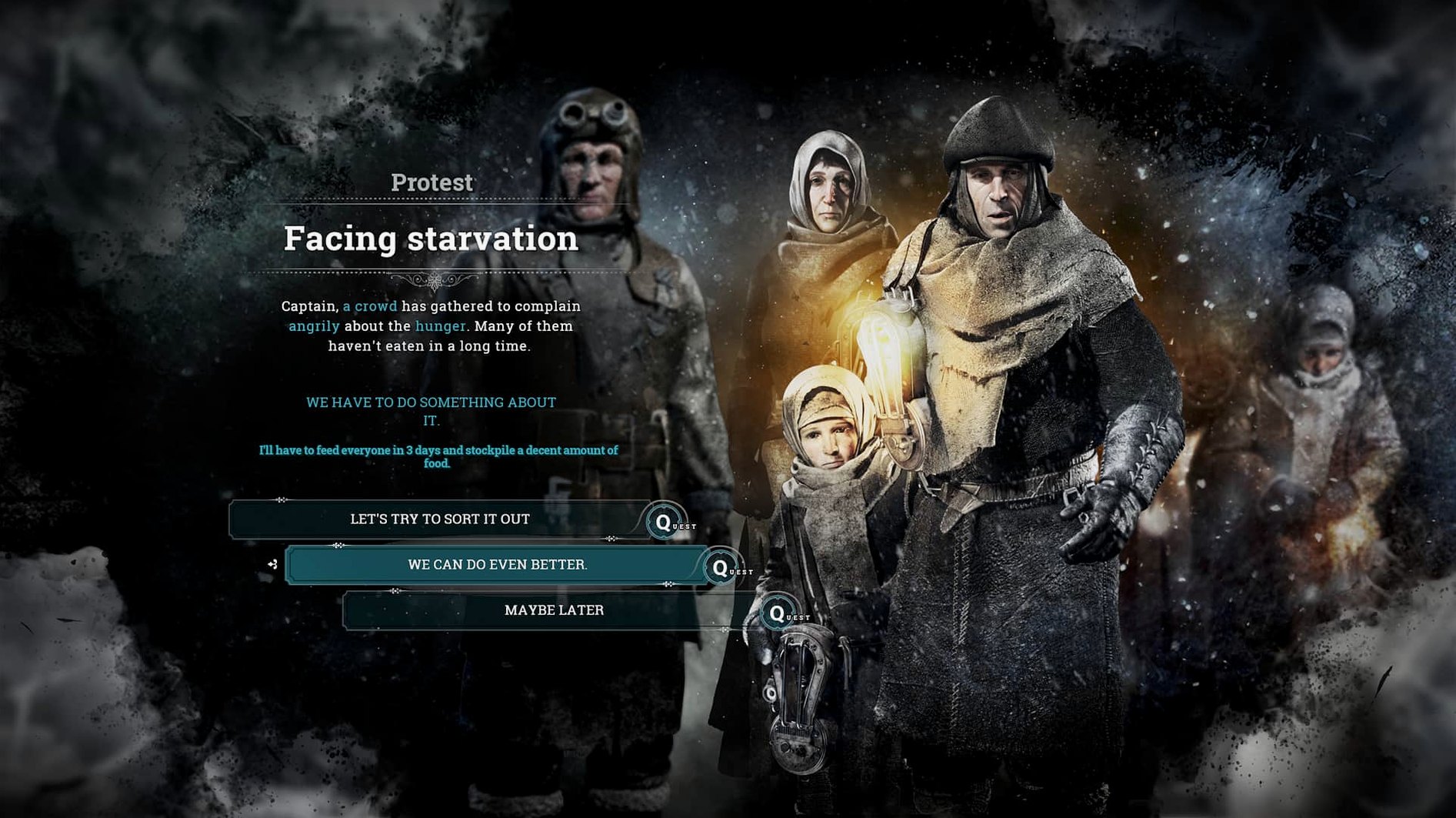
The most common misstep is treating it like a standard city builder. Frostpunk punishes expansion for its own sake. New players often build housing and workplaces too fast, which drains coal and wood before the first serious cold snap. Another mistake is ignoring the Generator’s range upgrade early — a wide heat zone wastes coal on empty ground. People also forget to pause the game while reading new laws or tech trees; time keeps running and discontent can spike while you are reading a tooltip. Finally, sending scouts out without a clear plan for their return often strands them when a storm hits.
Set text language and increase UI size for small screens
Before you start, open the game’s options and set the text language to your preference. The voice is English regardless, but menus, tooltips and subtitles follow your selection. If you are on a Mac with a small screen, increase the UI scale if the option is available — the default font can be cramped on a 13-inch display. Turn on auto-pause for events if you want a moment to read each notification. Disable camera shake if you find it distracting during storms.
Pause on day one, survey resources, and build a gathering post
Spend the first in-game day on the default new home scenario. Pause immediately and survey the map: locate your coal piles, wood crates and steel deposits. Build a single gathering post near the stockpiles — it keeps workers warmer than sending them directly to the piles. Queue two workshops early; research speed is the bottleneck for everything later. Do not sign the Extended Shift law until you have a surplus of food and coal; the discontent spike can end a run before the first storm. Keep an eye on the heat overlay (the thermometer icon) before placing any new building — a steam hub costs less coal than extending the generator range. Finally, save manually at the start of each day, not just on exit. The game’s autosave is reliable, but a manual save before a tough law or expedition gives you a clean rewind point.
If you are also curious about the sequel, frostpunk 2 torrent and frostpunk 2 free download are terms that will become more common as that title matures.
Before it goes on the Mac
- macOS 10.15 or later
- Intel processor (2.6GHz Core i7 or better)
- 16 GB RAM
- AMD Radeon Pro 5300M, Pro 560X or better (4 GB VRAM)
- 10 GB free storage
Questions from the room
Does Frostpunk run on Apple Silicon Macs?
The game requires an Intel processor and is not natively compiled for Apple Silicon. It may run under Rosetta 2, but performance will be lower than on a comparable Intel Mac.
What controls does Frostpunk use on Mac?
The game uses standard keyboard and mouse controls. No trackpad gestures or touch bar support are listed.
Installing it on the Mac
- Run the downloaded package.
- Follow the standard installation process.
- Choose the installation location at the end.
- Applications is the recommended destination.
Notes from the control room
Sign in or open a catalogue account to leave a note.
No notes from the room yet. If you have used this build for a week, a short note helps the next person.