Home › Games › Hearts of Iron IV

Updated
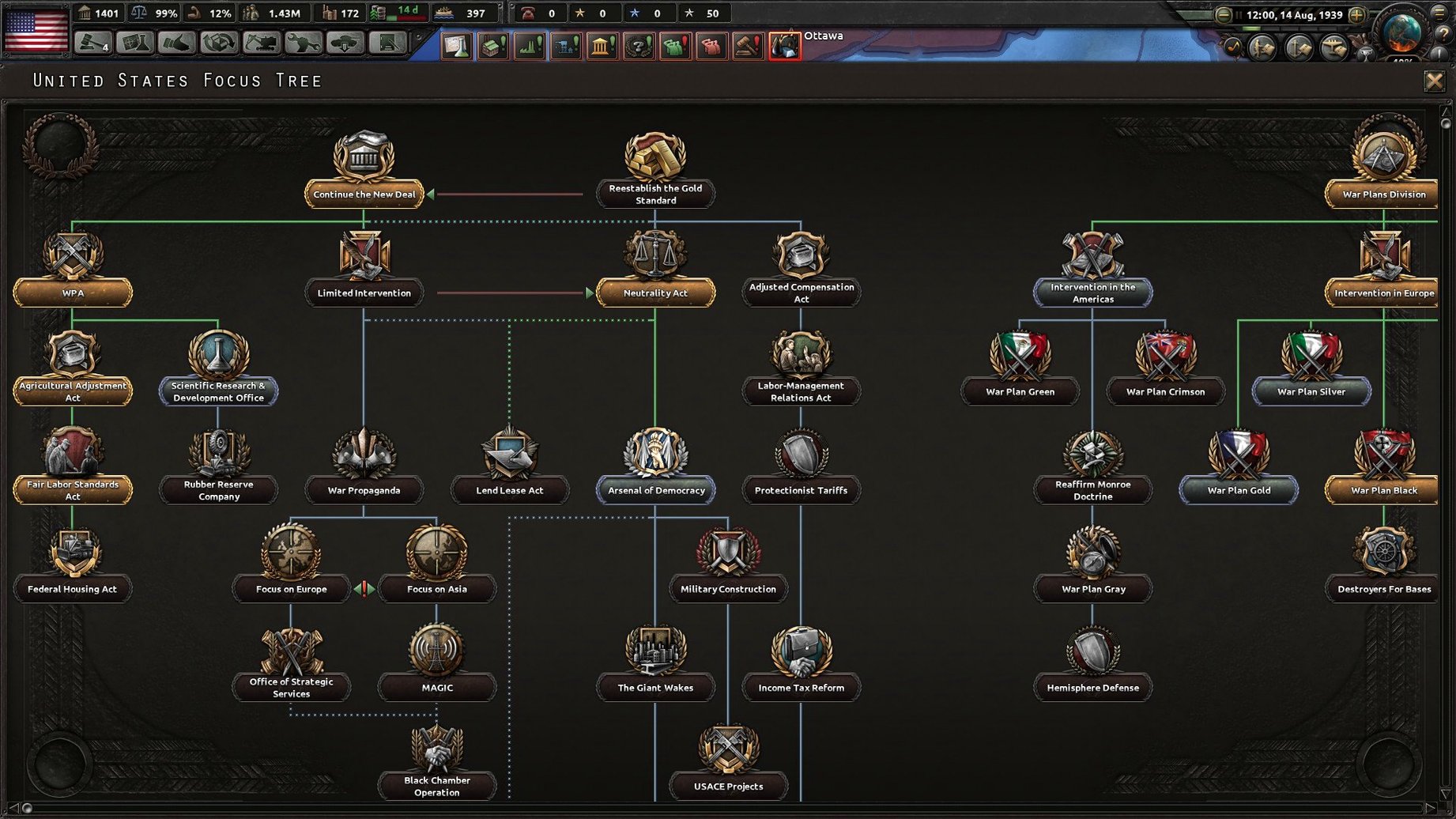
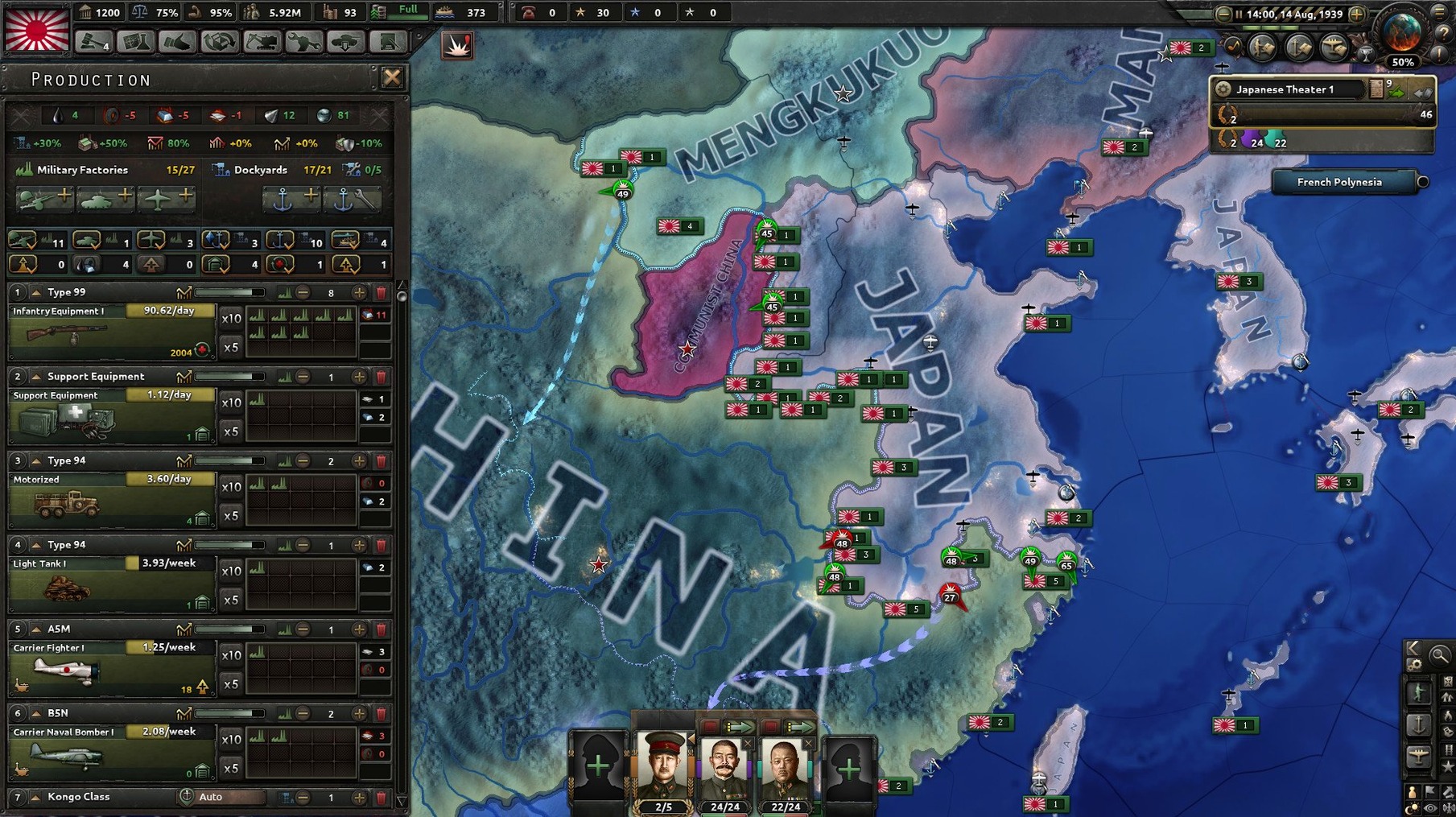
The catalogue note
Hearts of Iron IV operates on Intel Mac systems with macOS 10.13 or newer. The tested setup was macOS Tahoe on a Mac mini 2024 M4, though the game is Intel-native — Rosetta 2 handles it fine on Apple Silicon machines.
What is Hearts of Iron IV about?
You direct a nation during World War II. You can fight, negotiate, or organise invasions. The goal is to change the outcome of the war — or at least steer history in a different direction.
What nations can I play?
Any nation that existed during the war. Version 1.19.3 now includes a hidden route for Australia along with end-game material for Siam and Indonesia. Balance changes and bug fixes are also included.
Drag the game to Applications, then run the dowser file
Open the downloaded disk image, drag the game to Applications. After that, access the game's archive, navigate to Contents > Game, and execute the dowser file. Use the launcher to change the language (supported: Russian, English, German, Spanish, Polish, Portuguese, French, Japanese) before starting.
One scenario: a multiplayer session with friends
Four of you are in a Discord call on a Saturday afternoon. One friend picks Germany, another takes the Soviet Union, and the two of you split the Allies — one plays the United Kingdom, the other handles the United States. The game runs at speed three for the first two hours while everyone builds up industry and research. Then the war starts and you drop to speed two, then one as fronts get complex. The friend playing Germany tries a naval invasion of Britain; you, as the UK, scramble your fleet and air force to intercept. The session runs for six hours and nobody finishes — the Axis is stalled in Russia by 1943 and the game gets saved for next weekend. That is the core appeal: long, shared sessions where strategy unfolds over weeks, not minutes.
Start with Italy's tutorial campaign in Ethiopia
Hearts of Iron IV has a steep learning curve even by grand strategy standards. Here are practical things to do early on.
- Play the tutorial nation (Italy) for the first campaign. Italy starts in a minor war in Ethiopia, which gives you room to learn production, division templates and naval invasions without the pressure of managing a full-blown world war from day one.
- Pause often. The game lets you pause and issue orders at any time. Use this constantly in the first few sessions. Set the game speed to two or three and pause every time you are unsure what to do next.
- Focus on one front. Do not try to manage every theatre. Pick one region — say, North Africa as Italy, or China as Japan — and learn that theatre's dynamics before expanding.
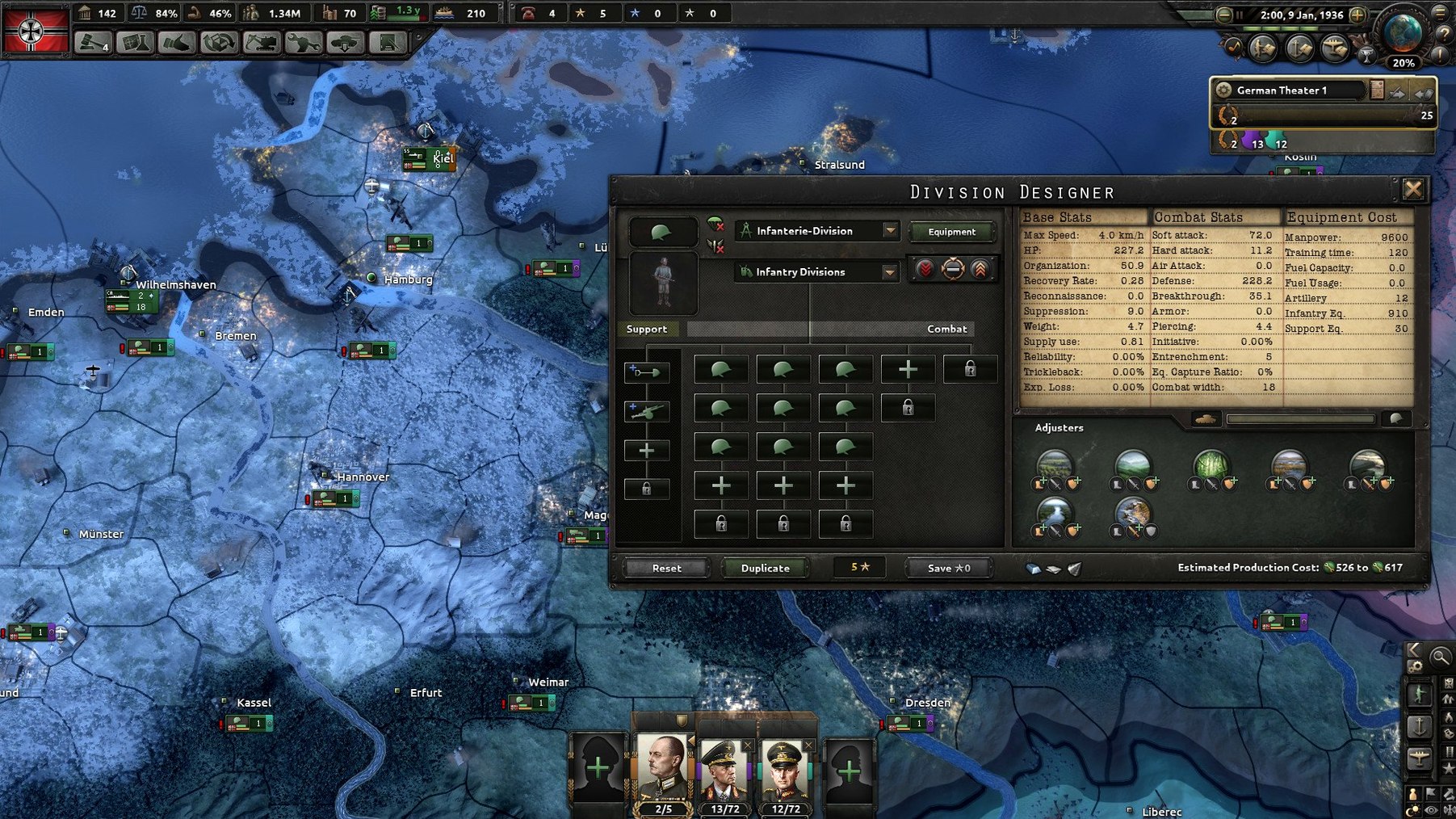
- Learn the production screen early. It is where you assign factories to equipment types. A common beginner mistake is to produce too many infantry kits and not enough support equipment or artillery. Check the division template screen to see what your divisions actually need.
- Use the battle planner. Draw a front line with your divisions, then draw an offensive line. The AI will handle movement and combat. You can override it later, but it teaches you the mechanics without micromanaging every division.
Invade Norway before Germany does as the UK in 1939
This walkthrough assumes you are playing the UK in 1939 and want to invade Norway before Germany does.
First, open the naval screen and check your fleet composition. You need transport ships (convoys) and a invasion fleet with battleships, cruisers and destroyers to provide naval superiority. Build more dockyards if you have spare civilian factories — assign them to convoy production and destroyers. Set the production queue so convoys are built first; you need at least fifty for a division-sized invasion.
Next, train your invasion force. Open the army screen and create a new army group. Assign six to ten infantry divisions. Open the division template screen and make sure they are standard infantry — no tanks for this operation, as Norway's terrain is rough and supply will be limited. Give the divisions engineers support company for the river crossing bonus.
Now secure the sea zone. Move your main fleet into the North Sea. Set its mission to "Naval invasion support" or "Strike force" — the exact name depends on your DLCs, but the idea is to keep the enemy fleet away. Park some naval bombers in Scotland to cover the invasion route. Wait until the naval supremacy bar in the invasion planning screen shows green.
Draw the invasion order. Click the army group, select the naval invasion order, and click the port near Oslo (or any coastal province with a port). The game calculates how many divisions can land simultaneously based on your naval tech. Assign three divisions to the first wave and the rest as reinforcements. Set the invasion date to trigger as soon as naval supremacy is achieved.
Launch the invasion. Once the bar is green, click execute. The divisions will board transports and sail. If your fleet wins the naval battle, the troops land and you control the beachhead. Reinforce quickly — bring in more divisions and supply from the UK. Build a port if you captured one that is damaged. Then push inland.
This workflow applies to any amphibious operation. The principles — secure the sea, train the right divisions, land on a port, reinforce fast — are the same whether you are invading Norway, North Africa or Japan.
Turn-based deliberation vs real-time grand strategy
Civilization VI. Sid Meier's turn-based 4X is the most obvious comparison. Both games are about long campaigns and strategic decisions, but the pacing is completely different. Civ VI is turn-based and lets you deliberate over each move. Hearts of Iron IV is real-time with pause — you react to events as they happen, not in discrete turns. Civ VI also covers all of human history, while Hearts of Iron IV focuses on a seven-year period. If you prefer turn-based planning and building empires from scratch, Civ VI is your game. If you want the tension of a live world war, Hearts of Iron IV wins.
Europa Universalis IV. Also from Paradox, this one runs from 1444 to 1821. It shares the same engine and many mechanics — trade, diplomacy, war, development. The key difference is scope and speed. EU4 is slower and more about managing a country over centuries. Hearts of Iron IV is compressed into years and the war mechanics are more detailed: air combat is separate, naval invasions are explicit, and division templates matter at a granular level. If you already play EU4 and want a tighter, more military-focused experience, Hearts of Iron IV is the natural next step. If you prefer trade routes and colonial empires, stick with EU4.
Stellaris. Another Paradox title, but set in space. Stellaris is about exploration, diplomacy and managing a sprawling empire across star systems. Combat is less detailed than Hearts of Iron IV — fleets fight automatically based on ship design and technology. Hearts of Iron IV players often bounce off Stellaris because the mid-game can feel slow and the war mechanics are simpler. But if you enjoy the strategic layer of Hearts of Iron IV — research trees, national focuses, resource management — and want a sci-fi setting instead of WWII, Stellaris is worth trying.
None of these games replace Hearts of Iron IV. They cover different periods and paces. If you specifically want to command a nation during World War II, this is the only choice that gives you that level of control.
Before it goes on the Mac
- Intel 64-bit architecture
Questions from the room
Can I change the outcome of World War II?
Yes. You direct a nation strategically — fight, negotiate, or organise invasions to alter the war’s course.
Does Hearts of Iron IV run on Apple Silicon Macs?
The game is Intel-native but runs via Rosetta 2 on Apple Silicon. The tested system was macOS Tahoe on a Mac mini 2024 M4.
Installing it on the Mac
The Intel 64-bit installer pulls about 6.0 GB. Once that’s on disk, three short manual steps put the full grand-strategy map in front of you.
- Mount the downloaded disk image and drag the game bundle into your Applications folder.
- Once the copy finishes, launch Hearts of Iron IV through Launchpad or directly from Applications.
- If you need to adjust language or mod settings later, the Paradox launcher lives inside the bundle: right‑click the app, pick Show Package Contents, then navigate to
Contents/Gameand rundowser.
Notes from the control room
Sign in or open a catalogue account to leave a note.
No notes from the room yet. If you have used this build for a week, a short note helps the next person.