
inZOI 0.11.2 (Mac)
Updated


The catalogue note
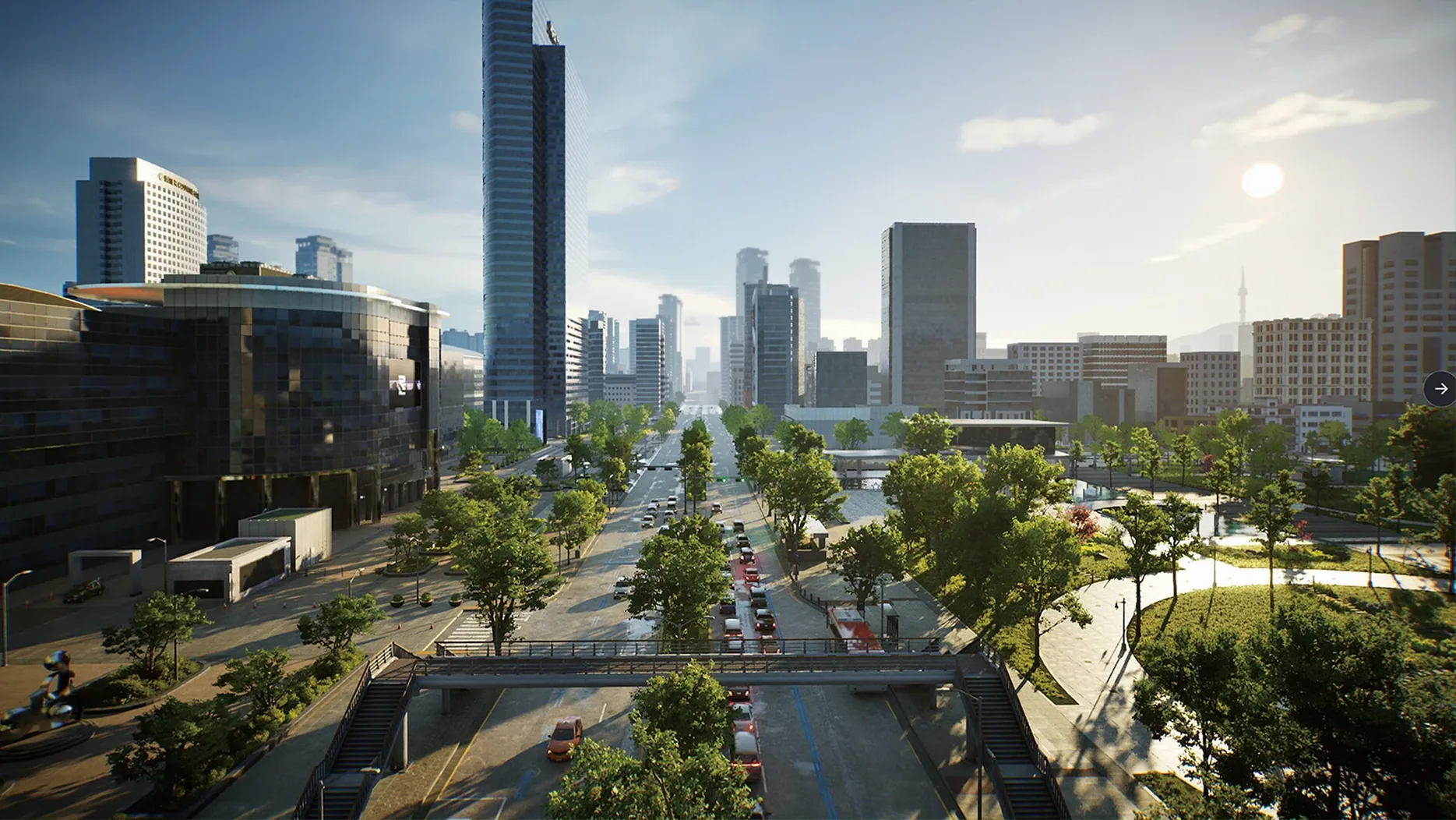
You spend an evening in inZOI, not playing a character but directing a whole neighbourhood. You tweak a resident's jawline, generate a wallpaper pattern from a text prompt, then watch the community go about its day. The game hands you tools, and what you do with them is up to you.
Do you like building and managing systems?
inZOI is less about following a scripted story and more about shaping a living environment. If you enjoy city management, zoning, and watching simulated people react to your decisions, this will hold your attention. The early access state means some systems are still rough, but the core loop is there.
Are you a creator at heart?
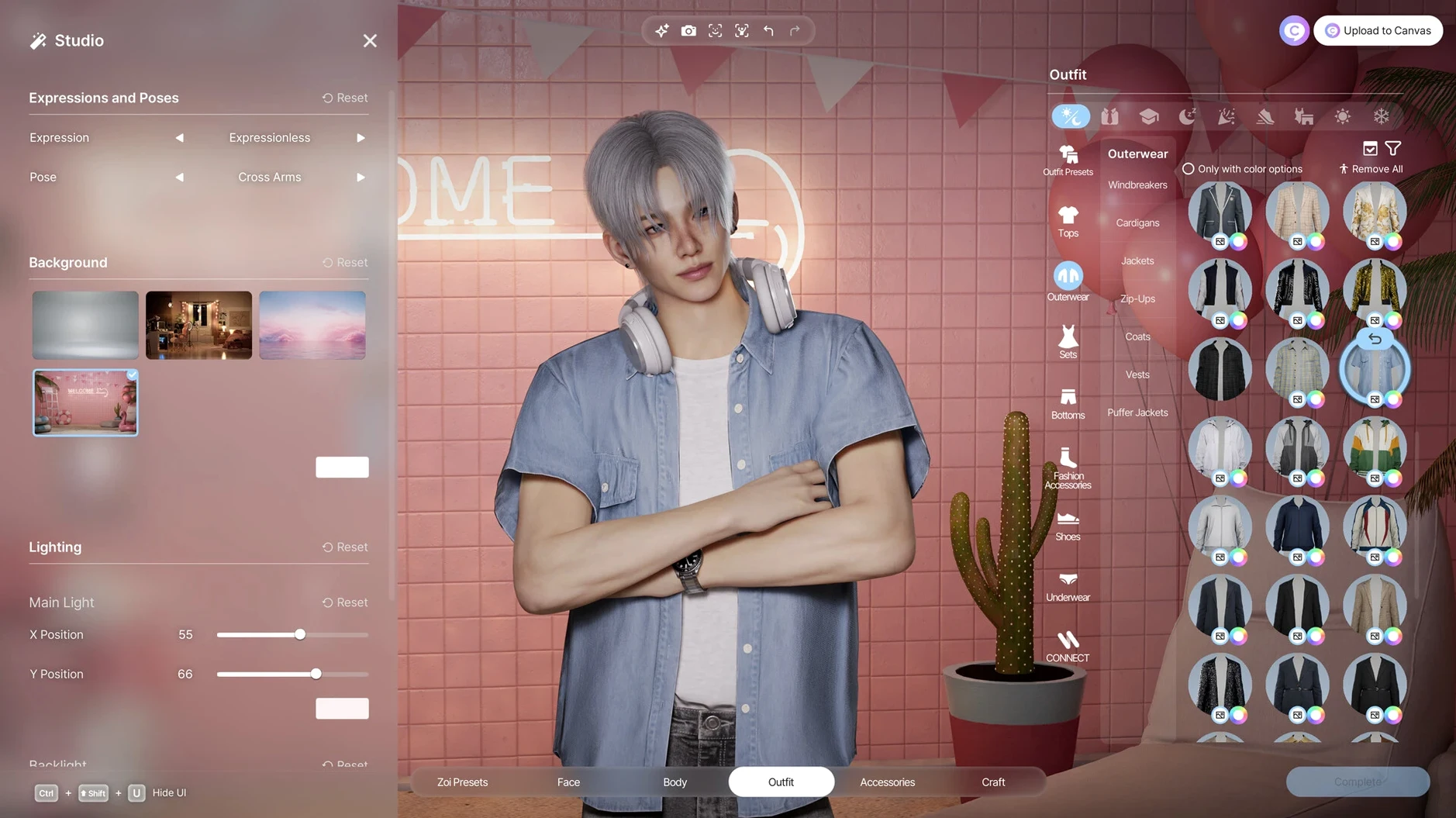
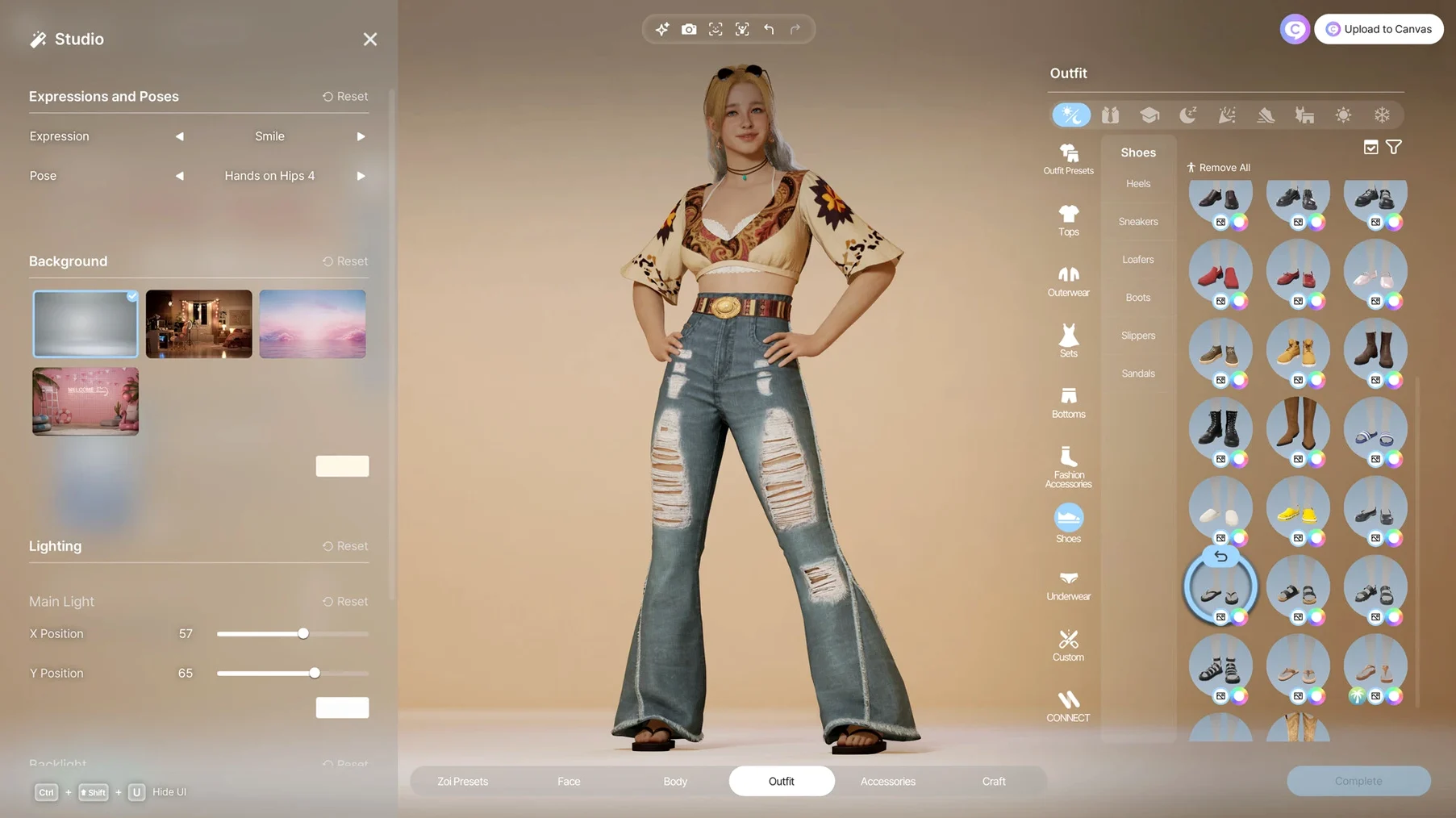
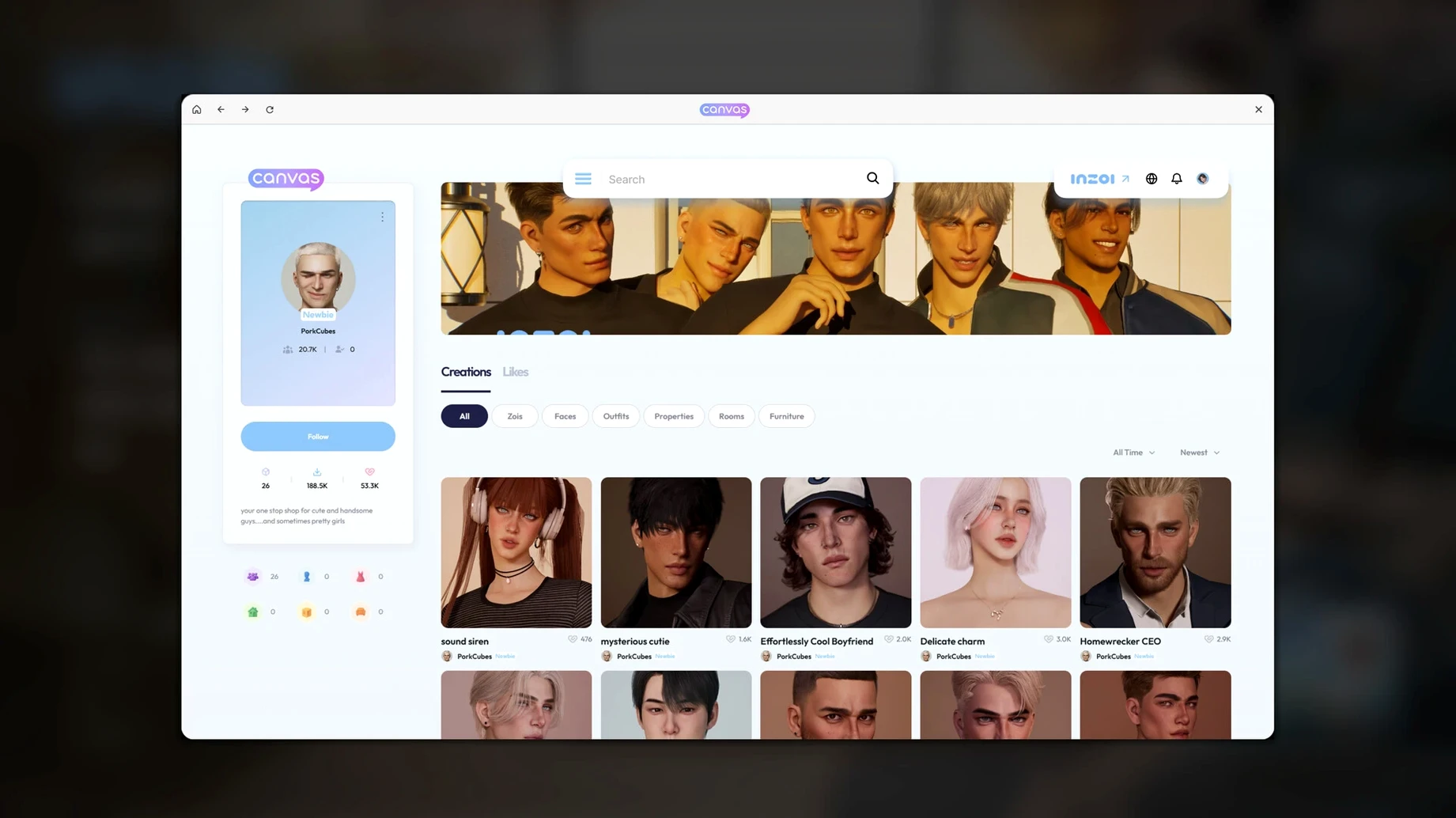
Character creation goes deep: hair, skin, body shape, clothing, manicure, even facial capture and motion capture from your own videos. The local generative AI lets you turn text prompts into clothing patterns, furniture textures, or turn 2D images into 3D objects. If you lose hours in character editors, this is your playground.
Do you expect a polished, complete game?
This is early access. If you want a finished experience with clear goals and tight mechanics, you might be frustrated. The simulation is ambitious, but it's not yet a fully tuned product. Patience is required.
Do you prefer a story-driven single-player campaign?
inZOI doesn't push a narrative at you. It's a sandbox where you create your own stories. If you need directed quests and a structured plot, look elsewhere.
Runs in its own Space alongside design tools
inZOI sits alongside creative apps on your Mac rather than competing with them. You can run it in a separate Space, switching between it and a design tool or browser without the game fighting for window focus. macOS Stage Manager works well here: keep the game on one side and a reference image or a notes app on the other for colour palettes or layout ideas.
The local generative AI model means you never need an internet connection for texture generation. No uploading to a cloud service, no waiting for a server to respond. The AI runs on your Mac's Neural Engine and GPU, so you can stay offline and still produce patterns, images and 3D objects from text prompts. This is useful if you work in a studio with limited bandwidth or prefer keeping your creative process entirely local.
Facial capture and motion capture rely on your Mac's camera and video input. QuickTime Player can record reference footage, which you then feed into inZOI to generate character movements. The game reads standard video files, so you are not locked into a proprietary format. Drag a clip from Finder into the relevant panel and the motion analysis runs locally.
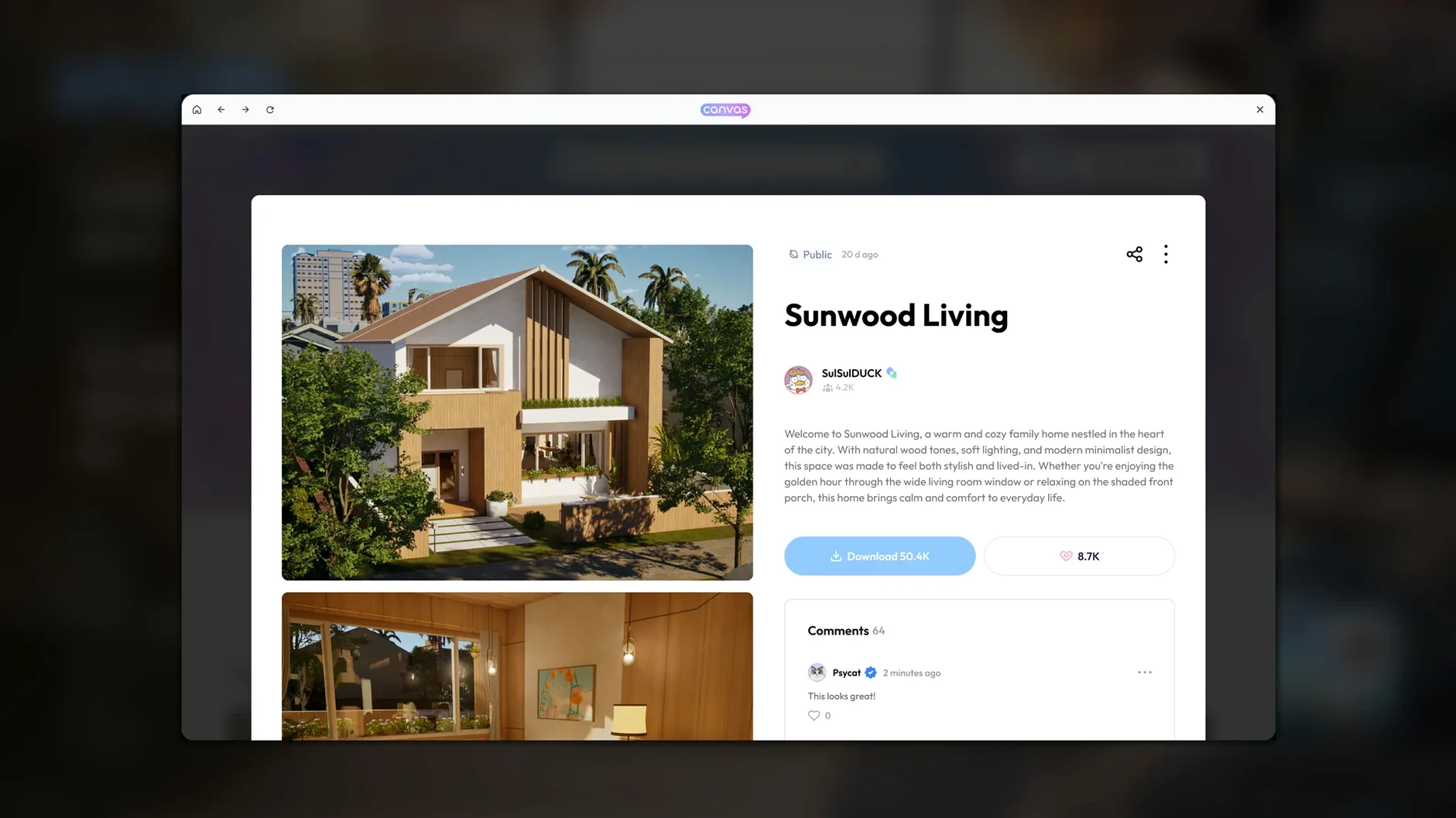
For building and city management, you can export screenshots or screen recordings via the built-in macOS screenshot tool or QuickTime Player. These are useful for sharing layouts or documenting bugs during early access. The game does not impose a watermark or restrict capture, which is refreshing.
Treating it like a traditional life sim is the top pitfall
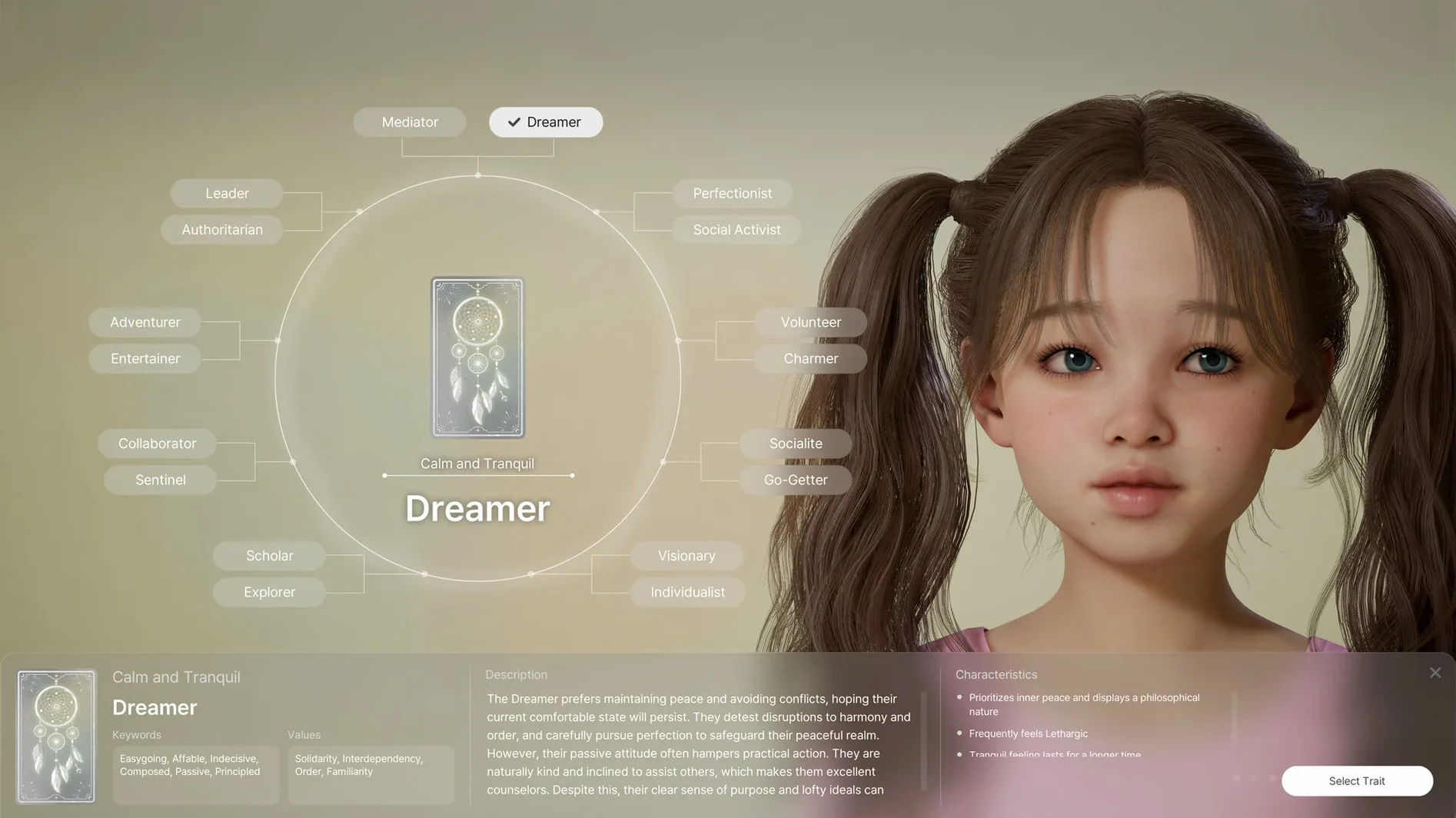
The most common mistake is treating inZOI like a traditional life simulation where you control one character's every move. It is not that. You direct a community, and individual Zois act on their own traits and relationships. New users often try to micromanage every resident and burn out quickly. Let the simulation run, intervene only when something interesting happens.
Another mistake is ignoring the generative AI tools early on. Some players spend hours in the character creator manually adjusting sliders, not realising they can type a description and get a custom texture or pattern in seconds. The text-to-pattern feature is faster than hand-picking colours and materials, and it often produces results you would not have thought of yourself.
Beginners also tend to skip the city management layer entirely, focusing only on building one lot. But the simulation's depth comes from the whole neighbourhood: trends, diseases, rumours. If you only build one house and never touch the city tools, the world feels empty. Spend time adjusting weather, streets and lots early on, even if you are not sure what each setting does. The simulation will react, and you will learn by watching.
A practical oversight: not checking the Privacy & Security settings after first launch. If inZOI does not start after dragging it to Applications, the fix is a quick trip to System Settings > Privacy & Security and clicking 'Open Anyway'. The install steps mention this, but many users skip it and assume the game is broken.
Creative builders and sandbox fans get the most from it
Creative builders who enjoy sandbox environments will find the deepest value. If you have used tools like The Sims for custom content, or spent time in city-building games, inZOI offers a different angle: you shape not just buildings but the entire social fabric of a neighbourhood. The generative AI adds a layer that traditional sims lack, letting you create textures and objects without leaving the game.
Simulation enthusiasts who like emergent systems will appreciate the rumour, trend and disease mechanics. These are not scripted events; they arise from the Zois' behaviour and relationships. Watching a rumour spread because of a single character's action is more satisfying than a pre-written cutscene.
Mac users who work in creative fields and want a sandbox to unwind in will also benefit. The local AI and offline operation mean you can use inZOI in a workspace without constant internet. It runs on Apple Silicon efficiently enough to coexist with other apps in your workflow. You can keep it open in the background, switch to it during a break, and return to your main task without relaunching.
Users with older Intel-based Macs are out of luck. The architecture requirement is Apple Silicon only, and the macOS minimum is Tahoe. If you are on an Intel Mac or an older macOS version, this will not run.
A set designer recreates a city block with text-to-3D
A user who works as a set designer spends evenings in inZOI. They recreate a real city block from photographs, using the text-to-3D tool to turn a 2D image of a shopfront into an in-game object. The local AI processes the image on their Mac, and within a minute the object is placed on a lot. They adjust the weather to match the original photo's lighting, then let the simulation run for an hour. A rumour spreads from the shop, and the neighbourhood reacts by changing their daily routes. The set designer notes the social behaviour, closes the game, and applies the observation to their next real-world layout. The game serves as both a creative tool and a social sandbox.
Changes in this build
Version 0.11.2 Native rolls out the Apple Silicon build. No granular patch notes accompanied this one, so the shift to native ARM code on M-series hardware is the story.
Before it goes on the Mac
- Apple Silicon Mac
Questions from the room
Does inZOI support Apple Silicon Macs?
Yes, the Mac version is optimized for Apple silicon, so it runs natively on M-series chips.
Can I import my own images into the game?
Yes, you can turn 2D models into in-game 3D objects, and even create character movements from uploaded videos.
Installing it on the Mac
- Open the downloaded disk image.
- Drag the app into the Applications folder alias.
- After copying finishes, launch the app from Launchpad.
- If the app does not start, run the listed Terminal commands or allow it in Privacy & Security settings.
Notes from the control room
Sign in or open a catalogue account to leave a note.
No notes from the room yet. If you have used this build for a week, a short note helps the next person.