HAAK 1.3.2 (Mac)
Updated




The catalogue note
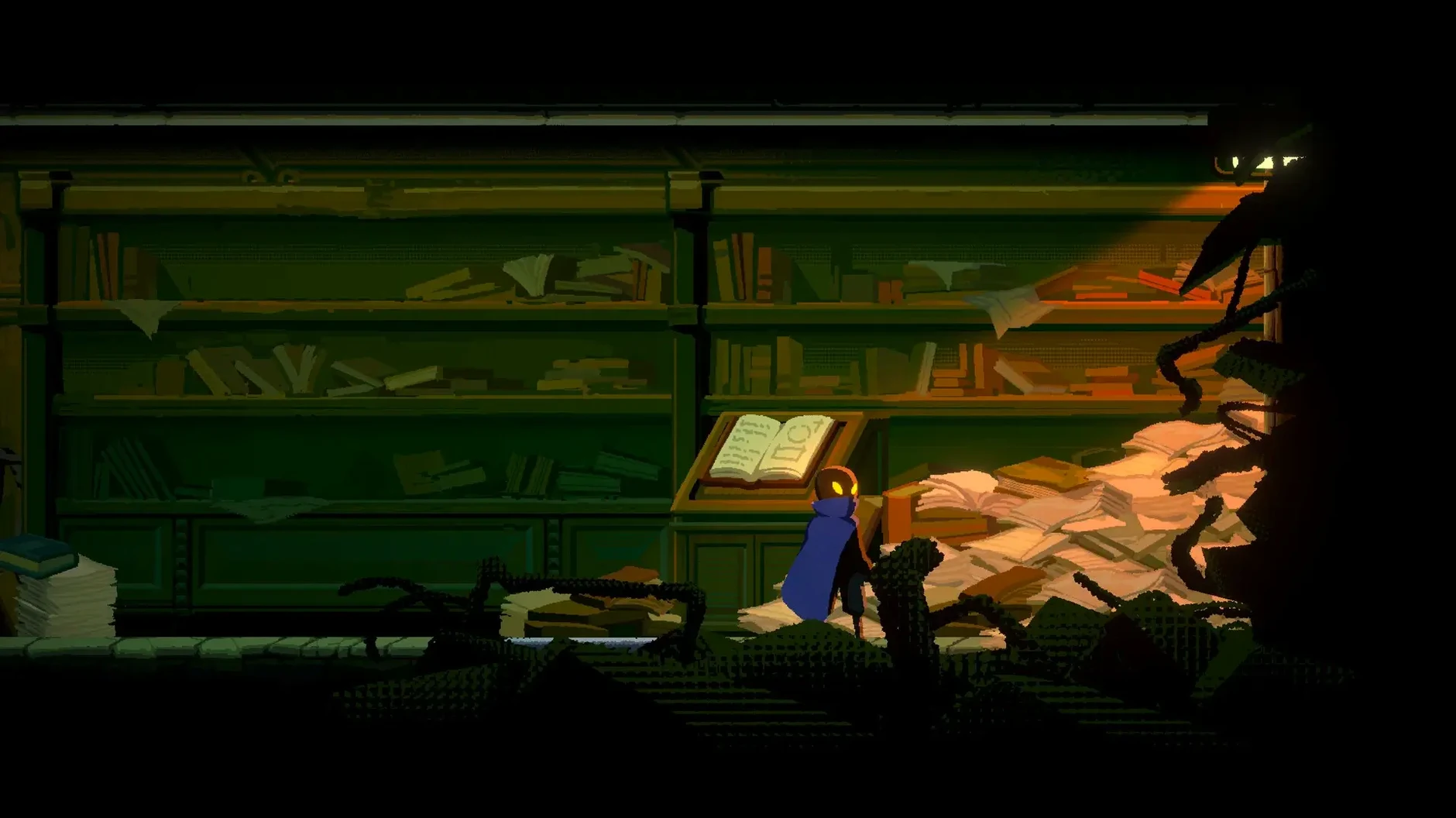
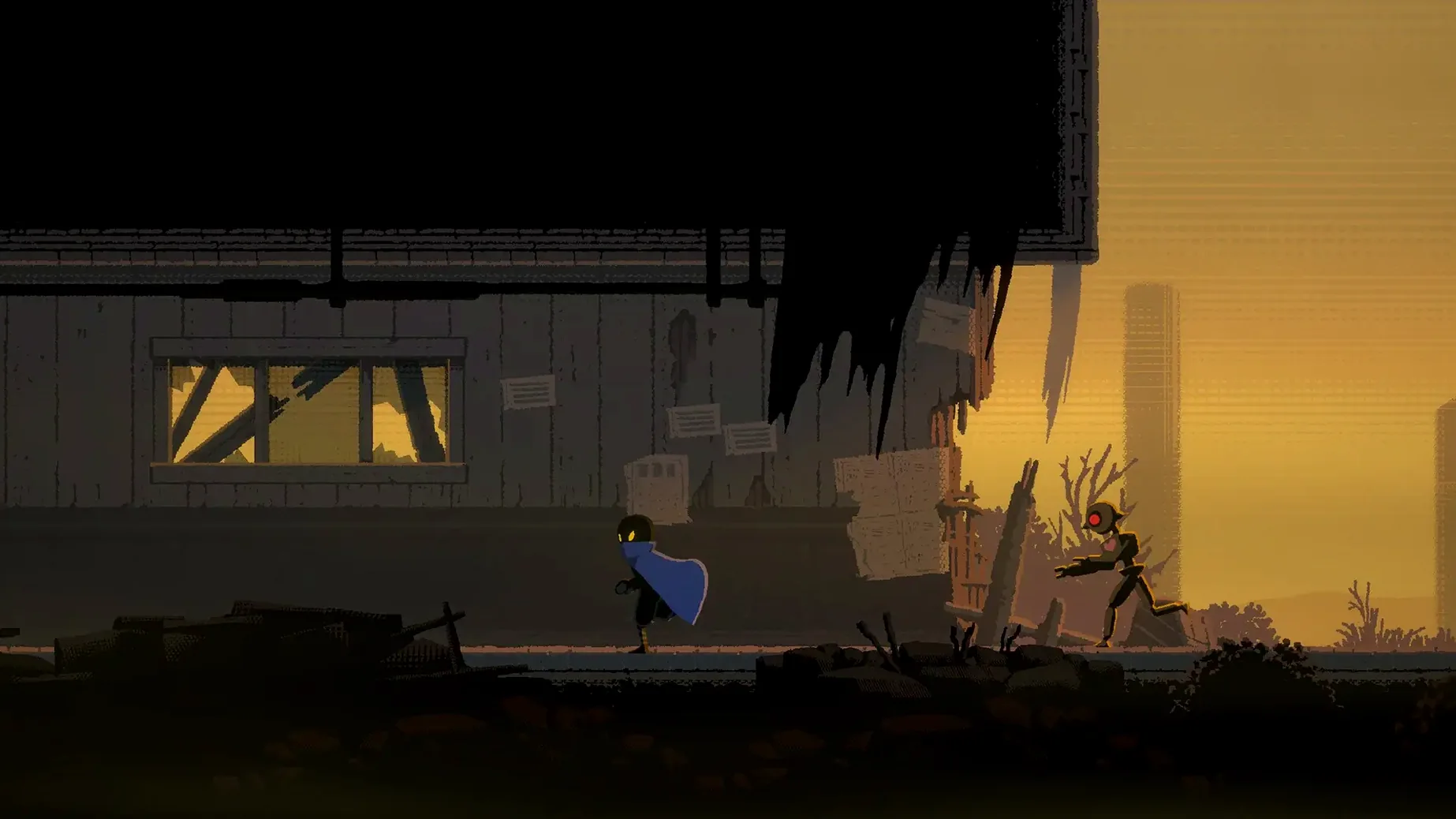
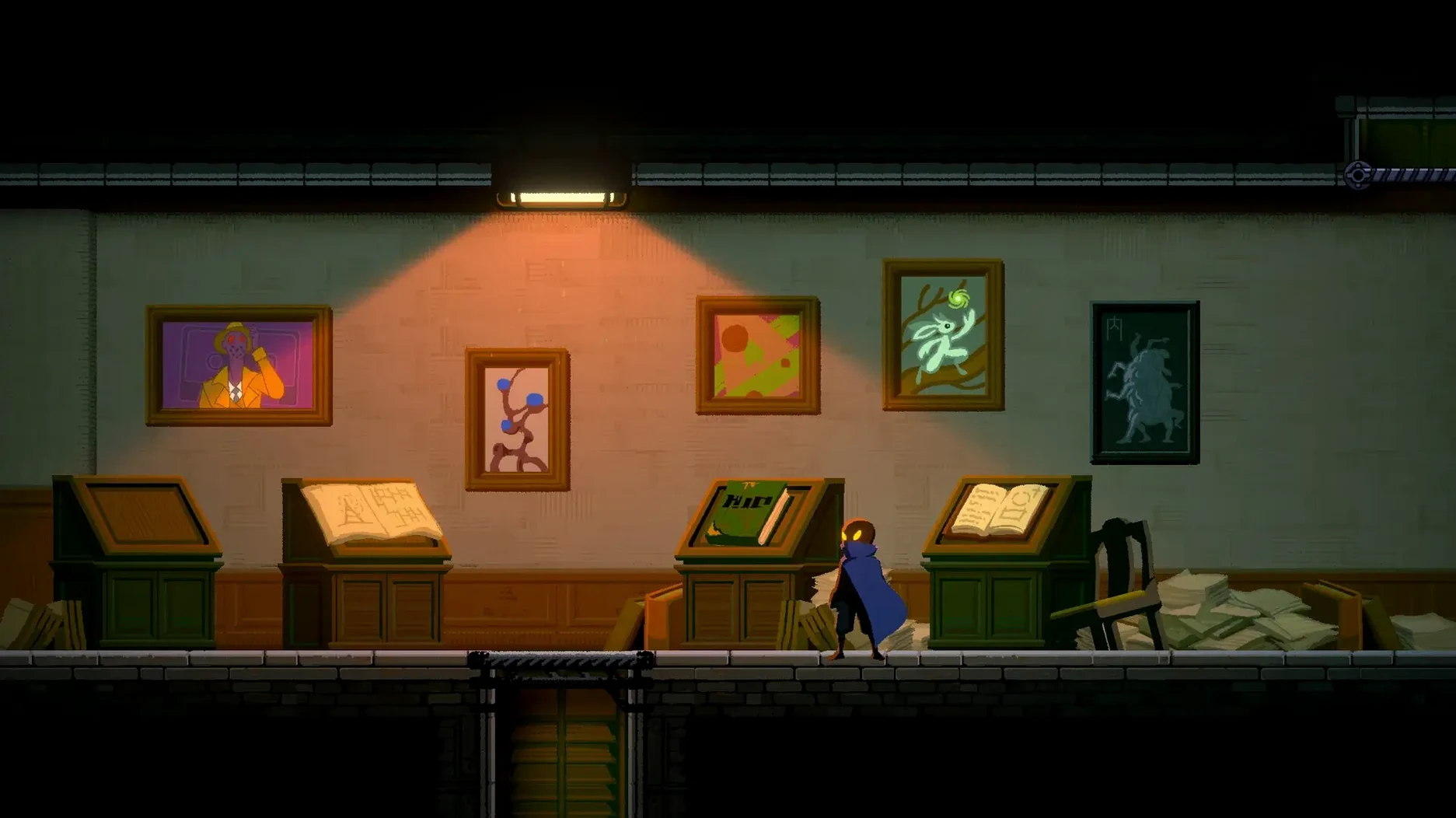
Version 1.3.2 of HAAK is what you get on the Mac right now — a post-apocalyptic action platformer with Metroidvania DNA, built for Apple Silicon. The ARM-native build runs on a Mac mini 2024 M4 under macOS Tahoe without fuss, which is a good sign for anyone on similar hardware.
| Detail | Info |
|---|---|
| Developer | Blingame |
| Release date | 2022-08-25 |
| Version | 1.3.2 |
| Genre | Action platformer, Metroidvania |
| Architecture | Apple Silicon only |
| Languages | Russian, English, Chinese (simplified and traditional), Korean, Japanese |
You play Haak, a traveler from the north, navigating ruined cities and shelters in the south coast city of Sanhe. Traps, puzzles and a flexible difficulty system keep the pace yours to set. Choices matter — they shift the fates of characters you meet. Controls are standard for the genre: keyboard plus gamepad support, and the M4 handles it with headroom. If you want a HAAK Mac free download that runs natively on Apple Silicon, this is it.
The hook throw is a latch-and-pull tool, not a grappling hook
New players often treat the hook throw like a grappling hook in other platformers — they hold the button expecting to swing. In HAAK, the hook is a latch-and-pull tool. You aim, throw, and then release or dash out of it. Holding the button past the latch point wastes momentum and usually drops you into a trap. Learn to tap and move on.
Another common error is ignoring the dash until combat forces it. The dash cancels the hook's pull animation, letting you chain movements that would otherwise leave you hanging. Beginners who save the dash for emergencies miss half its utility. Use it to correct trajectory mid-air after a hook release, or to slip past a timed blade just before it resets.
Puzzle sections trip up players who rush. The game hides switches and breakable walls behind foreground clutter. If you hit a dead end, stop and scan the environment — the answer is often a cracked wall you can hook-pull, or a crate you missed because you were jumping past it. Patience beats reflexes here.
Run the Fix script first for a failed launch on Mac
The most frequent issue on Mac is the first launch. If the app refuses to open or shows a generic error, the Fix script included in the disk image handles Gatekeeper and permissions quirks. Run it before trying anything else — it resolves the majority of launch problems on Apple Silicon systems.
Some players report the controller not responding after the game starts. Disconnect and reconnect the gamepad while the game is running. HAAK picks it up on the fly. If that fails, check System Settings > Game Controllers to confirm macOS sees the device. The game supports standard Xbox and PlayStation layouts, but third-party pads sometimes need a remap in the game's settings menu.
Audio stuttering or crackling can happen on systems with multiple audio outputs. Open Audio MIDI Setup and set the sample rate to 48 kHz for your output device. HAAK's audio engine prefers that rate, and mismatched settings introduce glitches that sound like a performance problem but aren't.
Spot the hidden ledge above the locked door in Sanhe
They reach the eastern ruins of Sanhe and find a locked door with no obvious switch nearby. The beginner would backtrack to a previous save point and look for a missed ability. The experienced player notices a narrow ledge above the door frame, barely visible against the sky texture. A hook throw to that ledge reveals a hidden corridor with a pressure plate that unlocks the door from behind. The game rewards looking up when the map says you have not. This kind of environmental reading separates a full map from a partial one, and it is where HAAK's level design shines for those willing to slow down.
Before it goes on the Mac
- macOS 10.13.0 or later
- Apple Silicon (ARM)
Questions from the room
Does HAAK run on Intel Macs?
No, the build is marked for ARM architecture, so it only runs on Apple Silicon Macs.
Installing it on the Mac
- Open the downloaded disk image.
- Drag the app into the Applications folder alias.
- Once the copy finishes, launch the app from Launchpad.
- If an error appears at launch, run the file named Fix in the disk image.
Notes from the control room
Sign in or open a catalogue account to leave a note.
No notes from the room yet. If you have used this build for a week, a short note helps the next person.