Home › Games › Game Dev Tycoon

Updated
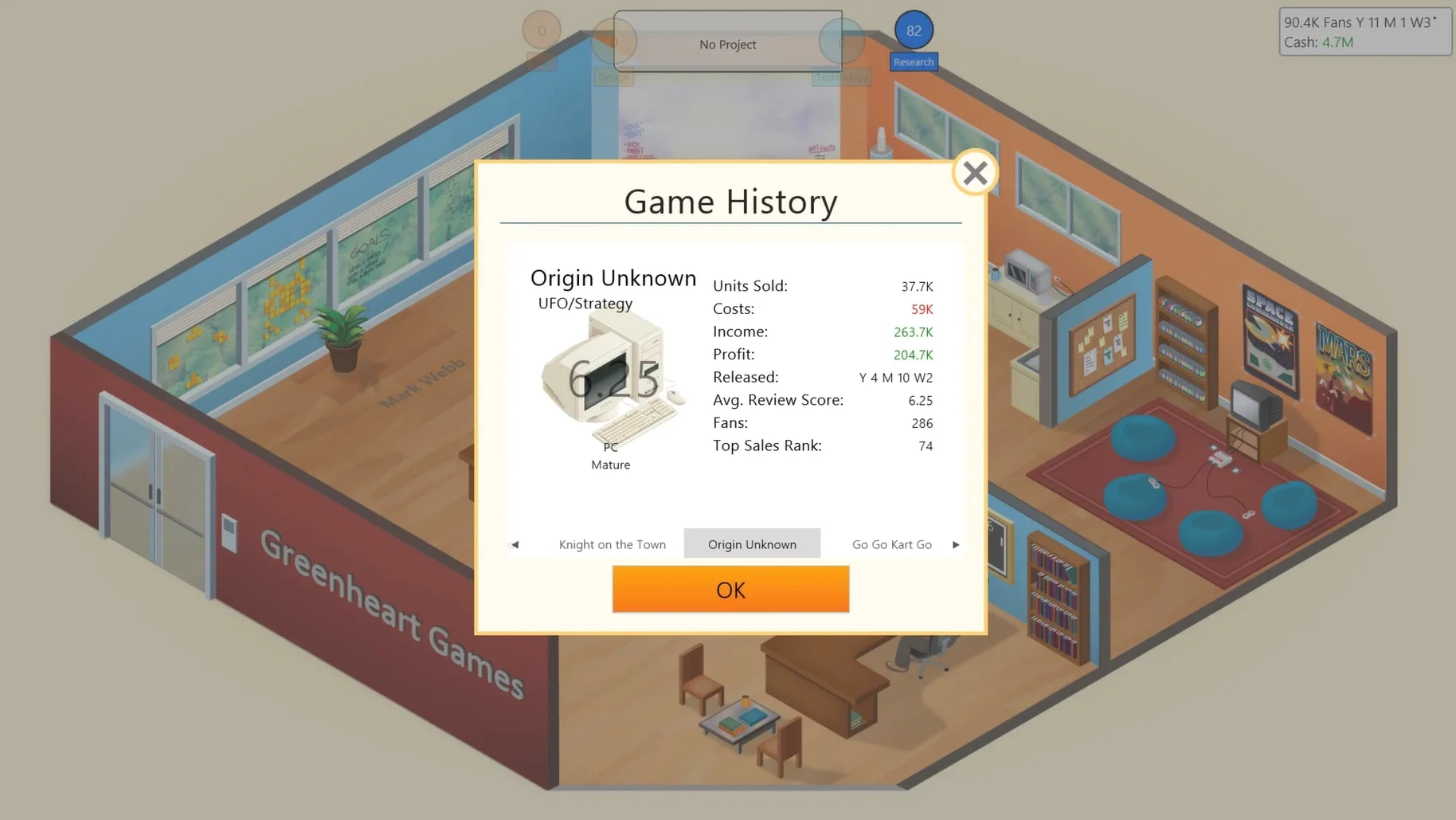
The catalogue note
Version 1.8.3 of Game Dev Tycoon is the current build, following the 1.8.0 update that improved text quality, performance, and Mac support. The game is available for Mac on Steam, and the Mac build is marked as x86 (64-bit), though it runs on both Intel and Apple Silicon under Rosetta 2.
Start in a garage and grow your studio
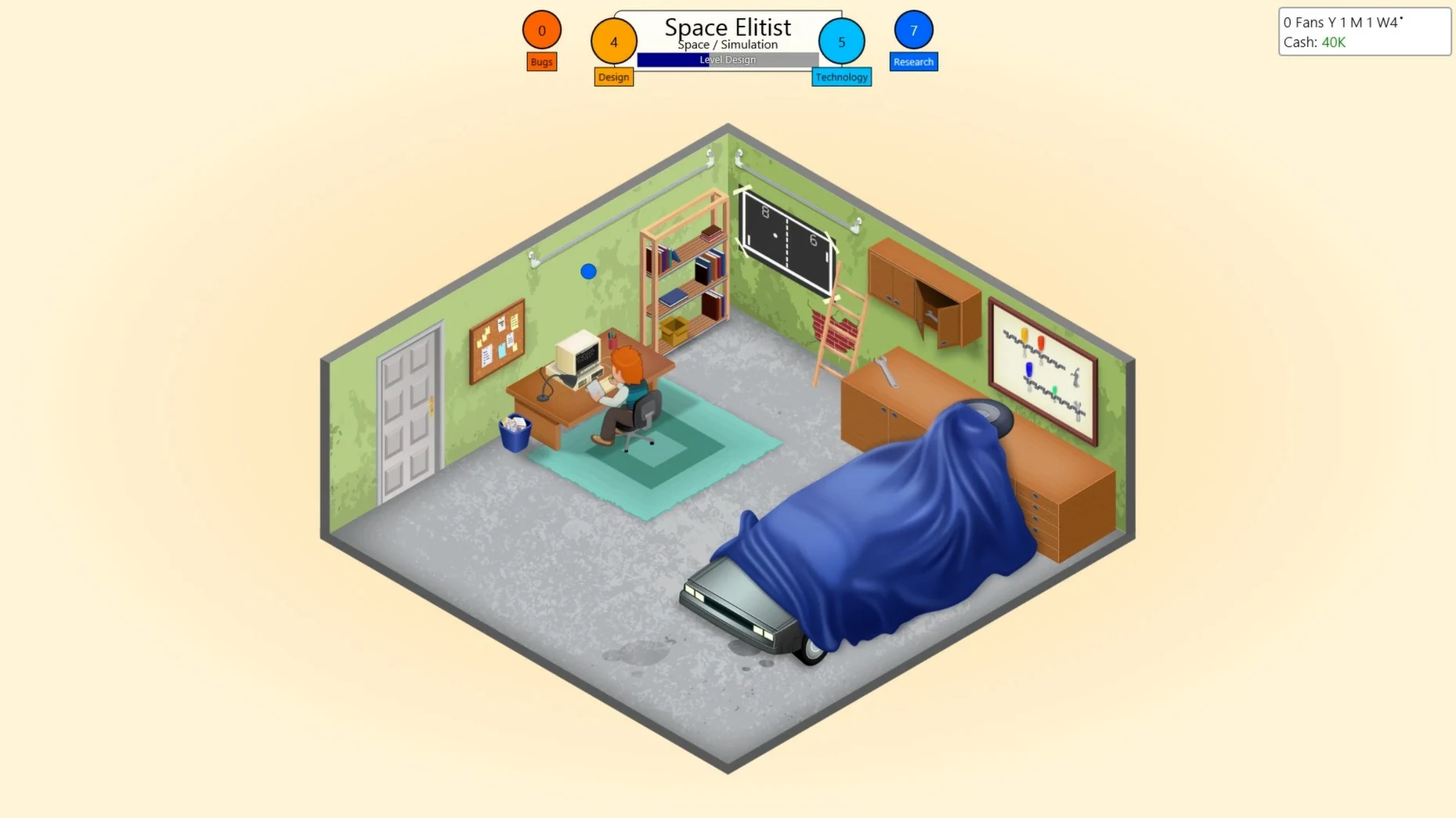
- Players who like starting small: you begin in the 1980s with a garage office and one employee, then gradually expand to a larger office.
- Anyone who enjoys creating custom game engines and seeing how those decisions affect your studio’s success.
- Simulation fans who want to shape the industry through their projects — the game lets you change the direction of the medium over time.
Avoid this if you want fast action or sandbox freedom
If you prefer fast-paced action or open-ended sandbox games without business constraints, this might feel slow. The simulation focuses on resource management, staffing, and release timing; there is no direct control over gameplay beyond design and development choices. Players who dislike waiting through development cycles or managing budgets may find it frustrating.
More focused than Software Inc.'s office layouts
Game Dev Tycoon sits in a specific corner of the business simulation genre, and a few other Mac titles cover similar ground in different ways. Software Inc. offers a deeper, more granular management experience — you design office layouts, manage individual employee skill trees, and negotiate contracts with publishers. It gives you more control but also more complexity; the learning curve is noticeably steeper. Game Dev Tycoon keeps things leaner, focusing on the creative decisions — what genre, what platform, what engine — rather than the logistics of office plumbing and hire negotiations.
Mad Games Tycoon is another competitor, set in a similar 1980s starting garage. It adds a research tree for individual game mechanics and lets you build your own console hardware. The trade-off is a less polished interface and a slightly more cluttered development pipeline. Game Dev Tycoon feels more streamlined: you pick your features, assign staff, and wait for the review scores without micromanaging every line of code.
Both alternatives are playable on Mac, but neither matches the clean, casual rhythm of Greenheart Games' original. If you want a business sim that respects your time without burying you in spreadsheets, Game Dev Tycoon remains the tighter choice.
Name your studio and design your first game
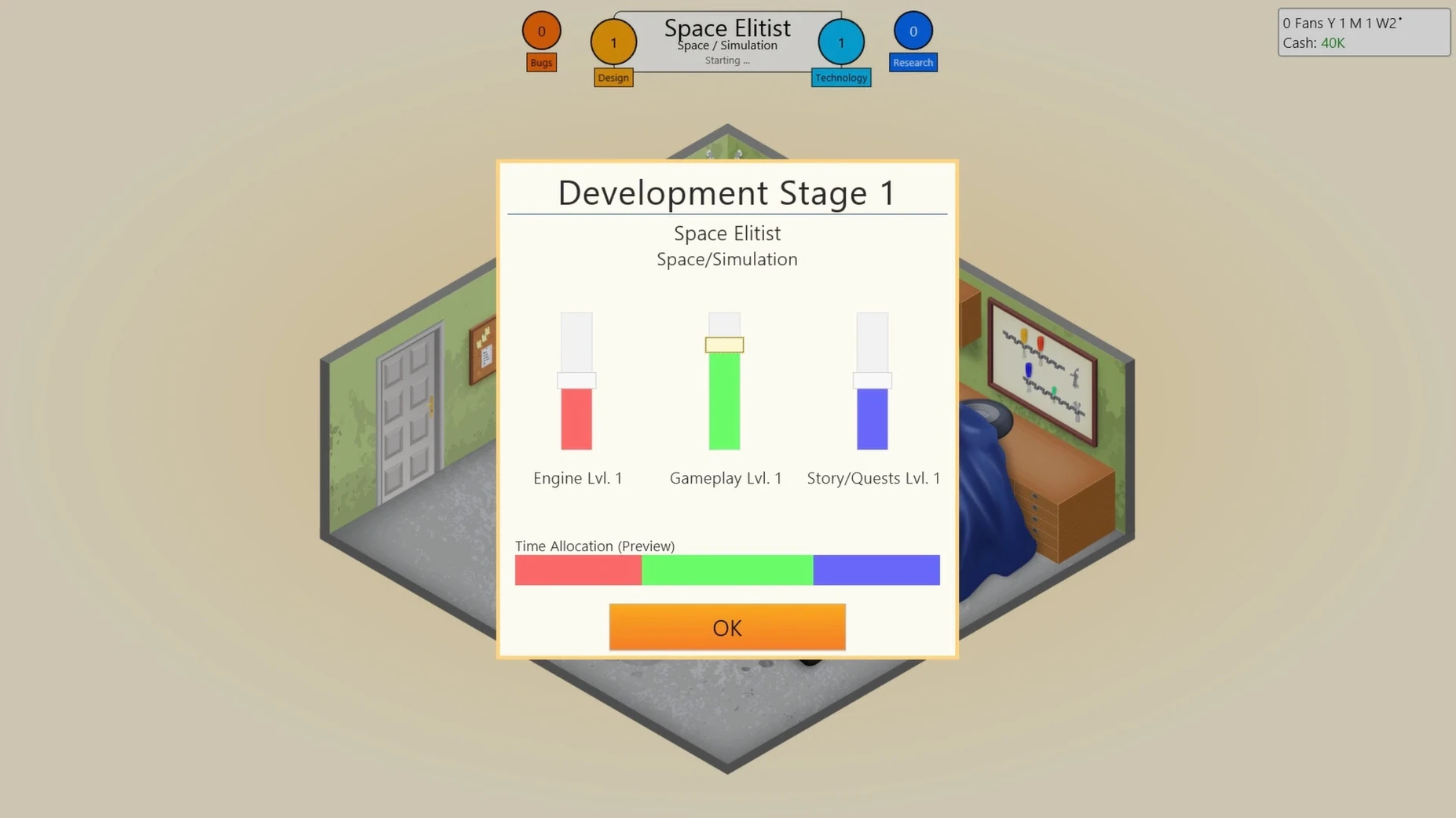
I start a new game and name my studio — nothing clever, just something that sounds like it belongs in a 1983 computer magazine. The garage loads, one desk, one employee. I open the game design screen and pick a genre and a platform. Early on, the options are limited: action games on the NES equivalent, maybe a simple RPG on the home computer.
I assign my single developer to the project and wait. The calendar ticks forward. After a few months, the game ships. Reviews come in — mediocre, but I make enough profit to hire a second person. Now I can research technologies while the other employee handles development. I unlock better graphics, better sound, more complex genres.
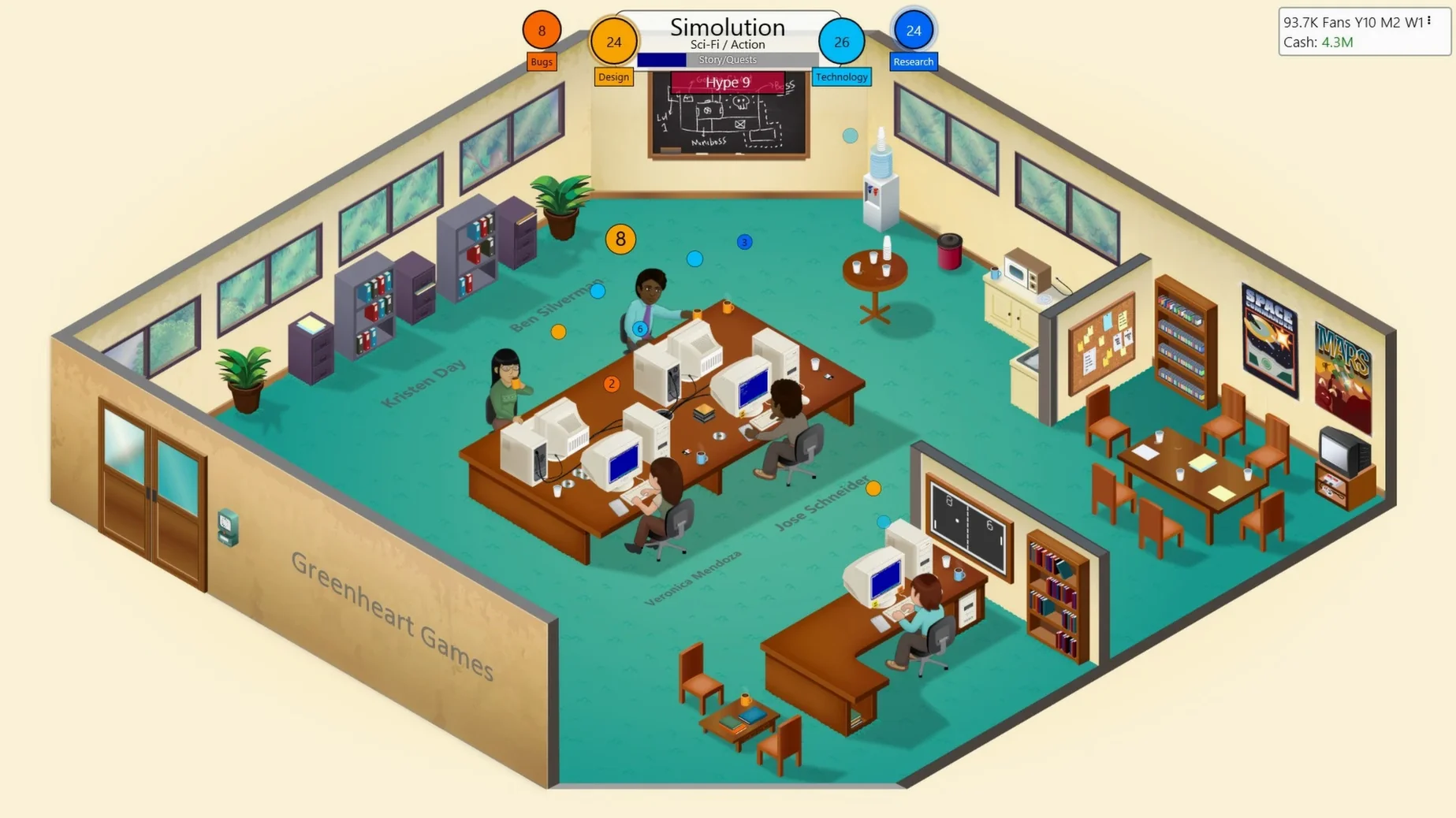
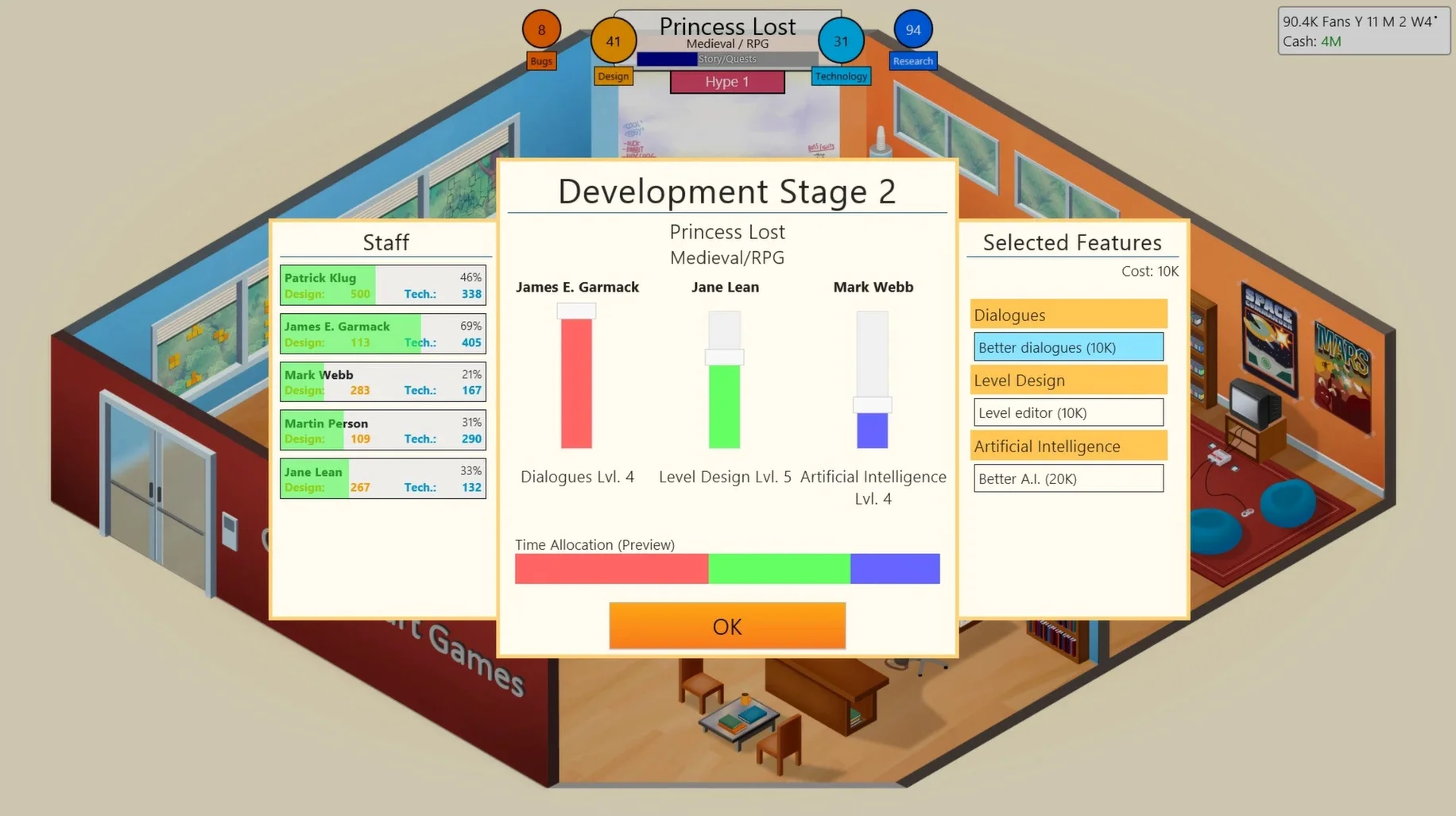
As the years pass, I move to a larger office. I create a custom engine, which gives my games a performance boost. I hire a designer with high skill in role-playing games, and we release a title that scores in the high 80s. The studio grows. Eventually, I open a secret laboratory — a feature I had read about but never triggered before. It unlocks experimental projects that can shift the industry's direction. The session ends when my lead designer retires, and I realise I have spent two hours planning pixel art strategy in a business sim.
Runs as a standard Mac app with a simple install
Game Dev Tycoon runs as a standard Mac app — no launcher, no background processes. I keep it in the Applications folder alongside everything else. The disk image install is straightforward: mount, drag, launch. Because it is an x86 binary, macOS automatically runs it through Rosetta 2 on Apple Silicon. I have not noticed any compatibility issues; the game starts, saves, and quits without drama.
The game saves locally, which means Time Machine backs it up with the rest of my data. If I switch between Macs, I copy the save folder manually — there is no cloud sync, so I keep a copy in iCloud Drive for convenience. The window resizes cleanly, and the interface works well with macOS window management: I can snap it to half the screen and keep a web browser or notes app on the other side for reference.
For players who like to track their progress, a quick screenshot (Command-Shift-4) captures the review screen or the studio overview. The game does not interfere with other applications; I run it alongside Music or a podcast without any stutter. It is a straightforward, self-contained simulation that fits into a typical Mac workflow without needing special attention.
Changes in this build
Before it goes on the Mac
- macOS ? (not specified by the developer)
- Architecture: both Intel and Apple Silicon
- Other: x86 (64-bit) build
Questions from the room
Does Game Dev Tycoon run on Apple Silicon Macs?
The Mac build is x86 (64-bit), but it runs on Apple Silicon via Rosetta 2, with v1.8.3 tested on a MacBook Air (M1, 2020) running macOS Sonoma.
Can I move to a larger office during the game?
Yes, as your studio earns more revenue you can expand from the initial garage into a proper office space.
Installing it on the Mac
- Mount the downloaded disk image.
- Drag the app to the Applications folder alias.
- After copying finishes, launch the app from Launchpad.
- If the app is reported as damaged, open Terminal and run
sudo xattr -r -c /Applications/Game\ Dev\ Tycoon.appafter placing the app in Applications.
Notes from the control room
Sign in or open a catalogue account to leave a note.
No notes from the room yet. If you have used this build for a week, a short note helps the next person.