Updated
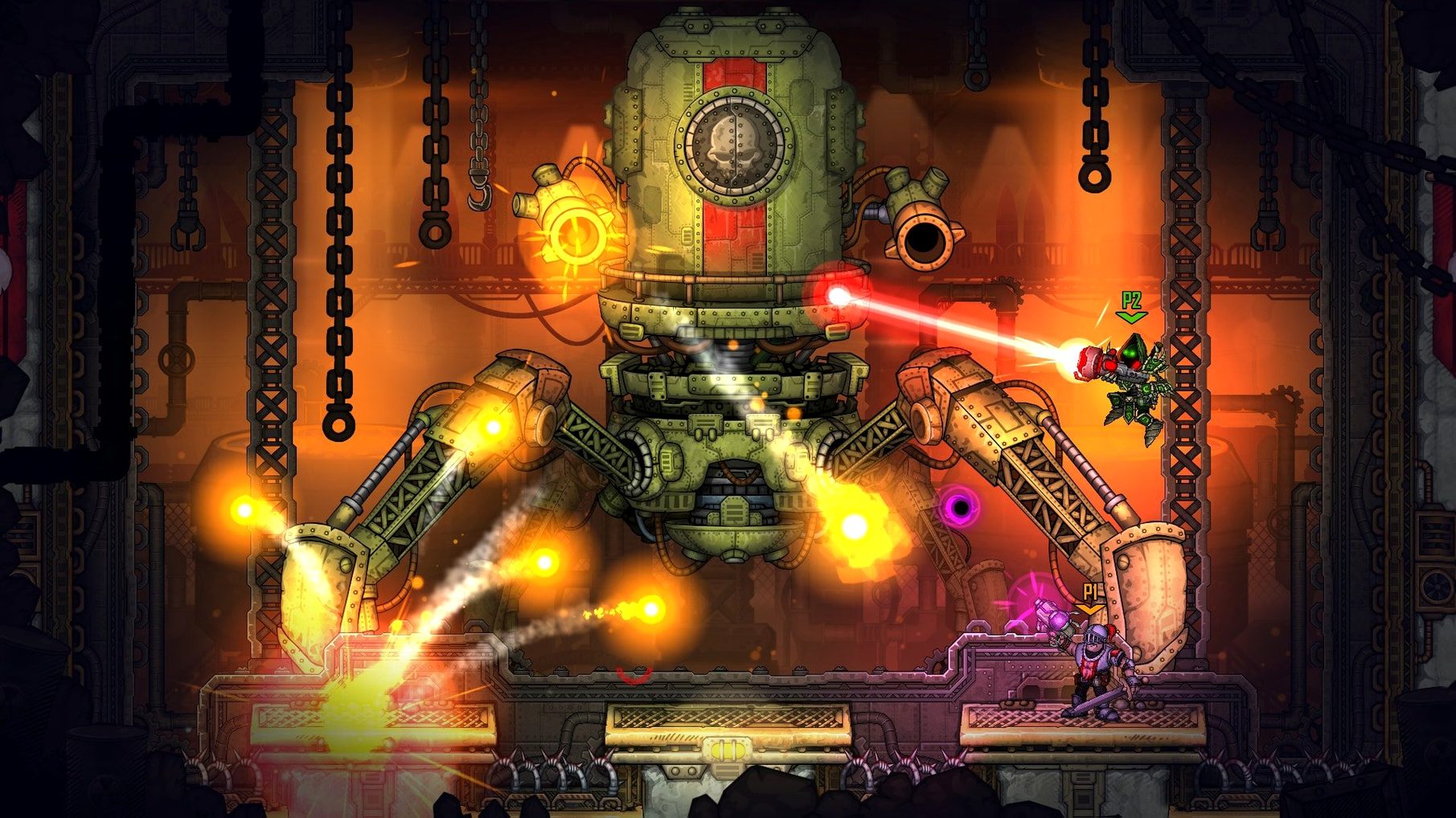
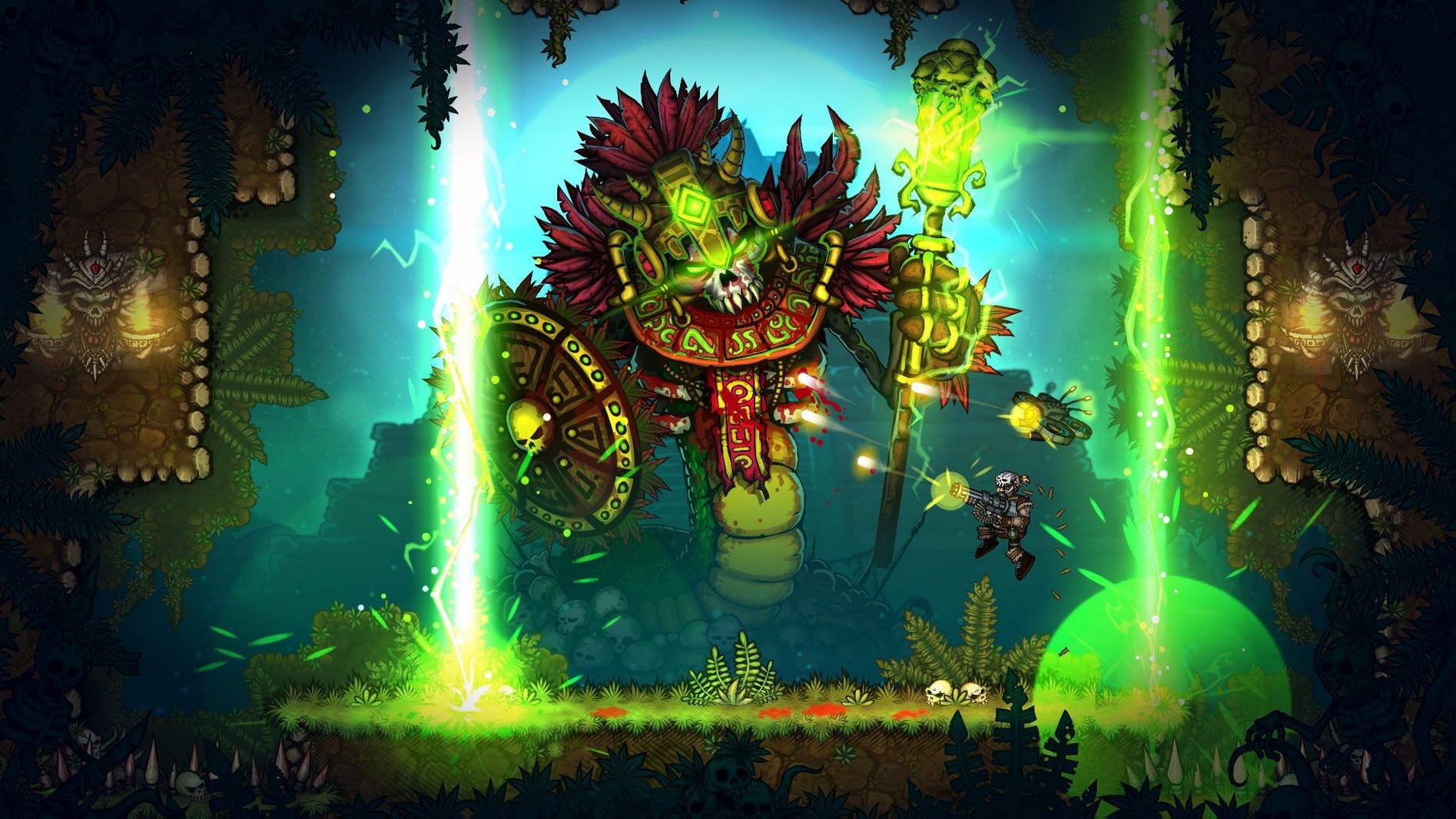
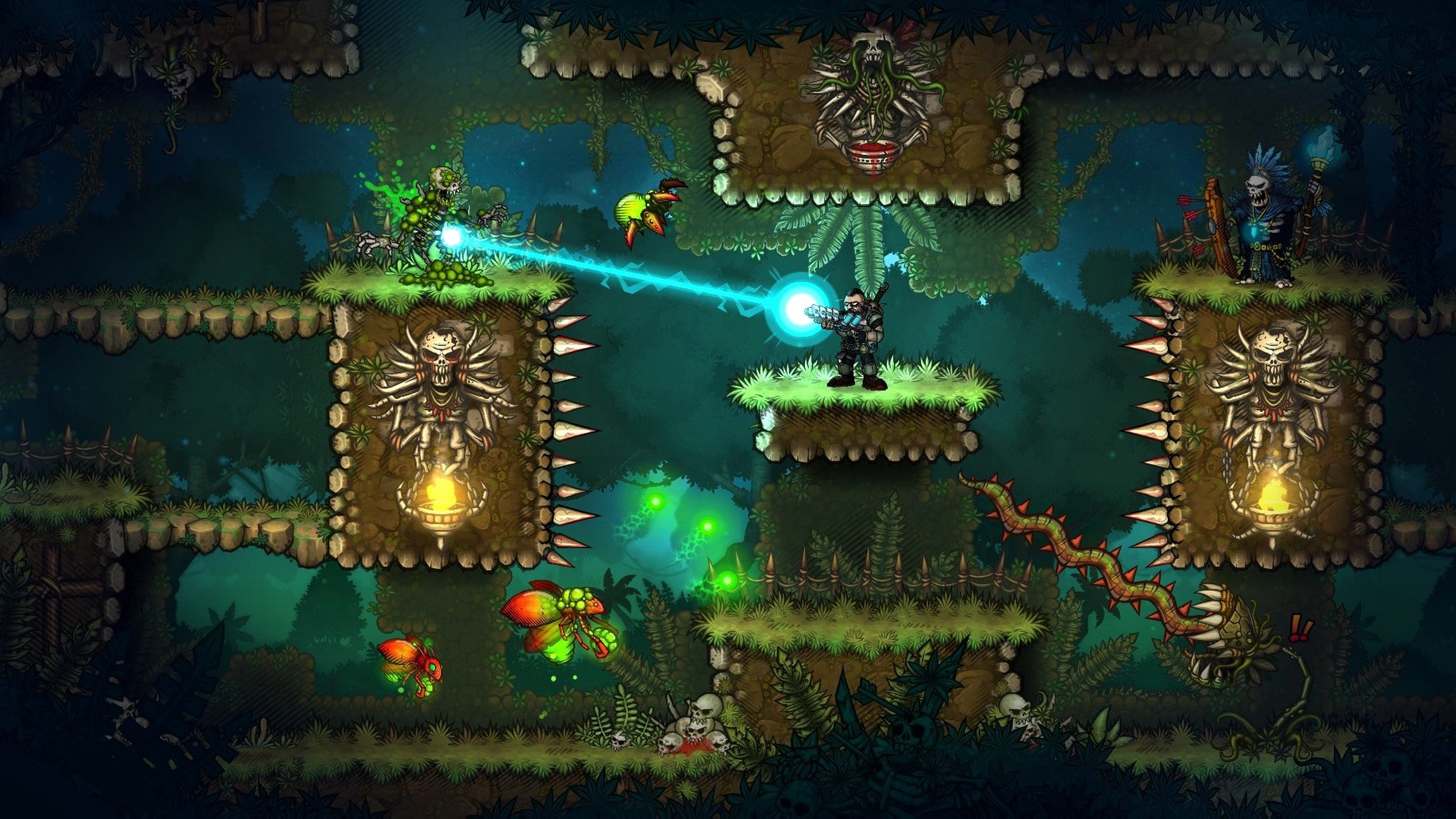
The catalogue note
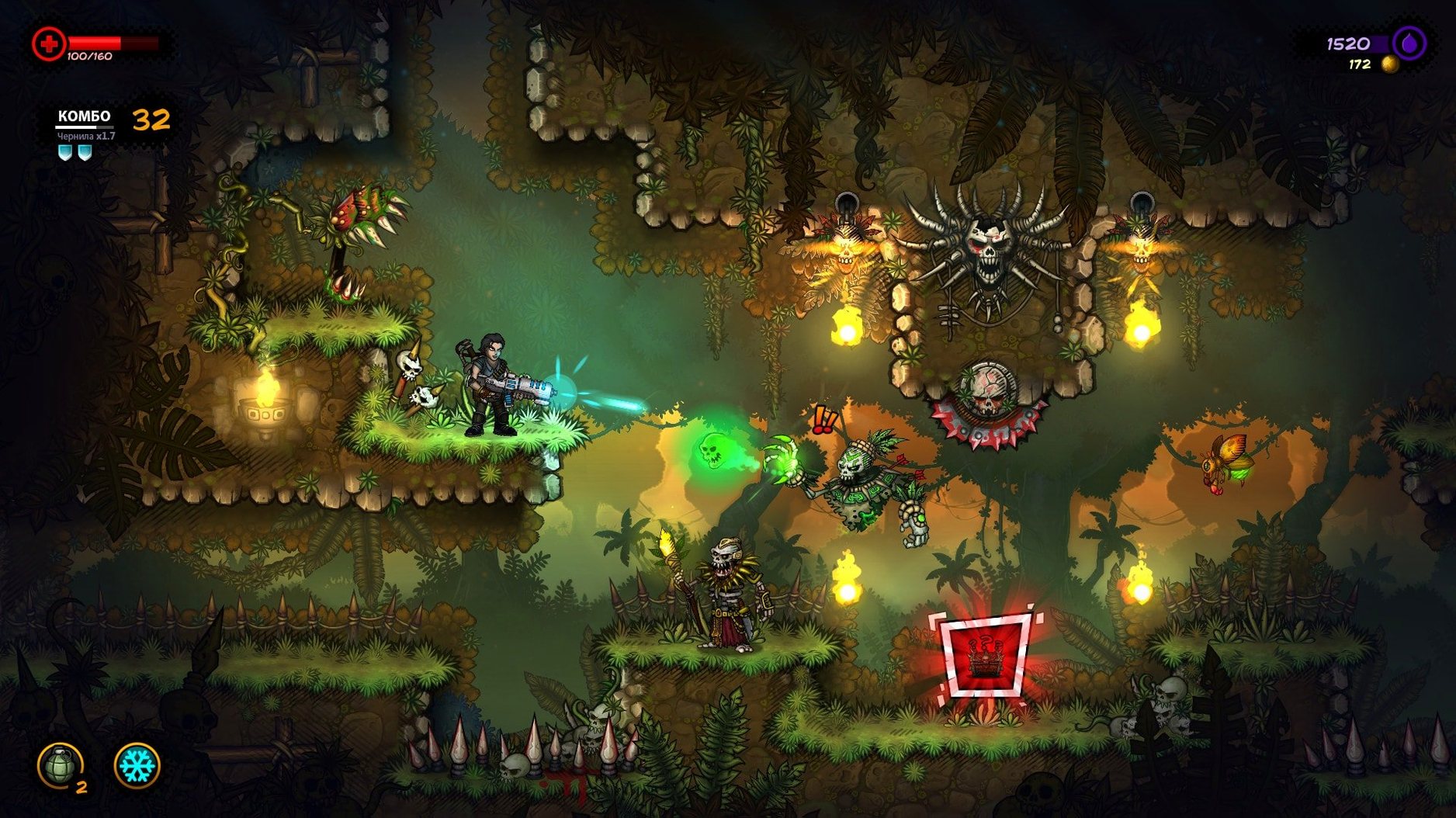
Version 1.9.1.0 of Fury Unleashed brings the full comic-book roguelite experience to Mac, with the game originally released on 2020-05-08. The current build runs on both Intel and Apple Silicon Macs, provided you're on macOS Sierra 10.12 or later. As a sound engineer, I appreciate the tight feedback loop between hits and the combo system; kills build your combo, and a higher combo improves damage resistance and healing, so the pacing stays urgent without becoming twitchy.
- Requirements: macOS Sierra 10.12 or newer, 4 GB RAM, 1600 MB free space — modest enough for most Macs from the last decade.
- Controls: keyboard and gamepad both work; remapping is straightforward, and the default layout suits run-and-gun movement.
- Performance: 60 fps is achievable on Apple Silicon with the default settings; Intel Macs may need to lower the resolution in busier rooms.
- Story: you play John Kowalski, the creator of the Fury Unleashed comic series, helping him overcome a creative crisis — the narrative is woven into each room as a comic page.
- Content: 40 bosses, multiple difficulty modes, and Hard mode unlocks additional modes after completion.
- Customisation: choose character skills to match your play style, and you can replace faces with custom images for a personal touch.
The Mac port feels native, with no obvious input lag in my sessions. If you've got a Mac that meets the specs, this is a solid pick for short bursts or long runs.
Changes in this build
- Version 1.9.1.0 is the current release for Mac.
- Game originally launched on 2020-05-08.
- Supports macOS Sierra 10.12 and later, including Apple Silicon.
Before it goes on the Mac
- macOS Sierra 10.12 or newer
- 4 GB RAM
- 1600 MB available space
- Architecture: Intel and Apple Silicon
Questions from the room
What are the Mac requirements for Fury Unleashed?
You need macOS Sierra 10.12 or newer, 4 GB RAM, and 1600 MB of available space. Both Intel and Apple Silicon Macs are supported.
Does Fury Unleashed support custom faces?
Yes, you can replace character faces with custom images, letting you personalise the comic-book look.
Installing it on the Mac
- Follow the standard installation procedure.
- Choose the destination folder when installation finishes.
- Applications is the recommended folder.
Notes from the control room
Sign in or open a catalogue account to leave a note.
No notes from the room yet. If you have used this build for a week, a short note helps the next person.