Home › Games › Grand Theft Auto 2
Grand Theft Auto 2 1.03 (Mac)
Updated
The catalogue note
Grand Theft Auto 2 runs on both ARM and x86 64-bit Macs, so it covers the current Apple Silicon line-up and older Intel machines. The build label includes a Definitive Edition with music and a Russian-only Wineskin package, plus an English-only Wineskin package.
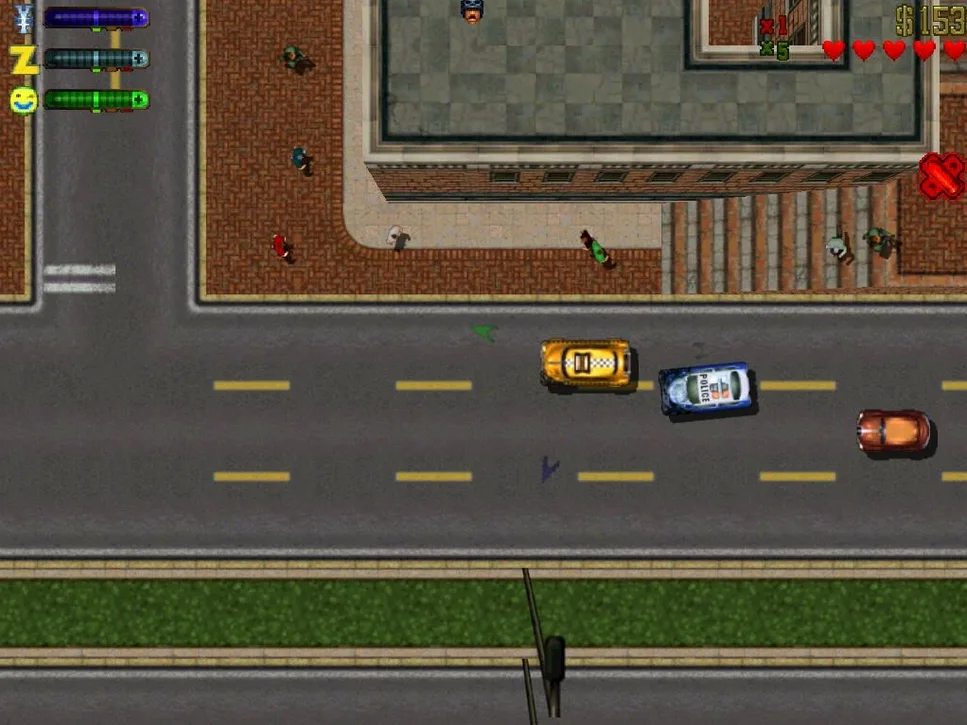
Top-down action in a gang-split city
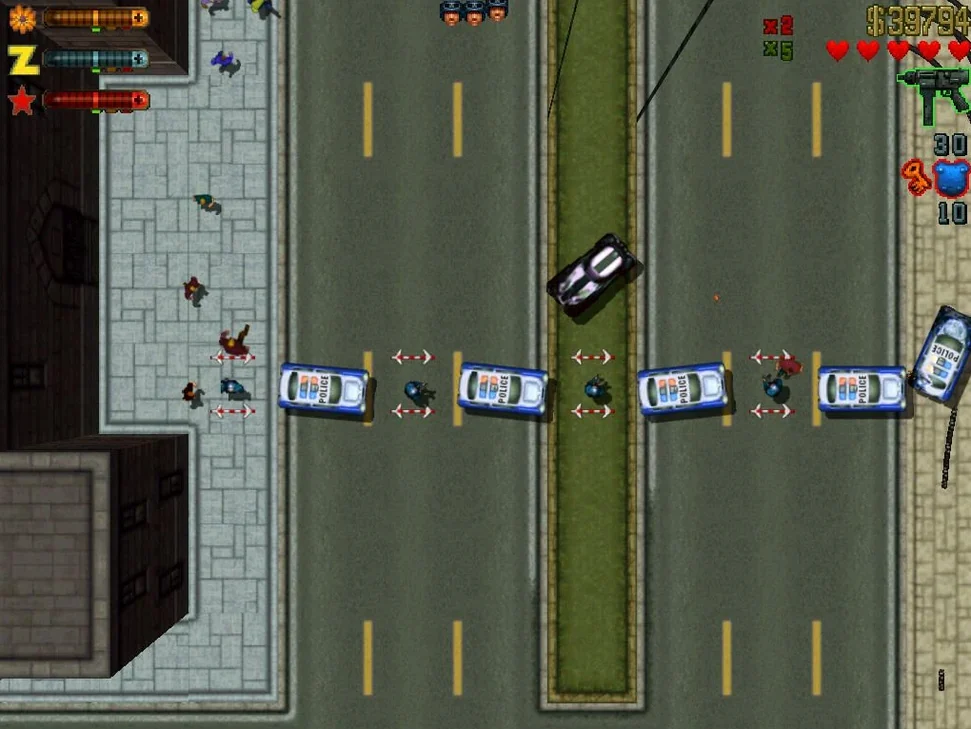
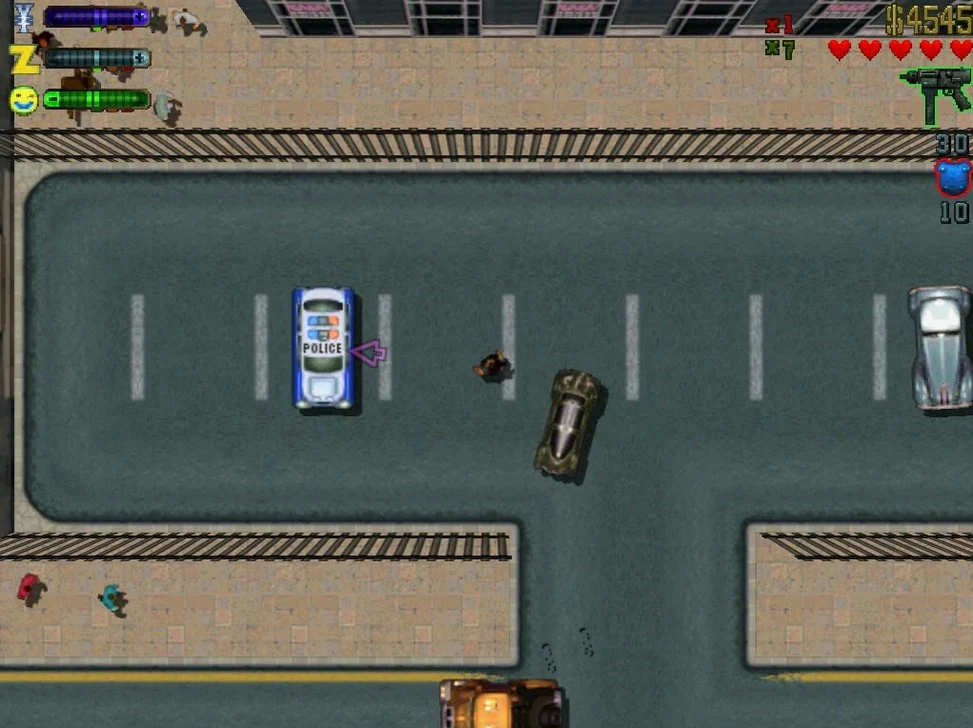
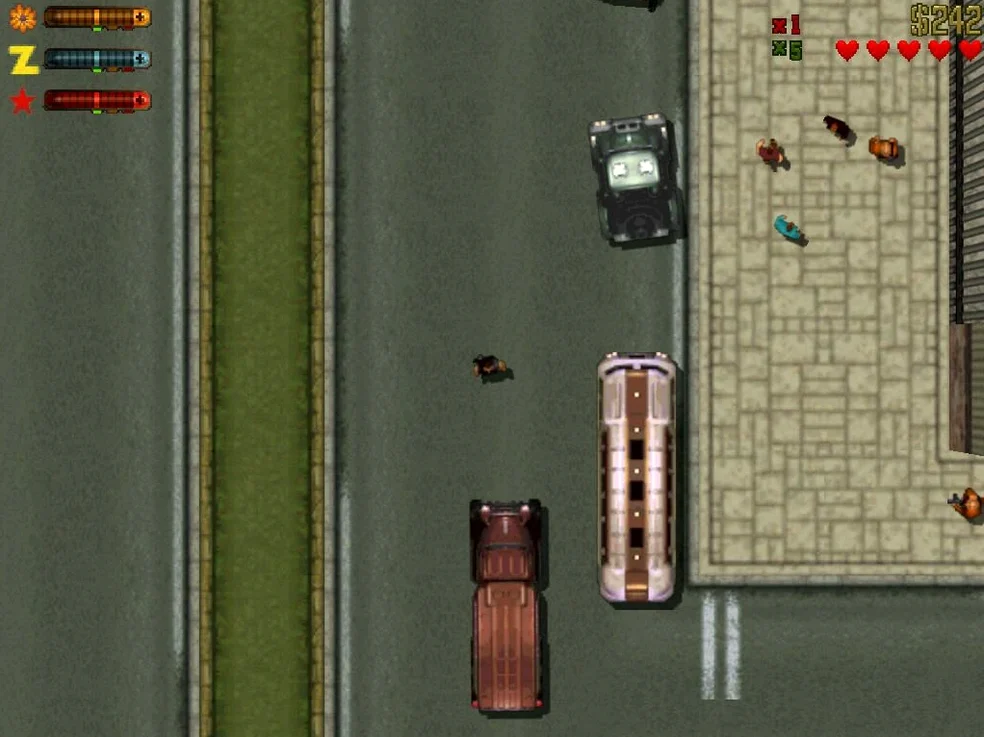
Top-down action — the classic camera looks straight down on a city split by three rival gangs. You earn respect by completing jobs, not by being handed it.
Faster cars — vehicles handle more aggressively than in the first game, which suits the quick getaways the police are keen to punish.
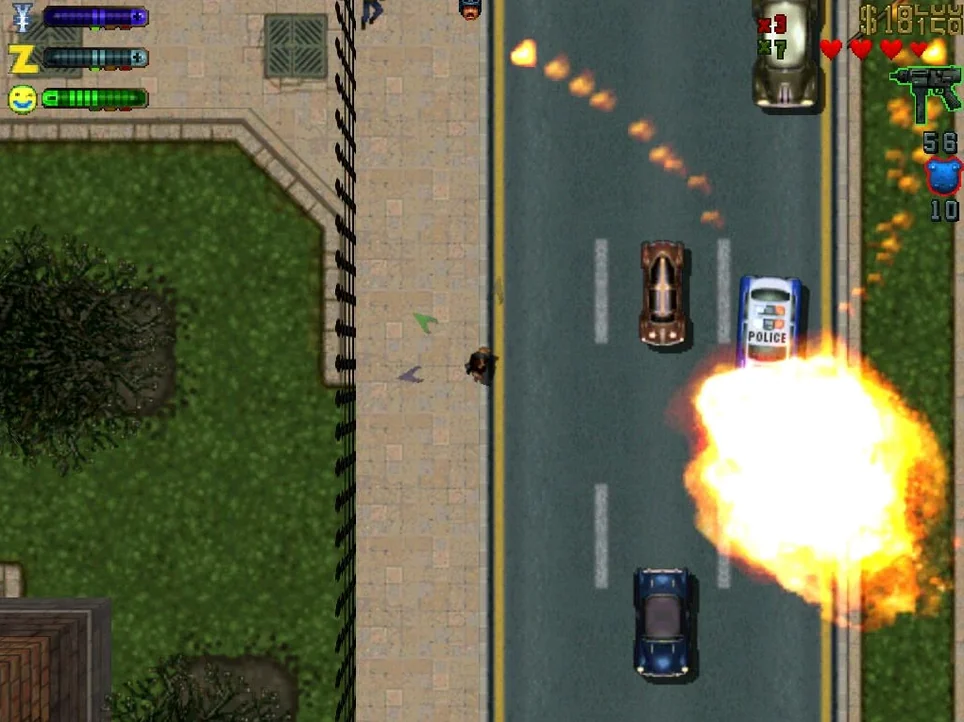
Aggressive police — the law reacts harder here; wanted levels climb fast and the chase gets messy.
Languages — Russian, English, German, and Italian are available, and you can switch the in-game language from the settings.
Release — the game originally shipped on 25 October 1999. A Windows version also exists, but this build is the one that works on macOS.
How It Sits with Other Apps and macOS Features
The Wineskin wrapper means the game lives inside a self-contained bundle. It does not touch your main system libraries, and it will not interfere with other software the way a native port might. You can keep it in /Applications alongside everything else without worrying about conflicting frameworks.
Because the save files live inside the app bundle (SharedSupport/prefix/drive_c/KS Games/Grand Theft Auto 2/player), Time Machine backs them up as part of the whole game package. If you move the game to an external drive or another Mac, the saves come with it. No separate folder to hunt down.
The game runs through DxWnd, a window-handling layer that translates DirectDraw calls. That means you can alt-tab out cleanly — useful if you are running a DAW or a browser in the background and want to switch quickly. The windowed mode also plays well with macOS screen recording tools if you want to capture a run.
For anyone who uses Launchpad to organise their apps, the game appears there after the initial copy. No extra aliases needed.
Fix file and DxWnd window tricks
- Skipping the Fix file — if the game refuses to start, the Fix file on the disk image resolves most wrapper-related errors. Running it once saves time guessing.
- Ignoring the DxWnd window — double-clicking the GTA2 icon inside the DxWnd window is the correct launch method. Beginners sometimes close that window and try to launch from the app bundle directly, which fails.
- Not checking the language setting — the default language depends on the package you chose. If the menus are in Russian, go into settings and switch to English (or German or Italian). If settings do not appear, exiting the game opens the settings window automatically.
- Assuming the game saves automatically to Documents — saves are inside the app bundle, not in the usual macOS user folder. Backing up the whole bundle preserves progress.
- Treating it like a modern Rockstar title — there is no launcher, no cloud saves, no auto-update. You install it, you play it, it stays as-is.
Thirty-minute session on an M4 mini
A voice-over producer in Kraków has thirty minutes between a vocal session and a mix review. The studio Mac is an M4 mini running macOS Tahoe. He opens Grand Theft Auto 2 from Launchpad, double-clicks the GTA2 icon in the DxWnd window, and the game loads in under ten seconds. He completes two quick gang jobs in the first district, earns enough respect to unlock a new weapon pickup, then quits. The producer does not need to log in to anything, wait for an update, or reconfigure audio — the game just works alongside Logic Pro without touching its core audio settings. The session file is still open on the desktop when he switches back.
This Wineskin build runs Grand Theft Auto 2 for mac free download without needing a Windows partition.
Changes in this build
- Wineskin build.
Before it goes on the Mac
- macOS (version unspecified)
- Architecture: ARM and x86 64-bit
Questions from the room
Can I change the language in Grand Theft Auto 2?
Yes, the game language can be changed in the game settings. Available languages are Russian, English, German, and Italian.
Does Grand Theft Auto 2 work on Apple Silicon Macs?
Yes, the game supports both ARM and x86 64-bit architectures, so it runs on Apple Silicon and Intel Macs.
What is the Definitive Edition in this build?
The build label includes a Definitive Edition version with music and a Wineskin Russian-only package, alongside an English-only Wineskin package.
Installing it on the Mac
- Mount the downloaded disk image and drag the app to the Applications folder shortcut.
- After copying finishes, launch it from Launchpad.
- When the game opens the DxWnd window, double-click the GTA2 icon.
- If startup errors occur, run the Fix file from the disk image.
Notes from the control room
Sign in or open a catalogue account to leave a note.
No notes from the room yet. If you have used this build for a week, a short note helps the next person.