Home › Games › Command & Conquer: Generals
Updated
The catalogue note
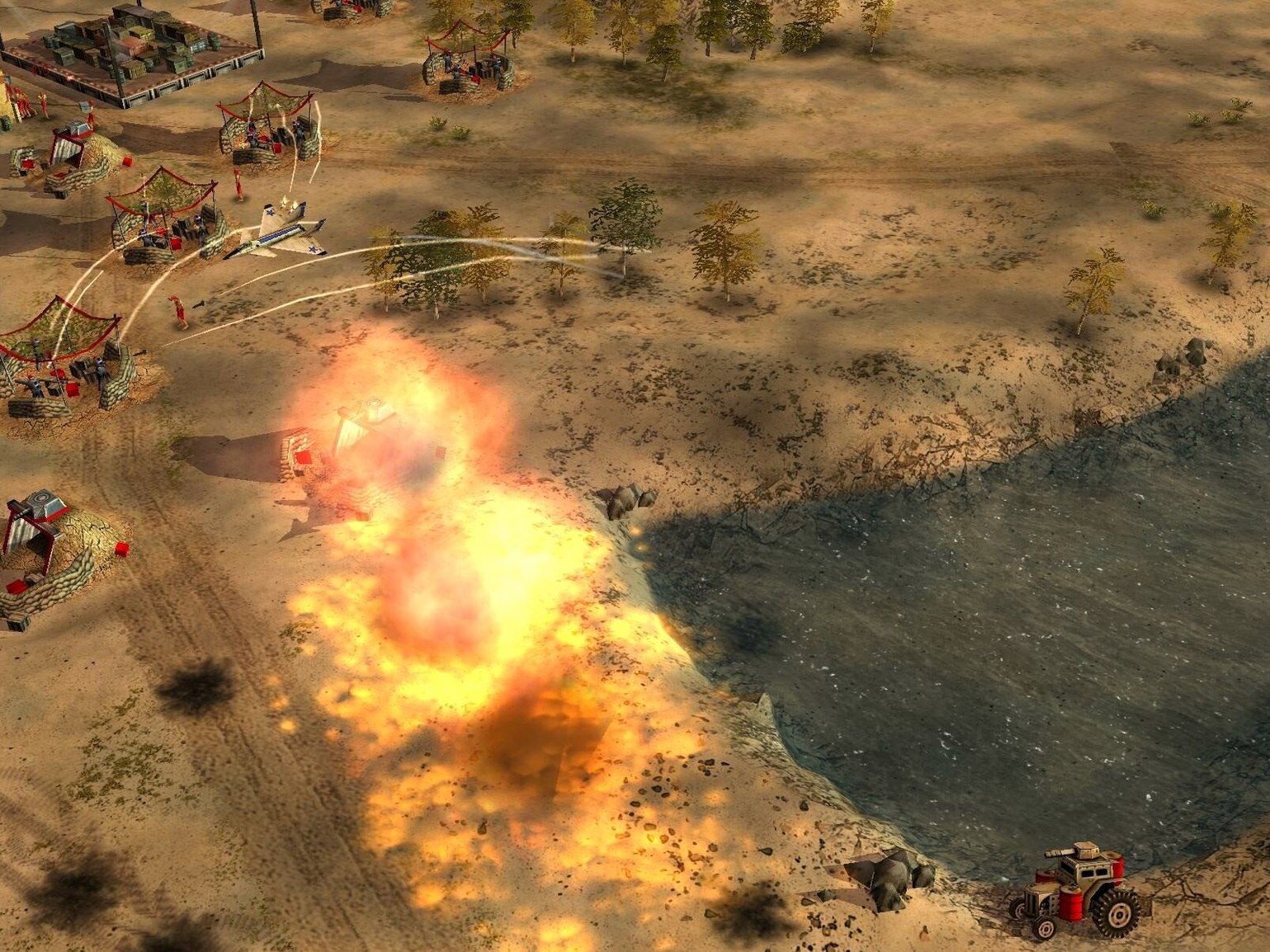
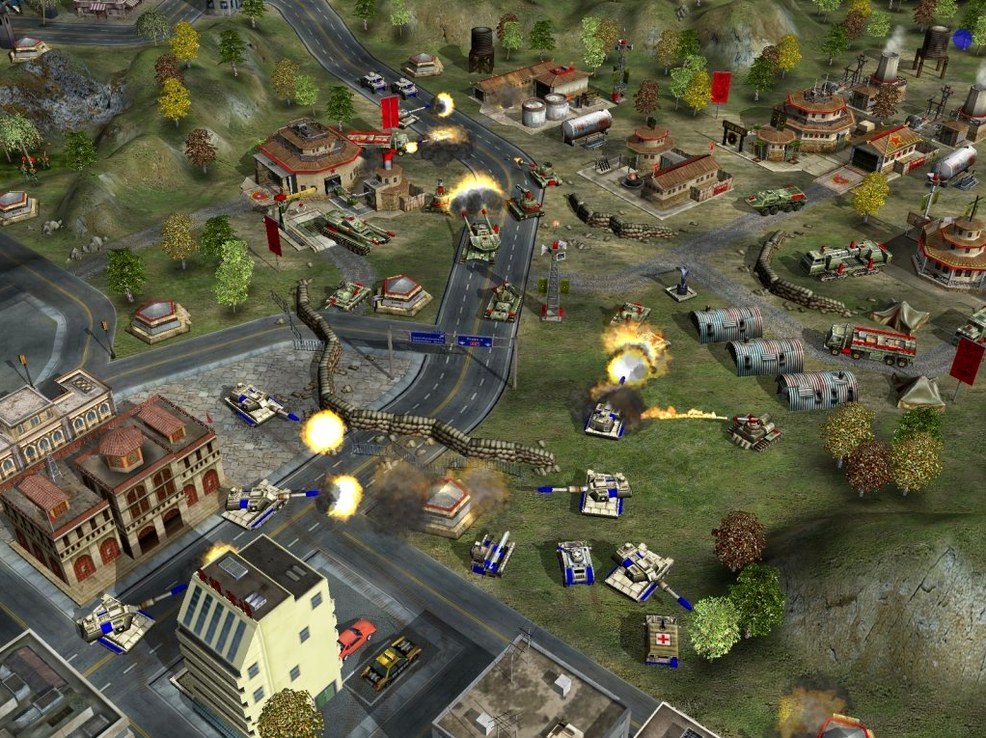
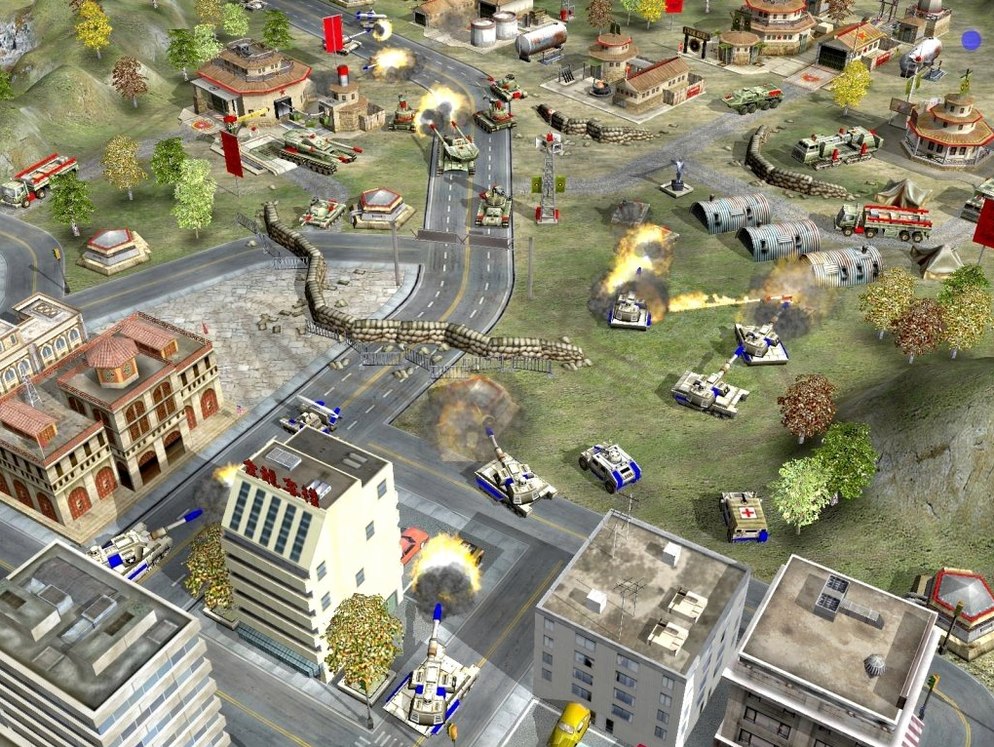
People who still build base defences at 2 a.m. know Generals. This standalone expansion to Command & Conquer: Generals keeps the core loop — gather resources, train units, raise buildings, then go take the enemy's base — and tightens it with new units and buildings for all three factions. The 2003 release replaced Super Strike with unique generals, which changes how each side plays.
| Detail | Value |
|---|---|
| Version | 1.04 [Wineskin] |
| Release date | 22 September 2003 |
| Architecture | x86 (64-bit) |
| Language | English |
The listed build is a Wineskin wrapper, so it runs on Intel Macs as a 64-bit process. It was tested on macOS Monterey and on an M1 MacBook Air (2020) under Rosetta, though the architecture is still x86. Mount the disk image, drag the game into Applications, and you are ready to play each faction's missions. Combat and capturing bases remain the point — no diplomacy here, just tank rushes and particle cannons.
A typical session: one mission, start to finish
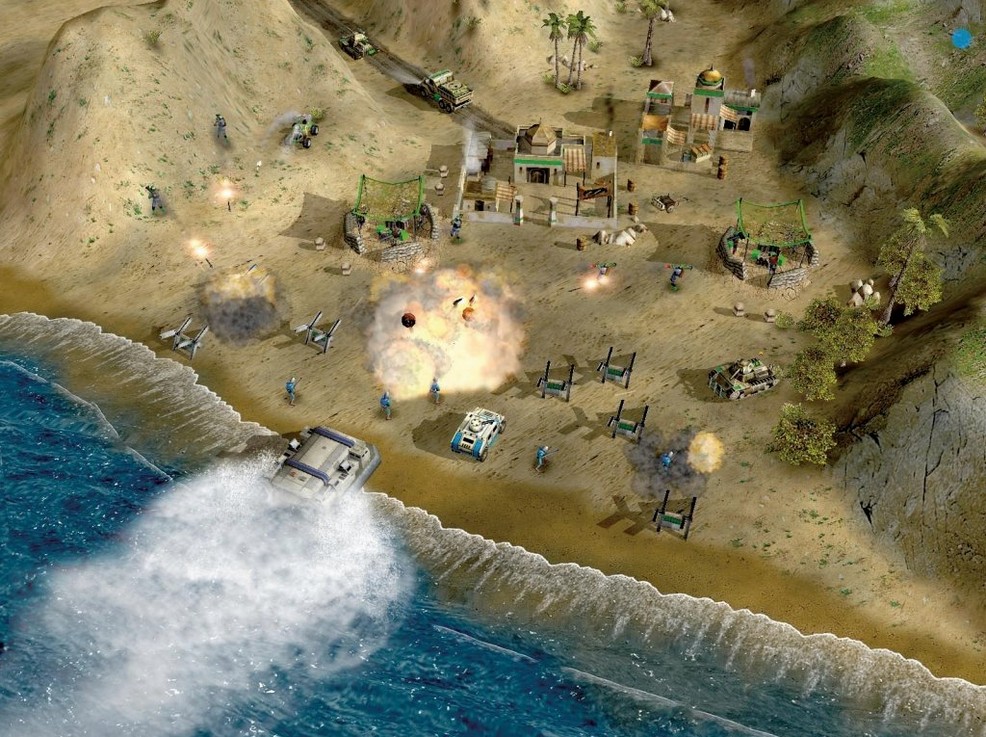
You pick a mission from the GLA campaign. The briefing screen shows a small desert map with a few supply docks and a USA outpost in the corner. You start with a single worker and a command centre. First thing: send the worker to the nearest supply dock — cash flow is everything here, and the simplified economy means you cannot afford to sit idle. A second worker follows to start a barracks while the first keeps hauling supplies.
By the five-minute mark you have a handful of Rebels and a couple of technicals. The USA player has already started building a Patriot missile system near their base entrance. You know you need to hit them before the particle cannon charges. You queue up a few Rocket Soldiers from the barracks and send them, with the technicals, around the left flank. The Rebels draw fire, the technicals pop the Patriot, and the Rockets finish the dozer that was trying to rebuild it.
You capture the supply dock nearest their base with a worker you snuck along. That cuts their income and doubles yours. Now you can afford a tunnel network. You place it near the centre of the map, pop out a Scorpion tank and two more technicals, and roll into their base while they are still rebuilding. The mission ends with the USA command centre exploding — no base capture required this time, just a straight assault.
Check Wineskin wrapper screen settings first
- Check the wrapper settings. The Wineskin wrapper defaults to a certain screen resolution. If the game window feels off or the cursor is misaligned, open the Wineskin app in the game folder and adjust the screen options before launching the first mission. Doing this later means restarting anyway.
- Bind your keys early. The game expects keyboard shortcuts for unit groups and abilities. Spend five minutes in the first skirmish map mapping your most-used commands — attack move, stop, and the general's ability hotkey — so muscle memory forms before the campaign gets hard.
- Test each faction in skirmish. The three factions play differently now that Super Strike is gone. China favours heavy armour and infantry waves. USA relies on air power and particle cannons. GLA is all about stealth, tunnels and hit-and-run. A single skirmish match per faction shows you which general abilities you prefer before the campaign locks you into a faction for several missions.
- Watch the save folder. The Wineskin wrapper stores saves inside the game bundle. If you reinstall or move the game, copy the saves folder out first. Losing a campaign progress file because you dragged the game to the trash is frustrating and entirely avoidable.
Workflow for a specific task: capturing an enemy base with the GLA
The GLA cannot build a superweapon like the other factions, but they can take over the enemy's entire production chain if you play it right. Here is the sequence from start to finish.
Phase one: scout and disrupt. Send a single Rebel worker to the enemy base perimeter early. Do not attack. Just watch their build order. While that worker scouts, build a tunnel network just outside their detection range. The tunnel is your staging point.
Phase two: cut their income. Use a pair of technicals with Rocket Soldiers to snipe supply trucks on the road between their base and the nearest supply dock. The USA player in this scenario will scramble a few infantry to guard the route. That is fine — you have already reduced their cash. Meanwhile, build a second tunnel on the opposite side of their base.
Phase three: breach and capture. When their defences are spread thin, pop out of both tunnels at once. Use Scorpion tanks to draw fire from the main gate defences while Rebels with demo charges run in through the side. Once a barracks or war factory is damaged, send a worker to capture it. A captured war factory lets you build USA tanks as the GLA — the enemy cannot replace what you now own.
Phase four: hold and convert. Keep the tunnels alive. If the enemy rebuilds a command centre, capture it too. The match ends when you control all production structures, not necessarily when the last enemy unit dies.
Fix a black screen by adjusting display scaling
The game launches to a black screen. The Wineskin wrapper sometimes gets confused by display scaling. Open the Wineskin configuration, go to the Screen Options tab, and set the resolution to 1024x768 or your screen's native resolution. Also check that "Use Mac Driver" is selected under the Graphics tab. Restart the game after each change.
Cursor is offset or flickers. This happens when the wrapper's cursor capture is not synced with the game. In the Wineskin config, find the Advanced tab and enable "Capture mouse in window." If that does not fix it, try running the game in a windowed mode by adding -window to the launch arguments in the same panel.
Audio stutters or cuts out. The game's audio engine from 2003 does not always play well with modern macOS audio stacks. Go to the Wineskin config's Sound tab and switch the output from CoreAudio to PulseAudio or ALSA, depending on what your wrapper version offers. If the stutter persists, lower the sound quality in the game's audio settings menu — it is under Options.
Cannot save progress. The save folder inside the Wineskin bundle may have permissions that block writes. Quit the game, right-click the app bundle, choose Show Package Contents, navigate to drive_c/users/wineskin/Application Data/Command & Conquer Generals Zero Hour/ and check that the folder is not set to read-only. If it is, change the permissions to read and write for your user account.
Missions do not appear or the campaign menu is empty. This usually means the Wineskin wrapper cannot find the campaign data files. Verify that the game folder inside the wrapper contains the Data and INI subfolders with all the original files. If you downloaded from a source that stripped the campaign, you need to repack the wrapper with the full game data. The version 1.04 build you have should include everything, so double-check the archive integrity first.
Changes in this build
- Standalone expansion with new missions and events.
- New units and buildings for all three factions.
- Super Strike replaced with unique generals.
Before it goes on the Mac
- macOS version: not specified
- Architecture: Intel
- Tested on macOS Monterey
- Tested on MacBook Air (M1, 2020)
Installing it on the Mac
- Mount the downloaded disk image.
- Drag the game into the Applications folder.
Notes from the control room
Sign in or open a catalogue account to leave a note.
No notes from the room yet. If you have used this build for a week, a short note helps the next person.