Updated


The catalogue note
Cuphead runs on Intel Macs with macOS Catalina or later. The current build is version 1.3.3 (57402) with the DLC Fix applied. It is a 64-bit Intel application, so Apple Silicon users will need Rosetta 2.
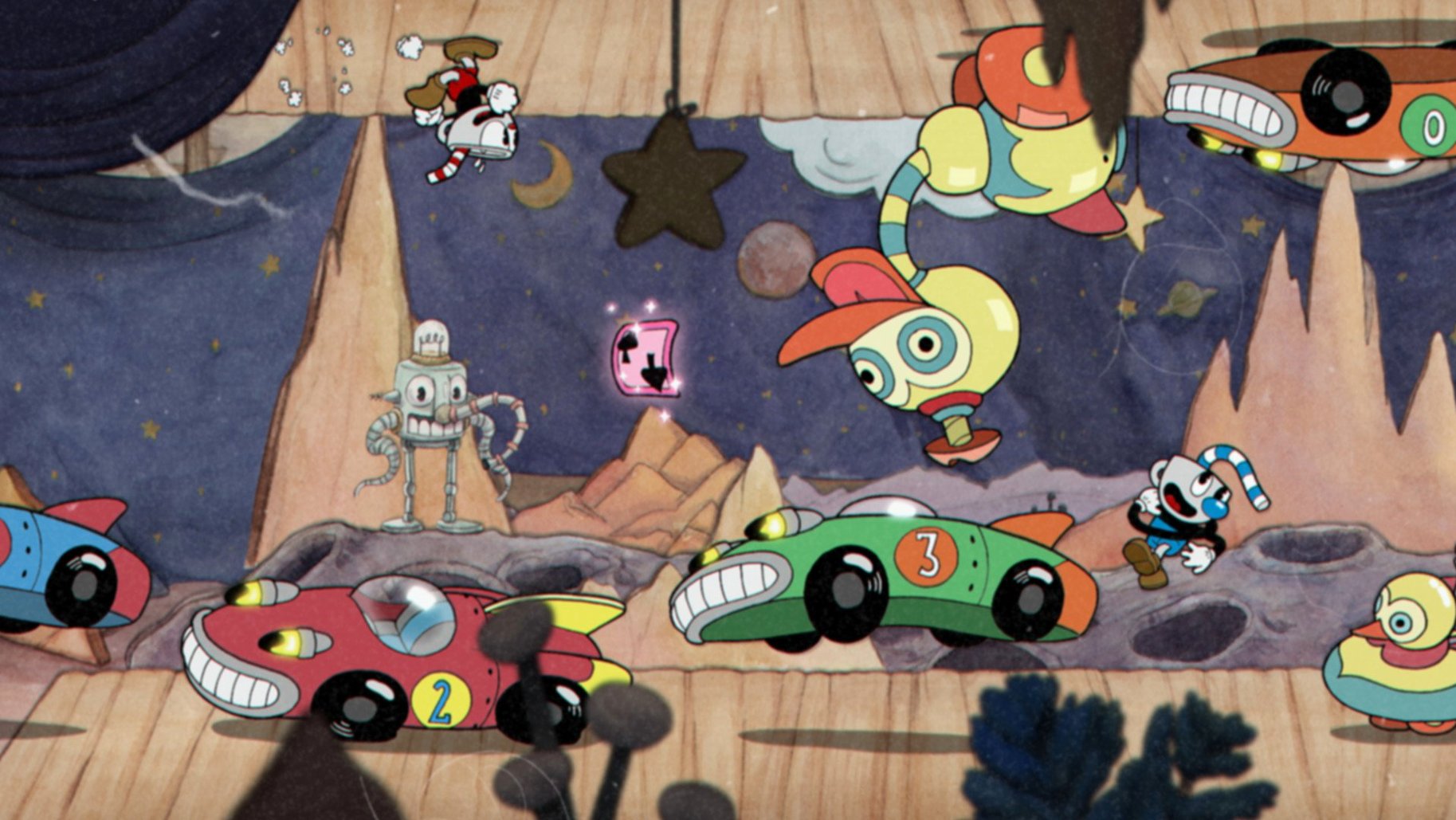
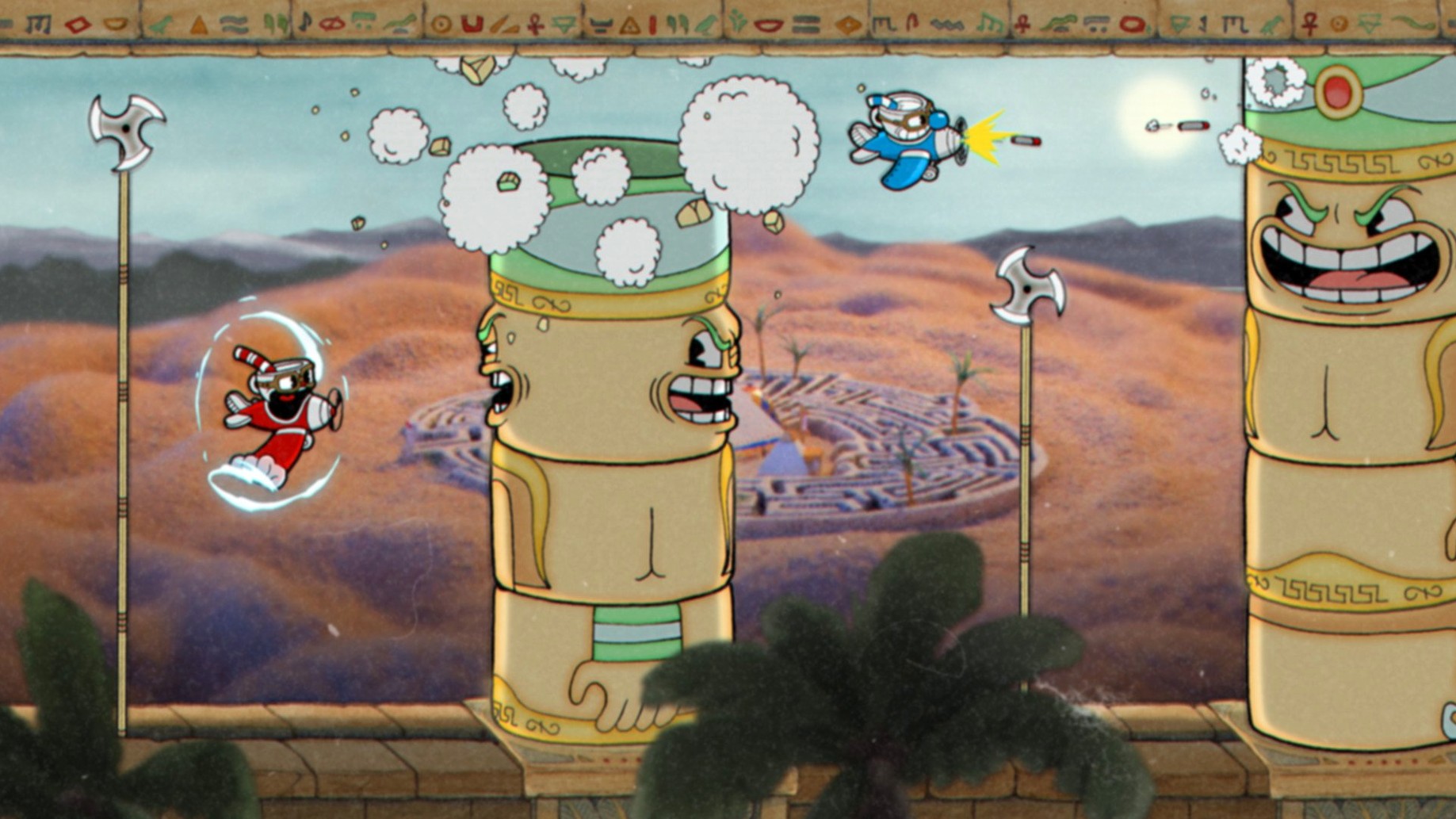
The game is a run-and-gun affair built around screen-filling boss battles. You travel through unusual worlds, each packed with hand-drawn characters and tight fights. Single-player and cooperative play are both supported; Cuphead and Mugman are the playable characters.
As you progress, you can obtain different weapons and learn special moves. That loadout choice matters more in later fights, where the right shot for the right phase saves a lot of retries.
Challenging boss fights and co-op in a 1930s cartoon world
- Players who want precise, challenging boss fights rather than open exploration.
- Co-op sessions – the whole game works with two players locally.
- Anyone after a stylised action game with a 1930s cartoon look.
Intel-only and a steep difficulty curve with no progression system
- Intel-only – no native Apple Silicon build.
- Hard difficulty curve; expect repetition on later bosses.
- No level-based progression – the run-and-gun stages are short, the bosses are the meat.
Fixing the Rosetta 2 requirement when Cuphead won't launch on Apple Silicon
The main issue people run into on Mac is the Rosetta 2 requirement. If the game refuses to launch on an Apple Silicon machine, open the Applications folder, right-click Cuphead, choose Get Info and tick "Open using Rosetta". That is almost always the fix. If it still does not start, check that Rosetta is installed at all — run softwareupdate --install-rosetta in Terminal if unsure.
Another frequent problem is the game window appearing but showing a black screen. This tends to happen when the display resolution or refresh rate is set to something the game does not handle well. Try switching the Mac's display to a standard resolution — 1920×1080 at 60 Hz — before launching. If you are on a Retina display, running the game in fullscreen rather than windowed mode often clears it.
Audio stuttering or crackling during boss fights can occur if the Mac is under load from background processes. Close web browsers, chat apps and any other software that might be fighting for CPU time. The game was originally tested on a 2017 iMac, so older Intel models are near the floor of what works — expect the occasional hitch on machines from that era.
Save data not carrying over after a reinstall is another common complaint. The save files live inside the game's support folder, not in the application bundle itself. Before deleting the game, copy the folder at ~/Library/Application Support/Cuphead somewhere safe. After reinstalling, drop the backup back in the same location.
Rushing like a typical run-and-gun leads to failure against bosses
The most common error is treating Cuphead like a typical run-and-gun game where you can charge through every stage. That approach fails hard. The bosses are designed to punish rushing — you need to learn attack patterns, find safe spots between salvos and time your jumps. Beginners who try to tank through damage or mash the fire button rarely make it past the first two worlds.
Another mistake is ignoring the parry mechanic. Pressing jump again while airborne near a pink object gives you a parry that builds your super meter. New players often skip these pink objects entirely, not realising that a full super bar can turn a losing fight into a win. Learning to weave parries into your movement is not optional past the first world.
Weapon choice also trips people up. The default peashooter is decent for general use, but several bosses have phases where a spread shot or a homing weapon makes the difference. Beginners tend to stick with one weapon through the entire game and wonder why certain fights feel impossible. Experiment with the shop's offerings after each world — swap weapons between attempts until something clicks for that specific boss.
Co-op introduces its own pitfalls. Players often assume that two characters mean twice the firepower and half the difficulty. In reality, co-op scales the boss health up, and if one player dies, the other has to finish the fight solo from that point. The better approach is to coordinate who takes which side of the screen and who handles the pink parry objects during chaotic phases.
Rewards players who value precision and pattern recognition over exploration
Cuphead is best suited to players who value precision and pattern recognition over exploration or story. If you are the sort of person who replays a hard level until you can do it without taking a hit, this game rewards that mindset. It is also a strong choice for local co-op fans — there are not many modern Mac games that support two players on the same machine with this level of polish.
Players who own Intel Macs from 2017 or later are in the sweet spot. The game was tested on a 2017 iMac, so machines of that vintage or newer run it without surprises. If you have a MacBook Pro or iMac Pro from the 2018–2020 range, you can expect consistent performance throughout.
Art and animation enthusiasts also get a lot out of it. The hand-drawn frames and watercolour backgrounds are genuinely something to study — the game looks unlike anything else on the Mac. If you appreciate the craft behind the visuals, Cuphead offers plenty of moments where you stop paying attention to the fight and just watch the animation cycle.
People who download cuphead torrent or look for cuphead mac download copies should be aware that the DRM-free build in the archive works identically to any other version — no extra launchers, no online checks. Just unpack and play.
Fullscreen mode fixes input lag on some Intel Macs
Before starting, open the game's options and adjust the following:
- Display mode: Set to Fullscreen. Windowed mode on some Intel Macs introduces input lag that makes the precise platforming harder than it already is.
- Resolution: Pick the native resolution of your display. Running at a lower resolution might seem like a performance saver, but on Retina screens it often creates blurriness that makes reading boss tells more difficult.
- The jazz soundtrack is excellent, but the audio cues for boss attacks — the wind-up sound before a charge, the telegraph noise before a ground pound — are essential. If you lower the SFX, you miss information.
- Control scheme: The default keyboard layout works, but if you have a controller, plug it in before launching. The game detects it automatically and the stick-and-button layout is more natural for the run-and-gun movement. No extra configuration needed.
Once those are set, you are ready to start repaying that debt.
Changes in this build
- DLC Fix
Before it goes on the Mac
- macOS Catalina or later
- Intel processor
Questions from the room
Can I play Cuphead in co-op?
Yes, the game supports local cooperative play for two players. Cuphead and Mugman are the playable characters.
What Macs does Cuphead run on?
Cuphead requires macOS Catalina or later and an Intel processor. It is a 64-bit Intel application.
What is special about version 1.3.3 (57402)?
That version includes the DLC Fix, which addresses issues related to the downloadable content.
Installing it on the Mac
- Unpack the archive.
- Run the standard installation process.
- Choose the installation location at the end of setup.
- Use the Applications folder if possible.
Notes from the control room
Sign in or open a catalogue account to leave a note.
No notes from the room yet. If you have used this build for a week, a short note helps the next person.